why does one need so many laptops^? > I think a few of you need to watch this...http://www.youtube.com/watch?v=1iWvlZHJg1Q&feature=related
![[H]ard|Forum](/styles/hardforum/xenforo/logo_dark.png)
Navigation
Install the app
How to install the app on iOS
Follow along with the video below to see how to install our site as a web app on your home screen.
Note: This feature may not be available in some browsers.
More options
-
Some users have recently had their accounts hijacked. It seems that the now defunct EVGA forums might have compromised your password there and seems many are using the same PW here. We would suggest you UPDATE YOUR PASSWORD and TURN ON 2FA for your account here to further secure it. None of the compromised accounts had 2FA turned on.
Once you have enabled 2FA, your account will be updated soon to show a badge, letting other members know that you use 2FA to protect your account. This should be beneficial for everyone that uses FSFT.
You are using an out of date browser. It may not display this or other websites correctly.
You should upgrade or use an alternative browser.
You should upgrade or use an alternative browser.
Show Your LCD(s) setups!!!
- Thread starter Zardoz
- Start date
heatlesssun
Extremely [H]
- Joined
- Nov 5, 2005
- Messages
- 44,154
I'm worse, I have seven counting my three provided by work machies, three tablet pcs and Eee PC netbook.
chris09977
Lurker
- Joined
- Jul 13, 2008
- Messages
- 112
Is the actual website you use or could you link me with where you got it from? I got the 4 pack of LEDs from Ikea for my monitors but 5M for only $60? Now I feel a little screwed over.
You addressed your question to hydrafear, but I thought I'd chime in. I ordered 3 sets or "pure white" LED rope lighting from Orange Tree Trade (orangetreetrade.com) in Nov. 2009 for my computer LCD's and plasma TV and they've been working fantastically ever since (used daily for all 3 screens for ~4-5 hrs.). They were very reasonably priced. I used the sticky-backed 1" square zip tie attachments around the back edge of the monitors/TV and used zip ties to hold the rope lighting in place. I then put the LED rope lighting on outlet timers (you can find them at places like Target or even Ikea I think sells them now for between $5-$20 depending on what kind you want - mechanical/digital, single/double outlet, etc.) so they'll turn on/off automatically each day (you could also get those cord extenders used to turn lamps on/off if you wanted to do it manually).
Last edited:

- Joined
- Jan 12, 2004
- Messages
- 21,915
why does one need so many laptops^? > I think a few of you need to watch this...http://www.youtube.com/watch?v=1iWvlZHJg1Q&feature=related
I think someone joined the wrong forum.

- Joined
- Apr 16, 2006
- Messages
- 6,408
Agreed, and we all know Batman always whoops Superman in the end.
somenobody
Gawd
- Joined
- Dec 13, 2007
- Messages
- 823

HP ZR24w + Dell 2408WFP + HP LP2480zx + 5850
Unfortunately the flash kind of messed up the picture.
Thought I'd take a picture before downsizing my setup to a dual monitor mini-itx hackintosh setup. Got caught up in Eyefinity and now I need to start selling my PC, that HP Dreamcolor and 2 2405FPWs currently not in use.
Last edited:
heatlesssun
Extremely [H]
- Joined
- Nov 5, 2005
- Messages
- 44,154
Agreed, and we all know Batman always whoops Superman in the end.
No way dude, Superman is a god!
If he let's himself go there's LITTLE he can't do.megahurtz52
n00b
- Joined
- May 2, 2010
- Messages
- 8
To many laptops???? One can never have to many laptops!!!!
Got caught up in Eyefinity and now I need to start selling my PC, that HP Dreamcolor and 2 2405FPWs currently not in use.
Eyefinity not worth it?
pheonix991
Limp Gawd
- Joined
- Jun 24, 2009
- Messages
- 338
You've gotta try it, everyone is different. Some people like one large screen, others like 3 smaller ones. If you like racing sims, I can see eyefinity being amazing, FPS, not amazing, but, pretty damn awesome, rpg, mmorpg, pointless.Eyefinity not worth it?
somenobody
Gawd
- Joined
- Dec 13, 2007
- Messages
- 823
It was totally worth it. Didn't care much for landscape but portrait mode was awesome. Made me played through Dragon Age just for Eyefinity even though I don't usually care for western RPGs. It's just that I ended up with 5 24" 1920x1200 monitors in my quest for monitors. I find that I'm not into gaming that much anymore and need to start doing some work, so I'm getting rid of the time consuming temptations.Eyefinity not worth it?

- Joined
- Oct 23, 2007
- Messages
- 6,105
Went from a HP w2207 to HP 2710m, absolutely love it

Last edited:

- Joined
- Nov 11, 2009
- Messages
- 8,715
Went from a HP w2207 to HP 2710m, absolutely love it
http://i249.photobucket.com/albums/gg212/zero2dash/systems/current/IMG_0634_1.jp
It sure looks awesome!
- Joined
- Jun 20, 2008
- Messages
- 2,393
My setup, Just got a replacement TV today from Sharp.
The original one purchased last year had a vertical line of blue pixels appear near the middle of the screen.
They upgraded my 120hz, 1080p, 46" LCD to a 120hz, 1080p, 46", LED LCD, Quattron. I do notice a difference the colors especially the yellow spectrum are far more vibrant.
And the monitor is a u2711.
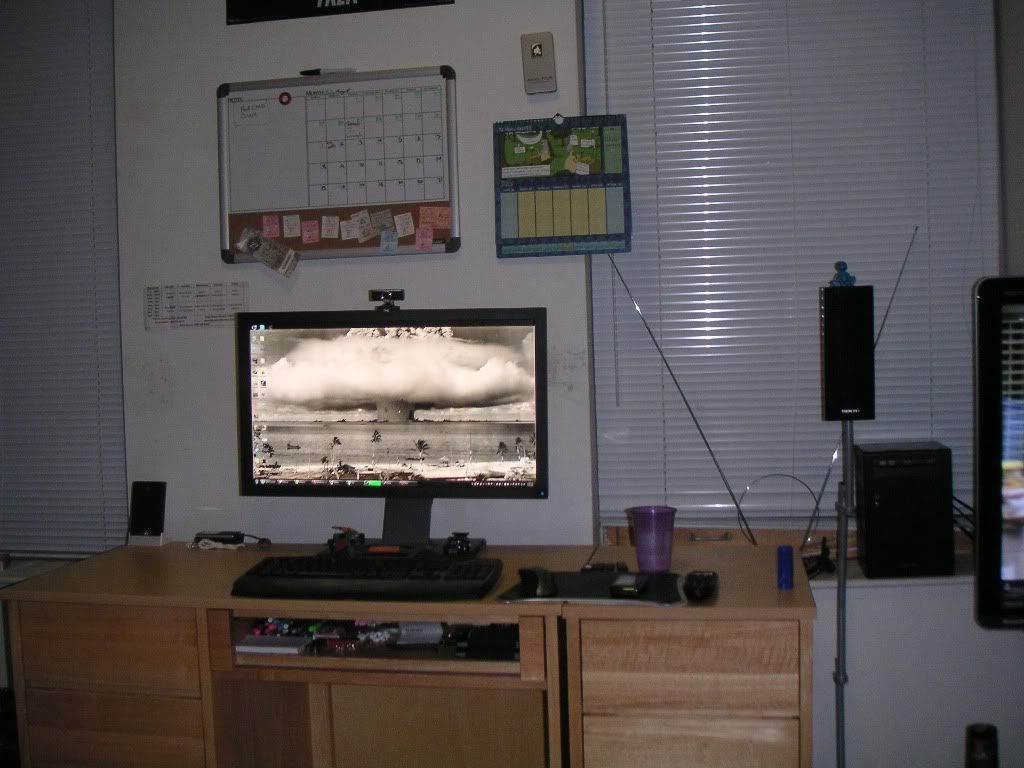
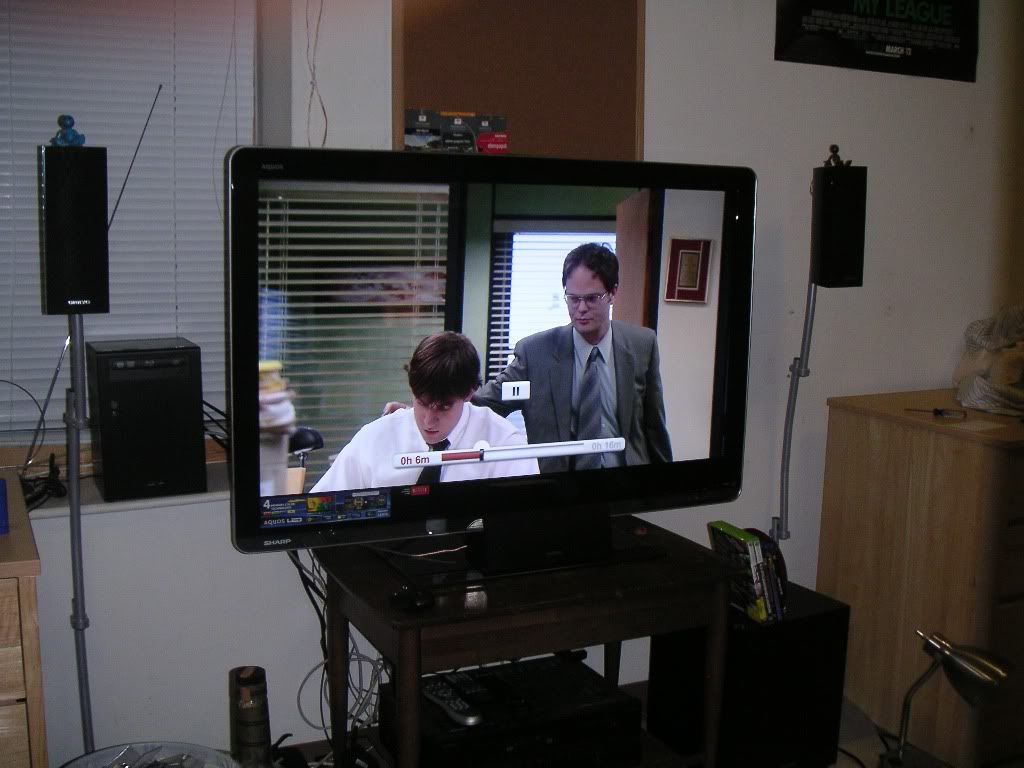
The original one purchased last year had a vertical line of blue pixels appear near the middle of the screen.
They upgraded my 120hz, 1080p, 46" LCD to a 120hz, 1080p, 46", LED LCD, Quattron. I do notice a difference the colors especially the yellow spectrum are far more vibrant.
And the monitor is a u2711.

bizzmeister
2[H]4U
- Joined
- Apr 26, 2010
- Messages
- 2,454
Dude, sweet background on the first monitor pic lol. Where can I get that ?
Went from a HP w2207 to HP 2710m, absolutely love it
How is that monitor for games?
- Joined
- Jun 20, 2008
- Messages
- 2,393
Dude, sweet background on the first monitor pic lol. Where can I get that ?
shoot me a pm with your email and i'll toss it your way, i think the original is 5160x2696

drtc
Limp Gawd
- Joined
- May 19, 2008
- Messages
- 239
he's got the perspective proportions of the battleships wrong...
- Joined
- Oct 23, 2007
- Messages
- 6,105
How is that monitor for games?
Excellent, couldn't be happier. Just finished Borderlands on it the other night. No input lag, no motion blur. Being a glossy screen, colors really pop and contrast looks amazing.
All 3 LCD's I own are glossy...I just can't buy a matte now, I'm too spoiled on glossy.
Our other desktop at home is connected to a Samsung 2232GW. I ended up taking the old w2207 to work to replace the old "way past it's time" Viewsonic VX710 17" 4:3 LCD on my desk. 
Frraksurred
2[H]4U
- Joined
- Jul 25, 2008
- Messages
- 2,751
nice setup, but why you keep reposting it every few months? I've seen your setup a few times here for the past few years
I got over excited about having it featured on a website, lol. I'll try and tone it down until there's more of an update.
--
what are those blue cool master stuff? Is it hot plug hard drive?
Those are just Cooler Master's tool-less drive mounts. No hot swapping unfortunately.
andrelmaraujo
Weaksauce
- Joined
- Sep 24, 2008
- Messages
- 101
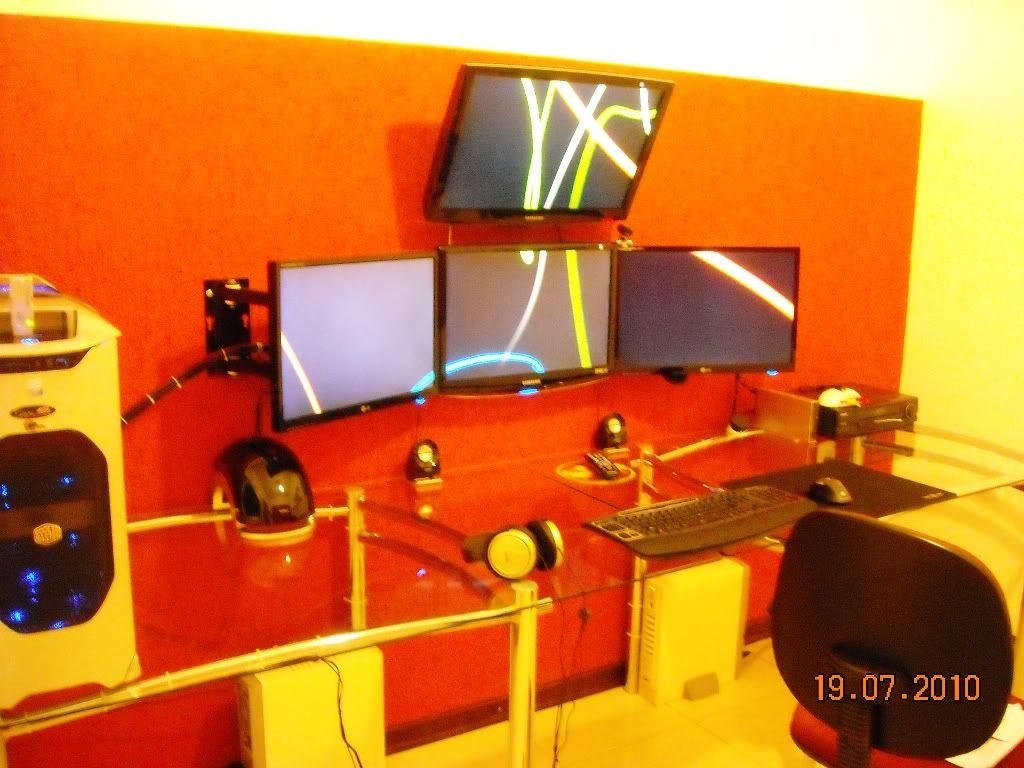
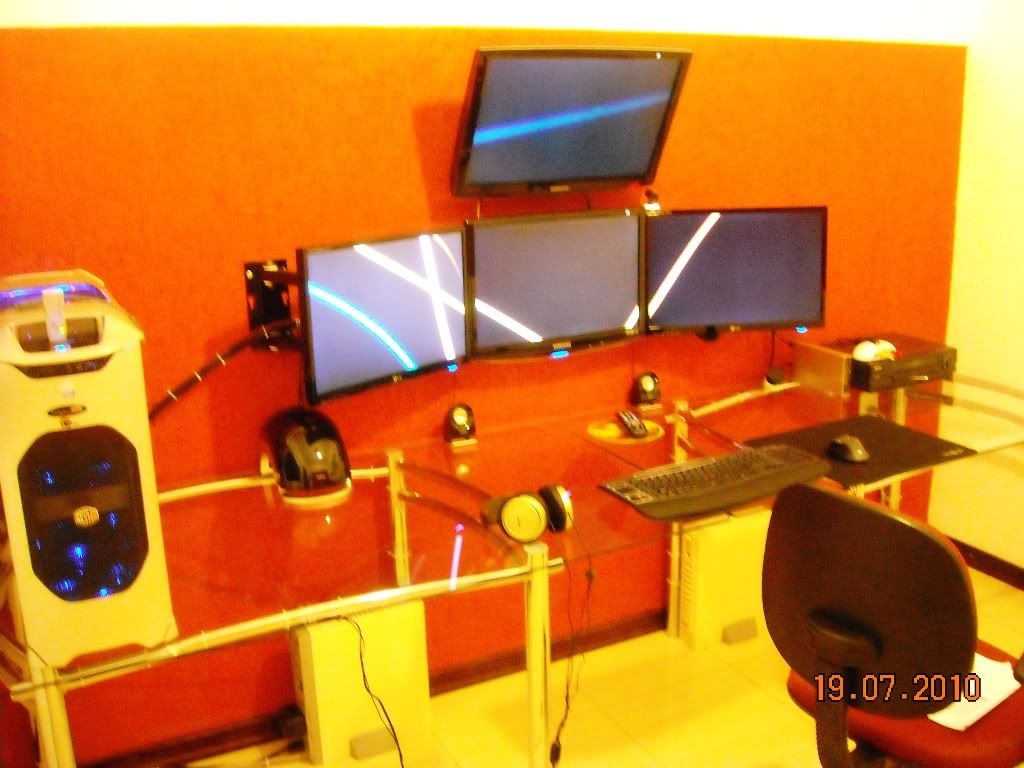
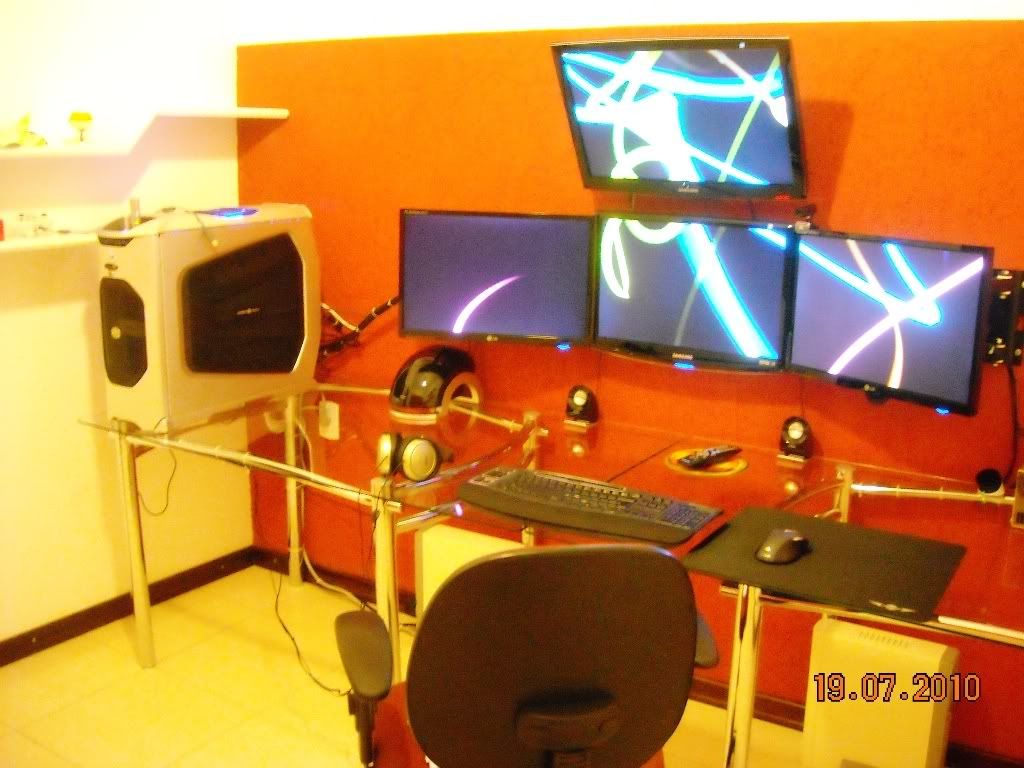
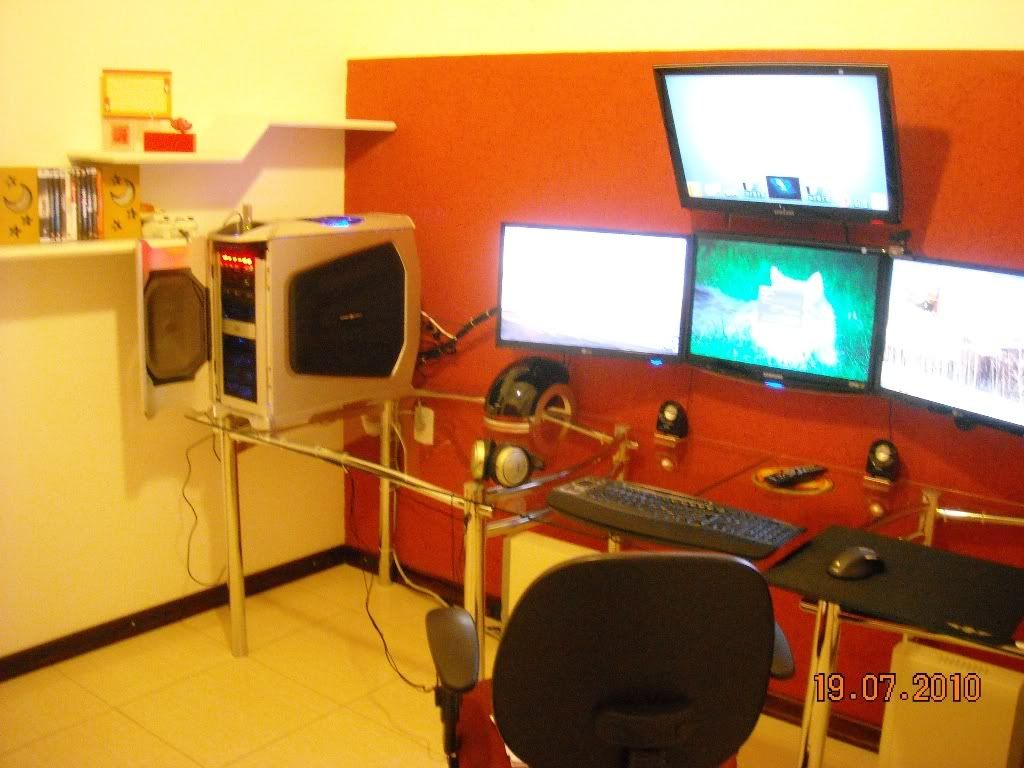
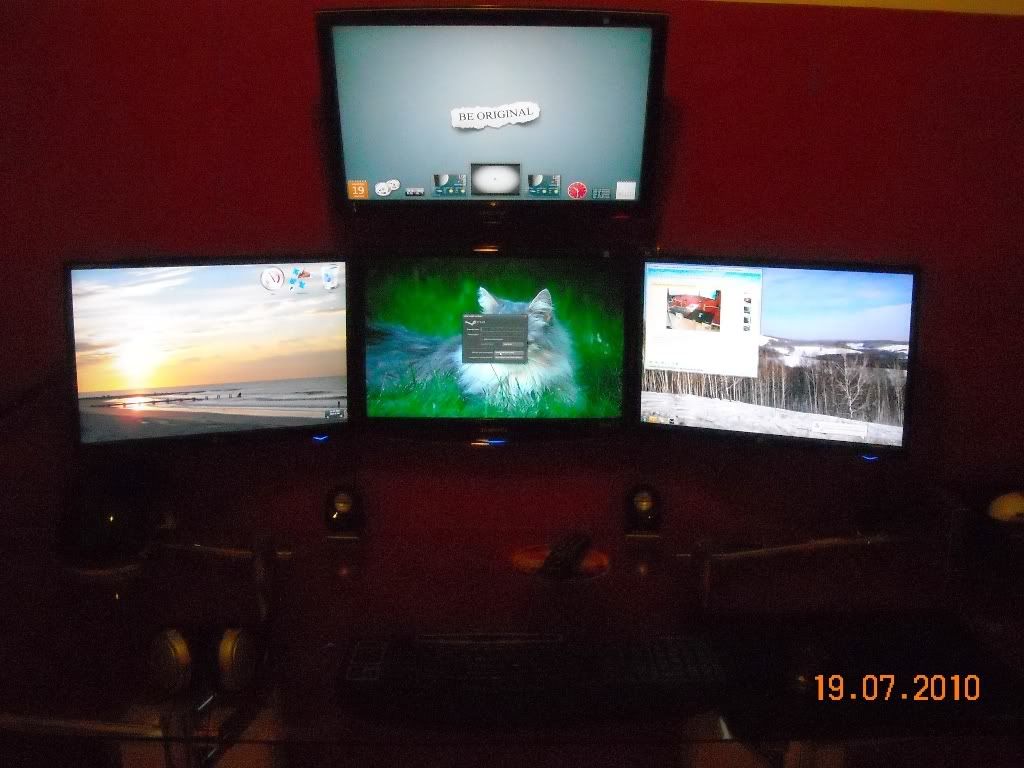
Shadowspawn
[H]ard|Gawd
- Joined
- Sep 17, 2002
- Messages
- 1,870
Nice clean setup andrelmaraujo. That's difficult to accomplish with a glass desk.
andrelmaraujo
Weaksauce
- Joined
- Sep 24, 2008
- Messages
- 101
Nice clean setup andrelmaraujo. That's difficult to accomplish with a glass desk.
Thanks.. that´s true, a glass desk give me a lot of job to route the cables... but the visual is better, in my opinion... Of course there´s some wood tables really, really nice.. but here, in Brasil, they are toooooooooooo much expensive.

Eshelmen
Supreme [H]ardness
- Joined
- Feb 3, 2004
- Messages
- 7,288
This is my setup. 5x Dell s2309w's in portrait.
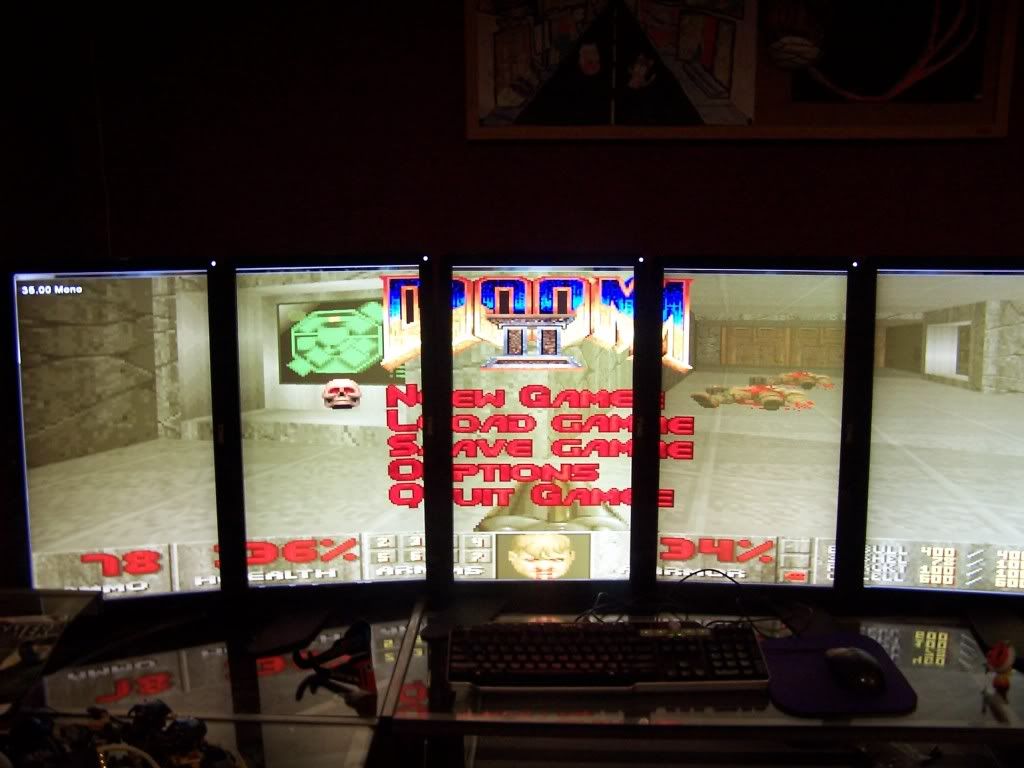
I'm thinking of getting one more monitor and wall mounting it on top, so I can watch movie without the annoying bezels. But the bezels melt away when gaming. So I'm happy. This picture is a bit old, I've overlapped the bezels since I first set this up.
I did a whole thread about it here. There's some videos of games up there as well.
Architect from matrix? Is that you?
Eshelmen
Supreme [H]ardness
- Joined
- Feb 3, 2004
- Messages
- 7,288

That wallpaper gives me a SimCity 2k vibe. Link?
peanutskeeter
Limp Gawd
- Joined
- Jun 30, 2010
- Messages
- 159


Eshelmen
Supreme [H]ardness
- Joined
- Feb 3, 2004
- Messages
- 7,288
That wallpaper gives me a SimCity 2k vibe. Link?
haha yeah
its actually burj dubai
Click download and it fits your resolution
very cool
http://architecture.desktopnexus.com/wallpaper/262246/
Zellio2010
Limp Gawd
- Joined
- Dec 26, 2009
- Messages
- 460
When I posted this picture:

I was going to repair my dell 2407 and add it. Well... I never checked, but the lg w2361v was not vesa compatible
So I waited a bit, and replaced the w2361v (23", 1920x1080) with a dell sp2309w (23", 2048x1152, built in 2.0 mp webcam and mic), and the 15" 'crt' lcd touchscreen at 1024x768 with a 17" lcd touchscreen at 1280x1024.
I moved the w2361v to the banking pc and will add the touchscreen to it as well. So now this monitor setup will have 7 monitors...
Just need to buy another 5750...

And no, I don't need two webcams. The logitech webcam sitting at the top left will be moved to my room shortly.
I was going to repair my dell 2407 and add it. Well... I never checked, but the lg w2361v was not vesa compatible
So I waited a bit, and replaced the w2361v (23", 1920x1080) with a dell sp2309w (23", 2048x1152, built in 2.0 mp webcam and mic), and the 15" 'crt' lcd touchscreen at 1024x768 with a 17" lcd touchscreen at 1280x1024.
I moved the w2361v to the banking pc and will add the touchscreen to it as well. So now this monitor setup will have 7 monitors...
Just need to buy another 5750...
And no, I don't need two webcams
. The logitech webcam sitting at the top left will be moved to my room shortly.
Zorachus
[H]F Junkie
- Joined
- Dec 17, 2006
- Messages
- 12,518
My new 3 monitor setup. My local CompUSA had 22" Acer monitors for $129.


Great price, and I am loving that wallpaper, link please
Zellio2010
Limp Gawd
- Joined
- Dec 26, 2009
- Messages
- 460
ebay, $100 ($150 because I had to get a $50 power brick too).
andrelmaraujo
Weaksauce
- Joined
- Sep 24, 2008
- Messages
- 101
** Photobucket bandwidth exceeded so all imagens goes to ImageShack **
Well .. after 07 months with the PC stopped because of the renovation (actually just to build 03 more rooms in the upper house) now the pc got a room just for him, and no longer bothers the wife in the early morning game nor the newly arrived daughter who is a joy!
The PC before:
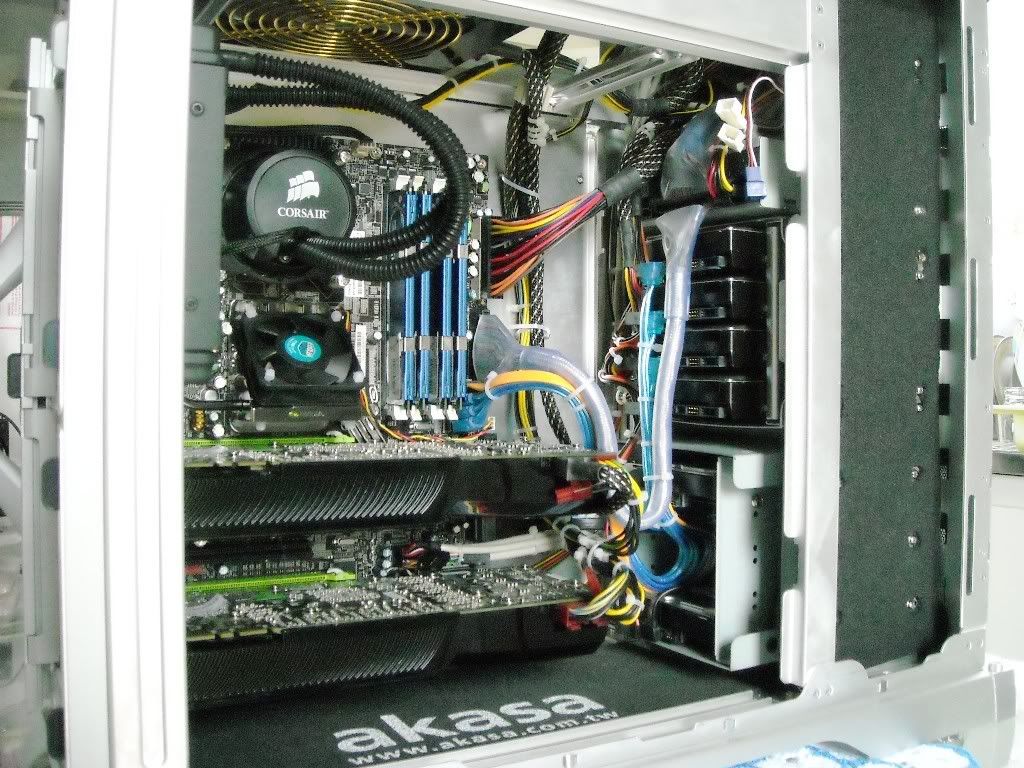
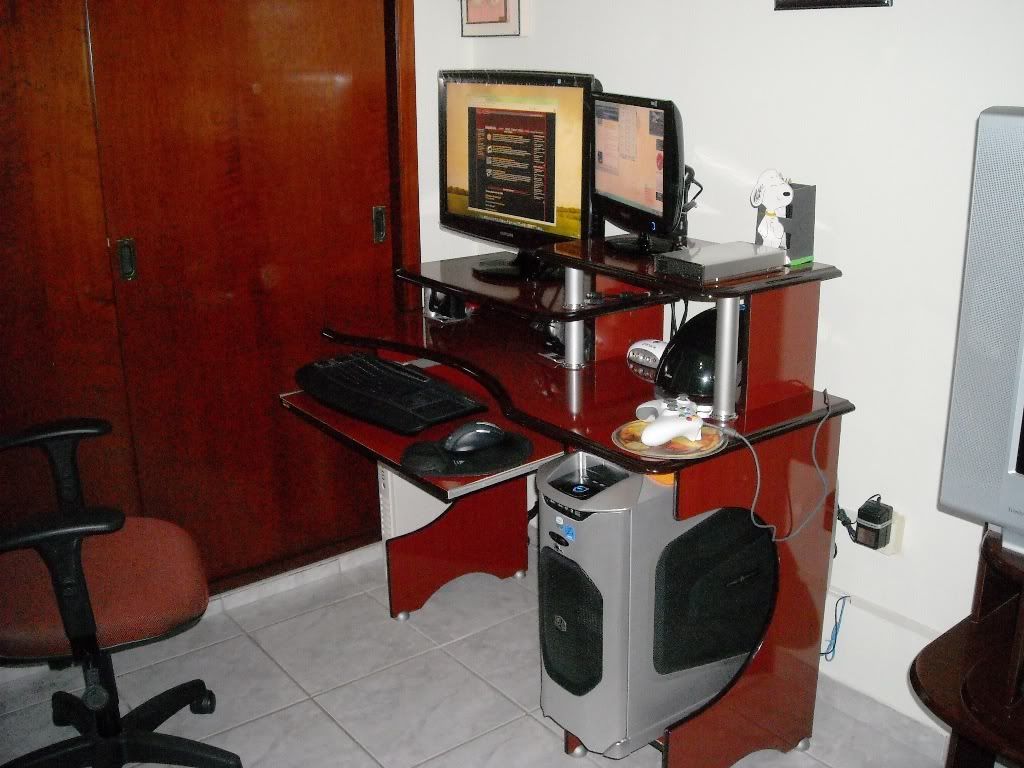
New toys:
2233RZ:


L226WT to par with what I had:


New fans and a GT210 for secondary monitors:

Mousepad new because the old one was too small:


Intel SSDs 40GB to RAID0 for a system and games:


HDMI cable for the T240M:


APC1500 new to do pair with the old couple who won a new battery:

New Webcam:

Modification "ghetto" at the top of Stacker to place a fan above, as the Enermax Dxx not allowed to use the one that cames with the case:

Inside the case with everything ready:


Back with three VGAs:

Tests of performance / stability:


Room with everything ready, but there are still speakers best (albeit with the baby at home does not even roll loud sound), pictures and some furniture for decoration (slightly more comfortable than the old corner: D):


With more updates / changes will posting.
Thank you and sorry for so many pictures.
Well .. after 07 months with the PC stopped because of the renovation (actually just to build 03 more rooms in the upper house) now the pc got a room just for him, and no longer bothers the wife in the early morning game nor the newly arrived daughter who is a joy!
The PC before:
New toys:
2233RZ:


L226WT to par with what I had:


New fans and a GT210 for secondary monitors:

Mousepad new because the old one was too small:


Intel SSDs 40GB to RAID0 for a system and games:


HDMI cable for the T240M:


APC1500 new to do pair with the old couple who won a new battery:

New Webcam:

Modification "ghetto" at the top of Stacker to place a fan above, as the Enermax Dxx not allowed to use the one that cames with the case:

Inside the case with everything ready:


Back with three VGAs:

Tests of performance / stability:


Room with everything ready, but there are still speakers best (albeit with the baby at home does not even roll loud sound), pictures and some furniture for decoration (slightly more comfortable than the old corner: D):
With more updates / changes will posting.
Thank you and sorry for so many pictures.
Last edited:

LeninGHOLA
Vladimir Hayt
- Joined
- Aug 26, 2009
- Messages
- 18,416
My new 3 monitor setup. My local CompUSA had 22" Acer monitors for $129.
Is that a Firiona Vie statue to the left there on the second pic?