Real_Bateman said:What do you think about this one?
http://www.bichel.de/images/setup4.jpg
http://www.bichel.de/images/setup5.jpg
http://www.bichel.de/images/setup6.jpg

/Jealous...
![[H]ard|Forum](/styles/hardforum/xenforo/logo_dark.png)
Follow along with the video below to see how to install our site as a web app on your home screen.
Note: This feature may not be available in some browsers.
Real_Bateman said:What do you think about this one?
http://www.bichel.de/images/setup4.jpg
http://www.bichel.de/images/setup5.jpg
http://www.bichel.de/images/setup6.jpg
ThatsAgood1jay said:oh and is that the new logitech mx revolution?
I thought it was a table at first glance.ThatsAgood1jay said:that stool cannot be comfortable.

JacobC1983 said:That setup is awesome! screw the cleanliness.. it gets the job done and the job done right
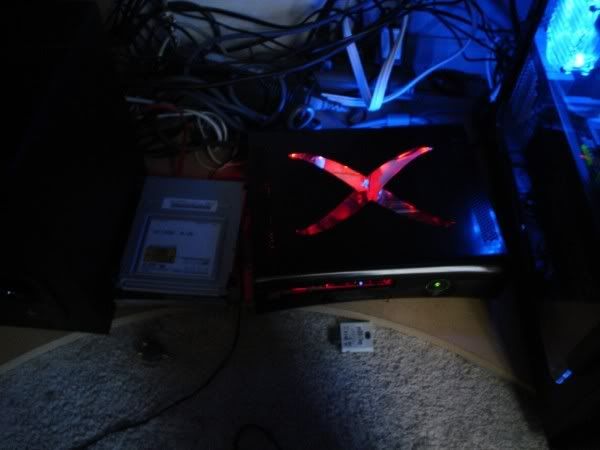
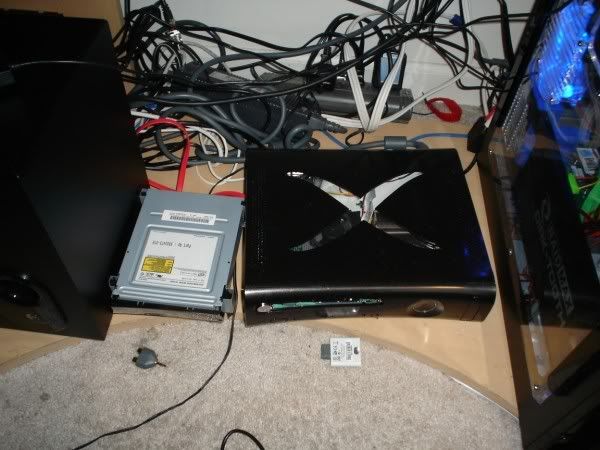
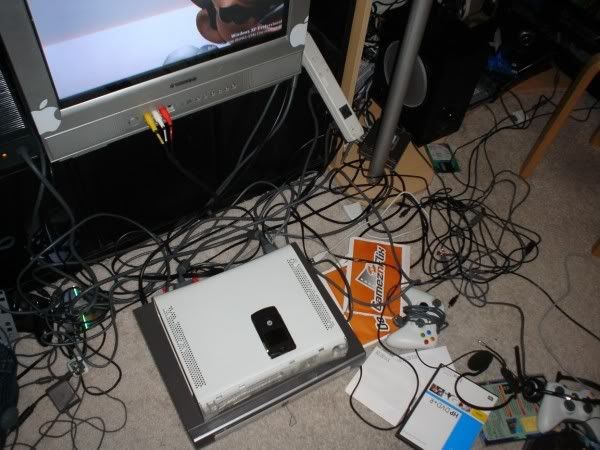
underneath your desk.. you have two black boxes and a silver box next to the subwoofer.. one is the pc.. whats laying on its side? an all black 360? what is it? and the other silver box?


 j/k
j/k

Happy Hopping said:since when did sony make a 60" LCD?
depends on how you look at it.. its a 60 inch LCD - but not a flat panel LCD, its a rear projection LCoS SXRD LCDampedxc27 said:Since never, it's a 60" lcd 1080P rear projection.
iownyou14 said:Actually, LCD and LCoS (SXRD) are two different things. Each have their own method of displaying/projecting an image onto a glass screen.
http://electronics.howstuffworks.com/lcos.htm
http://electronics.howstuffworks.com/lcd.htm
iownyou14 said:Well, u still have an AMAZING setup. I admire your TV.

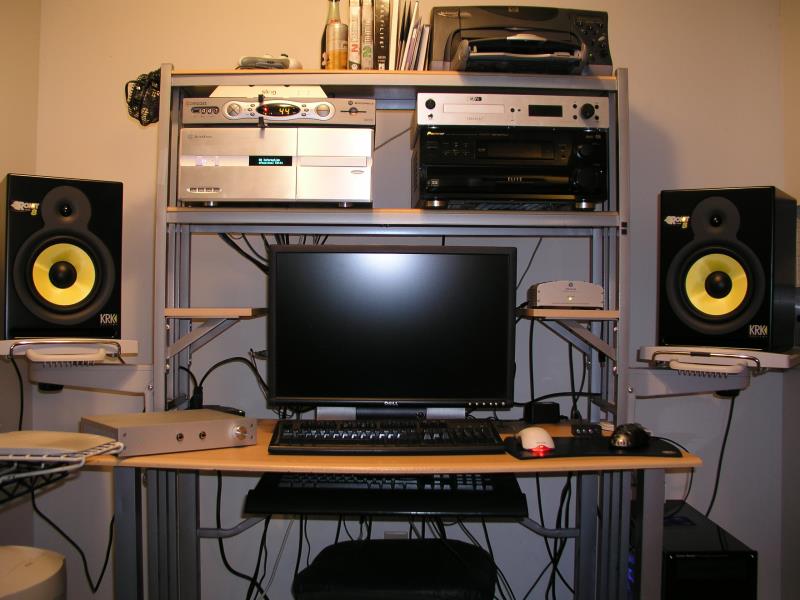
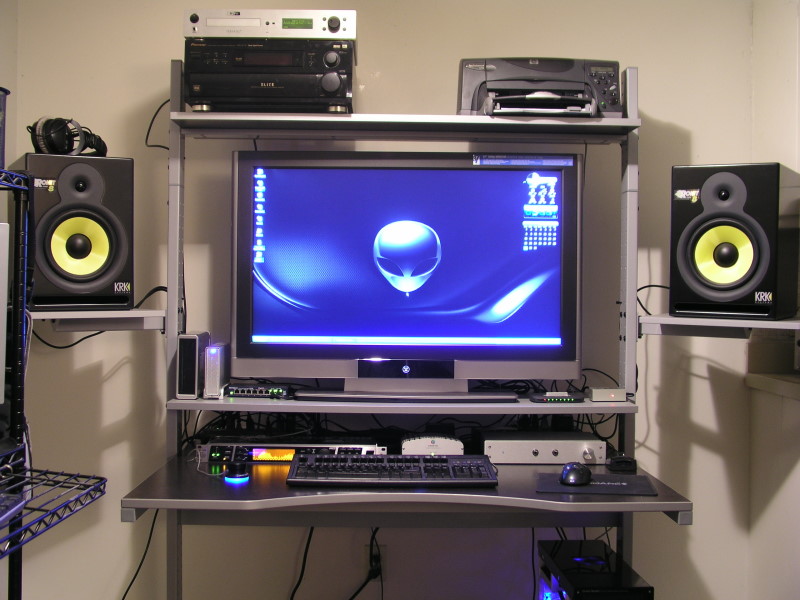
magnetik said:For those wondering if the LVM-37W3 fit on a Jerker... It will "barely" fit... but to be safe.. I got the shelf extension.. disregard the hue on the screen.. it had something to do with my aperture on my camera..
Before:
After:
ModBoyzz said:Excellent setup. Is that 37 inch as easy on the eyes as the 2405 was?
magnetik said:yeah.. I think I am still getting used to the size though.. I am sure I will get used to it after a few days. It's a sweet monitor though.. hopefully I don't get bit again by the size bug for a long time. (I thought the 24" was huge when I got it.) heh
JacobC1983 said:Ok, I understand how cool those westys are.. but you had higher resolution with the 2405fpw
If you were going to spend that type of money on a monitor for the pc.. why didn't you just get the 30 inch dell or apple? the resolution is almost twice that of a 1080p LCD... Its not the size bug you need to be bit by, its the resolution bug
if you use it for TV I understand.. but for a gaming computer.. you basically just moved backwards in resolution and by sitting that close it would be pixelated as hell.. I have a 1080p LCD also and its just not for use the close to your eyes- the pixels are just bigger so you see more distortion
so whats the deal?
Real_Bateman said:What do you think about this one?
Specs:
Workstation:
Intel Core 2 Duo E6600 @ 2.800 Mhz
MSI i975x Platinum PowerUp Edition
Sapphire Radeon X1950 XTX
Sapphire Radeon X1650 Pro
2GB Corsair TWIN2X 6400C4 DDR2
2x WD Raptor 73,4 GB (16MB) = Raid
ASUS VENTO 3600
DELL 3007 WFP
2x DELL 2007 FP
Server:
Athlon 64 3000+
ASUS A8N-SLI Deluxe
2x Geforce 7600 GS
1GB Corsair Value
7 HD combined TB 2.1
3x LG L1811S
1x LG 32 inch LCD-TV (bedroom)
Notebook:
Samsung X1
magnetik said:I bought it for 1080p. I plan on getting one of the BR or HDDVD players when the format wars settle a little bit. I still have my 2405 so I am not "replacing" it. The 2405 didn't have HDCP which is needed for the new formats..
Personally I don't think it's "that" big of a difference to go from 1920x1200 to 1920x1080... compared to the benefits of going from 24" to 37". Plus.. the 30" dell cost MORE than the 1099 I paid for the 37".. and a LOT less than the apple... and that's not counting the $$$ I would have to spend to upgrade my video card to play at native res. Plus.. you are stuck at a couple resolutions with the 30". bah.
Another thing.. what kind of inputs does the 30" dell have? Then think about all the inputs the 37" westy has... it was an easy decision.
Oh.. it's far from being "pixelated like hell"... this isn't 1024x768 anymore.
and who said I used it mainly for a gaming machine?
Sgt_Strider said:Very nice setup that you have there. I'm just wondering what mount are you using for the 3007 and the two 2007s? I'm interested in a similar setup myself!

samsung.204b said:???
looks like you got a whole new table to me.


