• Some users have recently had their accounts hijacked. It seems that the now defunct EVGA forums might have compromised your password there and seems many are using the same PW here. We would suggest you UPDATE YOUR PASSWORD and TURN ON 2FA for your account here to further secure it. None of the compromised accounts had 2FA turned on.
    Once you have enabled 2FA, your account will be updated soon to show a badge, letting other members know that you use 2FA to protect your account. This should be beneficial for everyone that uses FSFT.

Post your pc screen shots!

Here's my desktop's desktop...
-snip-

Yahoo! Widgets Dock Mod thingy...
-snip-

Stacks...
-snip-
-snip-
Start Menu docklet thingy...
-snip-
-snip-

Wallpaper is from a fellow Deviant Artist...
http://mgilchuk.deviantart.com/art/Shoot-Em-Up-Icons-Wallpaper-80741423

The icons on Objectdock are from me... I am in the process of making more... they can be had @ my Deviant Art site if anyone is interested...
http://mrporter.deviantart.com/gallery/
And if anyone has any requests for a specific text icon, let me know.

Later.

dude, no bodys explained this and my google searched turned up 100% xp only stuff.

how the hell do you get that object dock (rocket dock too?) icon to function as a start menu! I want to do that!
 
desktoper3.jpg


Rather plain, maybe, but it gets the job done. I want to change the taskbar to colors that match my background, but I dont know of any non-bloated programs that will do such a thing (or maybe I'm too lazy to find them)
 
MrWizard6600... on Objectdock, just right click on the the dock and select "This Dock" then "Add" then "New Start Menu Launcher" and there you have it. I don't know if Rocket Dock allows this functionality or not, maybe you could just use the default Objectdock start menu docklet by placing it in the Rocket Dock docklets folder and make it work... but I have never tried this. I do know however, that the stacks docklet works this way for both Object and Rocket Dock. But yeah, Objectdock has this functionality by default... I've always liked Objectdock... and you gotta love that weather docklet :D
 
Karant, what are those numbered icons in your System Tray? Are they temperatures? If so, what program is that?
 
sic_desktop1.jpg


using rivatuner and everest. monitoring osd on the right is from samurize.com, download section has all the plug-ins to read rivatuner and everest monitoring info. bottom icons are from objectdock and 'stacks' mod. ms visual style is called slanxp2 or slanxp3, found it on this thread several pages back. search jessical alba for wallpaper! (duh)
 
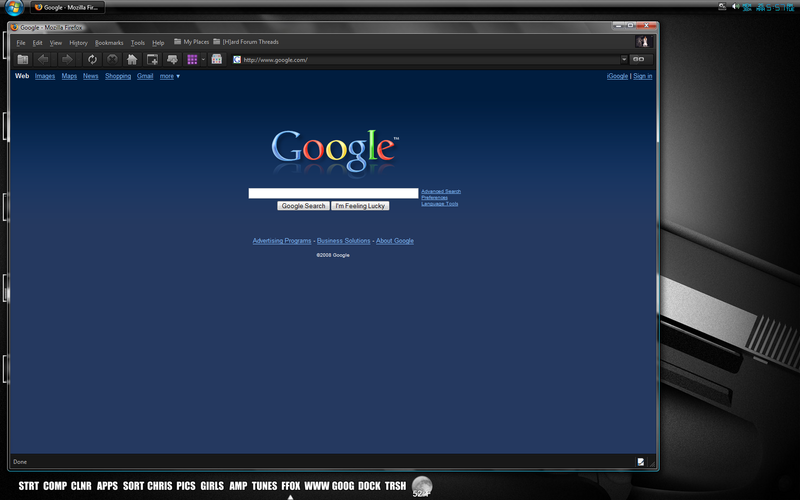
rgratto2... it's an add-on (extension) for Firefox called "stylish". It allows you do download, or write your own scripts for many sites on the web to change their appearance. In this case I am using a script for stylish called "dark blue redesign".
 
rgratto2... it's an add-on (extension) for Firefox called "stylish". It allows you do download, or write your own scripts for many sites on the web to change their appearance. In this case I am using a script for stylish called "dark blue redesign".

Hmm, are you talking about firefox or google? I grabbed Stylish based on your post, and also have the Dark Blue Redesign for google. How did you get the browser to be dark skinned though? Thanks ;)

P.S. Stylish is pretty neat. New gmail theme? Yes please.
 
rgratto2, I apologize... I misunderstood the question. The theme I'm using is called NASA Night Launch for Firefox. I have tried many theme, but I keep coming back to this one... I love it.
 
rgratto2, I apologize... I misunderstood the question. The theme I'm using is called NASA Night Launch for Firefox. I have tried many theme, but I keep coming back to this one... I love it.

Why thank you. This theme does look quite nice. The other one that I had been using was AquaTint Black, which was pretty good. I think I like this one a little better, except it doesn't seem to be working with the Colored Tabs extension :-(
 
Yeah I noticed that colored tabs didn't work with it... but I liked it better than the colored tabs. I also used AquaTint for awhile and there are a few other good black themes... Black Japan Max, I believe, is one of them.
 
I see of you have a quick launch bar for vista, What are you using because I would like to download it

Thanks:)
 
Pagan Wizard... I am using an add-on (extension) called Stylish to turn Google blue. You can also find several other styles or write your own. It can skin lots of websites as well. Once you install it, just click on the little icon in the bottom right-hand side of your browser... then click "Find styles for this page"... now refresh your browser and there you go. By the way, the blue one is called "dark blue redesign".

Here's the link to "Stylish"
https://addons.mozilla.org/en-US/firefox/addon/2108

If you have anymore questions... feel free to ask.
 
Decided to go "Retro" on my laptop, started tweaking Vista to look more Longhorn-ish, this is where it's at now:

The user pic in the start menu is actually animated, it rocks back and forth. The shellstyle (blue here) changes color with folder type (orange for video, red for music, etc).

screenshotvb4.png
 
Pagan Wizard... I am using an add-on (extension) called Stylish to turn Google blue. You can also find several other styles or write your own. It can skin lots of websites as well. Once you install it, just click on the little icon in the bottom right-hand side of your browser... then click "Find styles for this page"... now refresh your browser and there you go. By the way, the blue one is called "dark blue redesign".

Here's the link to "Stylish"
https://addons.mozilla.org/en-US/firefox/addon/2108

If you have anymore questions... feel free to ask.

Still no luck :confused: Does this require Vista, or will it work in XP as well?? I just can't seem to get this working.
 
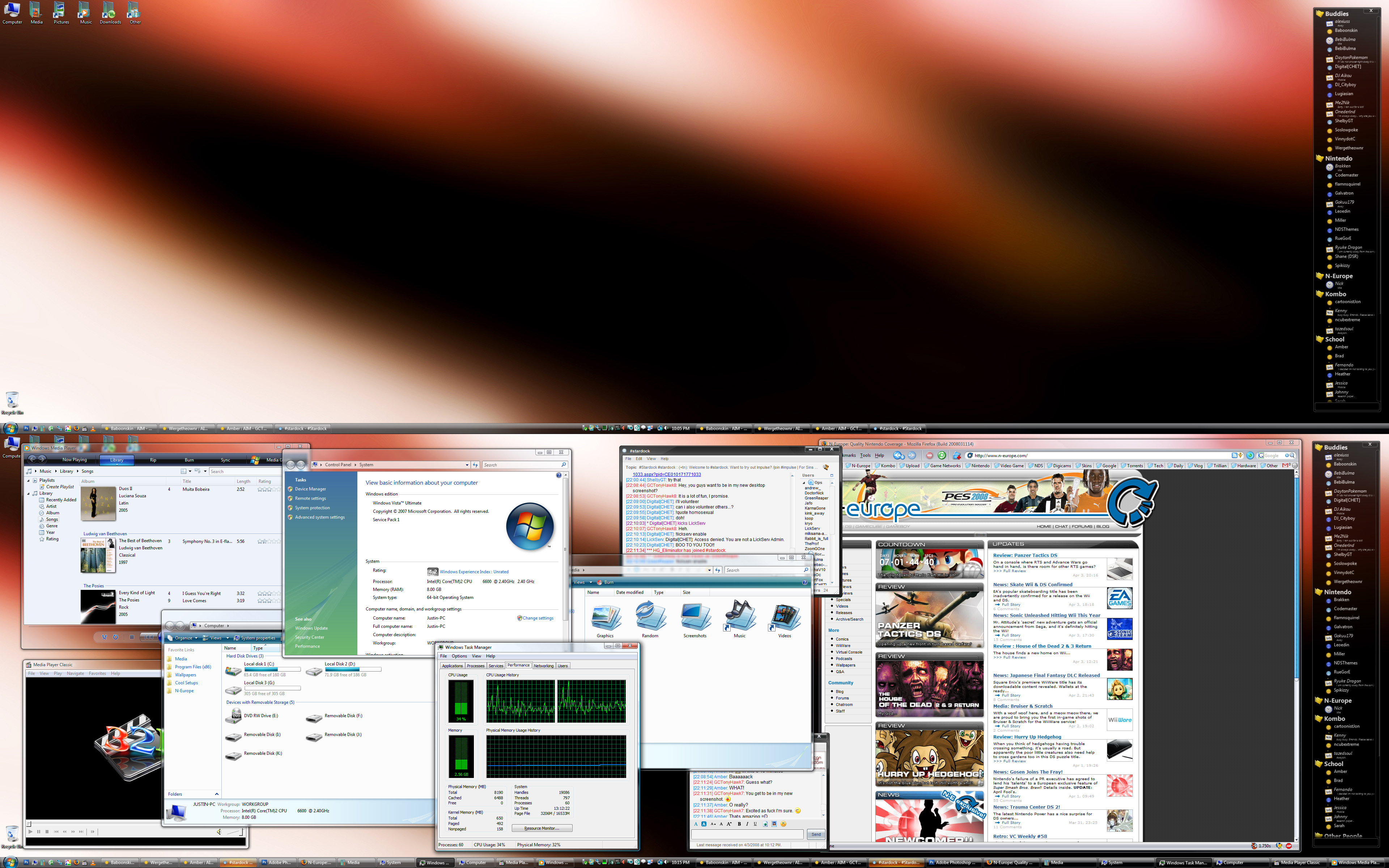
Here is my new one. Notice my amazing new 8GB of RAM. :)


Click for the full 3840x2400 image. ;)
That's big alright! ...and the 8GB of RAM do look good, oh yes they do! :D
Decided to go "Retro" on my laptop, started tweaking Vista to look more Longhorn-ish, this is where it's at now:

The user pic in the start menu is actually animated, it rocks back and forth. The shellstyle (blue here) changes color with folder type (orange for video, red for music, etc).

screenshotvb4.png

OOooo.
 
Back
Top