• Some users have recently had their accounts hijacked. It seems that the now defunct EVGA forums might have compromised your password there and seems many are using the same PW here. We would suggest you UPDATE YOUR PASSWORD and TURN ON 2FA for your account here to further secure it. None of the compromised accounts had 2FA turned on.
    Once you have enabled 2FA, your account will be updated soon to show a badge, letting other members know that you use 2FA to protect your account. This should be beneficial for everyone that uses FSFT.

Post your pc screen shots!

Still no luck :confused: Does this require Vista, or will it work in XP as well?? I just can't seem to get this working.

I am using it in XP. I do not know if I can explain it any differently than how it was described, but in the bottom right corner of the screen do you have the stylish icon? Right click and select "Find page styles for this Page," but make sure you are looking at www.google.com. You should get a list of about 30-40, and then look for the one he mentioned, or browse around for others.
 
I am using it in XP. I do not know if I can explain it any differently than how it was described, but in the bottom right corner of the screen do you have the stylish icon? Right click and select "Find page styles for this Page," but make sure you are looking at www.google.com. You should get a list of about 30-40, and then look for the one he mentioned, or browse around for others.

OK, that makes sence now. I was using http://www.google.com/firefox?client=firefox-a&rls=org.mozilla:en-US:official (Google's Firefox Start page) as my homepage. I thought this worked for all google pages.
 
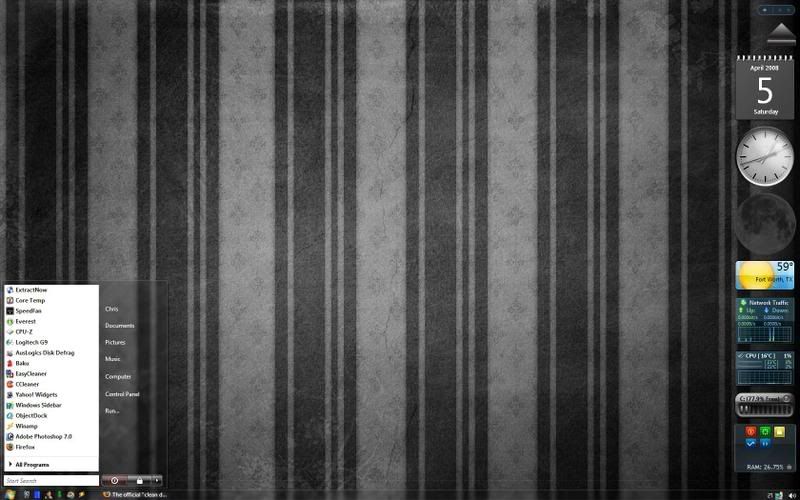
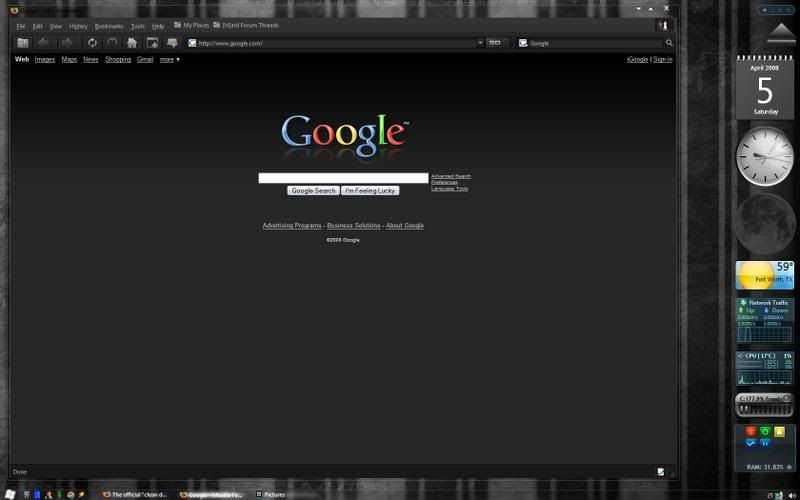
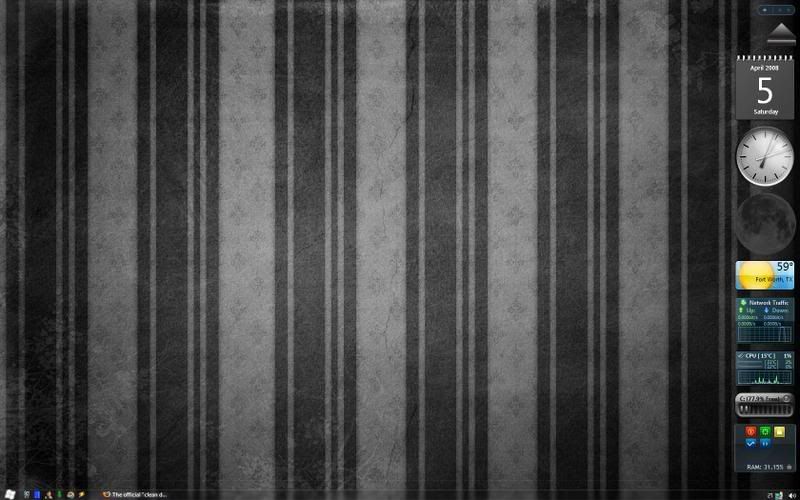
I started using Windows Sidebar along with my Yahoo! Widgets... and I have been playing with alot of new Vista skins I found... here's what I got right now...

Desktop2-1.jpg


Desktop1-1.jpg


Desktop3-1.jpg


I really like the CPU monitoring gadget because it tells my core temps by using Speedfan.
 
I am looking AGAIN for a drive shortcut addon.... i dont like how all of the driveinfo widgets for vista become massive memory suckers....

does avedesk work well with vista? or some other program perhaps?
 
I started using Windows Sidebar along with my Yahoo! Widgets... and I have been playing with alot of new Vista skins I found... here's what I got right now...


I really like the CPU monitoring gadget because it tells my core temps by using Speedfan.

What gadget are you using that works with speedfan?:confused:
 
Decided to go "Retro" on my laptop, started tweaking Vista to look more Longhorn-ish, this is where it's at now:

The user pic in the start menu is actually animated, it rocks back and forth. The shellstyle (blue here) changes color with folder type (orange for video, red for music, etc).

Do you mind posting the steps as to how you did all of that?
 
Here's my current for now...
D1-1.jpg


Here's one with the trash can full...
D2.jpg


This is how I keep the wallpaper's proportions, but if I didn't open the Yahoo! Widgets dock mod... well, it may be inappropriate ;)...
D3.jpg
 
nice WP, do you remember where you found it? Never mind , found your link to DA. thanks ;)
 
thanks for the link.. but when i installed it and tried to change the skin.. it just goes to the classic winamp skin.. strange.. cuz i tried installing other skins and it does the same thing... why is this happening? does it have anything to do with the fact that i run vista 64? or is it something else?
 
I have two skins that do that on my installation of Winamp too, I'm running 32 bit though... I have yet to determine the cause of this. Maybe one of the skin files got corrupted or something went wrong upon installation of the skin? I'll post a fix if/when I figure it out... or maybe someone here knows better than I do :confused:
 
I have heard that Vista 64 can still be a bit buggy. Vista 64 might just be the root of your problem.
 
thanks for the link.. but when i installed it and tried to change the skin.. it just goes to the classic winamp skin.. strange.. cuz i tried installing other skins and it does the same thing... why is this happening? does it have anything to do with the fact that i run vista 64? or is it something else?

I have the same problem. I have a bunch of skins that do not load. I'm not sure if maybe they're out of date or something with the latest version of winamp?
 
yea i think that was the problem.. thanks.. skins are working now

hey toobookoo... is that an analyzer plugin for winamp on the bottom right of your screen? or does that come with that skin?
 
hey how come i cant set and save my own profile for the spectrum? every time i make one and save it its not there afterwards..
 
jsx1115, all I do is type in the name of my new config in the box where it tells which profile you are using, then I hit save... your profile should be in the list then. Other than that, I don't really know. Did you install the plugin with all the sample profiles?
 
I like simple and clean...i swap between the taskbar at the top and the objectdock. I call it...OS XP!

88571266ud8.jpg
 
toobookoo i dont know why i cant ever save my own profiles.. ive tried uninstalling and reinstalling and installing it with and without the saved profiles and still i cant do anything about this.. sucks.. cuz i like the one i keep having to recreate every time i turn on winamp =(
 
Back
Top