• Some users have recently had their accounts hijacked. It seems that the now defunct EVGA forums might have compromised your password there and seems many are using the same PW here. We would suggest you UPDATE YOUR PASSWORD and TURN ON 2FA for your account here to further secure it. None of the compromised accounts had 2FA turned on.
    Once you have enabled 2FA, your account will be updated soon to show a badge, letting other members know that you use 2FA to protect your account. This should be beneficial for everyone that uses FSFT.

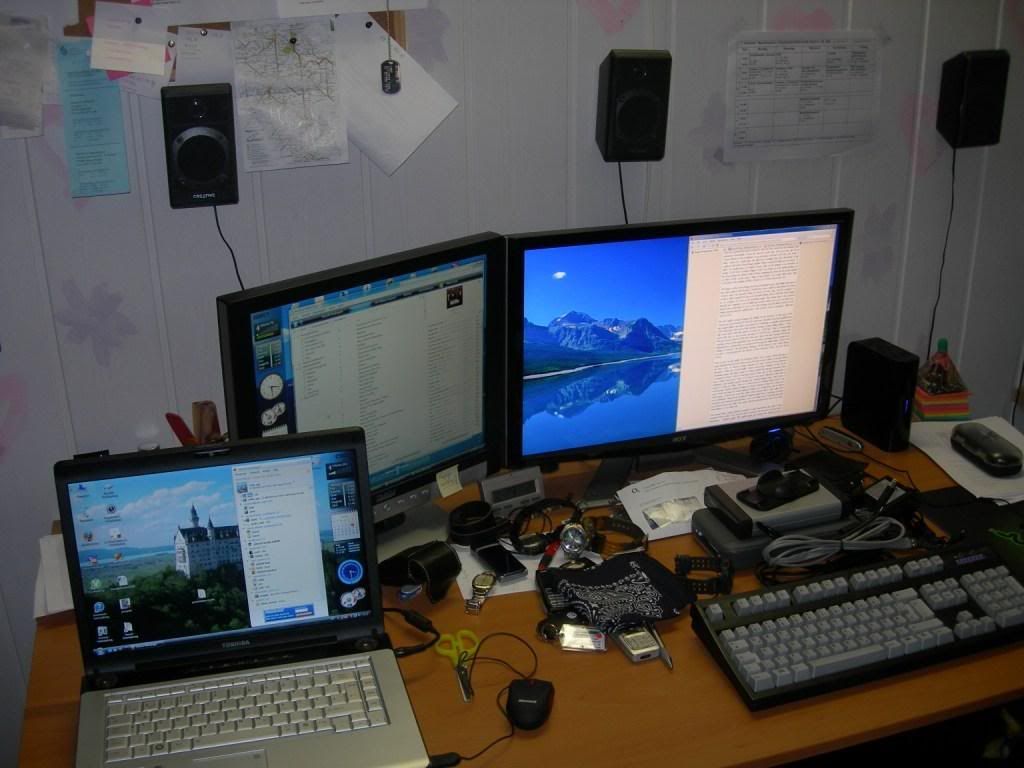
Show Your LCD(s) setups!!!

2n0u9gy.jpg


Not pictured: Controller for Grid
 
Just ran across this thread a few days ago via nerdbusiness.com.. I'm blown away by some of your guys setups!
Mine isn't anything fancy, just a Soyo Topaz S 24" and a Soyo Citrine 20.1", they're both wonderful monitors imho :D

P1010210xtr.jpg


P1010211xtr.jpg


Behold my rats nest :D
P1010220xtr.jpg
 
Spread out that 5.1 love dude ;)

Haha I would if I had room behind me, I tried mounting them on the walls before but I'd knock them off the wall every time I swiveled my chair :rolleyes:
S'all good though, I've got the faders slid all the way up to the front, so I've just got double the power :D
 
a new addition to the livingroom... Olevia 747i (sans bottom speaker bar)

747i2.jpg


(gah.. yes, it's "the animal"... it's stupid, but I love this move.. lol)

that's SD DVD upconverted to 1080i on a Toshiba HD-A2... been watching the Galapagos HD DVD and cleaning drool marks off my couch this am.. wow that some nice footage.. anyways.. I am pretty happy with this set for 999... it was HEAVY! 168lbs.. wow! and getting a little reflectivity from the glass front, but not too bad.. the "bright room" picture is very bright so that seems to balance things out... now I need to get than center channel mounted over the TV..

edit: the stand is this one.
 
a new addition to the livingroom... Olevia 747i (sans bottom speaker bar)

747i2.jpg


(gah.. yes, it's "the animal"... it's stupid, but I love this move.. lol)

that's SD DVD upconverted to 1080i on a Toshiba HD-A2... been watching the Galapagos HD DVD and cleaning drool marks off my couch this am.. wow that some nice footage.. anyways.. I am pretty happy with this set for 999... it was HEAVY! 168lbs.. wow! and getting a little reflectivity from the glass front, but not too bad.. the "bright room" picture is very bright so that seems to balance things out... now I need to get than center channel mounted over the TV..

edit: the stand is this one.

You gotta calibrate your TV. The color presets like "bright room" usually suck, no offense to your TV, they all do. Your TV will thank you. Get a calibration DVD like Avia. I don't know if there's BD of that yet but there is an SD version.

You will be amazed at the difference once you get used to having your TV appear "dark". And maybe pull your speakers away from the wall a bit for better sound.
 
well, yes calibrating is always good to do. I have done some by hand but haven't done the full deal on it yet; I have the digital video essentials disk in my collection somewhere.. but the best guess settings look pretty good so far.. Anyways, the "bright room" setting (along with "low room" and "medium room") control the lamp lighting levels only, not color or contrast or anything..

edit: lol.. ok dug up my disk and did the optimization.. my best guess was almost spot on.. but I had my contrast like two notches too high and my brightness a couple too low.. the color was right on.. that image above doesn't to the TV justice.. the Galapagos HD DVD looks jaw dropping.. and I am watching 2001 on HD DVD now.. wow! hard to believe that was made 40 years ago.. 2001 on HD DVD is stunning... ecxellent xfer to the disk.
 
^^ I see that steam is running in a virtual machine, do you play your games in there too?
 
^^ I see that steam is running in a virtual machine, do you play your games in there too?

Actually my main system is a hackintosh. Parallels can actually boot off my windows partition. The time I took this pic I wanted to reinstall all my games, but I needed to get some work done. Thus, having everything d/l through the virtual machine :)
 
FYI wiregen, Your not allowed to discuss piracy on the forums (a hackintosh is, as it is in violation of the EULA, piracy)
 
I can't understand how people with two monitors place the monitors both off-center, compared to your chair. you always have to look sideways, isn't that uncomfortable?
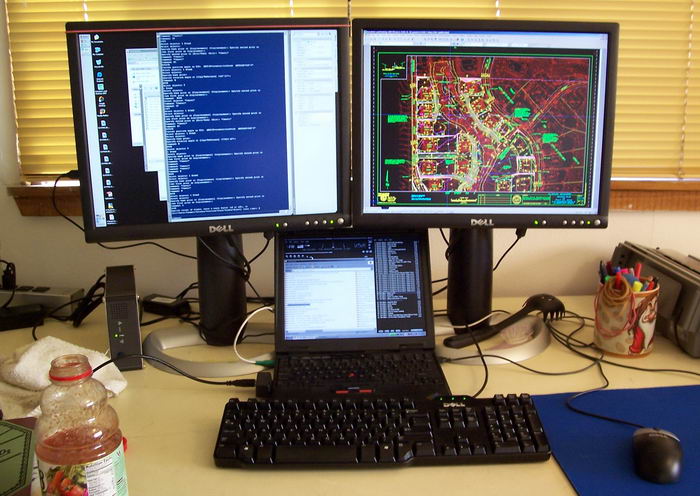
 
I have done my work LCDs both ways... having them split down the middle too some getting used to, but it's fine for me now. I think I prefer having a main lcd front and center, then one to the side tho..
 
I can't understand how people with two monitors place the monitors both off-center, compared to your chair. you always have to look sideways, isn't that uncomfortable?

mylcds01.jpg

This has been my desktop for about 4 years now. I've ran dual displays for many years before they were LCD's. Never bothered me... Now I'm sure I'd love to use a triple-display setup but money just never seems to be there for what I want.
 
The sad part, if you want to run SLI and three monitors, it cannot happen on a Vista machine because Vista will turn off the driver if you try ATI and nVidia won't allow a third GPU since you are in SLI. :(
 
The sad part, if you want to run SLI and three monitors, it cannot happen on a Vista machine because Vista will turn off the drive if you try ATI and nVidia won't allow a third GPU since you are in SLI. :(
hmm that sucks. what happens in xp???
 
I believe in XP it works with no problem, I haven't tried in XP but that is my understanding of Vista is it disables conflicting drivers so you can't run anything else.
 
The sad part, if you want to run SLI and three monitors, it cannot happen on a Vista machine because Vista will turn off the driver if you try ATI and nVidia won't allow a third GPU since you are in SLI. :(

Thats not true. You can run 3 video cards and dual/tri monitors while running SLI. Just google "Dual Monitors SLI".

I did it with 2x8800GTX and 8500GT in Vista Business x64.
 
Well then I take it back, I know for a fact that Microsoft disables if you try to mix video cards, they have a KB article on it, but I thought for sure nvidia would disable a third gpu if you tried to run that. Oh well thank you for correcting me on that. :) So instead of three monitors I will just have to stick with my dual 24" monitors.
BTW for future use, can you tell me how you got the third working or did you just merely pop it in to your pci-e or pci slot and turn the computer back on?
 
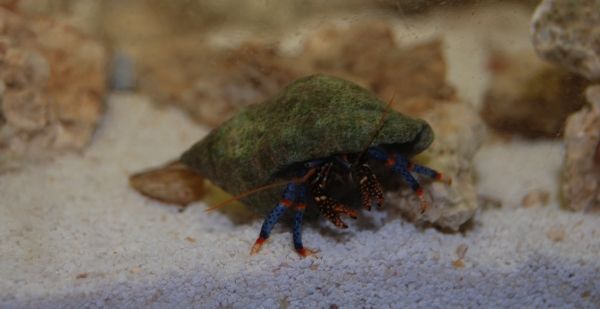
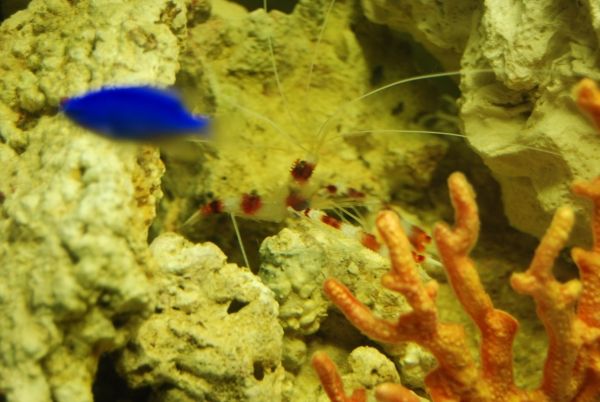
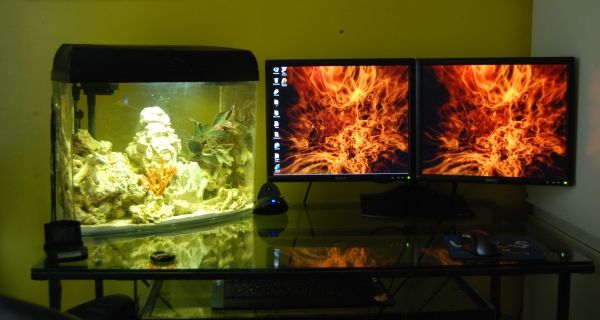
^^ Very NICE! Hope the light from the tank doesn't bother u while you are viewing your screens.
 
I'm not sure if I would put a fish tank on a glass desk but nice looking setup anyways.
 
Is it me or is this website u provided going very slow? Nice setup by the way.

Humm... Not sure. It's normaly preatty fast. Maybe it was just a busy day on the sever? Though, the pictures are a decent size to, so it may take a second or two to download.
 
I'm not sure if I would put a fish tank on a glass desk but nice looking setup anyways.

Hard to see in pics, but the tank sits about 1mm above the glass and only makes contact where it is directly over a steel joist. thanks for looking out though.
 
Back
Top