![[H]ard|Forum](/styles/hardforum/xenforo/logo_dark.png)
Navigation
Install the app
How to install the app on iOS
Follow along with the video below to see how to install our site as a web app on your home screen.
Note: This feature may not be available in some browsers.
More options
-
Some users have recently had their accounts hijacked. It seems that the now defunct EVGA forums might have compromised your password there and seems many are using the same PW here. We would suggest you UPDATE YOUR PASSWORD and TURN ON 2FA for your account here to further secure it. None of the compromised accounts had 2FA turned on.
Once you have enabled 2FA, your account will be updated soon to show a badge, letting other members know that you use 2FA to protect your account. This should be beneficial for everyone that uses FSFT.
You are using an out of date browser. It may not display this or other websites correctly.
You should upgrade or use an alternative browser.
You should upgrade or use an alternative browser.
Show Your LCD(s) setups!!!
- Thread starter Zardoz
- Start date
JmactheAttack
n00b
- Joined
- Jun 9, 2008
- Messages
- 25
If that's a 26", then I have the exact same TV, works great!
thefewtheproud
Gawd
- Joined
- Oct 23, 2006
- Messages
- 935
You bet, my first one got thrown away when I was young, I was browsing ebay a couple months ago and low and behold i found a second hand "raisin man" for a steal at $5!A California Raisin!
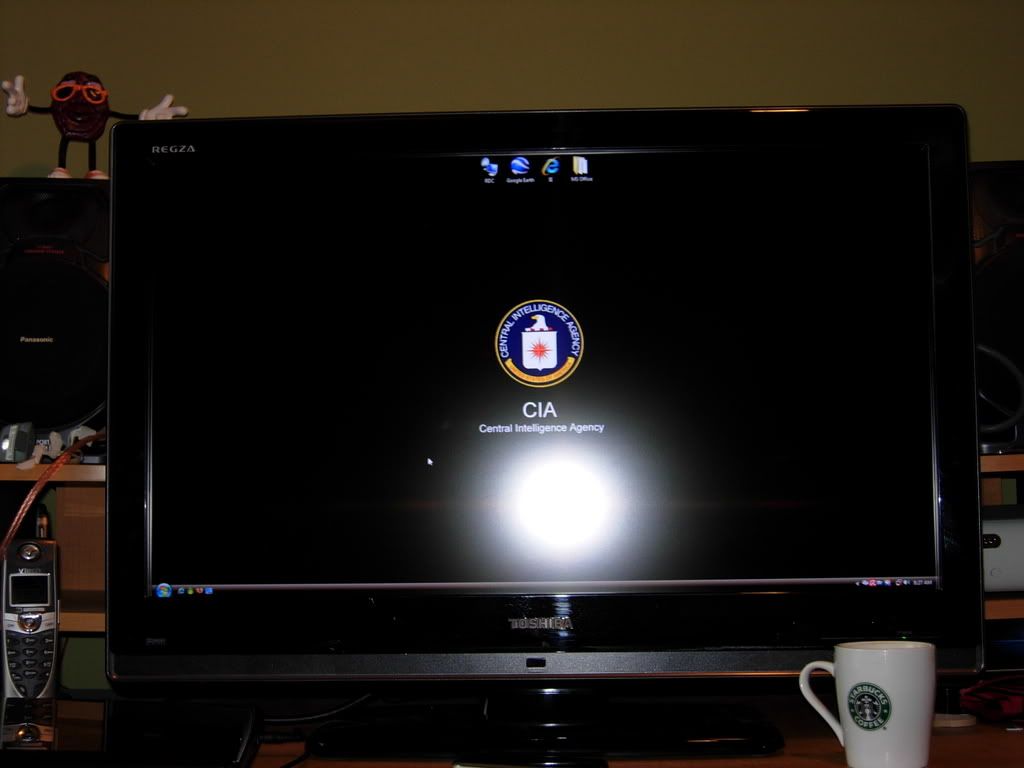
wow thats a beauty! i wish i could afford one. how much you paid for yours? thats a 1080p right?
Thanks man I LOOOVE it! I got it for $709 shipped and yes it's beautiful 1080p! It looks tons better now on my new stand I just havent taken pics yet. I seriously recommend this model to anyone it is so great. The 2007wfp is officially asigned to pc tasks as of now


solideliquid
Limp Gawd
- Joined
- Mar 27, 2005
- Messages
- 449

board2death986
[H]ard|Gawd
- Joined
- Aug 13, 2005
- Messages
- 1,404
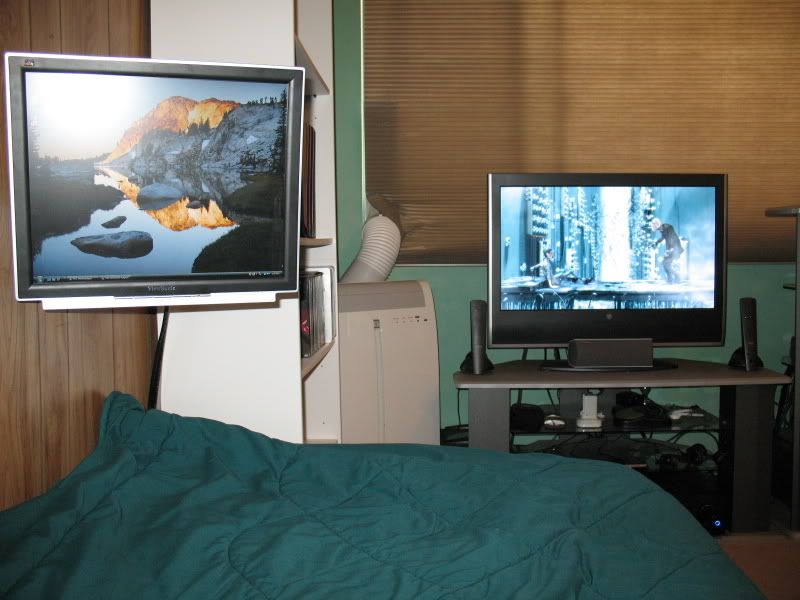
the room, surrounded by LCD's!
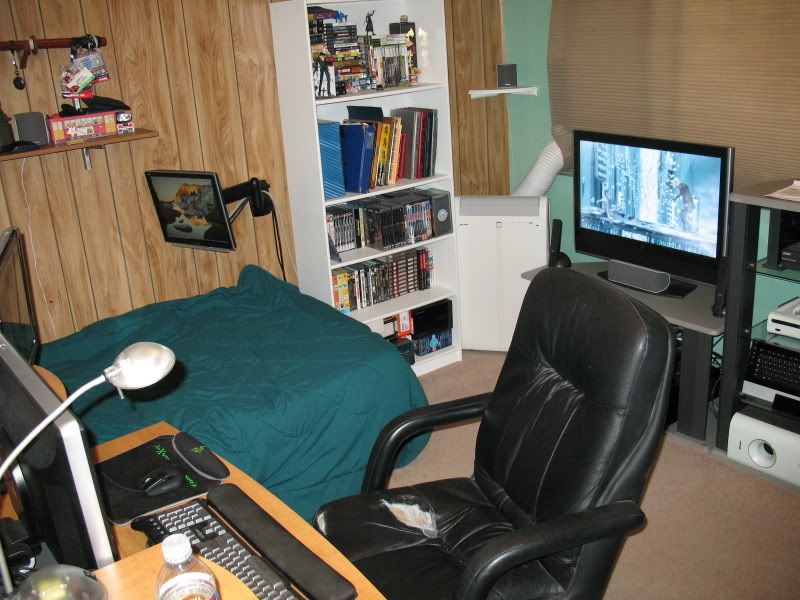
The desk, HPw2207 in the middle, HPW1907 on the right
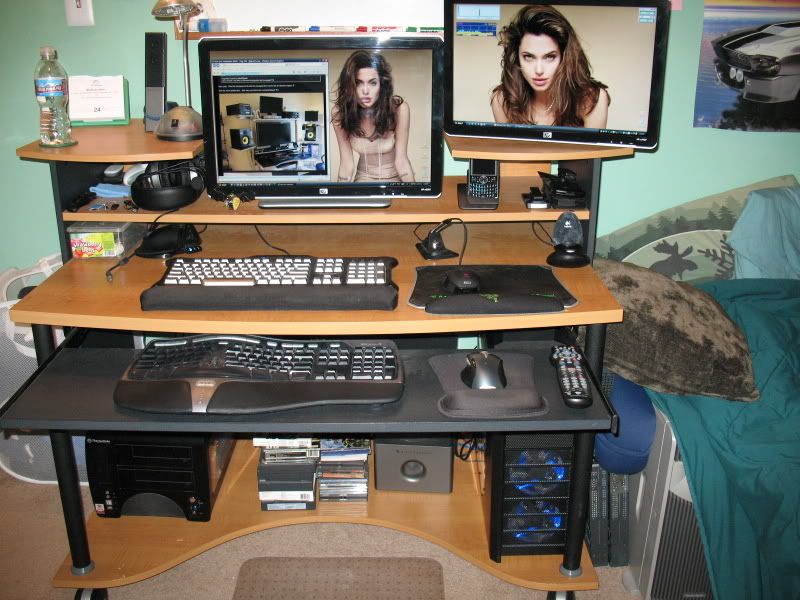
Thinking of adding a second 1907 on the left
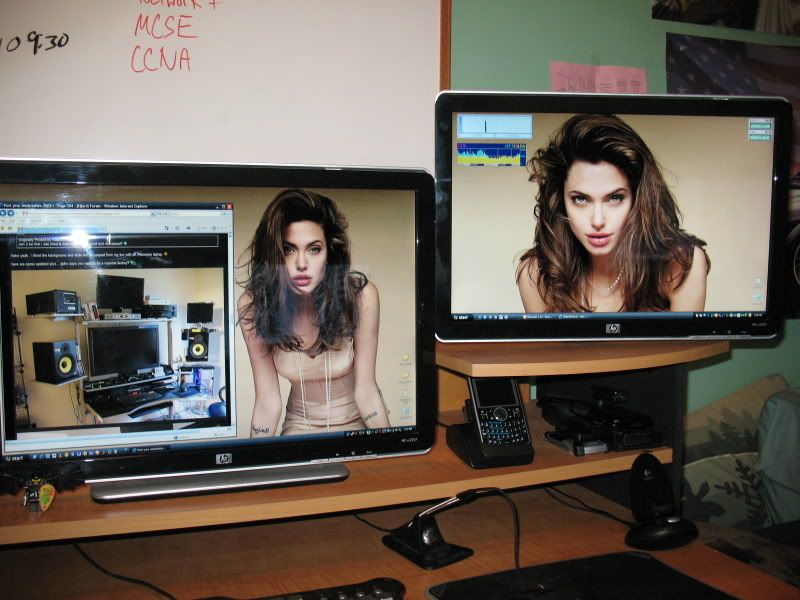
View from the bed, both connected to my HTPC, put movies and shows and TV on the bigscreen, can also browse the web during commercials and whatnot.
The desk, HPw2207 in the middle, HPW1907 on the right
Thinking of adding a second 1907 on the left
View from the bed, both connected to my HTPC, put movies and shows and TV on the bigscreen, can also browse the web during commercials and whatnot.
board2death986
[H]ard|Gawd
- Joined
- Aug 13, 2005
- Messages
- 1,404
wow, nice lcd's
cool idea with the one suspended over your bed, is it annoying trying to type/use a mouse on it thought?
Nope, for two reasons. If you noticed in the first pic, I got a Dinivo Edge
, works great with the integrated mouse. The other reason? Right next to my bed is a hidden ML350 storage server I got from my Cisco professor, thing is 4 feet long, and has a nice smooth surface up top, works fine with most optical/laser mice LucasLessardis
n00b
- Joined
- Jun 12, 2008
- Messages
- 17
very nice setup. love the simple and sleek
LucasLessardis
n00b
- Joined
- Jun 12, 2008
- Messages
- 17
Nice setup. Love the simple and sleek


So many nice monitor setups, and so many electronic toys. But F#ck me all those cables drive me nuts. I hate cables, just look at those cables on the floor in some of these pictures, and cables hanging on the walls! I try my best to hide the cables as best I can, but it's virtually impossible.
Lets see some working setups with no visible cables!
Lets see some working setups with no visible cables!
DorkKnight27
Limp Gawd
- Joined
- Mar 27, 2008
- Messages
- 173
i'm usually all about keeping my wires clean but recently i've been doing so much PC work, swapping towers and monitors and the likes that it's impossible to keep things clean. when i settle into a nice setup i usually tie up my cables and hide them pretty well.
GeminiCool
Weaksauce
- Joined
- Jan 11, 2005
- Messages
- 97
Here's my newest setup... LCD is nice, but the entire "chair" is really the highlight.
<img src="http://gkcgamers.blogs.friendster.com/.shared/image.html?/photos/uncategorized/side1.jpg" border="0" alt="" />

More pictures here...
http://gkcgamers.blogs.friendster.com/my_blog/
ok I don't know how to post images... any help?
<img src="http://gkcgamers.blogs.friendster.com/.shared/image.html?/photos/uncategorized/side1.jpg" border="0" alt="" />
More pictures here...
http://gkcgamers.blogs.friendster.com/my_blog/
ok I don't know how to post images... any help?
Thanks Agashka, I'm trying to find a simple clean desk that doesn't have any legs or any part of its support in the front except maybe the feet. Something like the Ikea Fredrik would be perfect if only it was 45" to 48" wide. Yours looked like it might work but I figured it was pretty wide...
thefewtheproud
Gawd
- Joined
- Oct 23, 2006
- Messages
- 935
Is that the new GTA?
My newest addition. (Philips 42" 1080p LCD, got a super deal on it, so I couldn't resist. Not to mention I got my CCVP today, so I felt the need to reward myself.)
In no way do these pictures do it justice.


EDIT: I'm watching 300, non-HD unconverted.
In no way do these pictures do it justice.
EDIT: I'm watching 300, non-HD unconverted.
hey wesm63 you have 2 dell 24in, the expensive one and the e cheap version. are they different on image quality?My newest addition. (Philips 42" 1080p LCD, got a super deal on it, so I couldn't resist. Not to mention I got my CCVP today, so I felt the need to reward myself.)
In no way do these pictures do it justice.
EDIT: I'm watching 300, non-HD unconverted.
hey wesm63 you have 2 dell 24in, the expensive one and the e cheap version. are they different on image quality?
Yes, very much so. The 2408WFP is a much much better monitor. Better IQ, more options, better build, more inputs. Just overall a better monitor, you get what you pay for. The e248 is not bad for general use, i.e. business apps.
solideliquid
Limp Gawd
- Joined
- Mar 27, 2005
- Messages
- 449
Is that the new GTA?
Yes, it's GTA IV running on my X360 (out of frame, beside the PS3).
evilangelic
n00b
- Joined
- Jun 12, 2008
- Messages
- 29
I could afford a FP241W/Z... I'm just not buying it becauase the blackout things for 2-3 seconds every now and then scare me away. Does this actually happen to anyone with these monitors?
GTA looks so much nicer on your screen... through my screen...
GTA looks so much nicer on your screen... through my screen...
montypythizzle
Gawd
- Joined
- May 24, 2007
- Messages
- 739
Damn, noticed my plasma was playing 4:3 material, time to go to PBS again for the night ^_^.

So far I'm about 99% sure I'm in love with it. Nothing really wrong with it, it's just that after reading all the posts on here I tend to be a little wary of perfection. Compared to my 2002 Gateway 15" LCD and my 1st gen 20" Cinema Display it pretty much rocks.how do you like it? (the monitor)
Dual Quad 2.8GHzwhat are the specs on the mac pro?
4GB's RAM (I plan on adding 2-4 more)
ATI 2600 HD (I plan on upgrading to the ATI 3870 Next month after it's released)
320GB, 2 x 400Gb, 160GB HD's
10.5.3 Leopard
.....this setup replaced my G5 Dual 2.5GHz PowerMac (fried in power surge) and Holy Crap is this a major difference in performance!
Here's my newest setup... LCD is nice, but the entire "chair" is really the highlight.
<img src="http://gkcgamers.blogs.friendster.com/.shared/image.html?/photos/uncategorized/side1.jpg" border="0" alt="" />
More pictures here...
http://gkcgamers.blogs.friendster.com/my_blog/
My good man, you're really going to have to tell us where we can get our hands on such a desk. It is totally cool and the most functional setup I've ever seen.
My good man, you're really going to have to tell us where we can get our hands on such a desk. It is totally cool and the most functional setup I've ever seen.
I believe I've seen that desk on Costco's website. It's listed as a gaming desk IIRC.