• Some users have recently had their accounts hijacked. It seems that the now defunct EVGA forums might have compromised your password there and seems many are using the same PW here. We would suggest you UPDATE YOUR PASSWORD and TURN ON 2FA for your account here to further secure it. None of the compromised accounts had 2FA turned on.
    Once you have enabled 2FA, your account will be updated soon to show a badge, letting other members know that you use 2FA to protect your account. This should be beneficial for everyone that uses FSFT.

Show Your LCD(s) setups!!!

beav said:
wondermoose, wow.. hehe i never expected to see someone use my wallpaper!

did you find it on interfacelift.com?

hehe...im not sure where I found it. It depends on which one. I did a search for vertical wallpapers and thats what came up :). Just borrowed a friends subscription to Digital Blasphemy so I am using those wallpapers now, but I was quite fond of that setup :).
 
Sorry I'm not the greatest at taking pictures, but here it goes...

desk.jpg


desk4.jpg


and the poochies

doggies2.jpg
 
SlickFX-that is amazing. Great job, and thank you for showing that the 17" Dells match almost perfect with the 2005FPW.

But I have a question, as I am new to the dual monitor thing, How would you output to 5 monitors seeing as you only had 2 graphics cards? Probably something I'm missing, do you have 2 5700LE PCI's or something? Thanks
 
vapb400 said:
SlickFX-that is amazing. Great job, and thank you for showing that the 17" Dells match almost perfect with the 2005FPW.

But I have a question, as I am new to the dual monitor thing, How would you output to 5 monitors seeing as you only had 2 graphics cards? Probably something I'm missing, do you have 2 5700LE PCI's or something? Thanks

Thanks for the comments. The 17" and 2005FPW are pretty much exactly the same height, I don't even think there is a difference. The minor difference you see is because of the mounting arms.

The main comp is actually outputting to only 4 of the monitors. The furthest 17" is connected to my G5 and laptop docking station. The G5 also is connected to one of the 2005FPW's. The DVI/VGA switching on the Dells are so convenient :)
 
SLiCkFX said:
Thanks for the comments. The 17" and 2005FPW are pretty much exactly the same height, I don't even think there is a difference. The minor difference you see is because of the mounting arms.

The main comp is actually outputting to only 4 of the monitors. The furthest 17" is connected to my G5 and laptop docking station. The G5 also is connected to one of the 2005FPW's. The DVI/VGA switching on the Dells are so convenient :)
ahh.

Awesome man, thanks for the help.
 
intelbrain said:

ok - could be... I had just seen the 30" @ Compooosa a week beforehand and it's friggin' HUGE... I have a 23", and using the keyboard as a point of reference, it seemed to me to be about the same size as mine, only in a wide-screen format (mine is 4:3). anyways, that's how I was getting to that conclusion. but those refs on the apple site are prolly better to use.

EDIT: looking at it again now and thinking more like it's a 30" this time. lol
 
Here's my revised setup with a 20" Apple Cinema replacing my old 17" Iiyama E431s and also there's my new Mac Mini. Unfortunately bought the Apple Cinema just before it got reduced in price :( but apart from that I love it, especially being able to watch DVD's in Theatertek without any black bars on the screen.

Desktop.jpg
 
szero said:
I've got no idea, I got it a few years ago at Officemax or Staples. Sorry. But, I regret getting it ... :(. Not enough drawers (theres a single cabinet and a filing drawer) and well, I guess that's my only real problem with it.

i have a large table with lots of drawers maybe we could switch heh?!! yes officemax, officedepot and staples, i look for it thanks, cheap tables. can i ask more, how much did you pay for yours?
 
Well I don't have the most expensive setup, but it's a little different.

I got this:


So I had to get a couch. In order to get a couch I had to get rid of the desk. So I bought this Sony 19" HS95P:


Then I had to mount it on an arm and hang it from above:


Now I can watch TV and play WoW at the same time! :D
 
courtex0 said:
Well I don't have the most expensive setup, but it's a little different.

I got this:


So I had to get a couch. In order to get a couch I had to get rid of the desk. So I bought this Sony 19" HS95P:


Then I had to mount it on an arm and hang it from above:


Now I can watch TV and play WoW at the same time! :D
very cool, but i need a flat surface for my mouse pad. I like how you used the neoflex upside down, very neat
 
OMG! that is bad-ass... :) I can kinda watch-n-play, but I have to poke my head around the side of my 23". heh... I sort of listen for the good parts of movies and then watch those, selectively. ;)

desk15.JPG
 
It seems a far reach to that keyboard w/ that 2nd desk. And quite an eye exam for me if I were that far from the screen.
 
2 monitors or more, business people only, to me. now that i have this 2nd monitor, i was looking at one looking at the other, it's damn hard to focus on which is which. i really like one monitor.
 
Wesley1357 said:
2 monitors or more, business people only, to me. now that i have this 2nd monitor, i was looking at one looking at the other, it's damn hard to focus on which is which. i really like one monitor.
its really nice to have two when you have to focus your attention on more than one thing... like when im doing a research paper, one screen has the source and one screen has word, it increases my productivity SO much, i dont have to switch between tons of crap and get distracted by other stuff.
 
this is mine... LG L1981Q.
pcdv00340vr.jpg

sorry for the bad image quality, my camera sucks.

edited for better picture and model # correction.
 
skane said:
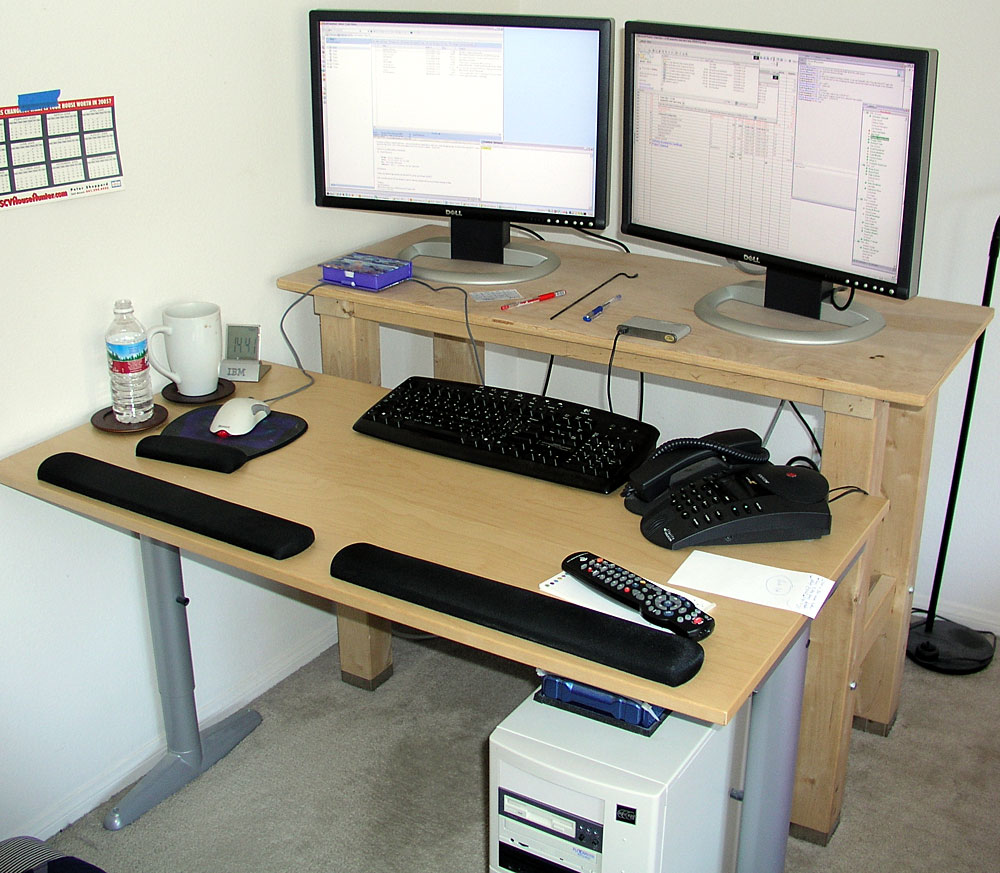
2ndary workstation in bedroom. Main home office workroom has all CRTs :D

20050721-04s.jpg

I'm gonna guess you work for IBM.

Using Lotus Notes and NotesBuddy Sametime... I work there too :p
 
Paul Bryan said:
Here's my revised setup with a 20" Apple Cinema replacing my old 17" Iiyama E431s and also there's my new Mac Mini. Unfortunately bought the Apple Cinema just before it got reduced in price :( but apart from that I love it, especially being able to watch DVD's in Theatertek without any black bars on the screen.

Desktop.jpg
hey Paul, hows the 20" holding up? :p i got mine not too long ago and i love it!! just a q, did u get the Mini after the monoitor? cause ive got an obsession with getting a Mac and wondering if the mini was good to go with the monitor?
 
pincho said:
hey Paul, hows the 20" holding up? :p i got mine not too long ago and i love it!! just a q, did u get the Mini after the monoitor? cause ive got an obsession with getting a Mac and wondering if the mini was good to go with the monitor?
Love my 20". It's a great monitor isn't it. Looks great too. Love playing Half-Life 2 et al. in widescreen mode.

I got the Mini after my Monitor. Thought I'd finally take the plunge. OS X runs perfectly in the monitor's native res (1680 x 1050). The Mini's not really powerful enough for the newer games but good enough for surfing, word processing and downloading. Plus it runs cooler and boots quicker then my PC and OS X is great too - so stable and simple to use.

Got both my PC and Mac connected to a Belkin KVM Switch, which you can see in the pic, and have had no major problems so far.
 
Paul Bryan said:
Love my 20". It's a great monitor isn't it. Looks great too. Love playing Half-Life 2 et al. in widescreen mode.

I got the Mini after my Monitor. Thought I'd finally take the plunge. OS X runs perfectly in the monitor's native res (1680 x 1050). The Mini's not really powerful enough for the newer games but good enough for surfing, word processing and downloading. Plus it runs cooler and boots quicker then my PC and OS X is great too - so stable and simple to use.

Got both my PC and Mac connected to a Belkin KVM Switch, which you can see in the pic, and have had no major problems so far.

great monitor.. just great. hl2 looks awesome in widescreen :D

i think ill look for the KVM, which model is ur's? i heard a rumour that Mac Minis are comming out to G5's really soon, so maybe ill wait just a little while... thanks for the info !

EDIT: can u connect the firewire/USB cables that came with the monitor to the KVM ? also i cant read anything about DVI's only VGA.. :(
 
skane said:
2ndary workstation in bedroom. Main home office workroom has all CRTs :D

20050721-04s.jpg

where do you get IBM clocks? i've seen photos of IBM graphite clocks and wondering where you can get them from :)
 
pincho said:
i think ill look for the KVM, which model is ur's?
Mine's a Belkin. It's not too highly regarded but it was the cheapest one with DVI support. I think you can buy better DVI switches over in the States.
pincho said:
i heard a rumour that Mac Minis are comming out to G5's really soon, so maybe ill wait just a little while... thanks for the info !
You might want to wait until early next year when Intel Mac Mini's become available though I'd love it if G5 Mini's came out before then ;)
pincho said:
EDIT: can u connect the firewire/USB cables that came with the monitor to the KVM ?
USB cables can connect to the hub but not firewire. My Belkin KVM switch has 2 USB ports on it, one of which I've hooked up to a USB hub. Both the PC and the Mac can share this hub so I use it for my printer, scanner, USB headphones etc.
pincho said:
also i cant read anything about DVI's only VGA.. :(
DVI hubs are a lot more expensive then VGA hubs. Mine cost around £100 GBP.
 
SlickFX... for a set up that expensive and high tech... shouldn't you at least have wireless keyboards and mices? :confused:
 
perplex said:
where do you get IBM clocks? i've seen photos of IBM graphite clocks and wondering where you can get them from :)

I'm pretty sure he works for IBM looking at the applications on his screen.
I work for IBM too and can order them.
 
I'll post mine when my HK reciever comes in and I get all my speakers installed.

will have 3 displays: 19" LG Flatron (crt), 15" Sony LCD, and 27" Viewsonic LCD TV
 
PowerLlama said:
And I can't for the life of me get the USB ports to work consistently with the 2405.
i think you should spend a bit of that cash on a more comfy chair...sheesh
 
I was about to say the same thing. For someone who cares enough to use a natural keyboard for hand comfort, (I hate those), how can he stand a chair like that?
 
Back
Top