- Joined
- Jan 4, 2008
- Messages
- 6,328
Thanks Christopher Lowell.
Lol. I use to watch that show with my mom when I was younger.
![[H]ard|Forum](/styles/hardforum/xenforo/logo_dark.png)
Follow along with the video below to see how to install our site as a web app on your home screen.
Note: This feature may not be available in some browsers.
Thanks Christopher Lowell.


Yes, the desk is the Jerker. I got it a few years back, thankfully prior to it being discontinued.
The room is my bedroom, not a computer only room.
Thanks all for the kind words. I've put many hours into cable management so that the only cables seen are the two power connections going to the wall outlet as seen in the picture below.


its underneathno surge protector?


I like the black frame on your Jerker. Is that the original finish or a nice paint job you did?
is that a newer version jerker behind ur old one?

^^^ All your setup now needs is some new wall paint color, some newer blinds (wood finished), and maybe a fake plant.
no surge protector?


Haven't posted any changes in a while, but I have a couple newer items at work:


Forgive the quality, my iphone doesn't like the lights in here.

Nice setup. If you are concerned about the dual 30's, I supposed I could take one off your hands.Here is mine.... I kinda regret getting dual 30's due to the consistent neck strain it causes from moving screen to screen.
I kinda regret getting dual 30's due to the consistent neck strain it causes from moving screen to screen.
.


I picked up a couple Acer 24" (P241w) LCDs recently and a cheap stand from Geeks.com
http://nitsuj.org/images/TXB/DoubleWide.jpg[/IMG]

Haven't posted any changes in a while, but I have a couple newer items at work:
Forgive the quality, my iphone doesn't like the lights in here.
so why do you have justin long in your sig? and also why aren't you using a mac?
The laptop is sitting in a dock, not a stand.nice!
info on the monitor mount, notebook stand? and what size are those displays?
My name is Justin Long,
I don't use a mac as I prefer to build my own computers and don't need an OS to hold my hand when using one.
My name is Justin Long,
I don't use a mac as I prefer to build my own computers and don't need an OS to hold my hand when using one.
The sign of a true Apple fan - blame everything but the product!
http://i130.photobucket.com/albums/p252/mikey976/max002.jpg[IMG]
[IMG]http://i130.photobucket.com/albums/p252/mikey976/max003.jpg[IMG]
got an acer p241w for a late xmas/bday gift. got the desk specifically for the monitor.
yes i kno its messy owell pardon my lack of ocd lol[/QUOTE]
How did you get those BAs to work with the digital input?
I was joking, duh. I've actually owned a MacBook myself for nearly a year now.Take your anti/pro-apple rhetoric elsewhere. My last phone had a crappy camera too.
You should try it one of these days, it's quite addictiveyes i kno its messy owell pardon my lack of ocd lol
nice!
info on the monitor mount, notebook stand? and what size are those displays?
I was joking, duh. I've actually owned a MacBook myself for nearly a year now.
The laptop is sitting in a dock, not a stand.
How did you get those BAs to work with the digital input?
You should try it one of these days, it's quite addictive
well originaly before i got the live drive, i just bought a mono 3.5mm male to rca and a single rca wire. now since i have the live drive i just plug into the live drive in the digi out.
these are prolly the best speakers ive ever owned. ima big fan of BA
 )
)These things seem to take on a life of their own and we don't need any more AMD/nVIDIA, Mac/PC, HD-DVD/Blu-ray etc sniping wars in here if we can avoid it. Let the thread-crapping stay in where it is. I actually kind of regret mentioning iphone at all.
You are correct the laptop is on a 250410U mini-dock and that dock is on a 40Y7676 stand.
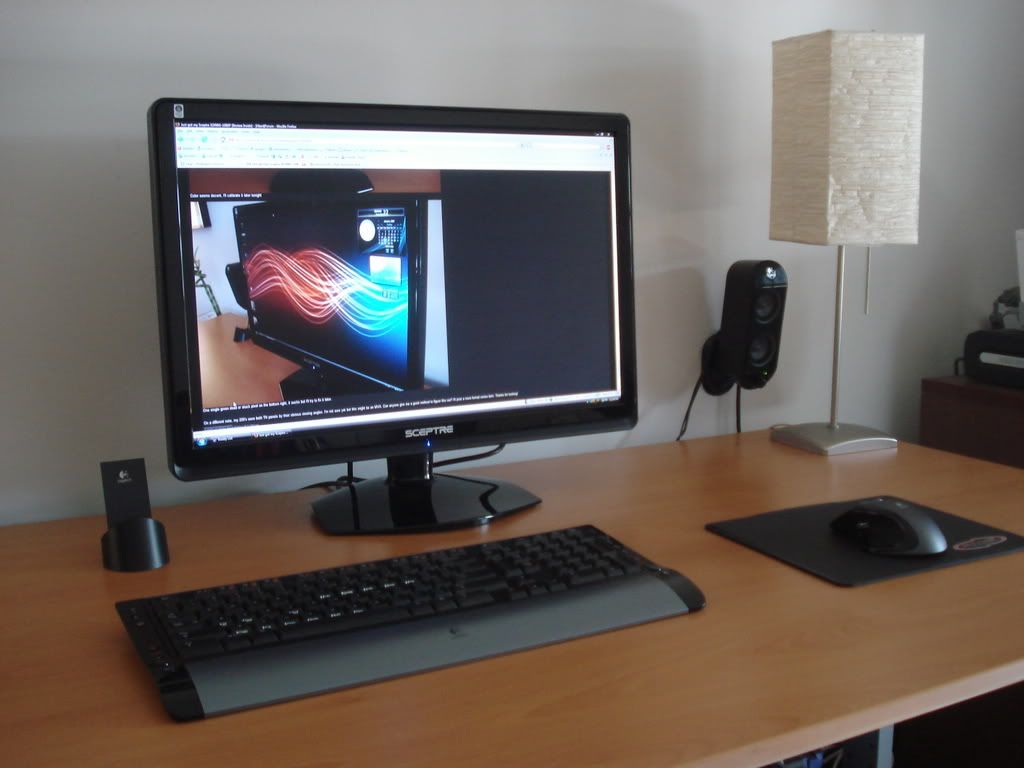
wow that is a gorgeous display. i hope that the lcd isn't temporary.
Well the lcd isn't, I have a 2nd one of those Sceptre's on the way


