• Some users have recently had their accounts hijacked. It seems that the now defunct EVGA forums might have compromised your password there and seems many are using the same PW here. We would suggest you UPDATE YOUR PASSWORD and TURN ON 2FA for your account here to further secure it. None of the compromised accounts had 2FA turned on.
    Once you have enabled 2FA, your account will be updated soon to show a badge, letting other members know that you use 2FA to protect your account. This should be beneficial for everyone that uses FSFT.

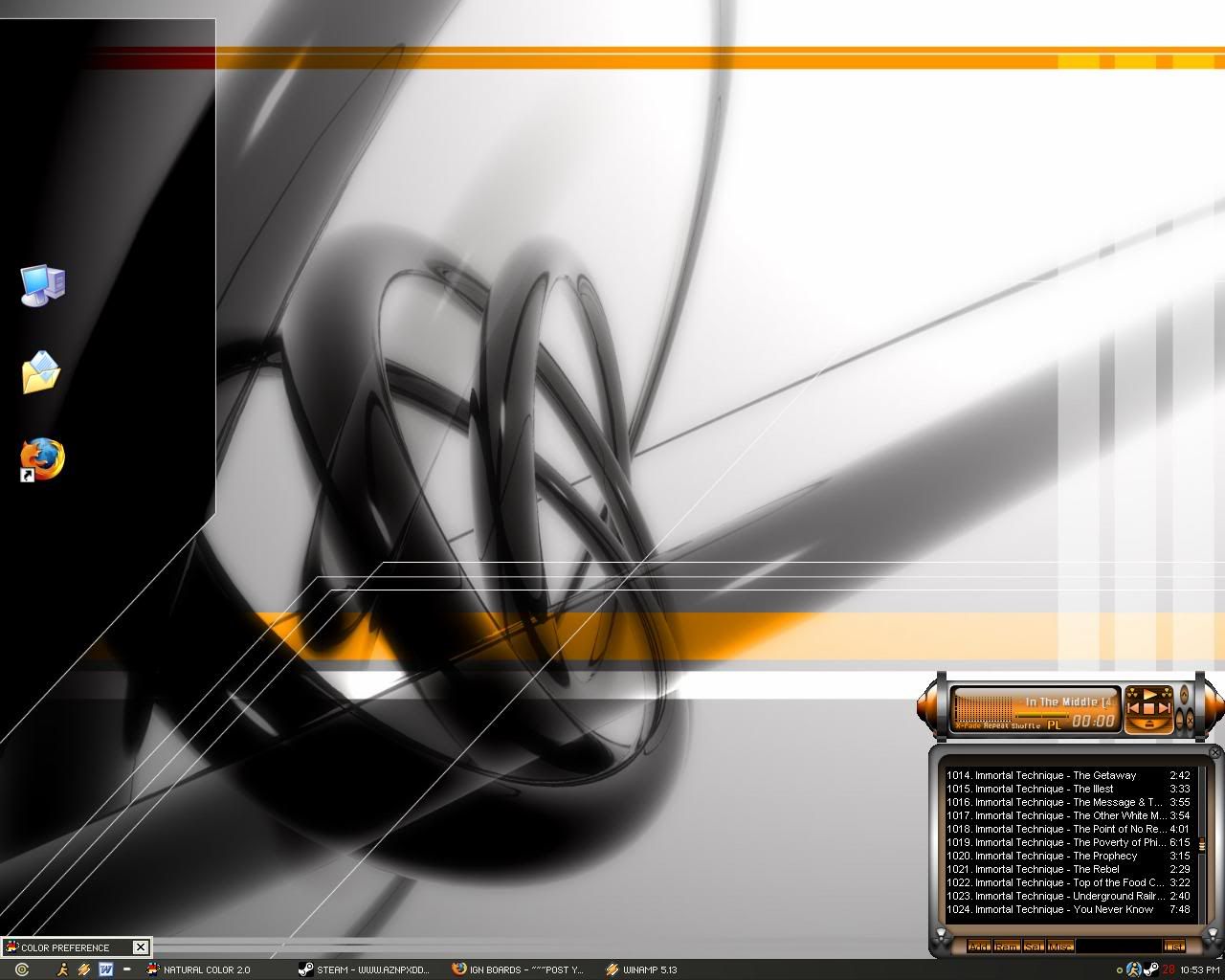
Post your pc screen shots!

Hey I have gotten Vista theme working on my sig pc looking good but I have 2 small problems.


1, When I minimize a program like IE 7 or anything to teh taskbar it will double minimize like it will go down to teh taskbar and then to teh top then actualy minimize (Hope that sounds right).

2, Firefox will jump, like teh contents viewed on teh screen will jump up and down.

if anyone knows how to fix those I would really appreciate it.

P.S look at what is on teh tooltip viewy thing its has something to do with cough* teh Vista Sidebar cough* cough*.
 
I also noticed that double minimize "bug" that exist after using the "thumnail preview" feature for the taskbar. I believe its the program taking a virtual snapshot of sorts of the program. I removed it a few minutes after from my VM Machine shortly after :)
 
My Vista wannabe.......
Update2222222222222222222222.jpg
 
<Sorry about getting off topic>
Quick question though, what is so special about the vista toolbar?
<Im just curious to know>
 
locutus24 said:
<Sorry about getting off topic>
Quick question though, what is so special about the vista toolbar?
<Im just curious to know>
Well, seeing as it's an opinion as to why it's so special, the only way to really find out is to try it yourself. ;) So go ahead!
 
lesman said:
Well, seeing as it's an opinion as to why it's so special, the only way to really find out is to try it yourself. ;) So go ahead!
Can't I am 100% linux, but looks like I am not missing out cause i got the transparent taskbar covered with my 3
 
@ t33kkk: What prog are you using that allows you to have your buddy list display like that. I've wished for the type of feature in GAIM all the time. A nudge in the right direction (ie. linkage) would be great :)
 
I’m using Miranda-IM (www.miranda-im.com) with the "TweakUI" plug-in.
It’s nothing special, especially when compared to what other people have done with their list. Im still trying to figure out how to customize the IM box and stuff..
 
They are put together from like 10 different sets and some ive collected individually and created myself so i cant really link
But The Half-Life ones i made can be found at my deviantart page Here
 
thanks alot for the link

what program do you use to make the icons? atleast save them as .ico.. can you do that in photoshop? what size do they need to be again?
 
damnn nice theme :) i like it.. where could i get it?
and where could i get that icon set? sexy as well..

edit: and the thing that shows ur cpu/mem as well! :rolleyes:
 
Frobozz said:
[UL=http://imageshack.us][IM]http://img134.imageshack.us/img134/8623/xgl14vs.jpg[/IMG][/URL]

[UR=http://imageshack.us][IM]http://img134.imageshack.us/img134/5638/xgltrans10gy.jpg[/IM][/URL]

playing with Suse 10.0 + XGL + compiz + transset

how difficult was it to setup XGL?
 
rubasu said:
how difficult was it to setup XGL?
It really isnt too tough by just following the directions. The hardest part is trying to grasp what the walkthoughs are actually having you do.

About XGL
Using Xgl on SuSE 10.0 & 10.1

How to Xgl on Gentoo
How to Xgl on Ubuntu

After browsing through all of those, all of the pieces kinda fall into place. I haven't tried to implement much from the Ubuntu article, but it looks like it tells you how to automate the launching of xgl & compiz. With my setup I startup to init 3 and launch everything manualy.

Right now it's only ready to be a 'play thing' and not your everyday window environment. It is rather unstable right now ...... but it holds together long enough to wow the Mac people. ;)

edit: might add, I think your hardware will be a big determination in the type of luck you have. An Nvidia card will surely make life easier.
 
DragonTG said:
damnn nice theme :) i like it.. where could i get it?
and where could i get that icon set? sexy as well..

edit: and the thing that shows ur cpu/mem as well! :rolleyes:
The name of my XP theme is called "Sektor", made by the same guy who made "neOS", it is used with Windows Blinds, my icon package is called "Shiny Black", and is used with Icon Packager, my cursor is "The Alien", used with CursorXP.
To find all these themes and more go to www.wincustomize.com

The CPU monitor I have (with the graph) is called CPUmon, which can be found here:
http://majorgeeks.com/CPUMon_d4608.html

the system monitor called Coolmon can be found here:
http://majorgeeks.com/CoolMon_d212.html

To: Frobozz, I am liking the 3-D desktop, I remember seeing that on The Screen Savers a while back (when they were still around) very nice... :)
 
Hey guys, don't mean to be a jackass but would you mind to link your images as thumbnails? My resolution is max at 1024x768 and I can't see half of these images because I can only see like 5% of the image at a time.
 
I dunno maybe I dont typically employ it to reduce stuff :p

with dual 21" monitors at 3200x1200 I have plenty of real estate
 
plywood99 said:
Doesn't FireFox already have a setting to automatically reduce picture size to fit screen?
Affirmitave it does, but it will only resize the image if you are veiwing it directly (i.e when you are veiwing a page like this: www. website . com/pictures/randomfolder/picturebeingshown.jpg). When you veiw it through a webpage with content however, such as this thread, it will not. There is a solution to it, just look through some FireFox extensions and there are some that will resize every picture in a webpage to fit your screen resolution. That being you may also enlarge them at will in the actual web page.
 
Here's my latest.
-OS: Mac OS X
-Theme-"Plaster"
-Silk font: Calibri
-Wallpaper: "Lines"-created by me.
-Icons: "Puft System"

Clean

MacScreenmini2.jpg


Dirty

MacScreenmini.jpg
 
Back
Top