• Some users have recently had their accounts hijacked. It seems that the now defunct EVGA forums might have compromised your password there and seems many are using the same PW here. We would suggest you UPDATE YOUR PASSWORD and TURN ON 2FA for your account here to further secure it. None of the compromised accounts had 2FA turned on.
    Once you have enabled 2FA, your account will be updated soon to show a badge, letting other members know that you use 2FA to protect your account. This should be beneficial for everyone that uses FSFT.

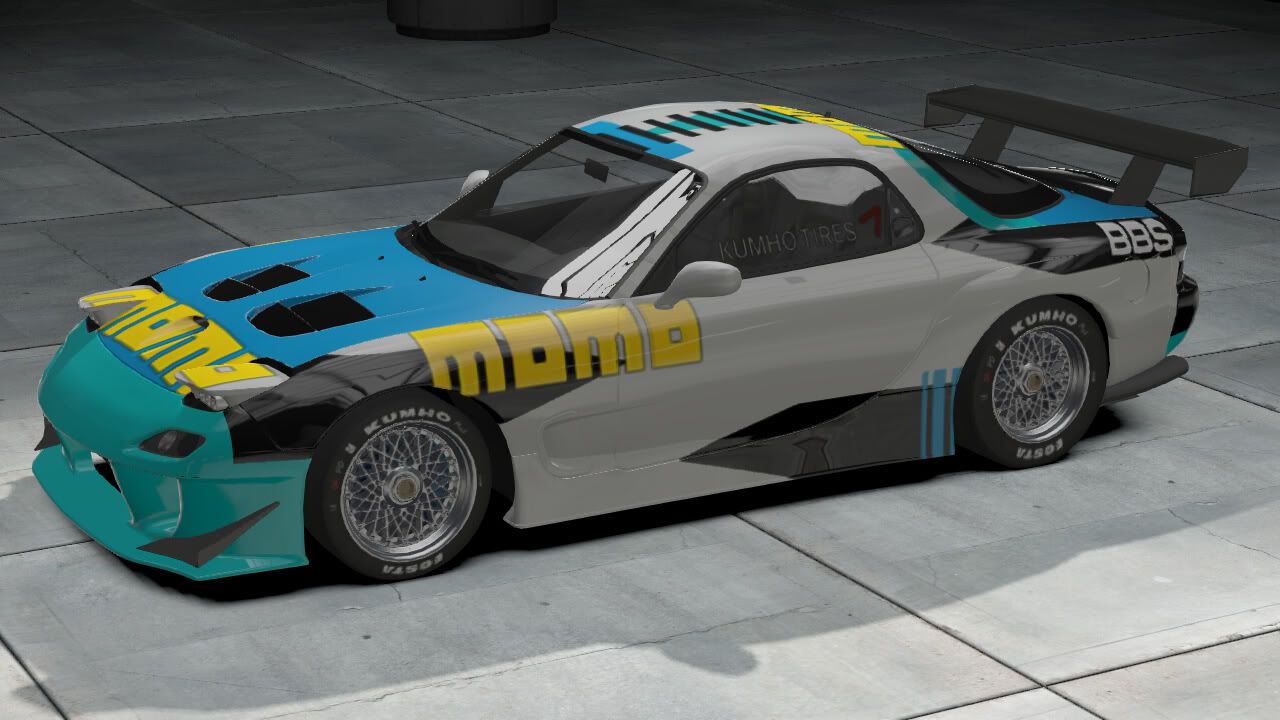
NFS: Shift 2 Unleashed

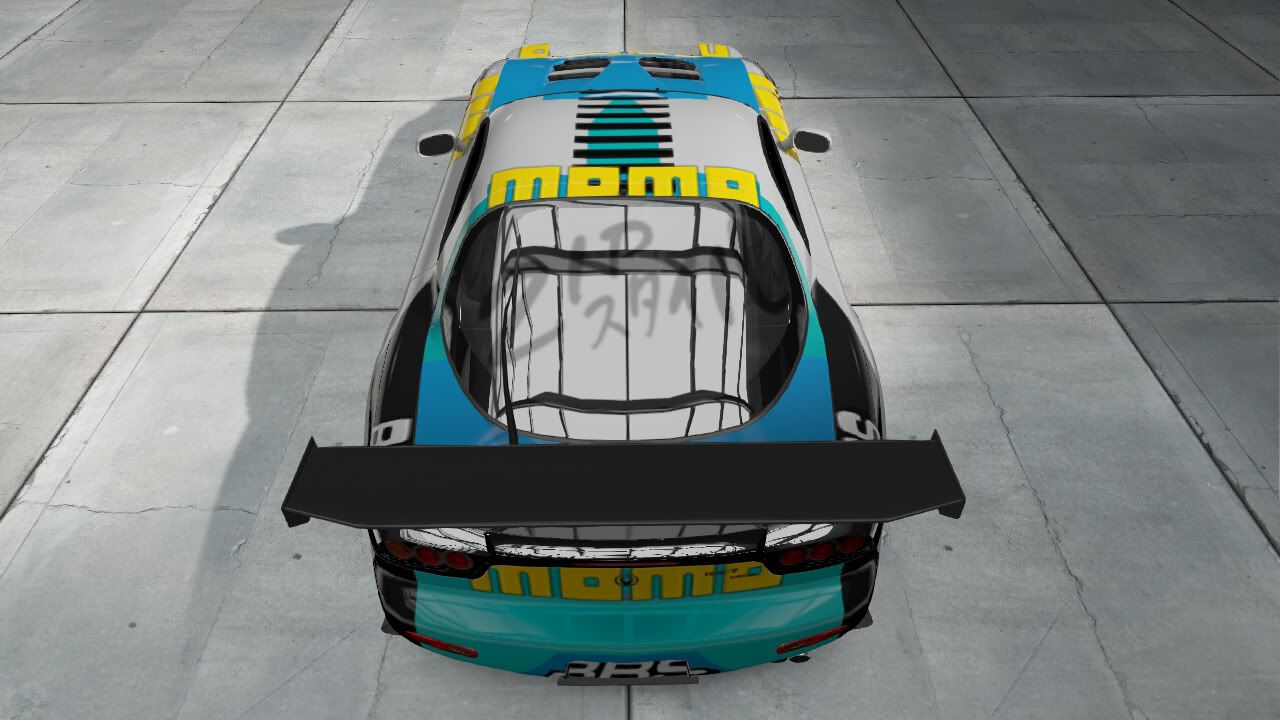
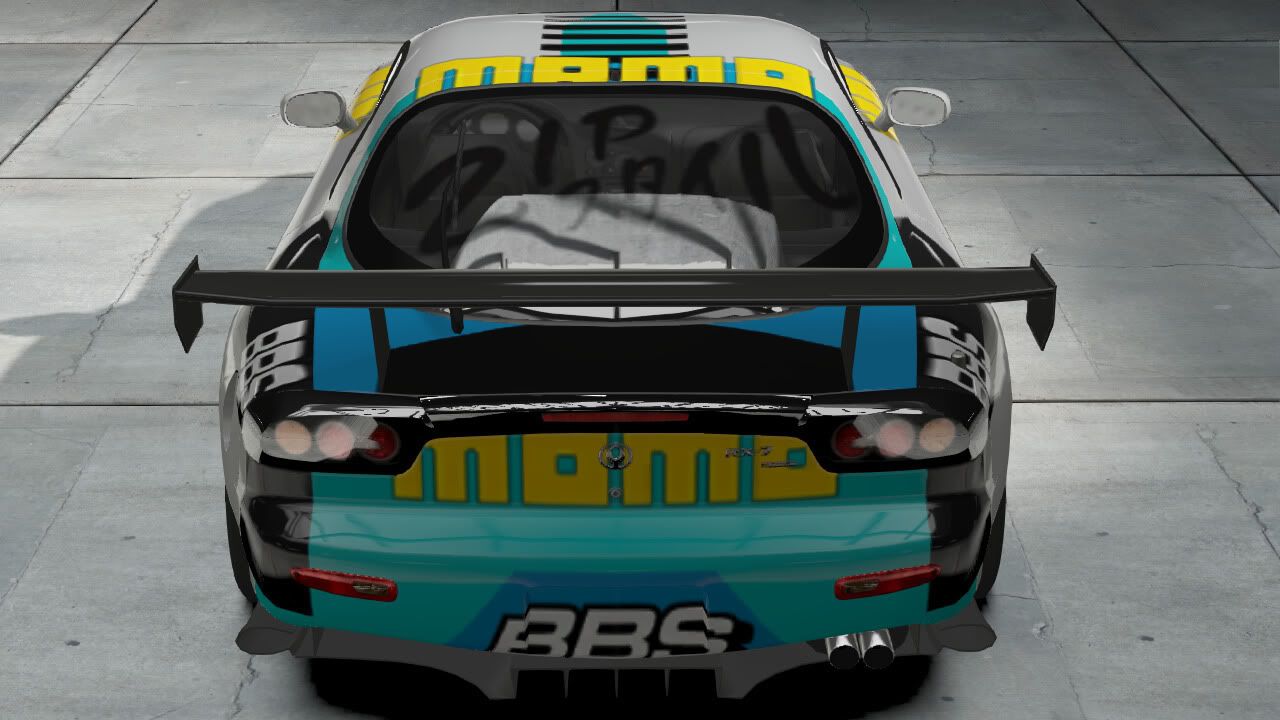
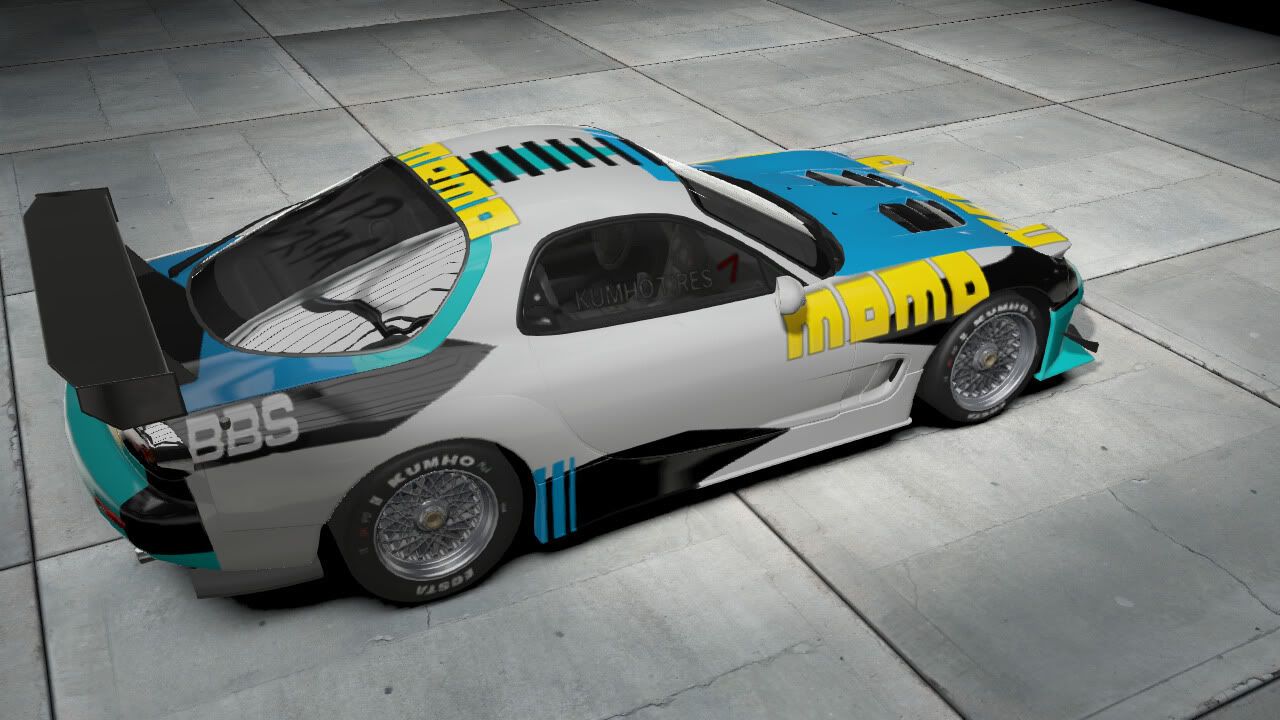
I spent a lot of time on this. and due to limited options for the paintshop and an unwieldy interface, coloring those hood vents black is one of the worst things I have ever done in my life.


color swatch


and now for Chameleoneel's guide to tweaking SHIFT 2 for Dualshock 3 users (may generally apply to all gamepads across versions, but no promises)

advaned control settings in the options menu

steering deadzone 4%
steering sensitivity 0%
throtle deadzone 2%
throttle sensitivity 28%
brake deadzone 2%
brake sensitivity 50% *
clutch sensitivity 2%
speed sensitivity 80%


advanced tuning settings in the "tune" menu acessible a few places, but mainly from the garage.

brakes 54 for rear brake bias **

toe angle front and rear both set to 16 (you could go higher with these if you have a really tough to control car, but this is a pretty good universal setting)

steering lock 12


** because it seems many videogame cars understeer as a general rule, I like to tune my brakes with a bit of rear bias to help the car turn-in when preparing for corners. Its not something you want too much of and if you decide to use it, be extra careful if you additionally decide *add more sensitivity to the brakes. Making the brakes more sensitive will make then grabby and it will cause the turn-in to happen more suddenly. This can throw you...


Overall, these settings remove a lot of the sensitive twitch that cause you to throw the car everywhere. It also allows much better throttle control.
 
Last edited:
and now for Chameleoneel's guide to tweaking SHIFT 2 for Dualshock 3 users (may generally apply to all gamepads across versions, but no promises)

advaned control settings in the options menu

steering deadzone 4%
steering sensitivity 0%
throtle deadzone 2%
throttle sensitivity 28%
brake deadzone 2%
brake sensitivity 50% *
clutch sensitivity 2%
speed sensitivity 80%

Most excellent settings my good Sir! Works very well with my xbox360 controller as well!
 
You're not missing out on much. The cars still handle like a waterbed, unfortunately.

I tried the intro race with a black car or white fluffs instead of graphics just to get the feel o fit with my G25. Yea, I figured so.

I loved Shift 1 after mods. Boy was it excitign and fun. Anyways gotta sleep I gotta pack and ship a PSU to a fellow hard member
 
and now for Chameleoneel's guide to tweaking SHIFT 2 for Dualshock 3 users (may generally apply to all gamepads across versions, but no promises)

advaned control settings in the options menu

steering deadzone 4%
steering sensitivity 0%
throtle deadzone 2%
throttle sensitivity 28%
brake deadzone 2%
brake sensitivity 50% *
clutch sensitivity 2%
speed sensitivity 80%


advanced tuning settings in the "tune" menu acessible a few places, but mainly from the garage.

brakes 54 for rear brake bias **

toe angle front and rear both set to 16 (you could go higher with these if you have a really tough to control car, but this is a pretty good universal setting)

steering lock 12


** because it seems many videogame cars understeer as a general rule, I like to tune my brakes with a bit of rear bias to help the car turn-in when preparing for corners. Its not something you want too much of and if you decide to use it, be extra careful if you additionally decide *add more sensitivity to the brakes. Making the brakes more sensitive will make then grabby and it will cause the turn-in to happen more suddenly. This can throw you...


Overall, these settings remove a lot of the sensitive twitch that cause you to throw the car everywhere. It also allows much better throttle control.

OK, something still felt off to me, partially it was too much understeer. But there was something else.... so I just spent an hour tuning on Suzuka Circuit East. Suzuka East is a very technical track that greatly stresse throttle control and awareness of elevation changes. Its also short, so its easy to test tunings and notice the differences on any given segment of the track.


The big sweeping changes came from the steering lock. lowering that has now affected a couple of other areas. I also dropped the throttle sensitivity because I couldn't consistently control throttle for the rolling corners at Suzuka.


and now for Chameleoneel's REVISED guide to tweaking SHIFT 2 for Dualshock 3 users (may generally apply to all gamepads across versions, but no promises)

advaned control settings in the options menu

steering deadzone 4%
steering sensitivity 0%
throtle deadzone 2%
throttle sensitivity 25%
brake deadzone 2%
brake sensitivity 50% *
clutch sensitivity 2%
speed sensitivity 100%***


advanced tuning settings in the "tune" menu acessible a few places, but mainly from the garage.

brakes 52 for rear brake bias **

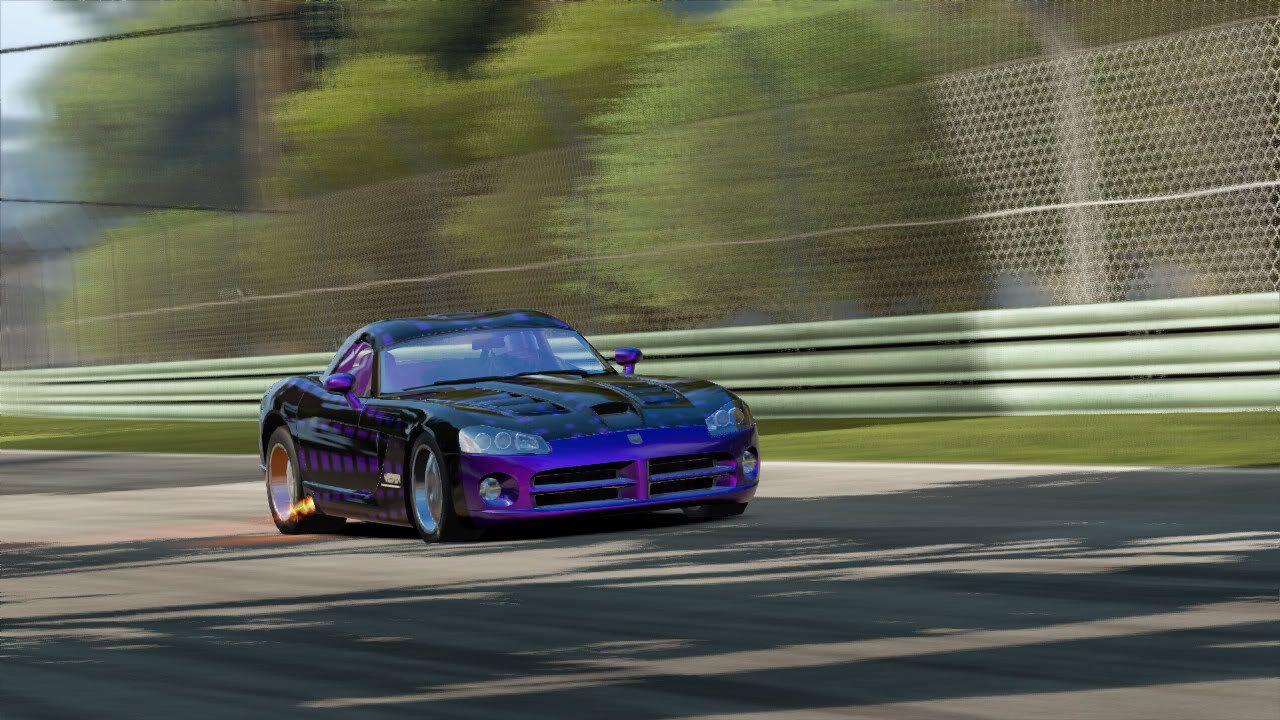
toe angle front and rear are now both at default. Really tough to control cars may need one or two points into the rear or both, but I did the bulk of my testing in a Dodge Viper SRT10, which is a torquey beast.

steering lock 8 (this is the magic right here)


after all of that, go into the simple tune menu, and put the understeer/oversteer slider 1 notch from the center towards understeer. This is how I like it. I tried it centered and couldn't figure out how to compensate for it in the advanced settings.

If you are having trouble at Ebisu (super tight track) try lowering your front tire pressure 5 - 10 notches and also learning to oh so lightly tap the e-brake on the sharpest of corners.


** because it seems many videogame cars understeer as a general rule, I like to tune my brakes with a bit of rear bias to help the car turn-in when preparing for corners. Its not something you want too much of and if you decide to use it, be extra careful if you additionally decide *add more sensitivity to the brakes. Making the brakes more sensitive will make then grabby and it will cause the turn-in to happen more suddenly. This can throw you...


***Regarding speed steering sensitivity: I don't know exactly what this does. I was using it at 80% and even after dialing in all of the above, it felt good. But I decided to try it at 100% again with the new settings and after swapping back and forth several times, I like 100% YMMV, but for me it gives more of sense that I'm controlling something that is on rolling wheels, and the elevation changes seem to translate better for me.

Overall, these settings remove a lot of the sensitive twitch that cause you to throw the car everywhere. It also allows much better throttle control
 
Last edited:

OK, something still felt off to me, partially it was too much understeer. But there was something else.... so I just spent an hour tuning on Suzuka Circuit East. Suzuka East is a very technical track that greatly stresse throttle control and awareness of elevation changes. Its also short, so its easy to test tunings and notice the differences on any given segment of the track.


The big sweeping changes came from the steering lock. lowering that has now affected a couple of other areas. I also dropped the throttle sensitivity because I couldn't consistently control throttle for the rolling corners at Suzuka.


and now for Chameleoneel's REVISED guide to tweaking SHIFT 2 for Dualshock 3 users (may generally apply to all gamepads across versions, but no promises)

advaned control settings in the options menu

steering deadzone 4%
steering sensitivity 0%
throtle deadzone 2%
throttle sensitivity 25%
brake deadzone 2%
brake sensitivity 50% *
clutch sensitivity 2%
speed sensitivity 100%***


advanced tuning settings in the "tune" menu acessible a few places, but mainly from the garage.

brakes 52 for rear brake bias **

toe angle front and rear are now both at default. Really tough to control cars may need one or two points into the rear or both, but I did the bulk of my testing in a Dodge Viper SRT10, which is a torquey beast.

steering lock 8 (this is the magic right here)


after all of that, go into the simple tune menu, and put the understeer/oversteer slider 1 notch from the center towards understeer. This is how I like it. I tried it centered and couldn't figure out how to compensate for it in the advanced settings.

If you are having trouble at Ebisu (super tight track) try lowering your front tire pressure 5 - 10 notches and also learning to oh so lightly tap the e-brake on the sharpest of corners.


** because it seems many videogame cars understeer as a general rule, I like to tune my brakes with a bit of rear bias to help the car turn-in when preparing for corners. Its not something you want too much of and if you decide to use it, be extra careful if you additionally decide *add more sensitivity to the brakes. Making the brakes more sensitive will make then grabby and it will cause the turn-in to happen more suddenly. This can throw you...


***Regarding speed steering sensitivity: I don't know exactly what this does. I was using it at 80% and even after dialing in all of the above, it felt good. But I decided to try it at 100% again with the new settings and after swapping back and forth several times, I like 100% YMMV, but for me it gives more of sense that I'm controlling something that is on rolling wheels, and the elevation changes seem to translate better for me.

Overall, these settings remove a lot of the sensitive twitch that cause you to throw the car everywhere. It also allows much better throttle control

Ok now that I've had some time out on other tracks in actual racing:

return the speed steering to 80%

put the front and rear sway bars two notched from full stiff (they are default set all the way stiff).


I did mess with all fo the suspension settings for spring rates and dampers but ultimately concluded that the defaults for everything full soft were the best for me. The spring rate itself can definitely give you some extra response to the handling, but response is not some the controls lack, and I'm actually trying to get rid of some of that!

the sway bars though were full stiff, so lowering them a couple of notches puts a bit of "roll" into the car as it turns, damping the responsiveness a bit!


My cars handle fine.
Imo if you liked Shift you'll like Shift 2.
I liked Shift 1 a lot-----despite bugs and huge flaws in the controls.

Shift 2 is a lot better in all respects, but its still got some weird choices for default settings.

and even though I think I've now got it nearly as good as it gets for a controller, I still think there is a fundamental flaw in how they estimate a steering lock onto a thumbstick and also the thumbstick's response curve.
 
Last edited:
I cant stand playing this game for more then 10 minutes. It just irritates me to no end. I have the controls on novice (initially started and was successful with experienced) and yet it still controls like shit - granted I am using a 360 controller.
 
What wheel do you have and what settings did you end up with?
I have a Logitech MOMO Racing wheel. In game I selected the preset with separate pedals.

Force feedback strength: 100%
Steering deadzone: 3%
Steering sensitivity: 32%
Throttle deadzone: 6%
Throttle sensitivity: 15%
Steering lock: 75%

This wheel doesn't have a clutch pedal so I ignored those settings. I don't know what speed sensitivty is, but I put it at 60%. Drifting sucks with racing wheels, so I didn't even bother with the drift settings. If you want to drift just use a 360 controller. Supposedly there's hidden assists when you use a gamepad.
 
Ok now that I've had some time out on other tracks in actual racing:

return the speed steering to 80%

put the front and rear sway bars two notched from full stiff (they are default set all the way stiff).


I did mess with all fo the suspension settings for spring rates and dampers but ultimately concluded that the defaults for everything full soft were the best for me. The spring rate itself can definitely give you some extra response to the handling, but response is not some the controls lack, and I'm actually trying to get rid of some of that!

the sway bars though were full stiff, so lowering them a couple of notches puts a bit of "roll" into the car as it turns, damping the responsiveness a bit!


I liked Shift 1 a lot-----despite bugs and huge flaws in the controls.

Shift 2 is a lot better in all respects, but its still got some weird choices for default settings.

and even though I think I've now got it nearly as good as it gets for a controller, I still think there is a fundamental flaw in how they estimate a steering lock onto a thumbstick and also the thumbstick's response curve.

Oh hey I thought I had the steering deadzone at 0% all this time, but it was at 4%. I set it at 0 and got a nice little improvement in control for the more open tracks like Ambush Canyon.
 
It's not input lag.

It's programmed input time delays to help keyboard users drive in a straight line.

Somehow they managed to apply these delays to steering wheel inputs. On the steam version I have not been able to remove them at all. Thus the game is unplayable to me.

I pasted in a dll called dinput8.dll and put it in my shift main directory. now the wheel has no delay (xbox 360 controller still has bad delay) but at least the Logitech Driving Force GT wheel is good. the force feed back is now toast but its a small price to pay

obtain dinput8.dll by downloading the sharp mod steering pack for shift 1.

Hope we get a patch soon for this lax w/ 360 controls i bought another copy last night to race head to head lan but the lag made it non compete for that machine.
 
I have a Logitech MOMO Racing wheel. In game I selected the preset with separate pedals.

Force feedback strength: 100%
Steering deadzone: 3%
Steering sensitivity: 32%
Throttle deadzone: 6%
Throttle sensitivity: 15%
Steering lock: 75%

This wheel doesn't have a clutch pedal so I ignored those settings. I don't know what speed sensitivty is, but I put it at 60%. Drifting sucks with racing wheels, so I didn't even bother with the drift settings. If you want to drift just use a 360 controller. Supposedly there's hidden assists when you use a gamepad.

Thanks, I have the same wheel so I'll give these a try.
 
Intereting tweaks, I'll try them out later if I have some time. I found that disabling AA and VSync improved the controls quite a bit. So I'm racing now without being too annoyed by the controls, I still think it could be a little more responsive and Aaron11's tweaks might be what I need. The graphics do look a little better than Shift 1 after turning AF to and setting motion blur to medium. The AI sucks as it just crashes into you for no reason making the game very frustrating to play. I'm racing a tight line for the whole race only to have computer AI crash into me during a turn within the last 1/4 of the race. I almost always end up in a spin. I'm not ready to give up on the game yet but I'm not all that satisfied with it. I played Shift 1 for a couple of hours at a time, this game, 20 minutes here and there and I actually went back to playing Hot Pursuit last night after racing for 20-25 minutes in Shift 2. I'm not so sure that it's a good sign, then again it could just be that the initial frustration with stupid graphics settings haven't passed yet? I want to try online racing but I need to feel confident in the controls first.

BTW I'm not playing this on my sig rig, it's my HTPC quad core AMD something or other 3.X Ghz, 4GB ram, Win7 64Bit, SSD, ATI 5770 1GB stock clocks, HDMI out @ 1920x1080.
 
I pasted in a dll called dinput8.dll and put it in my shift main directory. now the wheel has no delay (xbox 360 controller still has bad delay) but at least the Logitech Driving Force GT wheel is good. the force feed back is now toast but its a small price to pay

obtain dinput8.dll by downloading the sharp mod steering pack for shift 1.

Hope we get a patch soon for this lax w/ 360 controls i bought another copy last night to race head to head lan but the lag made it non compete for that machine.

sounds about right, i just want direct input, i give a damn about FF honestly, if i get it great, if not i could care less
 
from what i have noticed in Shift, any frame rate below 40fps, controls get a bit unresponsive.

if your like me with my 360 controller i whip those analog sticks like they are my bad son.

Anywho, I managed to get the game working near 100% now. Still locks up every now and then though.

moral of the story, make sure your frame rates are above 40fps at all times.

Intereting tweaks, I'll try them out later if I have some time. I found that disabling AA and VSync improved the controls quite a bit. So I'm racing now without being too annoyed by the controls, I still think it could be a little more responsive and Aaron11's tweaks might be what I need. The graphics do look a little better than Shift 1 after turning AF to and setting motion blur to medium. The AI sucks as it just crashes into you for no reason making the game very frustrating to play. I'm racing a tight line for the whole race only to have computer AI crash into me during a turn within the last 1/4 of the race. I almost always end up in a spin. I'm not ready to give up on the game yet but I'm not all that satisfied with it. I played Shift 1 for a couple of hours at a time, this game, 20 minutes here and there and I actually went back to playing Hot Pursuit last night after racing for 20-25 minutes in Shift 2. I'm not so sure that it's a good sign, then again it could just be that the initial frustration with stupid graphics settings haven't passed yet? I want to try online racing but I need to feel confident in the controls first.

The AI in the game is more advanced than in Shift , they drive more aggressive and will actually try to make you spin out. I also remember hearing something about adaptive ai which will learn your driving habits around a certain corner and take you out if they are near by at the time, or overtake you. I'm level 10 now, I have not really noticed that to much, but i have been spun out a few times by the AI. I never spun out in Shift 1 unless it was self induced.
 
Spinning you out is not good AI.
They're supposedly aiming for more realism, and then they have ai cars go through you like you weren't there if you slow a little to much through the corner. Happend to me on multiple occasions.
 
None of the tweaking I've done in game (and I tried the dampening tweak) has helped the controls. I have to say that given how aggressive the AI is (I find it much more difficult to make corrections if they tap me) and without a rewind feature (it would definitely make the last lap tank-slappers induced by overcorrecting b/c of the controls a lot easier to endure), it turns the controls from frustrating to bloody irritating.

I *really* hope they put out a patch to help, because this is making the game impossible to enjoy at this point..
 
could someone post their G27 settings?

My current G27 settings are: I'm not playing the game until I find a working fix to remove all input delays currently programmed in there by Slightly Mad Studios.

Sorry it doesn't help you. I'm just frustrated that it's so complicated to get steering wheels to work like they should for a game.
 
I have to play this some more tonight when I get home and try to win some upgrades and see if I notice an improvement in the handling. I have a feeling that this game may be trying to convey a sense of weight with the vehicles. Right now I'm racing with an Audi S4 stock with no upgrades.
 
My current G27 settings are: I'm not playing the game until I find a working fix to remove all input delays currently programmed in there by Slightly Mad Studios.

Sorry it doesn't help you. I'm just frustrated that it's so complicated to get steering wheels to work like they should for a game.

same here...i have only completed 2 races so far..waiting for some kind of FIX :mad:
 
Trying to play this game pisses me off. To no end of madness. The closest ive been to fun is an R8 with the v10 engine swap... AND IT STILL SUCKED.

Frigging GT5 and my G25 have raised my standards... This game BLOWS.
 
EA support is dead so I’ll post this here again...

every time I start it nothing happens, just NOTHING.
my steam avatar color turns to green (in-game mode) for 1 second then goes back to blue, thats all.

checked integrity, disabled steam community, installed different video drivers (including the latest beta) uninstalled (& cleaned registry) then installed PhysX, tried the Data Execution protection fix, disables firewall and antivirus, used the DirectX web updater, removed other NFS games (underground 2, hot pursuit, Shift 1), deleted and re-downloaded all the game again. same problem

other NFS games, other steam and non-steam games are all working fine.

will do a clean install after about 5 days when my Titanium HD arrives so maybe that will fix it.
 
EA support is dead so I’ll post this here again...

every time I start it nothing happens, just NOTHING.
my steam avatar color turns to green (in-game mode) for 1 second then goes back to blue, thats all.

checked integrity, disabled steam community, installed different video drivers (including the latest beta) uninstalled (& cleaned registry) then installed PhysX, tried the Data Execution protection fix, disables firewall and antivirus, used the DirectX web updater, removed other NFS games (underground 2, hot pursuit, Shift 1), deleted and re-downloaded all the game again. same problem

other NFS games, other steam and non-steam games are all working fine.

will do a clean install after about 5 days when my Titanium HD arrives so maybe that will fix it.

On my win7x64 computer the only thing I had to do after installer the steam version was reboot my PC.

I tried launching it twice with no success, then I rebooted (thinking about the various annoying forms of DRM that exist) and then it ran for me.
 
Oh hey I thought I had the steering deadzone at 0% all this time, but it was at 4%. I set it at 0 and got a nice little improvement in control for the more open tracks like Ambush Canyon.

I tried your settings that you listed (I'm playing with a 360 controller, mind you) and it literally made drifting impossible. I reset to default and it's like godmode for drifting now. same with racing. I found myself overcorrecting way too often with your settings.
 
I tried your settings that you listed (I'm playing with a 360 controller, mind you) and it literally made drifting impossible. I reset to default and it's like godmode for drifting now. same with racing. I found myself overcorrecting way too often with your settings.

well it is a completely different controller!


*I started driving the Alfa Romeo competizione again today (I hadn't since I made those controle tweaks) and found that I needed to tune it. and HEY, it actually doesn't have the sway bars pegged stiff and all of the suspension stuffed all the way soft like my other cars do by default. I was beginning to wonder about that. spent some time adjusting sway bars, shock spring rate, and tire pressure to get the thing to turn in more but not feel too limp for weaving through successive turns.
 
Last edited:
I've been doing more reading on setting up the controls, and counter intuitive to what I would think, 50% sensitivity for the steering is pretty nice. If you are using my previous suggestion of 0%, go drive a car you like for a few laps, then change it to 50% and drive the same track again.


I've also started messing with some of the shock, downforce, and ride height settings in addition to just sway bars. The ride height and downforce is different for each car, no universal setting. But I can say that I like the front fast rebound set as close to "5" as you can get, for all cars. Some cars have different numbers, so you may have to set "3" or "4" as you closest number to 5.

and I like "toe in" set in the middle as a starting point for every car. Its usually "20" for the middle.
 
I've been doing more reading on setting up the controls, and counter intuitive to what I would think, 50% sensitivity for the steering is pretty nice. If you are using my previous suggestion of 0%, go drive a car you like for a few laps, then change it to 50% and drive the same track again.
....

50% sensitivity in previous Simbin games is usually "equal sensitivity everywhere". So that 1 degree steering turn in the middle moves the wheel in game the same as 1 degree steering in a corner.
 
This has been literally the ONLY game that I have EVER installed and then uninstalled and sold within just a few hours of bringing it home. The game looks shitty compared to the first Shift (I mean really, the graphics are terrible) and the physics feel like I'm driving some sort of 18 wheeler attached to a boat attached to a little old lady.

This game is pure crap.
 
Well I tried the "minimod" (http://www.nogripracing.com/details.php?filenr=31711) and it's almost all good now. At least the delay is gone. Only input lag remains.

But the game is now playable for me. Below is a youtube clip (sorry for the crap cell quality and bad driving, I was looking at both steering wheels lol).

http://www.youtube.com/watch?v=4NXiIqGPrF4&feature=channel_video_title

That custom input dll fixed most of my gripes with the handling. it feels great now! And for those who don't want to sign up for a forum to DL the dll: http://www.mediafire.com/?jx0gzox6i1f2bi1
 
I've been playing at 1920x1200 with 16xaf and Medium AA, gets around mid 40s in FRAPS. No crashes yet. Lots of car crashes, I mean, but no game crashes :D
 
Just picked this up yesterday. Autolog looks cool, feel free to add me "Addy711" !
 
Playing on Hard, with all assists off, using a 360 controller, I wasn't competitive at Spa driving a Caterham.

Just getting around the track at speed was incredibly difficult. Shift 2 feels much more like a simulation than its predecessor did. I'm not even sure if it was fun. I might have to enable traction control or something.
 
Will it work for the 360 pad as well?

Sorry it took so long to respond, I'm not sub'd so I forgot to check back here. I am using a 360 pad and imo it feels great. There are still some very occasional overcompensation issues but I think it's mostly my fault due to how little the issues happen. It seems to happen most when I'm powering out of a corner I will occasionally start to oversteer, overcompensate to straighten out, then end up sending the car into the wall after straightening out. If only I had my wheel with me...I'm going to my parents' this weekend to get it and I'll update with how it feels then.
 
There's a new patch out.

http://www.shacknews.com/file/26682/shift-2-unleashed-need-speed

It really makes a difference. The handling is improved a lot, input lag and floaty feeling seem to be gone. There's an FPS improvement also.

I can actually win races now (with the 360 controller) and it doesn't feel like I'm fighting more with my car than the other drivers.

It's not without bugs though. In the hour and a half I was playing I had two CTD's. There also seems to be a weird rainbow effect mostly on glass surfaces that seems to show up during replays. It only lasts for a few seconds before disappearing.

They're kind of a pain but I'll gladly take them over the horrible handling that there was pre-patch.
 
Does SLI work with this game now? I'll probably pick it up when I see a good sale on it and if SLI support is there are well.
 
Back
Top