• Some users have recently had their accounts hijacked. It seems that the now defunct EVGA forums might have compromised your password there and seems many are using the same PW here. We would suggest you UPDATE YOUR PASSWORD and TURN ON 2FA for your account here to further secure it. None of the compromised accounts had 2FA turned on.
    Once you have enabled 2FA, your account will be updated soon to show a badge, letting other members know that you use 2FA to protect your account. This should be beneficial for everyone that uses FSFT.

Show Your LCD(s) setups!!!

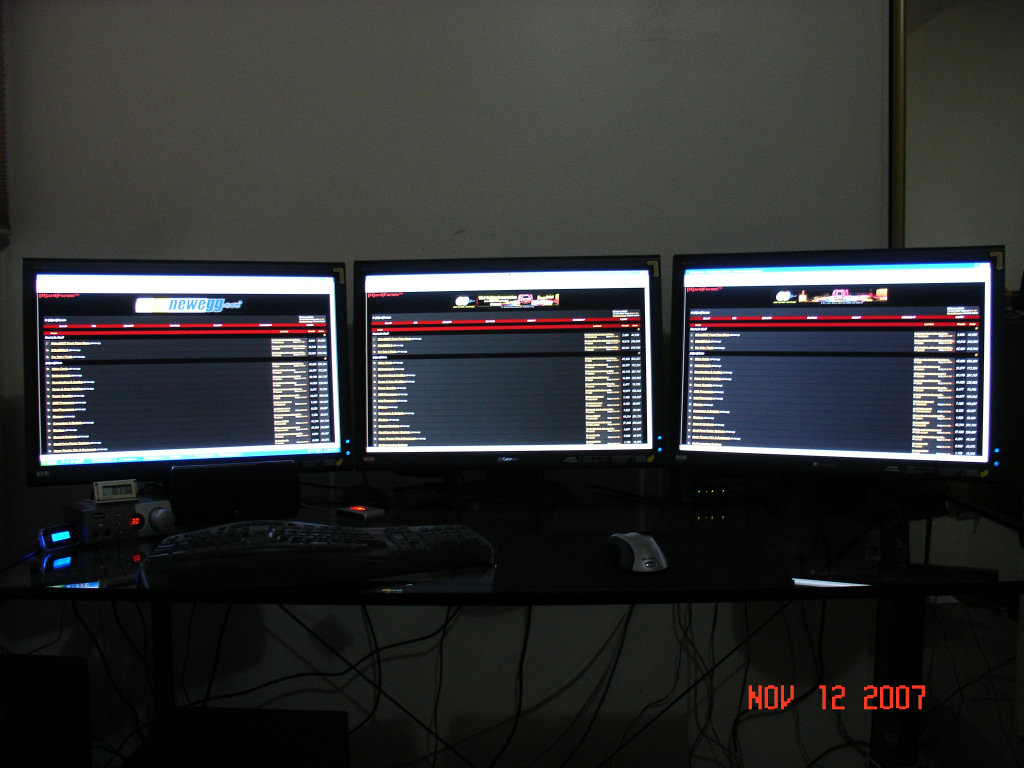
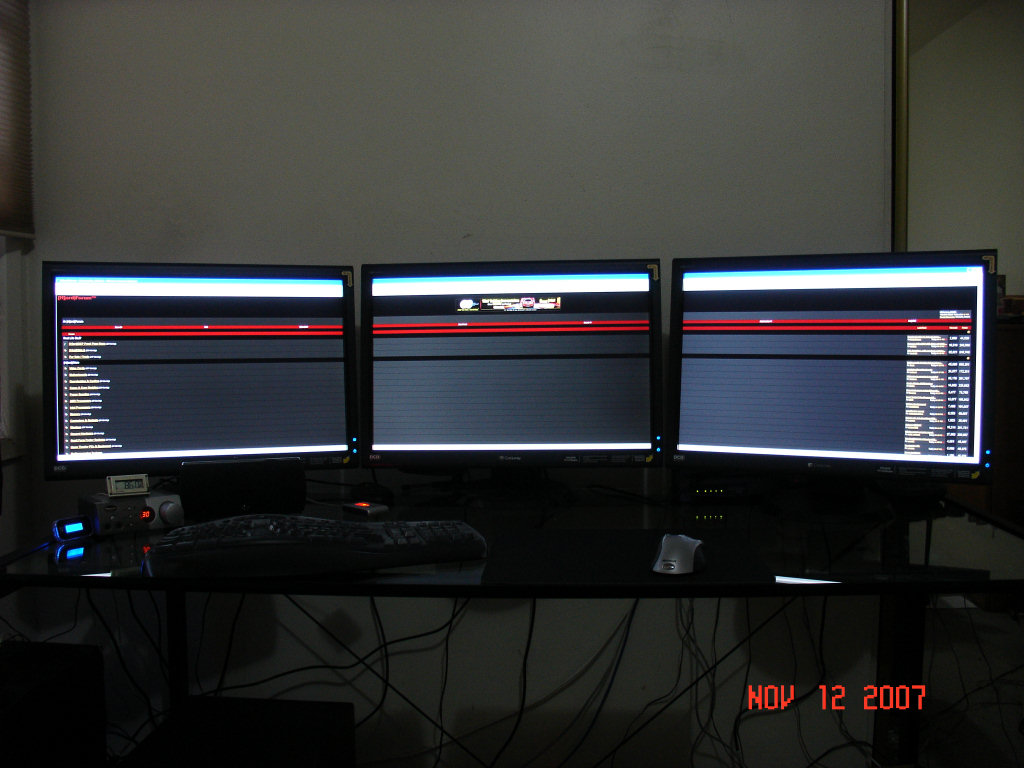
I just updated my system over the weekend. The new system replaces my Athlon 64 X2 5600+ dual Radeon X1900XTX box.

http://www.****************************/new_system_11-07.jpg
http://www.****************************/new_system_11-07b.jpg

This case allows you to run all your wires behind the motherboard tray for a really "clean" look:

http://www.****************************/new_system_11-07c.jpg


My Athlon 64 X2 5600+ dual Radeon X1900XTX system is now my back up box.
 
You'd be amazed at how fast it can open MS Word, Internet Explorer and Windows Mail. :eek: LIGHTNING FAST!!!! :D

Seriously, since it is my work box, it won't get much use for gaming / etc. but...when you are reporting on the latest technology, you can't have a 486x box. You actually need something that can run the latest benchmarks, utilities, programs and DX10 games so you can get the screenshots and information you need for news, et. etc. etc.

It's hard to report on how great Crysis looks when you don't have a system that will run it ;)

(with that said, I do have a "Gaming Only" box that is being redone too)
 
I just updated my system over the weekend. The new system replaces my Athlon 64 X2 5600+ dual Radeon X1900XTX box.

http://www.****************************/new_system_11-07.jpg
http://www.****************************/new_system_11-07b.jpg

That rig is fiendishly good.
 
GTR2 with 3 Monitors

3monitors.jpg


3monitors1.jpg
 
Quad Monitor:


------------------------------------------------------------
My rig:
Thermaltake Tsunami Dream case
Tyan S2927 Mobo
2x Dual Core 2.2ghz Opteron Processors
4x 1 gig Kingston DDR667 Dual-Channel Registered ECC Ram
2x 150gig WD Raptors 10,000rpm
2x 750gig WD
2x EVGA GeForce 8600GT SLI
Sony 20x Dual-Layer DVD burner
Sound Blaster Audigy Platinum
2x 22" Widescreen Samsung
2x 22" Widescreen Dell
Windows XP pro sp2
----------------------------------------------------------------------
 
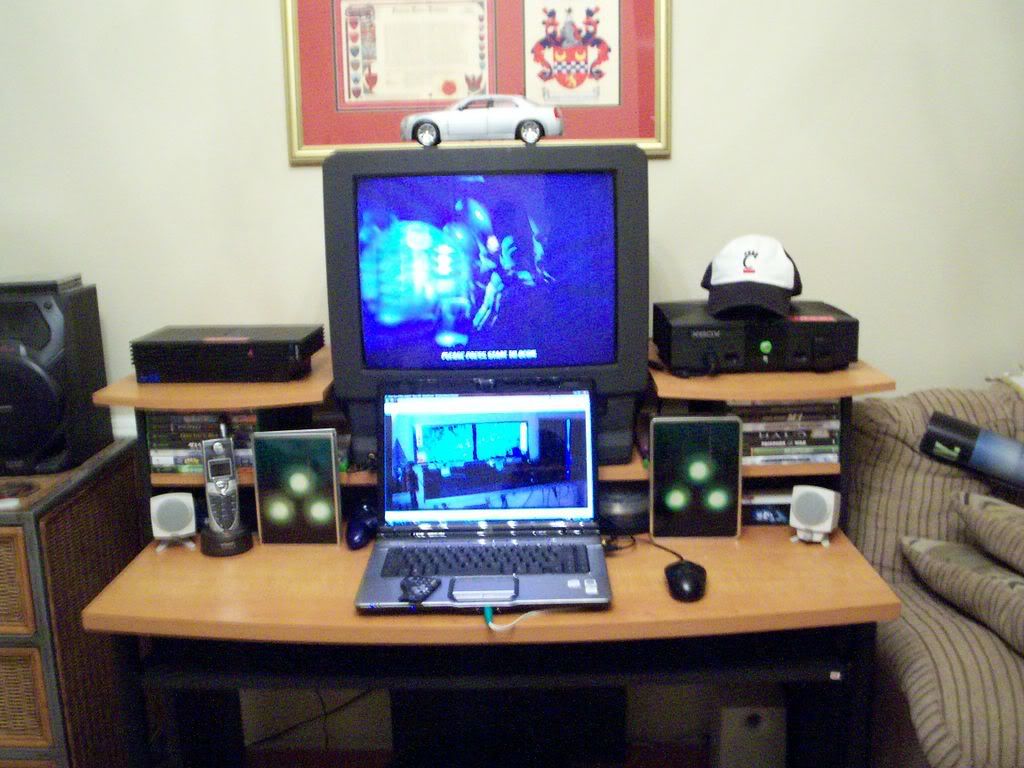
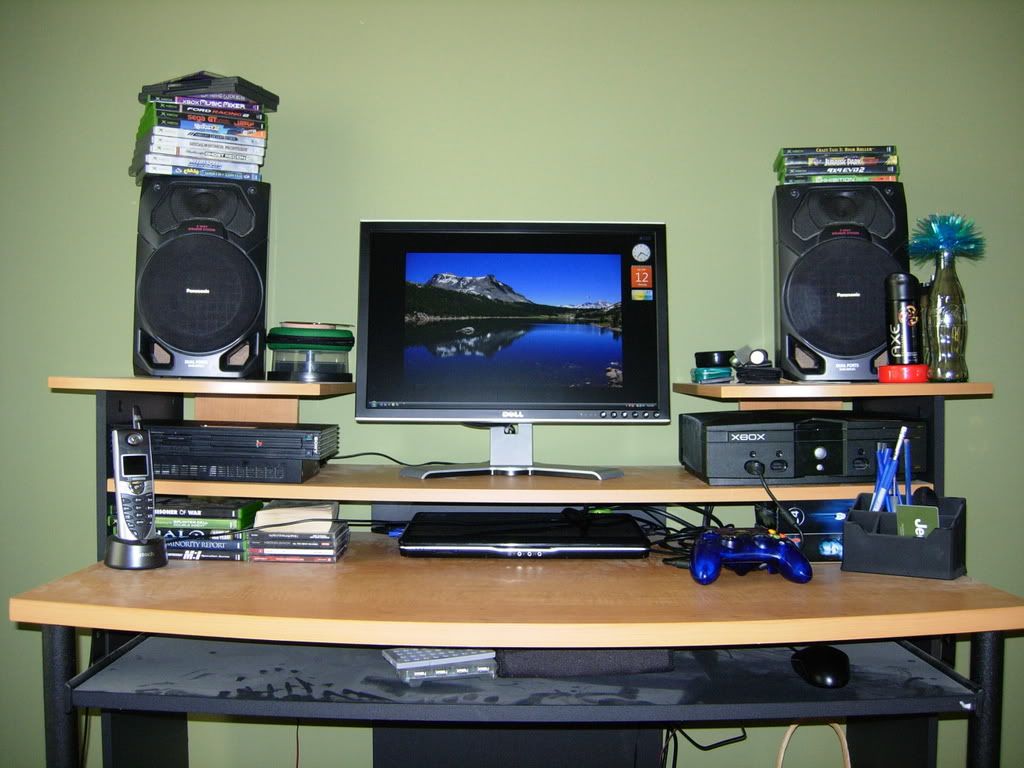
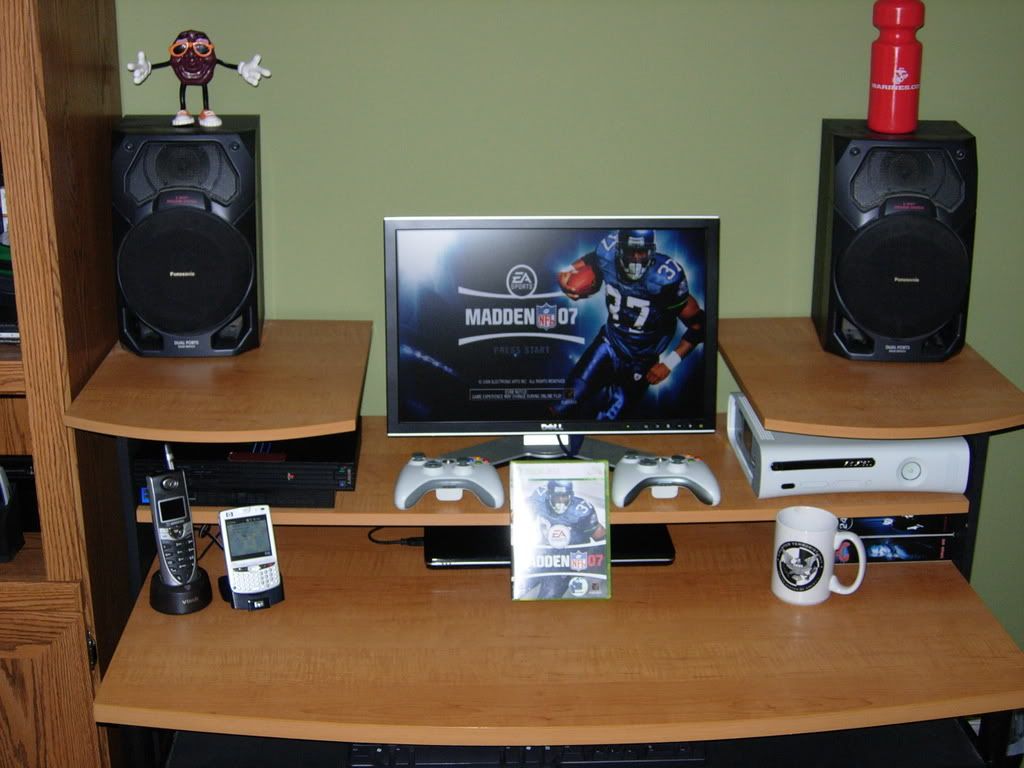
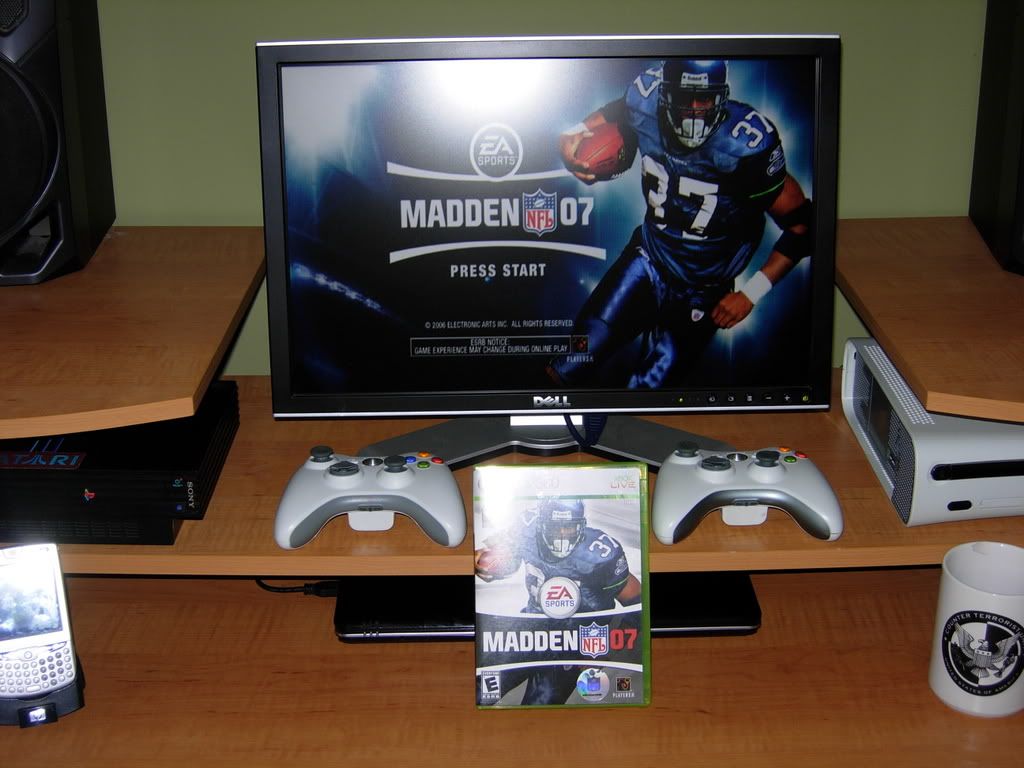
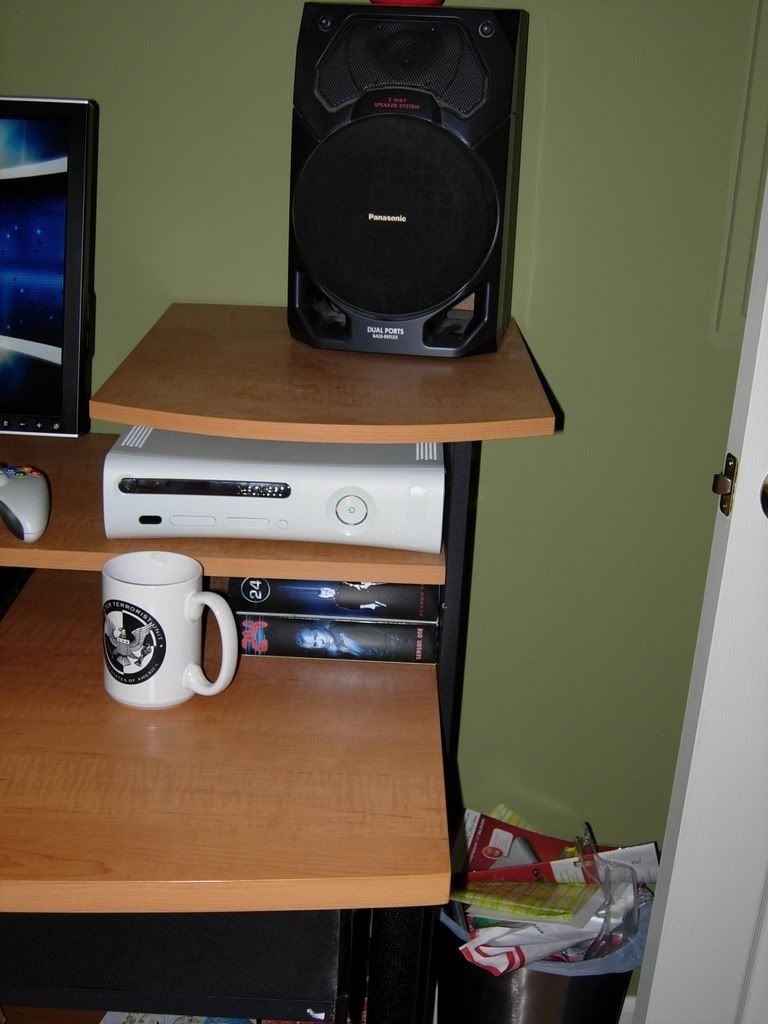
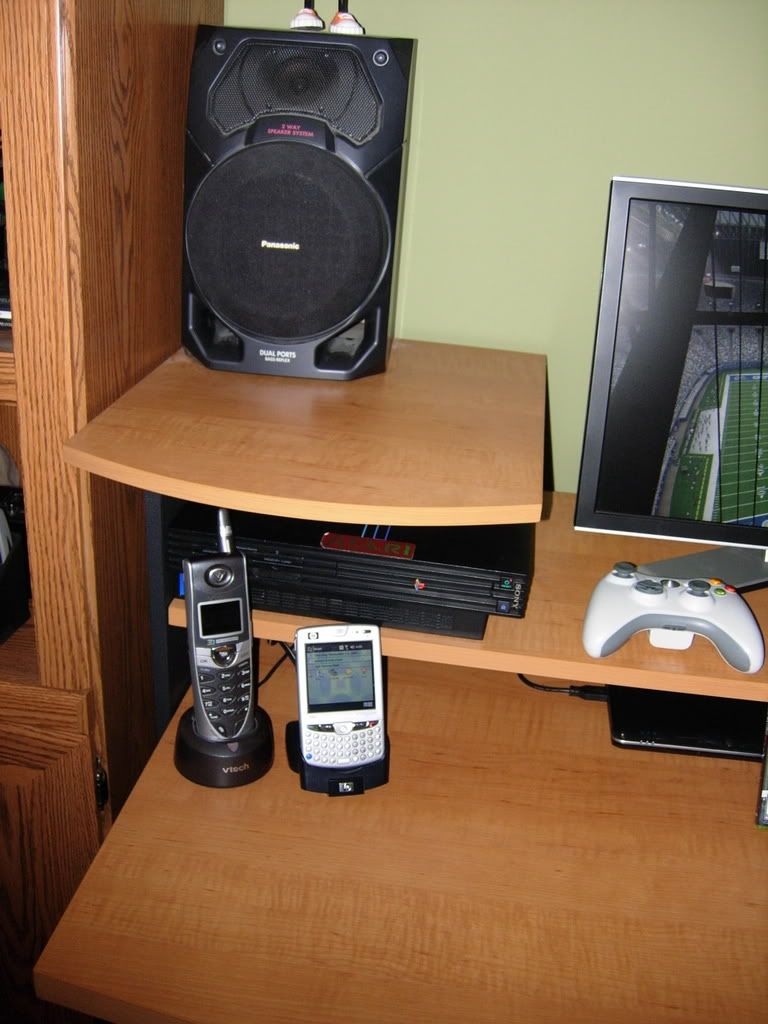
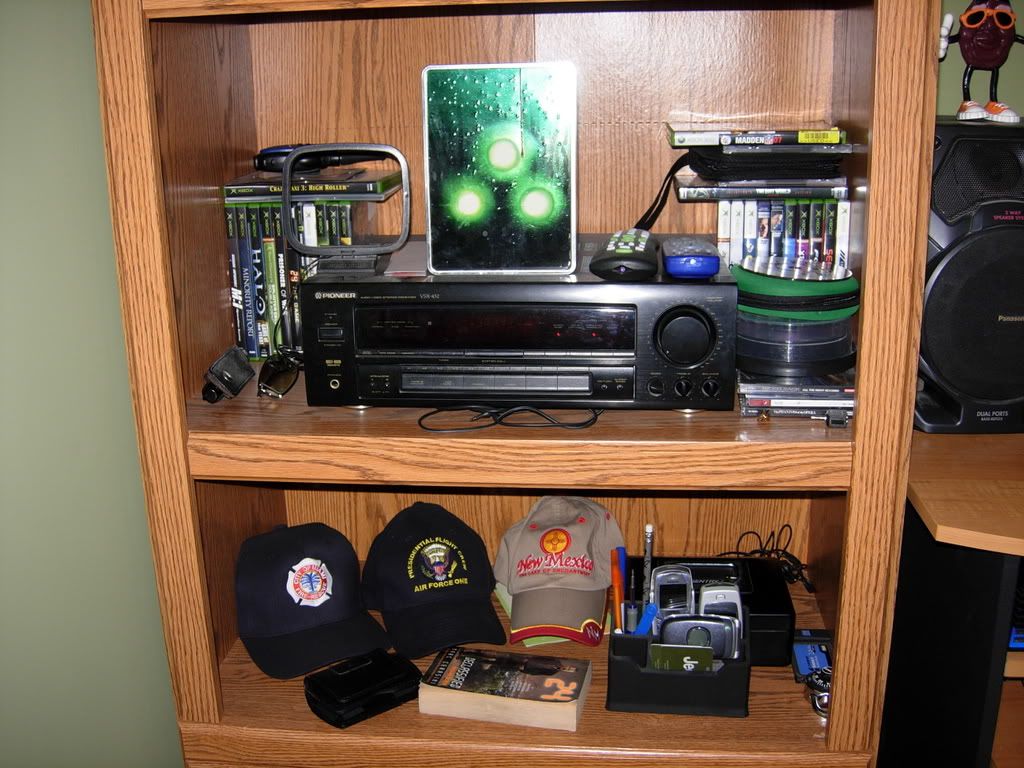
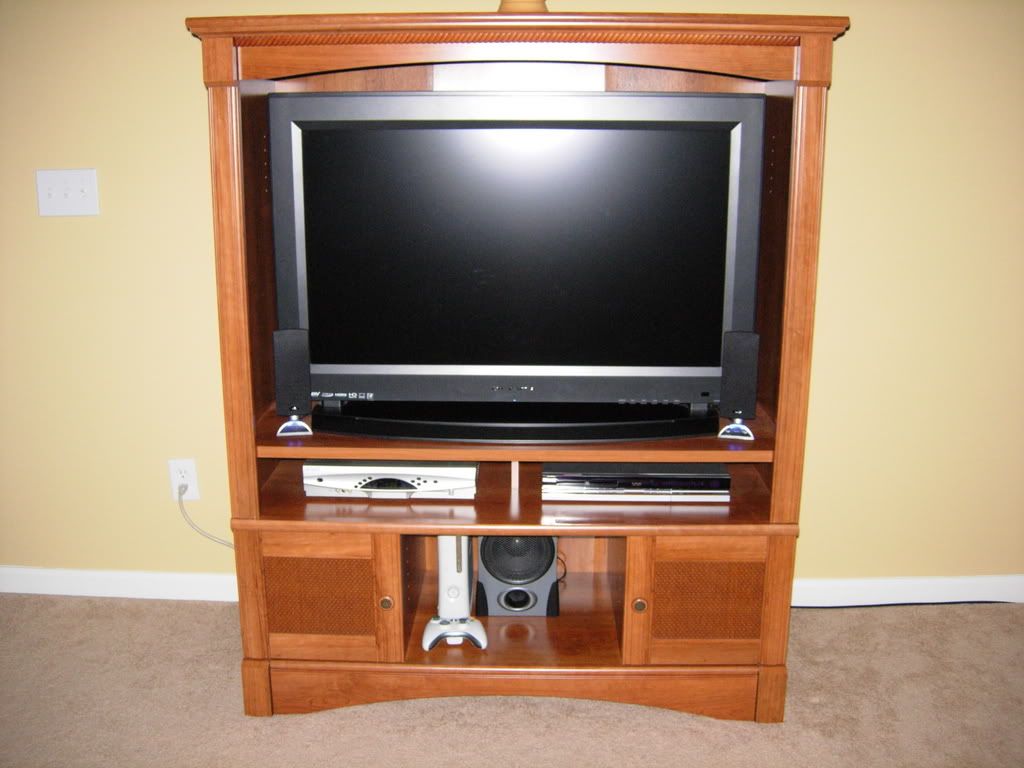
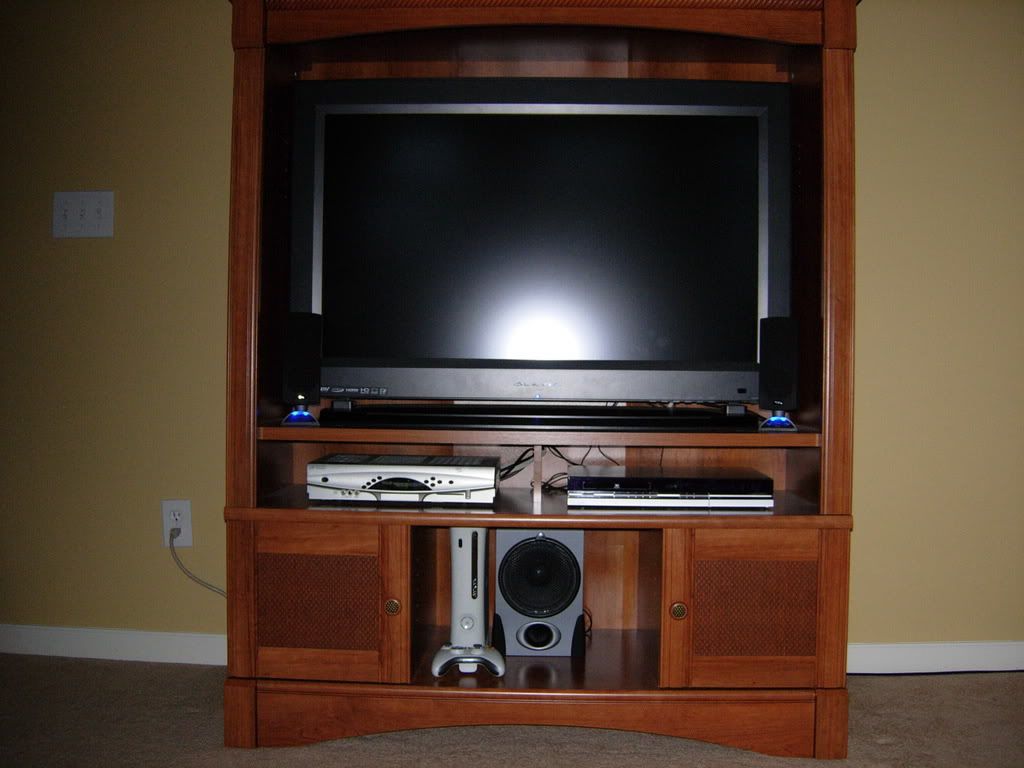
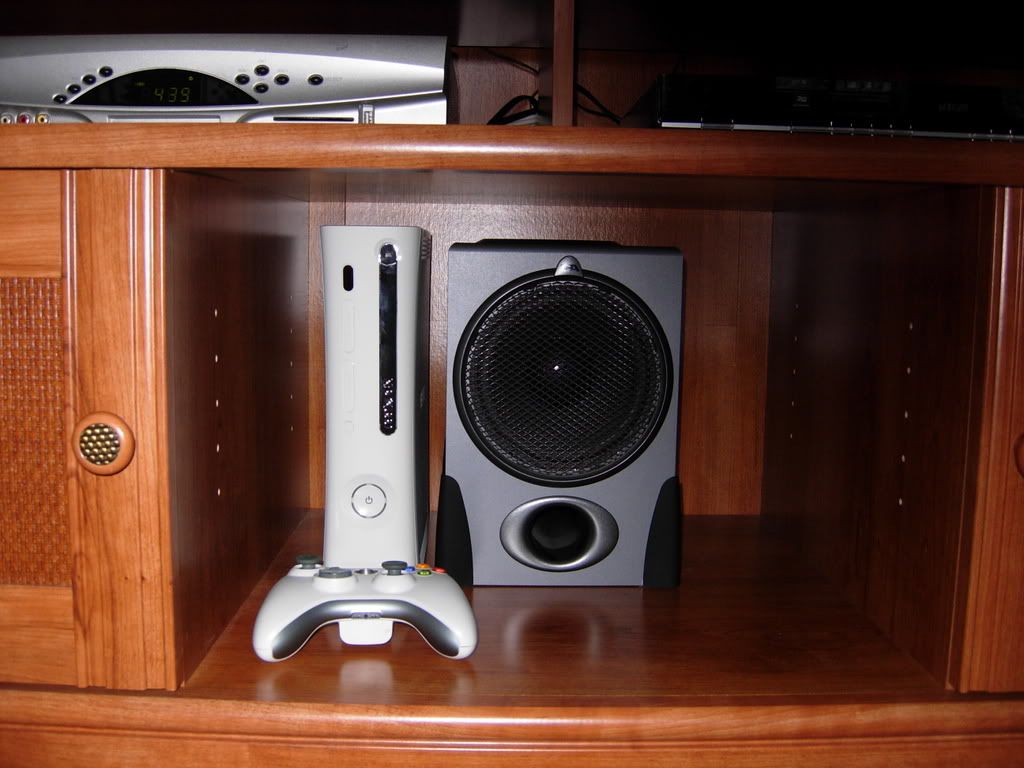
updated the setup. Got the HDMI 360 set up and everthing is running smoothly. Yes That is a ps2 on the left. I haven't used it in probably 2 years since the dog chewed the controller.:cool: I only bought for the ps2 exclusive "24". Audio goes to the pioneer surround receiver. I hope to get my surround speakers set up when I have time. I also included some pics of the lcd setup in the family room. When I want an even more immersive HD experience I drag the 360 up there. Let me know what you think!:)
Older
060.jpg

Old
DSCN0371.jpg

New
DSCN0572.jpg

DSCN0573.jpg

DSCN0574.jpg

DSCN0575.jpg

DSCN0576.jpg

DSCN0577.jpg

DSCN0578.jpg

DSCN0579.jpg

DSCN0580.jpg
 
DSCN0579.jpg


I had those speakers a while back, and I remember that the sub is not magnetically shielded. I would move it away from that 360.:eek:
 
Here's my setup. I just got the TV and Stand. I need to add a CD/DVD rack on the right and move the sub to the left. Looks empty, but the TV is a 40" Bravia and the wall is about 70". I trimmed the pic but you get the picture. At about 10", 720p looks sick. I might get the 1080p version, but I'll get it next year when it comes down. Till then, this is more than enough.

pic2mt7.jpg


pic1os4.jpg


pic3pg5.jpg


pic4tq4.jpg


The pics with Kong will come out blurry, but I don't have a tripod and there isn't much lighting. But that's the setup. I'll take some pics of my games, but for now this was easier.Hope you guys dig it.

:D
 
Hell yeah! I was just tell Kyle how much I loved this case too...what a coincidence!

Theres quite a few of us that jumped on it right when it came out. As soon as I saw the preview pictures of this case back in August I knew right away that it was the case for me.

I've already scuffed mine up a bit, hauled it to a couple of LANs this month :D
 
I cannot quote on every pic but all are damn amazingly nice .
Deeplove: do u mind telling me what bravia model u got? I am planning to get myself a 40' bravia too. 720p simply looks fantastic. I can try to imagine what 1080p looks like :D.
Please show me how crysis looks like on your bravia :cool: .

regards,
 
I wish I had finished my Gaming rig. I'll be finishing this year.

The model is the KDL-40S3000. I saw the 1080p version right next to it when I did my purchase. After tunning both of them to a certain degree, I like this monitor completely. My brother was like:

"The 1080p is sharper but then again, once your tv is home, you can tweak it and it should look great.".

So I took it home. After turning in my 24" I'll I paid was $608 out the door. I had the 24" for a while. But when we got home, hooked it up to the HD DVD and played Transformer, my brother told me he would get one ASAP. Out the box it looks great. No dead pixels or anything. Knock on wood.

But a good tv for cheap. 720p looks great on this size and distance. Unless you really need to get 1080p, you can get this or anything else that looks good in 720p and use the extra cash for a stand, sound system or HD DVD/360. What really made me buy this is how good Standard Definition looks on it. ONce you tweak it, it's great.

I'm still getting used to it's 8ms response, but it's not a deal breaker. You can get it for less than the Web price at the store. When I got there, I talked the guy down and it came out less because of the exchange. But still a good monitor for $1100-$1499.99.

Splurge man. You only have one life to live.

For Crysis, I'd say big screen, sit about more than 10' and use a good to great 1080p display. If you're sitting 10' or less, a 720p tv of that size or less will be your best bet and great on the wallet. Hope that helps.

:D

img1964va9.jpg


img1977wt6.jpg


img1969tx1.jpg


img1966qn8.jpg


img1962ai3.jpg
 
That's Halo 360 is sick. Is it flat colored or glossy? I would really like to have on. Either the Elite or that one. That's a 24" BenQ right? Nice set up. If you ever worry about cable build up, you can always run over to Home Depot and get some of those wire looms for about $1.00 and change. I got the 1" one and it's holding most of my wires. Even the 360 power brick cable is in there. Less mess. And Wifey Approved.

:D
 
My camera seems to be dying, as these pictures turned out grainy and disgusting. I have no idea what's wrong with it :(

cm690001yn6.jpg

cm690002ru7.jpg

cm690004vi9.jpg

cm690005kd8.jpg


Monitor upgrades are my next project. I'm thinking dual 2005FPWs.

I tried to keep the cables as neat as possible without tying them down, because I haul this rig to LANs every couple of weeks or so.
 
lol thanks :D
how do you like it so far? I was actually refered to that case but didnt realize it was the same one from steves' pic lol
Need something to replace my coolermaster server case
 
man thats some really good wire management you got goin on lol
Ive read somewhere that the case is kindda flimsy, had any trouble like that?
Sweet lookin case, looks to do a good job room wise in it
 
man thats some really good wire management you got goin on lol
Ive read somewhere that the case is kindda flimsy, had any trouble like that?
Sweet lookin case, looks to do a good job room wise in it

Yeah, a lot of it is plastic, the side panels are also kinda flimsy, but it is a $45 case after all.

I honestly have no problem with it. Like I said I've already taken it to a couple of LANs, it handles being tugged around without issue.
 
Back
Top