The Razer Krait has on-the-fly sensitivity & an IR sensor, & is noticeably cheaper than the G5 & those other Razers. Though it's quite small/short, which I personally like but you may not - when I use one of the uni computers with a microsoft intellimouse the things feel huge!Well, on-the-fly sensitivity changing would be nice, 2 side buttons, optical sensor (preferably) and nice feet. Basically, my choice is out of the Razer Diamondback, Copperhead, Deathadder and Logitech G5. The Copperhead looks very similar in shape to that Logitech mouse pictured above, but the laser sensor is putting me off. Then there's the Diamondback, which is very similar to the Copperhead but with an optical sensor (great!), but the rear of the mouse is a lot shallower which, i fear, will mean i can't rest my palm on it. Also, both the Copperhead and Diamondback lack on-the-fly sensitivity changing and don't have very good feet. So this leaves me with the G5 and Deathadder. My current mouse, which is a £7 laser mouse i got from eBay sucks; this is the reason i don't really like laser mice, they feel jumpy and jittery and don't seem to track very smoothly. Anyway, since it's a similar shape to the G5, i think it would make quite a nice upgrade (although not being the ideal shape, and i'm still wary of getting a laser mouse again). So this leaves me with the Deathadder. Apparantly, it has one of the best sensors out there, but it lacks on-the-fly sensitivity changing and i've never used a mouse of that shape so i can't be sure i'd like it. Oh, there's also the MX518, which should be perfect (well, again, not the ideal shape, but i know i can stand it since it's similar in shape to the mouse i use now). You can change the DPI on the mouse, it has the side buttons, optical sensor, but lacks descent feet. I really don't know what to get..
![[H]ard|Forum](/styles/hardforum/xenforo/logo_dark.png)
Navigation
Install the app
How to install the app on iOS
Follow along with the video below to see how to install our site as a web app on your home screen.
Note: This feature may not be available in some browsers.
More options
-
Some users have recently had their accounts hijacked. It seems that the now defunct EVGA forums might have compromised your password there and seems many are using the same PW here. We would suggest you UPDATE YOUR PASSWORD and TURN ON 2FA for your account here to further secure it. None of the compromised accounts had 2FA turned on.
Once you have enabled 2FA, your account will be updated soon to show a badge, letting other members know that you use 2FA to protect your account. This should be beneficial for everyone that uses FSFT.
You are using an out of date browser. It may not display this or other websites correctly.
You should upgrade or use an alternative browser.
You should upgrade or use an alternative browser.
Post Your Workstation 2007
- Thread starter Qtip42
- Start date
- Status
- Not open for further replies.
michaLcoughliN
[H]ard|Gawd
- Joined
- Jan 13, 2007
- Messages
- 1,163
Nice setup, michaLcoughliN. Glass desks look awesome; you're mouse doesn't match the rest of your setup, though.
Thanks
Waiting on my Mx518 mouse the newst to the collection is my Logitech Z5500 surround sound. love them <3Mansize_tissue
2[H]4U
- Joined
- Jan 1, 2007
- Messages
- 2,501
The Razer Krait has on-the-fly sensitivity & an IR sensor, & is noticeably cheaper than the G5 & those other Razers. Though it's quite small/short, which I personally like but you may not - when I use one of the uni computers with a microsoft intellimouse the things feel huge!
How do you change the sensitivity on the Krait; is it the same as what you have to do with other Razer mice and set a macro, hold down the button it's assigned to and scroll to change the DPI?
How do you change the sensitivity on the Krait; is it the same as what you have to do with other Razer mice and set a macro, hold down the button it's assigned to and scroll to change the DPI?
razer mice have a button on the bottom of the mouse which changes to different profiles that have been saved
Mansize_tissue
2[H]4U
- Joined
- Jan 1, 2007
- Messages
- 2,501
razer mice have a button on the bottom of the mouse which changes to different profiles that have been saved
That's not same same as what the Logitech G5 offers, for example. I mean, it's going to be difficult to switch the profile in the middle of a gunfight if you decide you want to use a sniper rifle or something.
[Ao1]Powerkiller
Account Closed
- Joined
- Aug 31, 2006
- Messages
- 147
I have a Razer Diamondback, I don't have that button, but what I can do is change the senesitivity on the fly, while in game, by usung a side button, and movign the mouse wheel up or down to increas/decreease sesnsitiivty.
Erm, no? The Krait uses a macro/shorcut, usually hold some button + scroll.razer mice have a button on the bottom of the mouse which changes to different profiles that have been saved
I've just noticed a major flaw in the Razer driver though - the list of operations for the right button doesn't include right click.
Erm, no? The Krait uses a macro/shorcut, usually hold some button + scroll.
ah well their recent mice have that button
HardOCP News
[H] News
- Joined
- Dec 31, 1969
- Messages
- 0
crap picture (fuzzy), I'll have to take a better one later. This is my [H] work rig. Easy on the eyes:
http://www.****************************/workstation_06_1.jpg
http://www.****************************/workstation_06_1.jpg
crap picture (fuzzy), I'll have to take a better one later. This is my [H] work rig. Easy on the eyes:
http://www.****************************/workstation_06_1.jpg
I thought X-Fire was like SLI, in that you could not run more than on monitor?
HardOCP News
[H] News
- Joined
- Dec 31, 1969
- Messages
- 0
Is that a Cohiba in the ash tray?
I really like the wood corner between the glass.
*cough*I found that Cuban cigar on the street sir, honest*cough*
Good eye The wood replaced the glass I broke awhile back, my FedEx driver made it for me...he's cool like that.
I thought X-Fire was like SLI, in that you could not run more than on monitor?
IF you have them running in CrossFire mode (which I did, originally) I use the primary card for the middle monitor and the secondary for the other two. If I HAD to do some quick gaming, I can on the middle monitor.... you know, just in case
I have a gaming / recreation rig as well, I don't like to game on my work box.
crap picture (fuzzy), I'll have to take a better one later. This is my [H] work rig. Easy on the eyes:
http://www.****************************/workstation_06_1.jpg
i really like that setup
Nice !
crap picture (fuzzy), I'll have to take a better one later. This is my [H] work rig. Easy on the eyes:
http://www.****************************/workstation_06_1.jpg
r those 225bw or 205bw ??
HardOCP News
[H] News
- Joined
- Dec 31, 1969
- Messages
- 0
they are the 225bw 22" LCDs. The price was right so I really couldn't pass them up.
http://www.****************************/225bw.jpg
http://www.****************************/225bw.jpg
lonewolf_31337
n00b
- Joined
- May 30, 2006
- Messages
- 38
nice
nice
i concur. looks like a very comfortable set up to work in


matrix563
Fully [H]
- Joined
- Sep 1, 2006
- Messages
- 19,136
did u build that desk volucris?
I'll bet it's actually a dining room table converted to a desk. Heavy wood tables are excellent as desks.did u build that desk volucris?
hobbes70790
n00b
- Joined
- May 26, 2007
- Messages
- 12


Mansize_tissue
2[H]4U
- Joined
- Jan 1, 2007
- Messages
- 2,501
hobbes70790, what size are those two monitors?
hobbes70790
n00b
- Joined
- May 26, 2007
- Messages
- 12
the one on the left is a 24" gateway, the one on the right is a 19" benq
matrix563
Fully [H]
- Joined
- Sep 1, 2006
- Messages
- 19,136
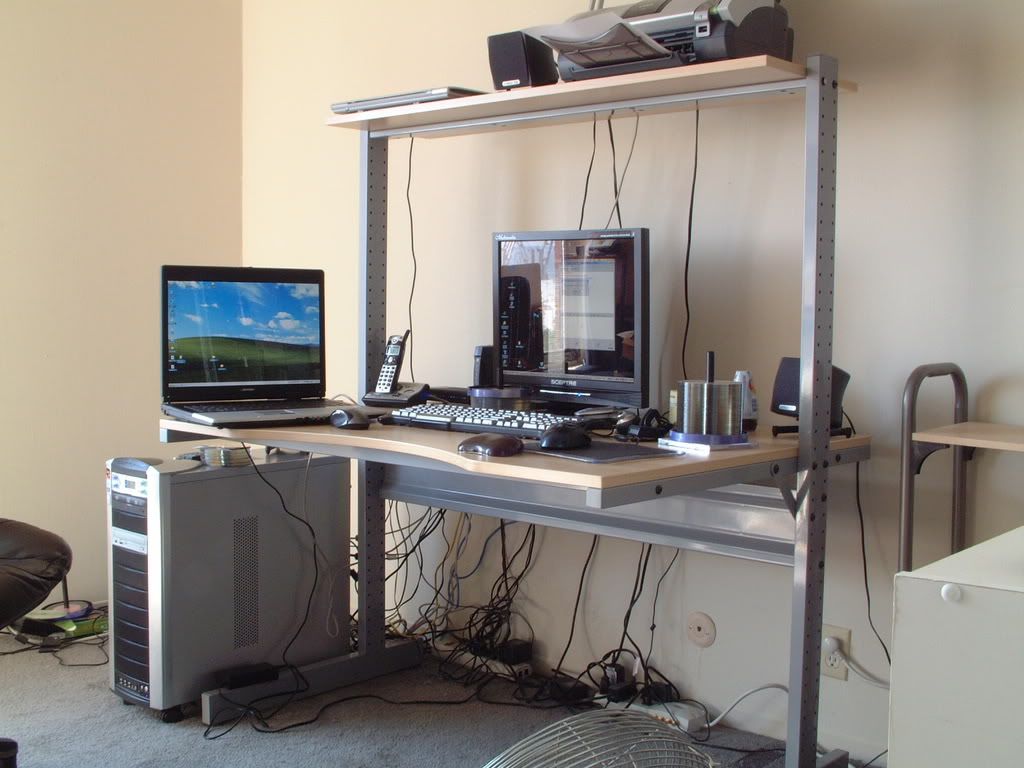
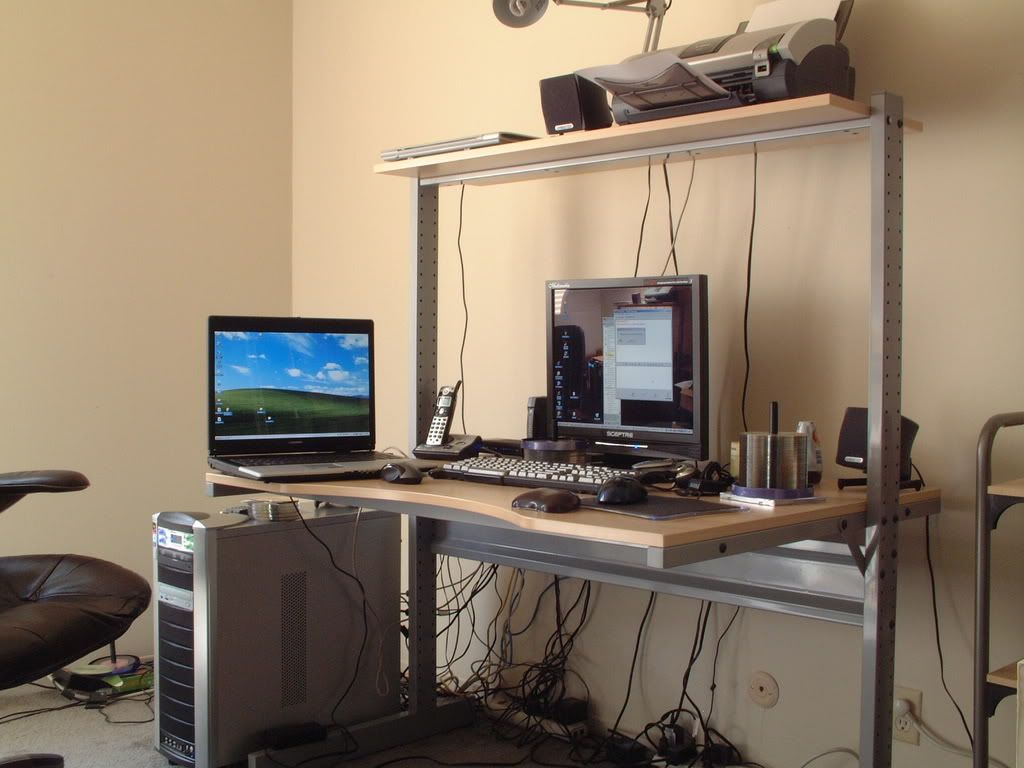
there's a 8 inch 150 watt subwoofer to the left of the pc, somehow i will figure out how to get it in a picture
matrix563
Fully [H]
- Joined
- Sep 1, 2006
- Messages
- 19,136
Another great Ikea, but it begs for cable management!
i move my stuff around too much, haveing it restricted is too hasslesome to remove when i need too
silent-circuit
[H]F Junkie
- Joined
- Sep 18, 2005
- Messages
- 16,132


NickS
[H]ard|Gawd
- Joined
- Sep 22, 2005
- Messages
- 1,953
Now THAT's a desk. Gotcha samsung LCD, logitech mouse, klipsch speakers, black Antec p180, and orthos going.
EDIT: Eww, Thermaltake Watercooling. That negates all of the leet factor, plus some.
EDIT: Eww, Thermaltake Watercooling. That negates all of the leet factor, plus some.
Captain Slow
Limp Gawd
- Joined
- Nov 18, 2006
- Messages
- 280
The corner where a disproportionate amount of my time is spent..


silent-circuit
[H]F Junkie
- Joined
- Sep 18, 2005
- Messages
- 16,132
Now THAT's a desk. Gotcha samsung LCD, logitech mouse, klipsch speakers, black Antec p180, and orthos going.
EDIT: Eww, Thermaltake Watercooling. That negates all of the leet factor, plus some.
Got it for $35. It works, and well. I fail to see why people bash them so hard. (yes, their cases are ugly, yes their PSUs until recently on the very high end are crap, no I don't intend to buy any more Thermaltake stuff.
)sladesurfer
[H]ard|Gawd
- Joined
- Feb 4, 2006
- Messages
- 1,142
mine


- Joined
- Jan 31, 2003
- Messages
- 14,173
all you people and your LCD's!
Im stuck in the stone age with 2 19" CRT flat screens
Im stuck in the stone age with 2 19" CRT flat screens

- Joined
- Jul 17, 2006
- Messages
- 14,458
all you people and your LCD's!
Im stuck in the stone age with 2 19" CRT flat screens
Well, this is 2007. Buy some LCD's? They are dirt cheap now. Just yesterday Best Buy had the 22'' Acer's for $190 each.
mine
http://imageshack.us]http://img254.imageshack.us/img254/5508/dscn1987li7.jpg
[url]http://imageshack.us][/url][IMG]http://img440.imageshack.us/img440/2331/dscn1990an0.jpg[/QUOTE]
Hi slade!!! Hahaha
Lookin good again!! Fancy seeing you over here!!


- Status
- Not open for further replies.