- Joined
- Sep 6, 2006
- Messages
- 8,813
Ah.. as it is I was quite happy with round 1, and haven't had time to mess with round 2 today. We'll see how that goes.
![[H]ard|Forum](/styles/hardforum/xenforo/logo_dark.png)
Follow along with the video below to see how to install our site as a web app on your home screen.
Note: This feature may not be available in some browsers.

The season pass cost 50€...


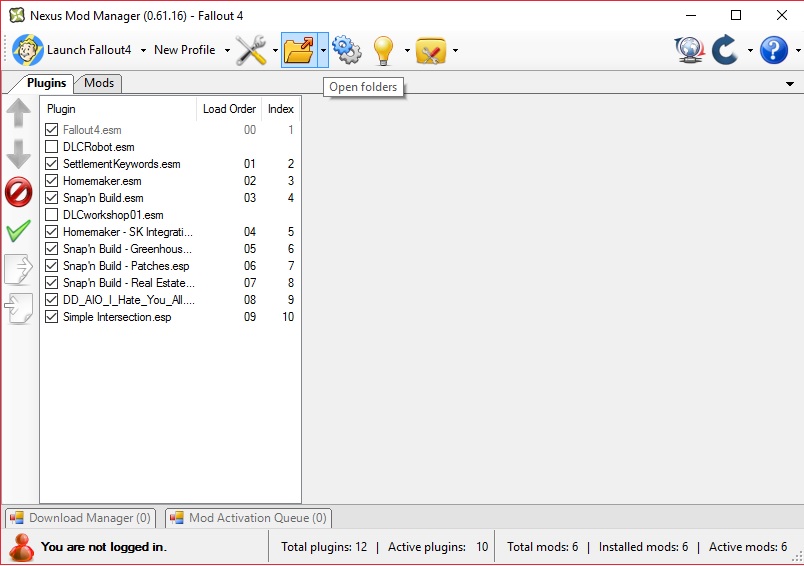
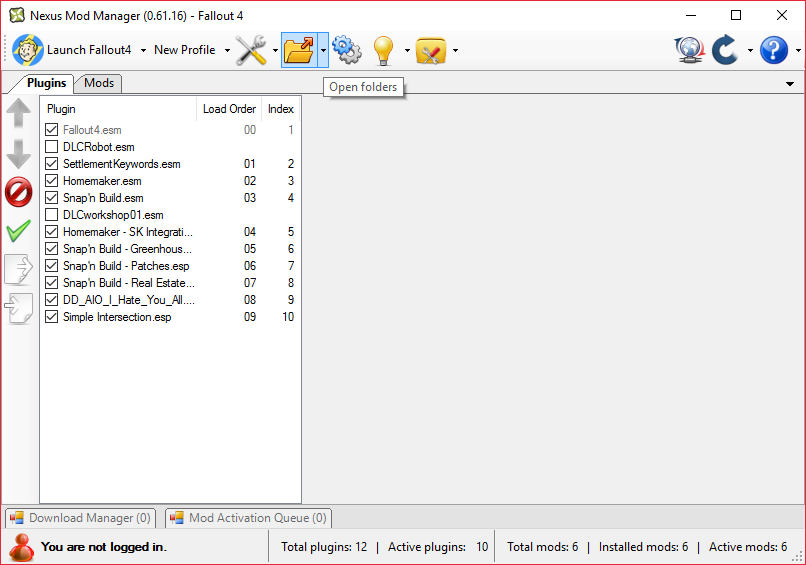
First my boot order:CaptNumbNutz Can you post your load order in spoiler tags so I can take a look at it? If there are missing objects then I can help restore them. Never throw-aside the power of the Fallout series mod-logical Goober!
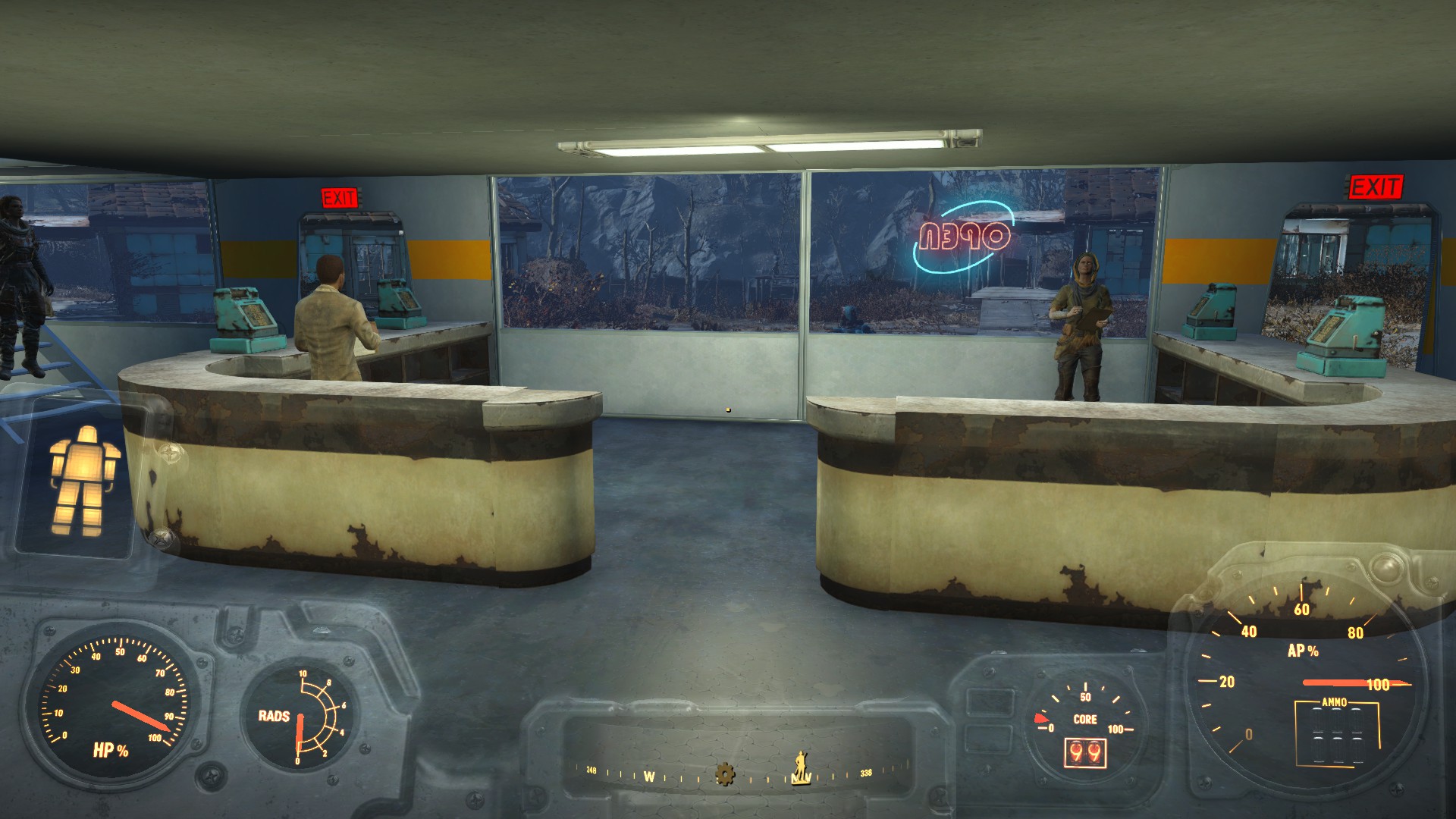

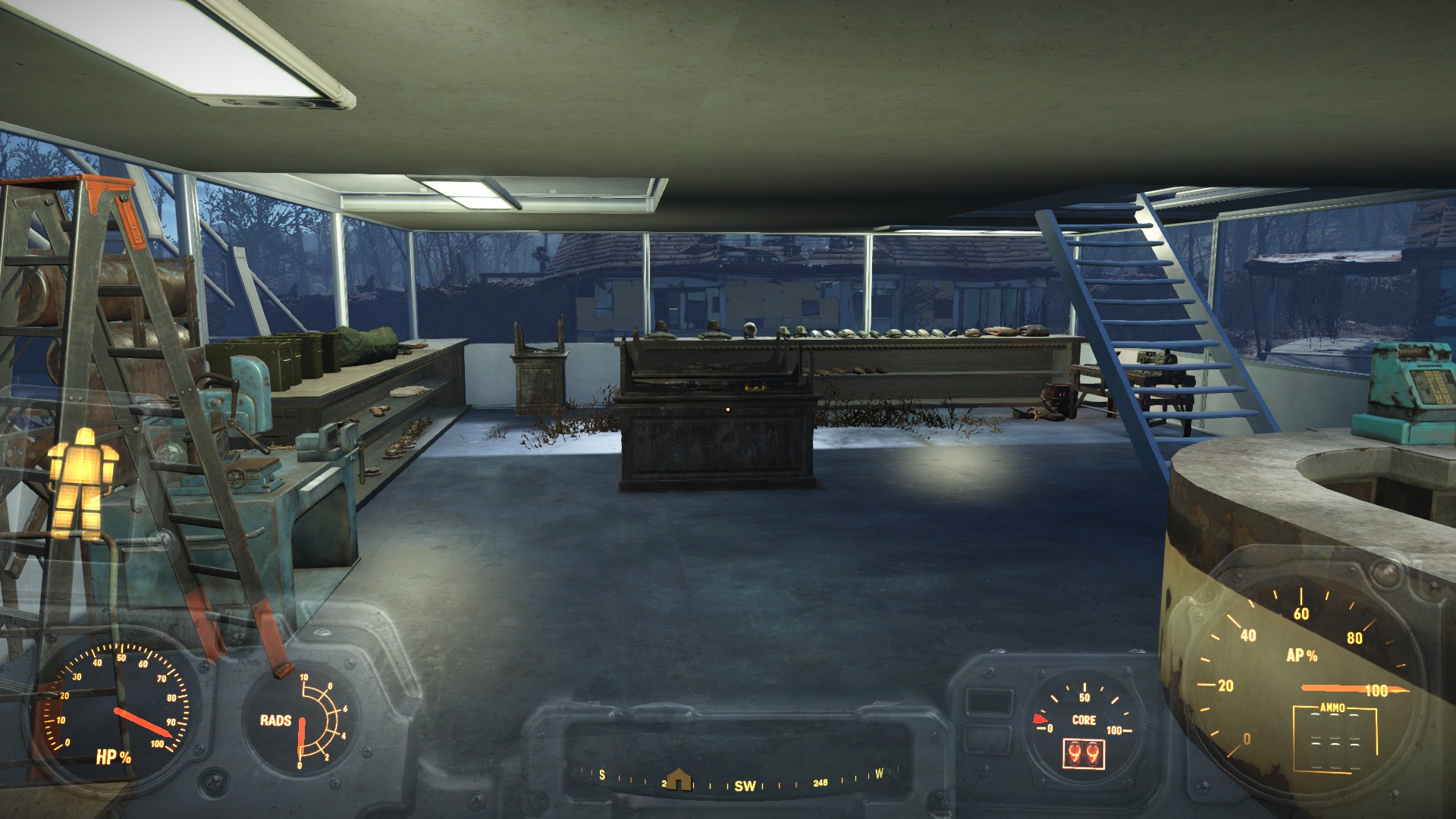
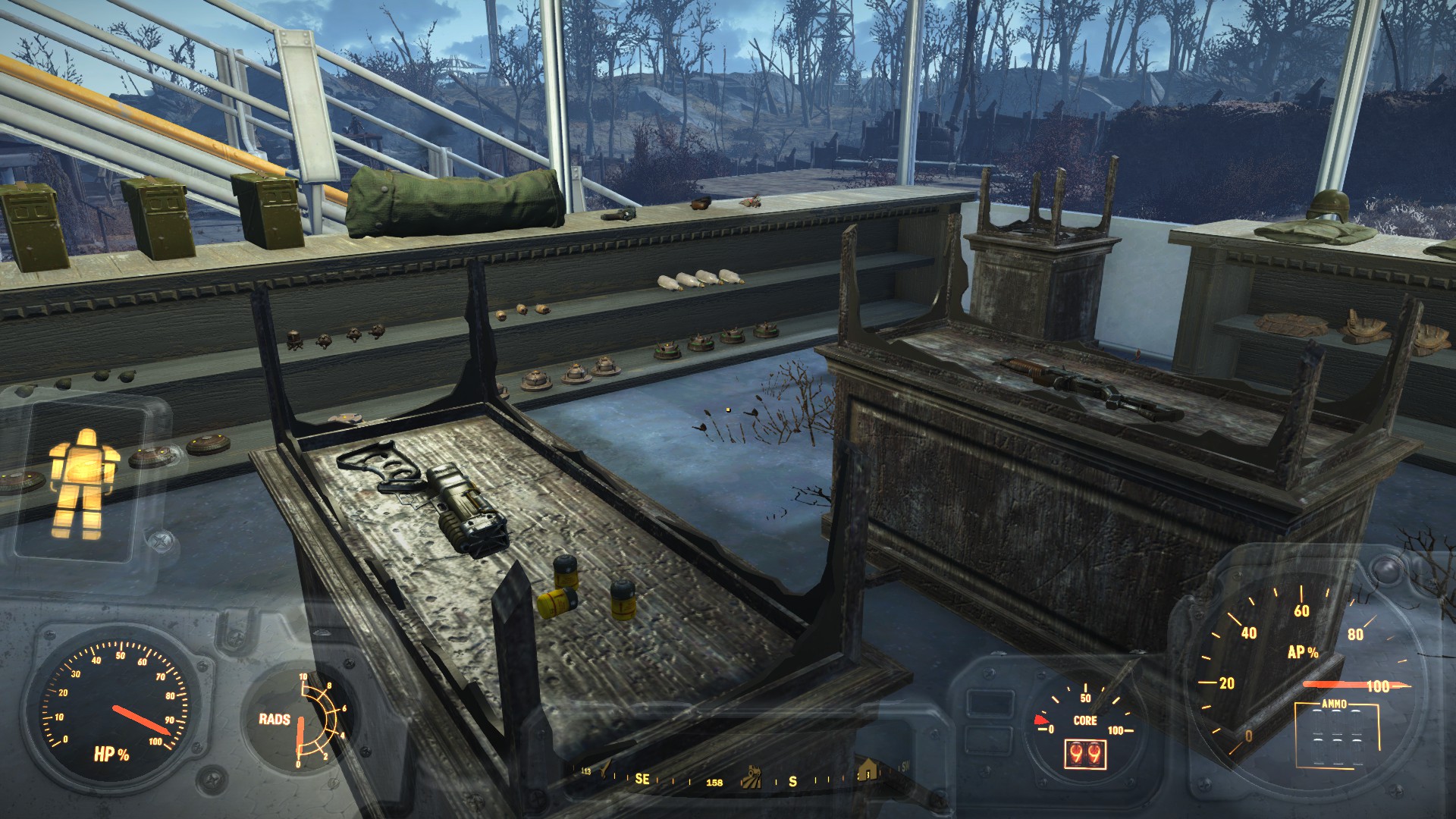
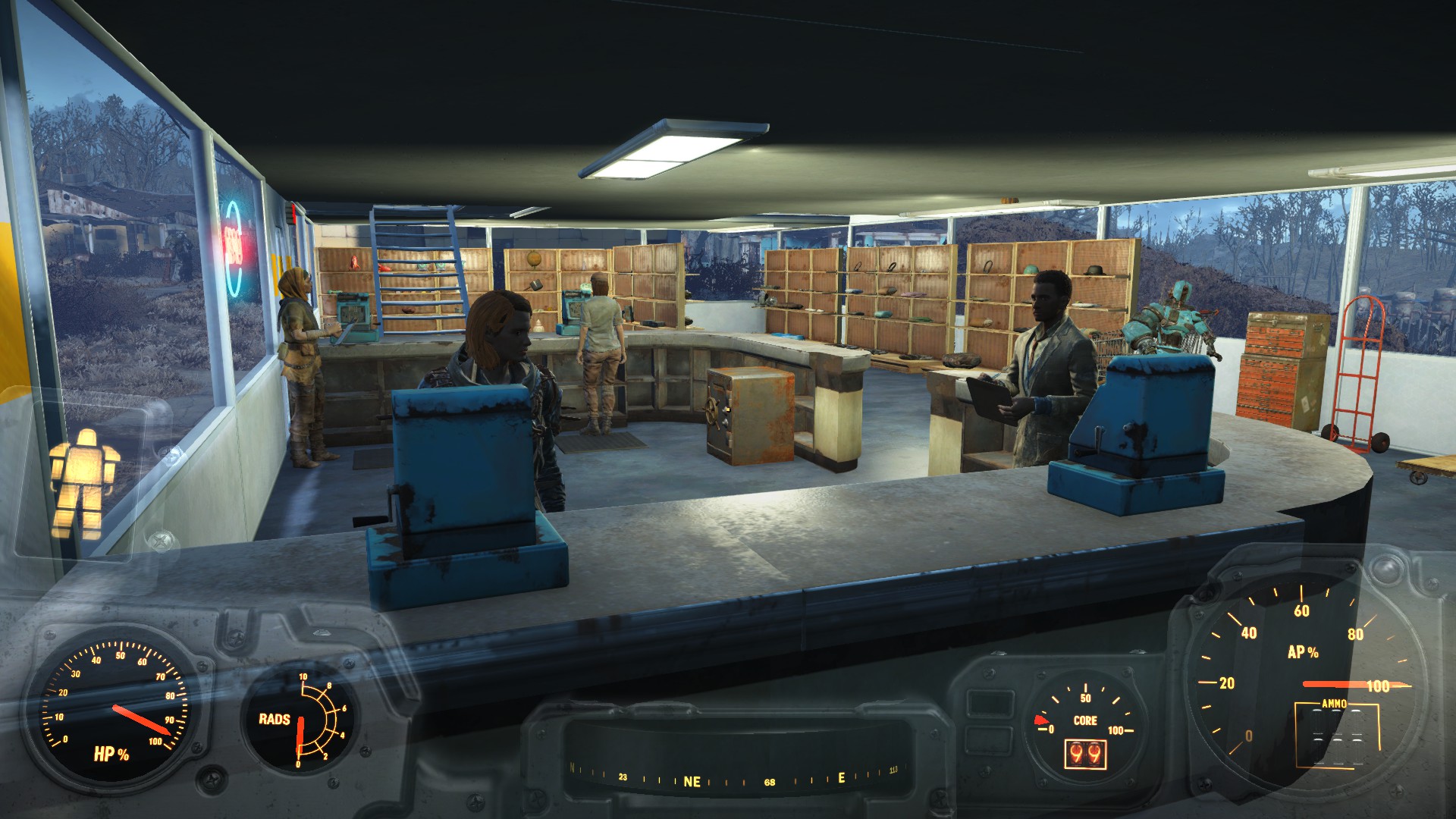
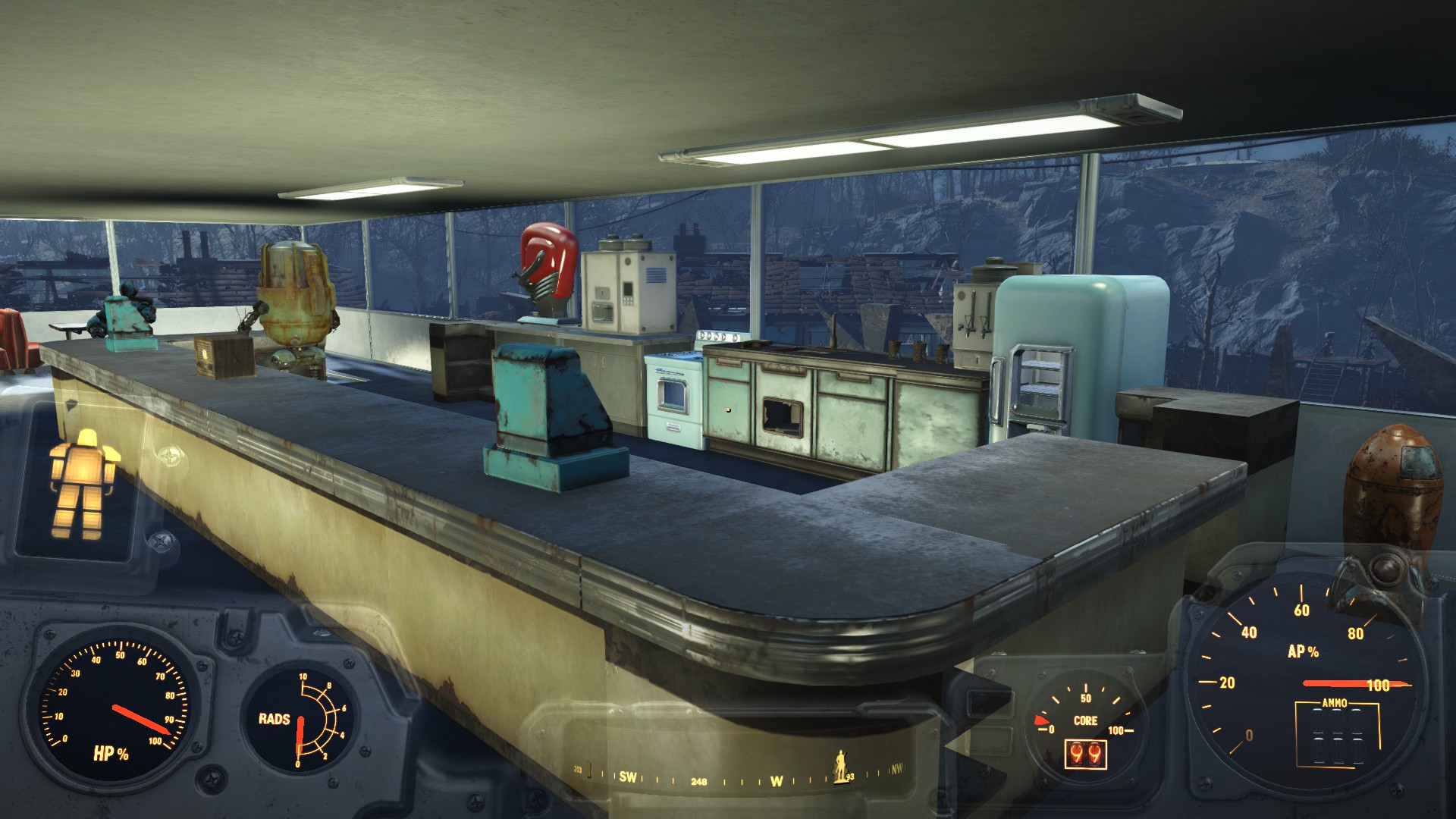
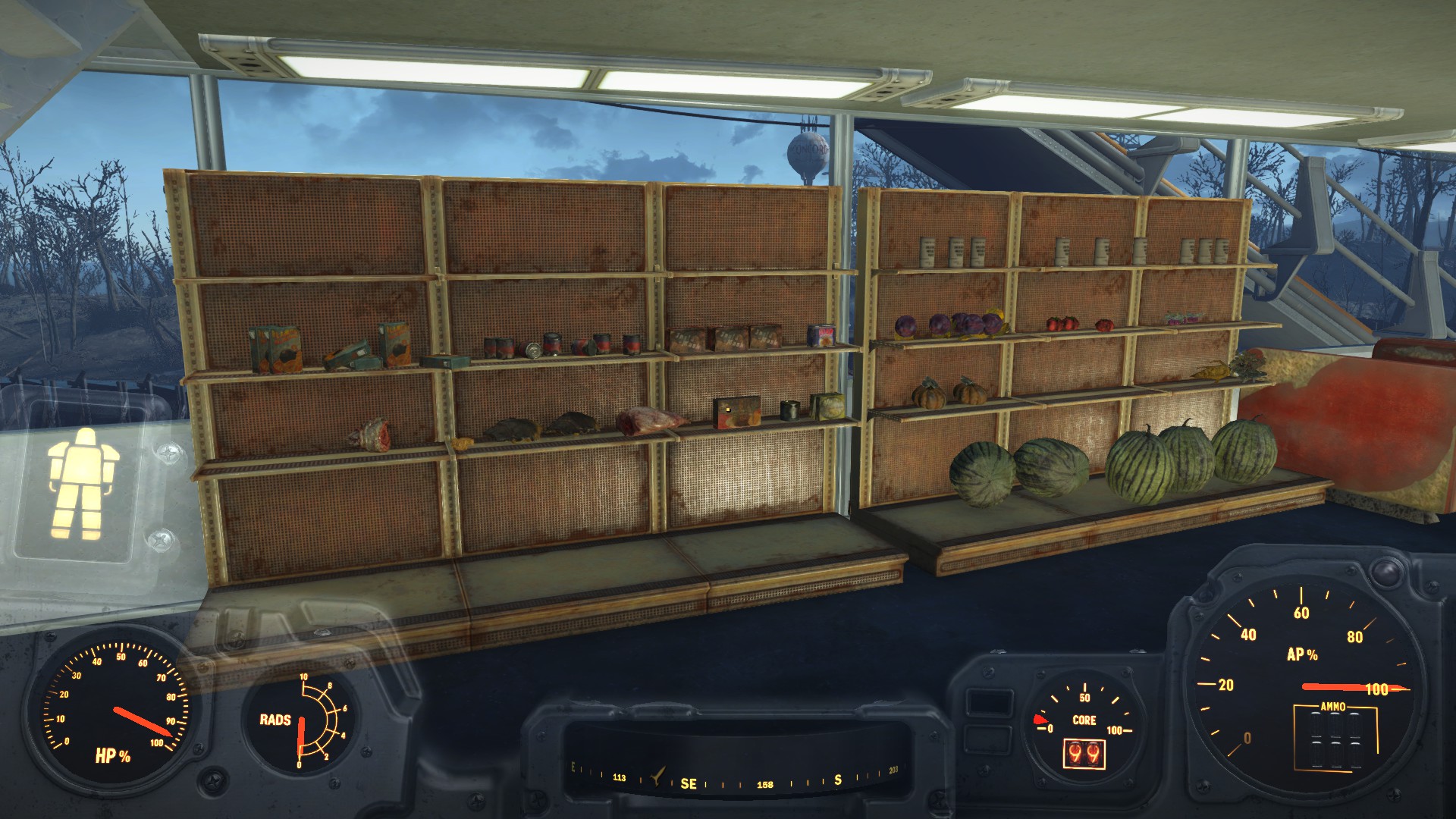
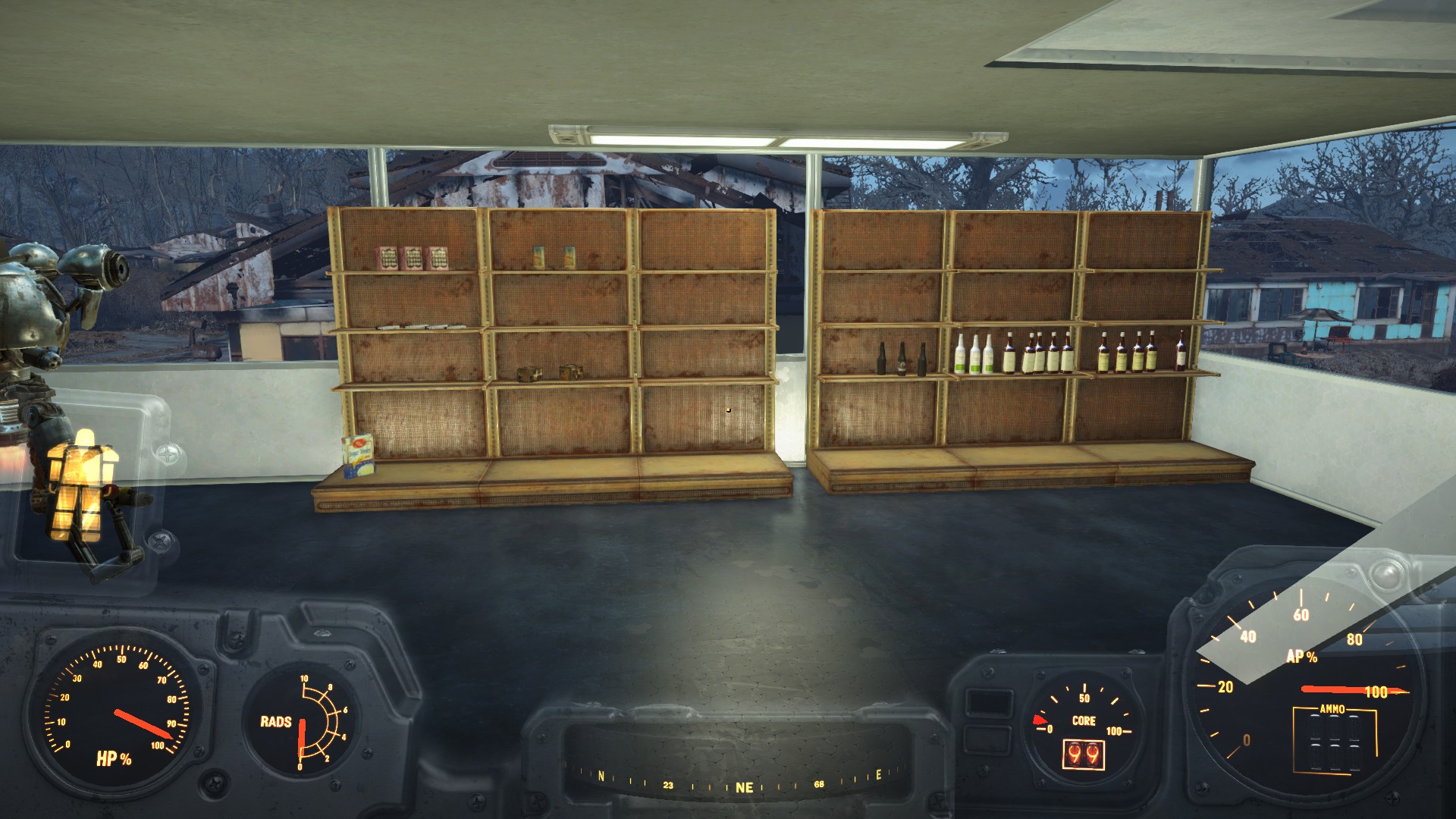
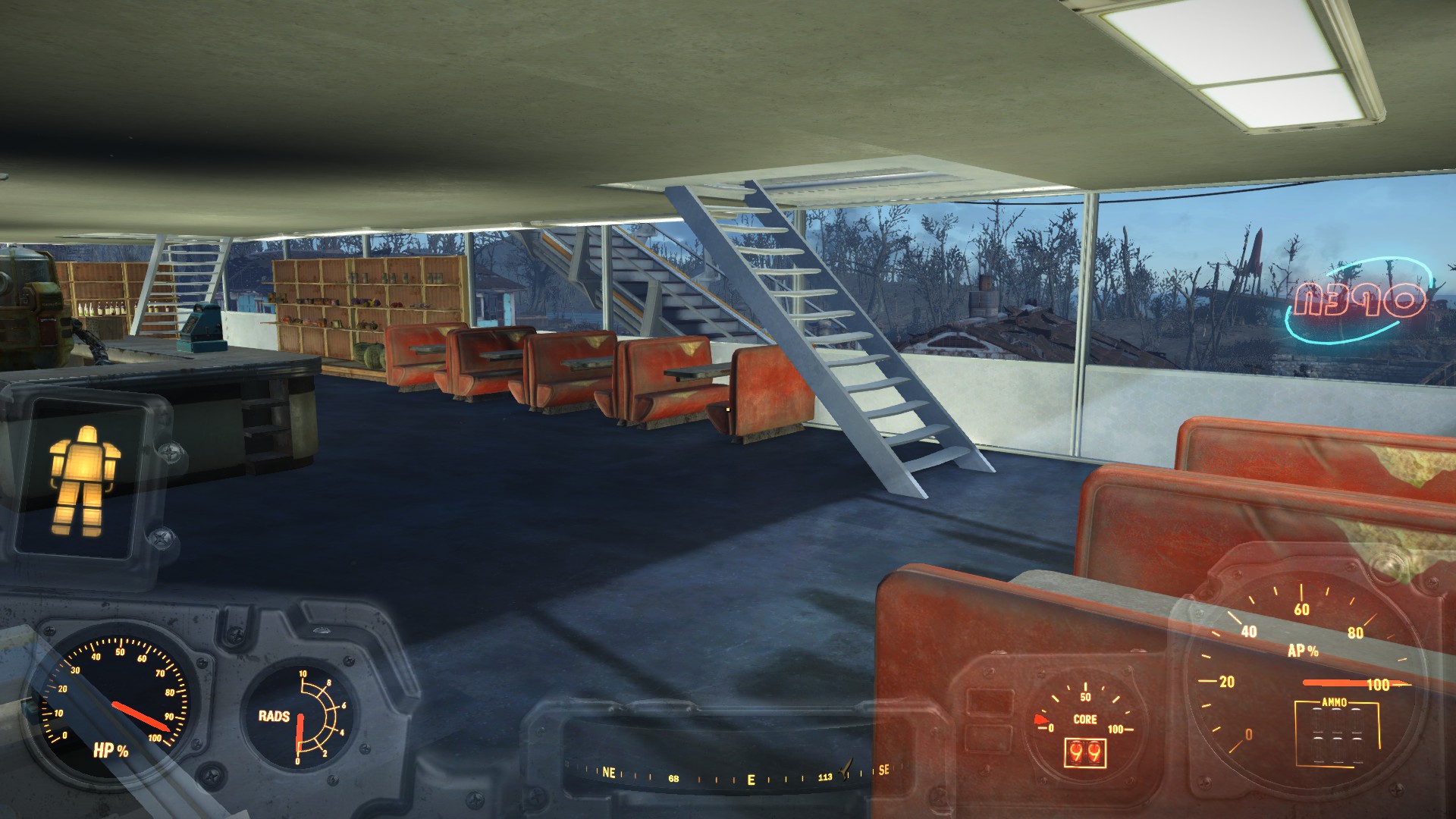

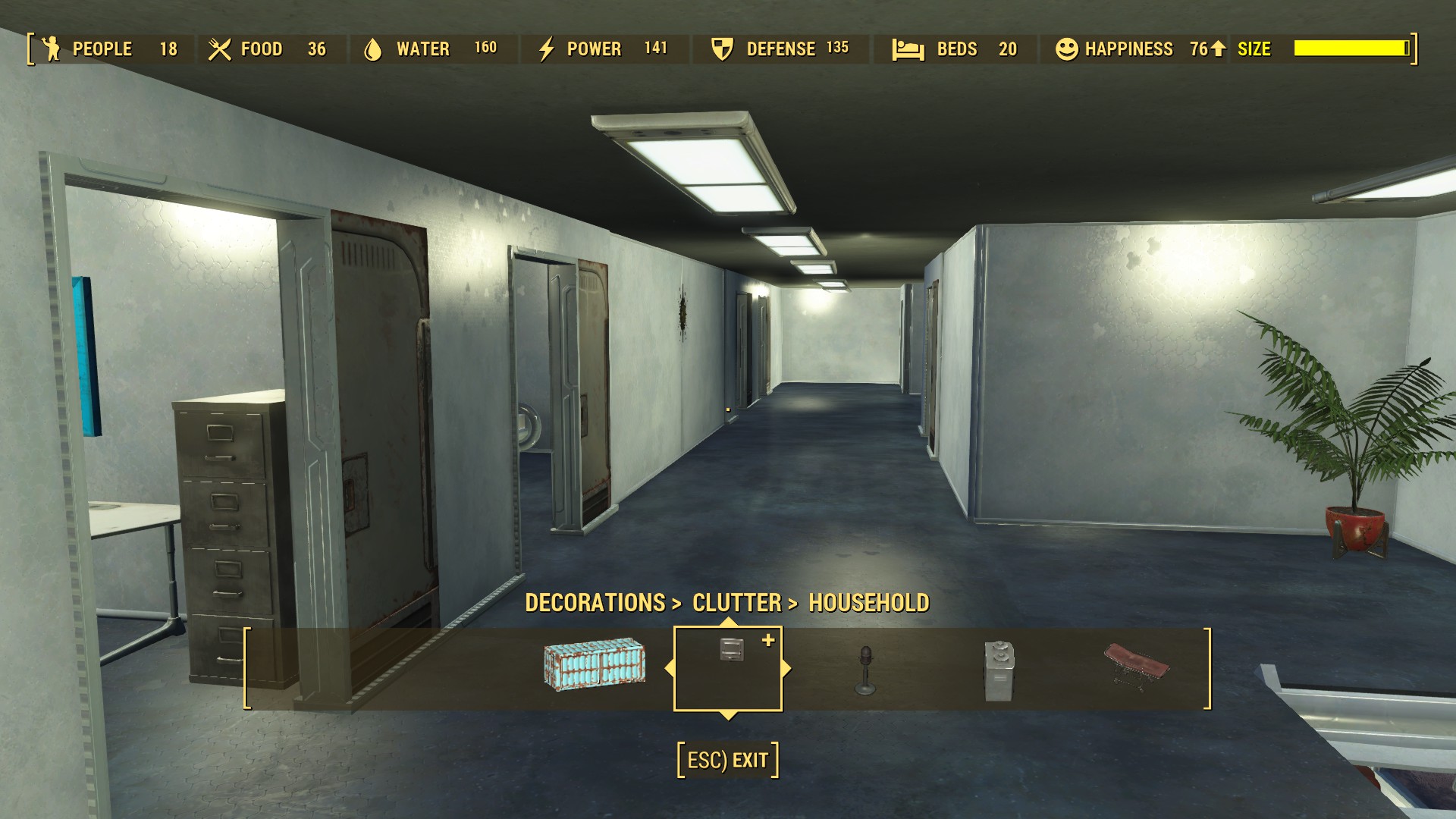
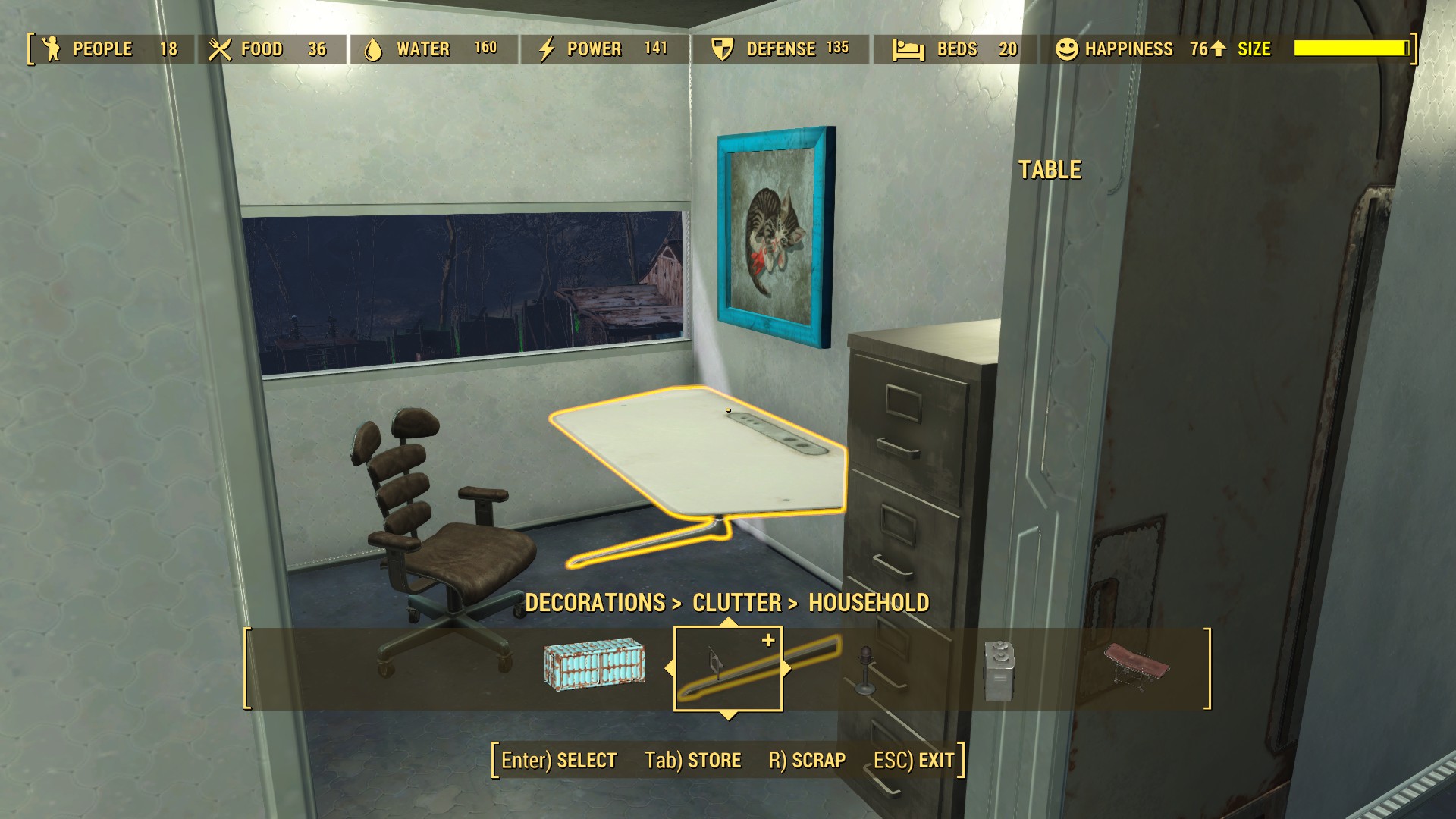
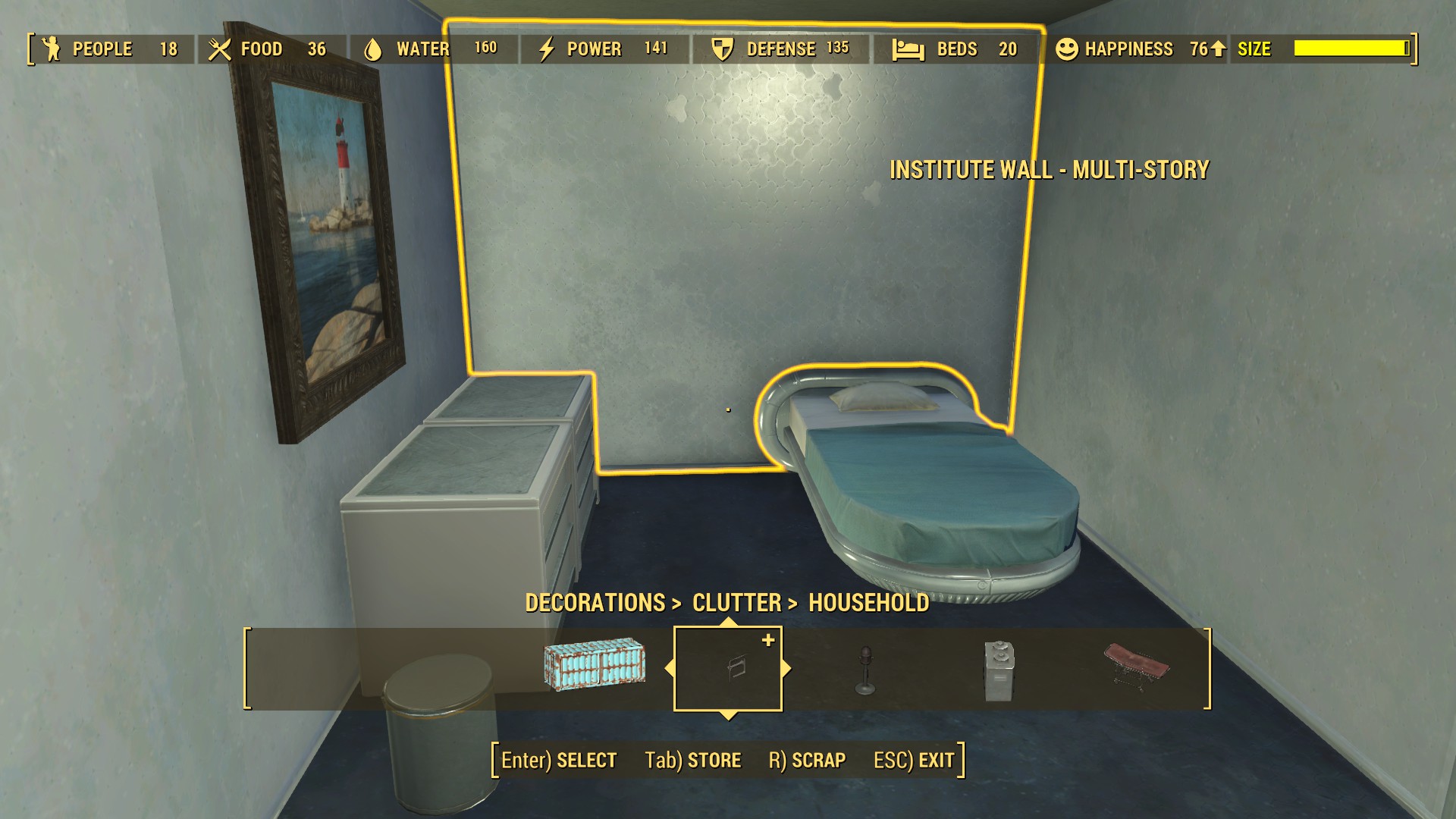
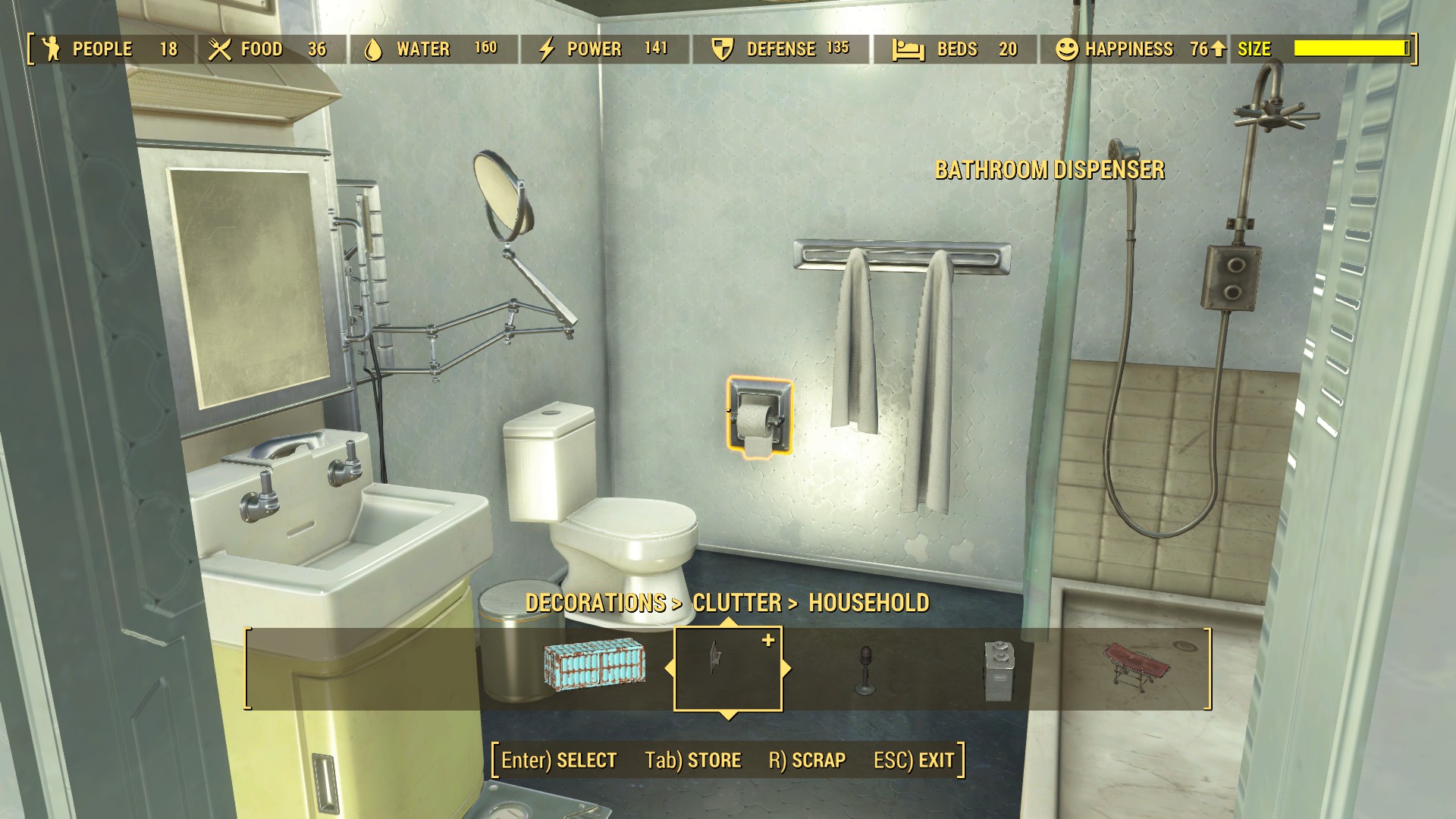
You need to check Nexusmods, there is a mod to make wasteland behave with Homemaker and Settlement keywords. Wasteland Workshop Homemaker and Settlement Keywords Patch at Fallout 4 Nexus - Mods and communityThe new Wasteland Workshop DLC is out and I have it installed and all seems to be well but I'll be danged if I can find the options in my workshop menu. I wouldn't be surprised if there was some sort of "overlap" with certain mods but I'm content to wait things out before I mess up the good situation I've got.

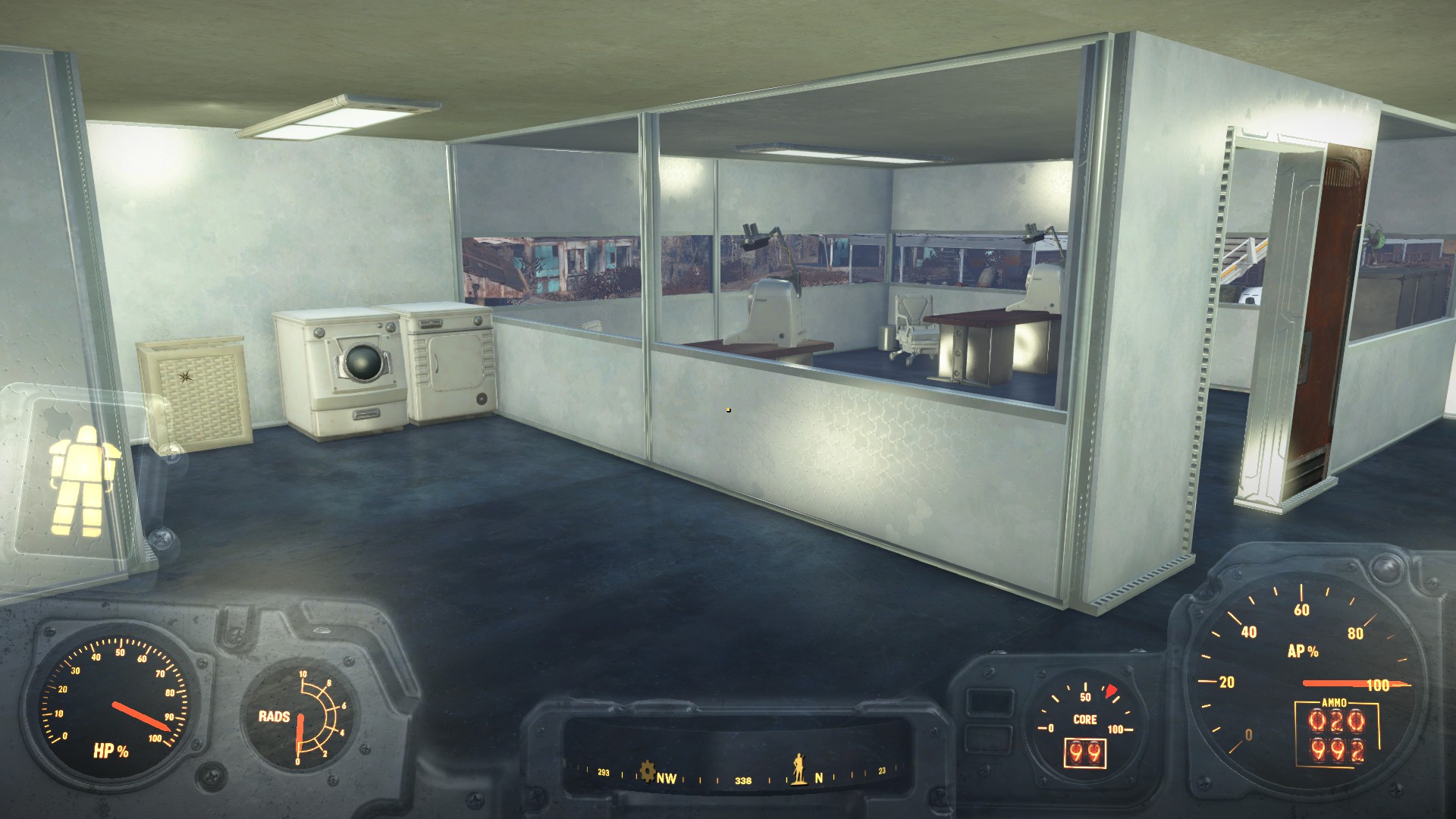
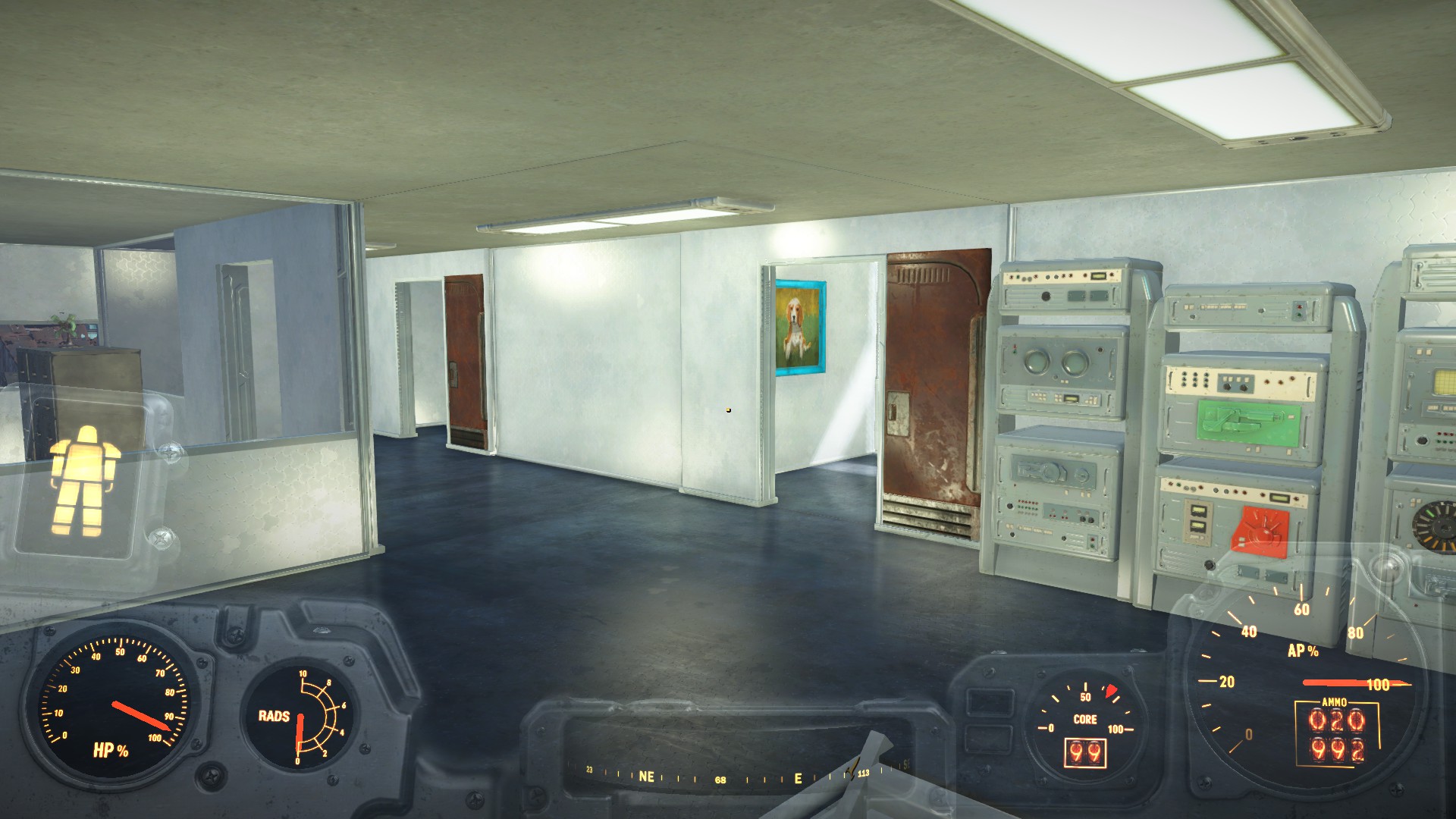
You need to check Nexusmods, there is a mod to make wasteland behave with Homemaker and Settlement keywords. Wasteland Workshop Homemaker and Settlement Keywords Patch at Fallout 4 Nexus - Mods and community
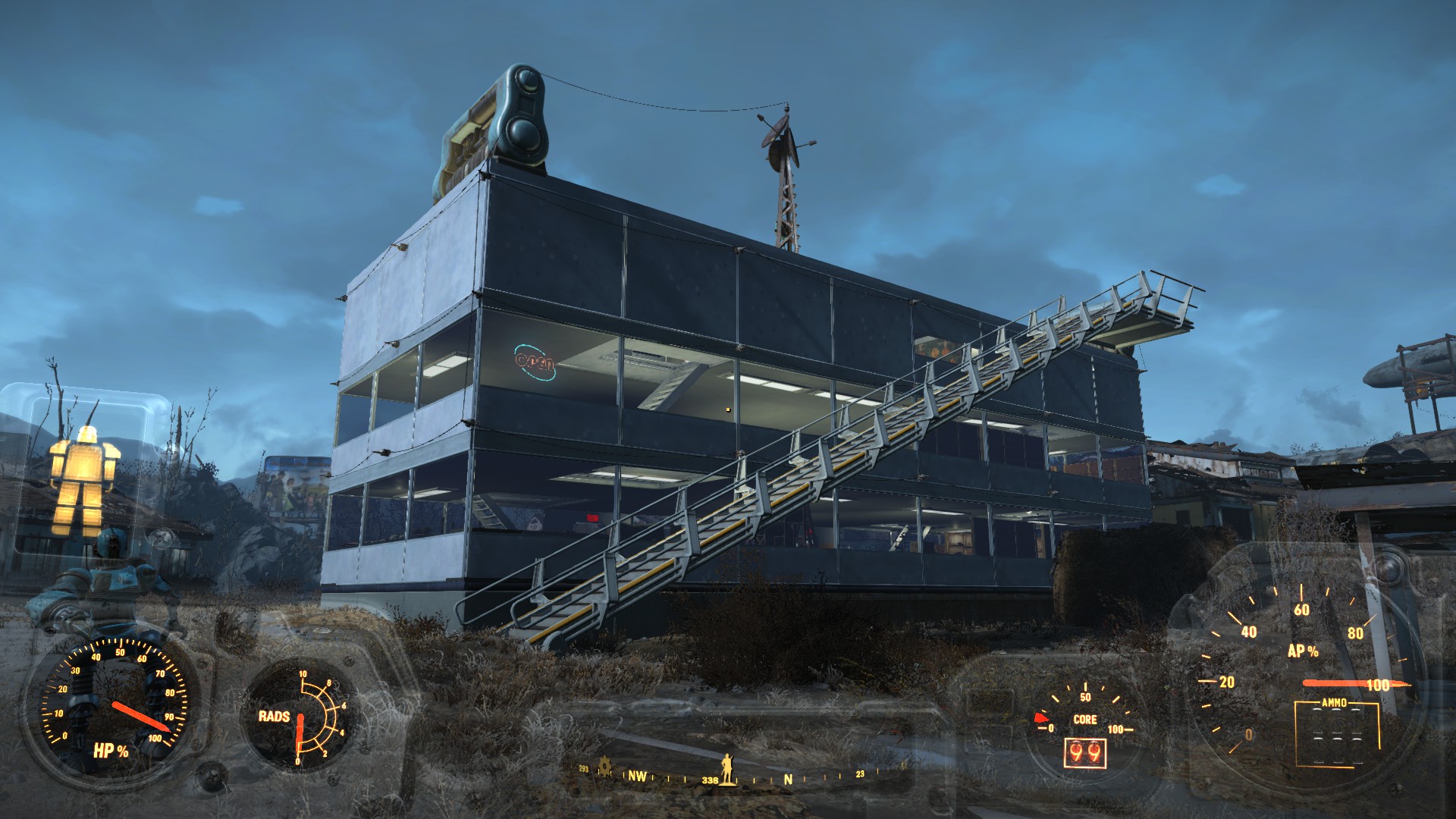
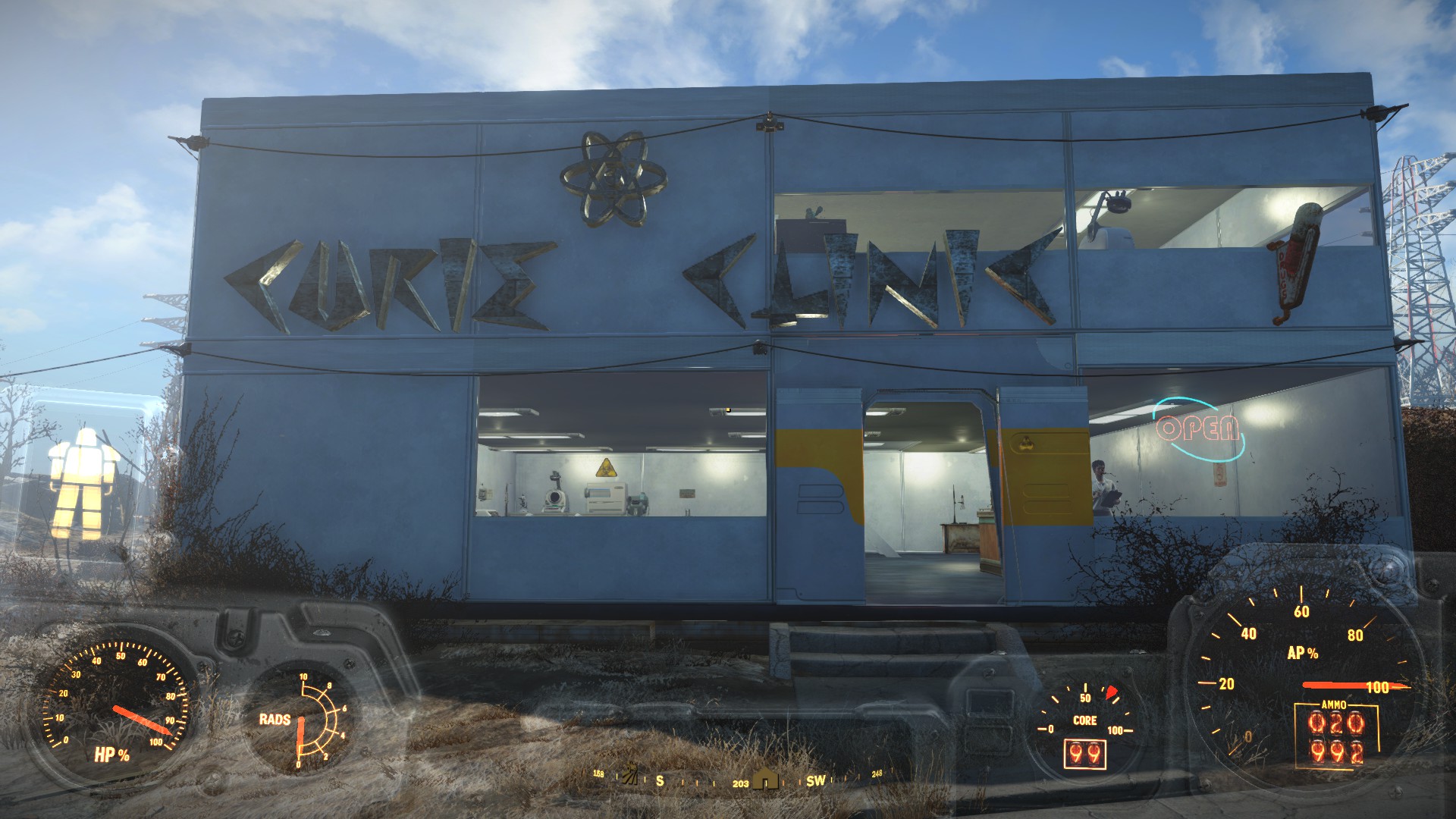
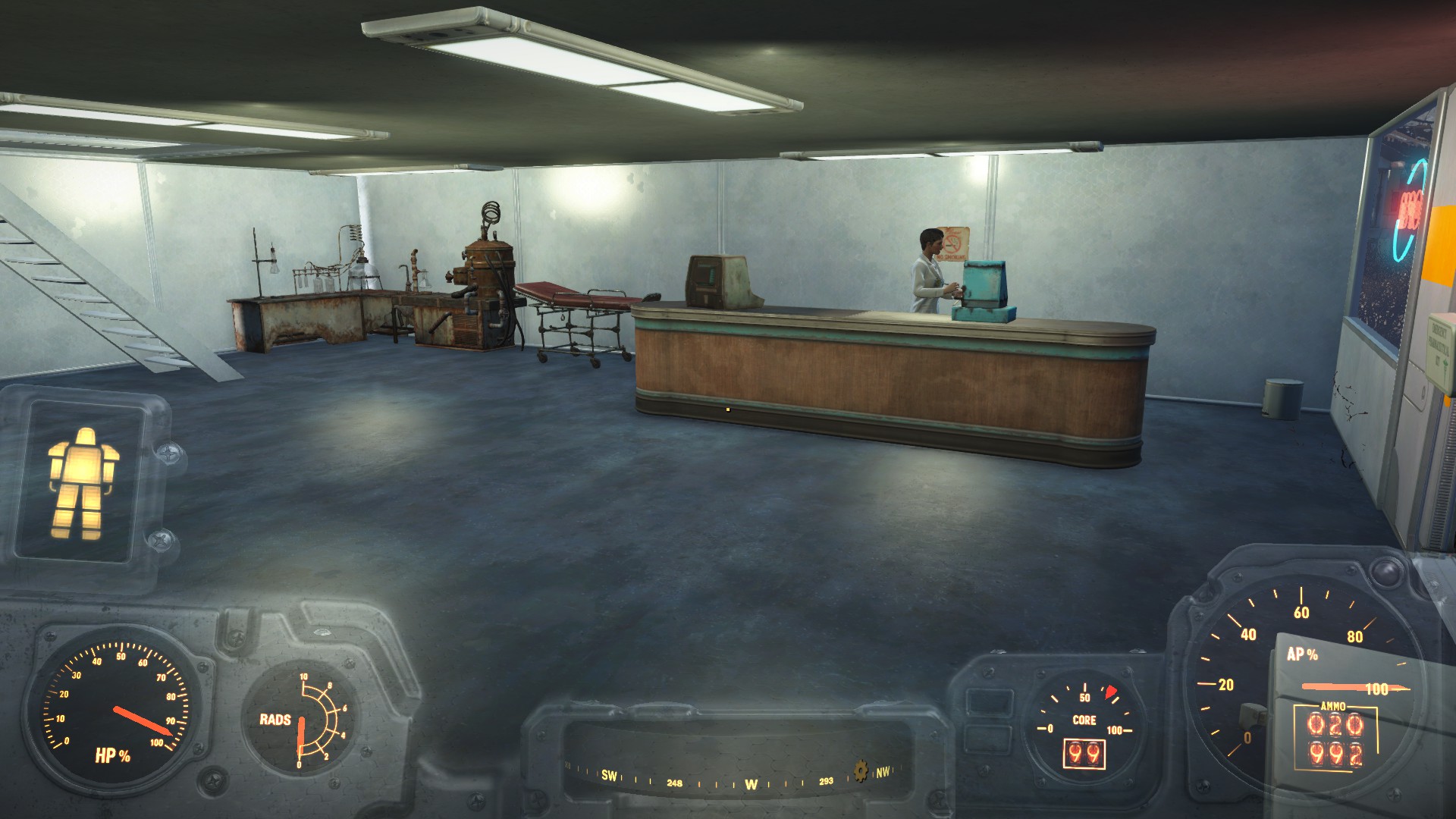
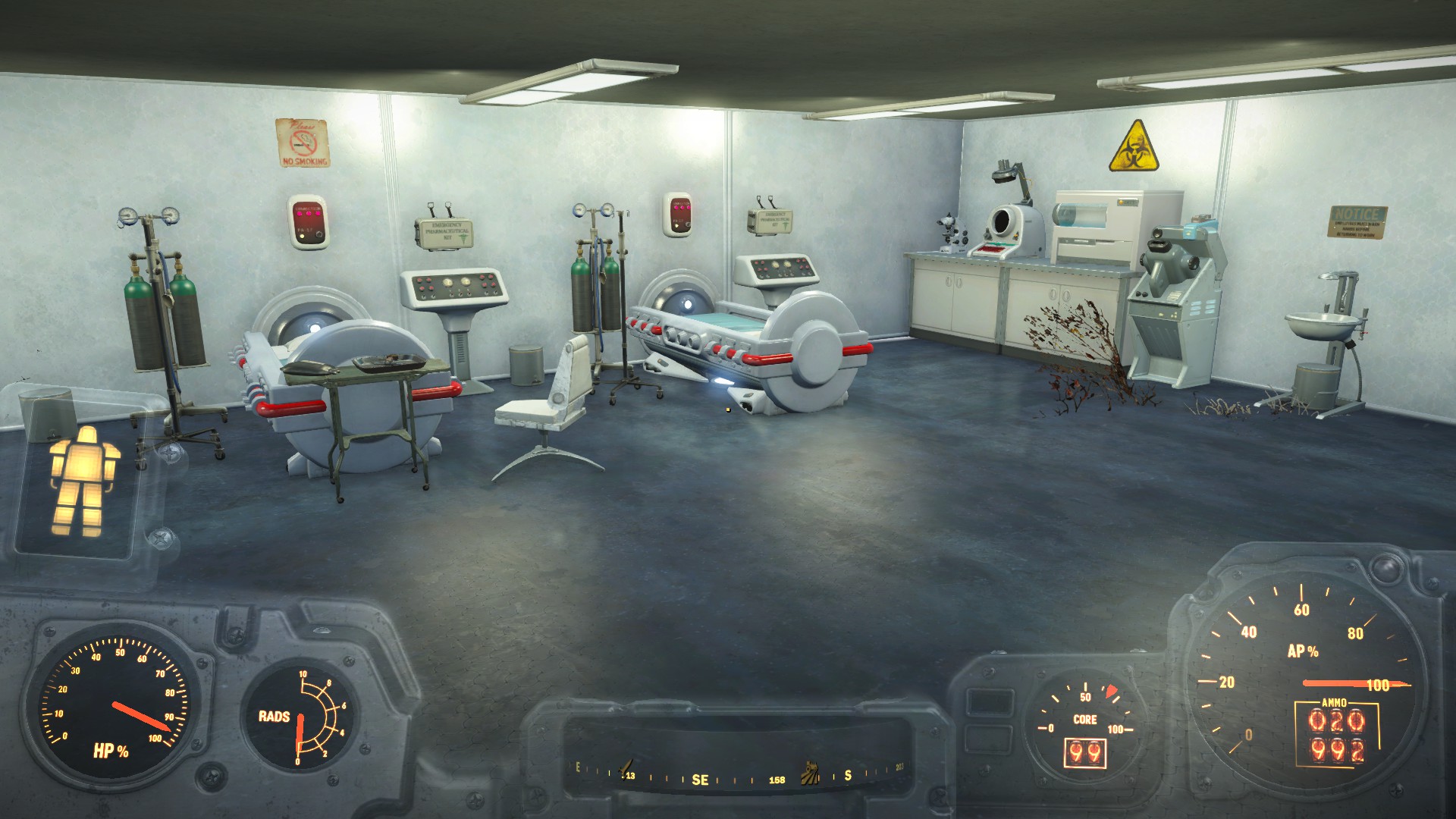
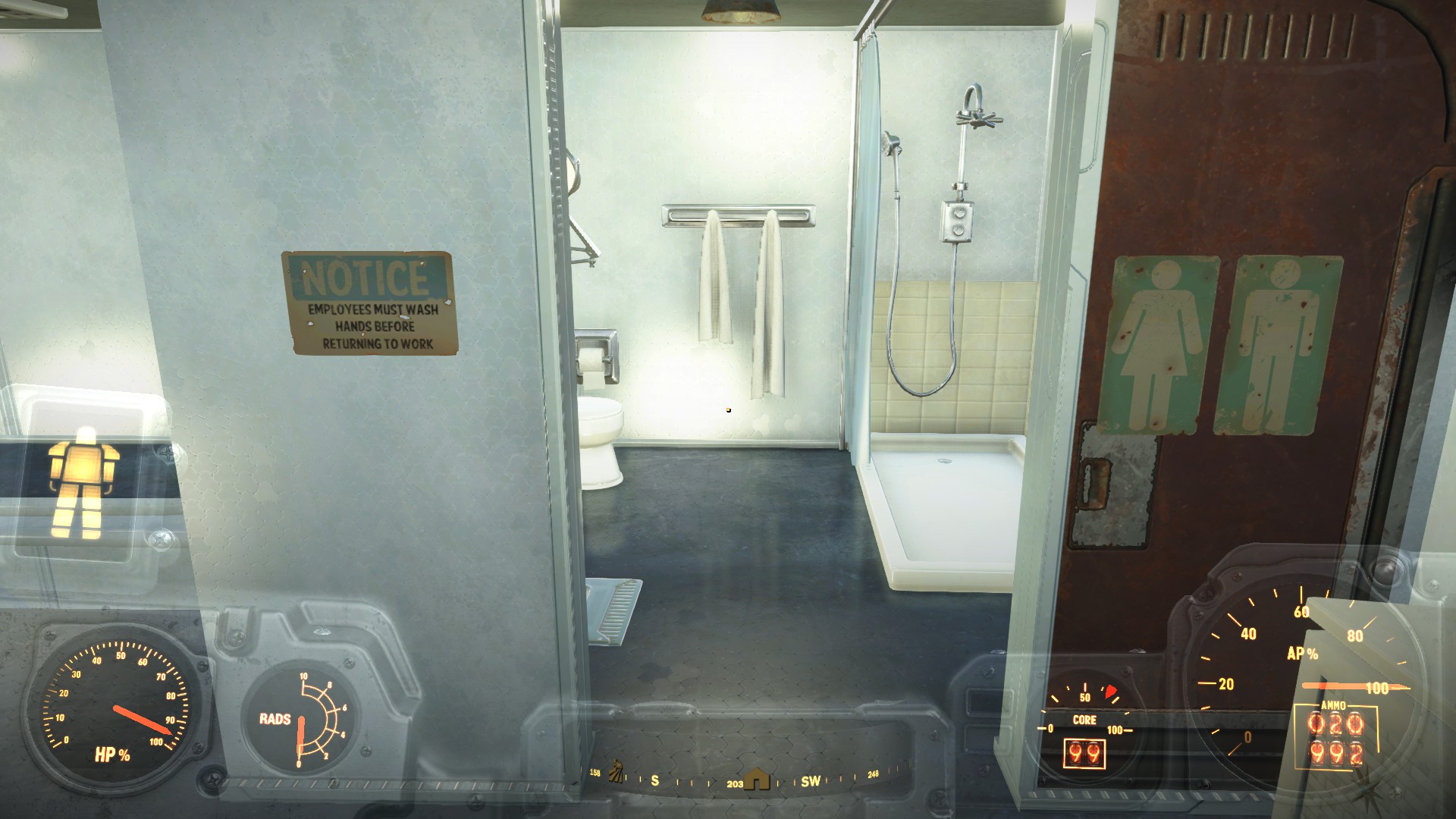
Another new building.
Curie Clinic


I'm confused if I should enable DLCRobot and DLCworkshop01 yet. NMM did not enable them by default. I have only done the first mission of Automatron. I don't want to enable something yet if it is something I unlock playing the DLC. Your advice would be great.
Place Everywhere and Scrap Dead things... I can't believe I missed these until now. I need to learn how to use PE properly.
< snip > If nothing else, it is likely that some modders will abandon the Nexus in favor of Bethesda.net so their mods will work on consoles.


Thank you.^^ Numbz, that looks awesome!
You're welcome.You inspired me to make my own Hospital with this. THANKS!
Thanks. Took me a while to figure out LOOT, but I finally installed it and optimized my load order. I really want to figure out those scripts, but that will have to wait till this weekend when I have more time.CaptNumbNutz Your load order isn't organized. Close NMM, download then install LOOT.
Open NMM, at the top-middle of the menu there will be a yellow folder with a crossed wrench and screwdriver. Click the drop-down arrow then click LOOT.
Before sorting your load order you'll need to remove the read-only attribute from the plugins.txt file located in your \Users\[Your Profile Name]\AppData\Local\Fallout4 folder. Right-click on the file, un-check the box next to read-only then press OK.
On the LOOT main screen, click the underscored down arrow at the top-right. This will download the latest sorting database. You should see a notification at the lower-left corner. Once that is done, click the three line sort button to the left of the download database, LOOT will sort the load order then a Apply button will appear next to the sort button. Click apply then close LOOT. NMM should show the new load order under Plugins tab.
Please remember that LOOT is a WIP and doesn't cover every mod made for Fallout 4 thus far. You may have to perform manual sorting in order to get the mods to play with each other nicely.
If any of you all need help with manual sorting let me know. I've got plenty of practice with it.
Here are a couple mod suggestions I'd like to make:
1. Fallout 4 Script Extender (F4SE): As with Skyrim Script Extender this utility adds greater functionality to FO4's scripts for mod authors to use. One such mod is Place Everywhere which is a F4SE plugin. PE allows you to place objects anywhere within and outside the settlement workshop area and embed in other objects. PE is one of my must have mods (coupled with pressing F2 to disable surface snap) as it has allowed me to replace the floor in Home Plate and the floor at Starlight Drive-In. PE also allows for greater ease of placing objects on shelves. You can do the same without PE but to me it is a bit of a hassle.
One big benefit of F4SE is it bypasses the Fallout4_Launcher which can - and does - revert ini files back to stock which is very inconvenient for someone like me who has heavily modified ini files. F4SE has saved me a good deal of time by removing Fallout4_Launcher.exe out of the equation.
2. Scrap Dead Things: Another must have mod as it allows for scrapping dead bodies, mole rat holes and other things instead of waiting for the game remove them. One other cool feature of SDT is to scrap living things. On Spectacle Island even after activating the speaker which should have killed or made the Mirelurks run away, there were still a few Mirelurks left and a couple of them decided to attack me while I was in workshop mode. Scrapped the crabs right as they were swinging at me. I still get a good chuckle every time I think about it.
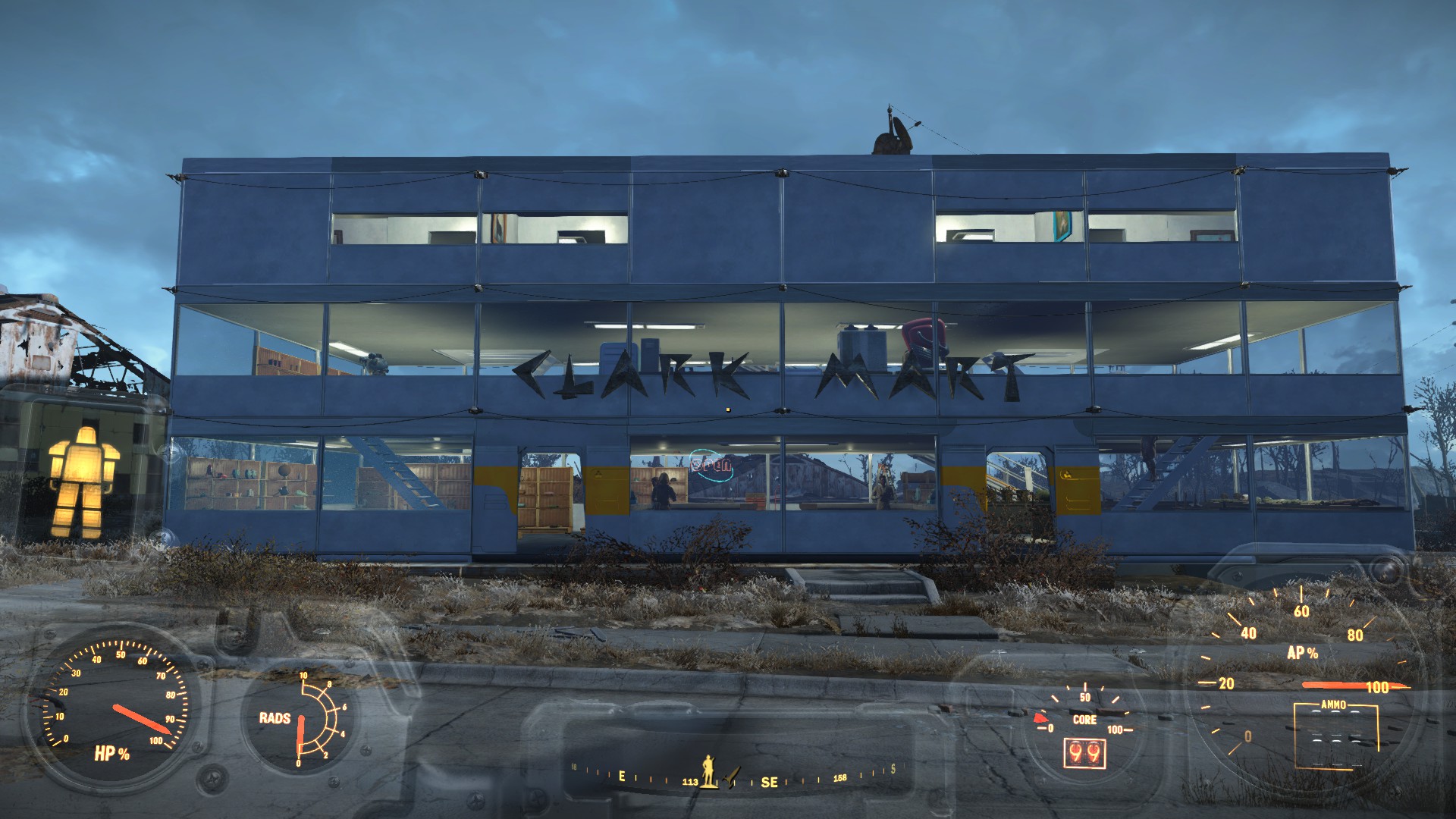
I already stole a several baskets from my competitor Super Duper Mart. Screw that store, the customer service is horrible and the employee's tried to eat me.CaptNumbNutz Really digging your Curie Hospital and Clark Mart. Nice job!
One object I think would go well with the Clark Mart are those shopping baskets found in Super Duper Mart. Place a few around the store and it would really add to the look and feel.
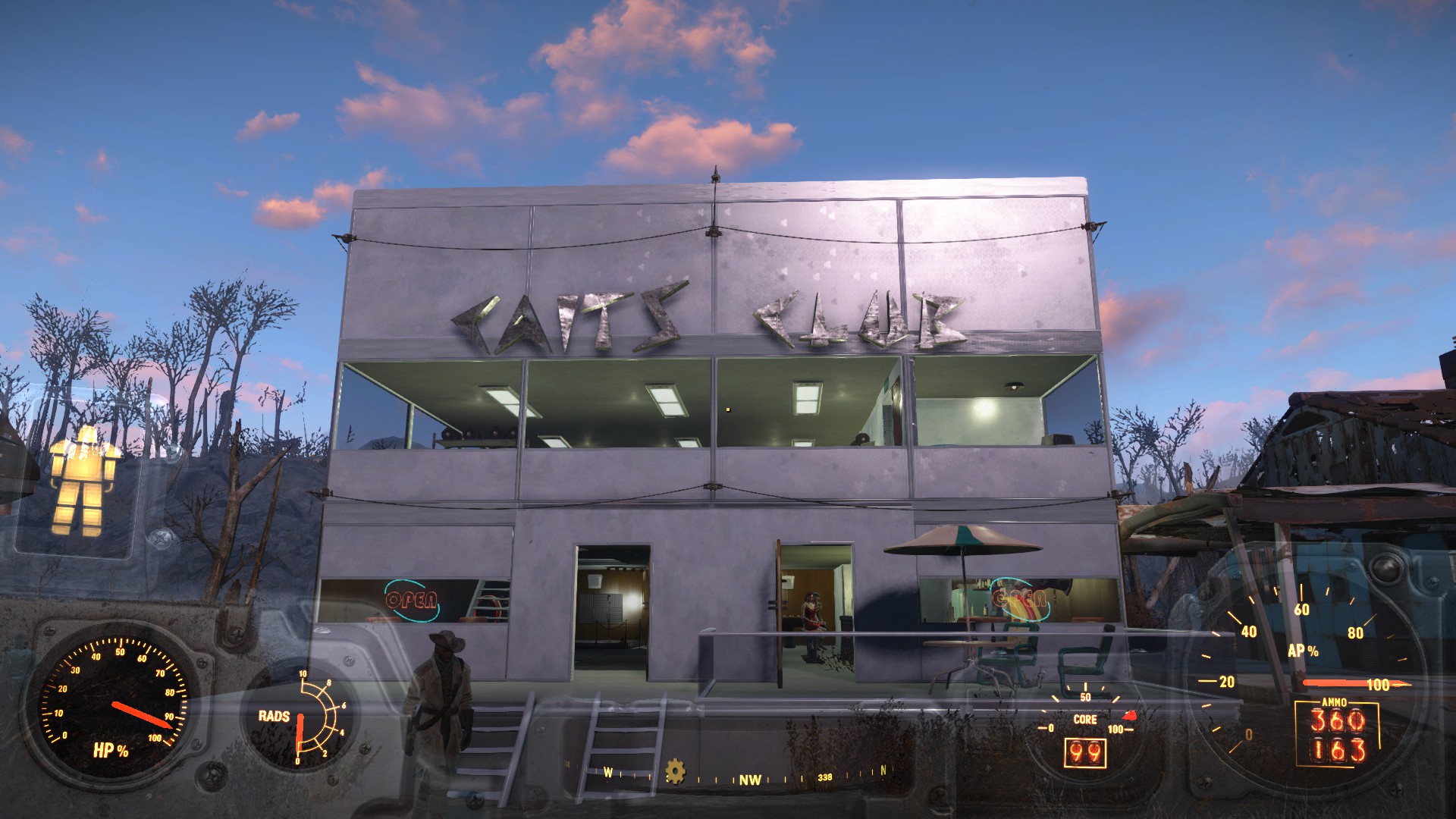
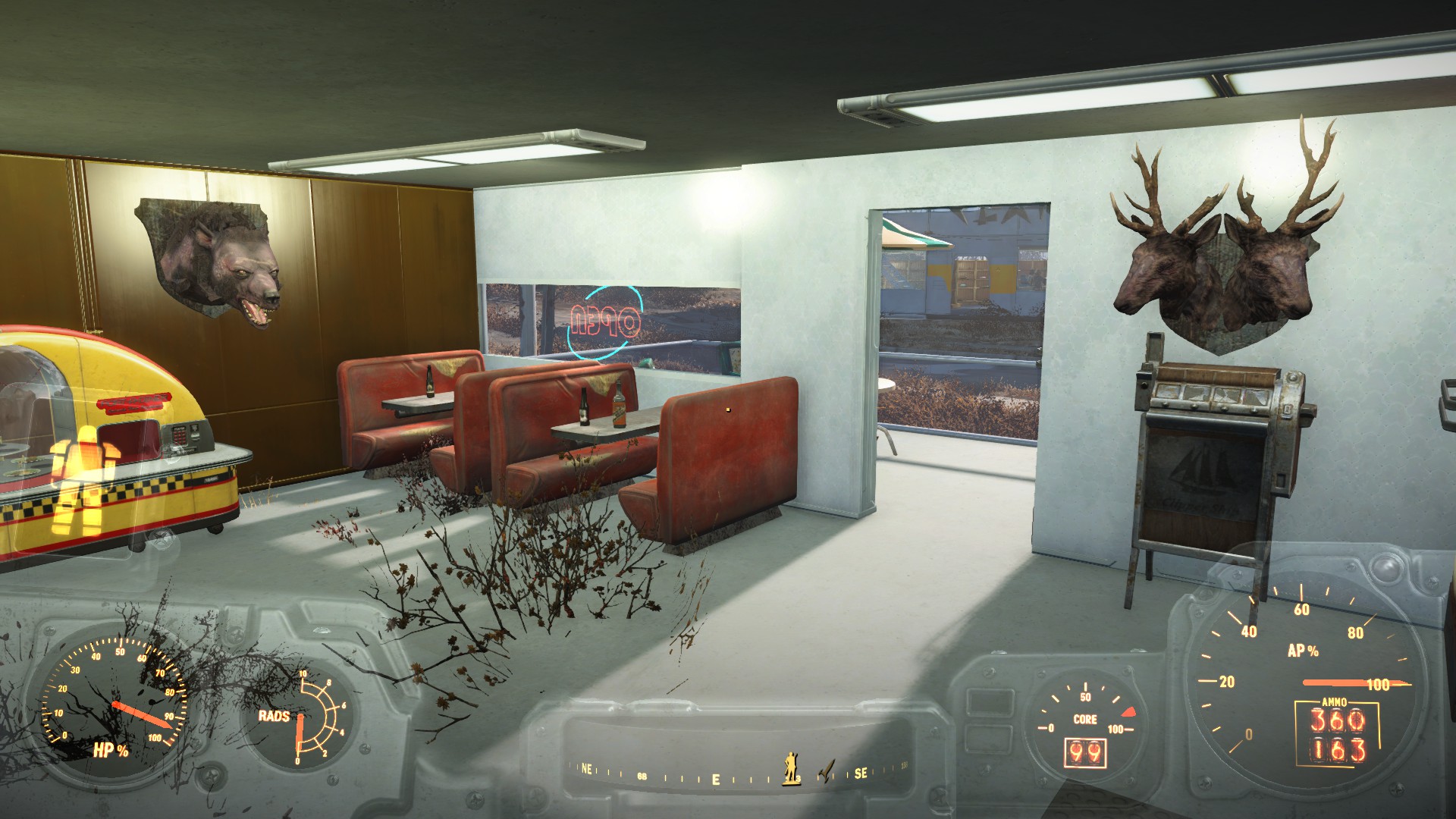
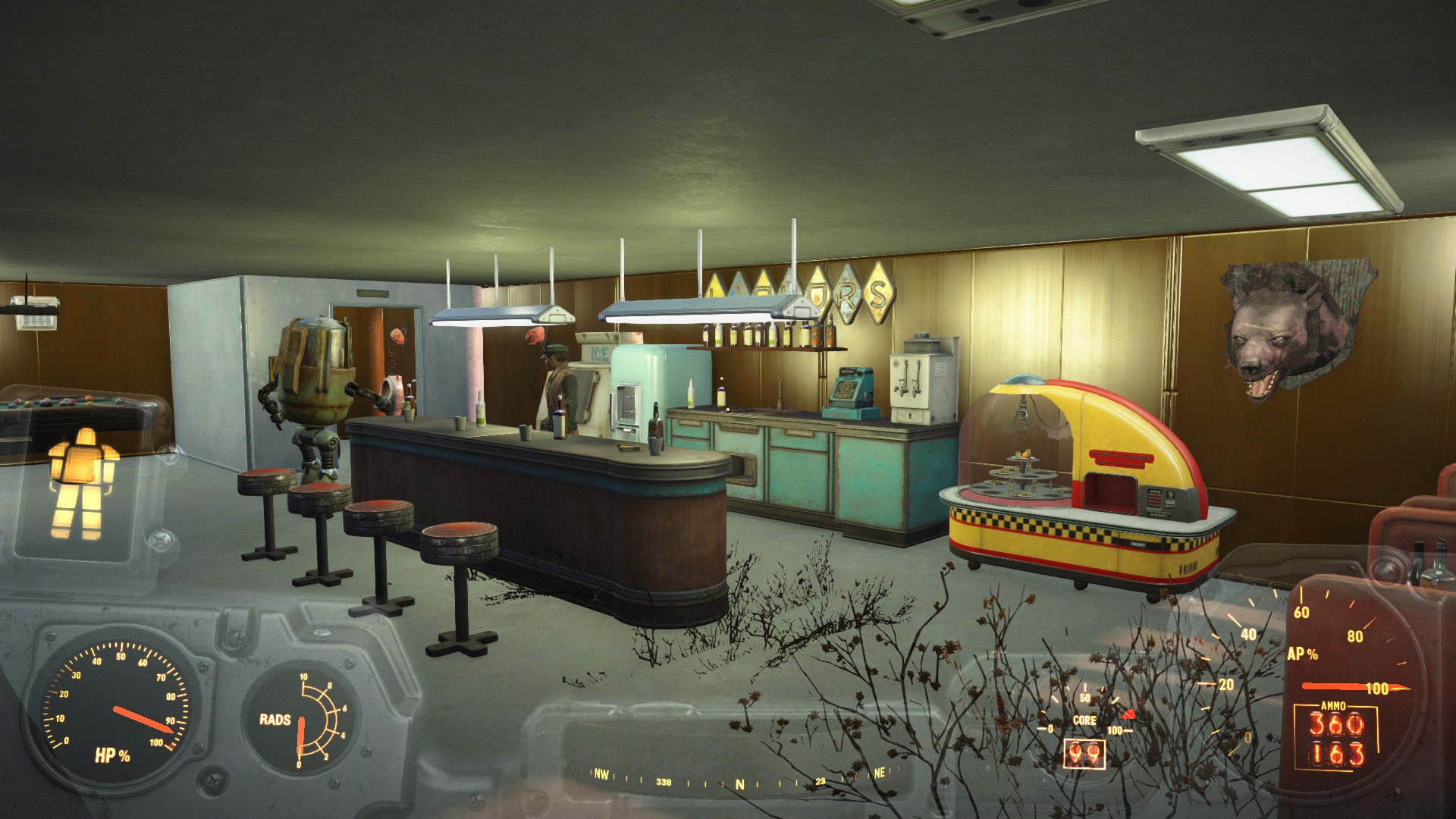
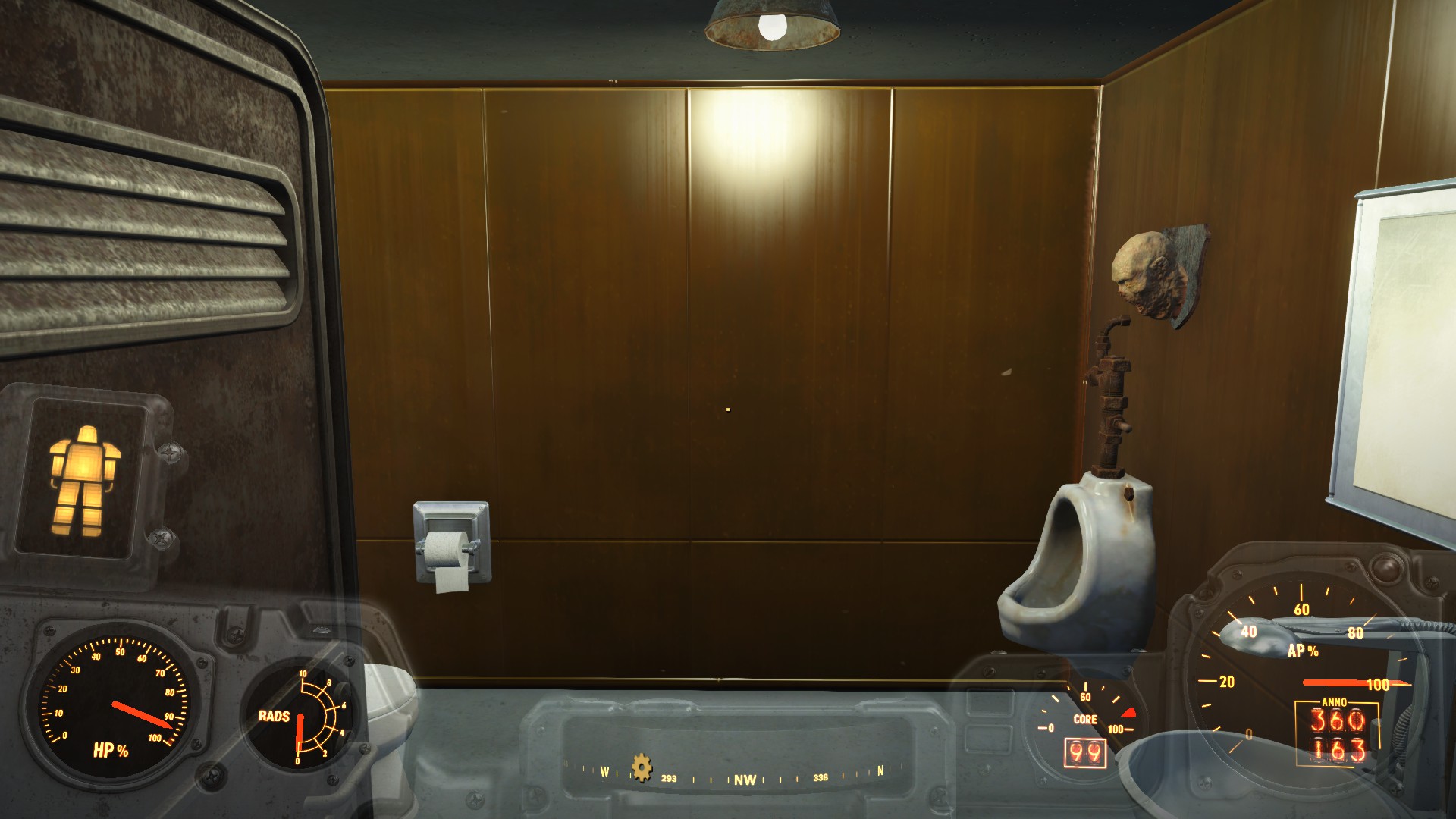
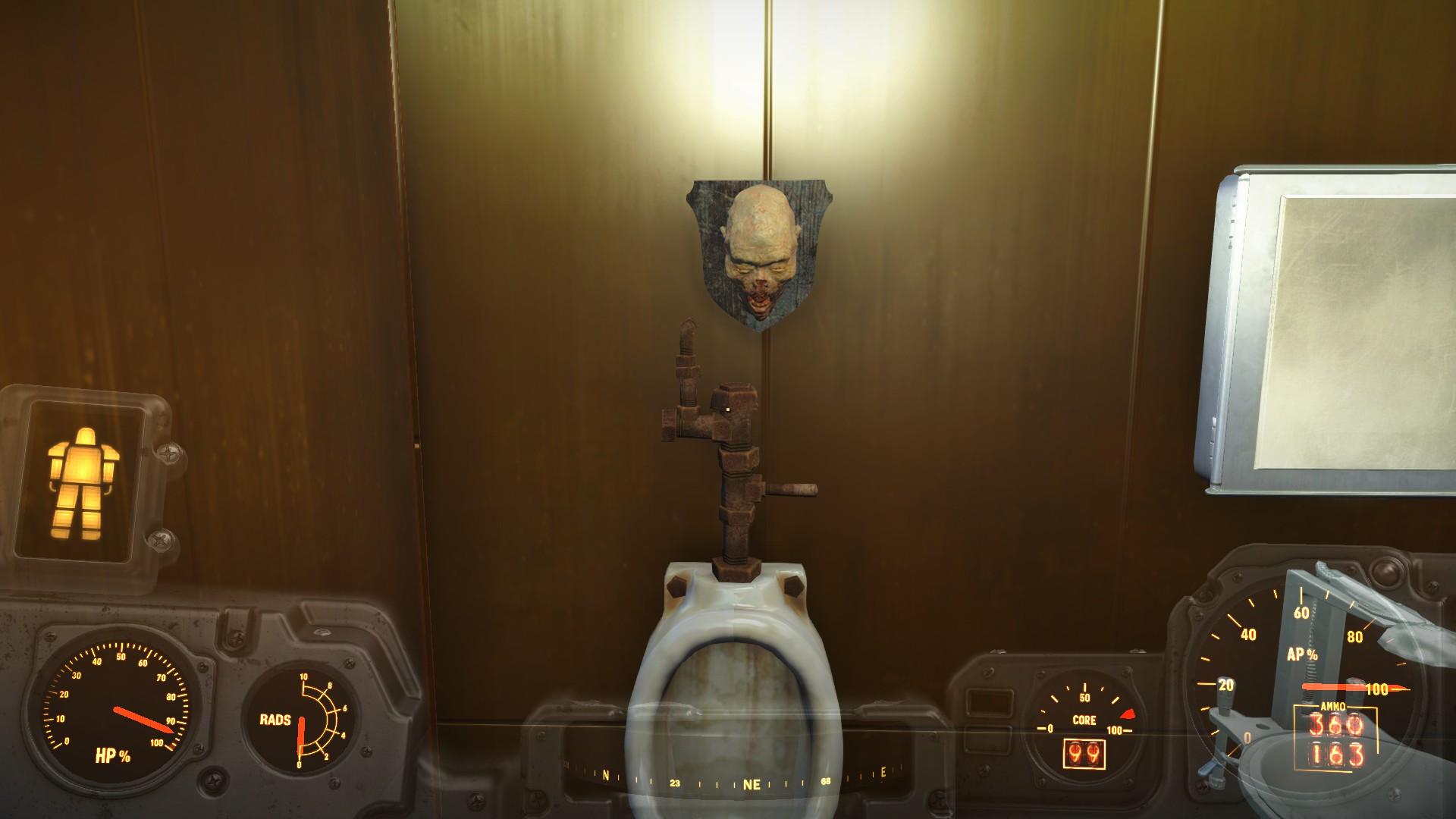
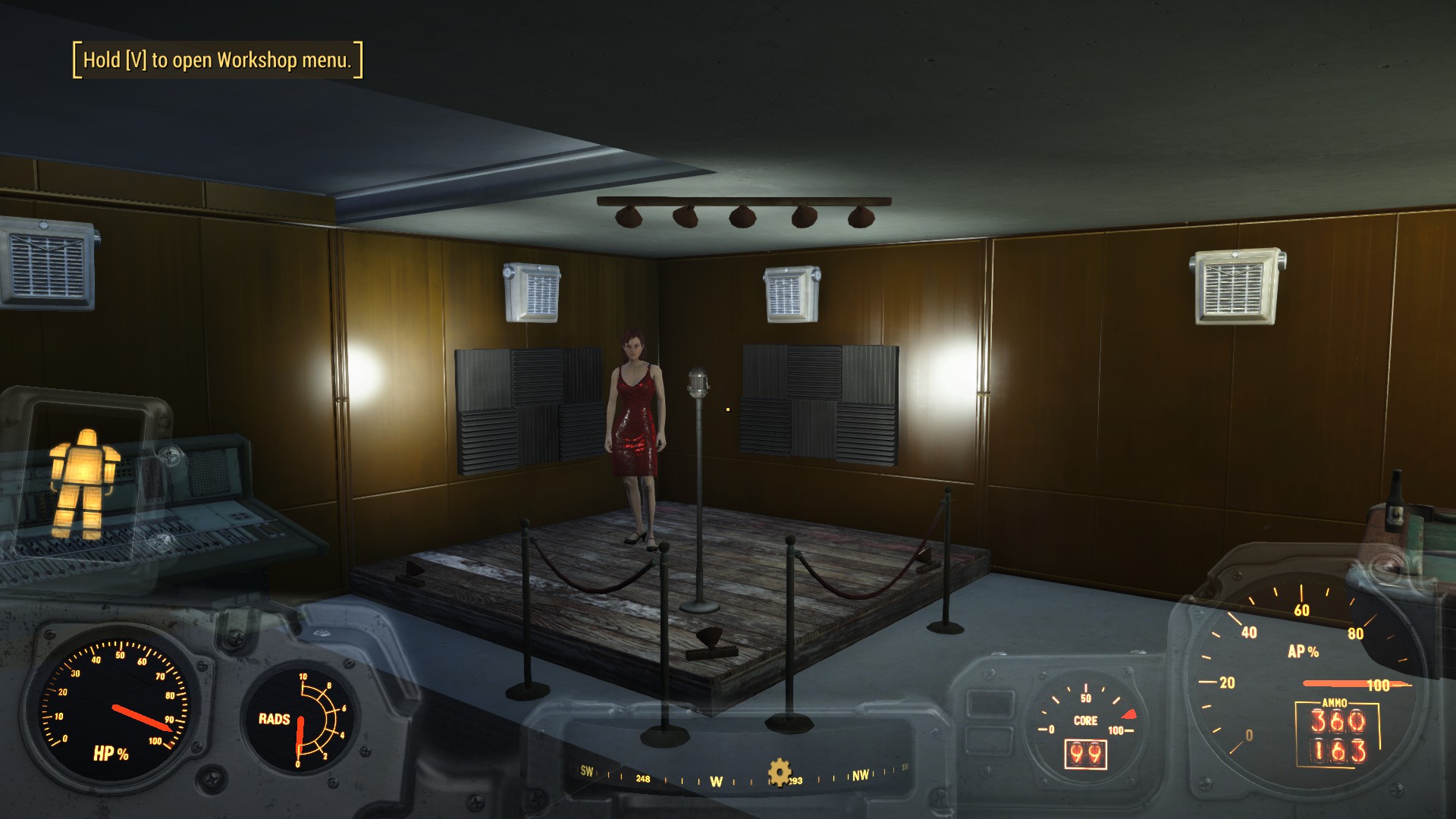
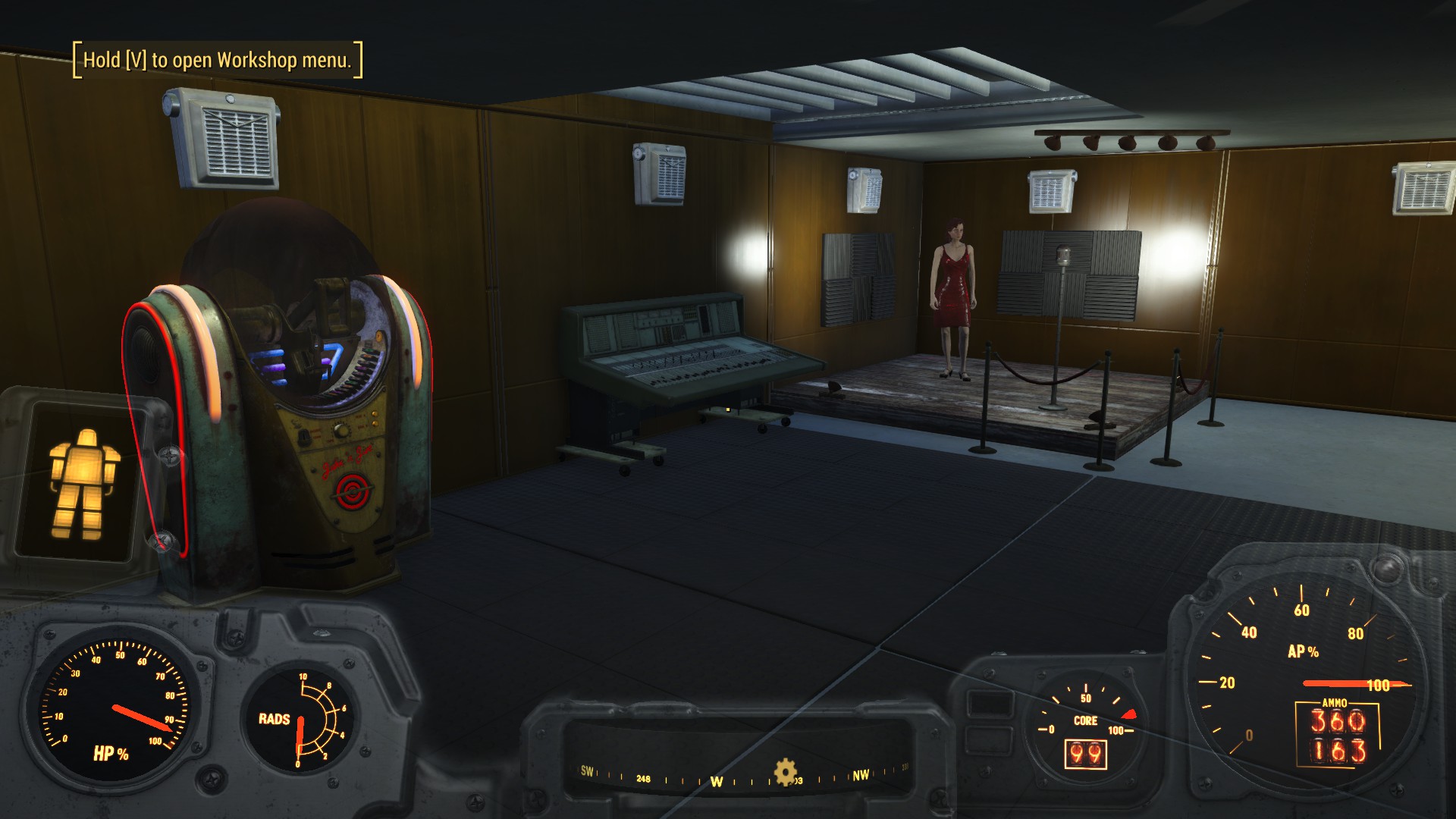

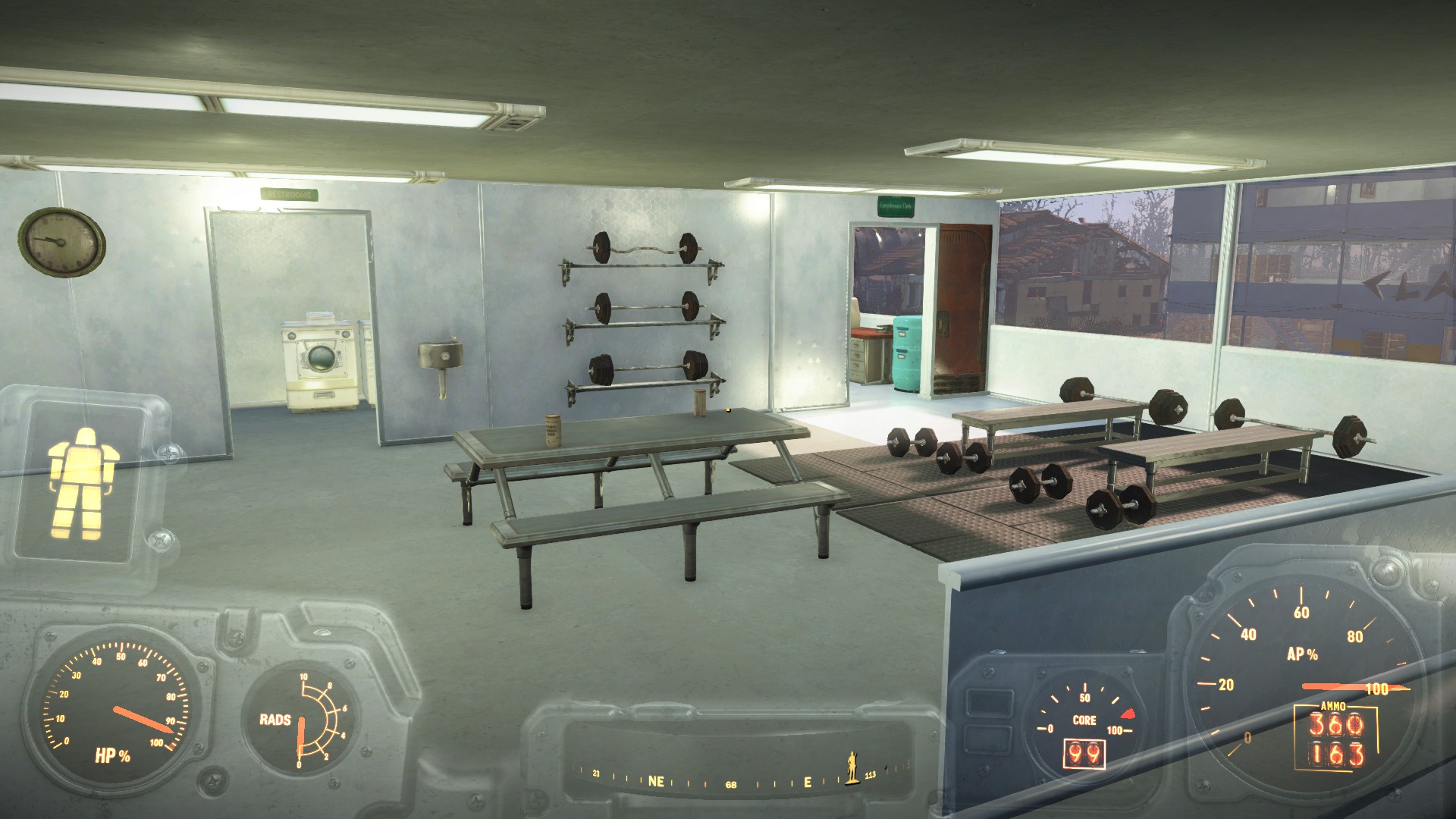
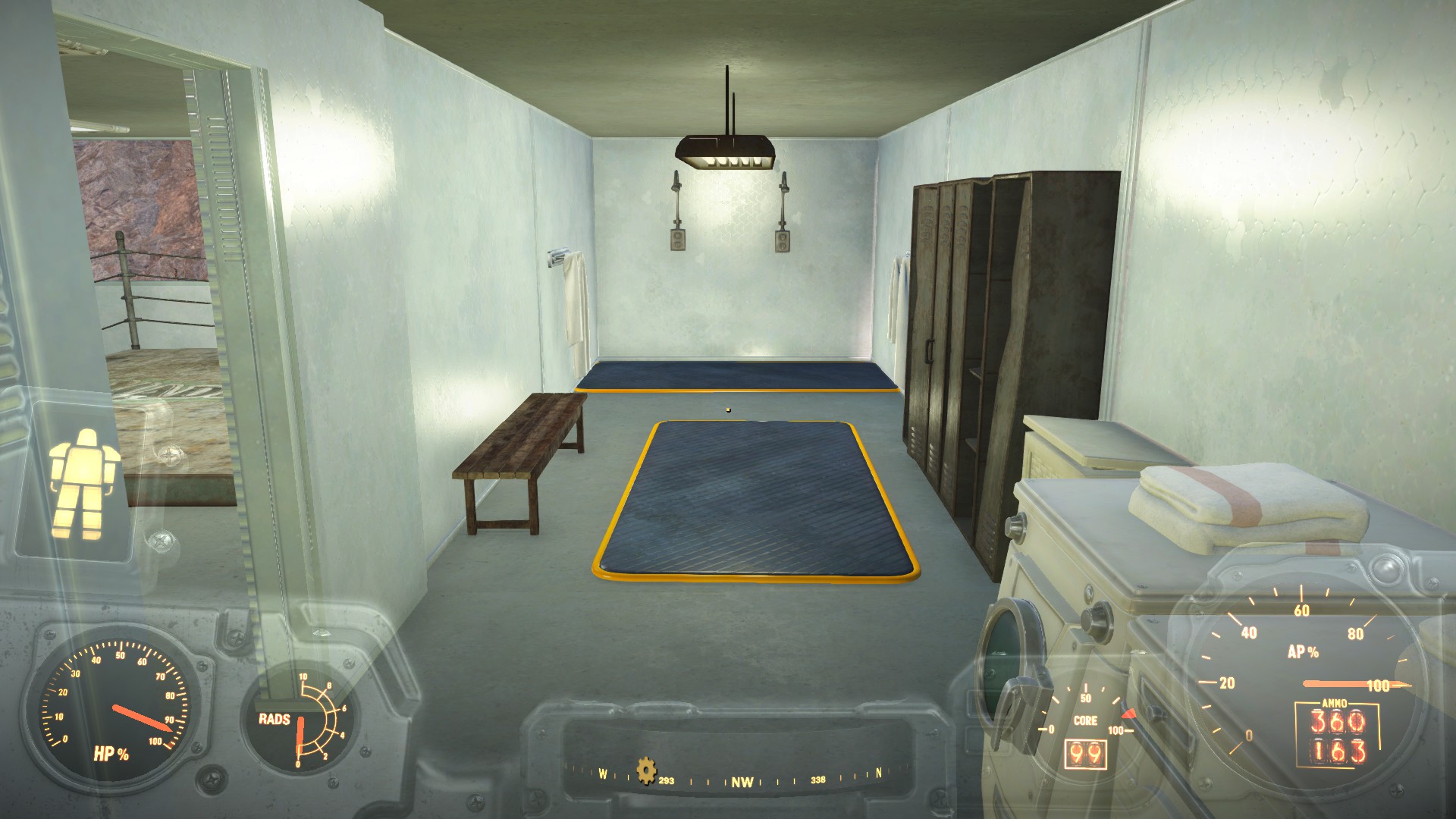
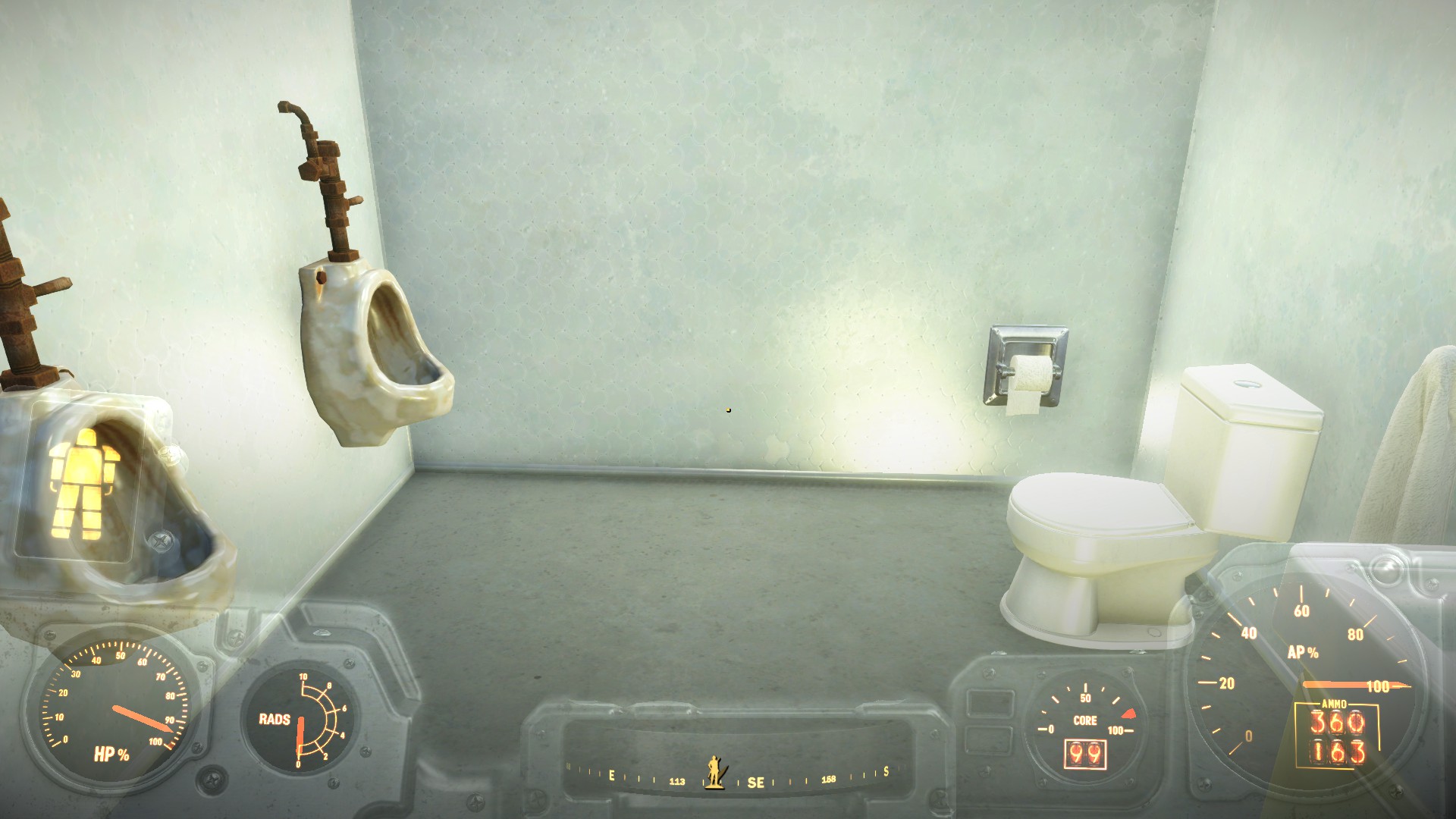
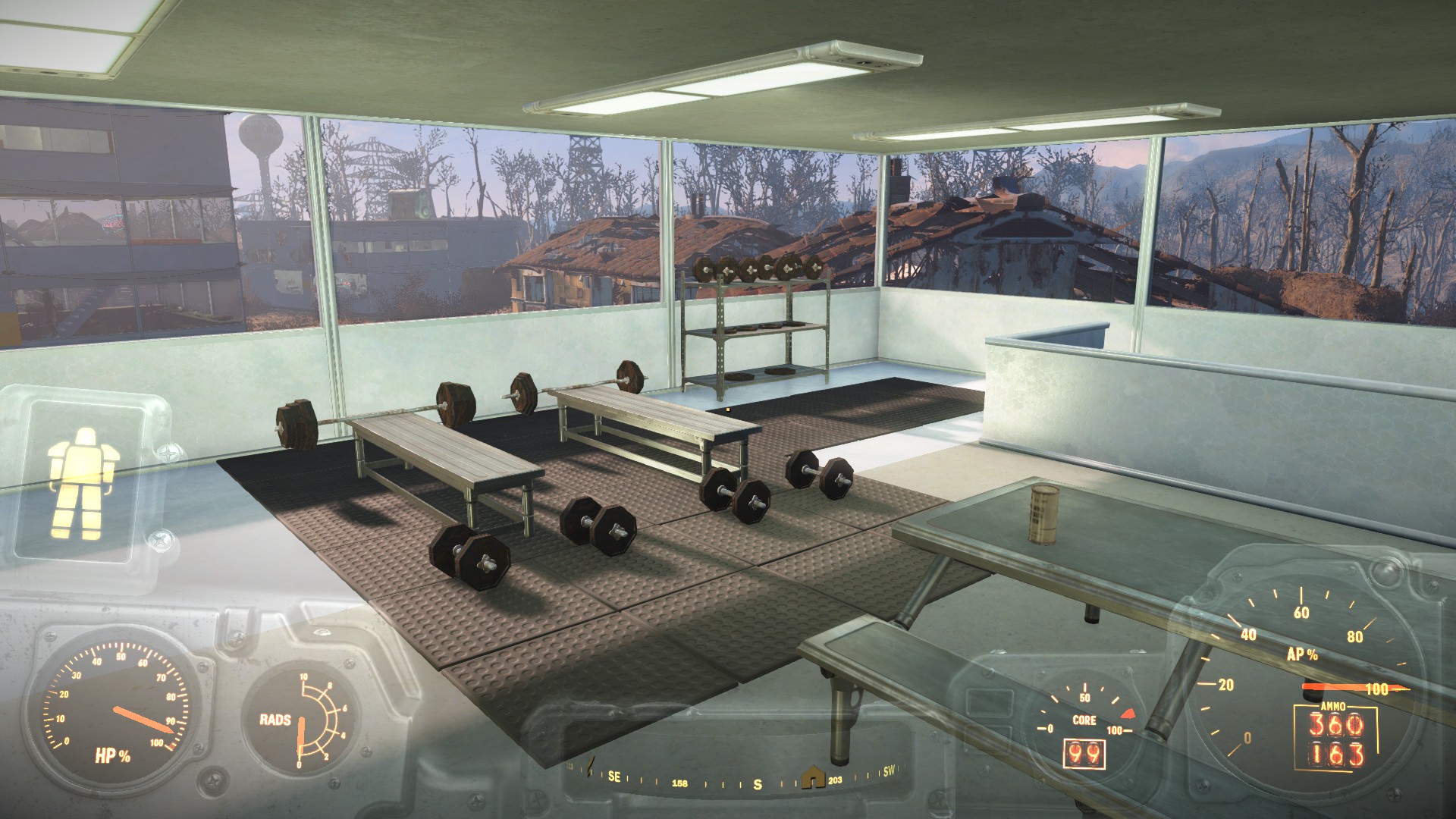
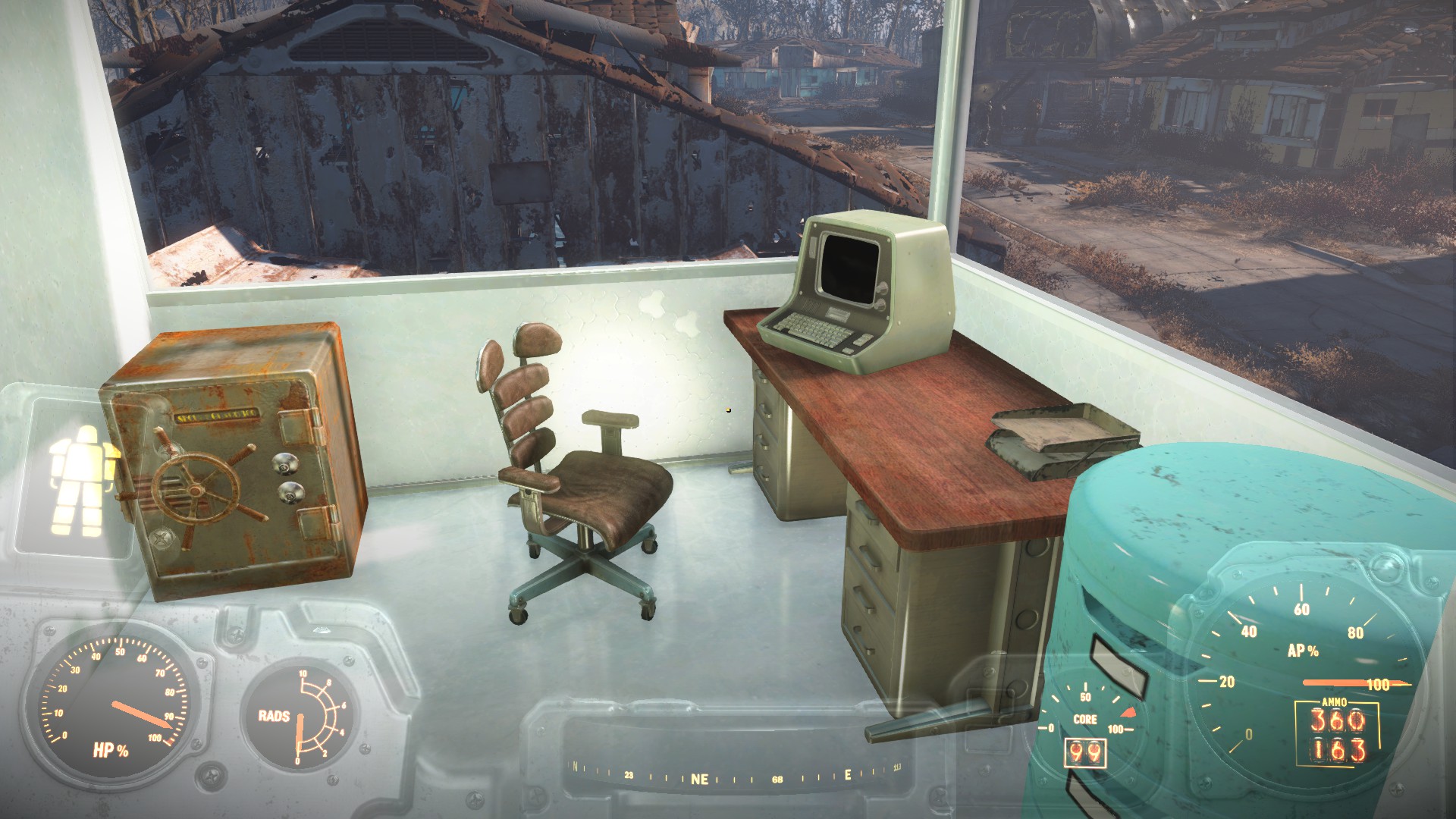
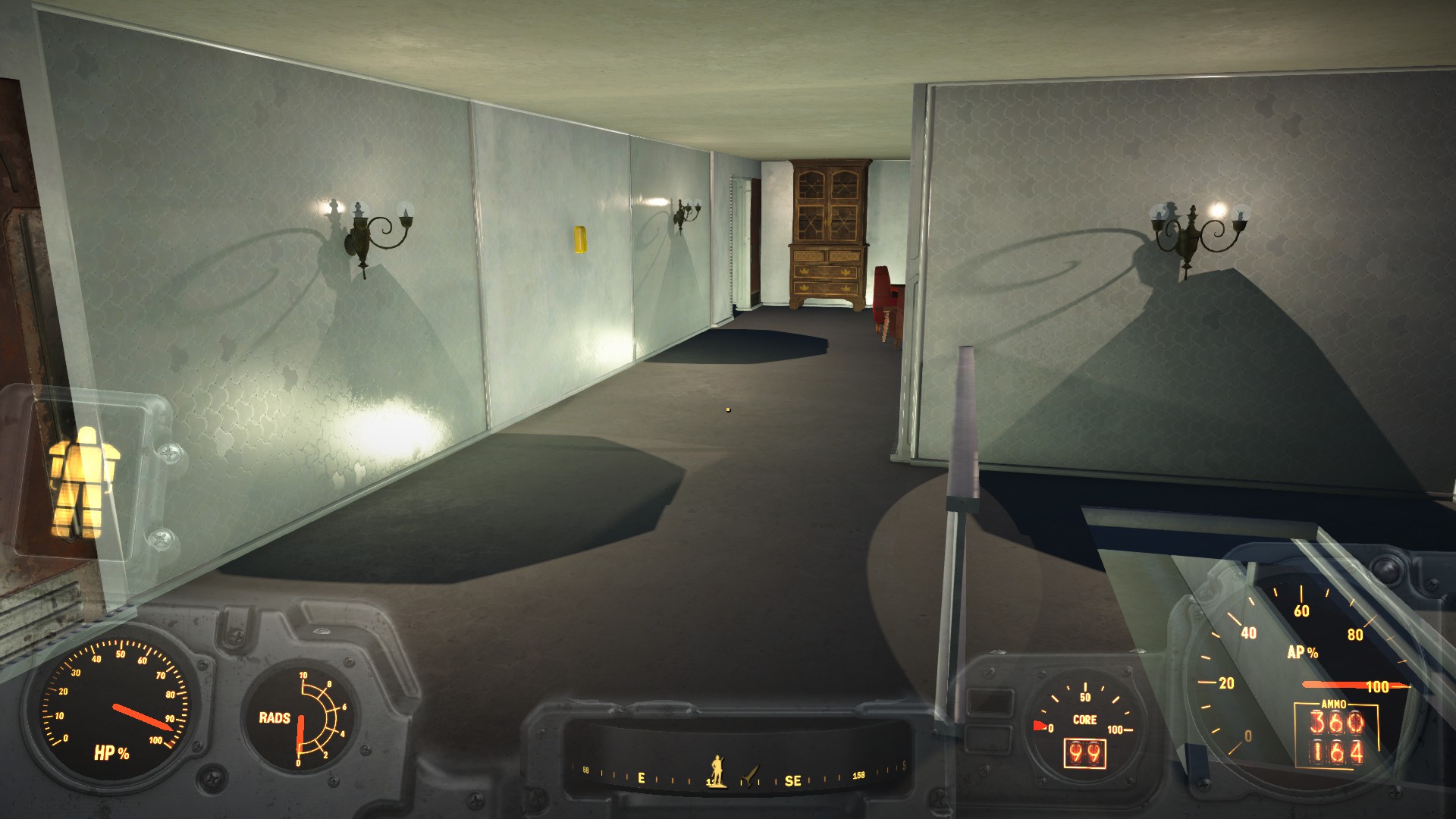
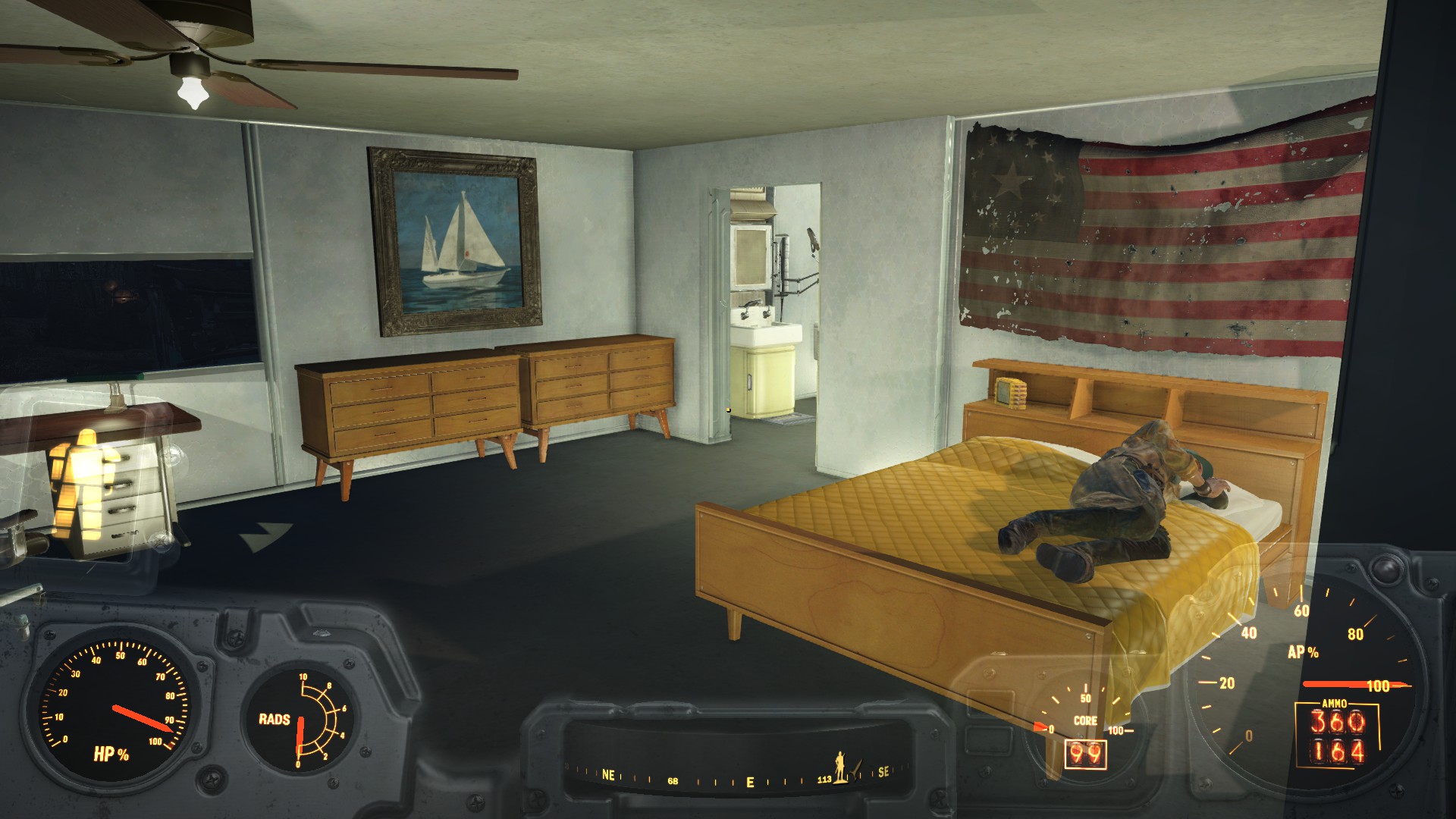
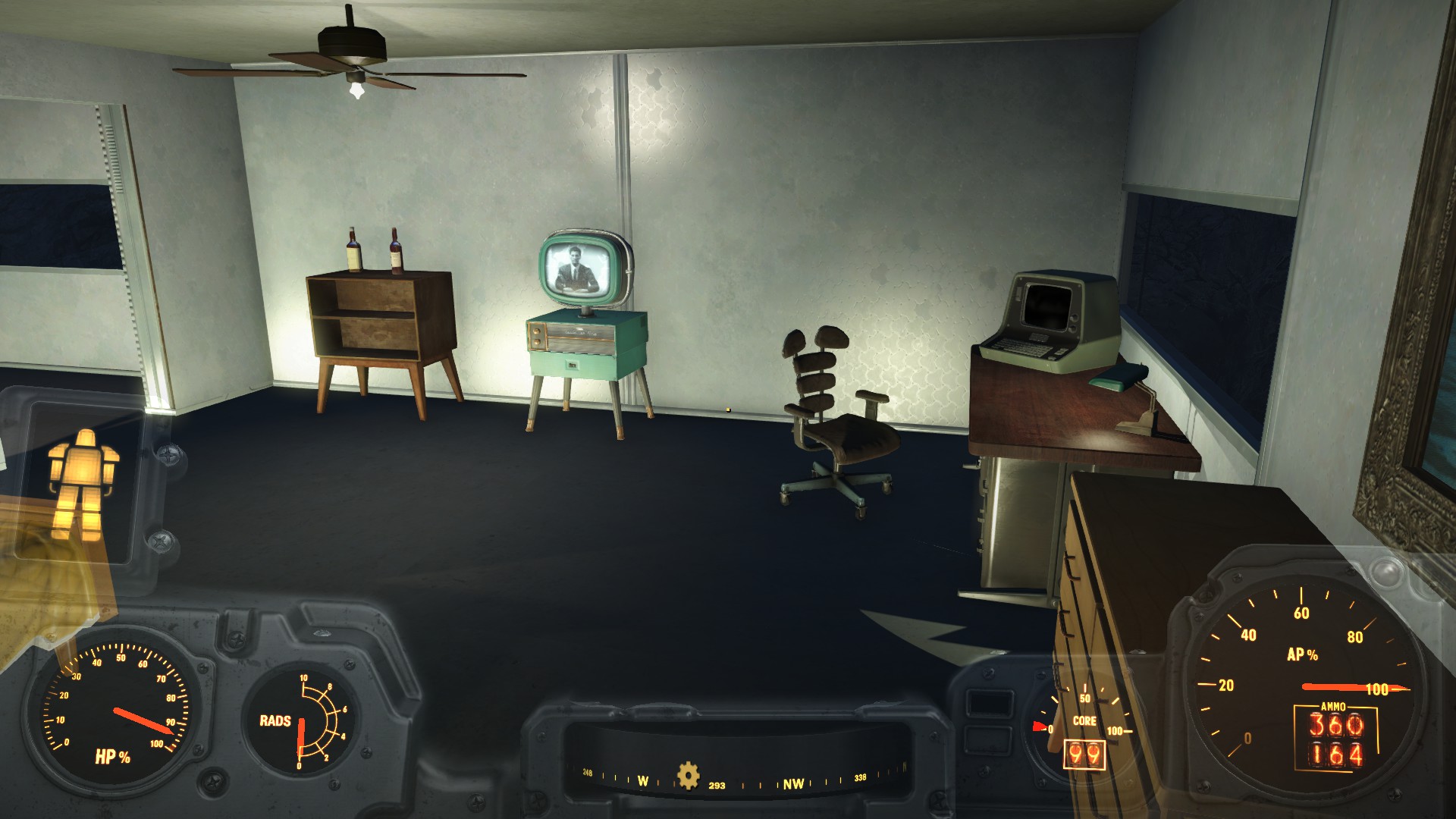
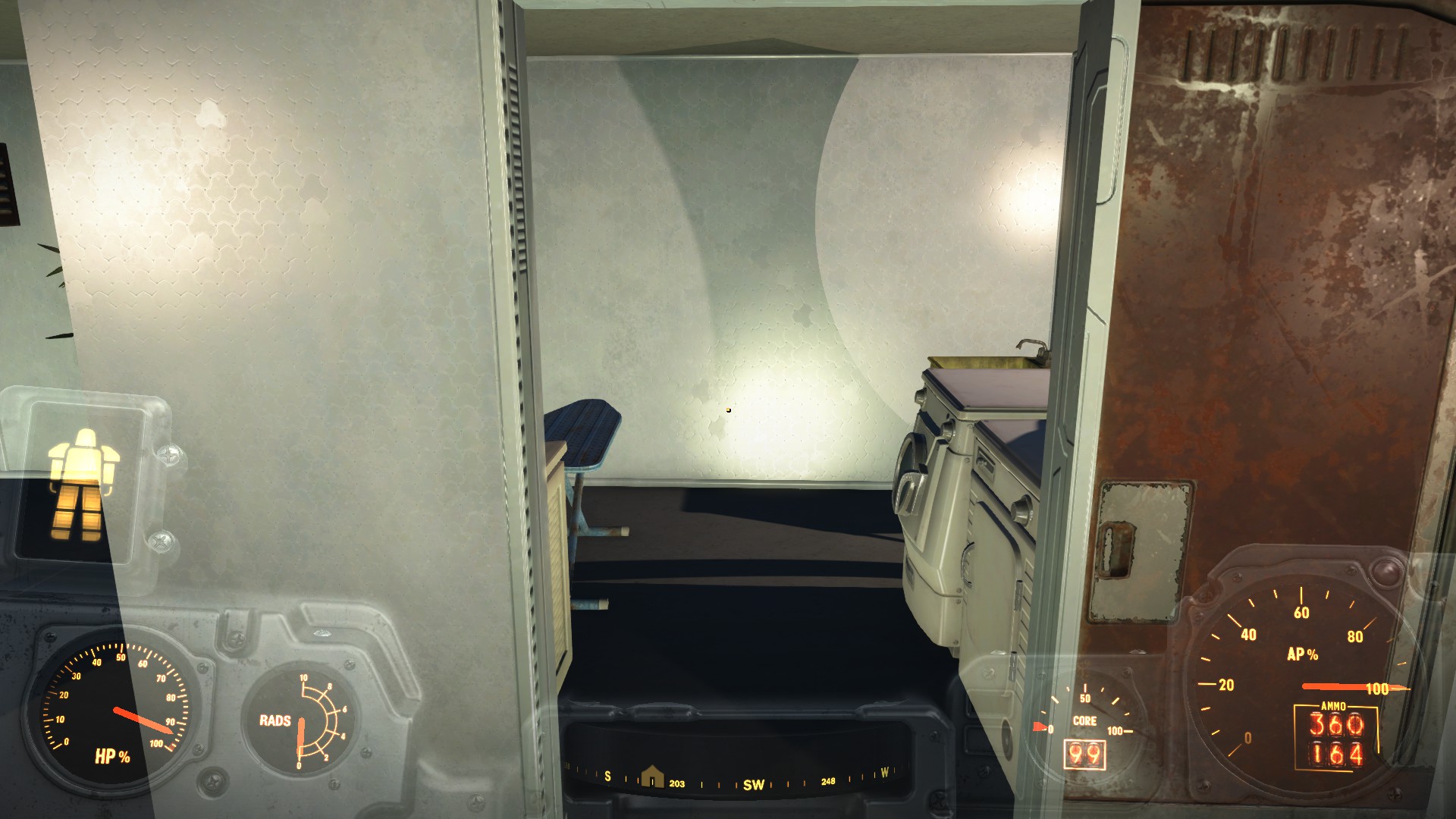
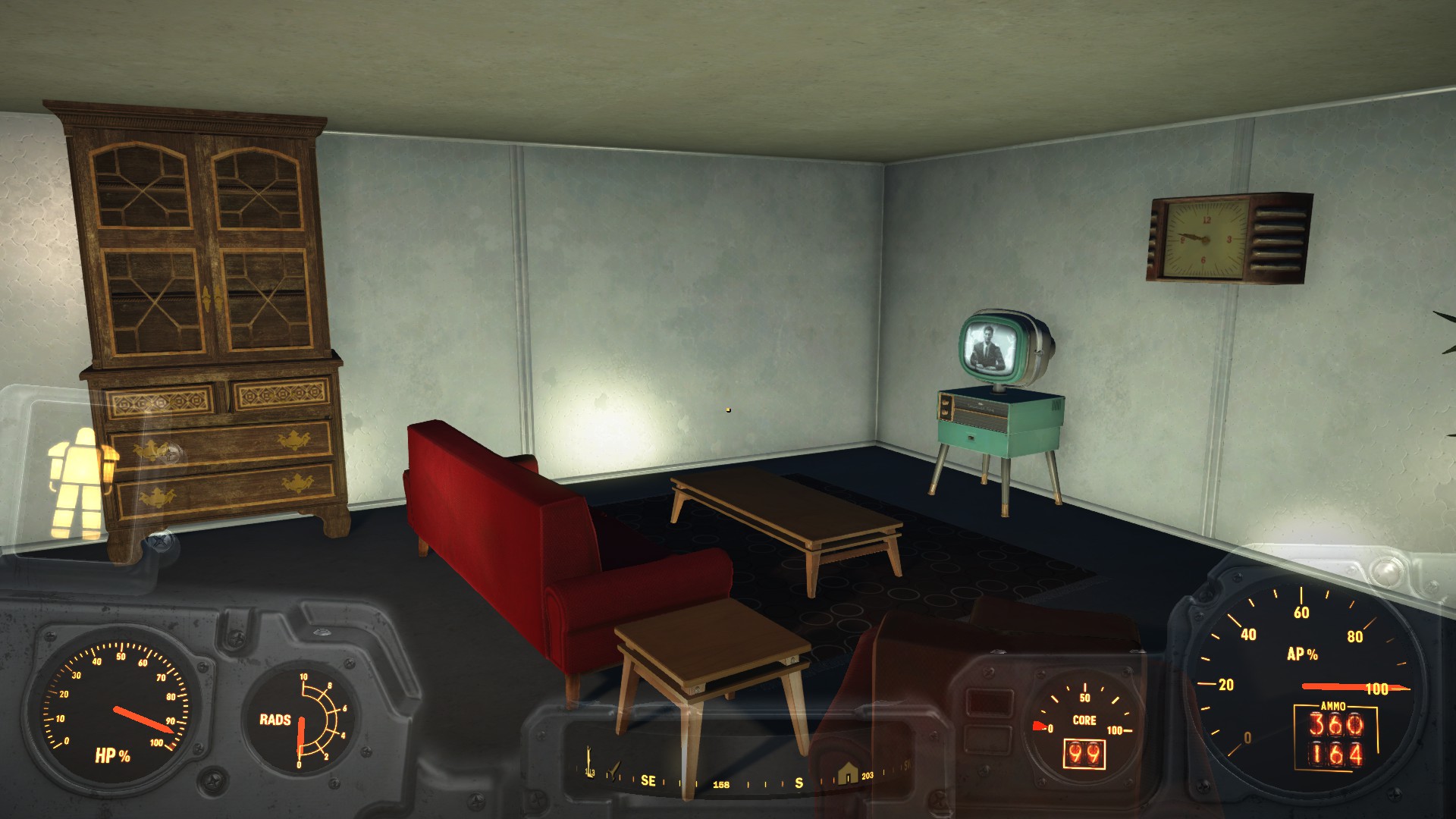
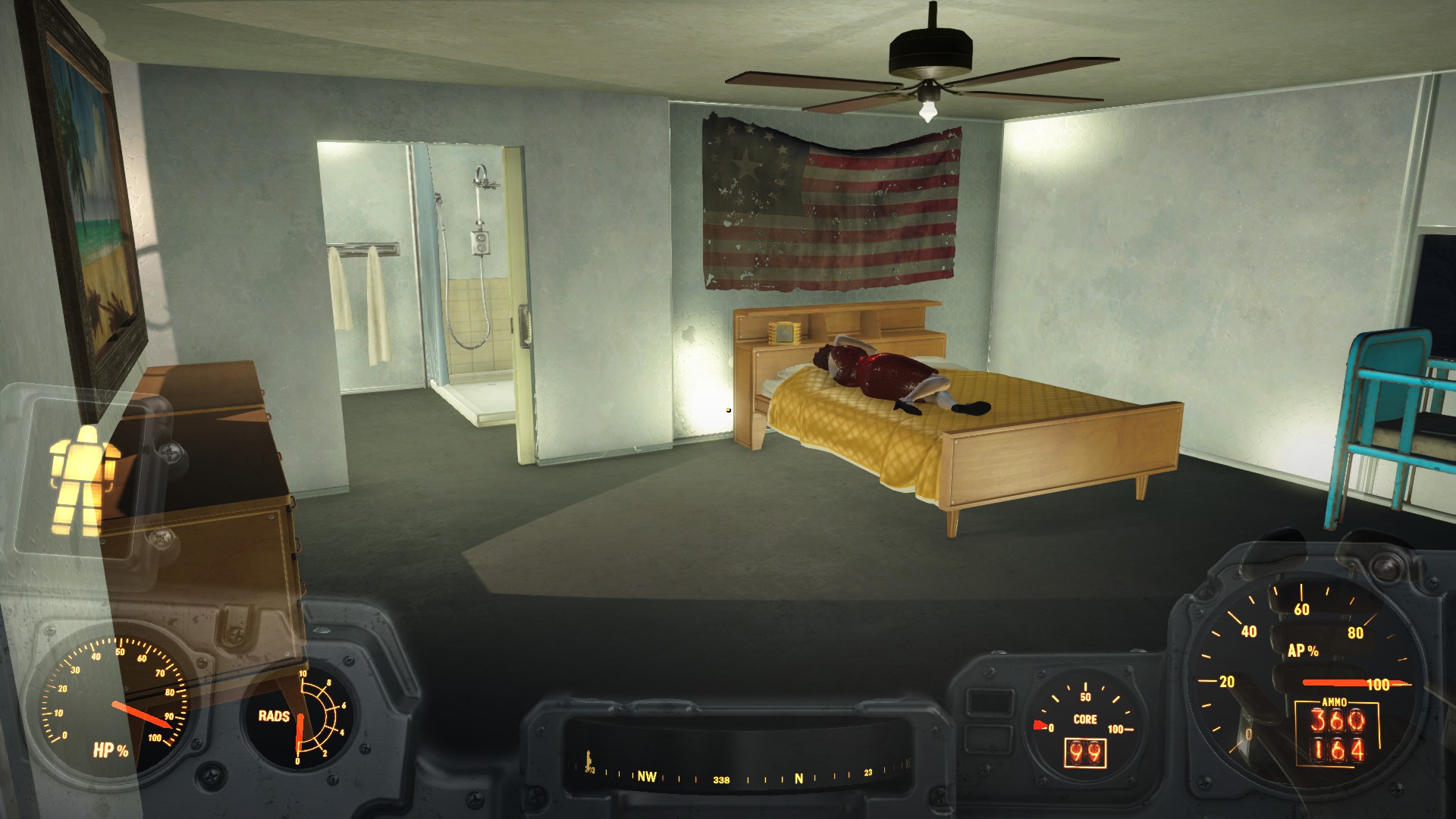
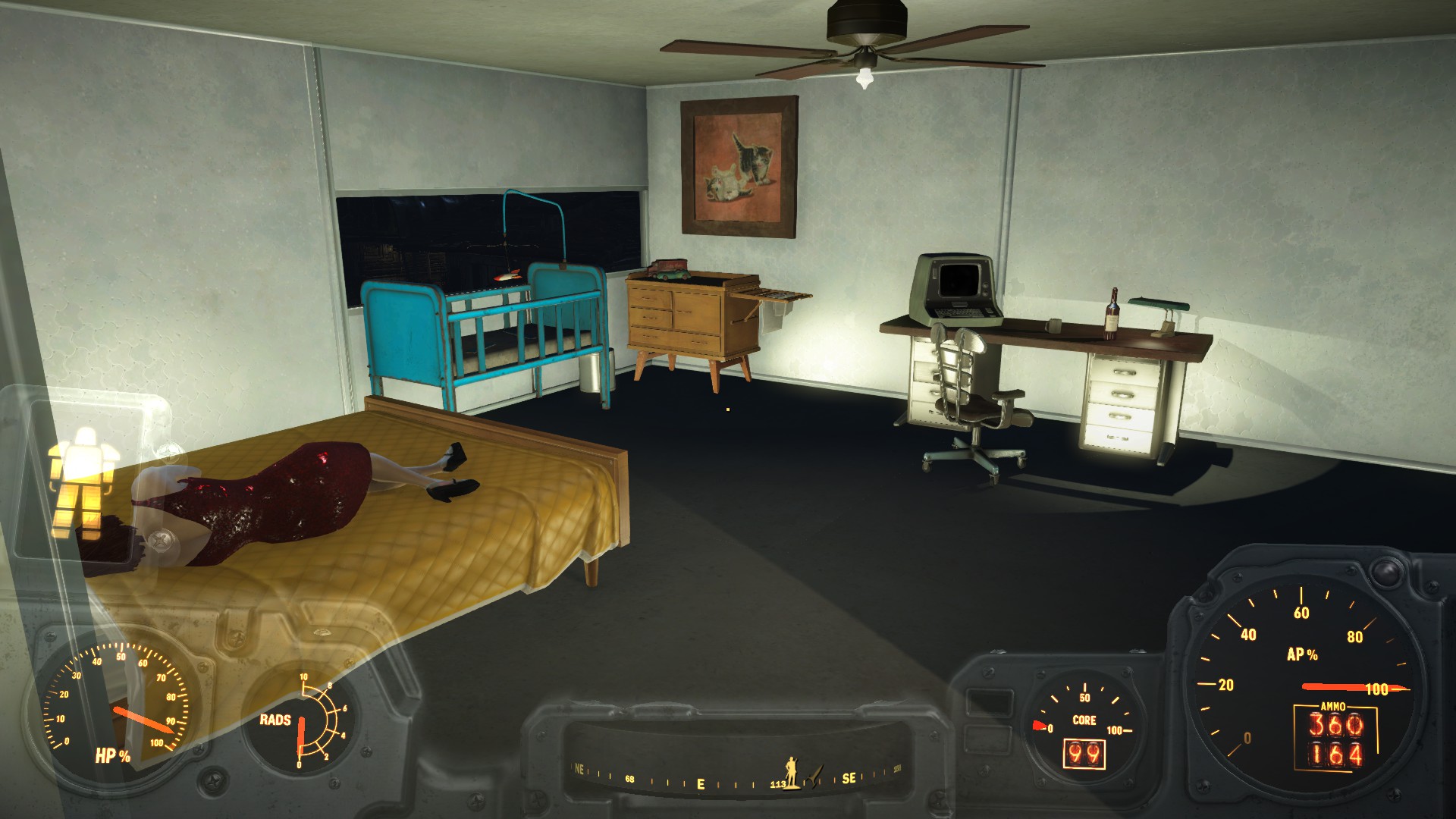
Here's another new building I just finished tonight.
Cait's Club

CaptNumbNutz Really digging your Curie Hospital and Clark Mart. Nice job!
One object I think would go well with the Clark Mart are those shopping baskets found in Super Duper Mart. Place a few around the store and it would really add to the look and feel.
I've been busy working on Egret Tours Marina for the past couple of days. Certainly has been a hair puller getting objects to line-up like I imagined. Great learning experience though.
Entrance to Egret Tours Marina:
View attachment 2150
Did a patch job on the ceiling and walls of the existing structure. Looks much better than it did.
View attachment 2151
Ffixed the second story floor which didn't have any collision applied so now I can place furniture and other stuff. Also moved the workbench up to the second floor as it is easier to access than behind the counter.
View attachment 2152
Three story house for the settlers with 30 beds. Lots of decorating needs to be completed before it'll look like a home.
View attachment 2154
Simple structure for various merchants. I'm thinking of expanding it out to the edge of the road so all of the Merchant 4 vendors will fit into the building.
View attachment 2153
Interior of merchant's shop:
View attachment 2155
Garden:
View attachment 2156
Diner Front Entrance:
View attachment 2157
Take Out Windows:
View attachment 2158
Interior:
View attachment 2159
Still lots of work left to do but I think it is turning out quite nice.
) I've decided to start to let it go skyrim finally after how knows how amount of thousands of hours and put some dedicated time to FO4.
That look amazing man, what lighting mods are you using? those pics at night looks great.. are you using also a Darker Nights or similar? finally after 150+ hours of exploration (I always like to know the place first
I have already started with Homemaker which are making to stay ridiculous amount of times re-building settlements but one of the mods of which I have kinda more let's say "passion" is with lighting and environmental details. that's why im asking you that..
also.. a more general question for every other user here.. I have performance to spare with my OC'd 980TI but that's no the case of my cousin that playing with me daily this game, he is using a good ol' R9 280X the performance of his game is actually pretty good with everything ultra except god rays which are turned down to low, so what could be some recommendations for him about good but light mods?.
I'm using Darker Nights on max darkness with True Storms: Wasteland Edition. Combined they make for excellent lighting effects. The storms are unbelievable. Rain feels real, the radiation storm blowing in from Glowing Sea is amazing and the sounds provided by True Storms are very immersive. Each mod provides several options to tailor the installation to suit the performance of the PC. I'm running every Fallout 4 setting on Ultra with Bokeh disabled to allow me to see clearly underwater.
To put things into perspective, as of this moment I've invested 1,471 hours into Fallout 4 and am currently on my 7th character. My mod storage folder is 84 GB and growing. I currently have 132 mods with 92 active plugins with 46 of those mods being texture replacers. I like my eye candy.
Awesome. Thanks.To unlock all locations enter console and type "tmm 1" without the quotes.
I'm using Darker Nights on max darkness with True Storms: Wasteland Edition. Combined they make for excellent lighting effects. The storms are unbelievable. Rain feels real, the radiation storm blowing in from Glowing Sea is amazing and the sounds provided by True Storms are very immersive. Each mod provides several options to tailor the installation to suit the performance of the PC. I'm running every Fallout 4 setting on Ultra with Bokeh disabled to allow me to see clearly underwater.
To put things into perspective, as of this moment I've invested 1,471 hours into Fallout 4 and am currently on my 7th character. My mod storage folder is 84 GB and growing. I currently have 132 mods with 92 active plugins with 46 of those mods being texture replacers. I like my eye candy.
LOL. I need to test that theory. I wonder how I can get people to actually box rather than it being a simple decoration? I really want those animal cages because I want deathclaw/raider fights. That way I can force them to fight since they will be naturally aggro to each other.Damn CaptNumbNutz nice bar you got there.
One question: when Cait enters the ring, does she yell at her opponent, "I'm going to rip your lips off!"?
I spent the better part of an hour last night going through my entire workshop looking for the animal traps. I will check the wiki link again for the exact list of Wasteland Workshop items that are new.1a. Wasteland Workshop has cat and dog traps. Normally takes a couple of days before one is in the trap.
LOL. I need to test that theory. I wonder how I can get people to actually box rather than it being a simple decoration? I really want those animal cages because I want deathclaw/raider fights. That way I can force them to fight since they will be naturally aggro to each other.
I spent the better part of an hour last night going through my entire workshop looking for the animal traps. I will check the wiki link again for the exact list of Wasteland Workshop items that are new.
As of right now, the animal traps are the only thing missing from the workshop. I have a floor trap that looks like a shack floor. I have a few other human traps like saw blades and such. I've got large cages (simply labeled cage) and big enough for a couple humans, and I've got prison cells. What I've got isn't listed in the workshop DLC, so I believe it came from a mod. No deathclaw cages, no cat traps. Apparently there is some new "Beta Wave emitter" too that's supposed to tame the big animals? I didn't see that either.
Which section are they in?
FWIW, I did LOOT and let it sort automatically. The DLC plugin for workshop is activated in NMM, but automotron is not. If you want me to re-post my loot order, I will later tonight. I have not added any additional mods since I last posted it.
I also thought there were some neon signs in this DLC, at least according to the DLC advertisement from Bethesda (specifically the one showing Deathclaw fights).
I knew I was forgetting something. Compatibility patch. I think I read something about it before. For some reason I thought NMM did that automatically.Install the Homemaker/WW compatibility patch and the cages will be on the main menu, far right.
I'd like to see your load order since LOOT doesn't cover every Fallout 4 mod as of this date.
Once the Homemaker/Wasteland Workshop compatibility patch is installed, neon lights are under Power ==> Lights ==> Neon
That did it. Took me a minute to figure out how to enable it, but everything works now.Wasteland Workshop/Homemaker/Settlement Keywords Compatibility Patch
Download then install with NMM. Place last in load order.
Edit: I'm on West Coast so take your time.