• Some users have recently had their accounts hijacked. It seems that the now defunct EVGA forums might have compromised your password there and seems many are using the same PW here. We would suggest you UPDATE YOUR PASSWORD and TURN ON 2FA for your account here to further secure it. None of the compromised accounts had 2FA turned on.
    Once you have enabled 2FA, your account will be updated soon to show a badge, letting other members know that you use 2FA to protect your account. This should be beneficial for everyone that uses FSFT.

Show Your LCD(s) setups!!!

I could never understood the need of so many screens for years now in this topic. But it stil amazes me how good these setup looks (usefull or not).
 
Its much more convenient to have things laid out in front of you than hidden behind each other or minimized. It also frees up workspace for graphics authoring or other application suites that use a lot of toolboxes and extra panels, histories, timelines, preview windows,etc. Other monitors are also able to display data like chat, web browsers, music apps, volume controls, download managers, remuxing or rendering apps/progress etc. You can also play a video, show, or watch the news on one while working or playing on another. Some projects use more than one application at once.. like 3dmodeling on one app and texturing in another app like photoshop for example.. or using a web dev app and a graphics app at the same time, etc . And if you are gaming you can keep your chat app, ventrilo/teamspeak type stuff visible so that you can see who is talking highlighted in the user list, keep a web-page open, monitor any downloads or other progress meters, emai, music display, video, .. whatever.. That's just a few things.. its very convenient.
 
I could never understood the need of so many screens for years now in this topic. But it stil amazes me how good these setup looks (usefull or not).

Just like elvn said, it's all about productivity. Part of my job is to review training classes before the vendors do the training. It's done in 3 parts; an instructor's guide, student's guide and powerpoint or something similar. I put one on each of my 3 screens and review all of them at the same time. It also saves a lot of trees because I don't have to print any of it. Some of the manuals can be as large as 475 pages. It saves paper, toner, electricity and promotes printer longevity.
 
I could never understood the need of so many screens for years now in this topic. But it stil amazes me how good these setup looks (usefull or not).

For me, the multimonitor setup has always been about efficiency, getting more things done in less time. Working on many virtual machines/remote desktop sessions simultaneously for example. That's just something that's really hard to do with only one or two monitors.
 
Any words on the Kinect for PC? I can't wait to try it out, bring on "Minority Report" style :D
 
Any words on the Kinect for PC? I can't wait to try it out, bring on "Minority Report" style :D

Stop and think for a moment. WTF ARE YOU GOING TO DO WITH IT?! Honestly, other than organizing my already organized photos, why would i want to wave my hands around? You'd get a lot of fatigue from just moving the mouse around. Though I'm all for Windows 8 (go to youtube now) and it's interface, I'd much rather have something like a touch screen tablet next to / under / in / around my keyboard to navigate the menu's that may or may not look and feel too much like an xbox 360 interface (being the xbox experience or much better imho blade system). Voice recognition is cool, but other than launching apps or talking and have it type what im saying, don't see much point.

Though one big question comes to mind, can I use it with dolphin so I don't actually need a wiimote?

But being truly serious and non-rant style of writing, I'm curious as to how Kinect would tie-in well with the work oriented pc user. I used my pc for maybe 15% games and the rest is looking at the web and selling things. I just see me using something like kinect without a large curved screen to move windows around and have things scale well (text included for all that high dpi goodness.
 
Posted before, just want to post again.
IMG_6492.jpg
 
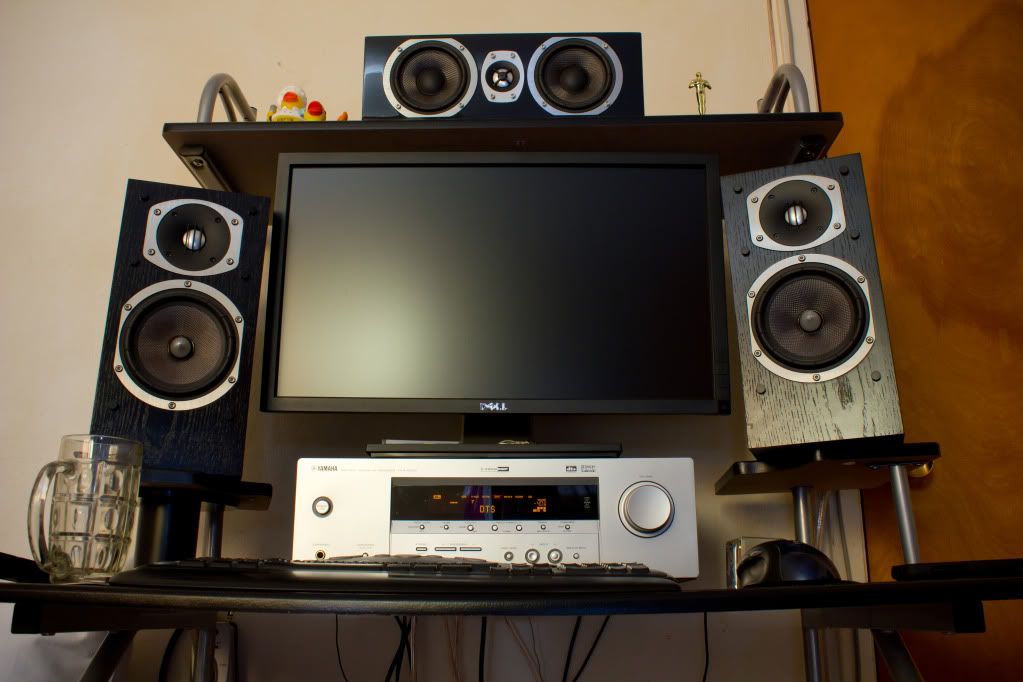
That's only the u2311 but I wish I had the 27. Also, unrelated, just want to show off the rest of my setup.
IMG_6475.jpg
 
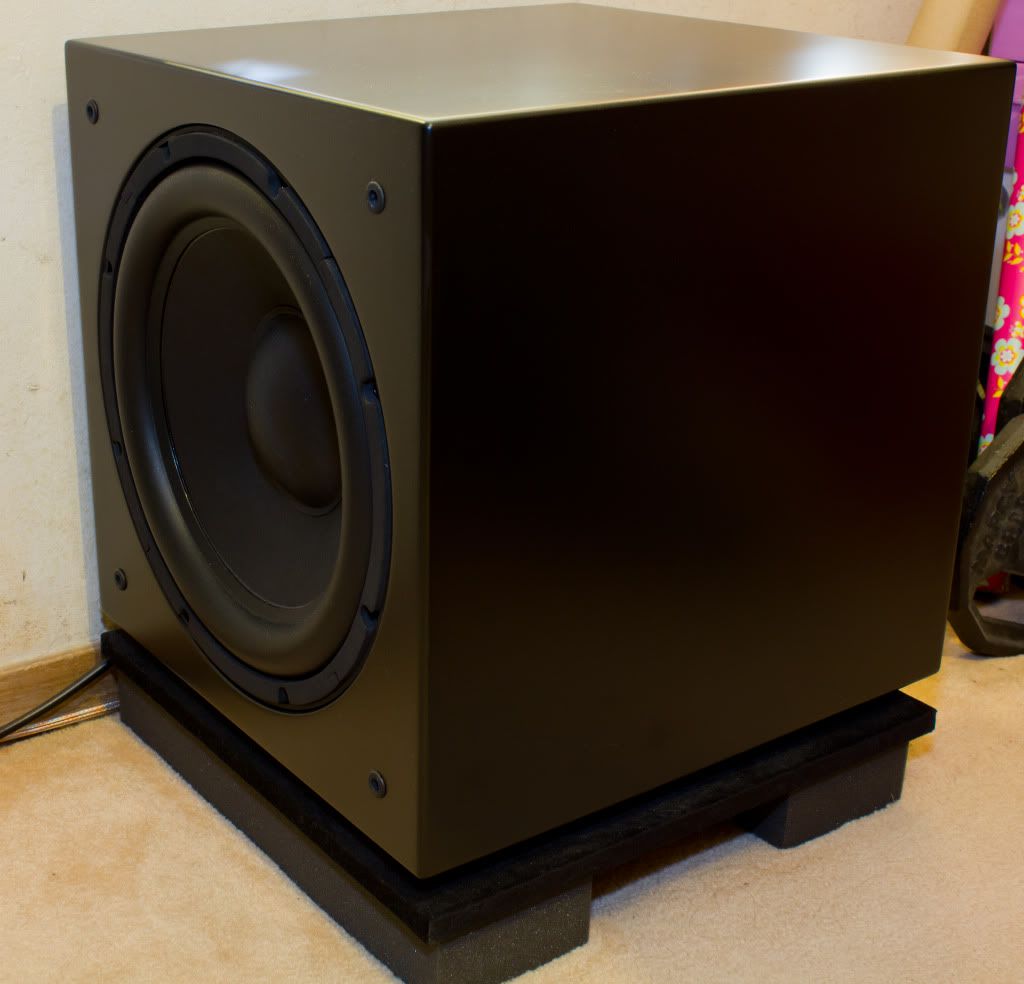
is that a subdude or another brand or did you make it yourself?
 
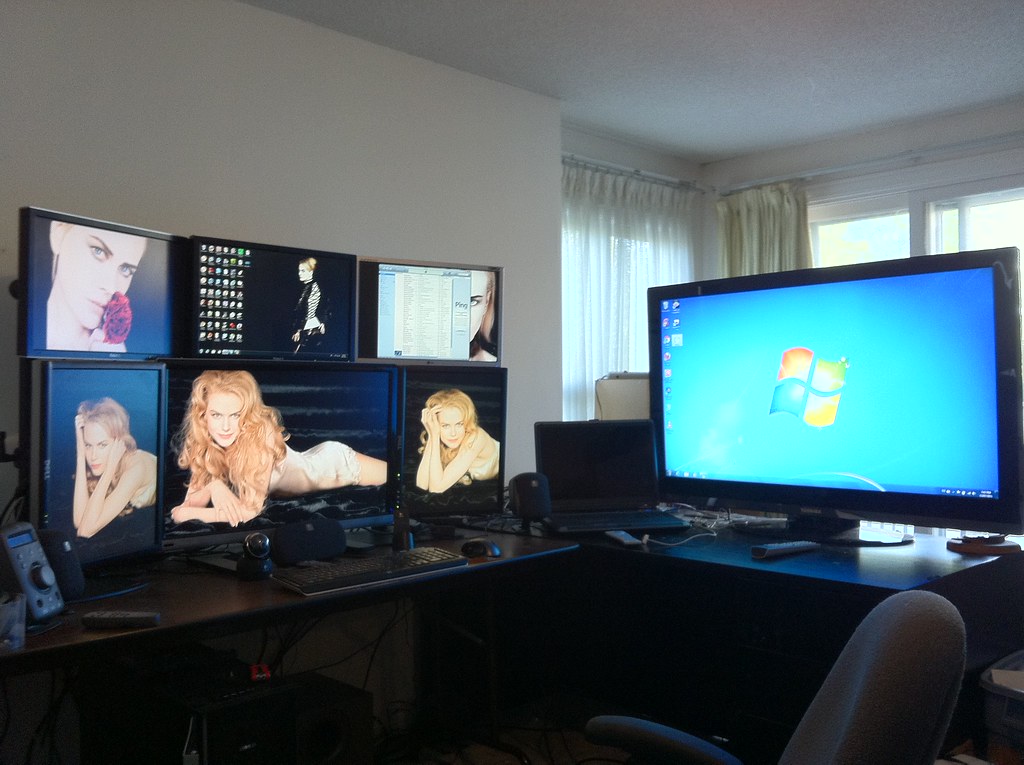
I understand the point of three for eyefinity, but what does an upper fourth screen give me? and isn't it uncomfortable since you have to look up?

Looking up a little bit to see the TV doesn't seem that bad compared to having to swivel your chair in a completely different direction. My goal is to face one direction and have as much information visible as possible while minimizing the need to move anything other than my eyes/neck. If it was anywhere else in the room he'd have to take focus away from the main 3 monitors for longer period of time. This way he can just glance up there occasionally or use his peripheral vision.
 
I am curious why people do the fourth top screen?

I understand the point of three for eyefinity, but what does an upper fourth screen give me? and isn't it uncomfortable since you have to look up?

I normally use it for random stats or something streaming, if I have access to a forth screen.
 
Stop and think for a moment. WTF ARE YOU GOING TO DO WITH IT?! Honestly, other than organizing my already organized photos, why would i want to wave my hands around? You'd get a lot of fatigue from just moving the mouse around. Though I'm all for Windows 8 (go to youtube now) and it's interface, I'd much rather have something like a touch screen tablet next to / under / in / around my keyboard to navigate the menu's that may or may not look and feel too much like an xbox 360 interface (being the xbox experience or much better imho blade system). Voice recognition is cool, but other than launching apps or talking and have it type what im saying, don't see much point.

Though one big question comes to mind, can I use it with dolphin so I don't actually need a wiimote?

But being truly serious and non-rant style of writing, I'm curious as to how Kinect would tie-in well with the work oriented pc user. I used my pc for maybe 15% games and the rest is looking at the web and selling things. I just see me using something like kinect without a large curved screen to move windows around and have things scale well (text included for all that high dpi goodness.

Depends on how it will be implemented for PC, I think you can do a lot more than just waving your hands around to organize your photos. Can't really think on top of my head now but I hope it will be good enough so I can give it a try. Until then I guess we just have to wait and see.
 
For most people like myself is just working for it. I know that everyone is feeling doom and gloom over the current state of the economy but there's still opportunities out there to have a decent life materially without having to kill for it.

Looking at all these good stuff makes one wanting to work [H]arder to afford them, and ultimately improving life of her/his own. And like others said, if don't mind, buying used is a great option to start wih...
 
You must have a hell of air conditional cooling the room in summer time. For myself got a setup 20+30+20 with a side 27 , I can't even wear shirts in my room and that's I live in Canada, now imagining yours.

they are not that hot. and if they're led lit they are cooling still. what are you running, crts?
 
You must have a hell of air conditional cooling the room in summer time. For myself got a setup 20+30+20 with a side 27 , I can't even wear shirts in my room and that's I live in Canada, now imagining yours...

Ex? Me too. They just don't get it.

I live in Canada too - Toronto to be exact. The monitors aren't the problem, it's the computer. I had my server in my room too which made it unbearably hot so I moved it into the basement. My 46" TV is driven by a laptop (connected as a Boxee/BeyondTV client to my server) and when it is running i never notice the heat. With regards to my main workstation, I do have central air conditioning, but my biggest defense is a fan blowing at my chair.

My ex understands computers well enough, what she doesn't get is obsessive behaviour :D
 
I live in Canada too - Toronto to be exact. The monitors aren't the problem, it's the computer. I had my server in my room too which made it unbearably hot so I moved it into the basement. My 46" TV is driven by a laptop (connected as a Boxee/BeyondTV client to my server) and when it is running i never notice the heat. With regards to my main workstation, I do have central air conditioning, but my biggest defense is a fan blowing at my chair.

My ex understands computers well enough, what she doesn't get is obsessive behaviour :D

exactly... hahha

and you mean a cooling fan not computer case fan towrading to your chair, right? Scientifically proven that relatively warm/hot tempeture is NO GOOD for man.

Monitors gave me more heat problem than the computers, and things will just get worse when i upgrade to 2x gtx 580 SLI (buy used) when next gen come out... And no, I can't afford a/c, you know how riduculus hydro bills here in Canada.
 
they are not that hot. and if they're led lit they are cooling still. what are you running, crts?

Dell 3007wfp-hc and 2709w both VERY HOT, two HP LP2065 can't be said cool, either. They all are high end IPS monitors and that's common issue. I was thinking to go for 3x30" but might not be a good idea (among other things).
 
You guys have some great set-ups. I posted a while back; recently made a few changes and ended up with 11440x1600. I am also running the HP LP2065 on the right (and have 3 more in the closet from when I was running 4x20 + 1x30).

The monitor on the left tends to be Outlook 2010 in a VM, the 3x30 in the middle for work, 1x20 on the right for iTunes and small scratch space when needed.

5864908473_d395caacb5_b.jpg
 
You guys have some great set-ups. I posted a while back; recently made a few changes and ended up with 11440x1600. I am also running the HP LP2065 on the right (and have 3 more in the closet from when I was running 4x20 + 1x30).

The monitor on the left tends to be Outlook 2010 in a VM, the 3x30 in the middle for work, 1x20 on the right for iTunes and small scratch space when needed.

5864908473_d395caacb5_b.jpg

Wouldn't portrait be a lot better with all those monitors?
 
I haven't tried 30" portrait, but I don't want to... I can turn my chair left/right a lot easier than I can look up and down. I used to do 4 portrait screens + 1 wide screen, but I do a lot more PowerPoint than I used to, and portait screens aren't as so handy for that.
 
r1kf7p.jpg


29a44k.jpg


Long time reader first time poster, I did not realize how fingerprinty my monitors were haha.
 
Back
Top