Show Your LCD(s) setups!!!

mail.google.com.jpg


20" viewsonic (vx2025..? brightness is real low) for browsing and 32" 1080p Sharp for HD, gaming

if you look to the immediate lower left of the monitor, that large tall black box is one of two giant speakers i use for watching movies and playing Rock Band/GH:WT drums :D
 
Hey prolifik, that is some serious CM are them sigma desk things easy to mount ?, i love the shaggy carpet ;) i want it in my room.

TTYL:p
 
Thanks for the added pics Prolifik. I have been on the fence about picking up that desk until I saw your room. Very similar to what I was envisioning. The wire cradles are just a bonus I didn't know about. I'm sure they were extra but worth it for a clean install.

My plans included an additional side table that would more or less turn it into a U shaped configuration. I love the bookcases, but I had something wall mounted above the monitors in mind. Who knows, plans get tweaked every time I see another good idea, lol. Regardless your shots helped me see things better.

--

Very nice setup Dave. Triple 28's indeed! Hardwood floors are gorgeous... but impecably difficult to hide wires on aren't they? In my install days I used to hate having to conceal anything around hardwood floors. If the room had an unfinished basement I would try to do as much in wall as I could. Otherwise raceways like this or this came in real handy. You mentioned this was temporary so you probably won't end up needing it. All the same if some one gets some use out of the info it's still worth mentioning. Looking forward to seeing the finished setup.
 
Thanks Frraksurred, hehe..

Only after picking up my illuminated keyboard did I notice how many [H] members are using it! I've been loving it too, it's very nice.
 
Prolifik - Just add me to the growing list of those who are very impressed with your setup. Best cable management I've seen here on [H]. It really inspired me to do something to get my cable jungle under control... then I just shook my head and laughed because I knew I wouldn't. :p
 
Prolifik - Just add me to the growing list of those who are very impressed with your setup. Best cable management I've seen here on [H]. It really inspired me to do something to get my cable jungle under control... then I just shook my head and laughed because I knew I wouldn't. :p

thank you and thanks to everyone for the very nice comments. Mr. Wolf just set out a day, have a plan and have everything bought in advance and you'll be suprised how easy it is...and those wire trays from ikea make it so much easier and you could use them on just about any desk. good luck
prolifik
 
IMG00101.jpg

Sorry for the crappy phone pics, wire managment needs to be updated as I just got the new LCD and had to cut all my old wire ties off to remount this.

24" westinghouse, little backlight bleed but got it for 200 bucks on sale at Best Buy so no complaints here.
 
boxes.jpg


PICT7487.jpg


PICT7488.jpg


PICT7489.jpg


This is a temporary setup until I find a computer desk and move the setup to my office and mount my plasma tv... the 28 inchers are extremely bright.. brightness is set to 0 here. I picked up the monitors at tigerdirect.

LCD Monitors: I-Inc iF-281DPB 28" (triple monitor) (HDMI)
Resolution: 3x 1920x1200 and 1x 1366x768 (w/ Nvidia Nview)
Plasma Monitor: Panasonic TH-58PH10UK (1x DVI, 2x HDMI)
Laptop: Asus Aspire One
Keyboard: Logitech Illuminated Keyboard
Mini Keyboard: Logitech diNovo Mini
Console: Xbox 360 Elite (65nm Falcon Chipset)
CPU: Q6600
Video cards: 1x BFG Geforce 9500GT (2 DVI), 2x EVGA Geforce 6200 (1 DVI)
Multiple Monitor Software: UltraMon
Hard Drives: 2x Seagate 1TB


Did you turn down the contrast (white level) also?
 
ez250ijc2.jpg

5 LCDs, a CRT, and 69 LEDs :p

That's pretty cool. How do you hook up a keyboard to the PC and what software you using? I think mine has some kind of computer connector in the back. Gotta dig it out of the closet and blow the dust off! BTW your keyboard looks almost identical to mine.
 
Here ya go...btw this is the cable management to the desk in this post http://www.hardforum.com/showpost.php?p=1033737640&postcount=13676

3 shots going from left to right under desk, I'm not very neat with the cables in the trays...guess you don't really need to be.I have a small power strip in one of the trays and if ya need to hide the cable box...


prolifik

did that cable management trey came with your table or you bought that separately? if so where?
 
That's pretty cool. How do you hook up a keyboard to the PC and what software you using? I think mine has some kind of computer connector in the back. Gotta dig it out of the closet and blow the dust off! BTW your keyboard looks almost identical to mine.

Most likely he's using MIDI. Could just be USB, though. Depends on the keyboard. Not sure what the software is he's using though, so I can't help you there.
 
sorry for all of the big photos. been looking through these forums for like a year now and i finally think my set up is worth showing. here is my old setup.
_2134951.jpg

and now my new setup
_2194966.jpg

_2194970.jpg

_2194975.jpg

_2194980.jpg

_2195001.jpg

_2195002.jpg
 
Those eyes SCARE ME. I don't want my PC watching me!

Those pictures are funny. It's almost like it's illustrative of the first picture being in a state of samsara and then new setup with all the buddhas being moksha...but if Nirvana is two eyes staring at me and creepy buddhas laughing at me, I think it's not for me HAHA
 
lol, thanks guys. dropped about 650 in 2 days, lol. the lights are from Lowes. UtiliTech is the brand. It is a 6 light set. I just have 2 set up for the time being before i can add another shelf to the left wall.
 
ToNs:
What are your two monitors sitting on, and what desk are you using. I'm planning on buying a new desk and your setup is brilliant.
 
He is just using what looks like a shelf from Ikea, probably any one of their shelves will do and the Capita legs, they come in 3 different heights. I have the same thing on my desk, very handy and very nice to use to lift up your monitors.
 
yeah sparkyy is right. its just one of their wall shelves with some capita legs underneath. i loved the legs so much that i bought 3 sets. 2 of the 6" sets and 1 slanted set. wish I would have found Ikea sooner. oh and the desk is the Galant series. It is completely customizable.
 
lol, you gotta be crappin me, thanks for the link. will have to drool over it tomorrow
 
Working on building a new desk. Ikea galant frame and legs with a oak 4'x8' top cut down to fit and ebony stain.


That's pretty cool. How do you hook up a keyboard to the PC and what software you using? I think mine has some kind of computer connector in the back. Gotta dig it out of the closet and blow the dust off! BTW your keyboard looks almost identical to mine.

If it's the same keyboard, it has built in USB-midi interface so it's just hooked up via USB. Also, if it's the same keyboard you can drag and drop midi files into it and there's also Konami Keyboardmania PC that comes with it. Keyboard is Yamaha ez250i
 
Pc300002.jpg


If you're wondering why I have both MX518 and DeathAdder hooked on, the MX518 is better for artsy-stuff.
 
If you're wondering why I have both MX518 and DeathAdder hooked on, the MX518 is better for artsy-stuff.

Huh? What artsy stuff, like free form drawing with the mouse? The MX518 is good for artsy stuff but bad at everything else so you use the DeathAdder? Very interesting...
 
It's great. I absolutely prefer it over the MX518 in ANY game and general use except for digital art. Fits my hand though it's more of a finger-hold compared to MX518's palm.
 
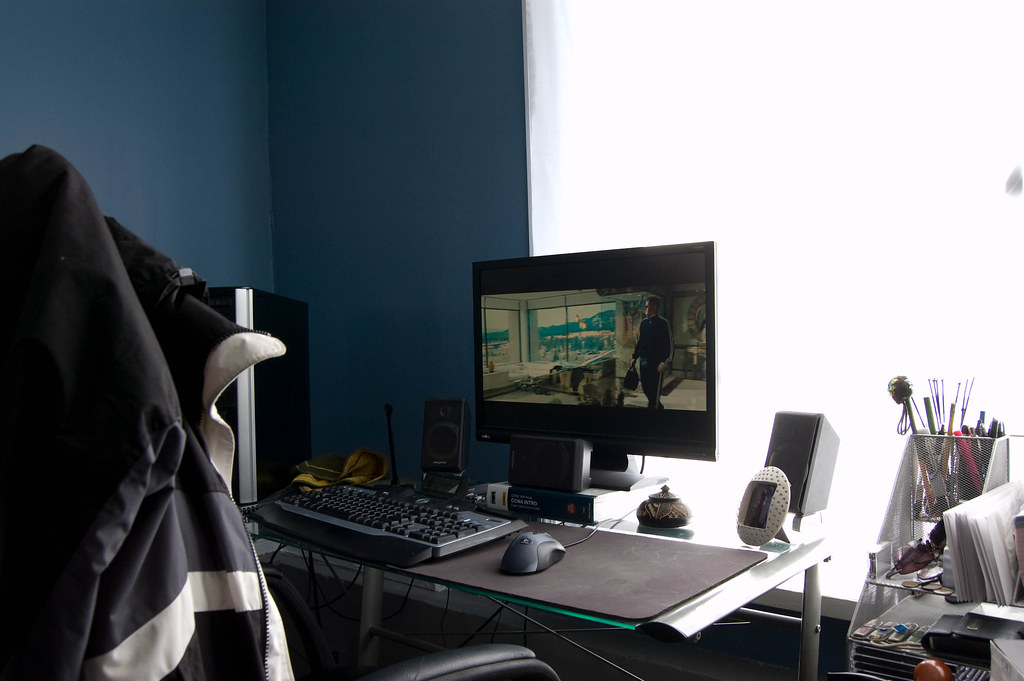
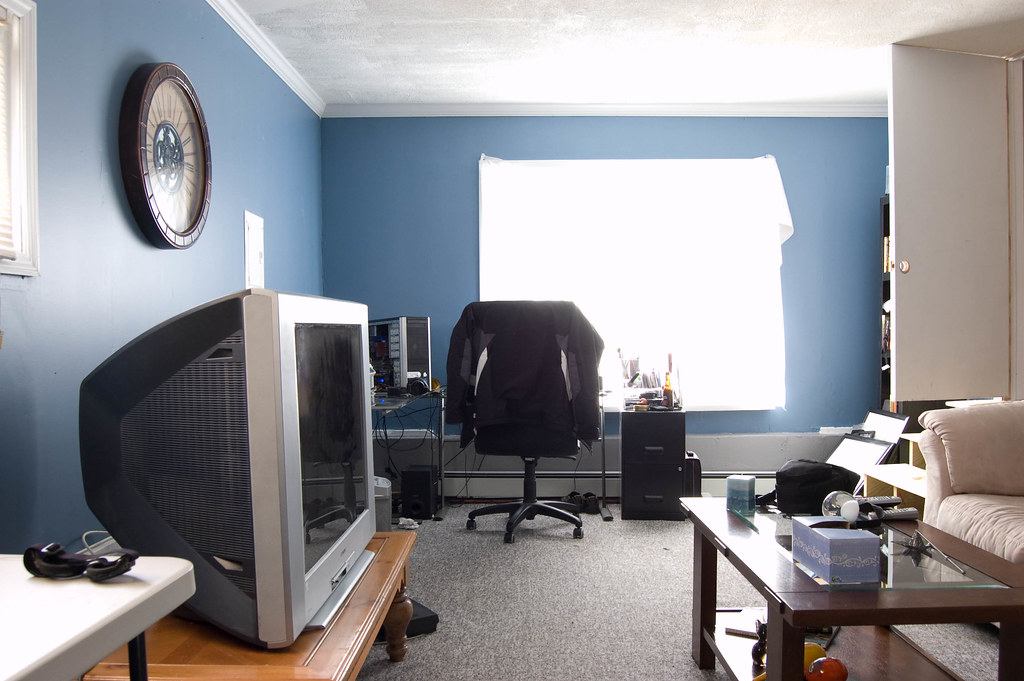
I moved back to the USA after being in Canada for a year and was unable to work. This is a room that my aunt is letting me use until I get back on my feet.
The Hanns-G 22" widescreen monitor was left behind and to be honest wasn't the best quality so I gave it to my mom's husband.
I have my laptop back so I'm still a 3 screener. I dont have a PC hooked into the Samsung do to A Mac Mini will be plugged into it at some future point.
At some point I'll get a 50" for my main TV and use my current TV for main display and take my Dell PC monitor and make it vertical for misc apps.

10211_full.jpg


Entertainment Center

My new setup. The NES doesn't work and the Game Cube isn't hooked up as the Wii can do what the Game Cube does.
The other 2 Ninja Turtles are behind each speaker.
I left 1/3 of my movies in Canada but all my Blu-rays (3 LOL) and all my games are together again.

The sub is to the left of the left bookshelf.
(Zone 1 Speakers / Sub)

-The List-
Samusng LN22A450 22 inch Widescreen LCD HDTV
Sony BDP-S350 Blu-ray player
Logitech X-240 2.1 Speakers
HD video / audio slector box
HP Photosmart 1115 inkjet printer
Nintendo
Super Nintendo
Nintendo 64
Nintendo Game Cube
Nintendo Wii
Nintendo Game Boy Advance SP
Nintendo DS Lite (on desk)
Sony Playstation 2

-Wish List-
HD dual tuner PVR
Microsoft XBOX 360 (will be placed under the N64)
Apple iPod Touch 2nd generation
Apple Mac Mini

9922_full.jpg


I'm not a fan of football but was only thing I could find for a curtain...could have done worse
The L shape desk was also left behind and this one isn't mine. I have my hand built one in the garage as there was no point in swapping desk for the time being.

(Zone 2 Speakers)

-The List-
Dell 22" Widescreen LCD
Cyber Acoustics CA-2014 2.0 speakers
PC #1 (custom built by me)
Dell Inspiron E1705 Laptop
Logitech web cam / wireless mouse / wired keyboard / wireless controller
San Disk 13-in-1 memory card reader
Linksys 802.11 a/b/g wireless access point (down stairs)
Nintendo DS Lite
Apple 8GB iPod Nano 3rd generation
 
Back
Top