• Some users have recently had their accounts hijacked. It seems that the now defunct EVGA forums might have compromised your password there and seems many are using the same PW here. We would suggest you UPDATE YOUR PASSWORD and TURN ON 2FA for your account here to further secure it. None of the compromised accounts had 2FA turned on.
    Once you have enabled 2FA, your account will be updated soon to show a badge, letting other members know that you use 2FA to protect your account. This should be beneficial for everyone that uses FSFT.

Post your workstation 2008 !

Status
Not open for further replies.
Too big (wide) for one picture.

Posting two. The second is to the left of the first.

Yes, that's a punching bag on the left.

spa0007ol1.jpg


spa0012bf2.jpg


You'll see two systems here. The one in the TT Lanbox is the one in sig. The other is below the old JVC, it's my home file server. Also acts as a router.

Bad quality, as they're taken on a cell phone (Samsung U100). The other phone you see in the first picture is my old phone, it's a Kyocera KX2 - engineering sample.

edit: The adapter on the TV is for an EU Sega Genesis system that I recently brought back here. Speaking of which, I need to find a US DC 10v adapter.. does anybody know where I could buy one of those?
 
Sorry about the high ISO, I was using my mom's camera.

DSC00402.jpg


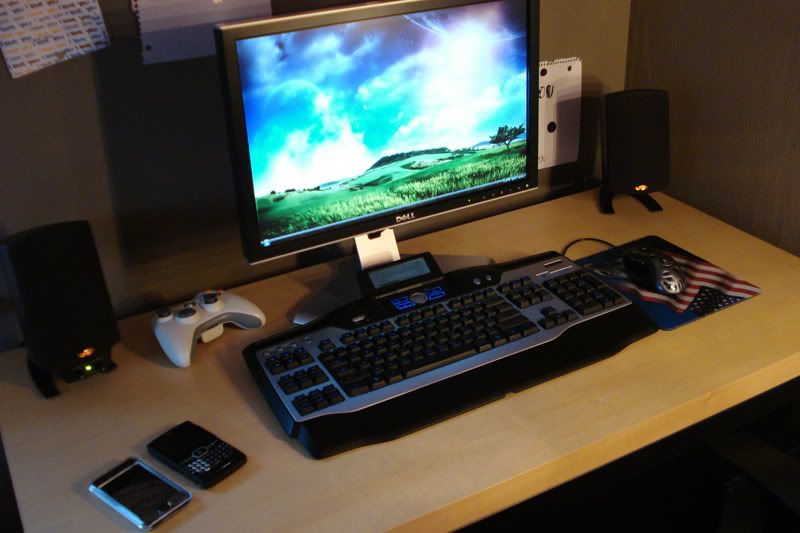
Klipsch ProMedia 2.1, Logitech G15, MX518, Dell 2007WFP S-IPS

Not pictured: Thermaltake BlacX, 250GB WD MyBook, 5 port D-link 10/100/1000 switch, D-link DI-524

DSC00411e.jpg


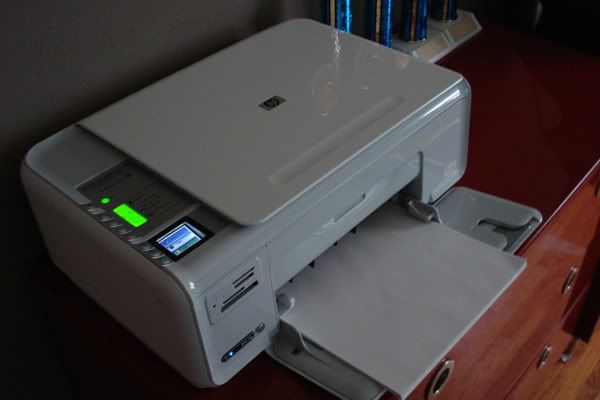
HP Photosmart C4385 Wi-Fi AiO
 
Swan_1.jpg


Swan_2.jpg


Swan_3.jpg


Swan_4.jpg


Swan_5.jpg


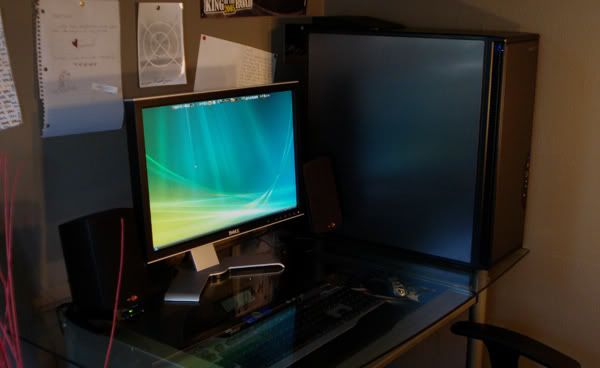
Just got the Swan M-10's, I need to clean up all the cables obviously, but thats for another day, for now I am just enjoying the swans. for less than $100 they were a great value!
 
^ is it just me, or is that a bible with an apple logo on it to the right of your monitor?
 
haha, you're probably right. i'm doubting it's actually a bible, just resembles one a lot in that picture.
 
Its a Z-Line L-Desk from staples
http://www.staples.com/office/suppl...llection_87094_Business_Supplies_10051_SEARCH

For the price its a great desk, but it is a little wobbly is you try to shake it. The assembly was a pretty long process too, it was like 50 allen screws.

I would buy the same desk again, but the glass one I had when I was still living at home was alot more sturdy (but impossible to keep clean and finger-print free)
 
Just got the Swan M-10's, I need to clean up all the cables obviously, but thats for another day, for now I am just enjoying the swans. for less than $100 they were a great value!

Most people insist on putting the m10's "sub" directly in front of their persons (under their monitors). Have you compared your current placement with the majority's placement?

(I'm interested in the m10s, but having to put the sub on my desk and directly in front of me is a turn-off.)
 
Hey compslckr what desk it that? and is it sturdy?

i have this desk too, it warps quite easily, or that's cuz of my poor construction or something. It's not the sturdiest desk, but if you assemble it properly, you should be fine
 
I started out with the sub in the center under my LCD, and to tell you the truth the difference in sound is minimal with the sub slightly to the right. It might have sounded a little better with it in the middle, but on the side still sounds awesome to me.
 
Now you just need a 3rd monitor that has the Harvey Dent with his "I believe in Harvey Dent" badge thing :p
 
I have a question for everybody. Do people really leave their desks this clean all the time, or do they prep for photos?
 
Mine is always clean, I might get a few stacks of paper, but i am a little bit of a neat freak when it comes to my workspace.
 
deliciouspork...
great looking workstation... good job :)

86DRIFTER...
I keep mine pretty clean except when I'm drawing something, then all my pencils and junk are all over... but other than that maybe the only thing on my desk besides what goes there is my camera and flash drive case.
 
I have a question for everybody. Do people really leave their desks this clean all the time, or do they prep for photos?

My desk is usually managed chaos. There is crap all over it, it looks cluttered but its actually not bad. I'd post pics but I left my camera at a friends house in Atlanta :(
 
Out with the old
145.jpg


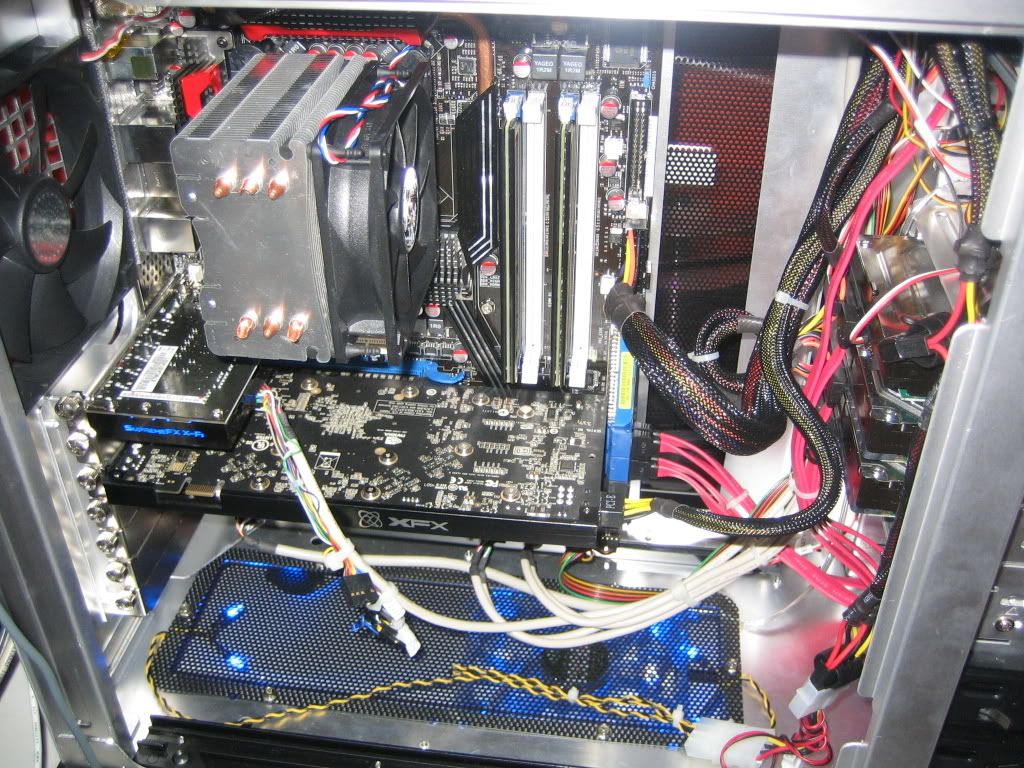
In with the new

No Flash
hdd040.jpg


Flash
hdd044.jpg


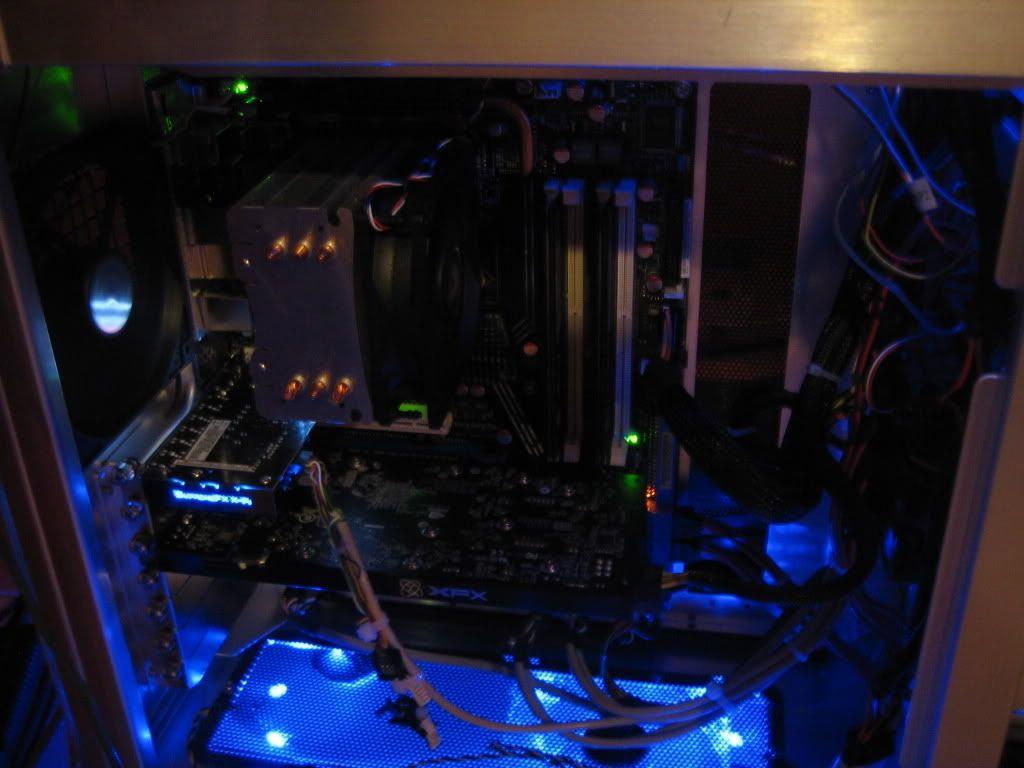
Mobo Lights
hdd045.jpg


Night Pics
hdd046.jpg


hdd047.jpg


hdd048.jpg


The vast improvements from the old including my "new" used Jerker desk (YAY Craigslist)

hdd049.jpg


hdd050.jpg


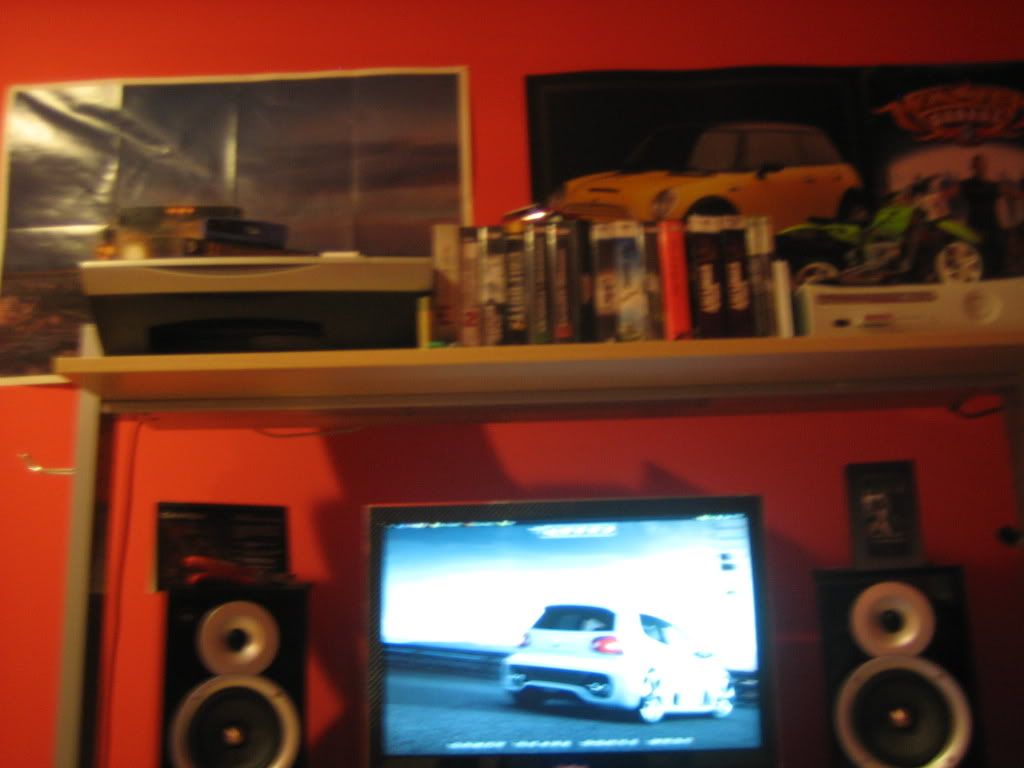
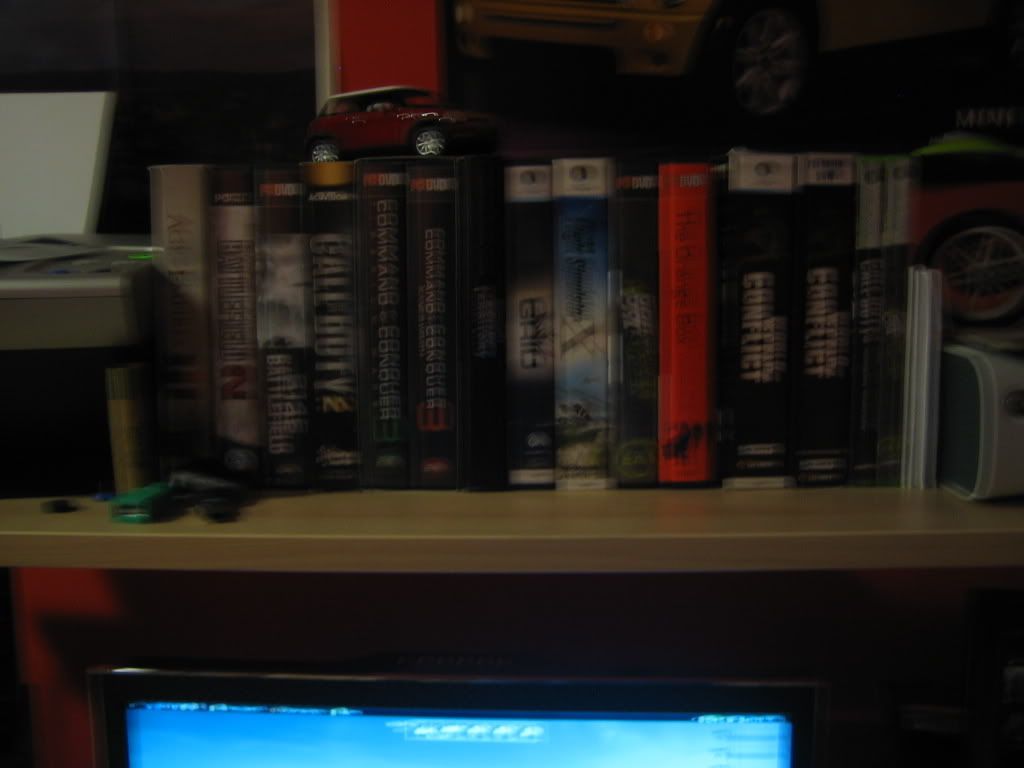
Game Collection (only the very best);-)
hdd051.jpg


hdd052.jpg


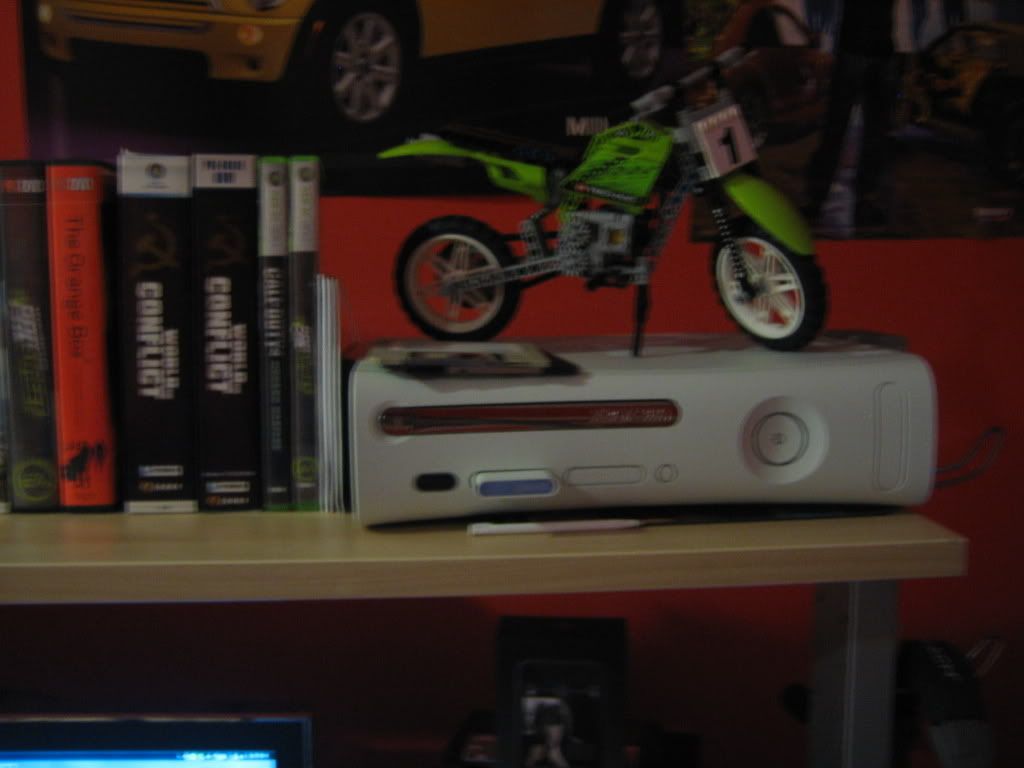
Xbox 360 60 gb version and my Lego Technic dirt bike
hdd053.jpg
 
pretty happy with this setup. need to get a new mouse pad. 2nd mouse is for kvm since razer mice don't work with my kvm. If I can save up some money I'd like to replace these two amd x2s with 4850e's until amd does something noticeable with their quad cores or I switch the mobos to intel. silver box running xp x64 black box server 2003. the server 2003 box has a crappy asus m2n-e which takes some coaxing to get running with the drivers, but works fine. it also has a rr2220 in a 32-bit pci slot so that's kind of funny too. I used to have rackmount cases but the build quality doesn't compare to a nice ss or lian-li. plus the additional cost of rails is a major pain so I can't see myself going back to rackmount boxes unless I upgrade to a deeper rack (which is pointless because they cost bank). only other thing left to do is to buy some nice cat6 cable so I can take advantage of jumbo frame speeds. all the blue cabling is currently cat5 (which is fine for the router/gateway and the printer but bottlenecks file transfers). let me know if you have any suggestions on how to improve.

dscn1058wc3.jpg
dscn1057bi2.jpg

dscn1056es6.jpg
dscn1054ui1.jpg


new layout

 
Status
Not open for further replies.
Back
Top