obviously he has a theme with a modded clockTechStuey05 said:How did you get the time to look like that on the bottom right?
![[H]ard|Forum](/styles/hardforum/xenforo/logo_dark.png)
Navigation
Install the app
How to install the app on iOS
Follow along with the video below to see how to install our site as a web app on your home screen.
Note: This feature may not be available in some browsers.
More options
You are using an out of date browser. It may not display this or other websites correctly.
You should upgrade or use an alternative browser.
You should upgrade or use an alternative browser.
Post your pc screen shots!
- Thread starter silentnight3985
- Start date

Dapperdan
Supreme [H]ardness
- Joined
- Jun 17, 2002
- Messages
- 6,306
Alowishus said:On the same note, here are a couple of screens demonstrating xgl on my suse 10.1 installation:
The infamous desktop cube and transparency:
The wavy windows:
And the ever useful zoom feature:


but whats the best use of that program?
Dapperdan said:but whats the best use of that program?
Actually, xgl is an xserver architecture layered on top of opengl. Think windows vista's aero but way more useful in my opinion. For example, say you are using a 3d modeling application. You can stretch the application across 2 sides of the desktop cube, with the tools on one side, and your actual workspace on another. Very handy if you cant afford a dual monitor setup. The zoom feature can be handy especially if you want to get a quick closer look at an image, web page, text file, etc. Pressing the pause key or moving your mouse to the top right of the screen will arrange small versions of all of your currently opened windows so you can click on the one that you want, its a bit easier than alt-tabbing (which you can also do with xgl). Xgl also has plugin support, so when its more widely accepted, you can download plugins to customize and enhance your desktop. Kind of a long winded post, but I think it gets the point across
 .
.
Pagan Wizard
2[H]4U
- Joined
- Jan 12, 2002
- Messages
- 2,634
Vaeldain said:I'm probably just misunderstanding you, but I didn't photoshop that. It's xgl and compiz under ubuntu.
http://www.youtube.com/watch?v=PuW9SiA8hNo
No you did not misunderstand me, it was me who misunderstood you. I did think that was phtoshopped.
Cantonious
Gawd
- Joined
- Jun 22, 2003
- Messages
- 868


sanj101 said:Currently downloading ubuntu, could you PM me on help with the compiz and XGL parts.
Cheers
Your best bet is to follow the guide on the Ubuntu wiki: https://help.ubuntu.com/community/CompositeManager/Xgl
As far as I know that's the most up-to-date walkthrough on installing xgl/compiz onto an Ubuntu install. If you're comfortable in Linux you can probably get it working in 15 or so minutes.
sanj101 said:damn it, im a n00b when it comes to linux
Before two days ago the last time I had isntalled Linux was over 3 years ago
Just spend some time reading the wiki and hanging out in #ubuntu and #ubuntu-xgl on the Freenode IRC server and you shouldn't have any problems.
GlobalFear
2[H]4U
- Joined
- Nov 22, 2003
- Messages
- 3,631

My dual BenQ FP93GX's came in today.

Pagan Wizard
2[H]4U
- Joined
- Jan 12, 2002
- Messages
- 2,634
chronic9 said:whered u get the NASA pics?
I don't know where that particular image came from, but I googled "space shuttle" under images, and found this..... http://images.google.com/images?q=space+shuttle&hl=en&btnG=Search+Images .........I stopped looking after 20 pages for that image.
sanj101 said:Currently downloading ubuntu, could you PM me on help with the compiz and XGL parts.
Cheers
I followed this guide.
http://ubuntuguide.org/wiki/Dapper#How_to_install_Xgl.2FCompiz_.28Nvidia.29
quite easy.
CrAzYsPyDeR
Bad Trader
- Joined
- Apr 11, 2001
- Messages
- 1,671


Unknown-One
[H]F Junkie
- Joined
- Mar 5, 2005
- Messages
- 8,909
Just got 3 19 inch LCDs (Samsung 930b's) up and running . I had to streach and crop a 1600x1200 wallpaper, it works for now, but a real 3840x1024 wallpaper would be ideal.

. I had to streach and crop a 1600x1200 wallpaper, it works for now, but a real 3840x1024 wallpaper would be ideal.
chronic9 said:whered u get the NASA pics?
It took a while of searching on NASA's site. If you want the link let me know, I'll go though it again tonight. I have tons of images I grabbed from there that I convertered to wallpaper for myself.
And again, I could always share what I have done already.


Unknown-One
[H]F Junkie
- Joined
- Mar 5, 2005
- Messages
- 8,909
Yup, the very same. I posted a link to Free Launch Bar over in "The official 'clean desktop' club" thread, but it got loast pretty quicklysanj101 said:Nice is that Free Laucher Bar a program?
Unknown-One said:Yup, the very same. I posted a link to Free Launch Bar over in "The official 'clean desktop' club" thread, but it got loast pretty quickly
It's a great program. So great in fact, I purchased the full version True Launch Bar. It helps to keep my desktop 100% iconless.


maverick777
Gawd
- Joined
- Jun 5, 2006
- Messages
- 540
Here's mine. My actual desktop size is 1900x1200.
Clean

Clean w/ Sidebar Showing (it's on Autohide)
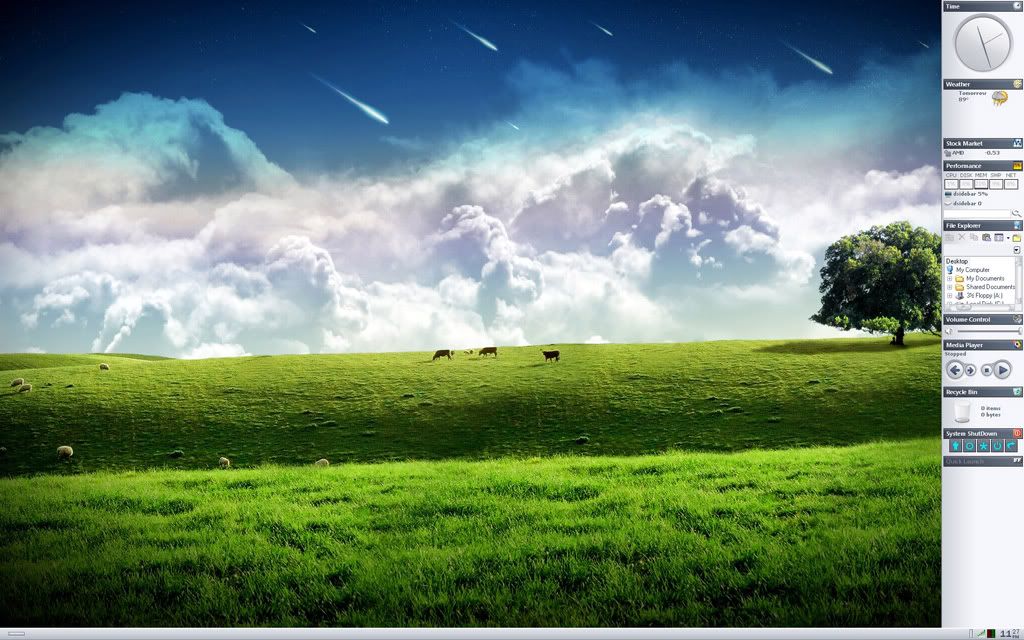
Dirty

Clean
Clean w/ Sidebar Showing (it's on Autohide)
Dirty
Very nice desktops, as always, but perhaps sometimes it might be ok to resize some of those gigantor pics (and not for people on dialup; I was on dialup way back in '78 and only recently got into the high speed game), but simply because not everyone has a Dell 2405FPW or some other massively widescreen monitor.
I'm stuck at XGA 1024x768 and it's a bit of a chore to do a bunch of scrolling and whatnot.
Just my $.02... there are tons of image hosting services nowadays that provide thumbnails to the larger monstrosities, but it's up to you.
bb
I'm stuck at XGA 1024x768 and it's a bit of a chore to do a bunch of scrolling and whatnot.
Just my $.02... there are tons of image hosting services nowadays that provide thumbnails to the larger monstrosities, but it's up to you.
bb
in1ine5k/\t3r
Limp Gawd
- Joined
- Dec 28, 2005
- Messages
- 168

HaMMerHeD
[H]F Junkie
- Joined
- Jul 13, 2004
- Messages
- 10,397
Here be mine.


ZorPrime said:It took a while of searching on NASA's site. If you want the link let me know, I'll go though it again tonight. I have tons of images I grabbed from there that I convertered to wallpaper for myself.
And again, I could always share what I have done already.
A link to that pic of the shuttle docked would be great. I presume it is from STS-121, but I couldn't finf it on Nasa's site. Thanks!
Lawdog said:A link to that pic of the shuttle docked would be great. I presume it is from STS-121, but I couldn't finf it on Nasa's site. Thanks!
Yeah I found the link again. And actually that is from STS-114, I haven't worked with anything from STS-121 yet, but planning on it.
PanzerKrieg13
Gawd
- Joined
- Jun 20, 2005
- Messages
- 982
My latest from Knightmare (Windows box)... I've had this for awhile now, it's just easier on my eyes and gives a clean appearence. I always come back to this desktop, it's probably my favorite.
Full Size Image:
http://www.panzerkrieg.com/images/screenshots/july-desktop.jpg
Resized Image:

Full Size Image:
http://www.panzerkrieg.com/images/screenshots/july-desktop.jpg
Resized Image:
synergyo1 said:

Wallpaper?
sanj101 said:Wallpaper?
http://www.mandolux.com/
I don't have the exact link on hand. I'll let you do the grunt work by looking through the archive, although Mando has tons of other excellent wallpapers