• Some users have recently had their accounts hijacked. It seems that the now defunct EVGA forums might have compromised your password there and seems many are using the same PW here. We would suggest you UPDATE YOUR PASSWORD and TURN ON 2FA for your account here to further secure it. None of the compromised accounts had 2FA turned on.
    Once you have enabled 2FA, your account will be updated soon to show a badge, letting other members know that you use 2FA to protect your account. This should be beneficial for everyone that uses FSFT.

p182 airflow

stonewalker

Gawd
2FA
Joined
May 26, 2007
Messages
780
I'm looking to get some advice on my p182 fan layout. At the moment my setup looks like this, arrows show the direction of the fans.
So i'm not sure if i should have my cpu fan/heatsink blowing out threw the top or blow it out the back and re-reverse the top fan to blow back out which i have it blowing in the case. My temps right in Pc wizard are Cpu temp : 45c, Core 1 : 45, 2 : 45, 3 : 42 amd core 4 : 43.
I have a q6600@2997, vcore 1.296 and HD 4870 with fan at 26 with the gpu at 62c. Any help would be nice, thx. P.S When i look at my temps what is the important ones to look at, the cpu temp or the cores 1-4?
 
I have the same case and I did a couple of different configurations with the rig in the sig. There are two main differences between my optimal setup and what you have. First, I have not moved the fan from behind the PSU to the upper hard drive cage as I keep forgetting to do it when I have the system powered down. Second, my 8800GT is a single slot cooler and doesn't exhaust air out of the case.

I found that the fan on top doesn't do anything. It didn't affect temps at all. Guess it's a good thing that was the fan that died and I haven't put anything there to replace it. I did have my TRUE 120 with dual fans pointing up to exhaust the hot air out of the top but that raised my CPU temps by at least a few degrees C. It also raised the GPU temps by at least 5-8C. After rotating the TRUE to exhaust out of the back of the case again, temps dropped to the lowest I'll get with my current setup. I would not have the top fan pushing air into the case but exhausting even if it doesn't do much.

It seems that the best bet with this case is have the fans in front pull in air and have the fans in back exhaust air and keep all other fans (like the CPU fan) pushing the air in the same direction to keep the wind tunnel effect.

 
Our cooling setup is actually very similar. Except I'm using a single slot 8800GT and the AC 7 Pro HSF. Here's what I determined from my own testing:
- I have the lowest CPU temps with the top 120mm fan as an intake. However my GPU temps raises a few degrees as a result.
- The front fan only dropped my GPU temps by about 2-3 degrees. However, without it, my CPU temps rises about 2-3 degrees.

@ SmokeRngs
Why you not have the top fan as intake? I have read this in the past with this case but no one actually elaborated on it.
 
I have the same case and I did a couple of different configurations with the rig in the sig. There are two main differences between my optimal setup and what you have. First, I have not moved the fan from behind the PSU to the upper hard drive cage as I keep forgetting to do it when I have the system powered down. Second, my 8800GT is a single slot cooler and doesn't exhaust air out of the case.

I found that the fan on top doesn't do anything. It didn't affect temps at all. Guess it's a good thing that was the fan that died and I haven't put anything there to replace it. I did have my TRUE 120 with dual fans pointing up to exhaust the hot air out of the top but that raised my CPU temps by at least a few degrees C. It also raised the GPU temps by at least 5-8C. After rotating the TRUE to exhaust out of the back of the case again, temps dropped to the lowest I'll get with my current setup. I would not have the top fan pushing air into the case but exhausting even if it doesn't do much.

It seems that the best bet with this case is have the fans in front pull in air and have the fans in back exhaust air and keep all other fans (like the CPU fan) pushing the air in the same direction to keep the wind tunnel effect.

Sorry misread you.
 
hows the temps on the hard drives? I wanted to mod the front part of the case so that air is blowing in directly onto the hard drives and the psu (corsair 750w) exhausts the hot air out of the back. Top part is unsure until I grab my video card. Fedex dropped in right when i went to sleep at 9AM lol, they'll be back later.
 
hows the temps on the hard drives? I wanted to mod the front part of the case so that air is blowing in directly onto the hard drives and the psu (corsair 750w) exhausts the hot air out of the back. Top part is unsure until I grab my video card. Fedex dropped in right when i went to sleep at 9AM lol, they'll be back later.

Hd0 is 43c, Hd1 is 46c.
 
Also the hdd1/2 wires from the front panel..where does that go?

Huh? I'm having trouble understanding what you're asking for.

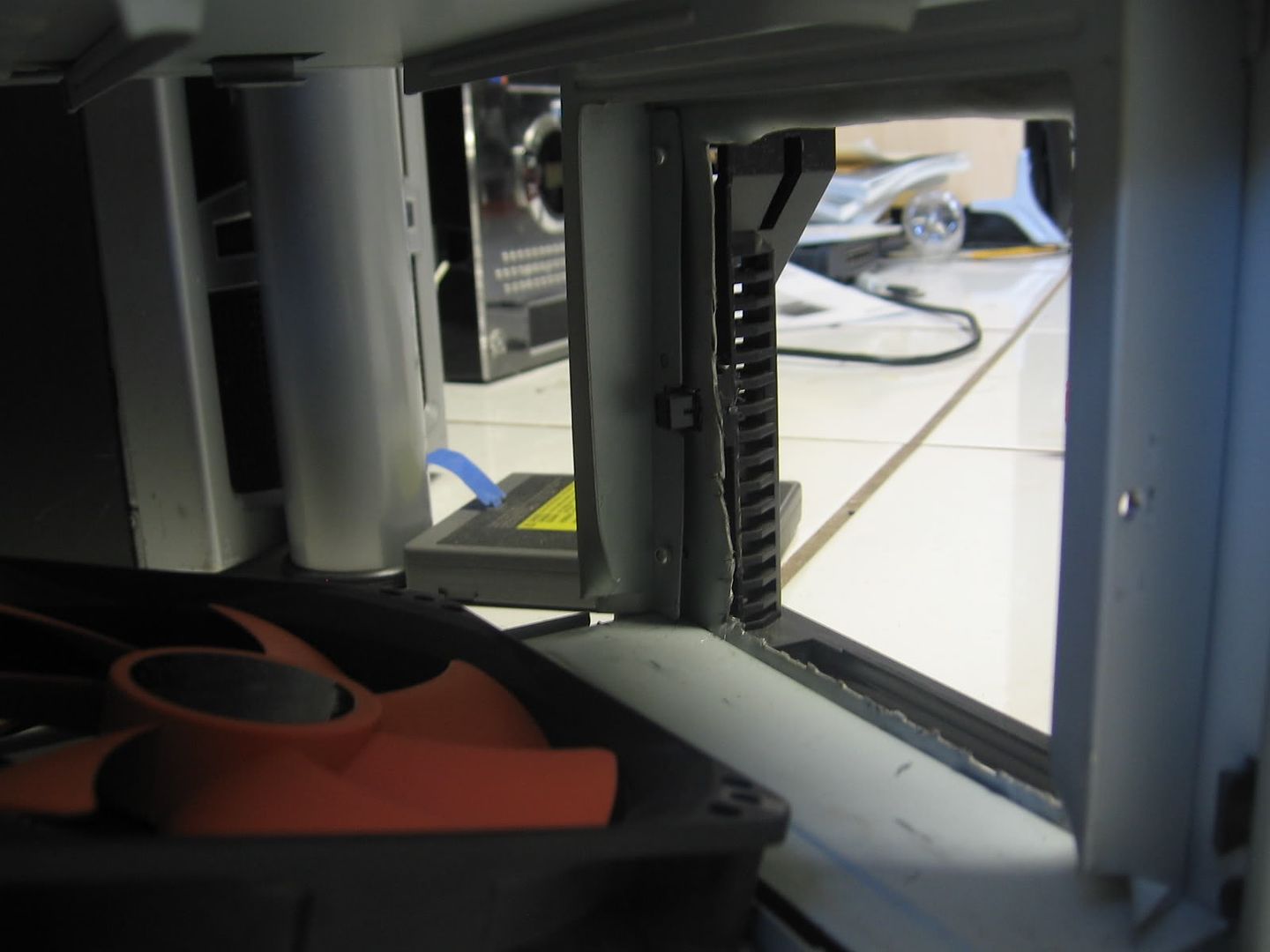
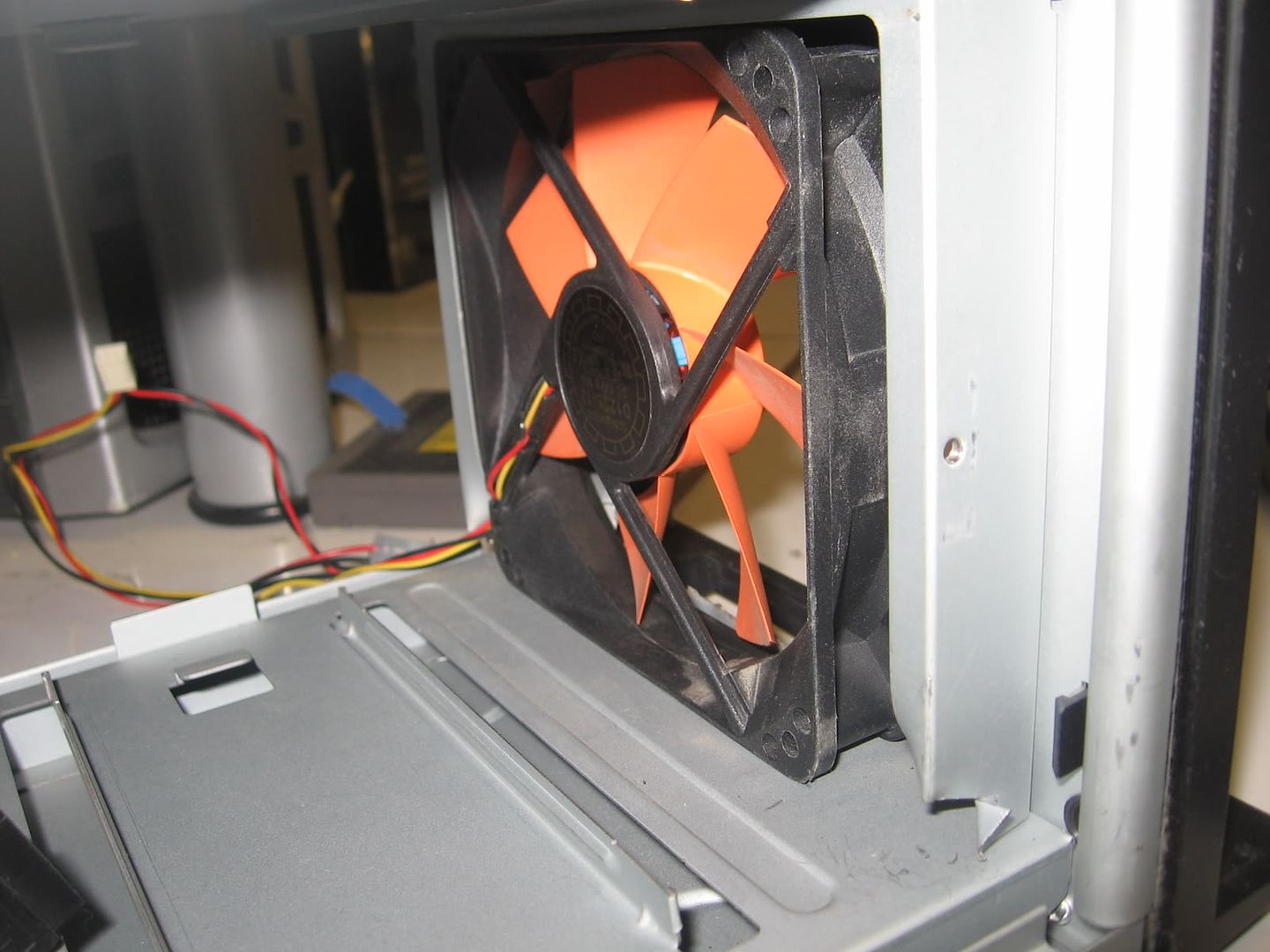
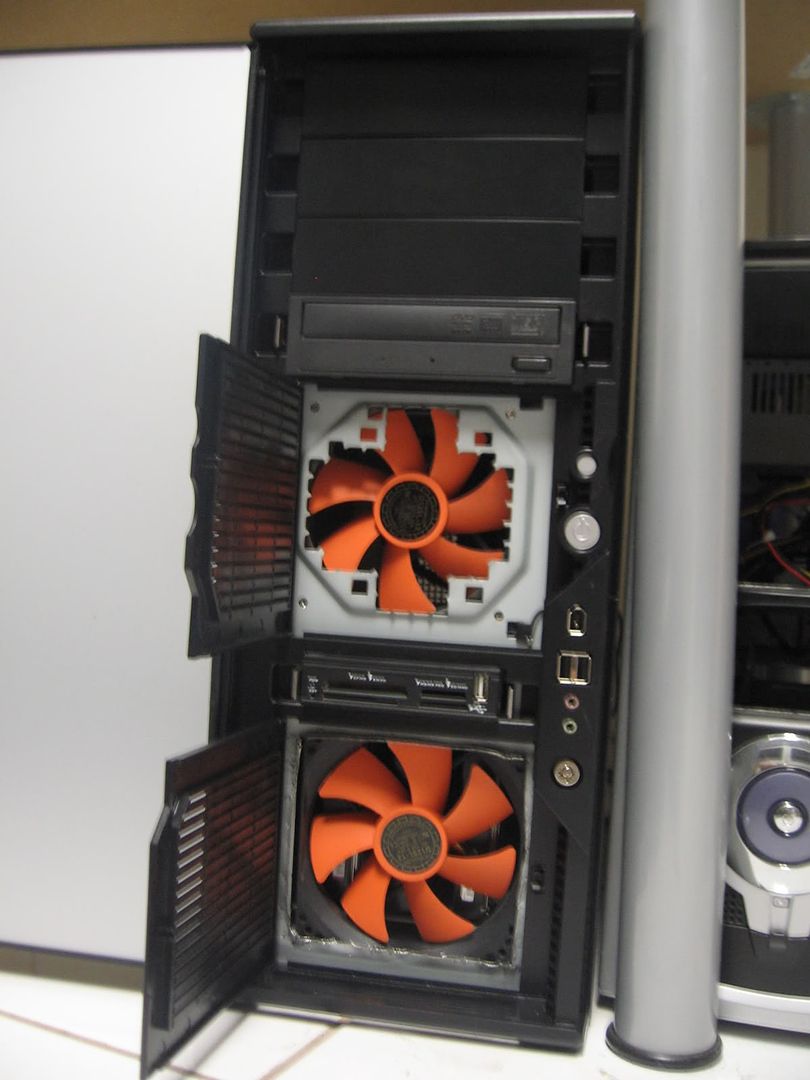
Anyway, I modded my P180 to fit the a fan up front. While not as elegant or clean looking as other P180 front fan mods, it serves my needs well. Besides, didn't feel like paying $8 for a slim fan nor did I have a drill or dremel. Did have a compound action snip. Here's the results:

IMG_7623.jpg

IMG_7627.jpg

IMG_7644.jpg


And my HDD temps:
HD0: 28C
HD1: 29C
HD2: 32C
HD3: 33C
 
So does anyone know which temps of a q6600 GO should i look at. Do i watch the cpu temp or the 4 core temps, and what should this temps not exceed.
 
Use Real Temp or CoreTemp for a more accurate reading of your CPU temperatures.

OH and the temps for the Q6600 should not exceed 65C under load.
 
@ SmokeRngs
Why you not have the top fan as intake? I have read this in the past with this case but no one actually elaborated on it.

I tried the top fan as intake, exhaust and without the fan at all (even before it died) and there wasn't a single degree difference in temps at all. I was actually surprised that there was no difference as I would have expected the temps to go up with the top fan as an intake. The main reasons being that hot air rises and having air blow down into the case wouldn't work well for that and it would mess up any air tunnel effect. Basically, using the top fan as intake completely throws the natural air patterns in the case out of whack which is detrimental to cooling.

edit: Managed to accidentally shut the system down so I figured while it was off I would move the bottom fan up to the upper hard drive cage. It made a big difference in the temps for the two drives I have there. They dropped at least 10C as there was no airflow there before. However, the three drives in the bottom cage went up more than 10C. I have a spare slim 80mm fan from a heatsink and decided to put that behind the hard drives on the bottom cage. Temps are now back to normal for those three drives. Eventually I'll get around to putting that 80mm fan in front of the drives to clean up wire clutter and better placement. I just didn't realize how much difference that lower 120mm fan makes.
 
It seems that if i reverse the top fan as intake the core temps drop about 5 degrees. but it says as a exhaust then the cores go up in temps but the cpu temp drops. Hmm weird
 
Back
Top