![[H]ard|Forum](/styles/hardforum/xenforo/logo_dark.png)
Dear folk
Recently I moved from one place to another and before I moved the mouse was working on my desktop windows 10 updated
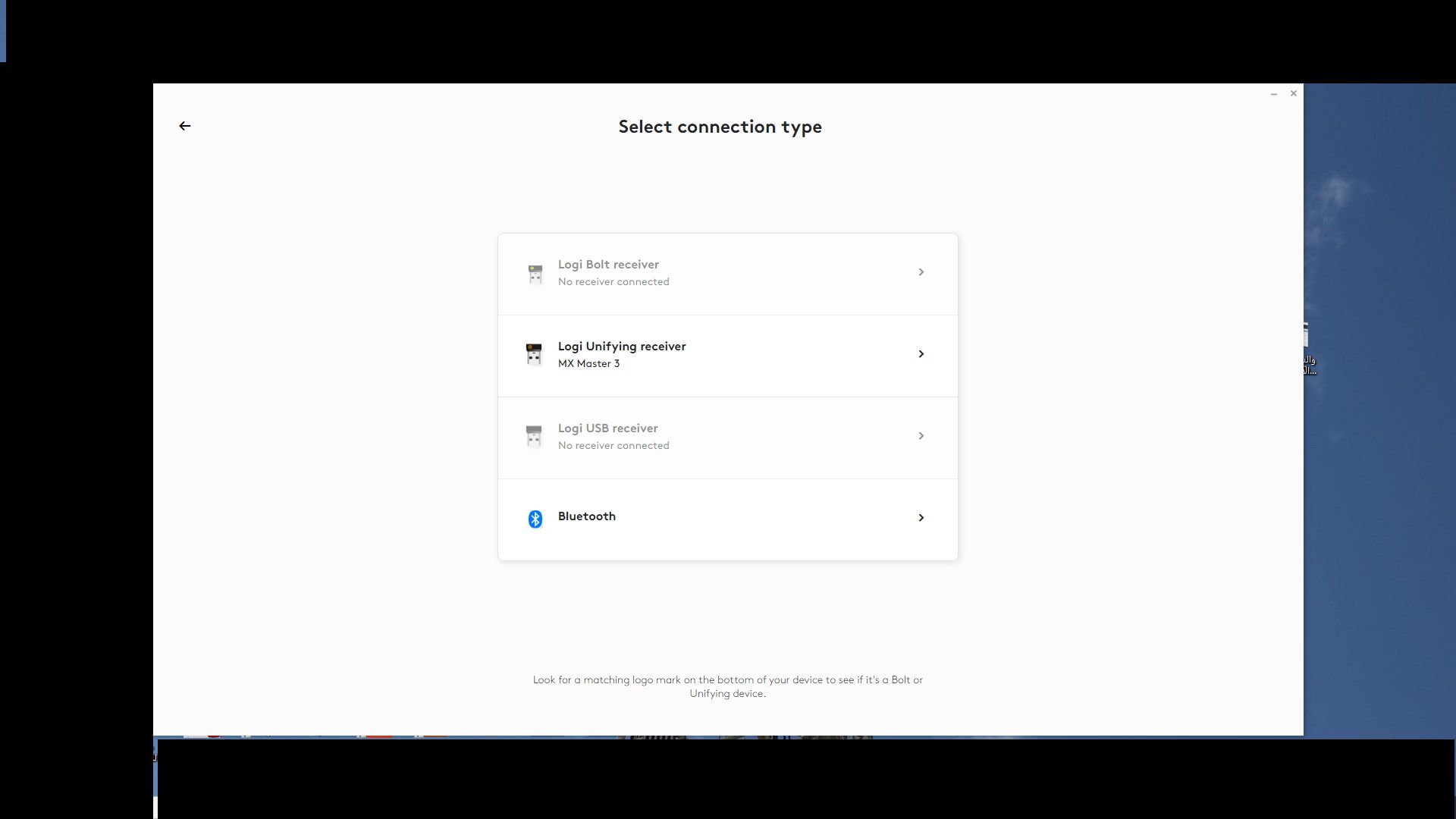
After I settled at the new place and setup my desktop mouse doesn't want to work
I tried to use on my laptop windows 11 to test it still not working and tested on another desktop windows 111 still not working
Mouse was purchased and used June 2021
I searched online I found many ,,,below are two of many
https://www.reddit.com/r/logitech/comments/ud2s7g/mx_master_3_stopped_working/?rdt=43964
https://www.drivereasy.com/knowledge/how-to-fix-your-logitech-wireless-mouse-stops-working/
Thx
Recently I moved from one place to another and before I moved the mouse was working on my desktop windows 10 updated
After I settled at the new place and setup my desktop mouse doesn't want to work
I tried to use on my laptop windows 11 to test it still not working and tested on another desktop windows 111 still not working
Mouse was purchased and used June 2021
I searched online I found many ,,,below are two of many
https://www.reddit.com/r/logitech/comments/ud2s7g/mx_master_3_stopped_working/?rdt=43964
https://www.drivereasy.com/knowledge/how-to-fix-your-logitech-wireless-mouse-stops-working/
Thx
Last edited: