![[H]ard|Forum](/styles/hardforum/xenforo/logo_dark.png)
Navigation
Install the app
How to install the app on iOS
Follow along with the video below to see how to install our site as a web app on your home screen.
Note: This feature may not be available in some browsers.
More options
-
Some users have recently had their accounts hijacked. It seems that the now defunct EVGA forums might have compromised your password there and seems many are using the same PW here. We would suggest you UPDATE YOUR PASSWORD and TURN ON 2FA for your account here to further secure it. None of the compromised accounts had 2FA turned on.
Once you have enabled 2FA, your account will be updated soon to show a badge, letting other members know that you use 2FA to protect your account. This should be beneficial for everyone that uses FSFT.
You are using an out of date browser. It may not display this or other websites correctly.
You should upgrade or use an alternative browser.
You should upgrade or use an alternative browser.
GTX 1080 SLI missing settings
- Thread starter antok86
- Start date

Slava
2[H]4U
- Joined
- Mar 20, 2002
- Messages
- 2,316
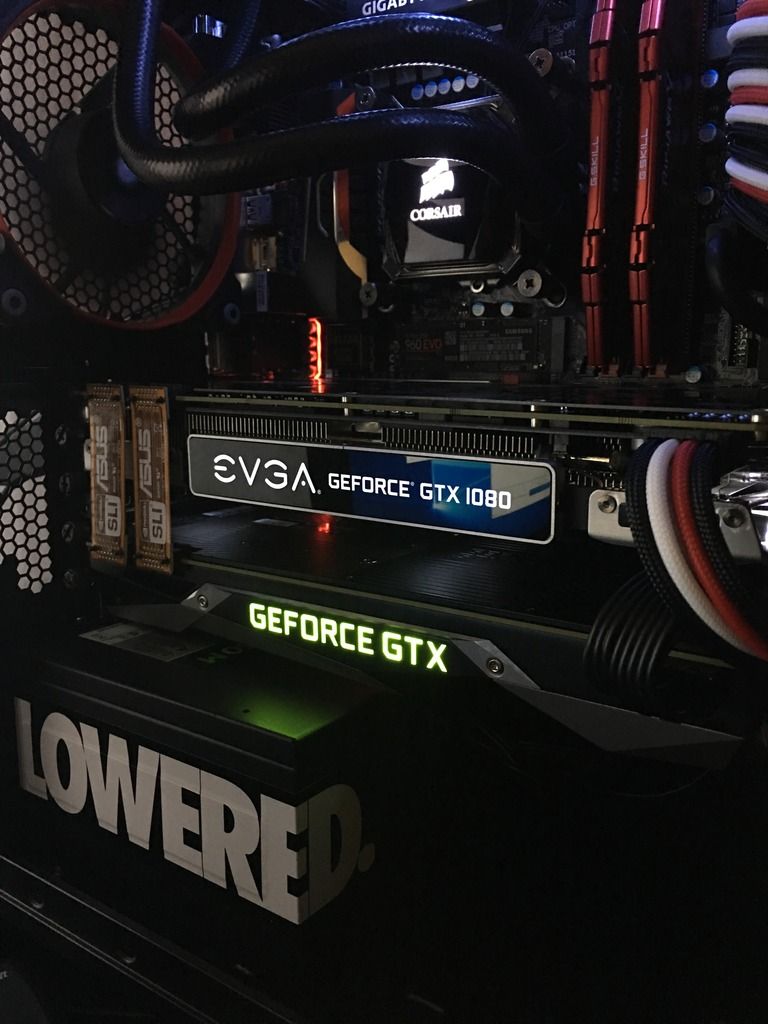
I believe its just one bridge, not 2.
thought 2 was equivalent of the new HB sli bridges?I believe its just one bridge, not 2.
Slava
2[H]4U
- Joined
- Mar 20, 2002
- Messages
- 2,316
I don't know if this makes a difference. But how come you're using Asus bridges when you have gigabyte motherboard? I never tried using different bridges, but it could potentially be a problem.
I would just try one and see if it works.
I would just try one and see if it works.
its what i had laying around from previous builds. its just brandingI don't know if this makes a difference. But how come you're using Asus bridges when you have gigabyte motherboard? I never tried using different bridges, but it could potentially be a problem.
I would just try one and see if it works.
thought 2 was equivalent of the new HB sli bridges?
I've never heard that. I've always used a single bridge connector.

- Joined
- Nov 22, 2008
- Messages
- 6,617
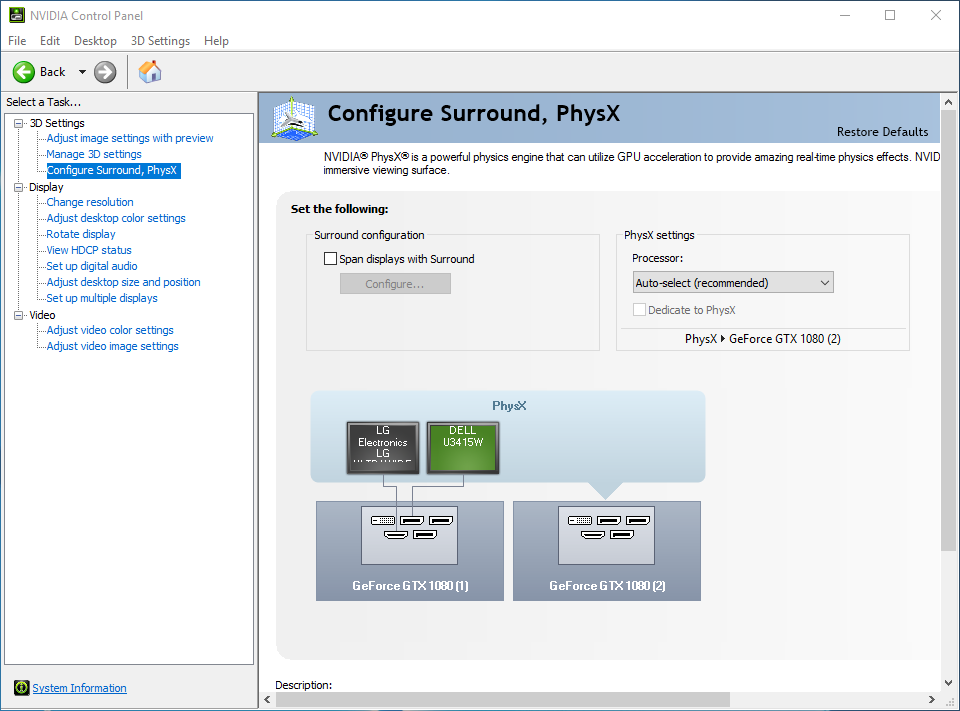
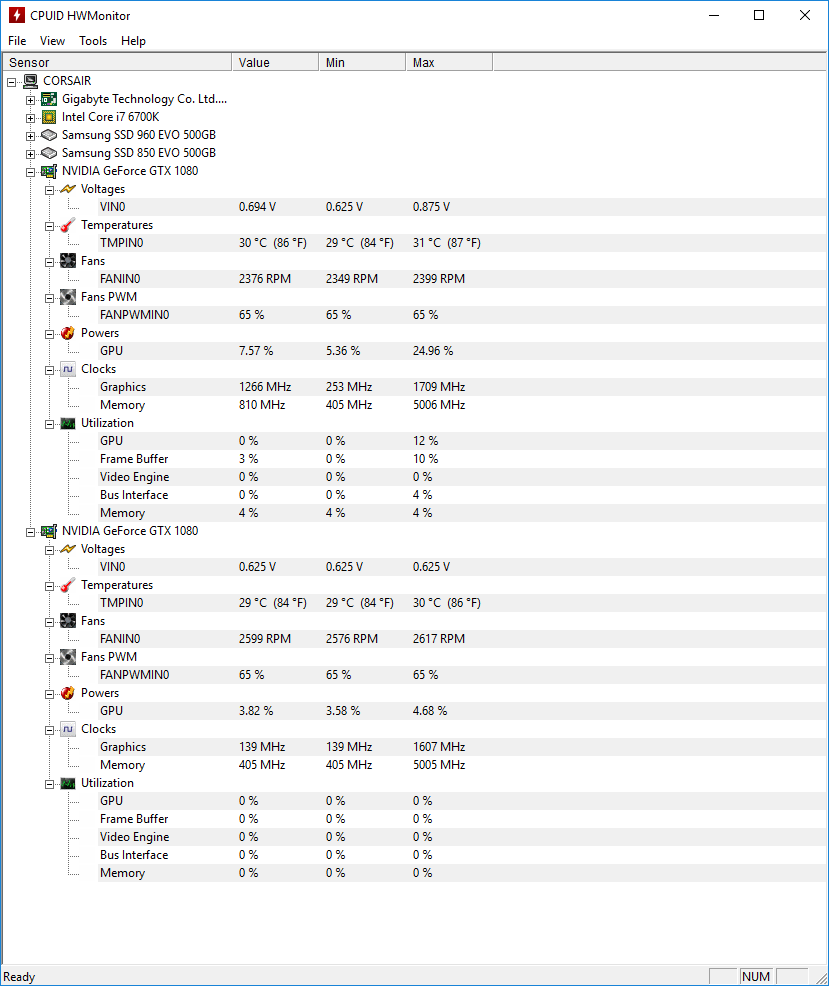
i am not finding an SLI settings in the nvidia control panel. it appears that my system sees both cards.
SLI is officially limited to two identical cards.
https://www.techpowerup.com/forums/threads/sli-with-different-cards.158907/

- Joined
- Mar 1, 2014
- Messages
- 13,299
SLI is officially limited to two identical cards.
https://www.techpowerup.com/forums/threads/sli-with-different-cards.158907/
Incorrect.
- Joined
- Nov 22, 2008
- Messages
- 6,617
I've never had an issue with SLI two differently branded cards as long as the GPU and memory configuration were the same. Even with differing factory OC's they still would SLI
Wasn't it always identical? It's what I remembered from the ole geforce faq. Differentsli can trick the registry into enabling it if all the other factors check out. I assumed he had his ducks in line. But hmm, looking at his pic of the bridges again it looks like he's using the last slot which is x4 which disables sli.
You are probly right on which pci slots. Ill move it up one and testWasn't it always identical? It's what I remembered from the ole geforce faq. Differentsli can trick the registry into enabling it if all the other factors check out. I assumed he had his ducks in line. But hmm, looking at his pic of the bridges again it looks like he's using the last slot which is x4 which disables sli.
Wasn't it always identical? It's what I remembered from the ole geforce faq. Differentsli can trick the registry into enabling it if all the other factors check out. I assumed he had his ducks in line. But hmm, looking at his pic of the bridges again it looks like he's using the last slot which is x4 which disables sli.
Nope, my last SLI setup consisted of an Asus and EVGA 680's. The Asus had factory clocks while the evga was factory over-clocked.
You are probly right on which pci slots. Ill move it up one and test
That should fix it. SLI cannot be run in a 4x PCI-e slot. Has to be a minimum of an 8x slot.
i am now seeing the sli setup in the nvidia controls. it now places my cards to close together..=(That should fix it. SLI cannot be run in a 4x PCI-e slot. Has to be a minimum of an 8x slot.
i am now seeing the sli setup in the nvidia controls. it now places my cards to close together..=(
Yeah, motherboard manufacturers should think a little more when it come to there PCI-e layout. Sometimes it feels as if they just slap them on without thinking at all.
- Joined
- Mar 1, 2014
- Messages
- 13,299
I ran three 8800gtx heat monsters in tri-sli for about 7 years and the clearance between cards was almost zero. You will be fine.
- Joined
- Nov 22, 2008
- Messages
- 6,617
Yeah, motherboard manufacturers should think a little more when it come to there PCI-e layout. Sometimes it feels as if they just slap them on without thinking at all.
Not always and not in this case. He's using a matx board, it was his purchasing decision to go with that type of board. And board makers don't decide layout, that is dictated by the Intel.
Not always and not in this case. He's using a matx board, it was his purchasing decision to go with that type of board. And board makers don't decide layout, that is dictated by the Intel.
You are right to a certain extent, but Gigabyte could have made the last PCI-e slot the 8x and the middle one the 4x slot. Intel only sets how many PCI-e lanes there are, not how the boards themselves are laid out, that is up to the individual manufacturers.
- Joined
- Nov 22, 2008
- Messages
- 6,617
You are right to a certain extent, but Gigabyte could have made the last PCI-e slot the 8x and the middle one the 4x slot. Intel only sets how many PCI-e lanes there are, not how the boards themselves are laid out, that is up to the individual manufacturers.
They'd have to break spec and customize the layout. This issue here is more of a bad choice on the part of the user and I'm not a fan of blaming the mb maker in this respect.