
Navigation
Install the app
How to install the app on iOS
Follow along with the video below to see how to install our site as a web app on your home screen.
Note: This feature may not be available in some browsers.
More options
You are using an out of date browser. It may not display this or other websites correctly.
You should upgrade or use an alternative browser.
You should upgrade or use an alternative browser.
Difficulty adding images to posts
- Thread starter .oO
- Start date

- Joined
- May 18, 1997
- Messages
- 58,625
All working fine for me. All below dragged and dropped into the editor.
The following extensions are allowed: .3gp, .7z, .apk, .avi, .doc, .docx, .exe, .gif, .gz, .jpe, .jpeg, .jpg, .m4v, .mov, .mp3, .mp4, .mp4v, .mpeg, .mpg, .msi, .ogv, .pdf, .png, .ppt, .pptx, .psd, .rar, .tar, .torrent, .txt, .wmv, .webm, .webp, .zip, .opus, .ogg, .wav
Maximum file size: Set to 50,240 KB (≈49–50 MB) per attachment.
Maximum image dimensions: 3840 × 2160 (4K). Images exceeding the bounds may be resampled or rejected.
Practical tips
Drag-and-drop into the editor works and hosts the file on HardForum’s servers.
Compress large photos (e.g., export as JPEG at 80–90% quality) and keep dimensions reasonable so pages load quickly for everyone.
If an upload is rejected, resize/compress and try again, or fall back to an external host (Imgur, etc.) and use an image tag.
The attachment manager in a post will list accepted files and their sizes.
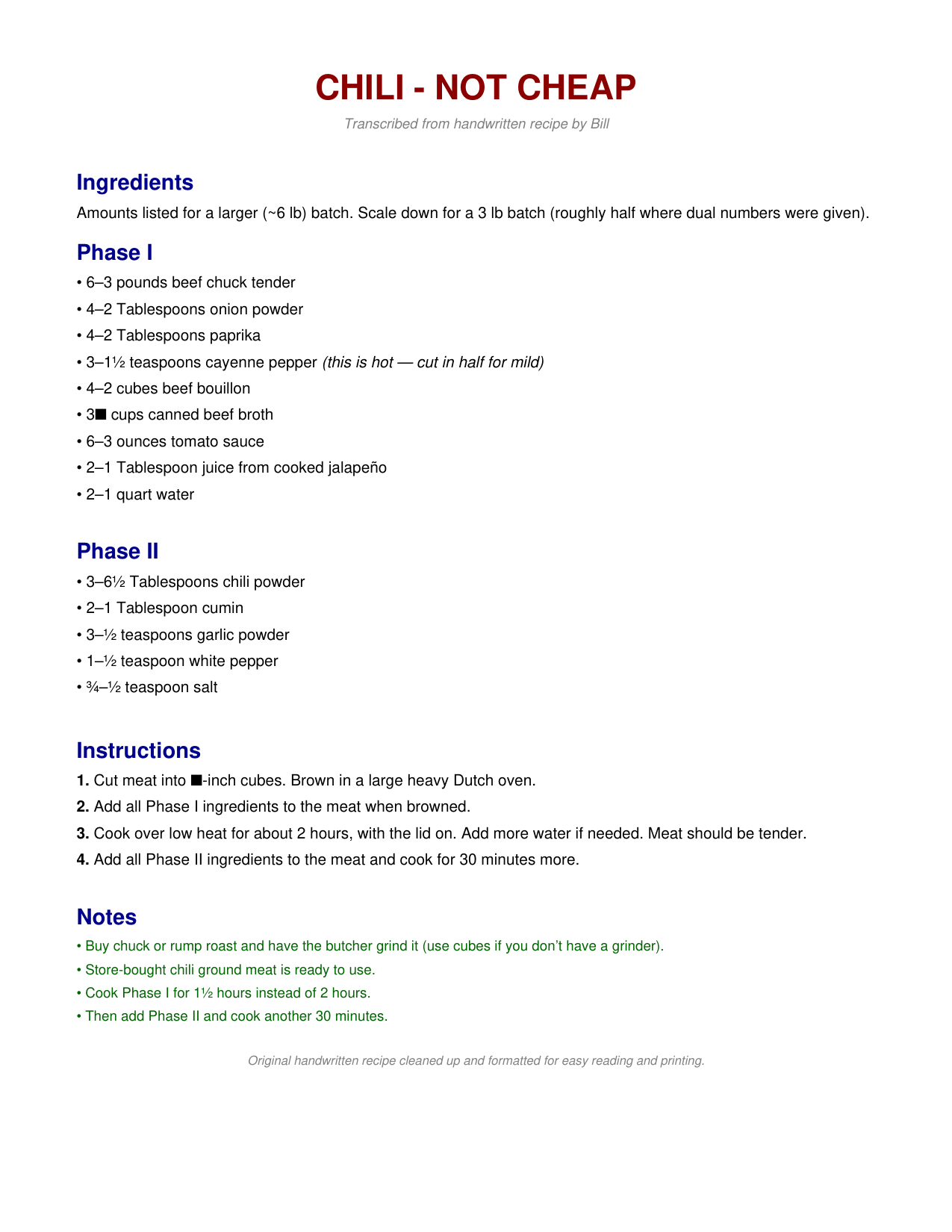


The following extensions are allowed: .3gp, .7z, .apk, .avi, .doc, .docx, .exe, .gif, .gz, .jpe, .jpeg, .jpg, .m4v, .mov, .mp3, .mp4, .mp4v, .mpeg, .mpg, .msi, .ogv, .pdf, .png, .ppt, .pptx, .psd, .rar, .tar, .torrent, .txt, .wmv, .webm, .webp, .zip, .opus, .ogg, .wav
Maximum file size: Set to 50,240 KB (≈49–50 MB) per attachment.
Maximum image dimensions: 3840 × 2160 (4K). Images exceeding the bounds may be resampled or rejected.
Practical tips
Drag-and-drop into the editor works and hosts the file on HardForum’s servers.
Compress large photos (e.g., export as JPEG at 80–90% quality) and keep dimensions reasonable so pages load quickly for everyone.
If an upload is rejected, resize/compress and try again, or fall back to an external host (Imgur, etc.) and use an image tag.
The attachment manager in a post will list accepted files and their sizes.

- Joined
- Oct 7, 2000
- Messages
- 79,691
copy/paste has never failed me...
small size shouldnt matter.
small size shouldnt matter.
Copy/paste worked now sofar, thanks.
(If anyone is curious: )
https://hardforum.com/threads/necroposting.2050172/
(If anyone is curious: )
https://hardforum.com/threads/necroposting.2050172/
- Joined
- May 18, 1997
- Messages
- 58,625
We simply cannot account for every browser, every browser config, every available browser plugin, etc., etc., etc. The HardForum has ZERO business model. Our admin is payed for by members here through subscription purchases and Patreon legacy members (which provide most of the money spent keeping our infrastructure running). We do what we can. Bottom line, I still pay for keeping this running out of my pocket every month and there are going to be some things that could certainly be more polished.