Cable Management

Mati71

Limp Gawd
Joined
Jul 17, 2008
Messages
141
I have reviewed Tiriades setup guide for the noob and didn't really see information regarding cable management. I did find a couple of post regarding an Antec 900 from a couple of years back. But my question is (as I sit here waiting and planning for the price of the Q9550 drop): Other than having lots of ties, is there anything I need to keep in mind while planning out my course of action (tips/tricks)? Keep in mind that I will be using the Corsair 750TX (non modular) in a Antec P182.

I also read about wrapping the CPU Cooler power wire around a pencil before connecting it to the MB (To make it springing)?

Thanks for your insight.
 
First off, check the P182 Thread in the Cases & Case Mods forum, loads of good builds there.

Tips/Tricks/misc. Information

- expect to do it twice

- patience & brain. really.

- spend time figuring out the different ways to cable manage in the P182. for example there are at least 3 ways to route your SATA cables from the mainboard to the HDDs, but not everything might work as well for your setup.

- keep the back side flat. try to avoid cables that run over eachother, because you might get problems with the side panel.

- cable manage straight from the start, which is the PSU. the first time i tried i just grabbed a cable from the psu and pulled it to the connector, which resulted in a cable mess at the PSU chamber and lots of overlapping cables.

- without a modular PSU, you can stick a lot of leftover cables on top of the PSU, there should be some room there.

- i found normal zip ties (thinner and shorter ones) more flexible and better than the bigger ties that come with the case in some situations.

- if you dont use the upper HDD cage, it can be useful to hide/route cables to the middle section, like power connectors for the video card(s) or SATA cables that go to the DVD drive. alternatively, remove the upper hdd cage to gain some space.

- if you have any possibility to avoid the 4-pin molex connectors from the TriCool fans, do it. the three fan cables with the fat connectors are a pain to manage properly. if you have a front fan control, use that.

- some people don't like the black plastik "door" that seperates the two chambers, but i found it useful for cable routing, especially for the front connectors.

- i routed the cable from my HSF through the back side of the case, because the connector on my mainboard had a good position for that. i don't know about the spinning thing, but i would rather route it.

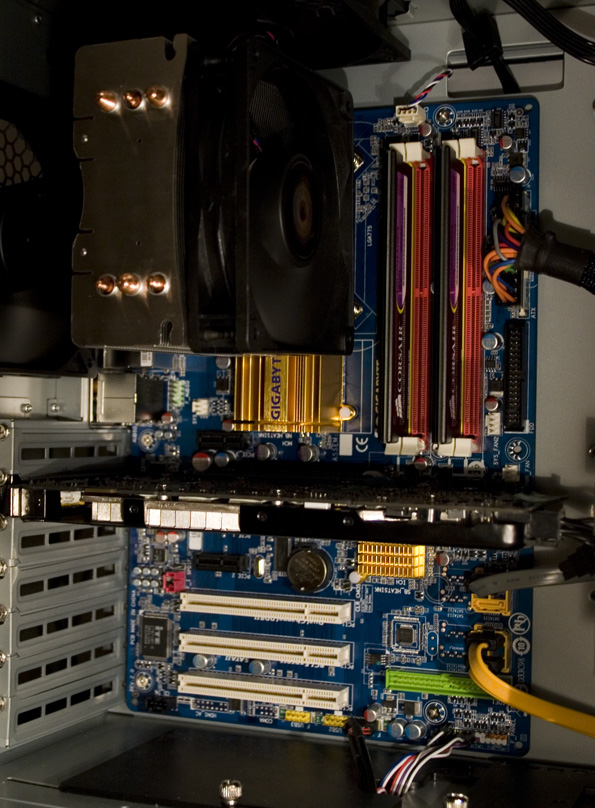
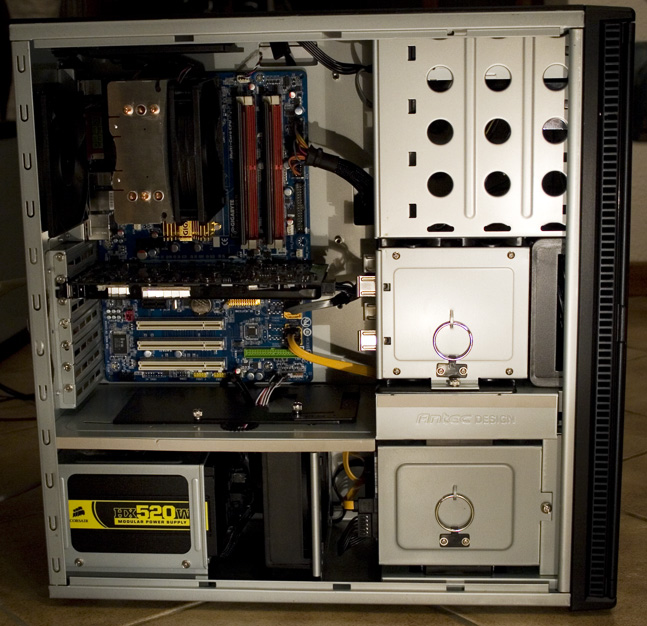
sample pictures for possible inspiration:

pc1.jpg

pc2.jpg


thats all i can think of for now, if something comes up, ill edit it in.
 
If you can, avoid using the upper HDD cage. Remove the sleds and put them in your mobo box or something. Keep the cage, as it helps direct airflow.
 
Timme and enginurd, all great info. I did find a link in the "Cabling" section of the Case and mod FAQ, but unfortunately it was dead.

Thanks.
 
Timmie,

I didn't realize the pictures were of your setup until I read the thread, very nice job!

Did you use any special cables/sleeving for that setup?
 
Back
Top