• Some users have recently had their accounts hijacked. It seems that the now defunct EVGA forums might have compromised your password there and seems many are using the same PW here. We would suggest you UPDATE YOUR PASSWORD and TURN ON 2FA for your account here to further secure it. None of the compromised accounts had 2FA turned on.
    Once you have enabled 2FA, your account will be updated soon to show a badge, letting other members know that you use 2FA to protect your account. This should be beneficial for everyone that uses FSFT.

7970 BF3 CF Broken @ 1920x1200

B^gD^ddy~CF~

Limp Gawd
Joined
Nov 5, 2006
Messages
172
I was aware that there were issues encountered with 7970 Crossfire scaling in Battlefield 3 @ 2560x1600. However I encountered a scaling issue at 1920x1200. I decided to dig a little bit and do some proper testing. If you purchase anything here give something back to the [H] by using their commissioned buying links. I don't know about you but I base most of my buying decisions on what I read here.:)

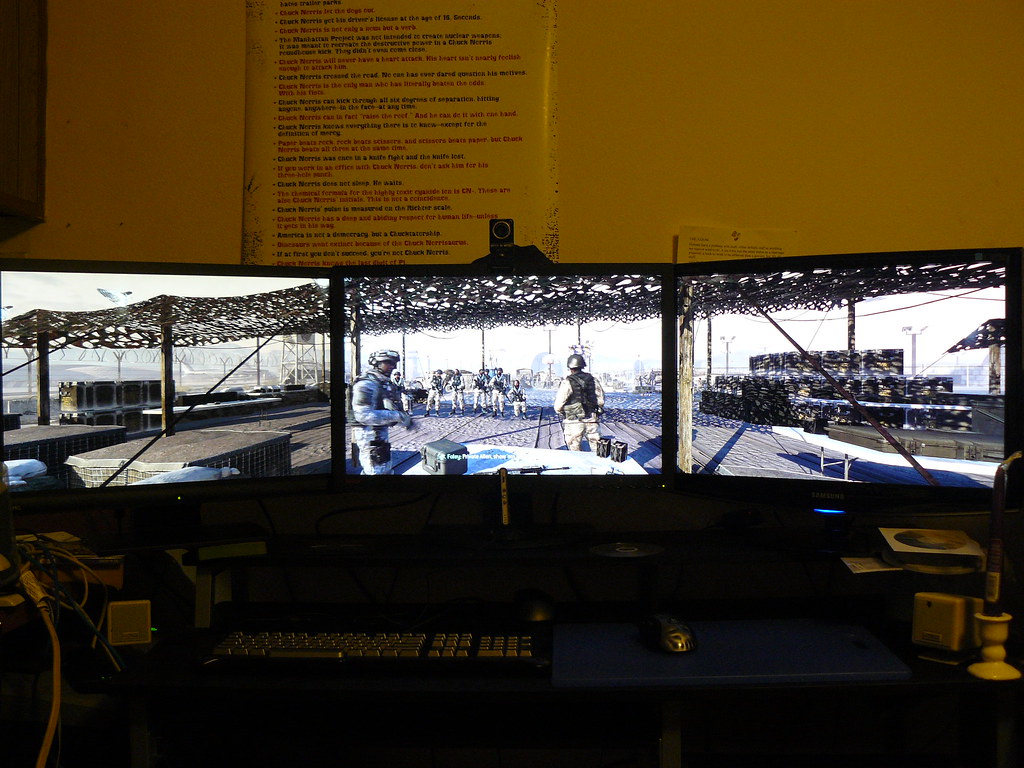
Rig Setup
Case
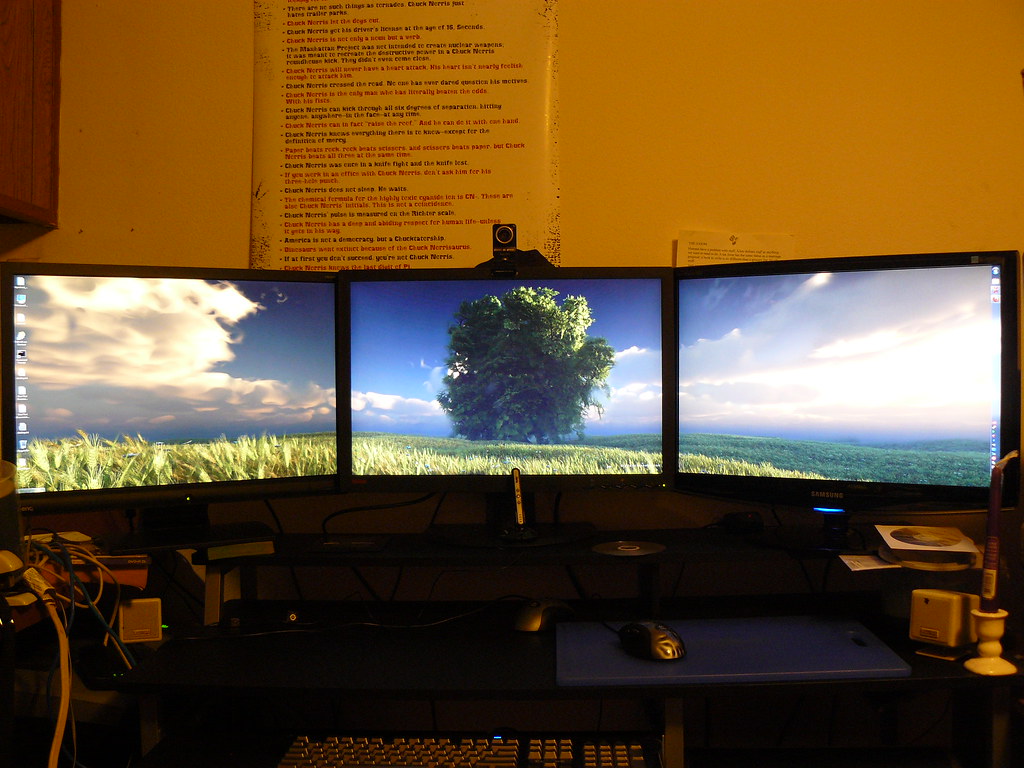
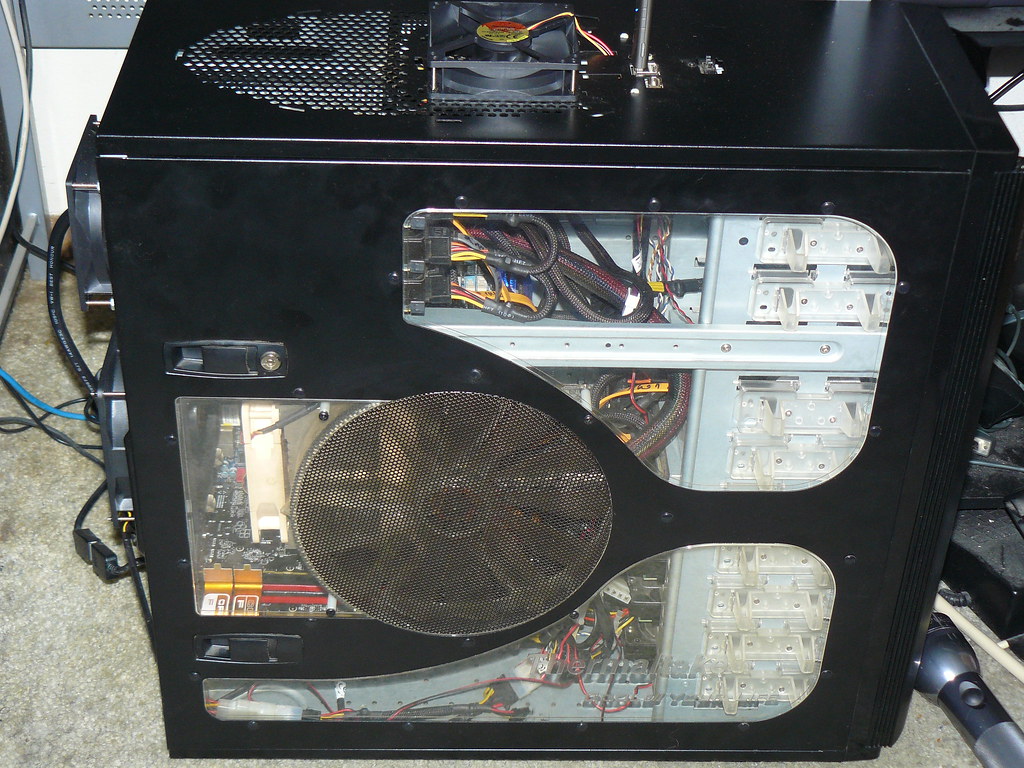
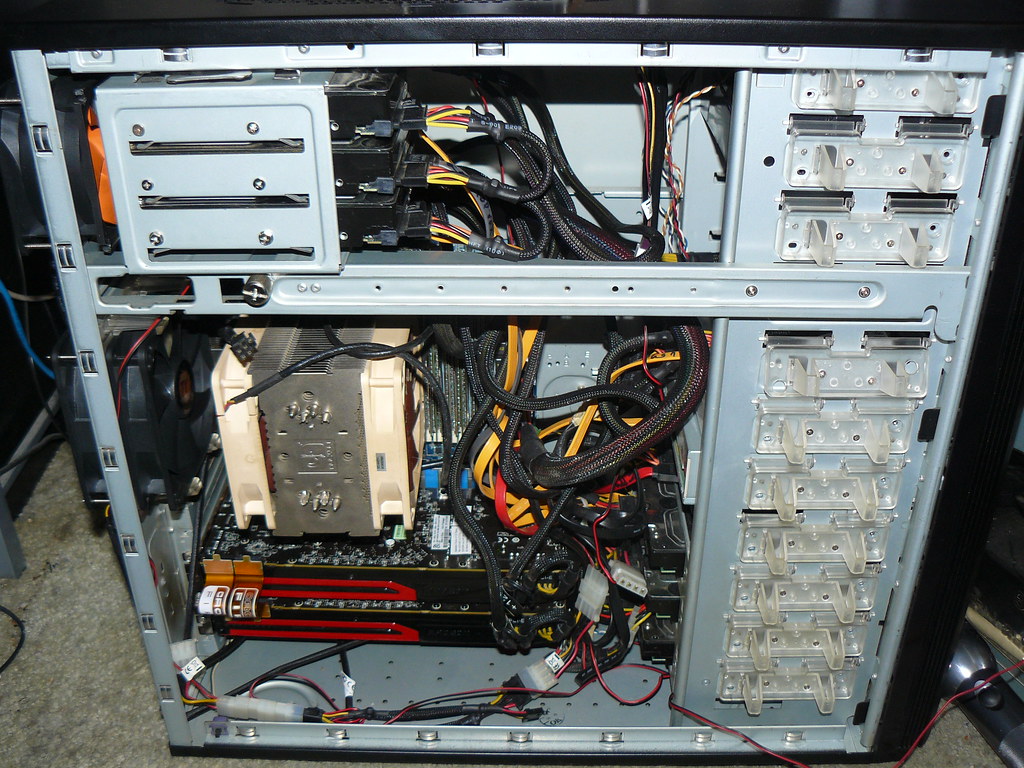
Thermaltake Armor Series VA8003BWS Black Full Tower Case w/ 25CM Fan
Cooling
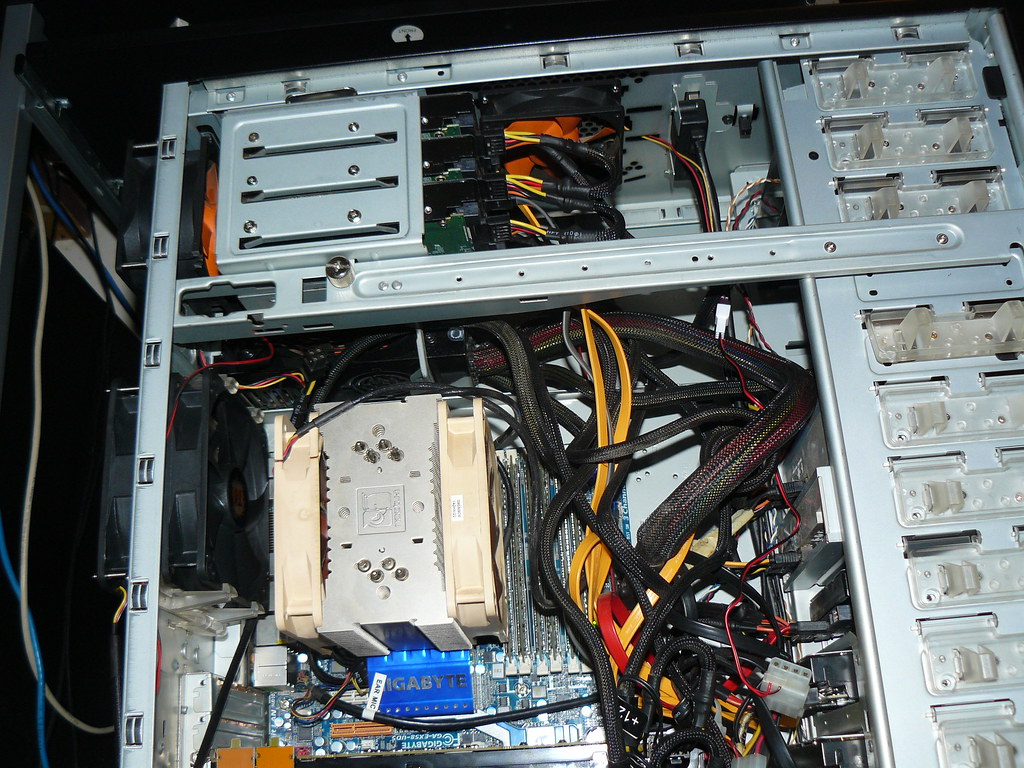
Noctua NH-U12P SE1366 120mm SSO CPU Cooler
3 x Thermaltake DuraMax 12 AF0060 120mm Case Fan
4 x Thermaltake TT-9025A-2B 90mm Case Fan
Motherboard
GIGABYTE GA-EX58-UD5
Processor
Intel Core i7-920 BX80601920
Memory
2 x OCZ Platinum 6GB (3 x 2GB) 240-Pin DDR3 SDRAM DDR3 1600 OCZ3P1600LV6GK
Storage
Pioneer Black Blu-Ray Burner BDR-203BKS
PLEXTOR 24X DVD Writer Black PX-880SA-26
Intel X25-M SSDSA2MH080G1 SSD
6 x WD Caviar Black WD1001FALS 1TB
WD Caviar Black WD2001FASS 2TB
Power
BFG Tech EX-1200 BFGR1200WEXPSU
GPU
XFX FX-797A-TNFC Radeon HD 7970
SAPPHIRE 21197-00-40G Radeon HD 7970
Displays
BenQ G2400WD
Lenovo ThinkVision L2440x
SAMSUNG 2443BW
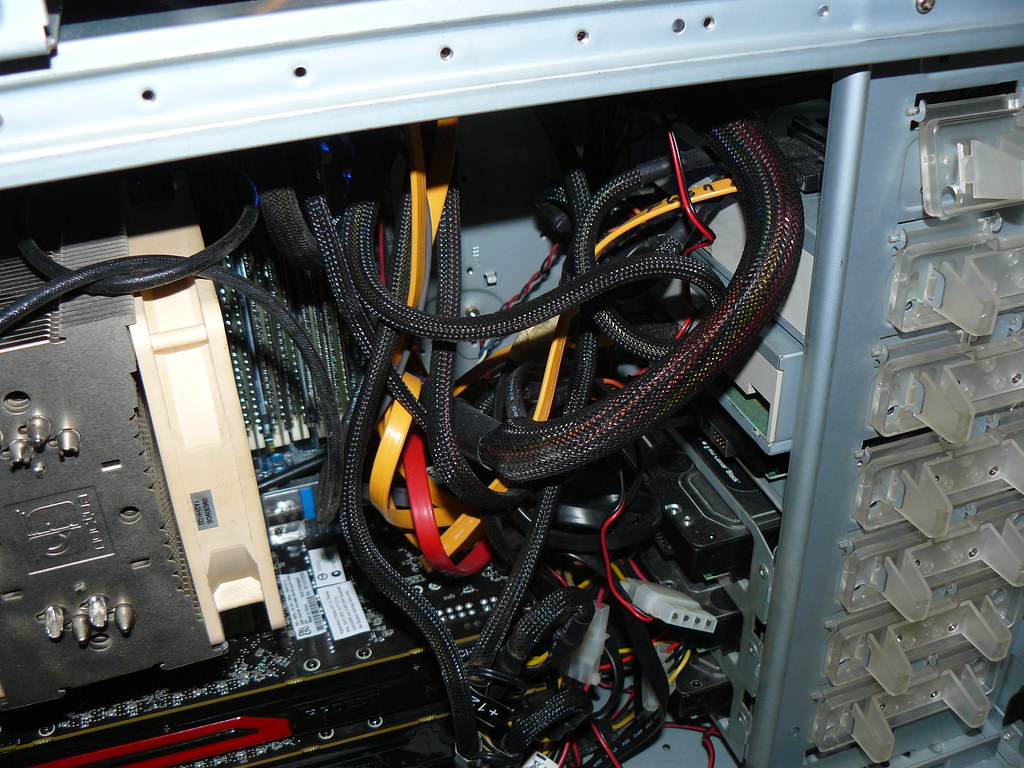
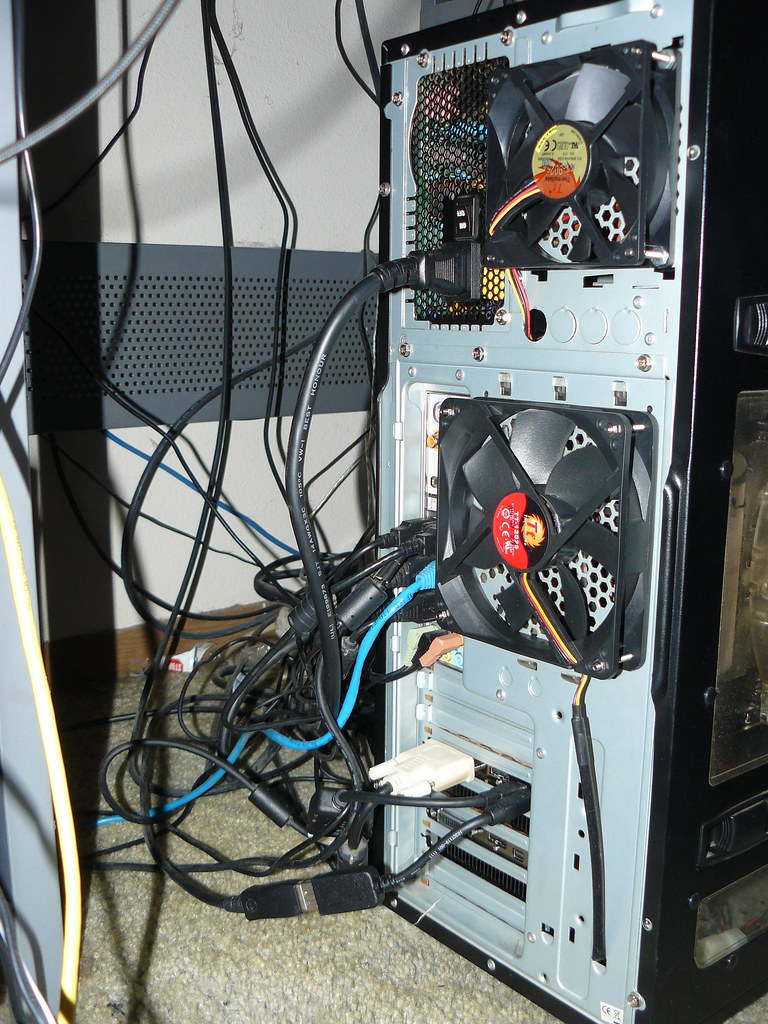
As you can see that's a lot of stuff in one computer. Thats why I added more fans. The 7970's were pushing the system temperature over 69 °C when using just the fans that came with the case! The topmost 7970 was reaching 96 °C.


Anyway lets get down to bussiness.

Sofware Used
Battlefield 3 Latest version(don't know where to find the version # but executable says 1.0)
MSI AfterBurner 2.2.0 Beta 10
Catalyst 7.14.10.0890 11.12
HWiNFO64 3.91-1490 Beta
FRAPS 3.4.7

This first test was run at 1920x1200 with the settings shown in the first image below. This was a destroy the MCOM station game on a full or nearly full 64 player server. The map was Grand Bazaar. Afterburner is set to take readings every 5 seconds. HWiNFO64 does the same. GPU TEMPS, Usage, and Memory Usage were gathered with AfterBurner. System and CPU temperature Diode readings where gathered with HWiNFO64. Frames Per Second, and Min/Max/Avg Frames Per Second were gathered with FRAPS

1.)2.)3.)4.)5.)6.)7.)8.)

1.) Looking at the first picture above you can see that everything is maxed out except for Antialiasing Deferred which is at 2x MSAA and Motion Blur is off because I don't like it:)
2.) In the second picture you can see it stays pretty close to 60 FPS for the most part except for the end where it goes to the end of round screen and 140 FPS. No drastic yo-yo effect going on which is good.
3.) In the third picture you can see that my average FPS was indeed above 60 FPS with a low of 42
4.) In the fourth picture it starts to get interesting. You can see that one of the 7970's stays at 0% utilization for almost the whole game. I'd say Crossfire scaling is broken here.
5.) In the fifth picture things are kind of weird. It makes sense that in crossfire you'd only have one VRAM usage measurement. After all both gpu's memory should have the same contents. Where it gets a little funny is the max amount of VRAM memory used shows 3166...as far as I know the 7970 only has 3072 MB of VRAM. This may be a bug in afterburner or maybe VRAM usage is measured in a different way than I think it is
6.) The sixth picture shows that my added cooling is doing the job the GPU being utilized doesn't get above 82 °C.
7.) Again the added cooling is doing it's job the System Temperature diodge doesn't go above 58 °C in extended usage
8.) The CPU stays pretty cool as well not above 56 °C.

This second test was run at 5292x1050 with the same settings as shown for the 1920 test. This was a destroy the MCOM station game on the same server as the 1920 test. Server was a 64 player server that was full or nearly full. The map was Operation Metro. It might be noted that there were a lot of people trying to cheat and getting booted in this particular game. The tickets got messed up my team ended up having 236 tickets for each set of mcoms which is why the game lasted so long. Information was collected in the same way as the 1920 test.

1.)2.)3.)4.)5.)6.)7.)

1.) My FPS were definately more of a mixed bag at this resolution. It wasn't horrible but it wasn't silky smooth either. I spend quite a bit more time below that 60 FPS mark on this one.
2.) Hmm the low is lower the high is lower but the average is higher. The second half of the game definately helped out here as most of that part of the game was spent indoors.
3.) Now this is more like it both GPU's are almost pegged so I don't have an expensive graphics card sitting idle.:)
4.) Look at that max VRAM usage number 4092....
5.) Both GPU's are being used and the GPU temps start to show it. 91 °C for GPU1 and 83 °C for GPU2. Makes me wish my motherboard was laid with more space in between the PCIE 16x slots.
6.) The GPU's aren't the only thing to heat up either the system diode gets up to a toasty 61 °C.
7.) The CPU Diode gets up to 61 °C as well.

Well there you have it. It's not even close to scientific but it's a lot better than "it felt faster". I have a whole new respect for these guys here at the [H] who have to churn out the numbers on this kind of stuff. It appears to me that Crossfire is indeed broken for 7970's @ 1920x1200. I do have a few caveats though. I brought the Sapphire first and the XFX second. When the XFX came in I ended up putting the Sapphire in the bottom slot. That and the fact that I have two 7970's from different OEMs might have something to do with my problem here. They should both be reference 7970's though so it shouldn't make a difference. It also shouldn't matter which one is in which slot but I figured I'd mention it.
 
Last edited:
I was aware of the issue that was occurring @ 2560x1600 but I noticed this while playing Battlefield 3 MP @ 1920x1200

6692784643_2b4a4409fe_b.jpg


As you can see both GPU's are not being utilized. I'm going to do some more testing and see if this occurs anywhere else. Any other 7970 CF owners experiencing this?

Looks like you are CPU limited at 1920x1200.

It looks like the GPU's arent working as hard as they could at that resolution.

I am not saying thats the issue, but to me thats what it looks like. 3.78ghz with 7970's in crossfire at that rez is overkill.
 
Looks like you are CPU limited at 1920x1200.

It looks like the GPU's arent working as hard as they could at that resolution.

I am not saying thats the issue, but to me thats what it looks like. 3.78ghz with 7970's in crossfire at that rez is overkill.

Maybe so you've been around here a lot longer than I have. I did have HWiNFO64 pulling more than what I posted however. Here's some graphs showing how hard the CPU is working durring the 1920 run. First one is total CPU Usage, Second one is Thread usage per core
1.) 2.)

It kinda looks like there's some headroom to be able to feed the second card...on total cpu usage the 5290 run looks to be using more total CPU than the 1920 run. Same thing if I look at thread usage per core...just eyeballing it I'd have to actually calculate min, max, average for all of that data to be sure
1.) 2.)
 
Last edited:
Lol at anyone using crossfire at 1920x1200

Uh, you do realize that two highly overclocked 7970's are required to max out BF3 Ultra and stay above 90 FPS right?

A single 7970 cannot come close to that. BTW to the OP, I run BF3 at 1920x1200 on a FW900 and crossfire works beautifully. I cannot help you with your problem.
 
Uh, you do realize that two highly overclocked 7970's are required to max out BF3 Ultra and stay above 90 FPS right?

A single 7970 cannot come close to that. BTW to the OP, I run BF3 at 1920x1200 on a FW900 and crossfire works beautifully. I cannot help you with your problem.

Well Vega I've seen your setups so you sir have my respect as someone who's been in the trenches. Even better you don't try to spit out some BS answer just to hear yourself talk(not that anyone has done that in this thread but I do see it a lot in forums)...appreciate you looking at this thread. The more eyes the better
 
Last edited:
I've had problems when connecting both crossfire bridges between 2 cards. By removing one of the flexible bridges and leaving just one connecting the two cards it cleared up all my problems. Granted it was on the 4870 model it just might help.
 
Why are both crossfire bridges connected? The second bridge is only used for tri-fire.
 
Well Vega I've seen your setups so you sir have my respect as someone who's been in the trenches. Even better you don't try to spit out some BS answer just to hear yourself talk(not that anyone has done that in this thread but I do see it a lot in forums)...appreciate you looking at this thread. The more eyes the better

Not saying it's the solution, but you might want to look into a fresh Win 7 install with the most recent AMD drivers. When I switched from my 6990's to the 7970's everything was jacked up. I was getting super low FPS, crossfire not working properly etc. Somewhere between uninstalled the old series driver and installing the new one something seriously got borked.

Reinstalled Win 7 and the downloadable 7xxx series driver and it has run pretty much flawlessly since then! Oh and those are realistic VRAM numbers. BF3 uses about the most VRAM I've ever seen in a game. It just means with that high of settings in Eyefinity you are swapping to system memory when you go over 3GB.
 
I've had problems when connecting both crossfire bridges between 2 cards. By removing one of the flexible bridges and leaving just one connecting the two cards it cleared up all my problems. Granted it was on the 4870 model it just might help.
Why are both crossfire bridges connected? The second bridge is only used for tri-fire.

Guess I'll try to remove the second crossfire connector and see if that helps any. Can't hurt right...

Not saying it's the solution, but you might want to look into a fresh Win 7 install with the most recent AMD drivers. When I switched from my 6990's to the 7970's everything was jacked up. I was getting super low FPS, crossfire not working properly etc. Somewhere between uninstalled the old series driver and installing the new one something seriously got borked.

Reinstalled Win 7 and the downloadable 7xxx series driver and it has run pretty much flawlessly since then! Oh and those are realistic VRAM numbers. BF3 uses about the most VRAM I've ever seen in a game. It just means with that high of settings in Eyefinity you are swapping to system memory when you go over 3GB.

Yeah I thought of win7 reinstall as well. Only problem is that I have so much stuff set up and configured on this system that it takes like a week to get it back to parity. Well I guess if I can't find anything else that will help I'll do it. I usually go about a year or so between reinstalls but some things can only be fixed by a reinstall. Nuke it from orbit it's the only way to be sure:) I'm gonna try a few more things and see if I can't resolve my issues then bit the bullet if non of those work out.

As far as the vram according to the numbers I post above on the 1920x1200 run BF3 with ultra settings is filling the vram and swapping out to sys ram over PCIE 3166MB VRAM usaage!!!. I guess there will be a need for those 6Gb cards after all. And you won't even need to go to eyefinity resolutions to have that need. Keep in mind my 1920 run was at only 2xMSAA I would think 4xMSAA would push that vram number even higher
 
Last edited:
Ok removing second crossfire cable didn't do anything for me. Then again that's how I kept the 5870's the whole time but couldn't hurt right. Now to try to completely clean system of everything AMD ATI and see if a reinstall does indeed help
 
Last edited:
Disregard my post about the VRAM usage. MSI Afterburner is still doubling crossfire VRAM. Thought they fixed that.
 
-Completely removed drivers using AMD Catalyst install manager. Then rebooted into safe mode ran driver sweeper and Crap Cleaner with registry clean. Reinstalled latest drivers....No Effect on scaling

-put Sapphire 7970 back in first PCIE slot....No Effect on Scaling
 
Last edited:
While I don't have 7970's, thought I would boot up Battlefield because I haven't booted it up in months. Don't know about others, but crossfire is broken on my 6970's. 2nd gpu is completely disabled, for some strange reason. All my other games work fine. Crossfire was working perfectly fine before but not anymore. I even tried reverting back to 11.12 and still no dice.

Edit: Ok, I just tried it at 1680 x 1050 and cfx works now. Definitely a bug somewhere - driver, game, who knows.....CFX doesn't work at 1920 x 1080.

Edit 2: Bingo! I figured out what the problem is! If you are playing the game on a 120 hz display at any resolution, make sure under video options, it's set to 120 hz. If it's set to anything below 120 hz, cfx will NOT work! Once you set it to 120 hz, cfx scales perfectly! Bizarre! Bug in game, drivers......?
 
Last edited:
Ok, I just tried it at 1680 x 1050 and cfx works now. Definitely a bug somewhere - driver, game, who knows.....CFX doesn't work at 1920 x 1080.[/B]

Edit 2: Bingo! I figured out what the problem is! If you are playing the game on a 120 hz display at any resolution, make sure under video options, it's set to 120 hz. If it's set to anything below 120 hz, cfx will NOT work! Once you set it to 120 hz, cfx scales perfectly! Bizarre! Bug in game, drivers......?

Wish that was my problem but none of my displays are 120hz capable. Glad you solved your issue though. I just finished nuking my install from orbit. I have a few more things to configure and then I guess we'll see if the CF scaling @ 1920x1200 in BF3 was fixed by the win 7 reinstall or not...

I may try setting that to 120 just for giggles to see if it affects anything.
 
Well just loaded it up and a complete reinstall did nothing for scaling. At this point I can only conclude that the scaling is indeed broken in the Jan 9th driver for 7970 CrossFire @ 1920x1200 in BF3
 
I think I have a solution for you (at least it worked for me on CF 6950's). When running crossfire/eyefinity and playing BF3 on a single screen my scaling was horrible until I turned off the outside screens. I'm talking physically switch them off before you launch the game. I know they turn themselves off when you launch the game, but physically switch them off prior to launching the game. I have no explanation for why this is the case, but it definitely works on my setup.
 
I think I have a solution for you (at least it worked for me on CF 6950's). When running crossfire/eyefinity and playing BF3 on a single screen my scaling was horrible until I turned off the outside screens. I'm talking physically switch them off before you launch the game. I know they turn themselves off when you launch the game, but physically switch them off prior to launching the game. I have no explanation for why this is the case, but it definitely works on my setup.

Thanks I'll try that. I'll try the 120hz thing too. I wonder if also this might be tied to CPU architecture. I wonder if those running 7970 CF with say 2600K or similar are seeing this or if it's maybe only limited to LGA 1366 procs...
 
Thanks Sn1PeR
That worked scaling is on again after disabling eyefinity desktop and shutting off side monitors before going into game...I'll grab some scaling benchmarks on next full game and post them here
 
Thanks Sn1PeR
That worked scaling is on again after disabling eyefinity desktop and shutting off side monitors before going into game...I'll grab some scaling benchmarks on next full game and post them here

Awesome! You shouldn't even have to disable your eyefinity group (should happen automatically when you switch off the side monitors). I just push both power buttons and launch. After playing I power them back on and everything is back to normal (eyefinity). This is the only game I've encountered with this particular quirk.
 
Yeah awesome thanks for that. Now I have some benches to post up. I also got some flickering on one of the side screens which I captured on video but that's for another thread:)
 
When I went from crossfire 6970's to 6990+6970 I couldn't get anything running after installing and reinstalling drivers I finally gave up and reinstalled my OS and everything has been running beautifully ever since....
 
Ok now that that is done. These tests where done on EXACTLY the same system as the first post, but there are a few changes.

First off this time around the tests were done in single player BF3. These were done in the mission Operation Swordbreaker. The difficulty was set to hard. If at any point during the test I died then the test was repeated until I didn't die. The test starts when you step out of the troop carrier and gain control of your character. At that point I pause the game, alt+tab out, start logging for HWinfo64(now using v3.92-1500) and MSI AfterBurner(now using 2.2.0 Beta 11 which fixed the VRAM memory usage error that was present in beta 10). Afterburner is set to poll the hardware every second, HWiNFO is set to poll it every 5 seconds. After those two are started I alt+tab back into BF3 and un-pause the game. After un-pausing I immediately start Fraps's benchmarking mode. The test ends when you take out the sniper with the AT rocket and the "saving game" notice appears on the screen. At that point I shut down Fraps's benchmarking mode, alt+tab out and kill the other two loggers as well. The purpose is to illustrate and figure out EXACTLY WHERE 7970 CF is Broken.

1.) First test launching BF3 from EyeFinity Desktop with ALL monitors powered on. Monitors have been arranged, bezel compensation is on, Hydragrid is running. Preferred display set to center monitor.

6728231011_a2bbc07e67_b_d.jpg

-- So far so good. It's below the 60 FPS mark more than I'd like but its far from unplayable

6728231043_3766eea9bc_z_d.jpg

-- its pretty amazing that one 7970 can put out those numbers in this game at these settings.

6728231483_95fe872eb6_b_d.jpg

-- Look at the temps on the cards. Even though the top GPU is not being utilized it is increasing in temperature for the entire run. While the bottom GPU is being utilized and ends up cooling down over the run...odd.

-- Something I should say of note here is that I tossed out utilization numbers that occurred before at least one of the cards was being consistently utilized. It had to be done since I had to alt-tab out and back in to start those two programs logging. Now looking at the utilization the top GPU stays at 0 for almost the entire run. It does every now and again spike for less than 2 seconds up to a maximum of 17%. The bottom GPU or GPU2 stays hammered for the entire run. Clearly BF3 1920x1200 7970 CF scaling is broken when launched from an EyeFinity grouped monitor desktop

-- Wow does BF3 use VRAM or what. This is at 2xMSAA the card still has a little over 200MB of VRAM left!. I'm sure upping the settings to 4xMSAA or upping the resolution would eat that up. I've heard though that BF3 dynamically loads up the VRAM so maybe not. Maybe someone else can clarify.


2.) Second test launching BF3 from EyeFinity Desktop with ONLY the CENTER monitor powered on. Monitors have been arranged, bezel compensation is on, Hydragrid is running. Preferred display set to center monitor. Side monitors powered off before launching of BF3

6728231113_fab4006522_b_d.jpg

-- To be honest I'd have a hard time separating this run and the one above without statistical analysis.

6728231153_fa897cf56c_z_d.jpg

-- A frame per second higher minimum frame rate, the same max frame rate, and a two frame per second lower average frame rate...this run and the other EyeFinity run above are twins.:)

6728231577_255b11c44d_b_d.jpg

-- Both GPU's are within a degree or two of where they were on the first EyeFinity run. Again you see the criss-cross of the GPU temps even though only one of them is being used.

-- Again GPU remains at 0% utilization for the most part but the less than two second spike of utilization go up to 29% on this run.

-- VRAM usage is about the same as the other EyeFinity run


3.) Third test launching BF3 from Extended Desktop. Monitors have been arranged. Hydragrid is off. Center monitor is set as the main desktop.

6728230905_8f55356f36_b_d.jpg

--Wow, what a difference the second GPU being utilized makes:)

6728230943_4d261cf627_z_d.jpg

-- The second GPU kicks ass on every front. Obviously 7970 crossfire scaling is not broken in BF3 @ 1920x1200 when the game is launched from an extended desktop. That second GPU nets you a minimum frame rate that is 35 frames per second higher, a max frame rate that is 80 frames per second higher, and an average frame rate that is close to doubling that of the EyeFinity desktop runs.

6728602573_db32e89368_b_d.jpg

-- Power has its own price as the minimum temp for gpu1 is higher than the max of the EyeFinity desktop runs. GPU1 climbs to a blistering 91 °C. Obviously the talk of easily overclocked 7970's will only be able to walk the walk in crossfire mode on motherboards with a good bit bit of separation between the PCIE slots that are in a case with plenty of airflow directly onto the cards. Unless you run an open bench that is:)

-- Finally both cards stay pegged for the entire run


4.) Fourth test launching BF3 from mirrored displays. Monitors have been arranged. Hydragrid is off.

6728231253_5cf6da4d7d_b_d.jpg

-- This run is even better than the last. The part of the run where the commander is briefing you stays pegged at about 120 FPS rather than just under it like it was on the extended desktop run.

6728231269_a1fa4b0450_z_d.jpg

-- The results speak for themselves.

6728231677_77dae647f2_b_d.jpg

-- This run and the Extended Desktop run are very similar but this one has better results. I can only conclude that this is due to a higher utilization of GPU2 on this run for some reason. It's hard to separate out the utilization lines because both GPUs are being hammered to the same degree. What I don't know at this point is whether mirrored display runs will always win out over extended desktop runs or whether this is just a fluke.


Well there you go if your running 7970's in crossfire and your going to be running single display resolutions in BF3 then your only option until the drivers get fixed is to launch from either and extended desktop or mirrored displays. One thing I will say is that the single player game is not really the most punishing arena for GPU's at this point. Playing a rush game on a full 64 player server in strike at karkland in multi-player at these settings will severely punish your frame rate even on crossfire'd 7970's that are scaling properly. I'd like to personally thank -Sn1PeR- for suggesting the solution to my scaling issues, I'd probably still be pulling my hair out it it weren't for him:) I submitted this to AMD to let them know there is an issue here, so hopefully this will be fixed in the upcoming driver.
 
Last edited:
Back
Top