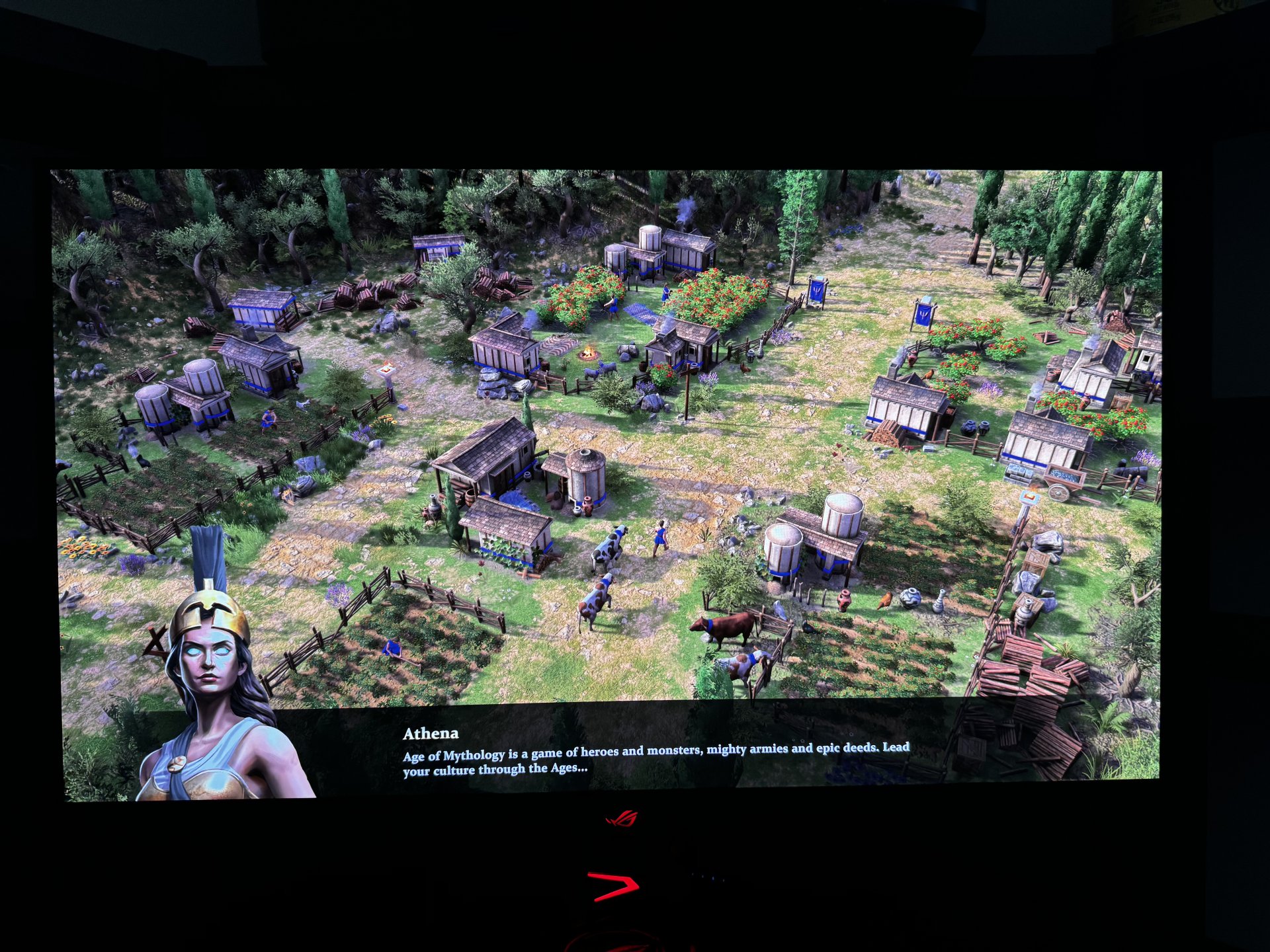
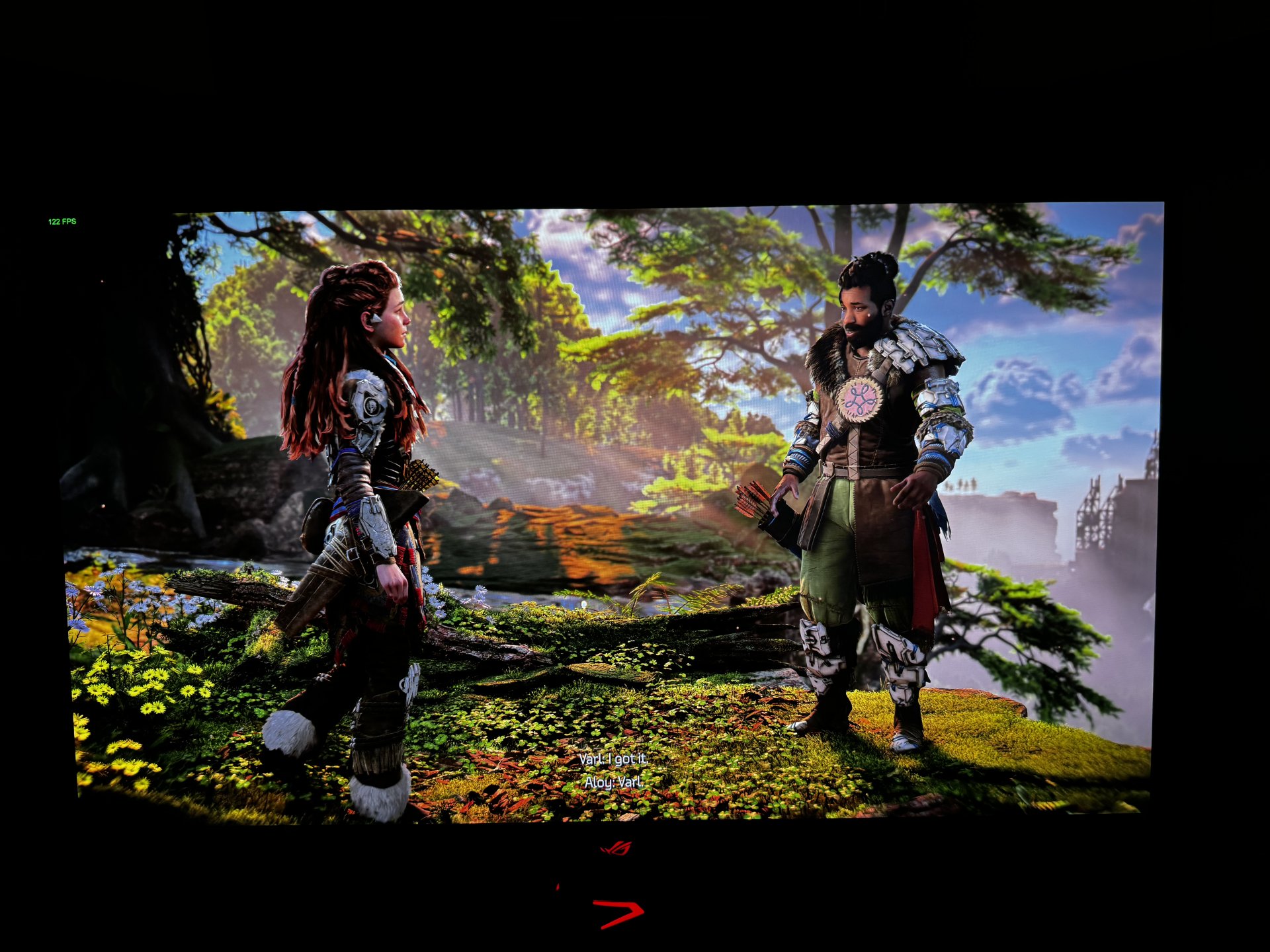
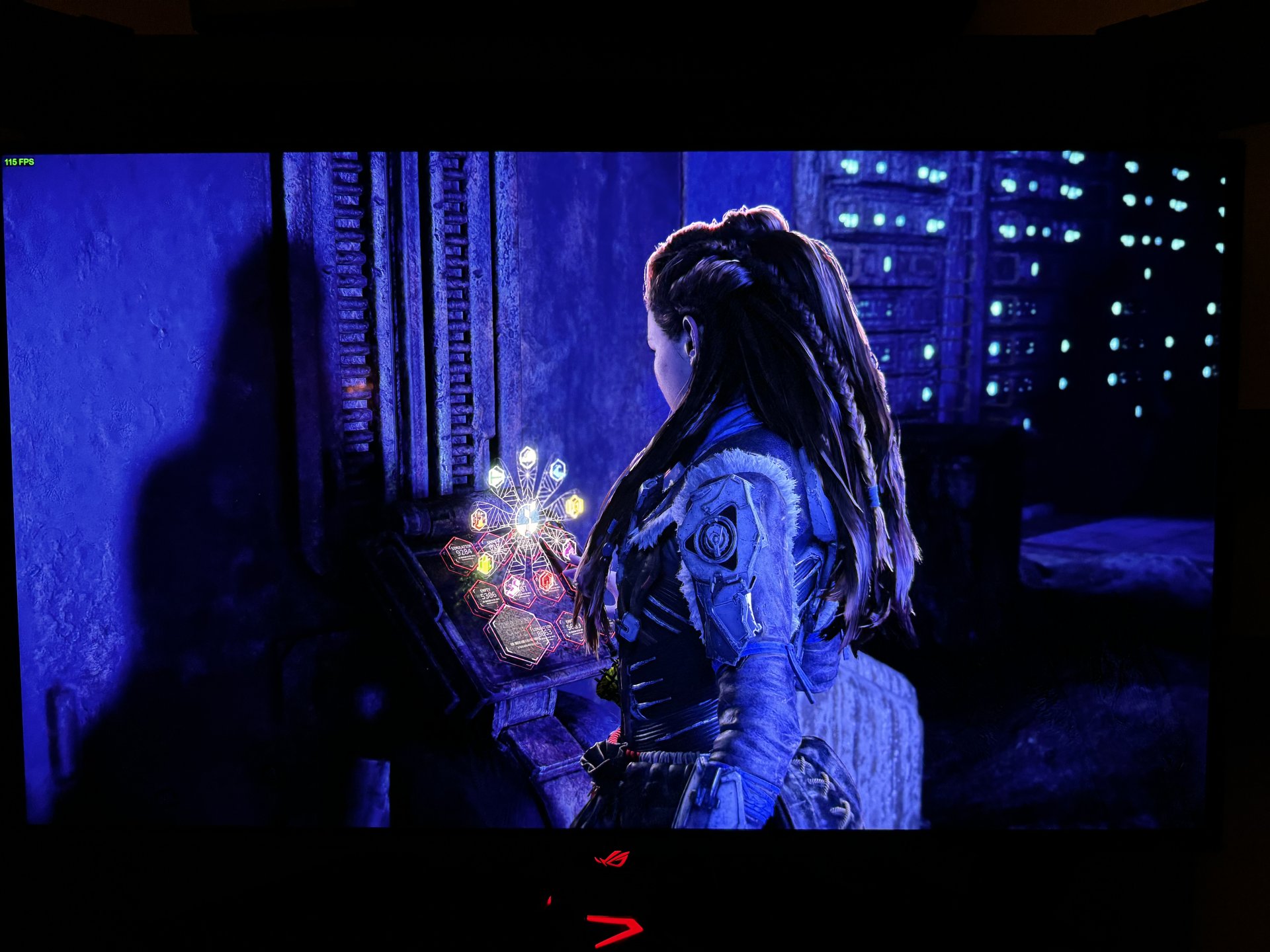
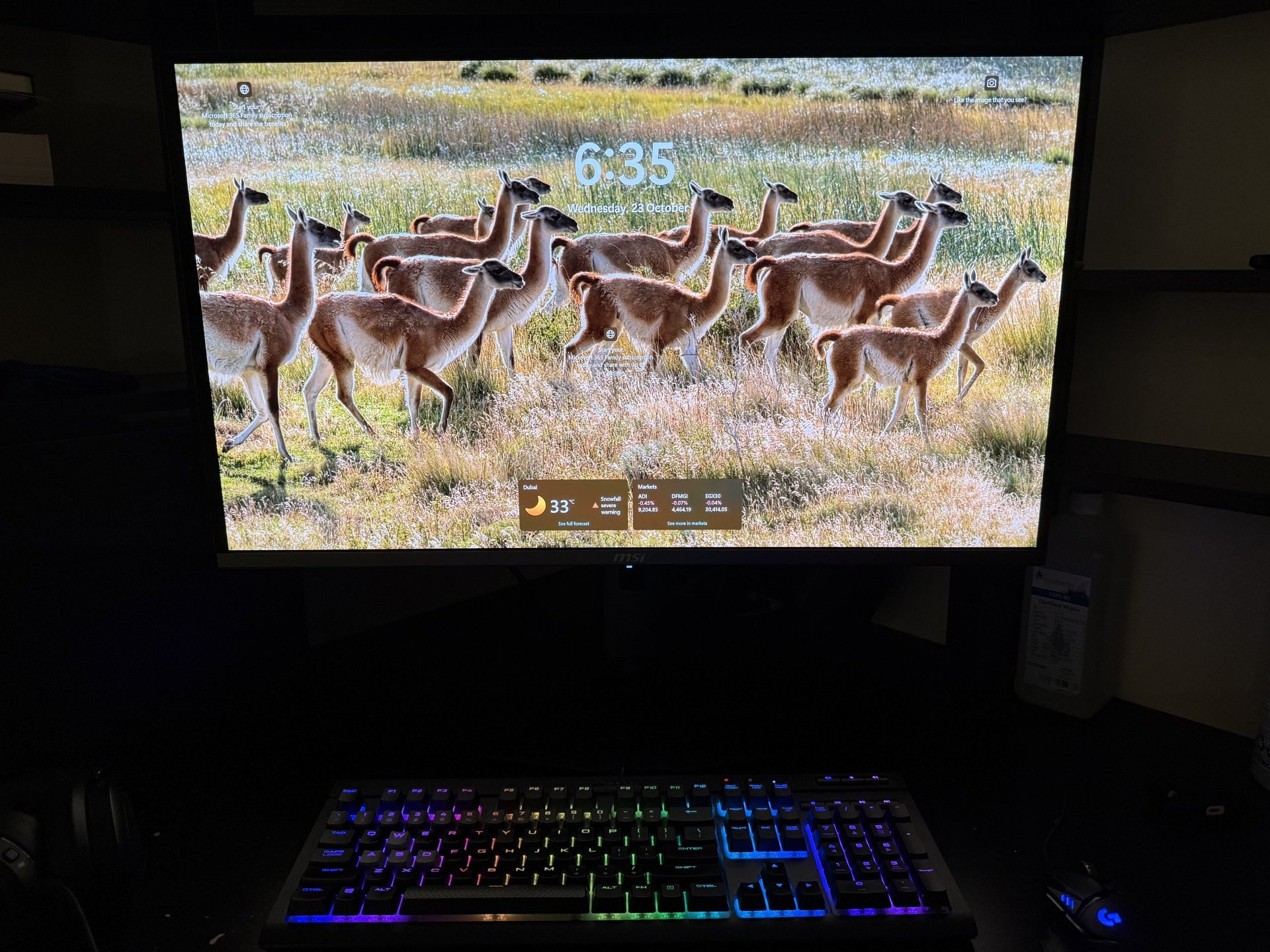
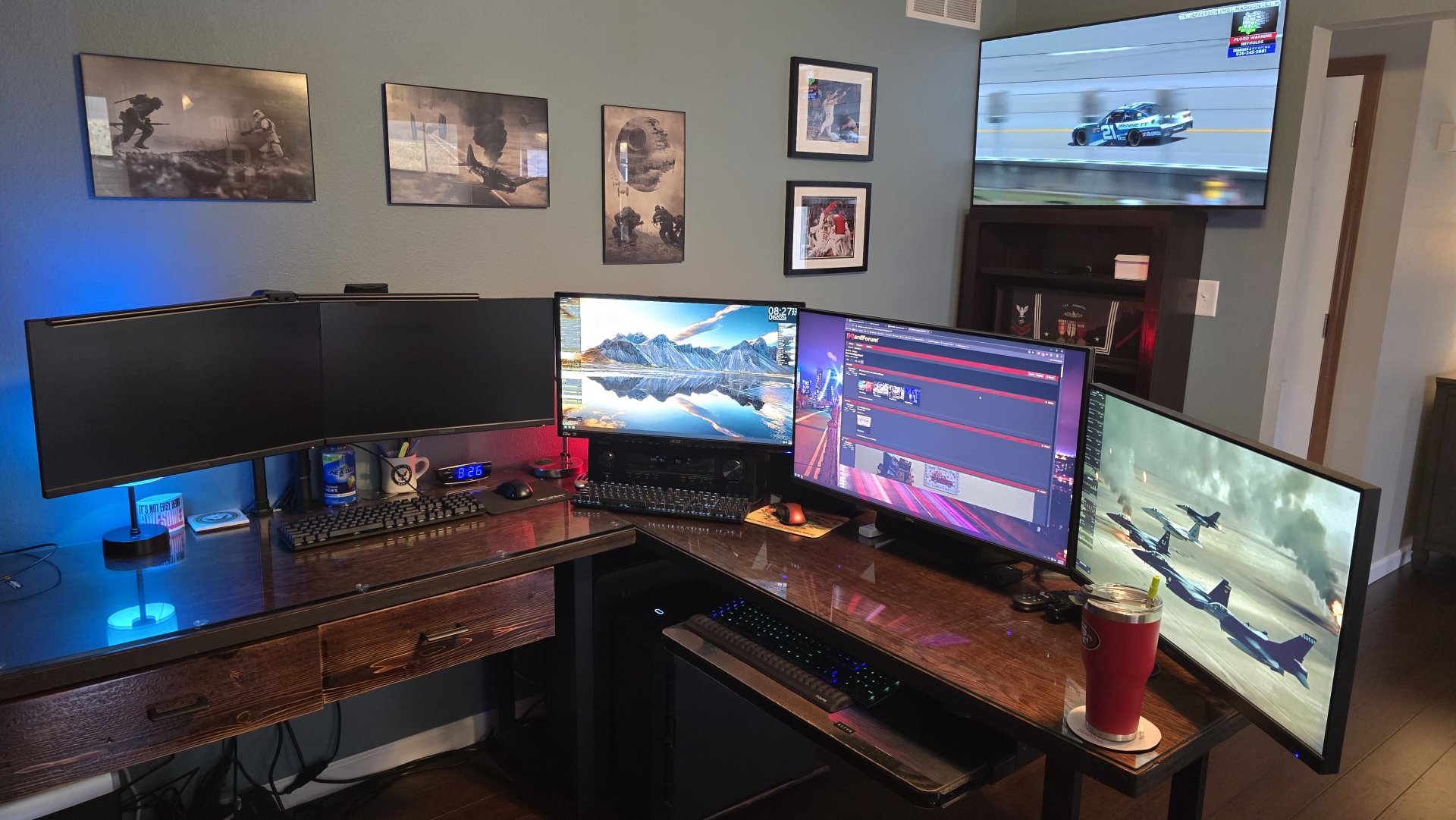
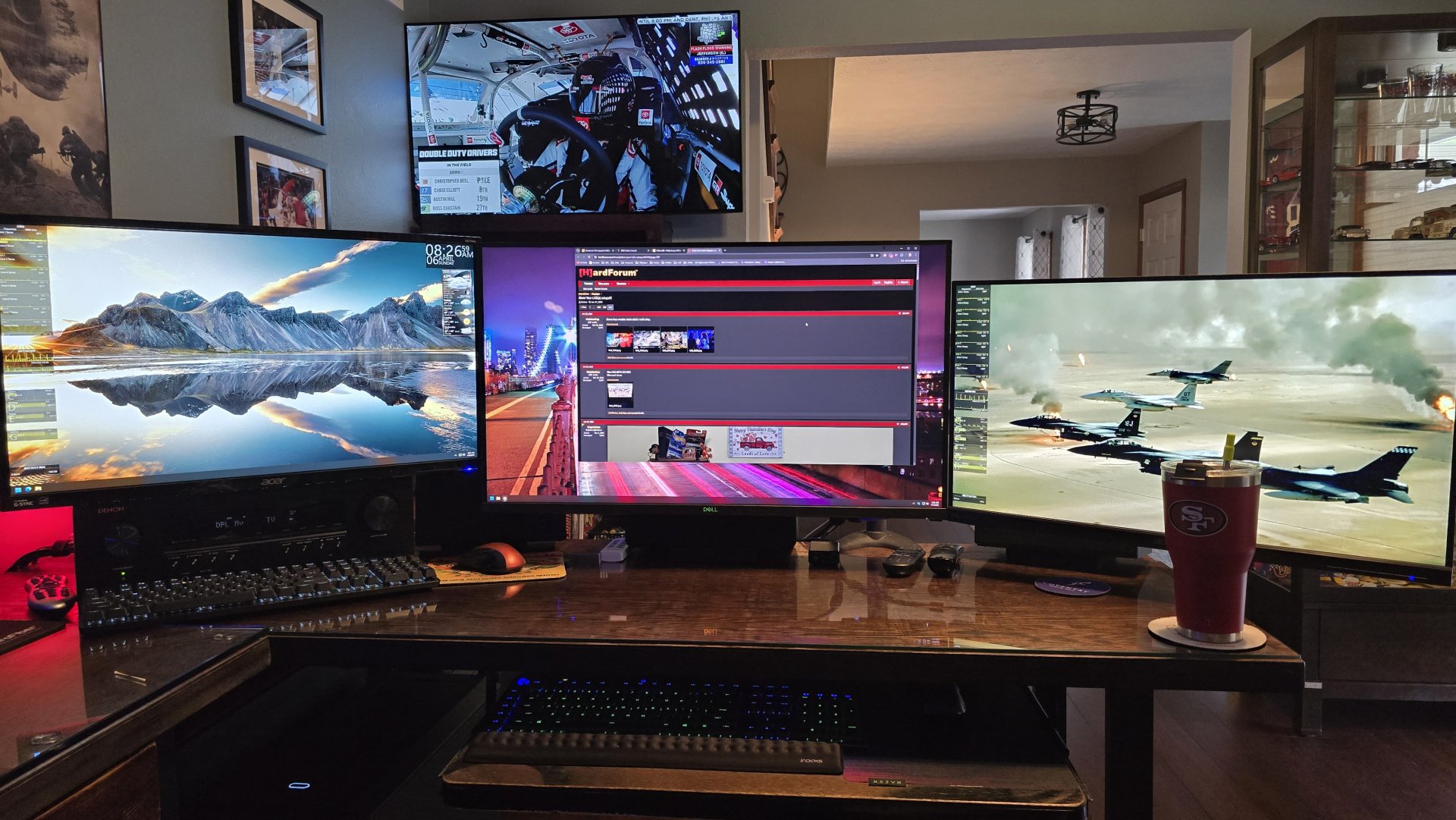
- Joined
- Mar 19, 2003
- Messages
- 11,070
![[H]ard|Forum](/styles/hardforum/xenforo/logo_dark.png)
Follow along with the video below to see how to install our site as a web app on your home screen.
Note: This feature may not be available in some browsers.

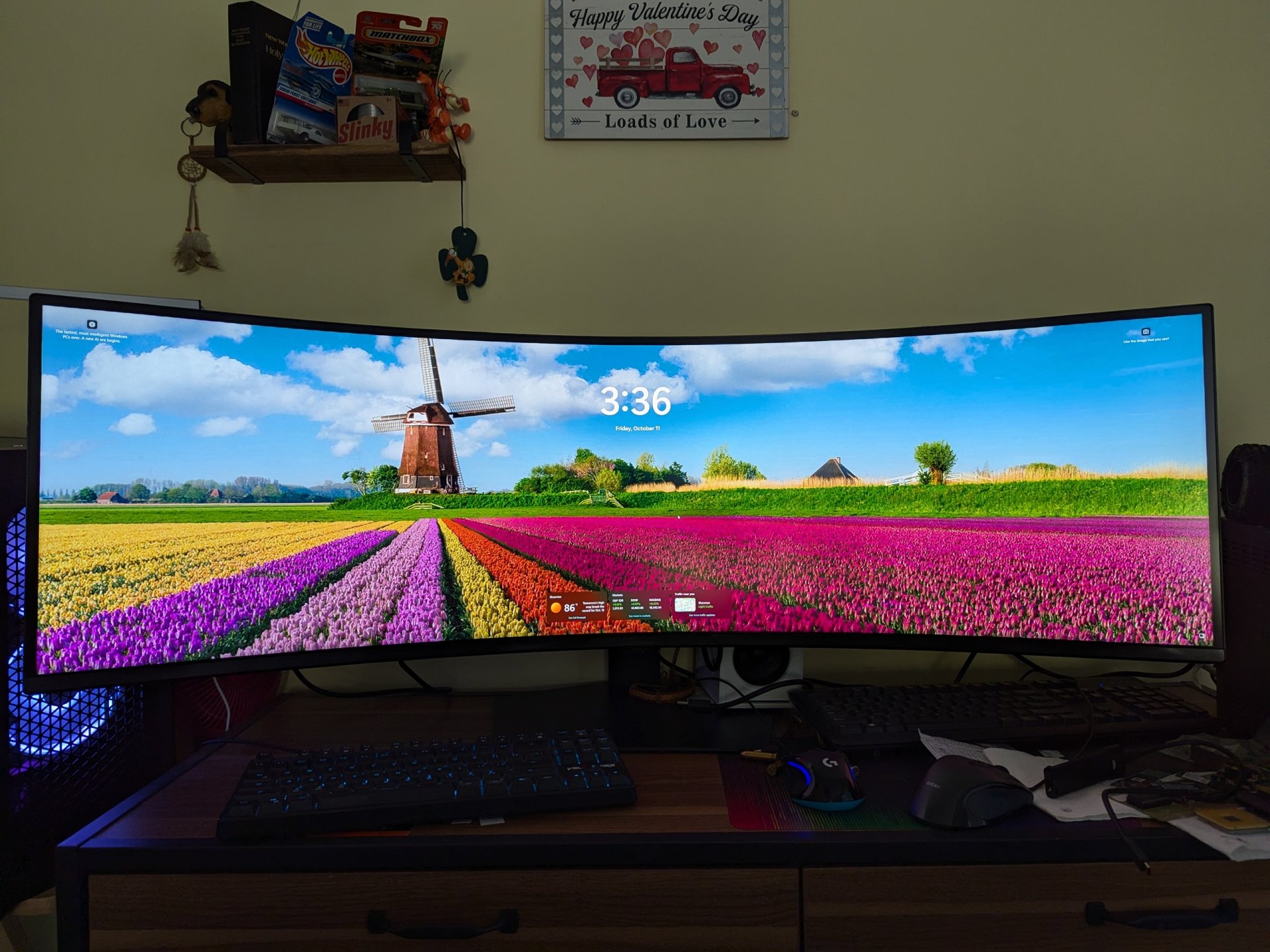

That definitely looks bad ass, but I need less L/R and more vertical screen real estate.
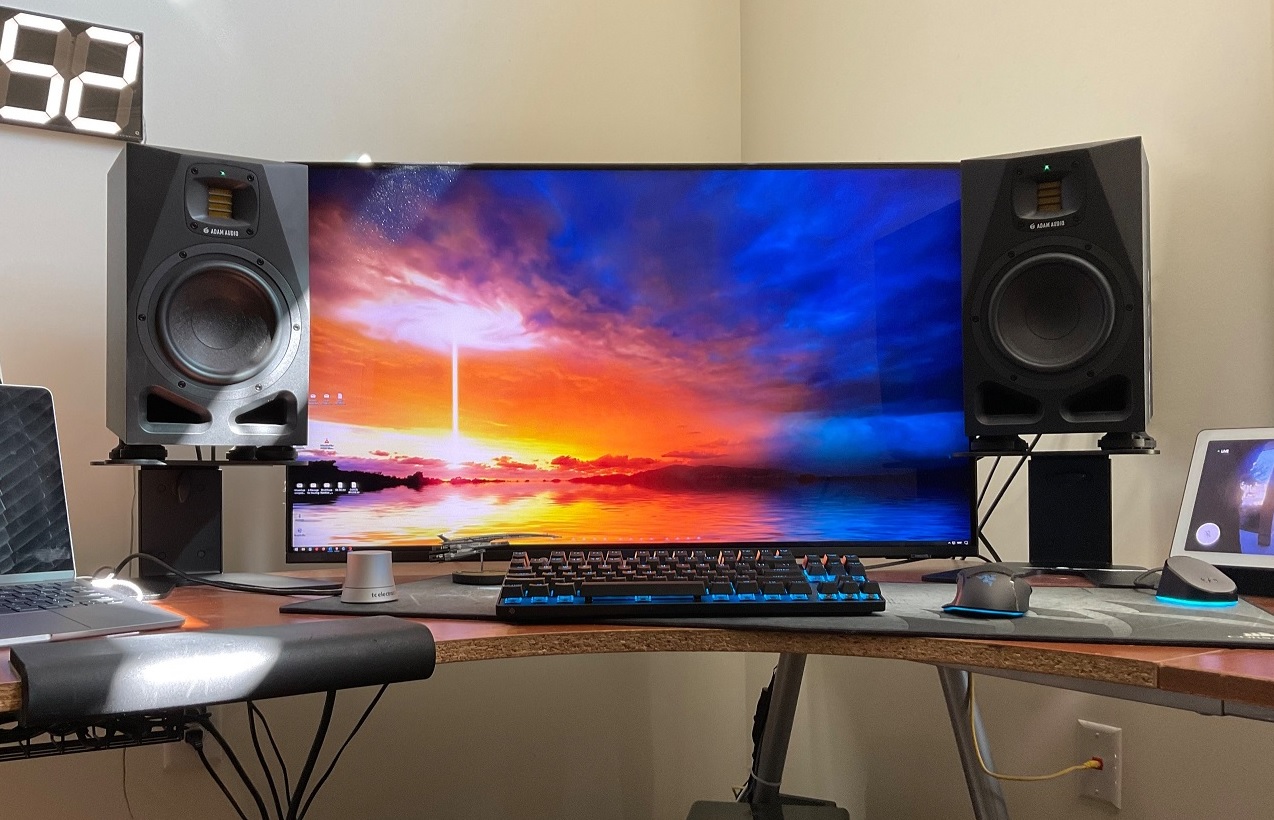
Nicely done. I highly recommend 3 monitors. Best gaming monitor (if you game) in the middle.View attachment 701505
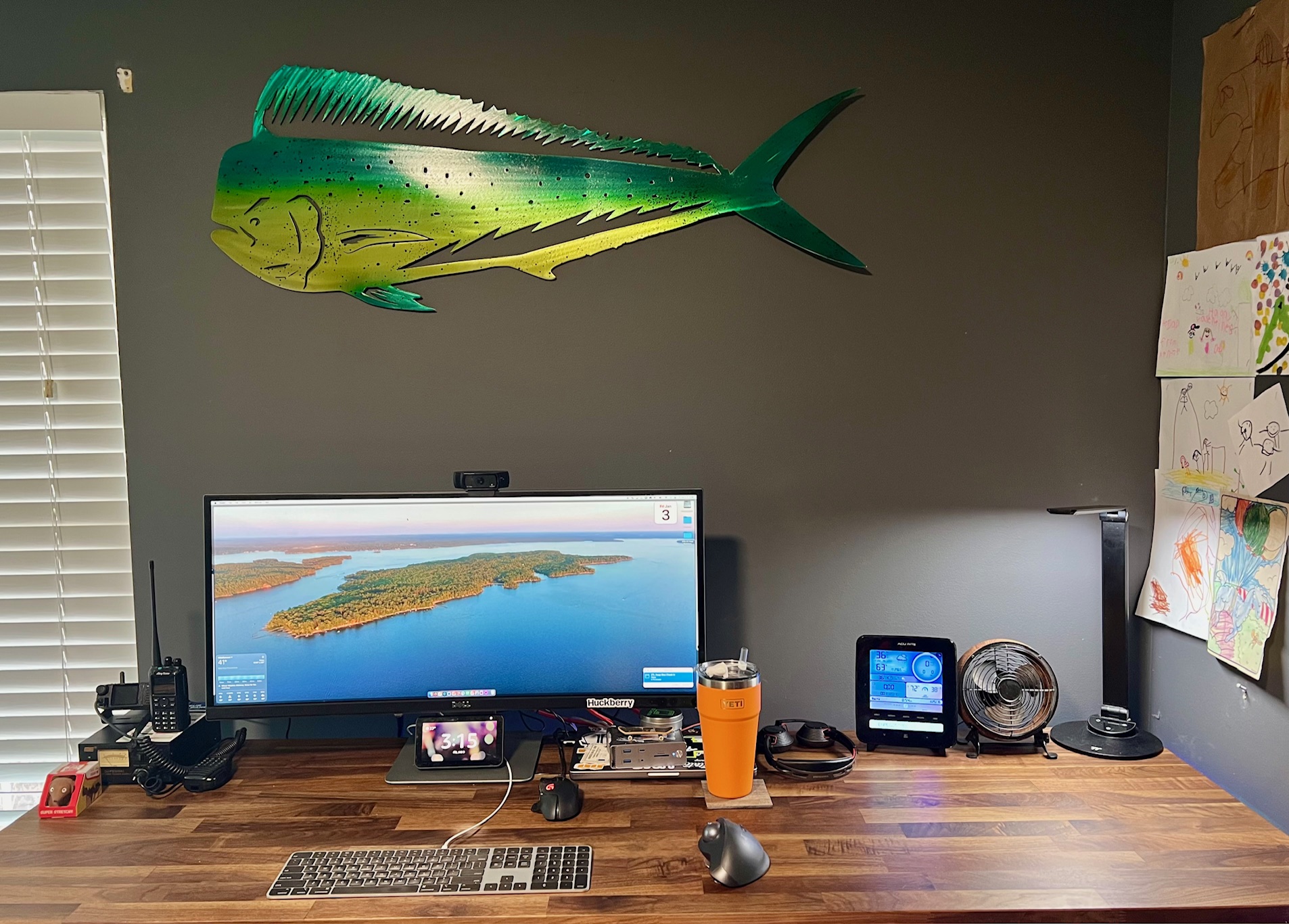
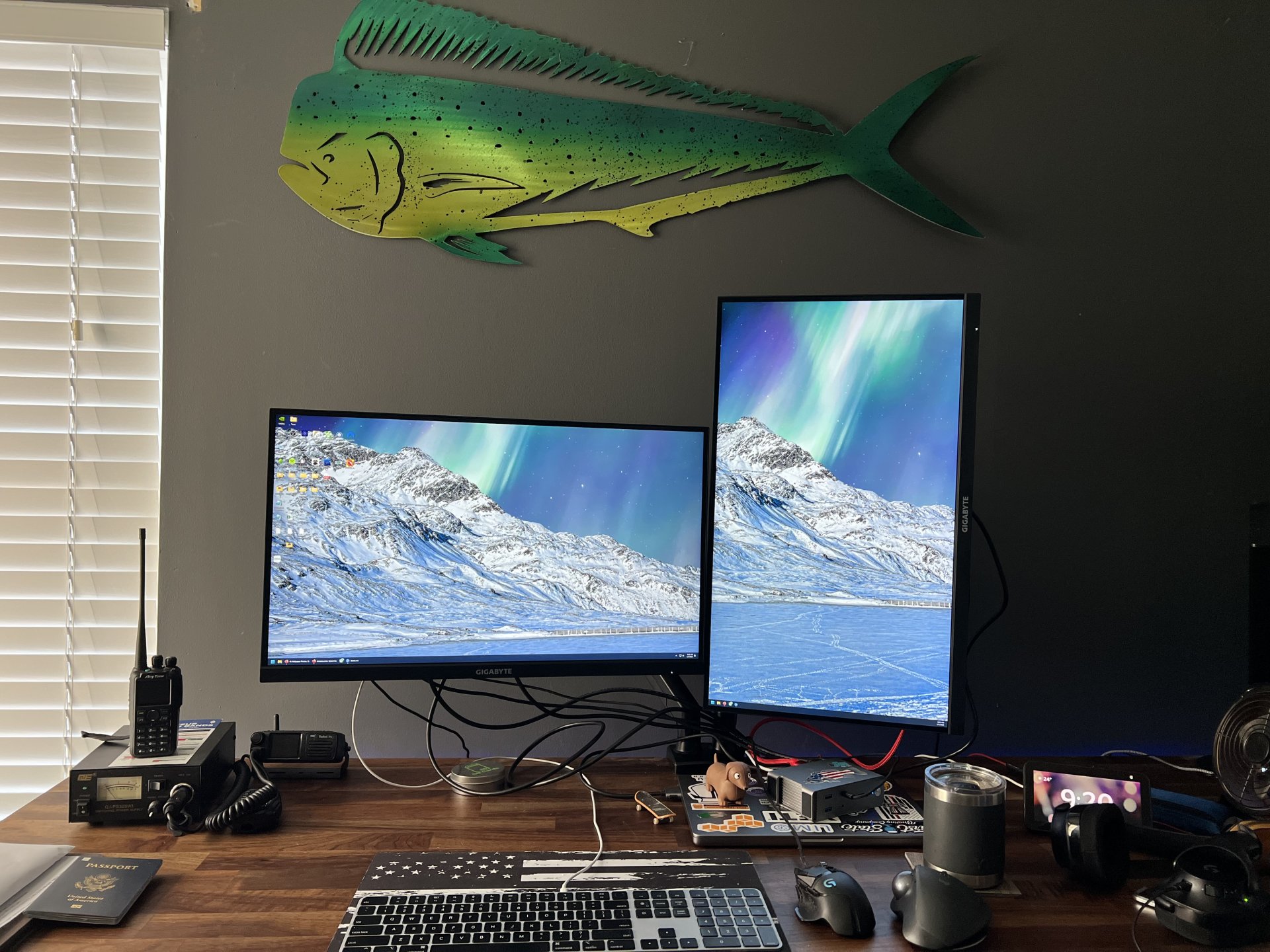
Here's my current setup, I have a pair of M27UA displays and a dual monitor clamp/stand arriving tomorrow to replace that 34" dell. Maybe I should try running all three to see what it's like.

Thank you.It's an Acurite Weather Station. Basically has a sensor module that goes outside, and it reports the weather on that screen. There are some much nicer units out there now that can tie into wunderground and stuff, but this one gets the job done
https://www.amazon.com/AcuRite-Wireless-Weather-Station-Sensor/dp/B00N1XCA9M
Love the Adam studio monitors. I haven't upgraded my A7X's yet but I have mine paired with dual Sub8's and I don't know how much better the sound could possibly get... would love to try the A7V's though.That definitely looks bad ass, but I need less L/R and more vertical screen real estate.
View attachment 686944
I agree completely on Adam Audio. I used to be a passive speakers guy for years, but decided to listen to some studio monitors at Guitar Center. I auditioned several brands, but was hooked on Adam as soon as I heard a few Nine Inch Nails songs. The A7V was my best audio purchase in 20 years.Love the Adam studio monitors. I haven't upgraded my A7X's yet but I have mine paired with dual Sub8's and I don't know how much better the sound could possibly get... would love to try the A7V's though.
I don't want to nudge you towards dual subs but let me tell you... it makes a HUGE difference... the Adam Sub8's pair well enough even though Adam recommends the sub10's for the A7's.I agree completely on Adam Audio. I used to be a passive speakers guy for years, but decided to listen to some studio monitors at Guitar Center. I auditioned several brands, but was hooked on Adam as soon as I heard a few Nine Inch Nails songs. The A7V was my best audio purchase in 20 years.
I thought about dual subs when I had an SVS 3000 Micro last year but traded it for the bigger SB-3000 sub. Still, I'd never rule out 2 subs down the road.I don't want to nudge you towards dual subs but let me tell you... it makes a HUGE difference... the Adam Sub8's pair well enough even though Adam recommends the sub10's for the A7's.
How do you like that Samsung TV for pc use? I've been eyeing the newer 32" oleds but I use my monitor for work and don't want to worry about burn-in. Plus the oleds aren't very bright still.I thought about dual subs when I had an SVS 3000 Micro last year but traded it for the bigger SB-3000 sub. Still, I'd never rule out 2 subs down the road.

If you're ok with a 43 check out the QN90D it's an awesome mini-led.How do you like that Samsung TV for pc use? I've been eyeing the newer 32" oleds but I use my monitor for work and don't want to worry about burn-in. Plus the oleds aren't very bright still.
It's outstanding as a gaming and productivity monitor. I won't use anything else.How do you like that Samsung TV for pc use? I've been eyeing the newer 32" oleds but I use my monitor for work and don't want to worry about burn-in. Plus the oleds aren't very bright still.

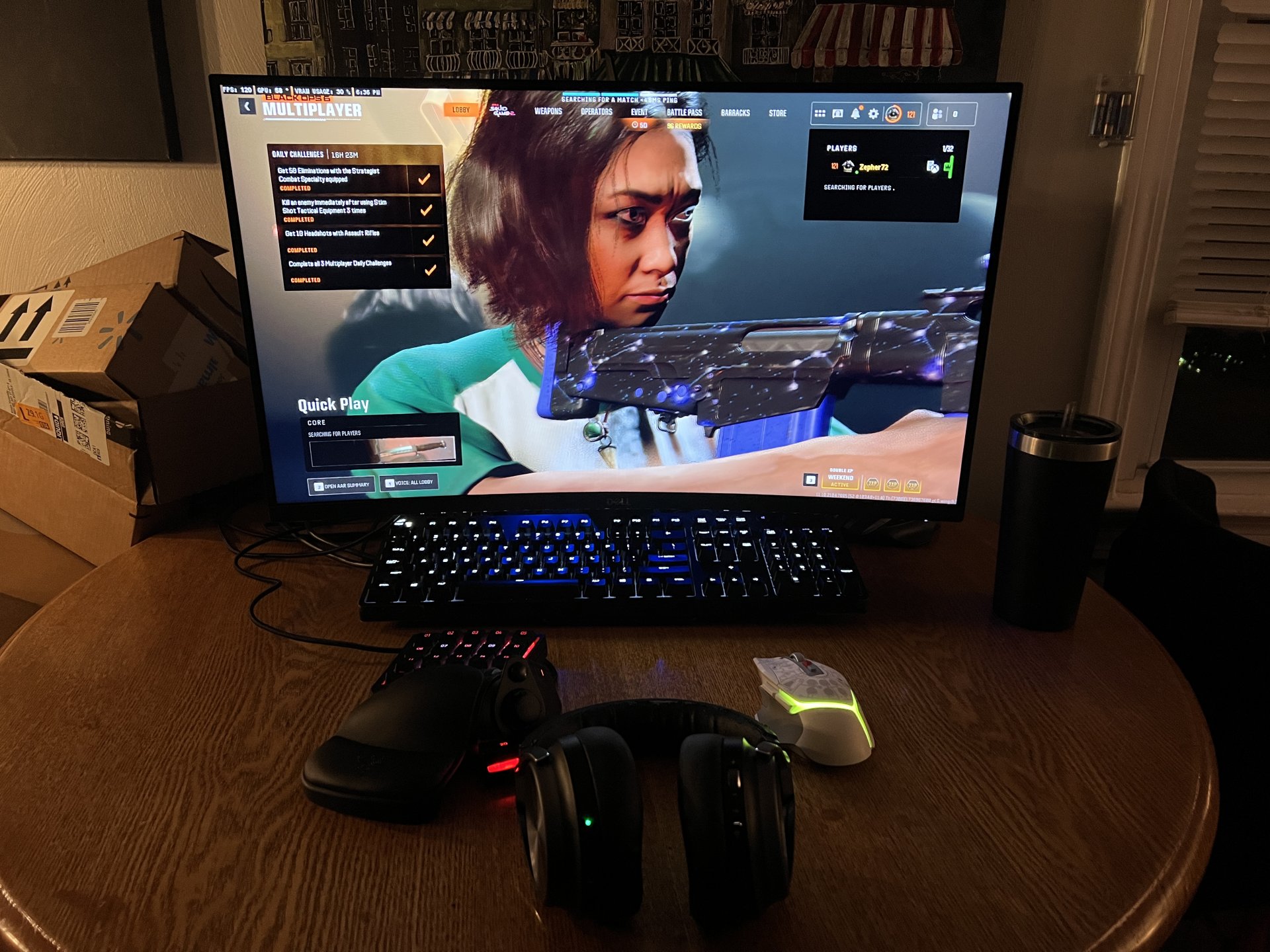
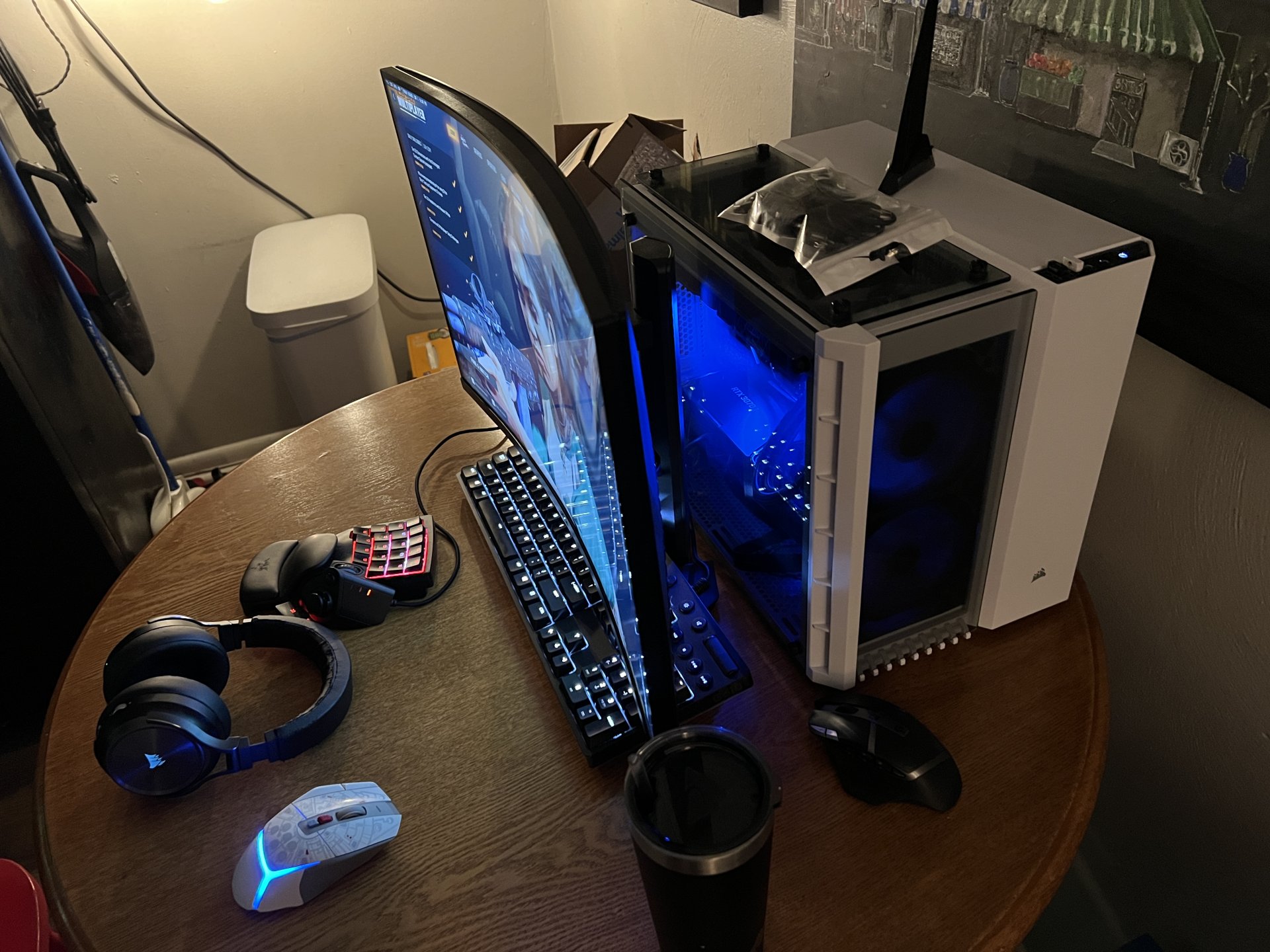


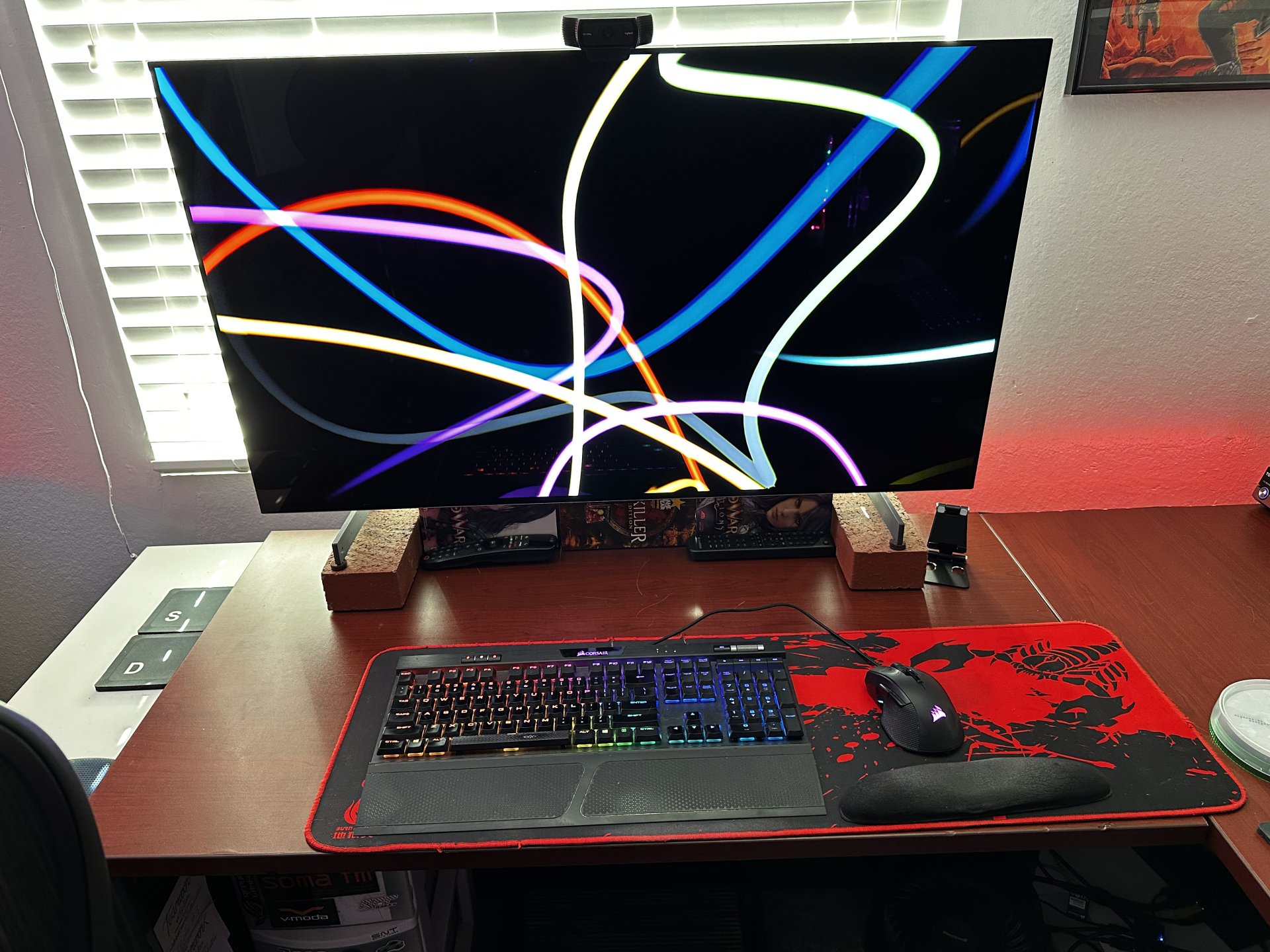


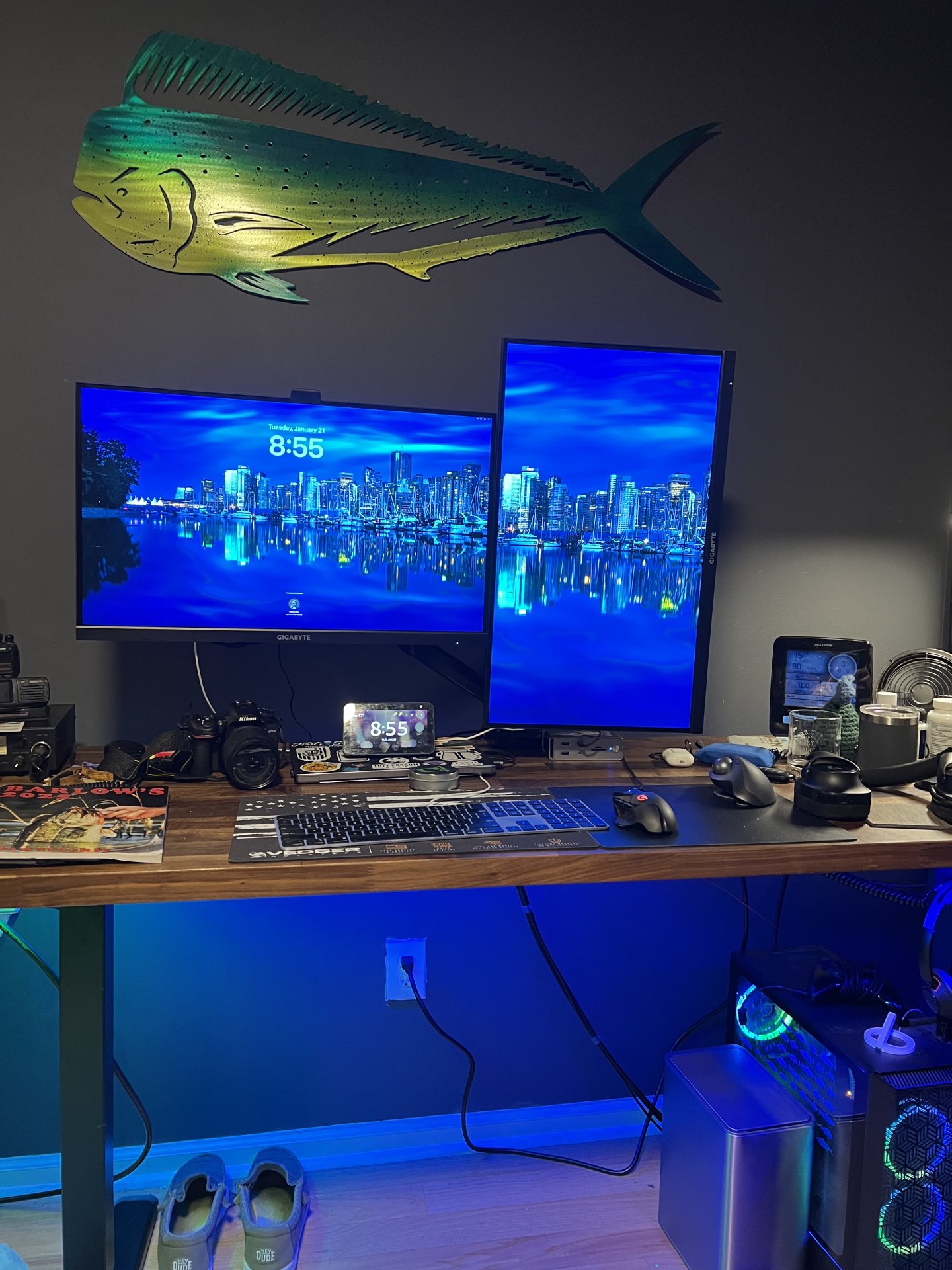
Yeah, it's just a flag blanket thoughI see more patriotism reflected an your monitor.
Is that a mirror on your backside or are you double flagged ?
(Thank the lord for the pink horsey!)

That is an impressive number of monitors. Any good games run across all those?
That is an impressive number of monitors. Any good games run across all those?


Just wondering about ergo - looking down that low to monitors can not be great for your neck....No, I only use the 48" center screen when gaming, the other monitors are for programming and stuff.
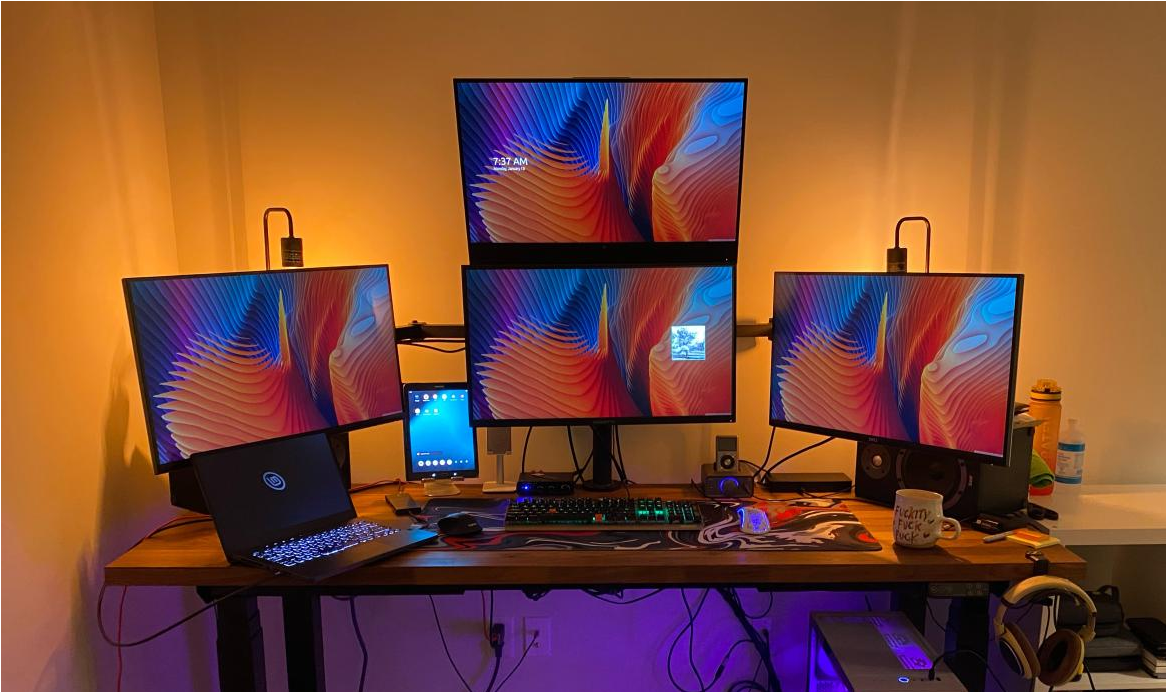
Just wondering about ergo - looking down that low to monitors can not be great for your neck....
Makes sense, I have seen that lower position for some where they do that angled monitor below their main ones and is def more natural to just look down than move your entire head up!Ideal position is straight ahead, slightly down. But if you want more screens they have to go somewhere and looking down is infinitely better than looking up on your neck. That's why I made a custom desk, I used to have extra screens up higher.
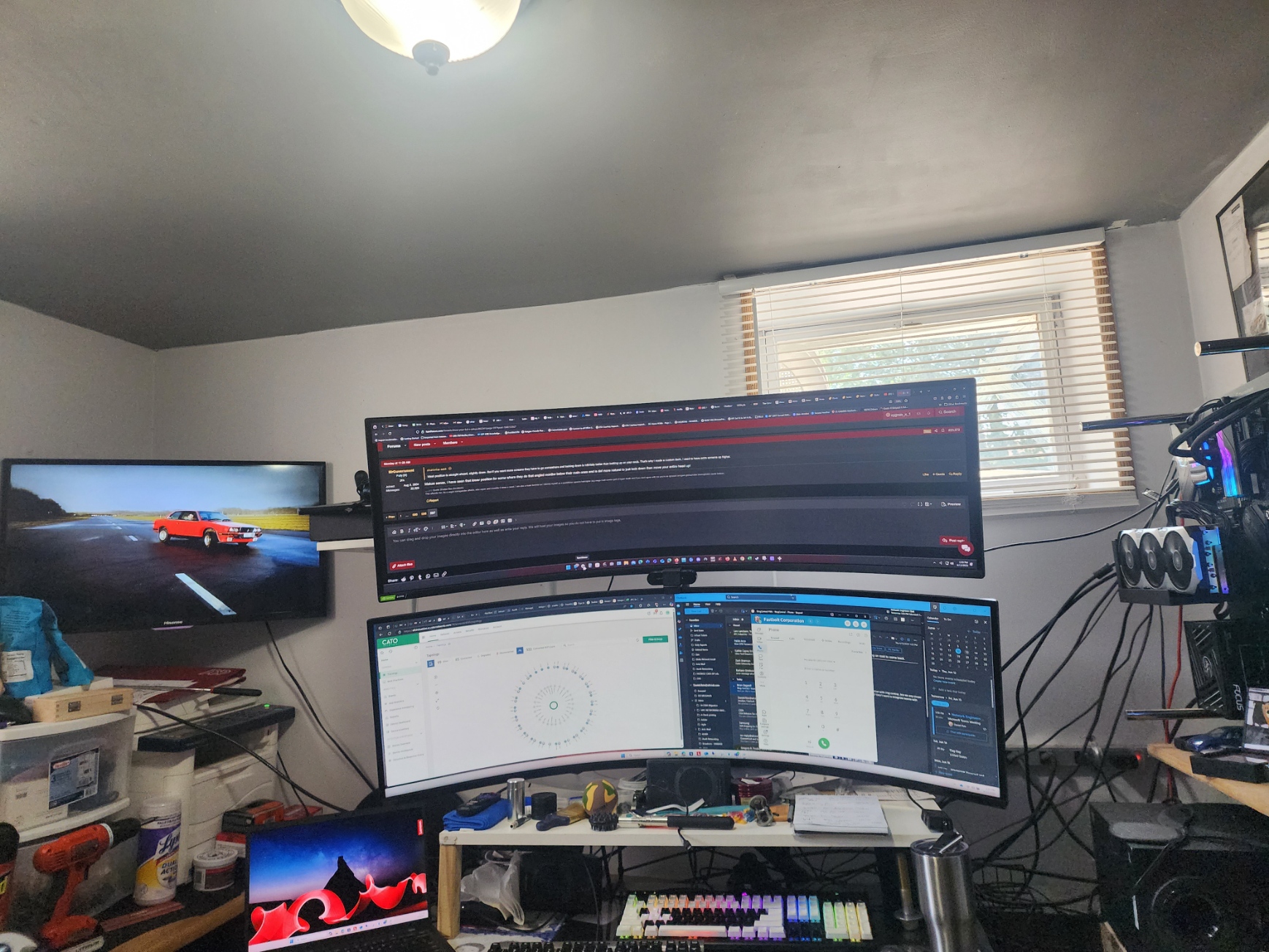
Added my TV and work laptop to the mix. top Samsung 49" is play, bottom 49" is for work. when work is done, both 49"s get play duty.
View attachment 735301
View: https://youtu.be/QMgQbg9xk1o?si=DOlCHARuXTIDuNi2

Added my TV and work laptop to the mix. top Samsung 49" is play, bottom 49" is for work. when work is done, both 49"s get play duty.
View attachment 735301
View: https://youtu.be/QMgQbg9xk1o?si=DOlCHARuXTIDuNi2
when i bought them the only dual mount available for these was this one:How do you have them mounted?