30 Monitors Are In

Adam

[H]ard|Gawd
Joined
Jan 9, 2003
Messages
1,592
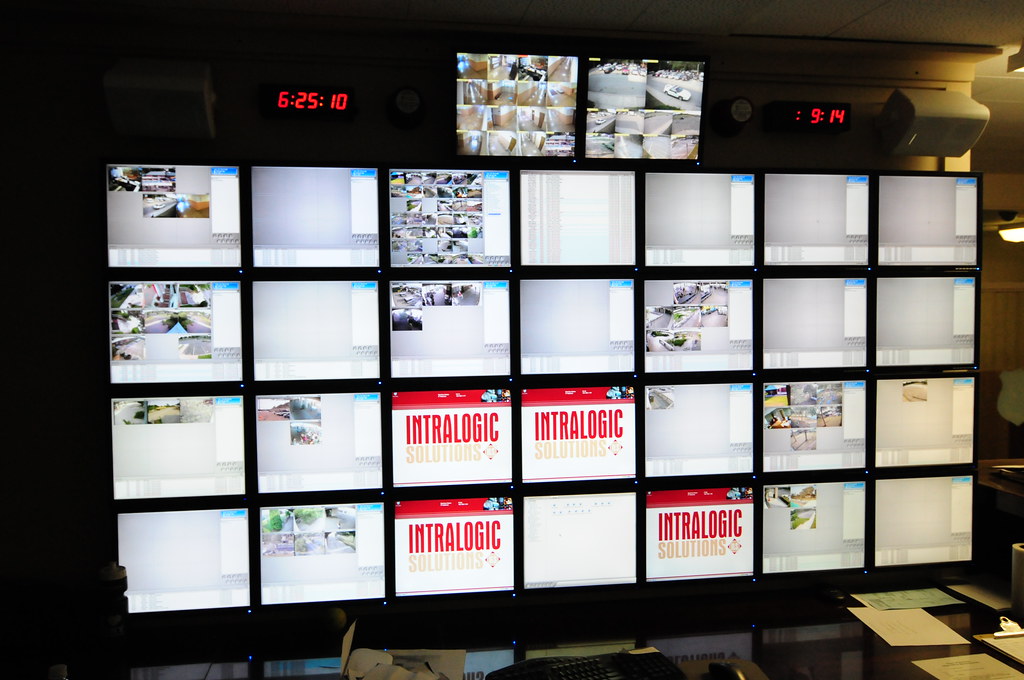
Sooo some of you knew about this project of ours. 30 monitors (28 computers) that monitor surveillance cameras around a town. All their parks/beaches. Imagine the simpsons episode from a few weeks back... where they could talk to people on the camera... yeah we can do that also lol... heres a few photos as i was wrapping things up tonight (better photos later these are from my iPhone):

34345_1346760424487_1095570040_30887017_69582_n.jpg


36456_1346860506989_1095570040_30887288_1303367_n.jpg


28467_1346880627492_1095570040_30887318_5224761_n.jpg
 
What 30" monitor are these?

They look like 19 or 20" 4:3 screens to me.
Thread title states 30 monitors, not 30" monitors.

What method do they use to get the video feeds back to the computers?
 
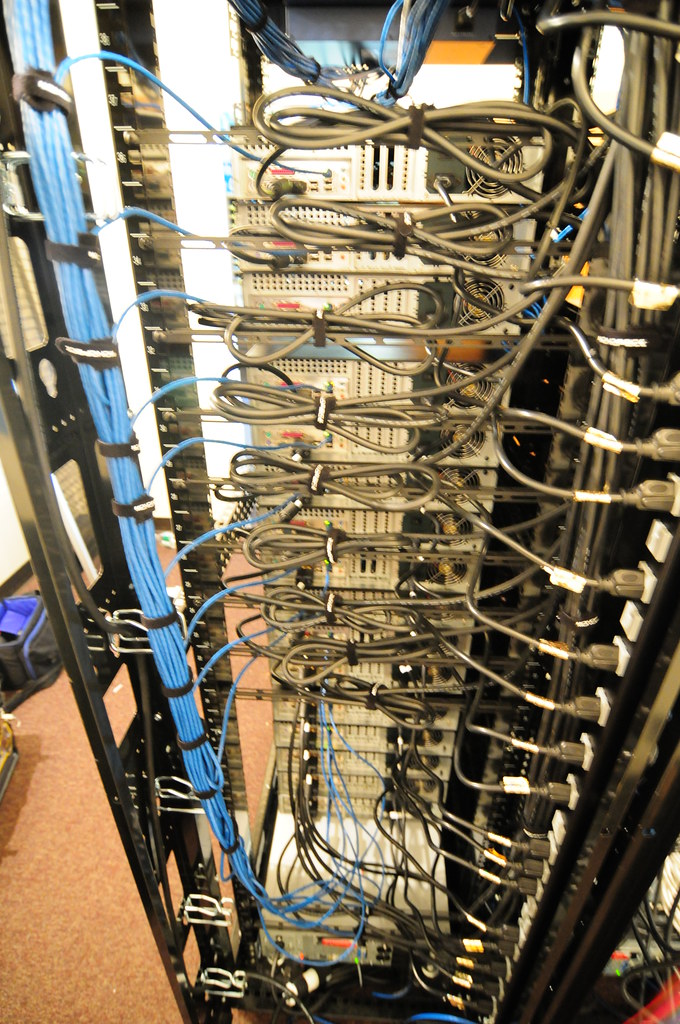
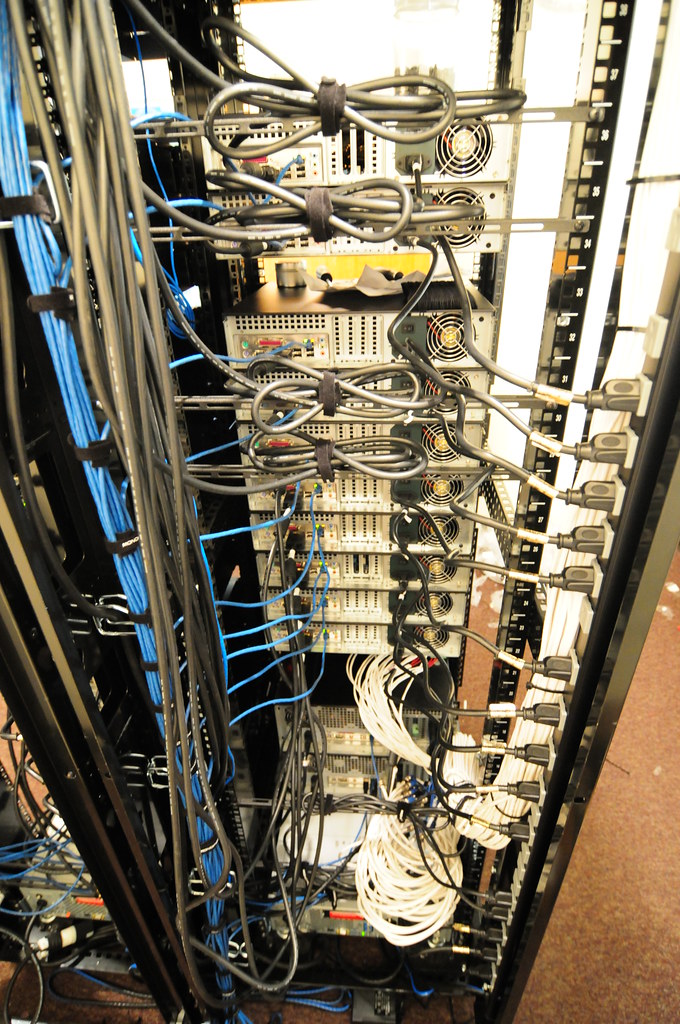
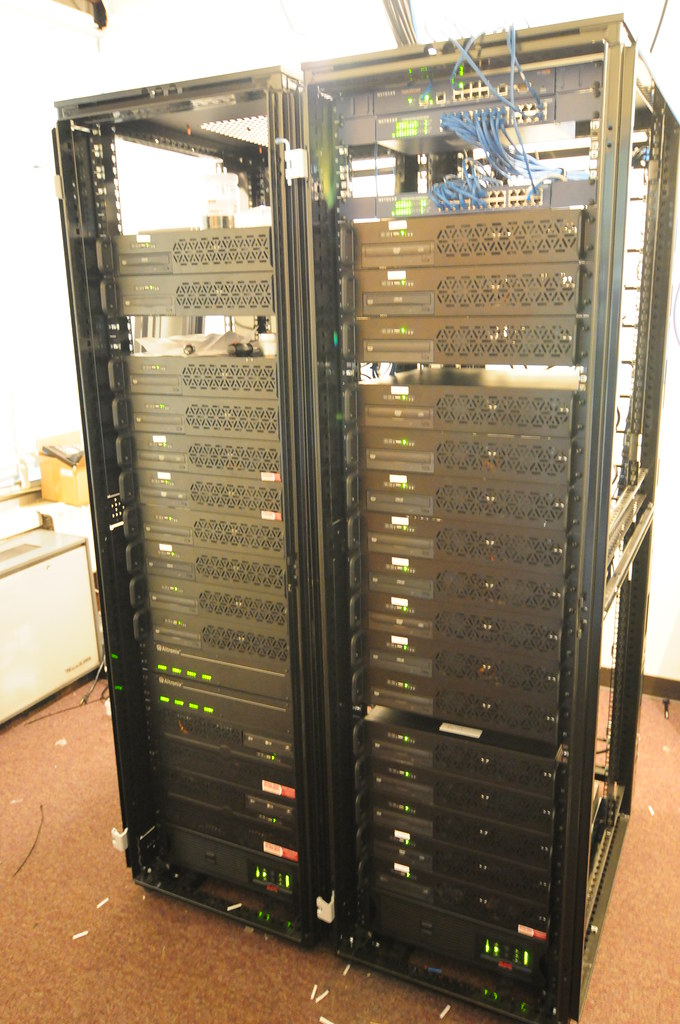
VGA cables... we ran 30 VGA cables to the corner (about 25 feet) then we extended those (we moved the rack into dual racks in another room) about another 50 feet or so...

I failed to mention this part... all those computers are controlled with a single keyboard/mouse. And the cursor goes across all the screens, so as you move the mouse it jumps from pc to pc. you can go up/down/diagnol/etc...
 
Here are some better photos from camera:

4734066309_e938663347_b.jpg


4734066953_fb5d6f95f8_b.jpg


I ran out of bars for the wire management so I still have to clean it up:

4734068645_da4be7032c_b.jpg


4734069573_499258d47f_b.jpg


Same for front, I have a wire manager for the cat5 cables

4734067689_3d652cd874_b.jpg
 
What are you using to link a single cursor across all the machines? I know of only Synergy+ but surely you can't be using that buggy POS piece of software.
 
VGA cables... we ran 30 VGA cables to the corner (about 25 feet) then we extended those (we moved the rack into dual racks in another room) about another 50 feet or so...

I failed to mention this part... all those computers are controlled with a single keyboard/mouse. And the cursor goes across all the screens, so as you move the mouse it jumps from pc to pc. you can go up/down/diagnol/etc...


I meant the video from the cameras to the computers.
 
How is that n00b? DVI is slightly better quality and I noticed that the cameras appear to be IP cameras. With DVI you'd have a pure digital path all the way to the displays. Also, there are amplifiers for DVI for the cable run distances you are using.
 
What are you using to link a single cursor across all the machines? I know of only Synergy+ but surely you can't be using that buggy POS piece of software.

It kinda looks like they are using Intralogic Solutions

DVI is not required for a system like this, cause the video quality is not that great, and VGA is probubly required by other hardware in the system.

Looks good, nice job

Dave
 
IntraLogic Solutions is our company. DVI/HDMI wouldnt make any difference for us. They are not IP cameras.

This facility has 1 DVR (32 channels of video), each of the remote facilities (beach, park, etc...) usualy have a 16 channel DVR. Most facilities have a main 16 channel dvr with remote systems connection (basically small 4 channel systems that have no storage, they stream to the main dvr)..

So for example, a pool we do has a 16 channel DVR and connected to that are 3 remote sites (by a park at the pool, and on a lifeguard building) with about 3-4 cameras each that feed to the main DVR..

That main dvr is then fed to the monitoring station at a public safety spot who monitors it. On each computer runs software that pop-ups video when motion is detected (this way we're not streaming 400+ cameras, only when theres motion).

There is a map of each facility on one computer where they can see if theres motion and click a camera on a map to see the camera.

They also have PTZ controllers for various PTZs throughout the town and they have a mic setup where they press a button for a camera, see the camera and can talk over a PA system remotely.

Again, no need for DVI as its going from the monitor, to a computer, which runs software that monitors a locations cameras.

Each monitor is a different facility.
 
Ohh btw yes we're using Synergy for the mouse/keyboard. It seems to work pretty well actually, once in a while the systems kind of lock up and i need to restart the process, but other then that, didnt find any other solutions out there that would work for us. It works very well actually.
 
Ohh btw yes we're using Synergy for the mouse/keyboard. It seems to work pretty well actually, once in a while the systems kind of lock up and i need to restart the process, but other then that, didnt find any other solutions out there that would work for us. It works very well actually.

wow didnt realize that Synergy was good enough for that..

props on the work!
 
How is that n00b? DVI is slightly better quality and I noticed that the cameras appear to be IP cameras. With DVI you'd have a pure digital path all the way to the displays. Also, there are amplifiers for DVI for the cable run distances you are using.

right, for that system, it does not seem that DVI would make much of a difference. i read it more of a....but but but why not DVI? when the work is clearly beautiful. sorry. :cool:
 
Wow.....erm.....wtf? why are you monitoring all of this, security? or are you just being creepy?
 
Did you read the thread Elipsn or just decided to chime in? Its for a town-wide surveillance system, monitors all parks/beaches. Security basically... because they have a lot of pools and during the off-season/night they have had vandalism in the past. Plus the kids constantly break-in and mess up the local parks. The towns have a lot of money invested in parks/beaches here.

DVI wouldn't make a difference, we're not doing high def stuff... or playing games... so again no reason to use DVI. Plus the computers themselves only have VGA on-board.
 
Nice job. ;)
Maybe you could invest some of the money you got from this work in Synergy, thus allowing the developer to solve the problems that app has. :D
 
Last edited:
What kinda problems did you have? I know for me it works okay, but if i "force reconnect" 80% of the time the remote clients crash... and with 28 computers, i usually just reboot them all manually via the power button then logging in via pc anywhere to each... it doesnt happen often only if i miss the "reload configuration" button... and so far i've had 2 cases where the program froze up and i had to login remote and relaunch it.

Any other suggestions for programs that would solve our issue of using one mouse/keyboard?
 
This... would be sweet on a massive 6-finity quad/pentafire system.

And Crysis 2. :rolleyes:
 
What kinda problems did you have? I know for me it works okay, but if i "force reconnect" 80% of the time the remote clients crash... and with 28 computers, i usually just reboot them all manually via the power button then logging in via pc anywhere to each... it doesnt happen often only if i miss the "reload configuration" button... and so far i've had 2 cases where the program froze up and i had to login remote and relaunch it.

Any other suggestions for programs that would solve our issue of using one mouse/keyboard?

Synergy is one of the best solutions I've found but I needed one that worked with mac os as well as windows which limited the options even more.

Anyway why pretty much a computer per monitor? Guessing it is more of a limit of the dvr's software?

Anyway I only know of 2 other software options for what you are doing. One is maxivista but it will not work for you as it only supports like 4 computers. The other is input director. Input director looked good for windows systems and does support multiple monitors on a single system. Also supports encryption across the links and can copy files between systems. I haven't really worked with it because synergy2 worked with non-windows systems and I needed that support. For a windows setup it might be worth giving a try.

Another option is synergy-plus. It is hosted on google code and is a fork of the project. Pretty much since the writer of the original hasn't updated it since 06 these guys are taking over and making their own version trying to fix it. As of now I'm not sure if it is anymore stable then the old synergy from Chris Schoeneman.

Edit: input director is free for non-commercial use. I didn't see pricing on their website for commercial use, it just says contact them. Still might be worth looking into as it is an active project and hell it might be less buggy then synergy.

Edit 2: Forgot about multiplicity by stardock but I think that only supports like 6 slaves so once again it wouldn't work for you. Figured I'd at least throw it out there in case you ever wanted to try it with a smaller setup.
 
Last edited:
One computer per monitor because we have over 400 cameras... so we figured we'd just dedicate each computer to a facility it monitors,nice and easy.

We didnt want the software to have to have one computer monitoring two facilities... sure we could span it across two monitors but not in a manoer in which we wanted.

The software we use can display up to 40 somthing cameras, but on one screen... if a 2nd screen is added, a txt log showing motion activity and other info is displayed, so we have 1 pc per location... which has 9 cameras available.

of that only cameras with motion show up, so most facilities don't have 9 cameras with motion at once... except maybe 1 or 2 which are parks that have multiple 16 channel systems.
 
Back
Top