![[H]ard|Forum](/styles/hardforum/xenforo/logo_dark.png)
Have an 840 Pro 256 GB with a lot of data on it that I would hate to lose.
The drive failed randomly on me Wednesday, and guess who doesn't have backups? Yeap, I am competing for dumbfuck of the year award. The most frustrating thing to me is that this isn't the first time I've been bitten by the lack of a comprehensive backup strategy. You'd think I'd have learned by now. Apparently it takes the loss of 15 years worth of sites and work to get me to wake up. the most recent backups I have of some of those sites were...stored on the same drive when I moved them from an older server several months ago. Sigh.
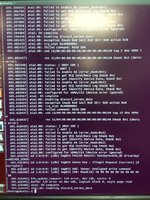
So, the drive shows up in BIOS, but all attempts to read data fail, including SMART data (scsi error: badly formed scsi parameters). This is what dmesg looks like whenever trying to communicate with the drive
Spinrite can't see the drive, and I'm not sure what else I could try. Seems like I'm SOL on any software solution since it's failing at that level. Is this merely a control board that has failed, and I could theoretically find an identical 840 Pro and swap in a control board to get my data? I've done that with a hard drive, all I had to do was carry over the original control board's EEPROM which contained calibratoin data...
Any "freezer" type tricks that work on SSDs?
Thanks <3
The drive failed randomly on me Wednesday, and guess who doesn't have backups? Yeap, I am competing for dumbfuck of the year award. The most frustrating thing to me is that this isn't the first time I've been bitten by the lack of a comprehensive backup strategy. You'd think I'd have learned by now. Apparently it takes the loss of 15 years worth of sites and work to get me to wake up. the most recent backups I have of some of those sites were...stored on the same drive when I moved them from an older server several months ago. Sigh.
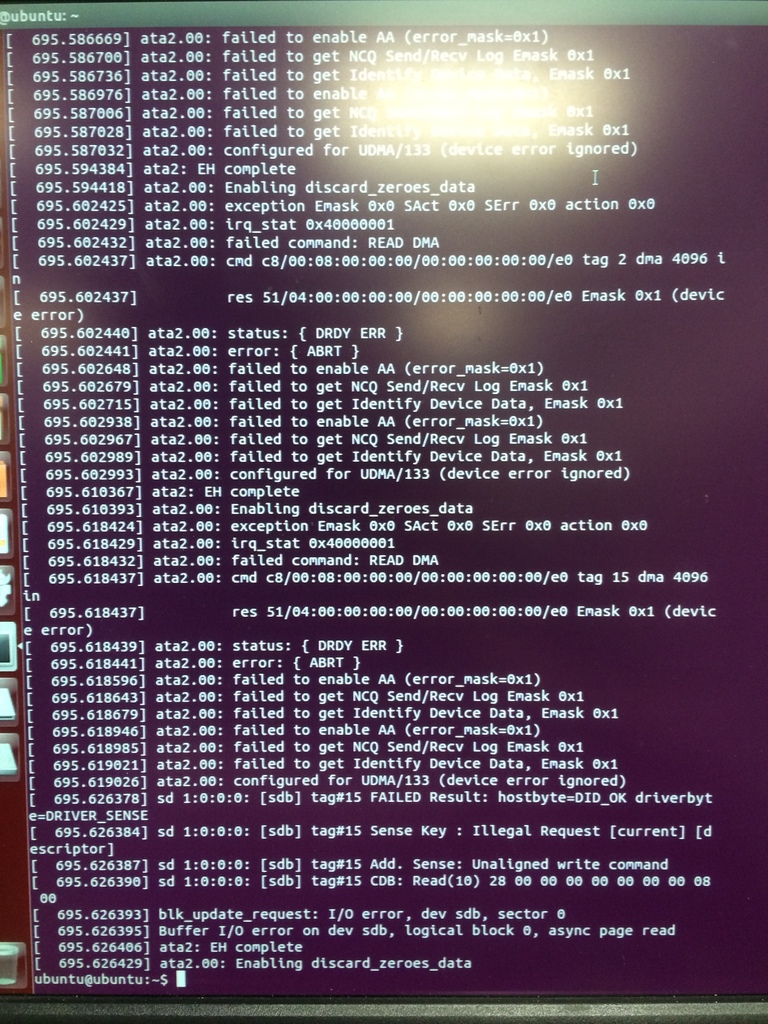
So, the drive shows up in BIOS, but all attempts to read data fail, including SMART data (scsi error: badly formed scsi parameters). This is what dmesg looks like whenever trying to communicate with the drive
Spinrite can't see the drive, and I'm not sure what else I could try. Seems like I'm SOL on any software solution since it's failing at that level. Is this merely a control board that has failed, and I could theoretically find an identical 840 Pro and swap in a control board to get my data? I've done that with a hard drive, all I had to do was carry over the original control board's EEPROM which contained calibratoin data...
Any "freezer" type tricks that work on SSDs?
Thanks <3
Last edited:
