• Some users have recently had their accounts hijacked. It seems that the now defunct EVGA forums might have compromised your password there and seems many are using the same PW here. We would suggest you UPDATE YOUR PASSWORD and TURN ON 2FA for your account here to further secure it. None of the compromised accounts had 2FA turned on.
    Once you have enabled 2FA, your account will be updated soon to show a badge, letting other members know that you use 2FA to protect your account. This should be beneficial for everyone that uses FSFT.

Project||Oroborous

sushiwarrior

Limp Gawd
Joined
Mar 17, 2010
Messages
161
Oroborous.png

The Ouroboros (Greek Οὐροβόρος or οὐρηβόρος, from οὐροβόρος ὄφις "tail-devouring snake", also spelled Uroboros in English pronounced /ʊˈɹɒbɔɹɔs/ or /ˌjʊəɹoʊˈbɒɹəs/), is an ancient symbol depicting a serpent or dragon swallowing its own tail and forming a circle.

The Ouroboros often represents self-reflexivity or cyclicality, especially in the sense of something constantly re-creating itself, the eternal return, and other things perceived as cycles that begin anew as soon as they end (See Phoenix). It can also represent the idea of primordial unity related to something existing in or persisting from the beginning with such force or qualities it cannot be extinguished. The ouroboros has been important in religious and mythological symbolism, but has also been frequently used in alchemical illustrations, where it symbolizes the circular nature of the alchemist's opus. It is also often associated with Gnosticism, and Hermeticism.
The name is inspired from a song on Gojira's album "The Way of All Flesh". The name represents the constant cycle of upgrading PC's in a way. The case that will be used is the NZXT Whisper, and the build will be focusing around silent air cooling and hopefully learning a bit about studio photography (on a slim budget). The end result will hopefully be MDPC-style results (Style, I don't expect to make MDPC!) on a very slim budget of under $75.

So, here is what the mod will eventually look like from the outside.

concept.jpg


The main feature is a mirrored triangle with (possibly) some modders mesh on it, I haven't quite decided yet. I didn't want a side window because it lets a lot more sound out and I like the simplicity without it.

The interior will be (surprise) black and white. I like black and white designs because they are easy on the eyes yet still very high contrast. Bright green or blue lights are an eyesore.

interior.jpg


As previously stated, this mod will be built around silence to my relatively low standards, yet I still want to maintain enough airflow for a hot CPU and a GPU that can fold 24/7. It doesn't help that this case has terrible cooling - there is only one 120mm fan for the entire top "compartment". The end plan in to add anywhere inbetween 2 and 4 120mm fans. These will be Yate Loon D12SL-12's and Gelid 120mm 1000RPM fans.

Now, what is powering this rig you may ask?

Intel E6850
EVGA GTX260
XFX 680i LT (looking for a sponsorship for a P45 or similar)
4GB Patriot DDR2-800
Corsair TX650 (yep, not a modular PSU. I can make this work! [maybe])
Seagate 7200.12 500GB
Asus Xonar DX sound card
Noctua NH-U12P
LG DVD drive

So, it won't be top of the line exactly. I'm fine with that because I like personality - not many people have E6850's. Potential upgrades would be a new motherboard with a predominately a black colour scheme. I'm looking for some potential sponsorships.

Oh, and finally a bit about me. I'm a high school student from Ontario, Canada with experience with computers and machinery (to some degree). Modding is a perfect match between my love for PCs and tools. I don't have much available to me at home - files, a dremel, sandpaper, pliers etc. but at school I have access to a milling machine and a small CNC milling machine (only good for acrylic really) as well as drill presses and bandsaws. My primary goal for this PC is silence for folding - I want to be able to fold 24/7 without much noise.

So, with that out of the way, let's take a look at the case.


DSC_1115.jpg


DSC_1117.jpg


DSC_0015-2.jpg


Sadly, thanks to buying used, it does have a bit of cosmetic damage. There is a scratch on the front and on the left side panel. Nothing a bit of bondo and paint can't fix.
I lost most of the pictures from the start of the project due to a hard drive lighting on fire and my failure to back up anything so what you missed out on was the case being disassembled, some of it being painted, the rear fan grills being removed, a 120mm fan mounting in the midplate, and a hole for the 8-pin CPU connector. I also sleeved the 8-pin and 24-pin connectors, of which I only have the finished pictures of.

DSC_2619.jpg


I decided on a black and white alternating checkerboard scheme because I haven't seen it done before yet it still looks great. Sadly, I cheaped out and went for Techflex so lots of colour shows through. The budget simply could not stretch for MDPC sleeving.

DSC_4423.jpg


I removed the rear grills because any resistance, no matter how small, creates extra noise and turbulence. They will be edged with some self-adhesive grommet after painting. More on that switch plate later.

Next order of business, a 120mm fan in the divider plate. Whipped out the dremel and....

DSC_4426.jpg


This midplate will be covered in PAX.mate acoustic foam (along with most of the rest of the case). I cut the fan hole large on purpose so the foam will make the opening that you see, as it's easier to make a clean hole on the foam.

I removed the HDD rack and one of the 2 "pods" - I only will be using 2 hard drives at most. The front bays block airflow enormously.

The other pod simply was in the way of the mid plate fan. The sole pod got a black paint job and the tray got white. This won't be a black with white accents build - it's black and white in equal measure.

DSC_4433.jpg


Now, the rear 80mm fans. I will be keeping the stock ones as they are pretty quiet and will be absolutely silent (to me, slight hearing loss lol) once at 7v or 5v. I was considering sealing off the PSU partition so those 80mm fans just feed the PSU but I decided against it.

Now, the switchplate. I really, really wanted to have control over the lights and (maybe) sounds in this PC, and nothing looked sharper than these rocker switches from Performance-PCs.

1 switch for the front panel LED stick, 1 for the interior LEDs, 1 for secondary internal LEDs, and 1 for some sort of fan control. I looked all over the case for a good spot to put the 4 switches and considered in the front, on one of the drive bay covers. That could have caused issues with the door and would be annoying to access (opening and closing doors FTL). I finally decided on the grill on the back panel. It was pretty convenient and the perfect size. I had a piece of scrap smoked acrylic sitting around, and I couldn't think of a better piece to use. I started measuring up the space and realized I didn't even need to cut the scrap piece to size! I love it when life lets me be lazy. I have 4 switches so I marked out the internal diameter of the area where the grill is, and then spaced out all 4 holes evenly and marked it.

DSC_4276.jpg


Holes marked out.

DSC_4278.jpg


Piece goes here.

DSC_4280.jpg


Ready to drill. After a lot of fussing to get the hole saw working, we were in business. First was 4 pre-drilled holes so nothing skips off course.

DSC_4284.jpg


Then the holesaw itself....

DSC_4291.jpg


It looks great. Worked just as planned. It was ever so slightly too small for the switches to fit in comfortably so I had to file a bit before the switches fit in happily.

DSC_4298.jpg


Now, a little sandpaper and polish for the edges (1500 grit followed by some green compound) and we have a nice, shiny new switchplate! I used some of the screws for 3.25” hard drives included with the case, which are black, and drilled 4 holes for those to fit through.

DSC_4312.jpg

DSC_4326.jpg

DSC_4300.jpg

DSC_4301.jpg


And as easy as that, it's done. The wiring still needs to happen (I haven't finalized what I want to control anyways) but that should be pretty quick and easy.

DSC_4423.jpg


Now, the front triangle-dealy. I had some major issues with clearance - it was not a simple matter of just cutting it to size and slapping it in. There were a few major things blocking it

The bevel on the left side (the whole thing)
The mounts that the aluminum triangle mount onto.
LED light on the front of the case (that comes stock)
Bevel on the right side of the case (only by a little bit, no biggy)
Power LED and switch-box, just the corner

And that was about it. So first (and most importantly) I had to remove the left side of the edge/bezel completely. First I cut a strip up the middle (not sure what I accomplished here, I must not have been thinking straight, maybe it was supposed to be for the LED strip. Either way, it was pointless :p

DSC_2678.jpg


Now, with my mind in the right place and a bit of planning, I began to cut the bezel away until it was flush with the face of the panel. This required the use of a dremel w/cut off wheel initially (low speed, high speed = nasty smell and melted plastic goo all over the wheel).

DSC_4393.jpg

DSC_4394.jpg


After I finished that I filed it to a uniform edge (sorry, forgot to take finished pics) and moved on to the next task... painting the case!

A huge thanks goes out to Bill Own and MNPCTech

 
Last edited:
So, the front triangle-dealy. I drilled the holes for it at school, so I don't have any pics of that. All I can say is that there are 5 holes ~1/2" big to mount onto the standoffs for the metal triangle already in place. I also cut a hole in the middle to make room for the LED bar that comes stock (I wanna keep it :p ). Anyways, here is the piece with the (terrible, useless) protective plastic still on it.

DSC_5518.jpg


DSC_5521.jpg


That small triangle was a test piece to see if 220 grit or 320 grit diffused better. I decided on 320.

DSC_5522.jpg


DSC_5523.jpg


Stupid plastic gone, washed with water and those drops were left over.

DSC_5565.jpg


Sanding. 320 grit.

DSC_5559.jpg


DSC_5560.jpg


Sanding done. Looks pretty good at first glance....

DSC_5562.jpg


DSC_5561.jpg


But not the best at diffusing light. At this point I decided on making an aluminum cover for it, so the light only shines out the edges. Modders Mesh wasn't going to be enough.


And some beauty shots of the (now old) mobo...

DSC_5895.jpg

DSC_5900.jpg

DSC_5901.jpg


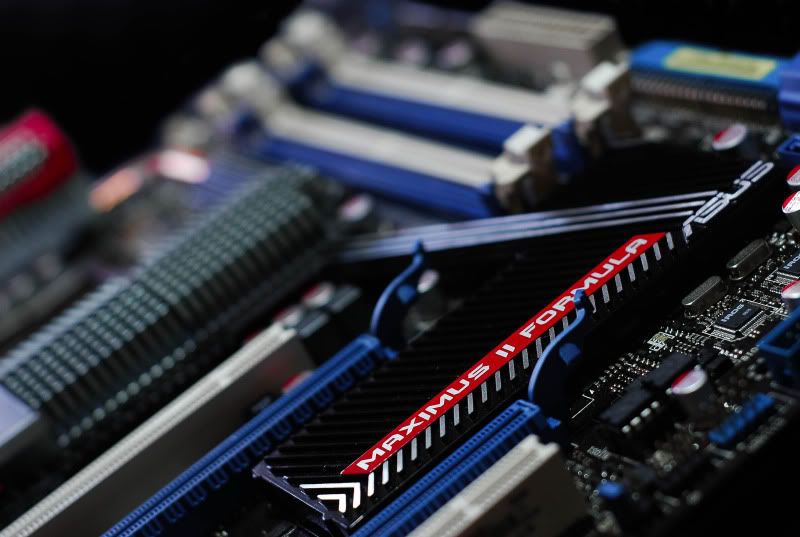
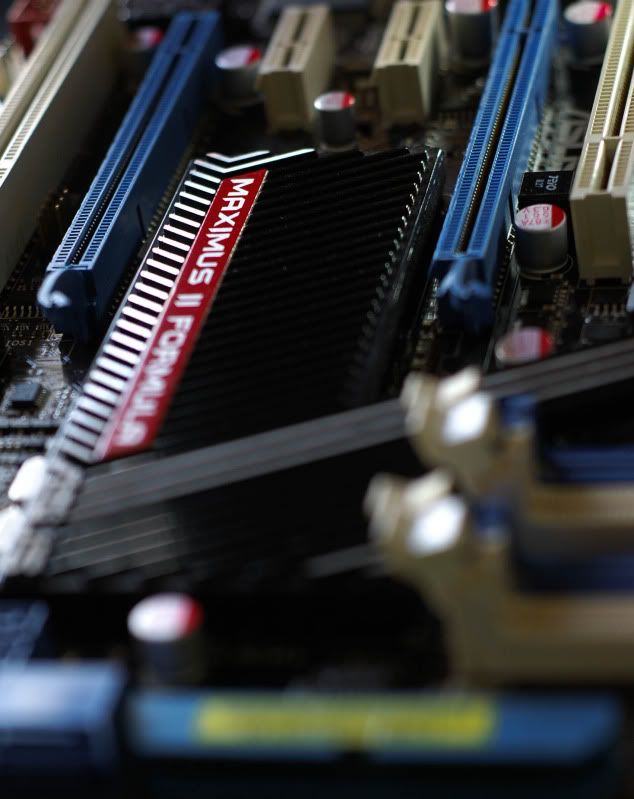
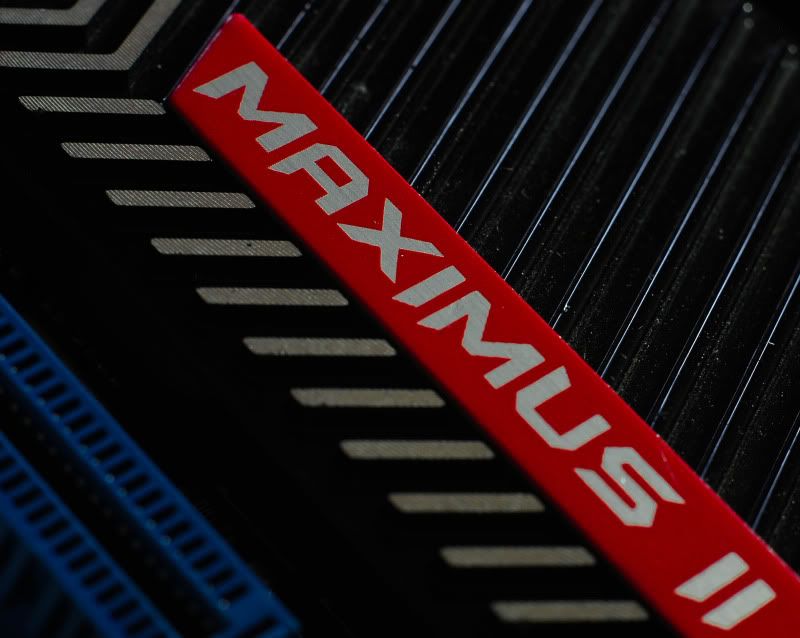
I'm getting an Asus Maximus Formula 2.... not a shabby looking mobo at all.

No real pics of the making of this, but here is the top USB thing painted.

DSC_6123.jpg


It was as simple as taking it apart, masking it, removing the un-needed cables (audio and e-sata) and painting. Turned out pretty well I think.

Next update, well,, hopefully some good pics of the build as it stands. System is installed but I am moving to the new mobo in a few days. Just hope it's nice and overcast tomorrow..... it's been really sunny lately, the light is too harsh.
 
There are a couple of things I will suggest for frosted plexi. The best way to get consistency is to actually sandblast it, of course. Next to that, I would say spray frosting. Not the best option if you're going to side light it, but very consistant. If you're dead set on sanding by hand, Use some higher grit paper (like 600 or 800) and go in very small circles. Otherwise, you are going to get those big, nasty scratches. I think sanding the plexi on a lightbox would help you make it more consistant as well.
 
"Final" pictures.... in current configuration.

DSC_6201_PS.jpg


DSC_6202_PS.jpg


DSC_6208_PS.jpg


DSC_6212_PS.jpg


DSC_6234_PS.jpg


DSC_6255_PS.jpg


Next on the list? Aluminum cover for the plexi front triangle (so the light only escapes out the side), longer LED stick for the front (50cm opposed to 30cm, so it goes all the way from top to bottom), and new motherboard (Maximus Formula II).

And who knows, watercooling may happen.
 
Got mail!

DSC_6700.jpg


DSC_6702.jpg


DSC_6703.jpg


DSC_6704.jpg


DSC_6706.jpg


DSC_6708.jpg


DSC_6709.jpg


DSC_6710.jpg


DSC_6711.jpg


I'll try to have some studio pics up tomorrow, been pretty busy with school + sick.

Another big thanks to Bill Owen and MNPC Tech!
 
Some stuff came in the mail today....

DSC_7055-1.jpg


DSC_7057-1.jpg


DSC_7058-1.jpg


DSC_7059-1.jpg


DSC_7064-1.jpg


DSC_7065-1.jpg


DSC_7066-1.jpg


Shiny!

DSC_7067-1.jpg


Now, to make a CAD model of the block and CNC a replacement. It has a busted thread, so I bought it with the intention of a new top.


And some picture of the motherboard finally! I've been forgetting to post these.

DSC_6529.jpg


DSC_6531.jpg


DSC_6532.jpg


DSC_6534.jpg


DSC_6538.jpg


DSC_6540.jpg


DSC_6541.jpg


DSC_6543.jpg


DSC_6544.jpg


DSC_6545.jpg


DSC_6546.jpg


That's all folks!
 
Last edited:
Nekkid MCR220!

DSC_7218.jpg


Just because I can! (Don't worry, I'll rough it up before I paint it. This is what happens when I have lots of 2000 grit sandpaper!)

DSC_7235.jpg


DSC_7234.jpg


DSC_7233.jpg


betterlightanddark.jpg


Just about to start painting it.

As always, this update has been sponsored by Bill Own and MNPCTech

 
Last edited:
OK, 56K DOOM incoming. Hell, bandwidth caps be warned. I took a LOT of pics.

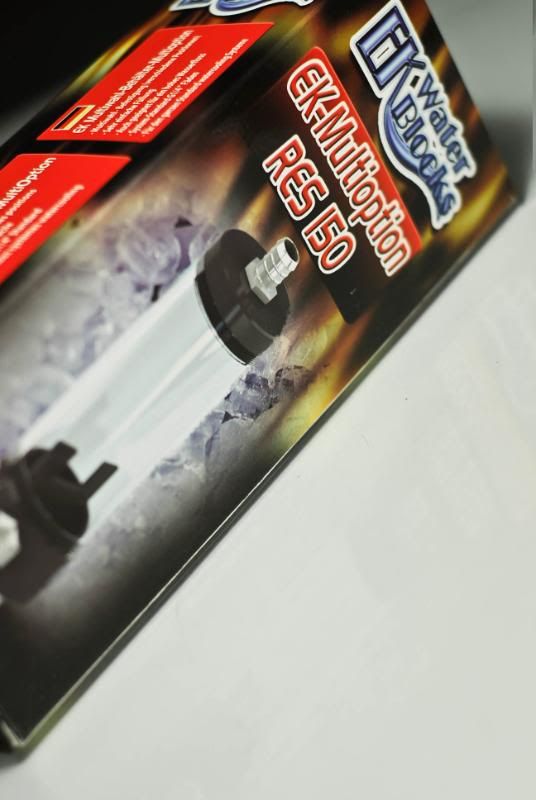
EK Multi-option res 150ml. Just the perfect size! Wish it came with EK's new packaging....

DSC_7493.jpg


But hey, it's just a box.... awww who am I kidding I want the new boxes :(

DSC_7494.jpg


DSC_7495-1.jpg


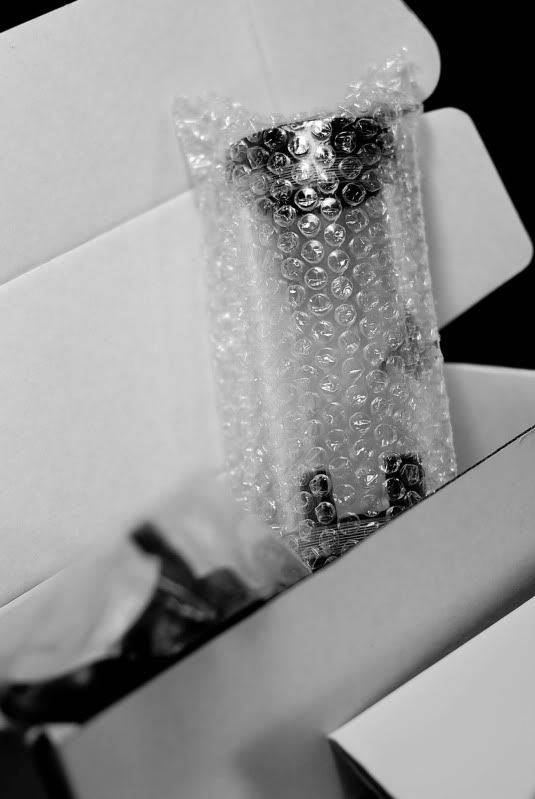
Bubble wrap.

DSC_7496-1.jpg


And there she is in the open! Looking pretty good....

DSC_7497.jpg


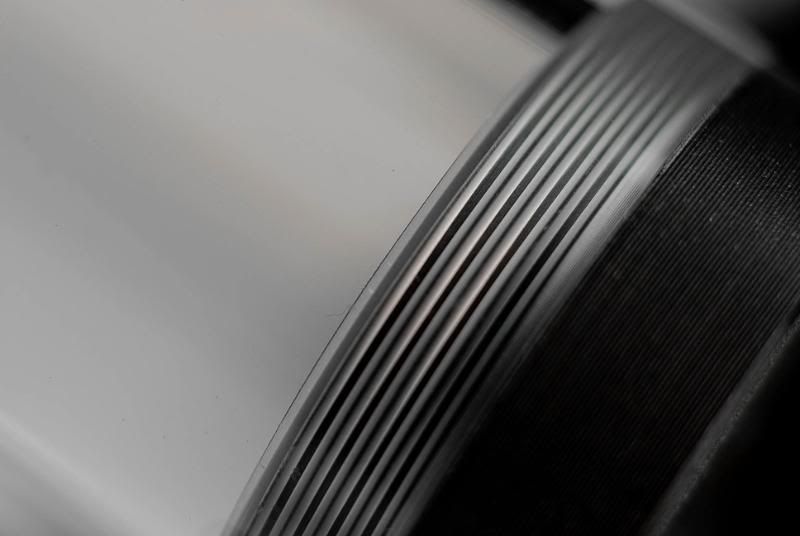
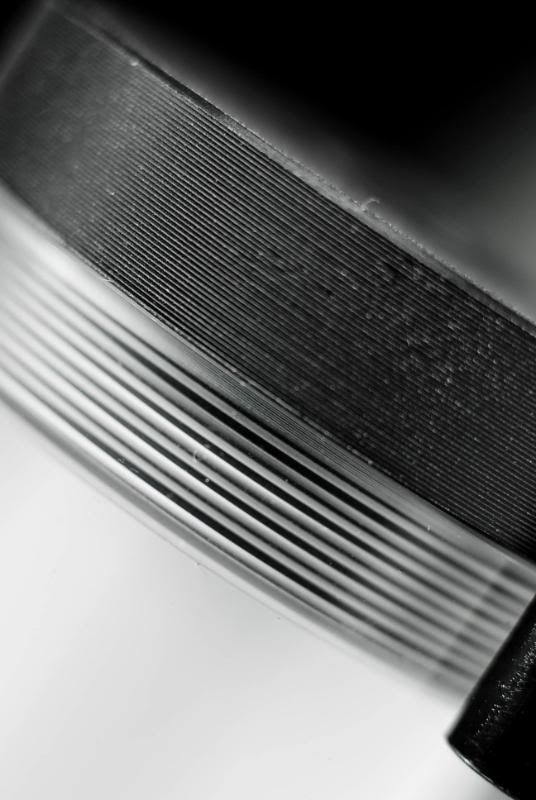
Machining marks from the lathe are pretty prominent and delrin imperfections can be seen but they don't actually look "bad".... if anything, they add texture. Although a smooth finish would be preferred...

DSC_7500.jpg


Threads.

DSC_7501.jpg


More threads.

DSC_7503.jpg


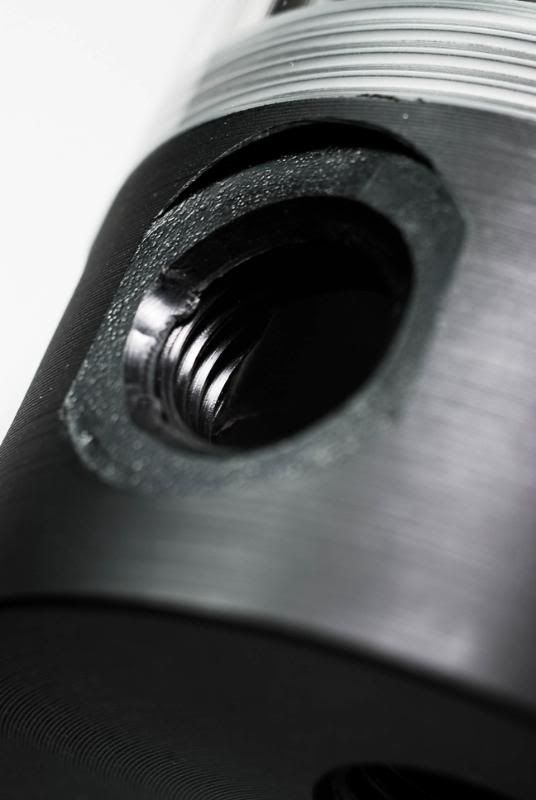
Fitting goes here... more on those later.

DSC_7504.jpg


And more detail of the top.

DSC_7575.jpg


Stopper fitting that comes stock.... gonna keep this until I can find a black Bitspower top (none in Canada)
.
DSC_7578.jpg


Through the looking glass....

DSC_7579.jpg


+Fittings. Looking a lot nicer now!

DSC_7580.jpg


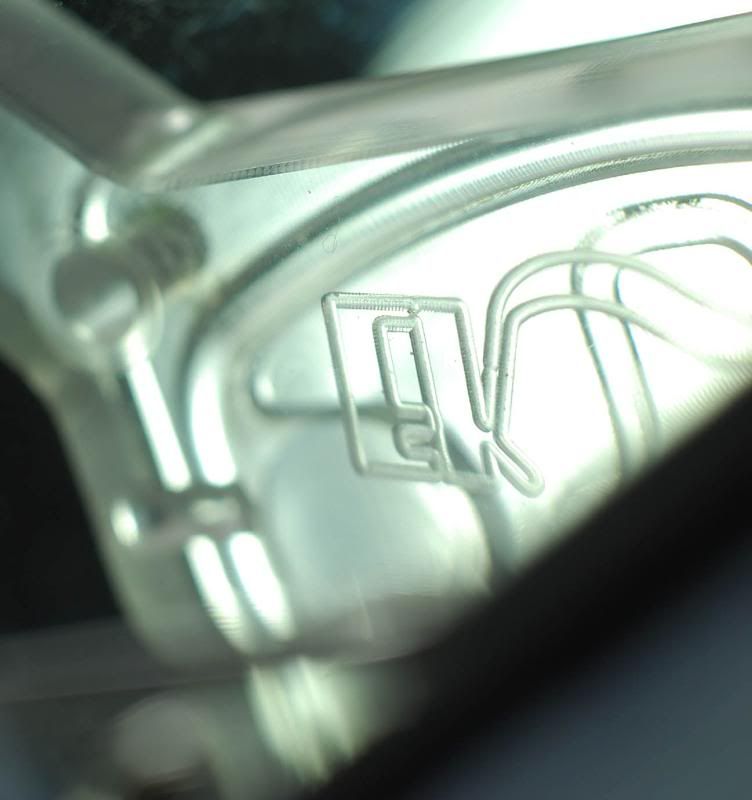
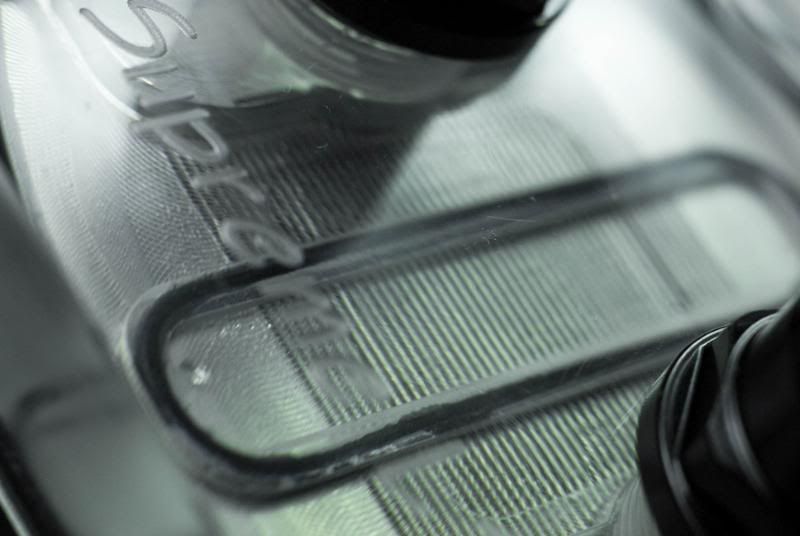
There's SOME marks due to being extruded or cast (can't remember which) but not enough to see unless you take macros.

DSC_7581.jpg


Clamps! They don't match the finish of the top and bottom caps.... :/


DSC_7600.jpg


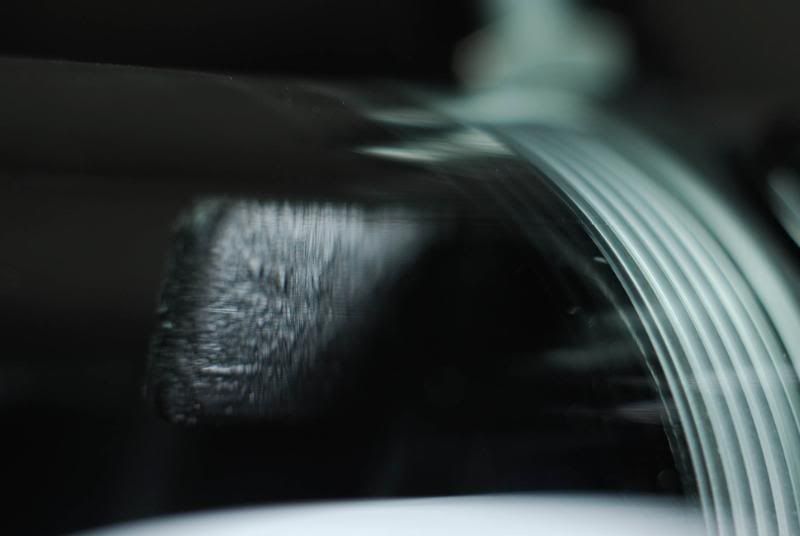
Anti-cyclone insert. Pics through curved acrylic do funny things....

DSC_7512.jpg


What, did you expect anything less?

DSC_7515.jpg


DSC_7519.jpg


Aaawwwwww yeah. Matte (well, satin I guess.... not nearly what I'd call matte) black!

DSC_7525.jpg


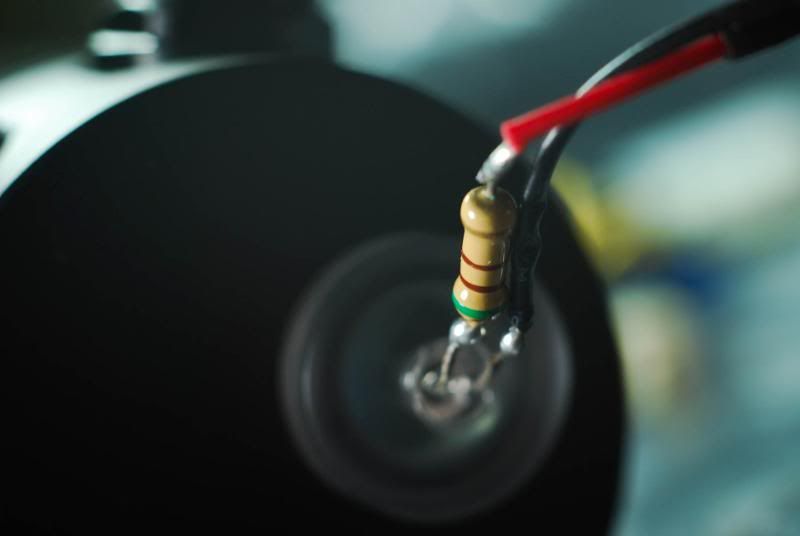
LED stop fittings.... currently bl00 colour (EWWW)

DSC_7526.jpg


Nice frosted look. Add some sleeving and an LED change and we should be golden!


DSC_7528.jpg


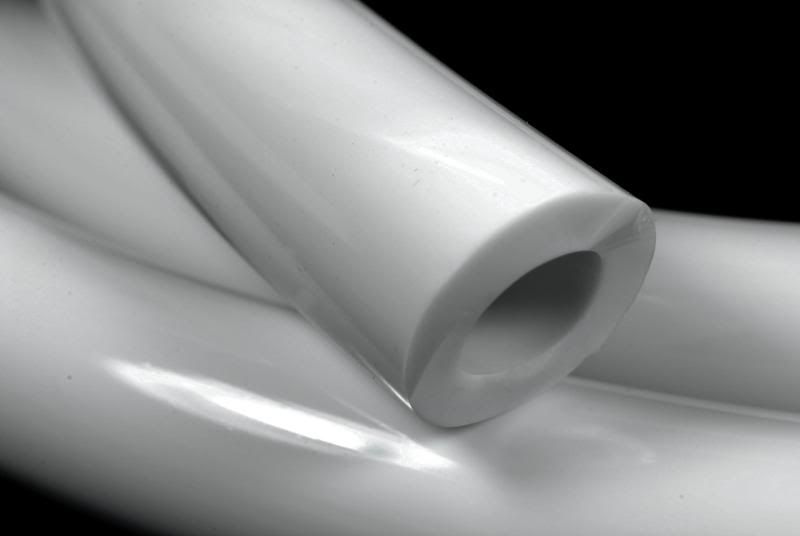
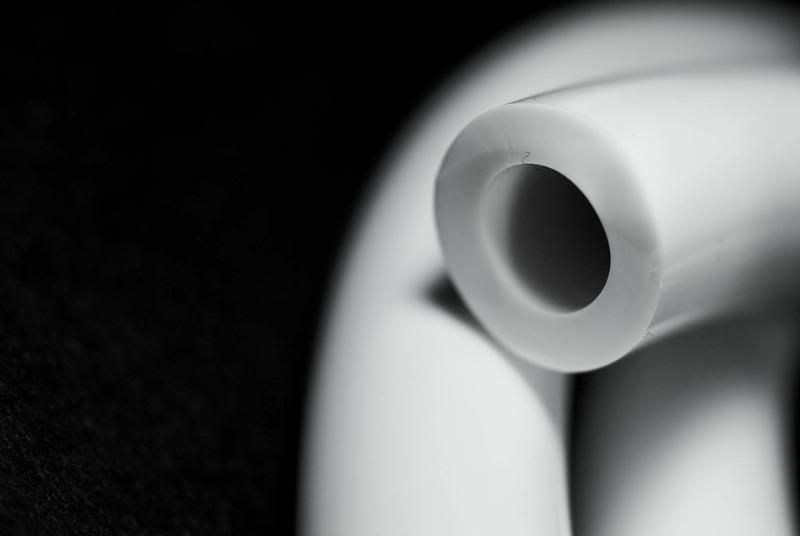
1/2ID Primochill tubing. In white of course.

DSC_7529.jpg


DSC_7530.jpg


DSC_7532.jpg


Now, I got the Supreme LT used, so it was not "brand spanking new".

DSC_7535.jpg


I was not kidding. Quite a bit of junk on it.

DSC_7536.jpg


Machining is still excellent for a <$50 block.

DSC_7537.jpg


The base still is good enough to shave on however....

DSC_7539.jpg


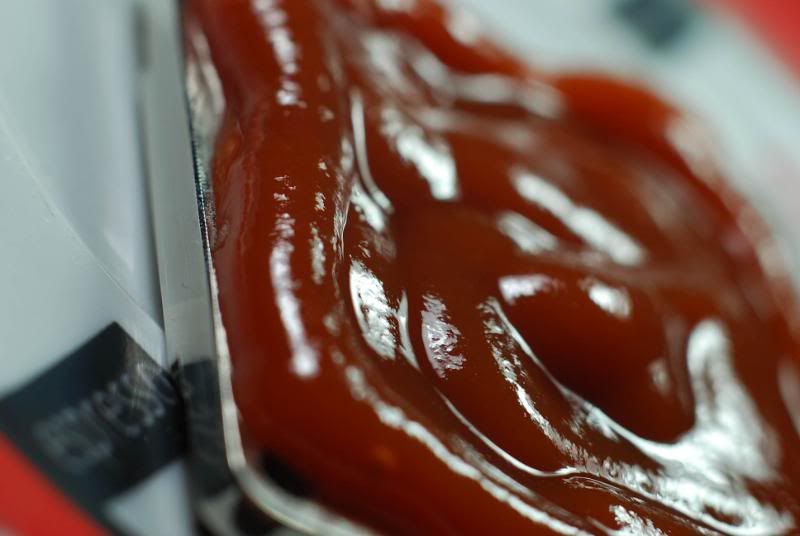
Ugly crap problems? Consider them gone. I left it for ~2 hours in nothing short of high quality Heinz.... bought from Costco in something like a 2L can (not a jug, a can :eyebrow: ).

After....

DSC_7550.jpg


Sure did it's job well! Don't have a shot of just the bottom (I assembled it quick, don't like leaving stuff out long - cat fur and dust does NOT take long to settle. Case in point, EK res pics... took 15 minutes to get dusty).

DSC_7549.jpg


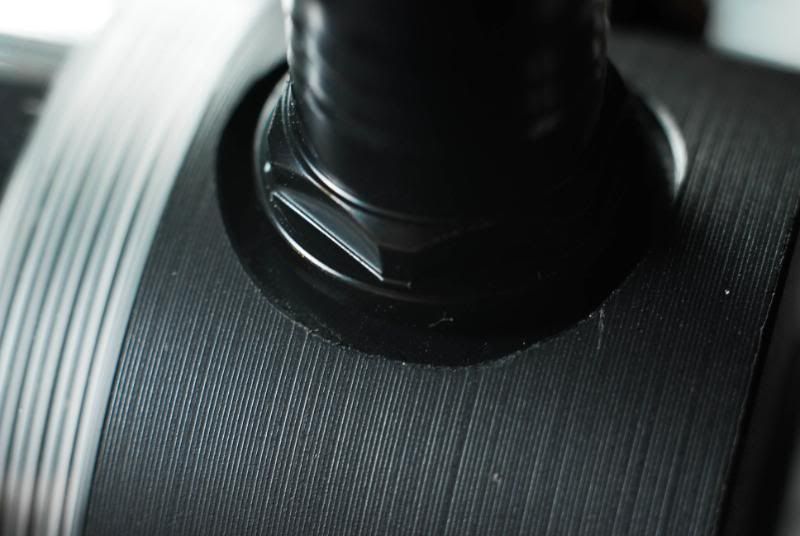
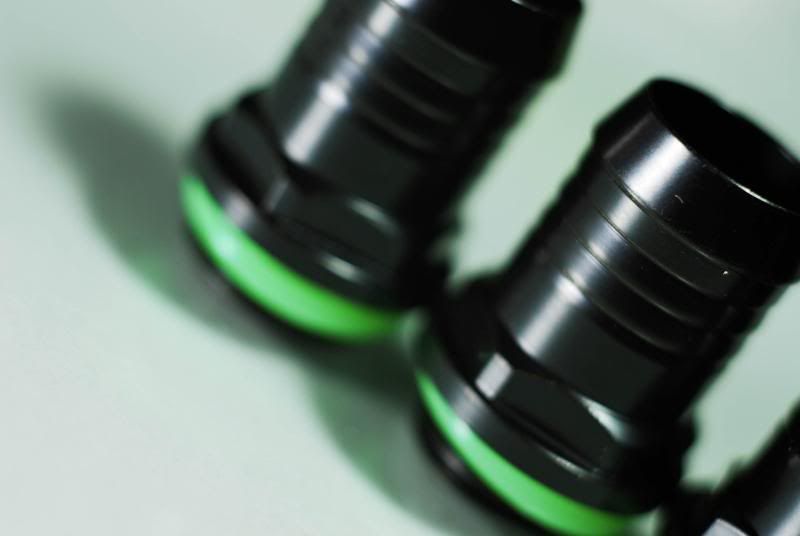
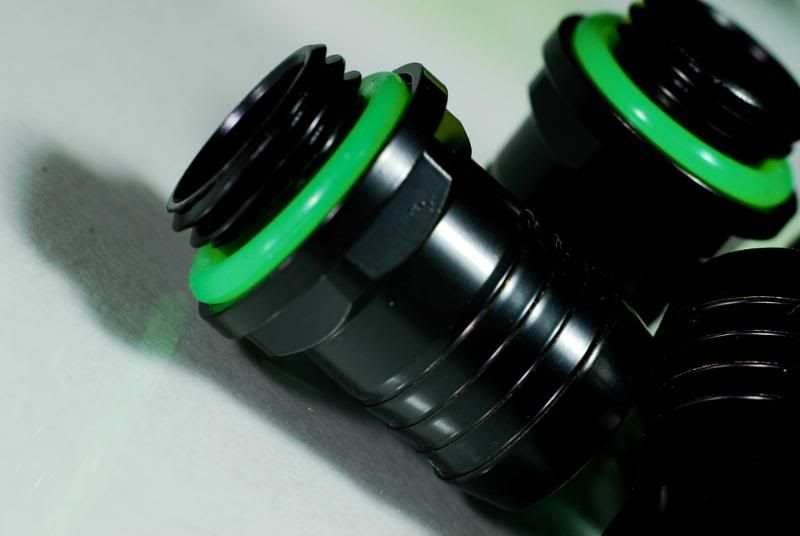
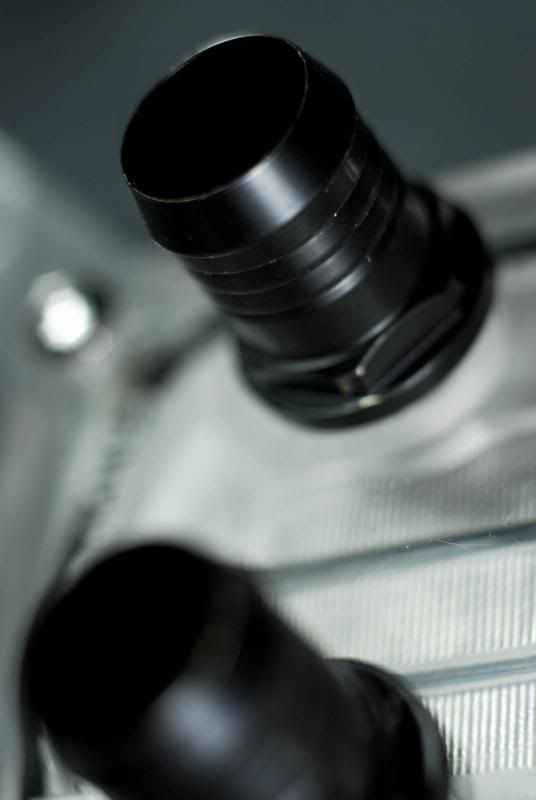
LOVING the fittings. Just wow.

DSC_7547.jpg


Black screws might be in the future....

DSC_7552.jpg


Internals are as sharp as ever.

DSC_7554.jpg


DSC_7558.jpg


DSC_7563.jpg


And that mirror finish wasn't harmed one bit.

Back to the res....

DSC_7545.jpg


Fittings!

DSC_7579.jpg


FITTINGS!

DSC_7583.jpg


Fittings? Mark on the inside, not sure how that got there. Oh well.

DSC_7599.jpg


Oh, and one last shot through the acrylic.

DSC_7540.jpg


DSC_7582.jpg


LED stop fitting added. Notice the lack of heatshrink, the LED is now white (no b100 for you).


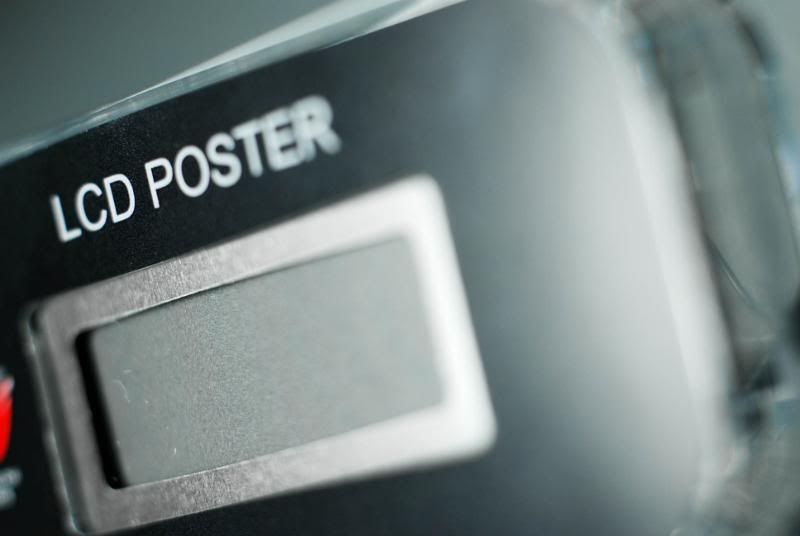
And the LCD poster for the Maximus II Formula...

DSC_7562.jpg


Reflected on the oh-so-perfect Supreme LT base.

DSC_7591.jpg


Love that ROG logo.

DSC_7593.jpg


Hmmm, that text ruins it. Maybe a sticker or something is in order.

DSC_7594.jpg


Cable, minus sleeve. Should have some of the finest in soon!

DSC_7596.jpg


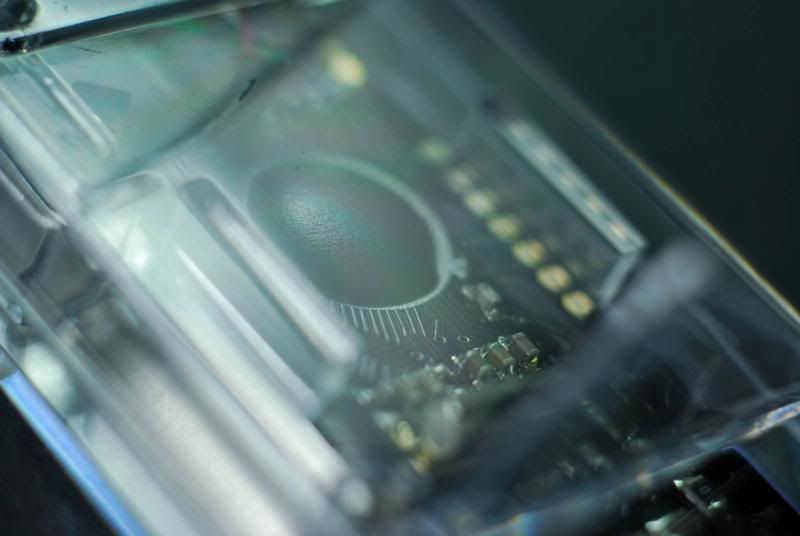
Inside.

DSC_7597.jpg


Not that much there.

DSC_7598.jpg


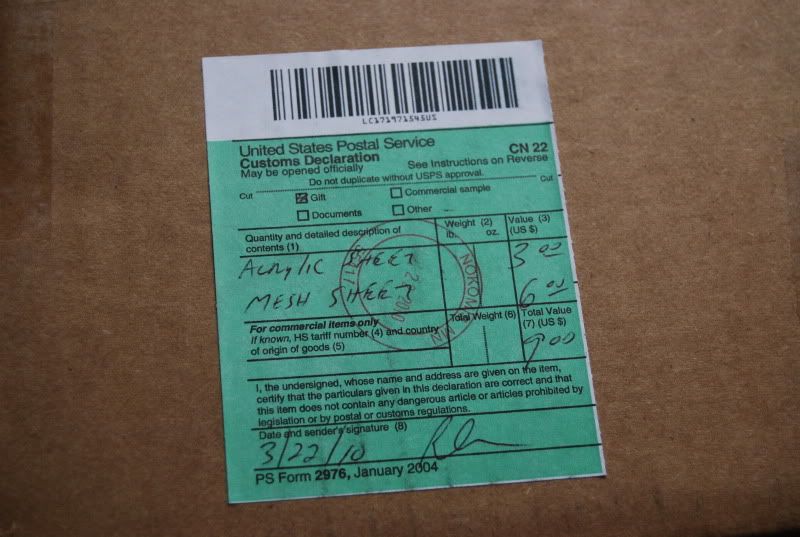
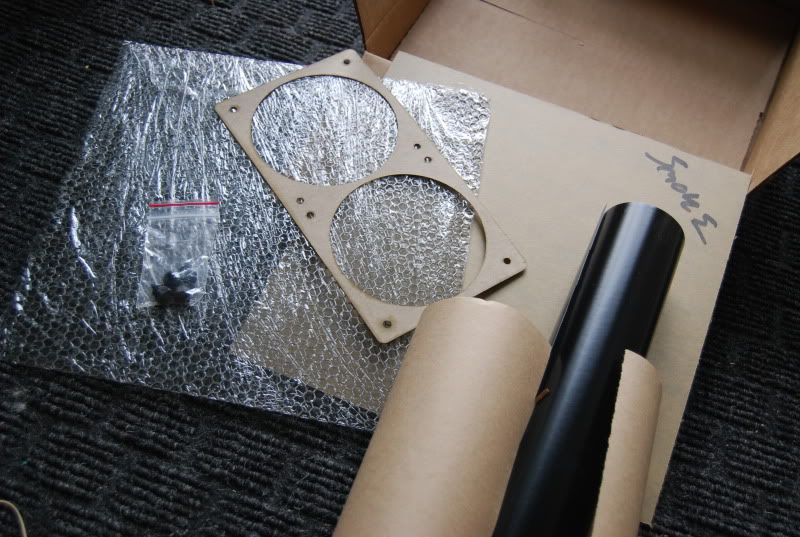
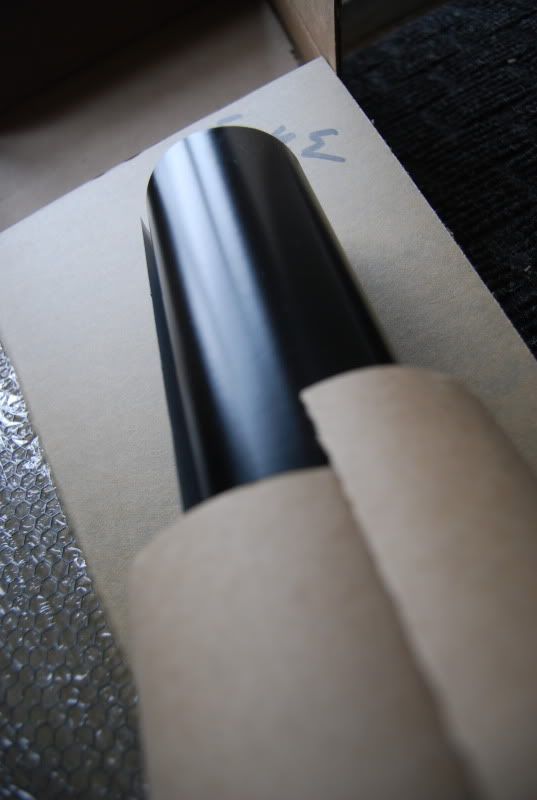
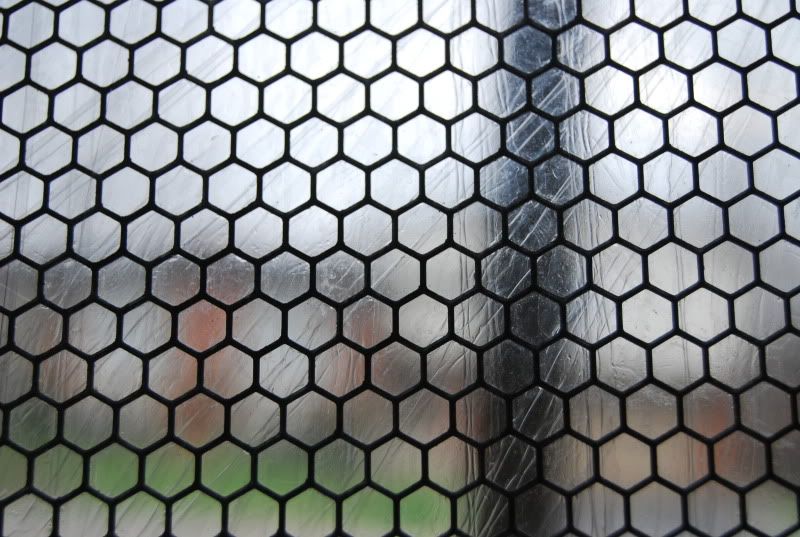
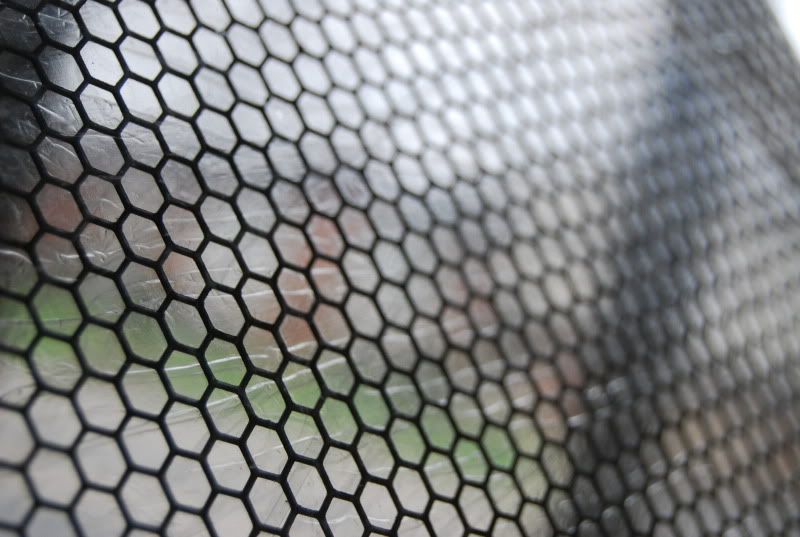
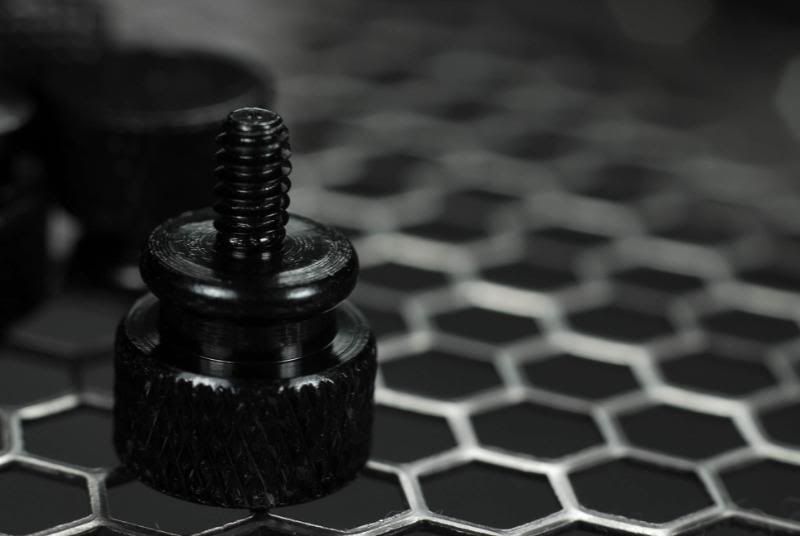
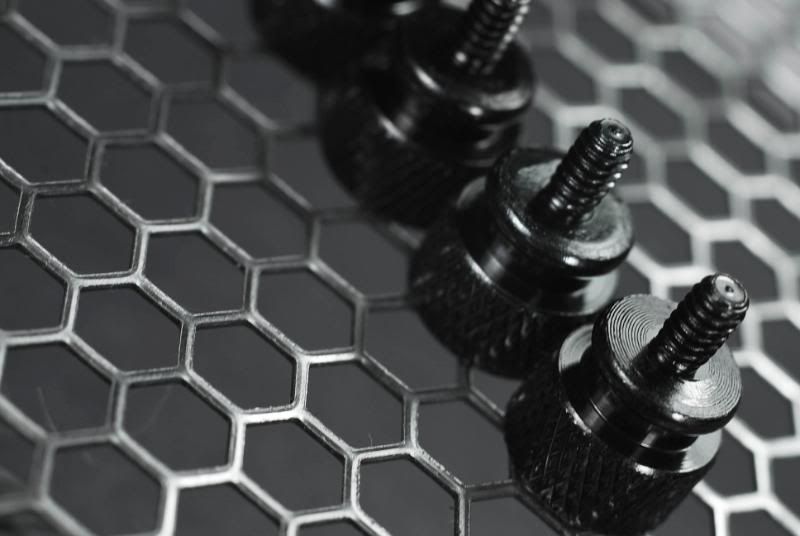
12"x12" Honeycomb Modders Mesh


I worked with the modders mesh a bit over the last few days. I LOVE how easy it is to work with - all you need are wire snips (and maybe a file/sandpaper). This piece will cover the 80mm fan holes on the back of the case.

DSC_7506.jpg


The looks of this stuff are to die for.

DSC_7604.jpg


Black background = awwwww yeaaaahhh. Looking good. Notice how the "imperfections" around the edges are very minimal - no obvious "stamped" or rounded look on the edges. It may look serrated on the edges to you but remember this macro is close to the size of a postage stamp.

DSC_7608.jpg


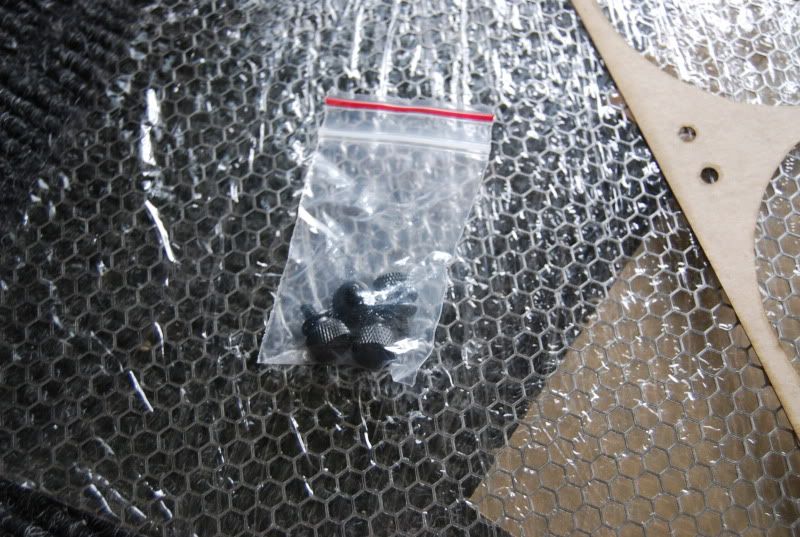
Don't forget the thumbscrews!

DSC_7609.jpg


DSC_7610.jpg


DSC_7613.jpg


DSC_7614.jpg


On white....

DSC_7507.jpg


DSC_7508.jpg


DSC_7509.jpg


4x Anodized Black Thumb Screws


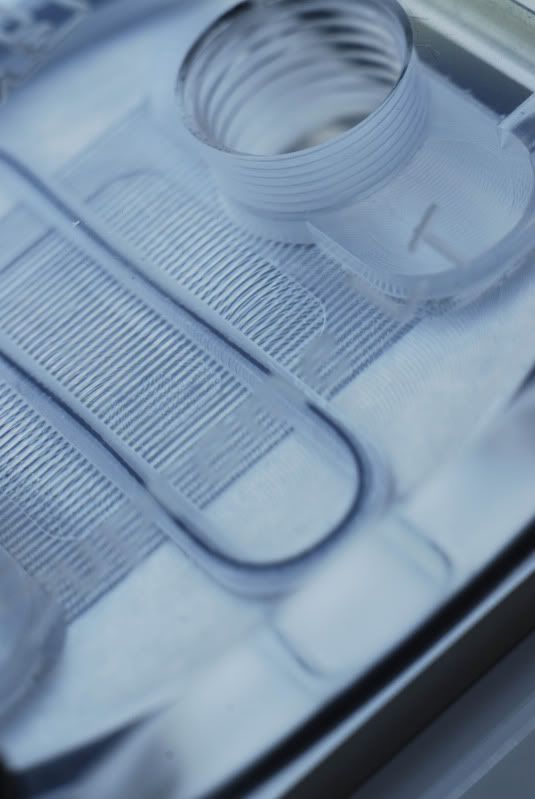
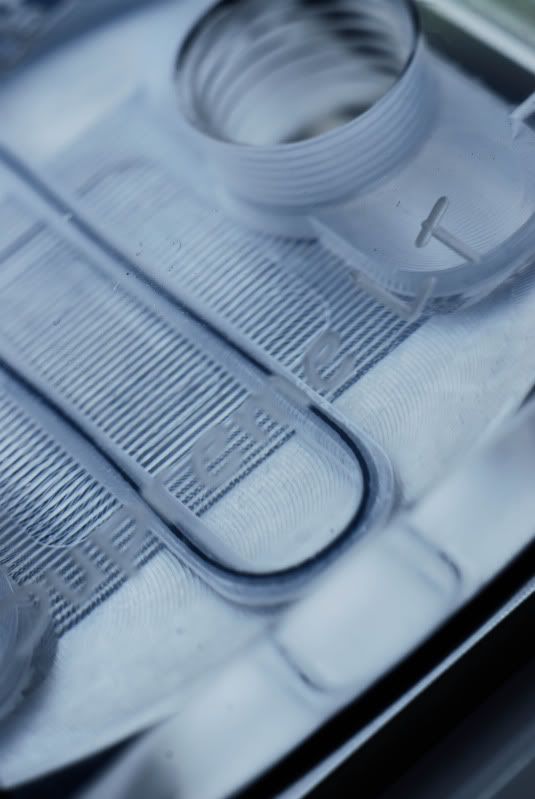
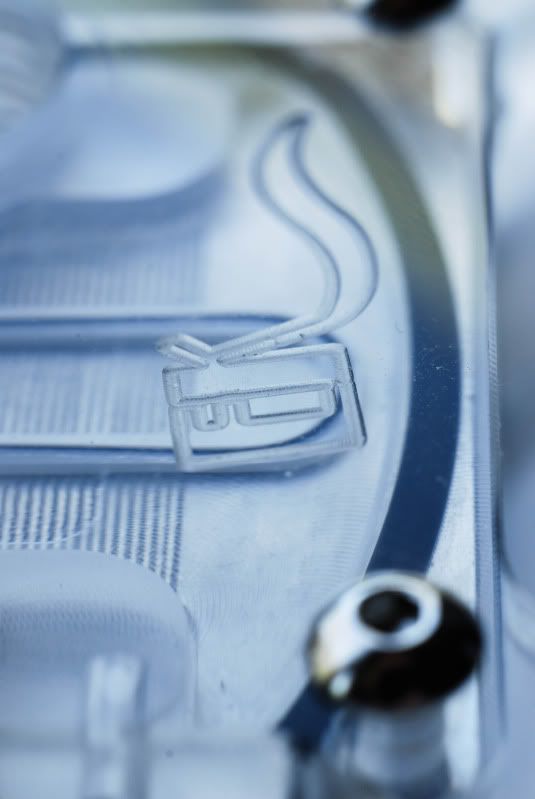
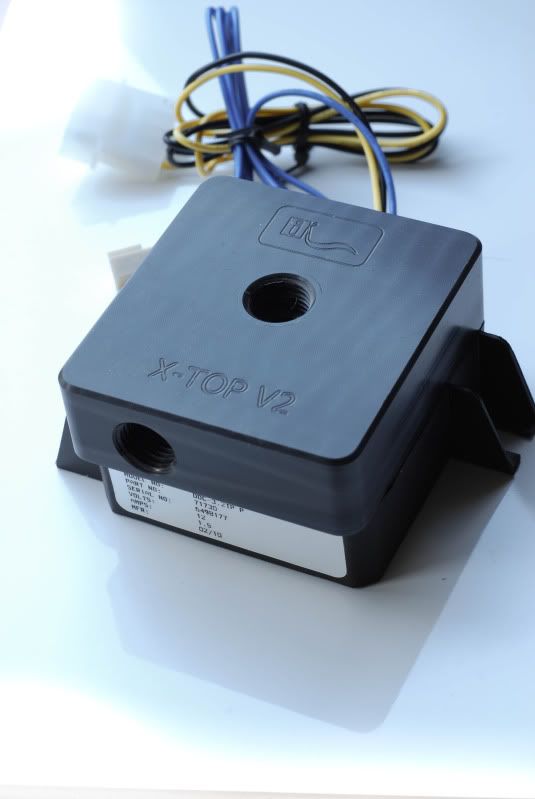
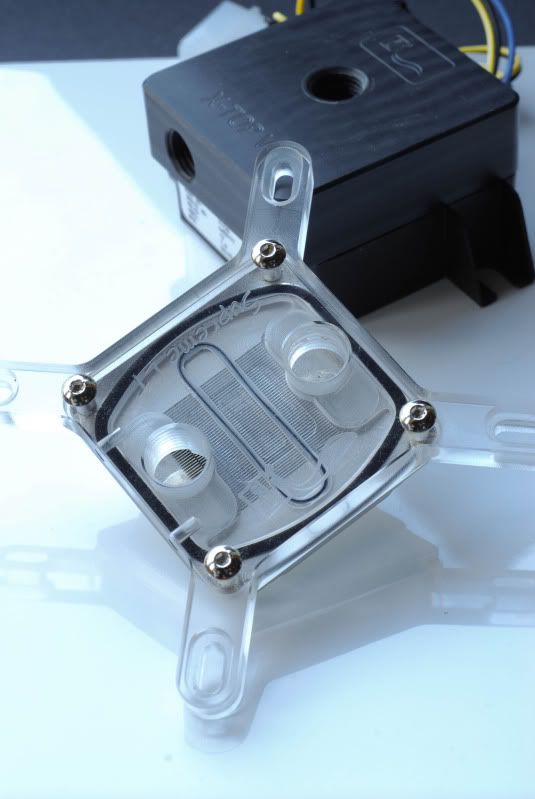
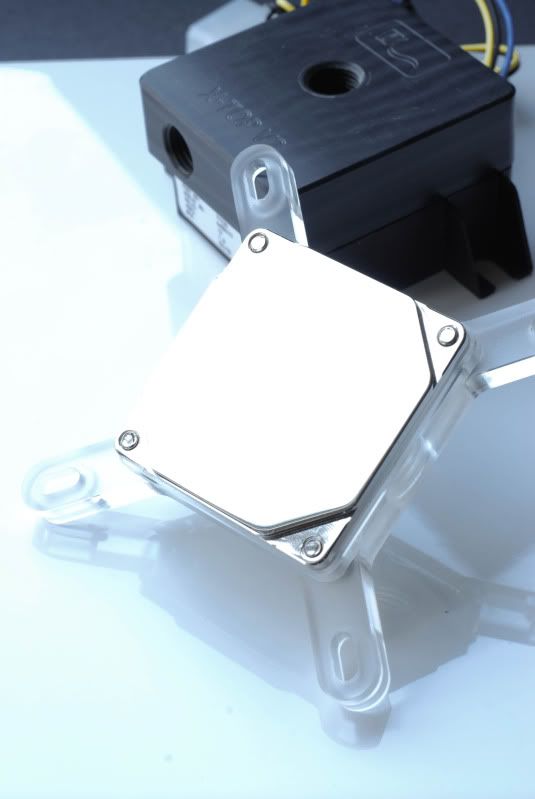
And last but not least, the MCP355/DDC with an EK top V2.

DSC_7566.jpg


DSC_7569.jpg


Gorgeous machining.

DSC_7574.jpg


Hmmm, marble effect. What's up with that?


And that's all for now! I just got an external HDD to backup all of my data so the new mobo and watercooling are going in THIS weekend. I keep delaying it due to the fact I need my PC for homework and I didn't have my laptop running for the past little while, and the fact I wanted to backup my data before an OS reinstall (duh) but this time NO EXCUSES. I think..... :p


I'd like to give another huge thank-you to Bill Owen and MNPCTech for sponsoring this mod!


PS: I know the WB does change a bit inbetween pictures, I went a little overboard in Lightroom so every pic is a little bit different.
 
Last edited:
Looking good. This thread is super long with pictures, you must be a film student. You have five plus pictures of everything, if you count them there's 9 pictures of thumb screws, in a row? Still looks good though.
 
Project||Oroborous Preview

Some nice pictures as it stands now should be up in a week or so...

nzxt.jpg


Also I am glad to announce NZXT is sponsoring the build! They have sent some FN120RB/FN140RB fans (perfect for this build!), 6-pin PCI-E power extensions, the IU101 internal USB expansion (interesting plans for this...), and the Sentry 2 touchscreen LCD controller.

And as always, a big thanks to MNPC Tech as well!

 
Last edited:
Here's two more teasers. Front fascia done, LCD poster placement.

20090107-IMGP0556.jpg


20090107-IMGP0554.jpg


Ignore the tape around the LCD poster, I am making an acrylic/brushed aluminum cover right now.

As always, a HUGE thank you goes out to Bill Owen at MNPCtech and NZXT!

nzxt.jpg


Well, I opened the case up after ~2 weeks of use and I found a bit more than I bargained for....

20100530-DSC_8203.jpg


Dead spider. How does he get in there?!!? WHY does he get in there?

20100530-DSC_8204.jpg


20100530-DSC_8207.jpg


Ohmygodthedustkillmenowowningacatisamistake

After about 20 minutes of work with compressed air and brushes, it was more or less now dust-free. To work!

First order of business, reservoir placement. Right under the DVD drive and next to the mobo. The usual spot :/

20100530-DSC_8208.jpg


It's pretty simple installation. Just drilling 2 holes (in my case, widening 2 existing holes) and adding a few nuts/washers. There were no instructions provided however, and it took me a few minutes (and improper assemblies) to get it right. Not super impressed so far EK.

It was hard for me to get the clamps on because I had to get the washers/nut or whatever it was on between two sheets of metal. I had to squeeze the bits down carefully and manage to get them over the bolt. That took a bit of figuring out! Would have been MUCH easier on a single sheet.

20100530-DSC_8209.jpg


Mounted up.

20100530-DSC_8218.jpg


20100530-DSC_8216.jpg


Pump goes here...

20100530-DSC_8213.jpg


Sweet jebus that's a tight fit! This isn't gonna be fun...

20100530-DSC_8222.jpg


About 1 hour and a few cups of boiling water later, we have success! Remind me NEVER to try that again. In case you are interested as to how I did it, here's my step-by-step method.

1. Get tubing on pump barb (don't screw the pump barb in ALL the way, leave it a little bit loose) .
2. Put other end of tubing onto barb for res use, but don't screw it into the res yet (just leave it on the end of the tube)
3. Remove res clamps.
4. Rotate reservoir to thread onto fitting on the end of tubing, which should be easy now that the clamps aren't in your way.
5. With the extra rotation left from 1., you should be able to get the pump vertically (I recommend doing a bit of a dry fit to see how the res lines up. You can fix ~20 degrees of tilt but can't flip it a whole 180 or something. Just get it in the right ballpark).
6. Put the clamps back in (may be a bit tricky).
7. Put res in clamps, pat yourself on the back, go take a well deserved nap :)

20100530-DSC_8215.jpg


Infinitely useful MNPCTech 120.2 radiator template in place where rad should go.

20100601-DSC_8224.jpg


Rad in place just to check it fits OK.

20100601-DSC_8226.jpg


A little close to the PSU....

20100601-DSC_8229.jpg


Very tight fit once you add a fan! Phew.

20100601-DSC_8230.jpg


Aluminum cover being added to the front triangle. It was rather simply to make and I didn't have my camera with me - I just cut the aluminum to the rough shape of the plexi (give or take 5mm - leave a decent amount of room), glue as shown, and file into the exact shape. This technique works for a LOT of stuff actually.

20100601-DSC_8232.jpg


Ugly glue residue... oh well, you can't see it. I wonder what this will make the light reflections look like?

20100601-DSC_8235.jpg


Back to the rad. Bottom piece removed (a few rivets were all it took) and taped up. Just tape the template in place and make your marks!

20100601-DSC_8237.jpg


20100601-DSC_8238.jpg


20100601-DSC_8239.jpg


The results speak for themselves! It works MUCH better than a print-out template as you can make your marks right onto the painters tape (no worries of paper ripping, ripples, etc.) and they are nice and accurate. Not even my horrible mis-measurement and other problems can mess me up here :)

20100601-DSC_8242.jpg


Slight modification... I'd rather have one continuous hole than 2 with that little divider in the middle.

20100601-DSC_8244.jpg


Ready to cut!

20100601-DSC_8246.jpg


Sparks, pretty sparks...

20100602-DSC_8247.jpg


Boom, done. Don't think I have any pics of it after filing.... we will see...


And that's it for this update. Another round of huge, huge thanks go out to...

Bill Owen and MNPCTech


And Victoria from NZXT! The next update (shouldn't be far away) should have some details for the excellent package I got from NZXT.

nzxt.jpg
 
Okay- that's all fun and great- looks really nice..

...

Give us your camera specs!
 
Okay- that's all fun and great- looks really nice..

...

Give us your camera specs!

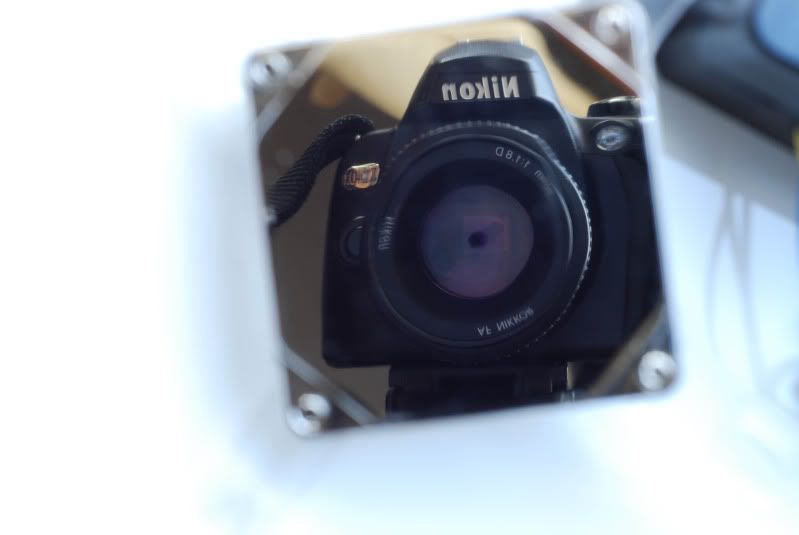
Older pictures are with a Nikon D40X with 50/1.8D and kit lens, some with an extension tube. Lighting is 3 60w fluorescent bulbs.

New camera set up is a Pentax K-x (white, of course ;) ) with the kit lens, 50mm F/2 manual lens, and 28mm F/2.8 Mamiya.
 
How about a little behind the scenes?

NZXTSentryfront.jpg


Here's the photo.

SSPX0300.jpg

SSPX0299.jpg

SSPX0298.jpg


Thats what it actually looks like "behind the scenes".

Oh my god MDPC-X is awesome. Nils was kind enough to even throw in some extra MDPC red - accent colour anyone?

P1030463.jpg


P1030464.jpg


P1030465.jpg


Awww yeah, that's me alright!

P1030466.jpg


And sleeving the NZXT sentry fan cables.

_IGP2206.jpg


Very, very simple lighting "setup" this time - little white glass tile on a white window sill (which is roughly 6 inches wide too!). Sorry for no high-quality macro shots, as I don't have any pentax macro equipment.

_IGP2210.jpg


MDPC sleeve makes anything look sexy (although the IU101's black PCB and excellently sleeved cable not shown were hardly lacking in the first place).

_IGP2216.jpg


_IGP2217.jpg


_IGP2214.jpg


_IGP2224.jpg


Overall I am extremely happy with the MDPC-X sleeve. And for $50 for 100+ feet it was cheaper than the stupid techflex from Performance-PCs I bought in the first place!

I am working on finishing the Sentry as we speak. MDPC sleeving is much more time consuming than Techflex because it takes some work to get tension on the sleeve which gives you that non-see-through look.

Sorry for the rather short update! You can thank the following for making this eye-candy possible...

Bill Owen and MNPCTech


And Victoria from NZXT. My plans with the IU101 should start coming into fruition soon!

nzxt.jpg
 
Not quite teasers, not quite full shots!

20090219-_IGP2231.jpg


20090219-_IGP2245.jpg


20090219-_IGP2238.jpg


20090219-_IGP2234-1.jpg


None of this would be possible (well, maybe just a bit) without the amazing folks at NZXT and Bill Owen and MNPCTech!

nzxt.jpg


Back
Top