- Joined
- Apr 9, 2002
- Messages
- 1,787
![[H]ard|Forum](/styles/hardforum/xenforo/logo_dark.png)
Follow along with the video below to see how to install our site as a web app on your home screen.
Note: This feature may not be available in some browsers.
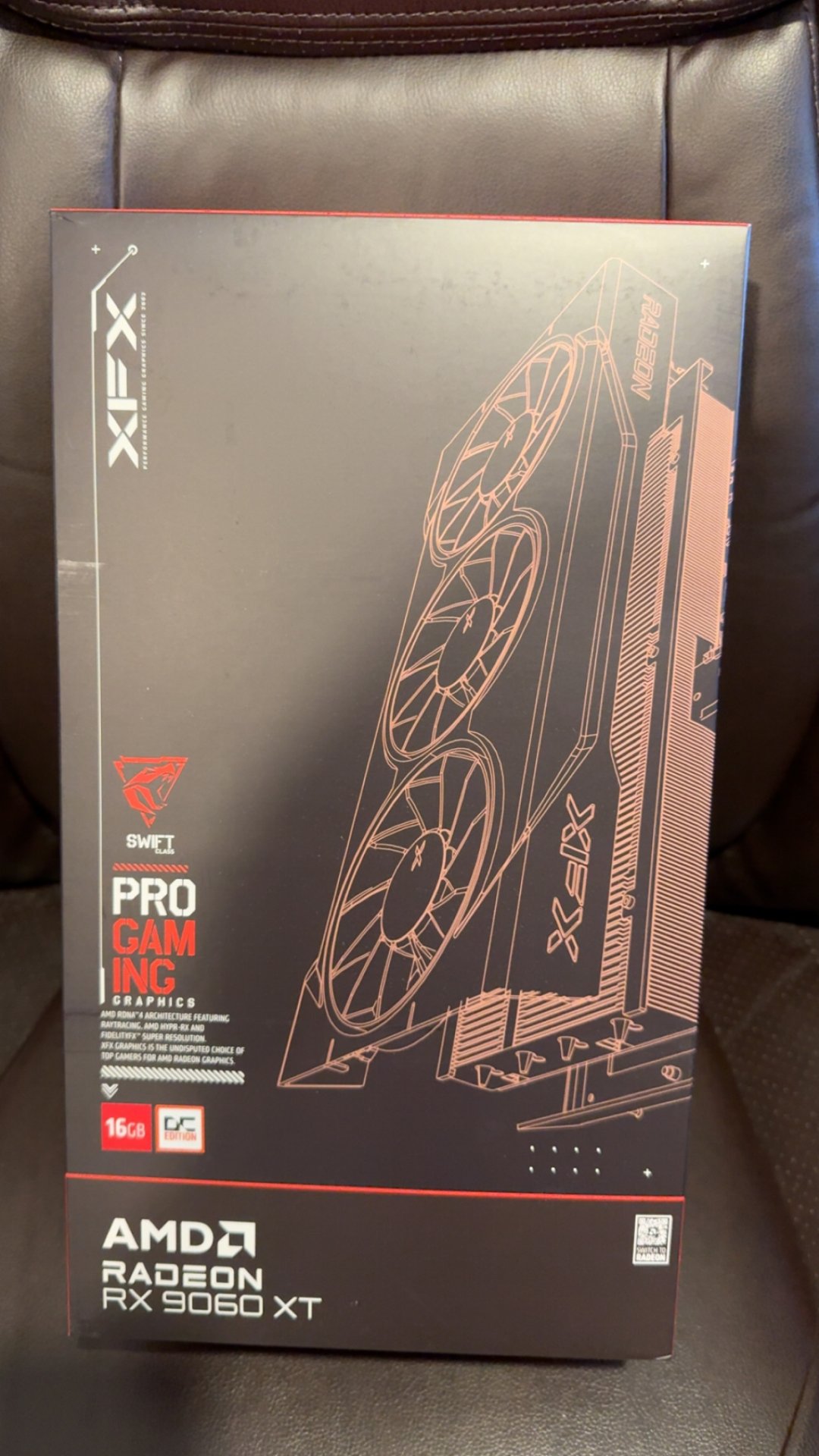
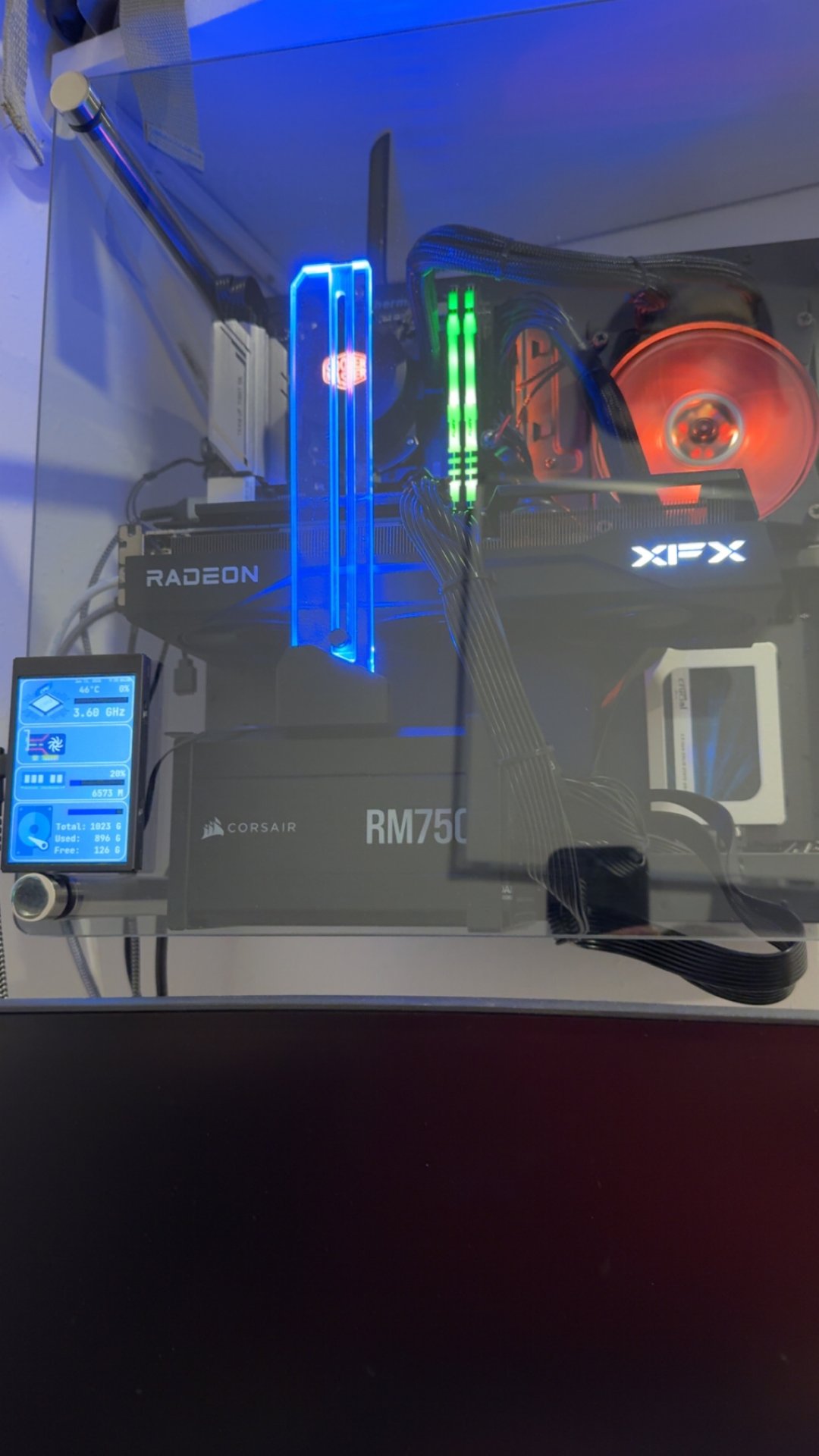
I got mine from Newegg, wanting the two-fan model as those three - fan model look like they need a kick stand.
Oh man, you fell for all that influencer BS about needing more vram?
Nice buy...I want more cards with 16 or more...20 would be nice.
 ♂
♂Most that have the cards already have kind of been testing the gpu in 3400mhz range.
View: https://youtu.be/p7hSagR8op8?si=FfmyyXVnC5Mr0Dta

Those are rookie numbers. Buy a 5090 and get 32GB VRAM.16gb is nice to have
No, no it won't wipe out the 5060. I guarantee the 5060 will outsell the 9060XT just like everything NV outsells AMD. Get real and realize where also ran AMD is at right now.It seems like AMD has pretty purposely undervolted some cars in the 9000 gen. It was smart to overcoat the 9070xt as the power uptick vs the 5070ti gave it basically performance parity at the expense of efficiency, which most people don’t care about in that segment. But with the 60 level and below for both Red and Green it’s obvious that the cards will be more drop in replacements, so not overloading the board and psu requirements is a must.
As long as the 9060xt 16gb stays at the intro price for longer than a month it’ll basically wipe the 5060 series out.

Yeah, it seems like the newer mid to upper level b650s have pcie 5.0 on the gpu slot, and higher speed RAM slots as well effectively making them B850 level.I didn't even know that my Gigabyte B650 Aorus Elite AX 1.0v was PCIe 5.0 in the gpu slot for a x16 cards, I bought the board in a Starfield Best Buy combo with a 7600x in July 2023 which I still have the cpu, I ran the test in gpu-z and it says the card is reporting it's running in PCIe 5.0 and to be in a PCIe 5.0 gpu slot.
I have three NvMe drives with two in 4 x 4gen and one in 3 x 4gen with a 7700x being my cpu, nice to know I don't need a newer Ryzen 9000 seriers cpu or newer B850 board to get PCIe 5.0 in the gpu slot.
https://www.techpowerup.com/gpuz/details/bs3gg
spec sheet say 5x16 for gpu and 5x4 on the primary nvme(m2a_cpu). so should be good. how are you getting to 36 lanes though?I do remember it saying the top NvMe slot one was PCIe 5.0 at the time that I got the board, I'm kind of sure it couldn't run the gpu and Nvme in PCIe 5.0 both at the same time as that would need more than 36 lanes IMO.
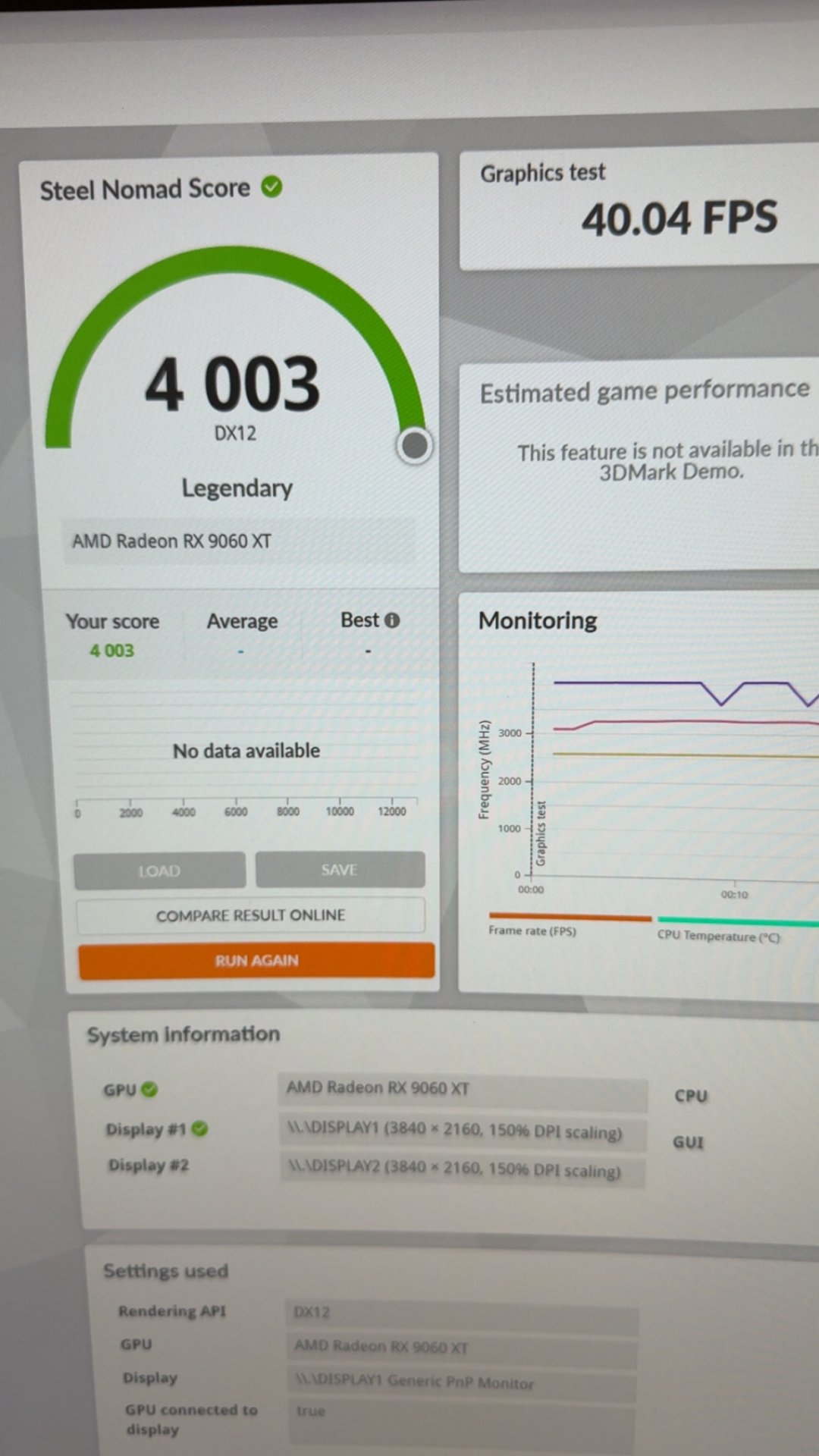
 not bad on am4 system with pcie3.0. Just thought I’d share.