OC:2500xp Barton

Joined
Aug 27, 2002
Messages
628
I don't know what the stepping to this Barton is but I purchased it approx. 2 years ago. I'm currently running my fsb at 170x10 but for some reason it won't let me go any higher. The vcore is at 1.65. Setup is in sig.
 
[kin]phrak! said:
I don't know what the stepping to this Barton is but I purchased it approx. 2 years ago. I'm currently running my fsb at 170x10 but for some reason it won't let me go any higher. The vcore is at 1.65. Setup is in sig.

more info
fully prime stable at 170x10 ?
what happens when you go 171x10 ?
ram aok ? tested ?
apg/pci locked ?
cpu unlocked ? tried different multi ?


D
 
ZL1 said:
more info
fully prime stable at 170x10 ?
what happens when you go 171x10 ?
ram aok ? tested ?
apg/pci locked ?
cpu unlocked ? tried different multi ?


D

The OC at 170x10 is very stable. I've played games for hours without incident.
I can easily get up to 185 but after that it just doesn't boot.
As far as the ram goes, I'm not sure how I would go about testing it.
I don't know how to tell if the AGP is locked or not.
I don't know how to tell if the CPU is locked or not either.
 
change the ram to 2-3-3-11.. (the last number should be 11 or 12 anyways because that just works better on socket A).. that should give you some breathing room to make sure its not the ram.. also.. that cpu may not even go above 1800 mhz or so on stock voltage.. as long as your temps are low, you can go up to 1.8v or more depending on what you are comfortable with on that cpu....

but test everythign seperately.. find a setting where you know the ram will work at 200.. then start to increase the fsb by 5 or so each time you restart... with enough voltage, i think that barton should hit 200 for sure.. and possibly more..

to find out if the cpu is locked.. see if you can change the multiplier.. i think the stock multiplier on a 2500+ is 12.. which leads me to believe that it is unlocked..
 
the stock multiplier on a 2500+ is 11, its normally 11x166. Mine went to 11x200 which most can do no problem....
 
[kin]phrak! said:
The OC at 170x10 is very stable. I've played games for hours without incident.
I can easily get up to 185 but after that it just doesn't boot.
As far as the ram goes, I'm not sure how I would go about testing it.
I don't know how to tell if the AGP is locked or not.
I don't know how to tell if the CPU is locked or not either.

first read this thread http://www.ocforums.com/showthread.php?t=418387

second go to cpuid.com and see if they have a clockgen for your board, that will tell you what the apg/pci speeds are

D
 
I got it to hit 180x11 at vcore of 1.65. Dimmvolt is at 2.60. I can change the multiplier so I'm guessing it is unlocked. Should I turn up the chipset volt? BTW, it also allows me to put more voltage on my agp card but I'm not sure what that would do for my overclock.
 
since your multi is unlocked, then you can test the memory and ram individually..

what is your ram officially rated at? 2-3-3 @ 200? whatever it is.. set the memory to stock./. then start with the multi at 8, then 8.5, 9.. etc.. eventually you can up the voltage to the cpu...

just go from there.. to find out what the cpu can handle.. then later you can tweak your ram when running the cpu at a setting you know it will work at..
 
2500's do not oc that well in the 1st place. I think I was only able to reach 2.2 on phase.
 
Most 2500's can go to 2.2 on air, I've had a mobile @ 2.5 on air...

[kin] - What kind of RAM are you using?
 
Yeah, and thats about all your gonna get...Seems they top out there no matter what the cooling.

Mushkin Black LVL II HiPERF-- mem he is using
 
scottatwittenberg said:
change the ram to 2-3-3-11.. (the last number should be 11 or 12 anyways because that just works better on socket A).. that should give you some breathing room to make sure its not the ram.. also.. that cpu may not even go above 1800 mhz or so on stock voltage.. as long as your temps are low, you can go up to 1.8v or more depending on what you are comfortable with on that cpu....

but test everythign seperately.. find a setting where you know the ram will work at 200.. then start to increase the fsb by 5 or so each time you restart... with enough voltage, i think that barton should hit 200 for sure.. and possibly more..

to find out if the cpu is locked.. see if you can change the multiplier.. i think the stock multiplier on a 2500+ is 12.. which leads me to believe that it is unlocked..

2-3-3-11. Anyone else know anything about these timings?
 
Here are some screenies for you guys:

1.jpg

2.jpg

3.jpg

4.jpg

5.jpg

6.jpg

7.jpg

8.jpg

9.jpg

10.jpg

11.jpg

12.jpg

13.jpg


I changed the timings on my ram to 2-3-3-11 and that allowed me to hit a 188 FSB. It isn't quite stable but I upped the ram voltage also to 1.80.
 
ok.. according to the first 2 screenshots from cpu-z says that your memory is supposed to do 2-2-2-6 @ 200mhz. if your memory can't run at those settings, then send them back to muskin.

first, i would go into the bios and set it to default settings.. then bios should automatically set your cpu to 2.2ghz, the memory to 200mhz.. and the memory to 2-2-2-6 @ 200..

you have a 3200+, not a 2500+... it is supposed to run at 200 x 11 @ 1.65v.. if it doesn't do this, then get on the phone with amd because they sent you a cpu that doesn't perform at its rating..

since both your cpu and memory isn't doing what it is supposed to, i am thinking it is something else..

what kind of power supply do you have? it is generic? you might want to try another power supply if you have one lying around..

your voltages don't look too far off however, but voltage sensors on motherboardcan be off however...

so yeah.. i would first try to reset your bios and see what it goes to automatically..

also, as far as overclocking goes, you would have to go above 200mhz to even overclock.. your memory should be able to handle it though.. i would think that it would do 2-2-2-x @ 240mhz if you really put enough voltage into it.. it sounds like it could be bh-5 or ch-5 or something.. when did you get it?

something isn't quite right though... both your memory and cpu are quite a bit under where they are supposed to be.
 
I do have a 2500xp. I did some testing and it turns out my cpu isn't unlocked. I tried to run 166x13 but AIDA, CPUZ, and other programs report the cpu running at stock speeds. No wonder I couldn't get it over 185x10. I figured since the BIOS allowed me to change the multiplier it was unlocked but it isn't. I ran memtest on my ram and found no problems with my ram. As far as my psu goes, its a Zalman 400watt. I do have a Vantec Stealth in one of my other machines but I really doubt thats what it is. What is strange is that I had a 200mhz fsb setting before for like 5 months but when I decided to see if I could go higher, it wouldn't boot. I had to reset the CMOS and afterwards, it wouldn't allow me to run 200x11 anymore.
 
why does cpu-z show your cpu as being a 3200+?

what voltage are you putting through that barton.. the ram should run 2-2-2 up to 200mhz.. that barton might not make it up to 2.2 @ stock volts. if the mushkin is bh5 or ch5or something, it will need a little more than stock volts to run tight timings @200.. if you really have a 2500+, then the cpu is holding you back, ,not the memory.. probably..
 
Finally a thread about a system similar to my system.

Do you perhaps have a barton mobile? Probably not. Look at my sig. Try setting it to 200MHz FSB if your ram goes that high. I got my non-mobile barton to run at 3200+ speeds (normal multiplier but a 200mhz fsb) with good cooling but a higher voltage than 1.65. I run at 1.85 on my mobile now. Keep your temps in check and run prime 95 to check for stability.
 
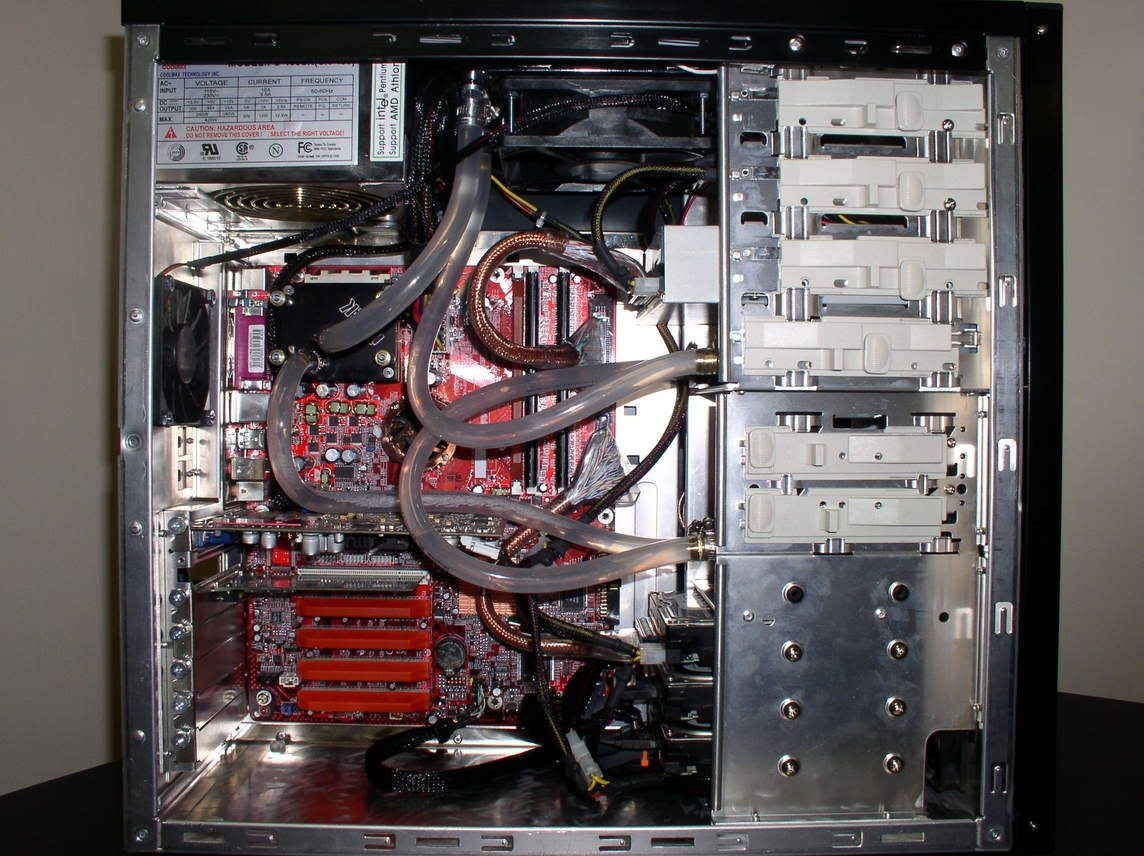
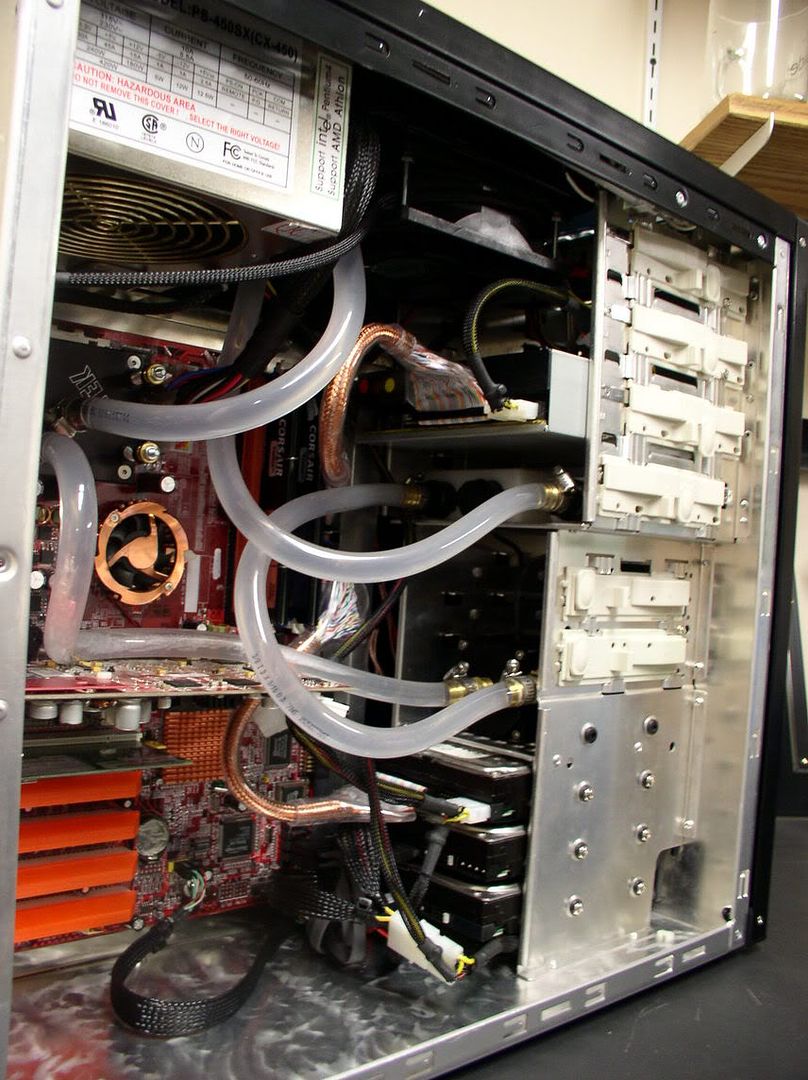
I have a few different setups that are very similar to the thread poster's. My suggestion is to try to find what is holding your system back. After setting up 4 different overclocking rigs using 4 different barton 2500's I am supprised by your lack of results. All of my Barton 2500's have been able to hit at least 2.2 ghz (11x200) on air. I have two mobile Bartons on water that have hit 2.6 and 2.7 respectively. I have used two different DFI NF2 Infinity boards for my two barton water rigs, and the board **SHOULD** be able to handle well above the speeds you are tying to hit. I truely believe that with a little bit of tweaking you will beable to get your rig up to 2.2 at least. There has to be somthing holding back your overclock, and I suspect your memory.

If you wanted my cheap advice, Go get a quality 512 stick of 3200 memory. Take your other memory out and try overclocking with just the high quality 512 dimm in your board. If it doesn't improve your overclock, at least you can pop your other 256's back in and have a full gig, and at best, I believe you will unlock the true potential of your CPU.

Cheers and good luck!!


P1010013.jpg


P1010010.jpg
 
Back
Top