• Some users have recently had their accounts hijacked. It seems that the now defunct EVGA forums might have compromised your password there and seems many are using the same PW here. We would suggest you UPDATE YOUR PASSWORD and TURN ON 2FA for your account here to further secure it. None of the compromised accounts had 2FA turned on.
    Once you have enabled 2FA, your account will be updated soon to show a badge, letting other members know that you use 2FA to protect your account. This should be beneficial for everyone that uses FSFT.

Nas upgraded

crippledlemming

Limp Gawd
Joined
Oct 7, 2009
Messages
166
I know this isn't too much space by some standards here, but I was hoping for some props for being [H]ard with almost 50TB usable.

10195882625_13d5f8cee0.jpg
 
So you gonna just tease us or tell us, how many drives, controllers, HBA's, what kind of motherboard, cpu, ram??
 
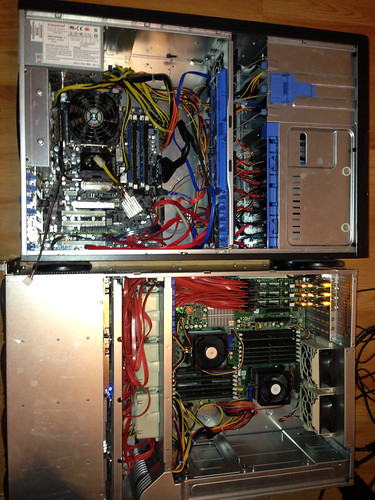
I ended up upgrading from my old supermicro tower server with 8 bays to a 24 bay supermicro chassis that I actually bought from ebay that I heard about through a good deals thread here.

Here's how she started:

10206914414_6fc684e782.jpg


From the front:

10207029416_5a8f877e46.jpg


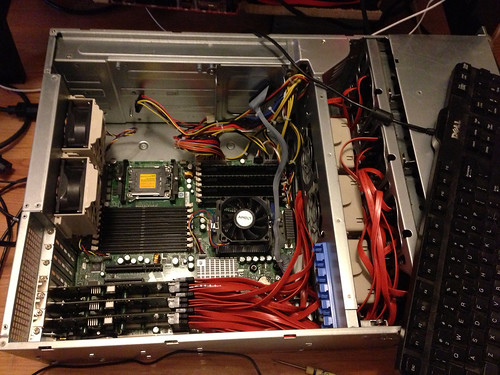
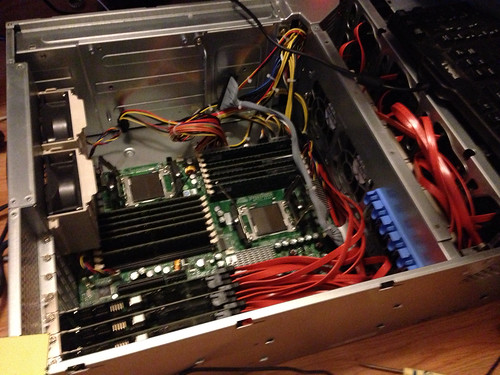
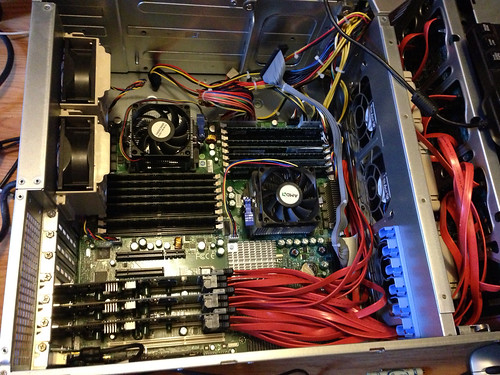
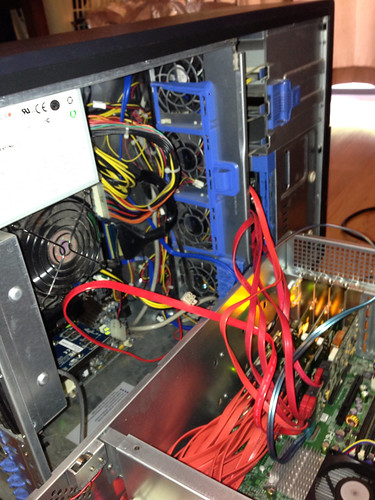
Upgraded to dual Quad Opterons ($14 shipped for the pair), also upgraded from 8GB memory to 32GB.

10207042216_3923979159.jpg


10207049205_d5b1250426.jpg


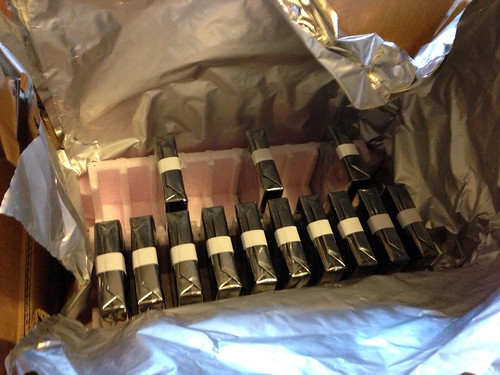
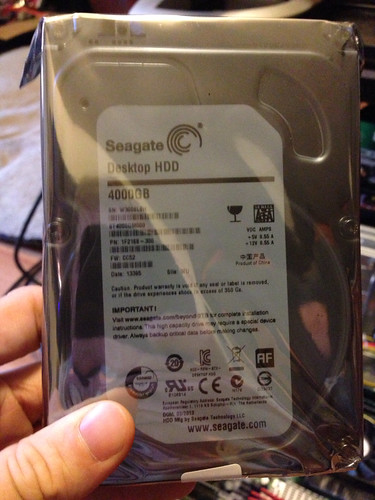
Then 13 4tb hdds (12 for the array + 1 cold spare):

10207061075_08b5018e2a.jpg


10207077746_42fd918816.jpg


Side by side with old nas to new:

10207083815_9934a9180b.jpg


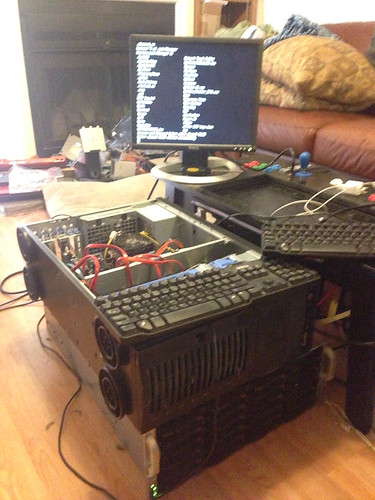
Trying to transfer data out of the old failing array:

10207094785_970b0052be.jpg


10207006954_ef0aed3705.jpg


Supermicro 24 Bay
Dual Opteron quad processors
32GB memory
500GB boot drive
128GB SSD l2Arc cache
32GB SSD Zil cache

12 Western Digital 4K 2TB HDDs
12 4TB Seagate 4K HDDs

Advertised space:

72TB

Usable Space:

46.5 TB

OS: Freenas

I'm using 3x supermicro SATA II controller cards in pass-through mode, then going ZFS + RaidZ2 (one RaidZ2 array for the 4TB drives and one for the 2TB drives in one zpool ) for my parity. In this configuration I loose 12TB to parity, but for anyone who has ever only had one disk parity and lost a second disk during a rebuild, you'll know it's worth it. Along with the SSD's for caching so I can do de-duplication and compression on the fly.
 
Last edited:
Would having a SSD Boot / OS drive matter for performance at all?

Unfortunately not, FreeNAS is such a skinny OS that I just reused an old rotational drive I had lying around for the boot drive. If the rotational drive dies, its really no big deal as my important data resides in a ZFS Pool that can be imported into a new OS if a reinstall / transfer of hardware needs to happen. Once the system is booted it runs almost completely out of memory. So no real benefit to putting the OS on a SSD. This NAS is beastly fast over the network and I'm glad I upgraded from RAID-5 to ZFS/RaidZ2.
 
No worries, if you want to get deeper into FreeBSD, FreeNAS, or ZFS, feel free to hit me up. If you don't like the newer interface / sandboxing present in FreeNAS, you could always check into Nas4Free which is a fork of FreeNAS that maintains the old functionality and interface of FreeNAS classic.
 
Back
Top