• Some users have recently had their accounts hijacked. It seems that the now defunct EVGA forums might have compromised your password there and seems many are using the same PW here. We would suggest you UPDATE YOUR PASSWORD and TURN ON 2FA for your account here to further secure it. None of the compromised accounts had 2FA turned on.
    Once you have enabled 2FA, your account will be updated soon to show a badge, letting other members know that you use 2FA to protect your account. This should be beneficial for everyone that uses FSFT.

Maximum Security

Looking good so far ;)

Just an observation, I read here that the static pressure of those Cooler Master fans is not good for use with heatsinks/rads. Basically, it doesn't have the pressure necessary to force the air through the obstacle behind it.
 
why can't i get tech sponsors to back my dodgy-arse builds i wonder.
well if you can make that TT case 'pretty', you have my eyeballs.

As with most everything in life, its not what you know but who you know :(

Cool looking build though.
 
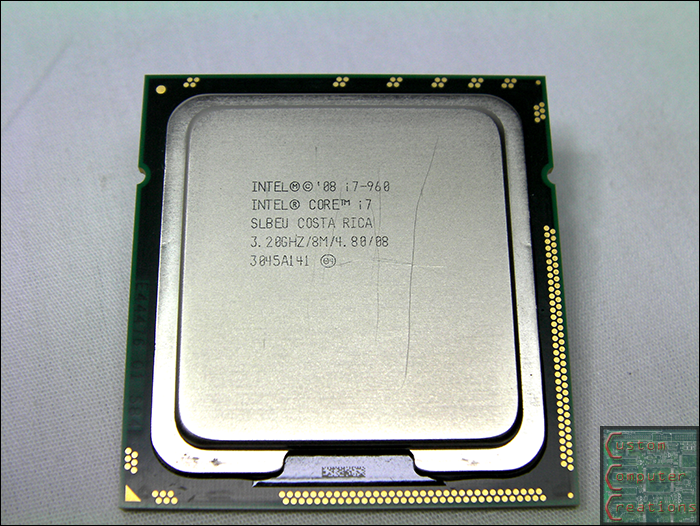
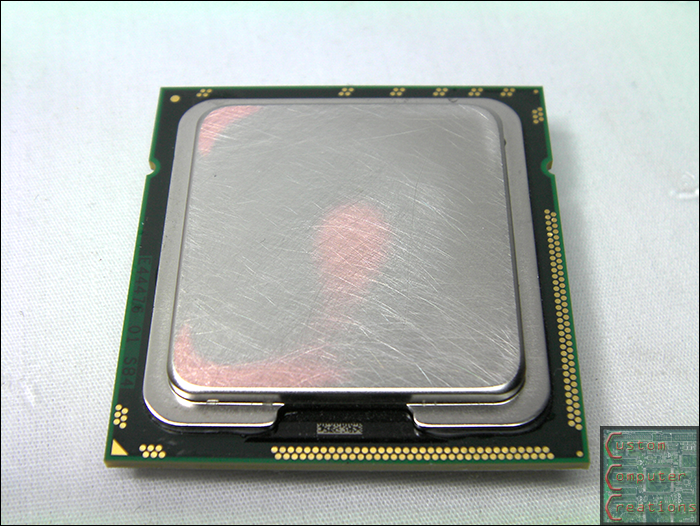
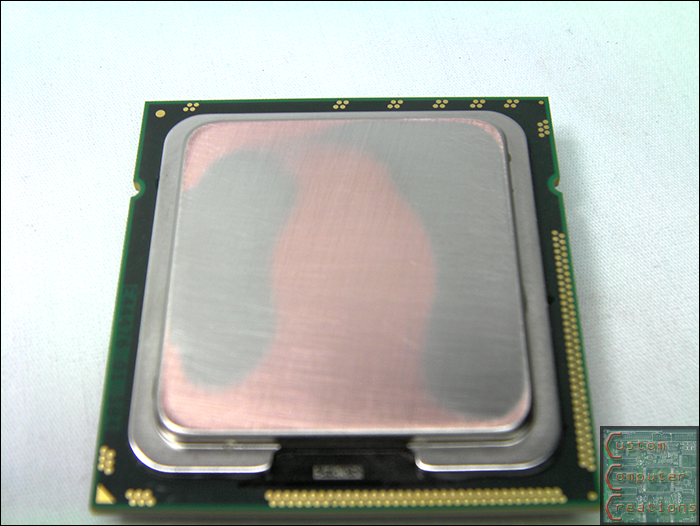
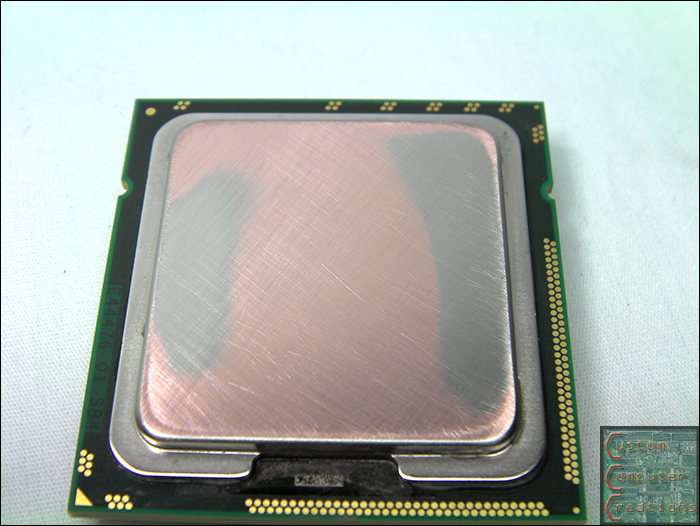
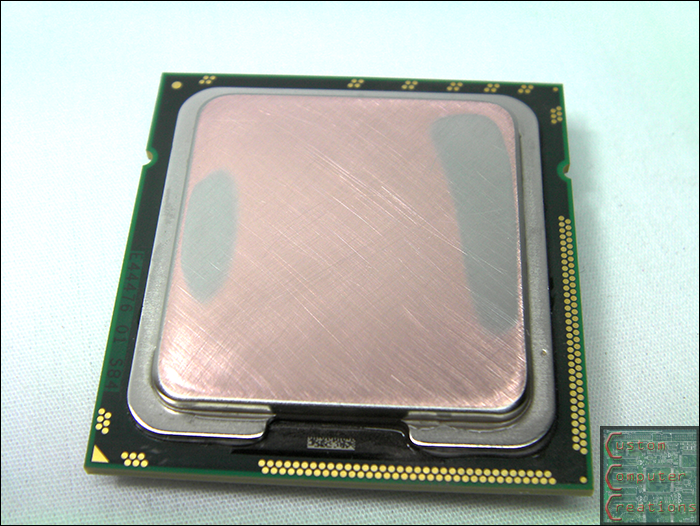
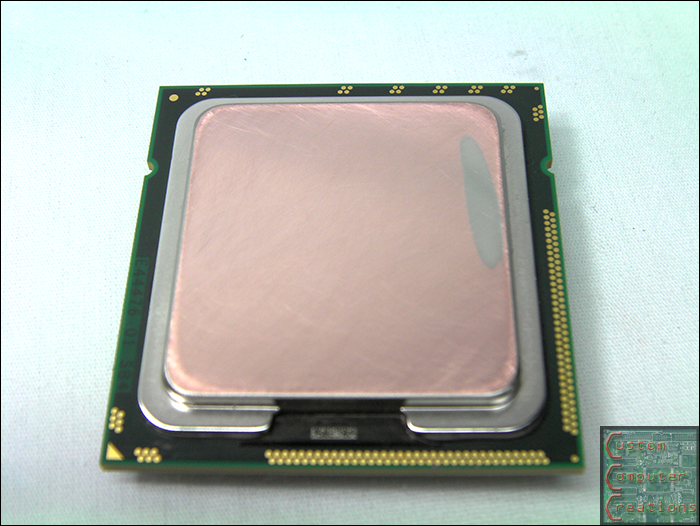
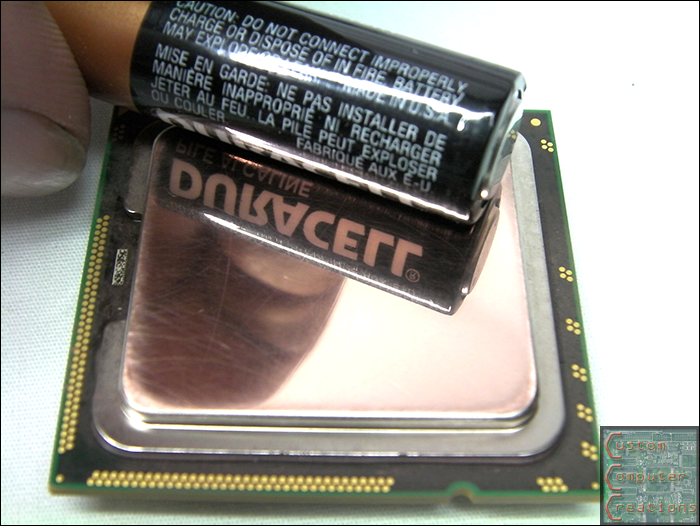
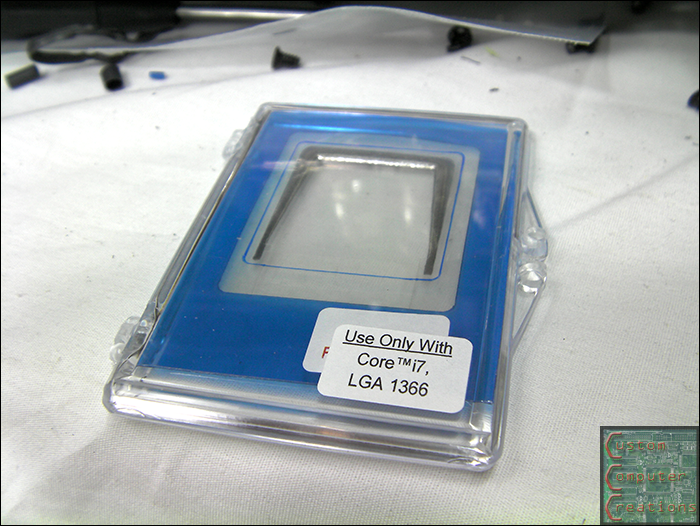
Minor update. I got bored while waiting for UPS to arrive this Friday with the rest of my goods so I decided to lap my processor. I looked pretty well flat, but I was surprised just how much it was off. These pics go from 400 grit through 1500 grit, and all I've got left to do is polish it :D

cpu01.png


cpu02.png


cpu03.png


cpu04.png


cpu05.png


cpu06.png


cpu07.png


Expect an update this weekend after UPS drops off my drool-inducing goods :D
 
Looking good so far ;)

Just an observation, I read here that the static pressure of those Cooler Master fans is not good for use with heatsinks/rads. Basically, it doesn't have the pressure necessary to force the air through the obstacle behind it.

For some reason I'm not getting the notification emails :confused:

Ah well. I read over it, it's one guy that says it. I know for a fact that those fans push air just fine through both of my rads, so I'm not worried.
 
For some reason I'm not getting the notification emails :confused:

Ah well. I read over it, it's one guy that says it. I know for a fact that those fans push air just fine through both of my rads, so I'm not worried.
Ok...wasn't sure about his opinion, but it's nice to know that you've had experience with those type of fans.

Nice lapping work BTW ;)
 
Parts are in. Enjoy :D

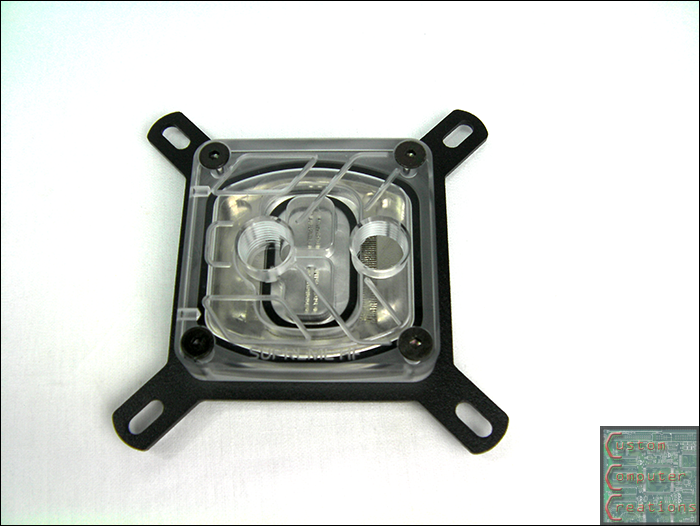
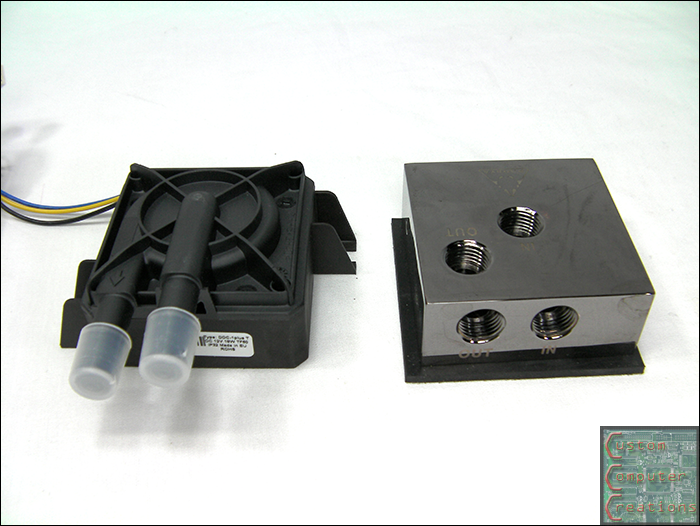
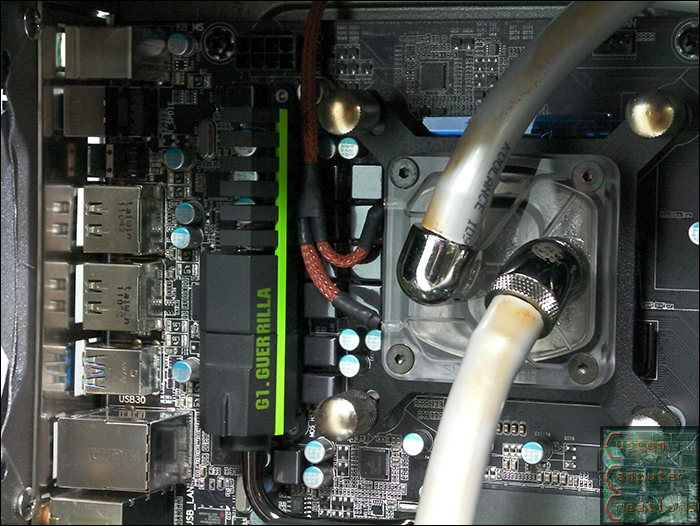
EK-Supreme HF CPU block

cpuwb.png


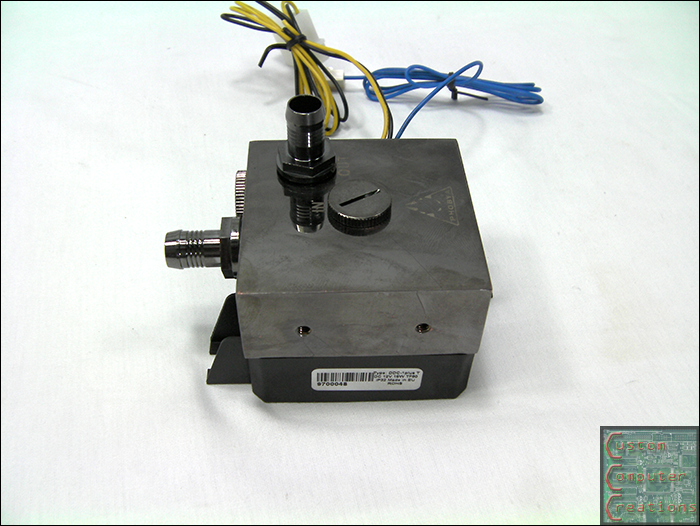
Laing DDC pump with Phobya Black Nickel pump top

pump.png


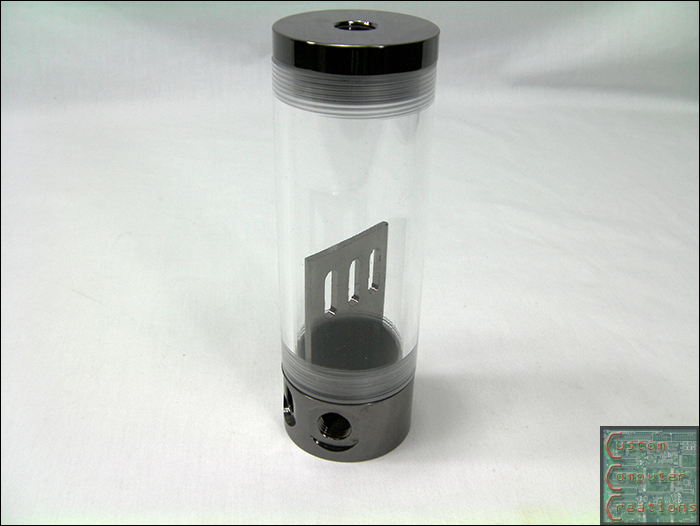
Phobya Balancer 150mm Black Nickel res

res.png


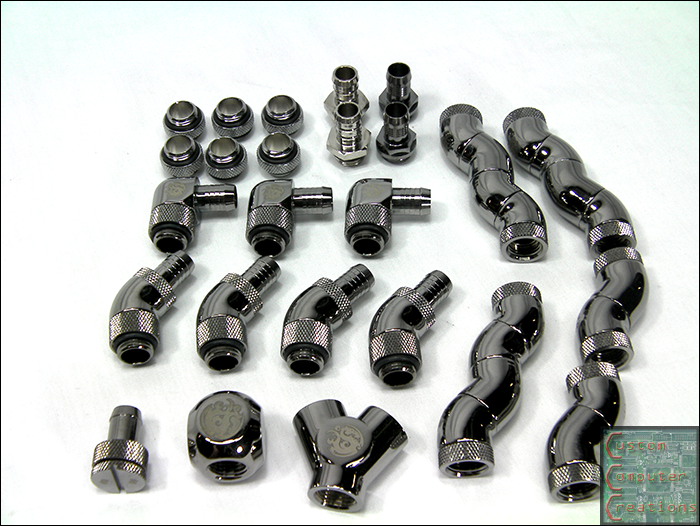
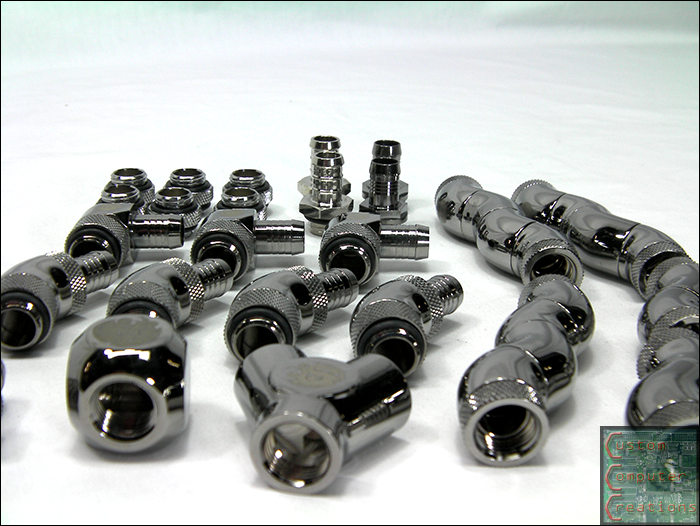
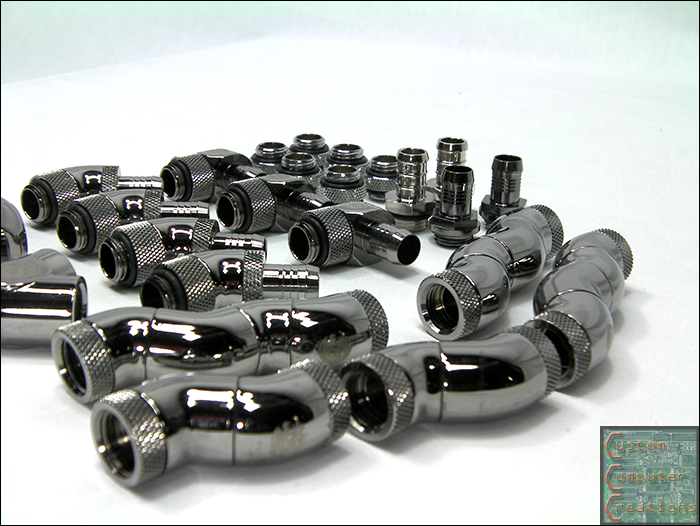
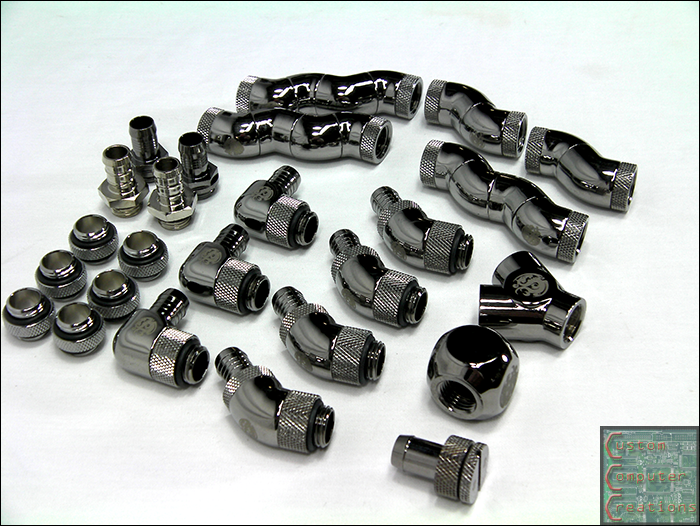
And a nice pile of Bitspower Black Sparkle fittings

fittings1.png


fittings2.png


fittings3.png


fittings4.png
 
EK-Supreme HF CPU block

cpuwb.png

That's an unusual looking block. Normally with the top, you see either one inlet over the center or both evenly spaced between...it looks like the inlet/outlet are offset to the right. Is that how its made or is it just the pic?
 
The inlet is on the left, and that is molded to bend to the right and spread out over the top of the jet plate, which is sealed by the black o-ring inside. The flow goes through the jet plate and out around the edge, then back out through the outlet on the right.
 
The inlet is on the left, and that is molded to bend to the right and spread out over the top of the jet plate, which is sealed by the black o-ring inside. The flow goes through the jet plate and out around the edge, then back out through the outlet on the right.

ahhh well that explains it then :D
 
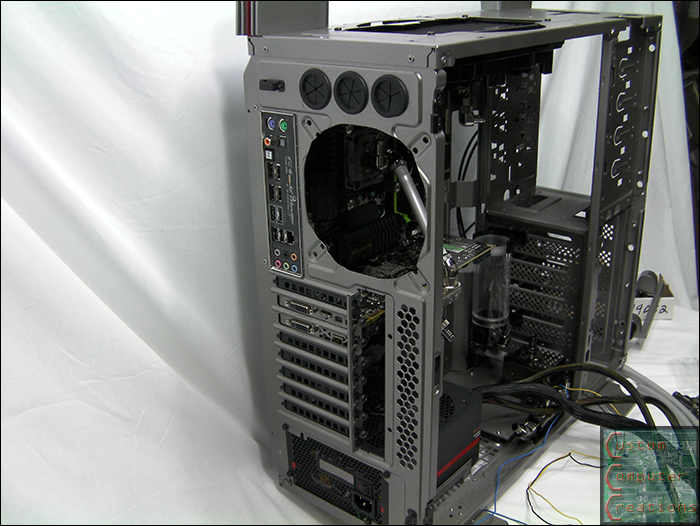
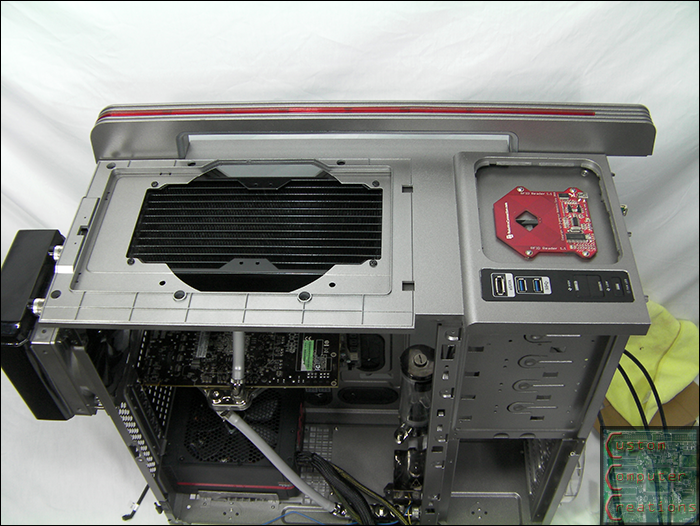
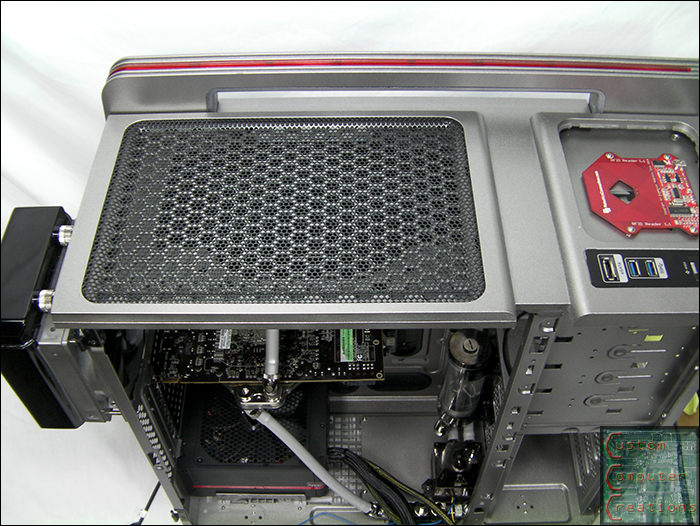
Big update this time, I got a lot done this weekend!

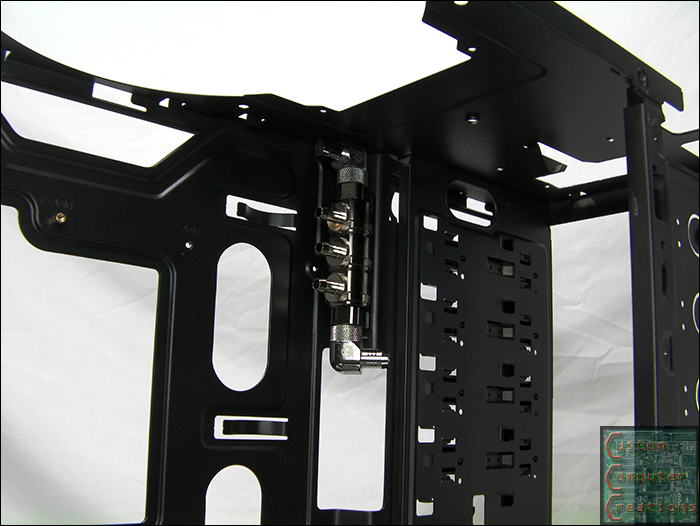
I got the top 3-way splitter's mounting holes drilled.

3way1.png


I also got the Phobya pump top mounted. Damn is that thing heavy!

pumpa.png


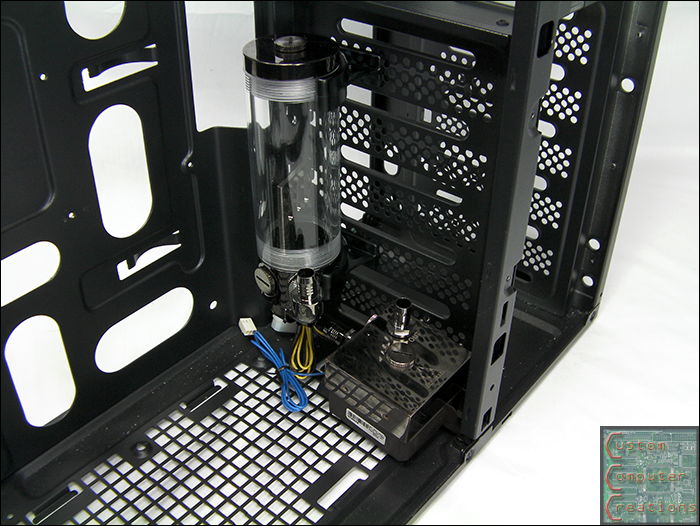
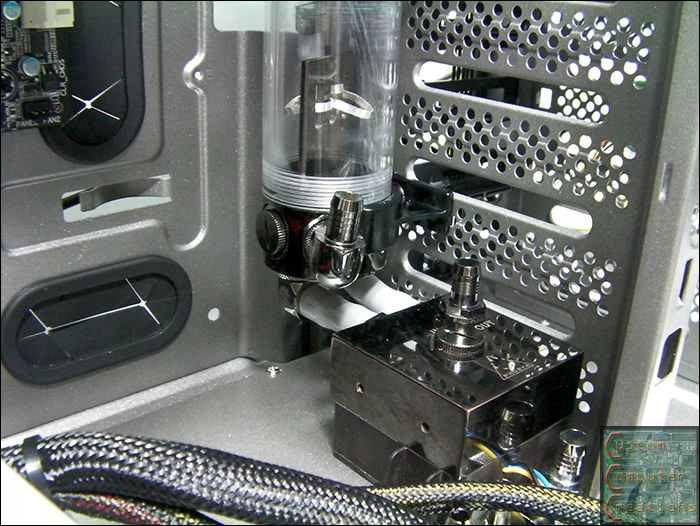
Then I got the res and pump temporarily installed to check fitment.

pumpa1.png


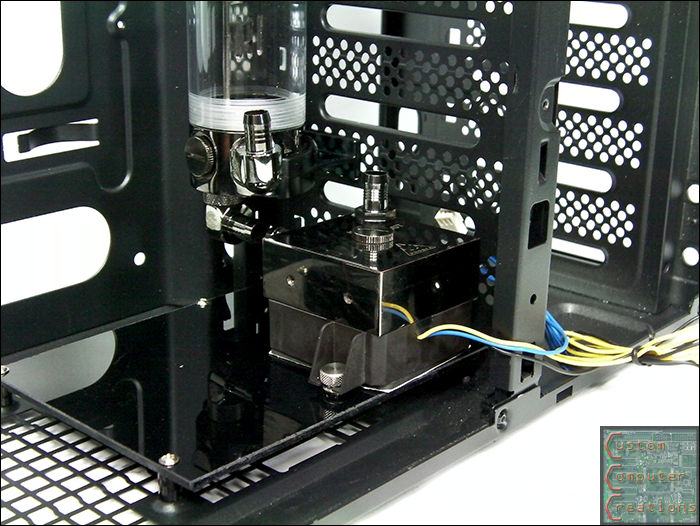
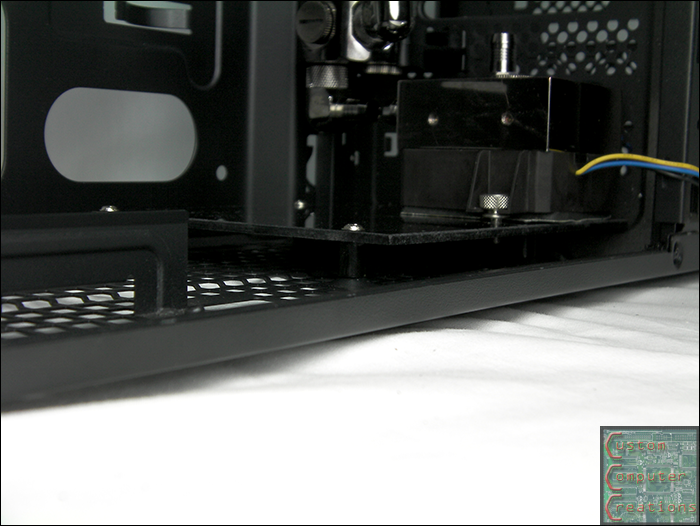
Then I made up a pump mount plate from black acrylic. I used the 4 120mm fan mounts in the bottom of the chassis to mount it, along with 4 rubber dampers.

pumpa2.png


pumpa3.png


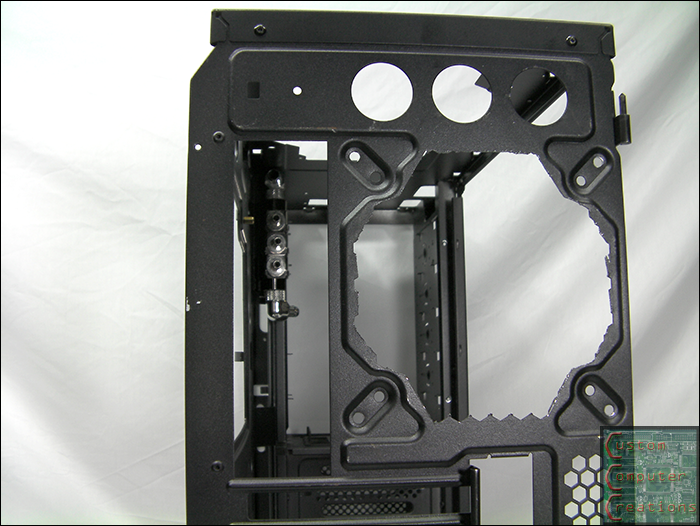
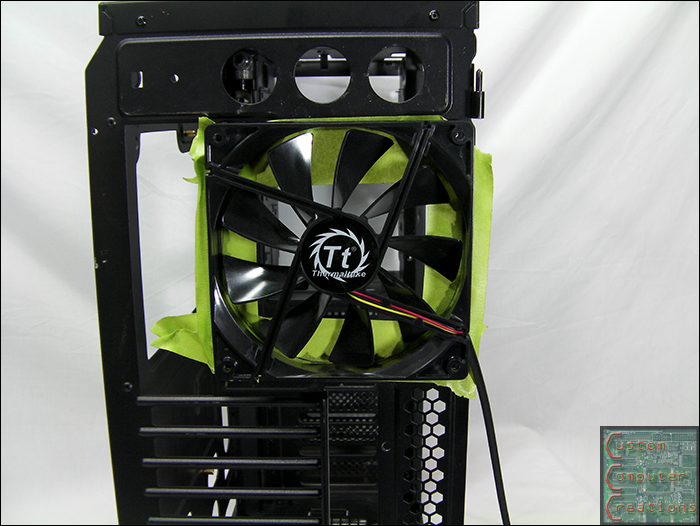
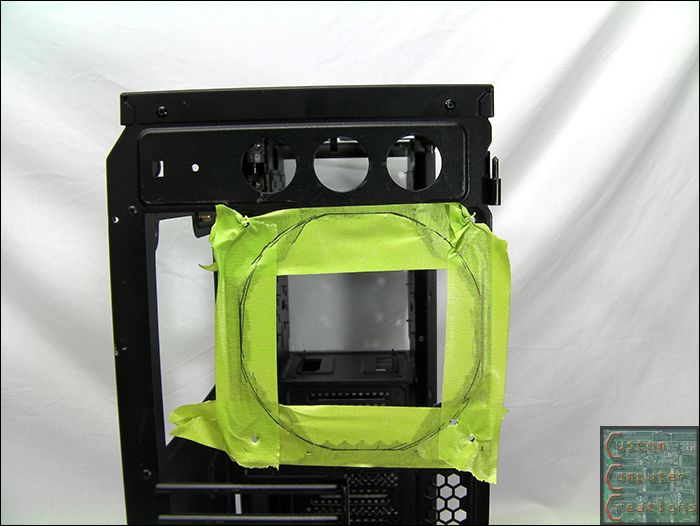
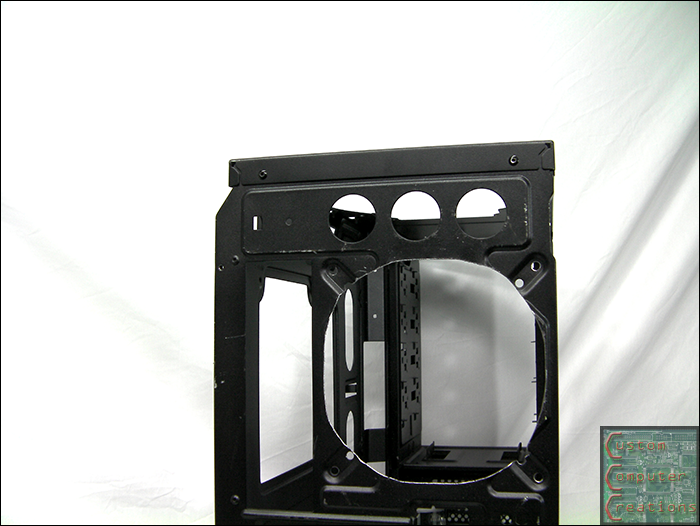
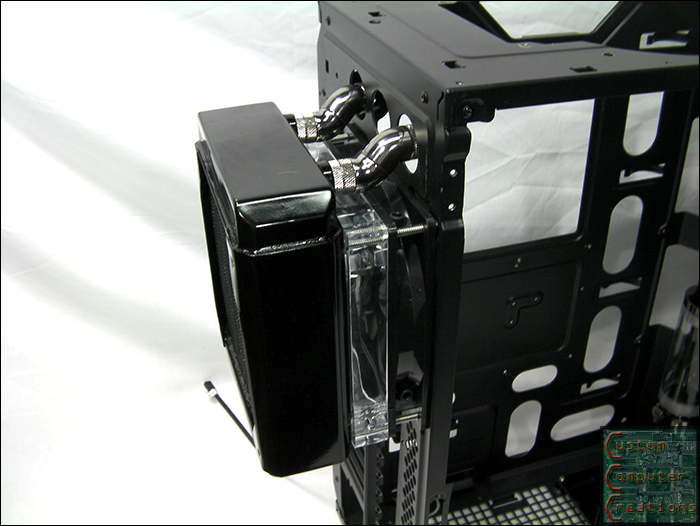
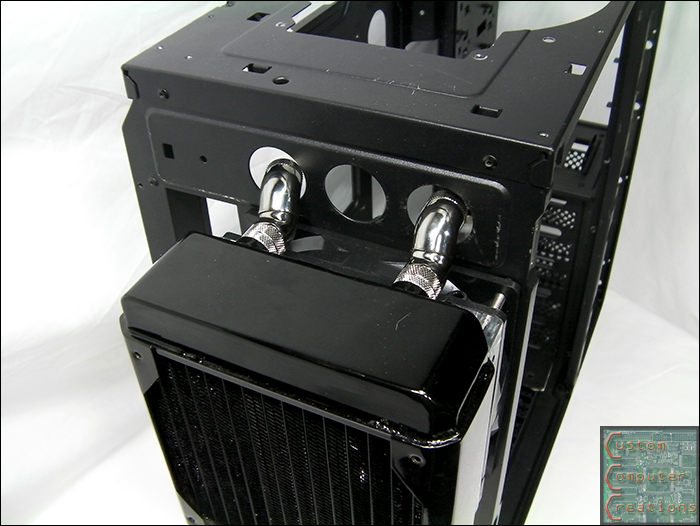
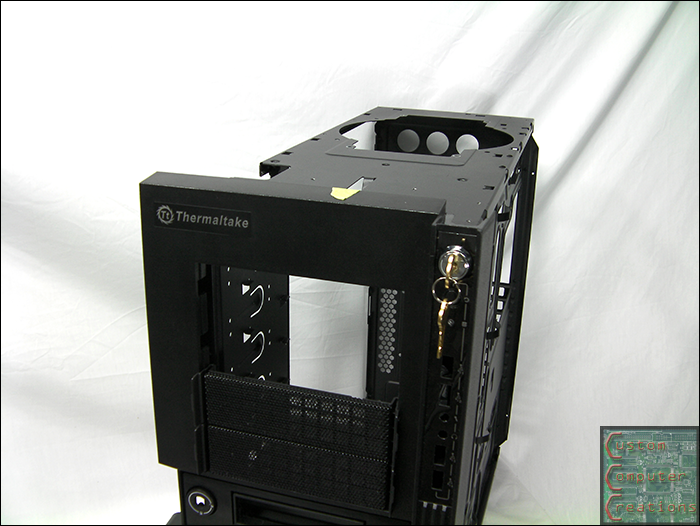
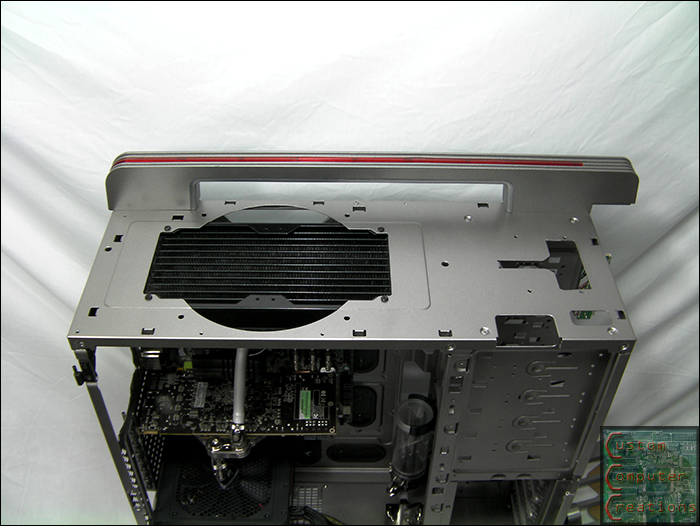
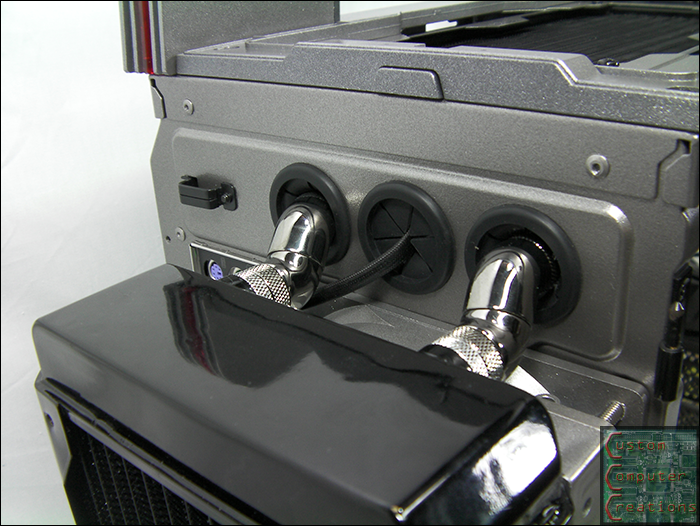
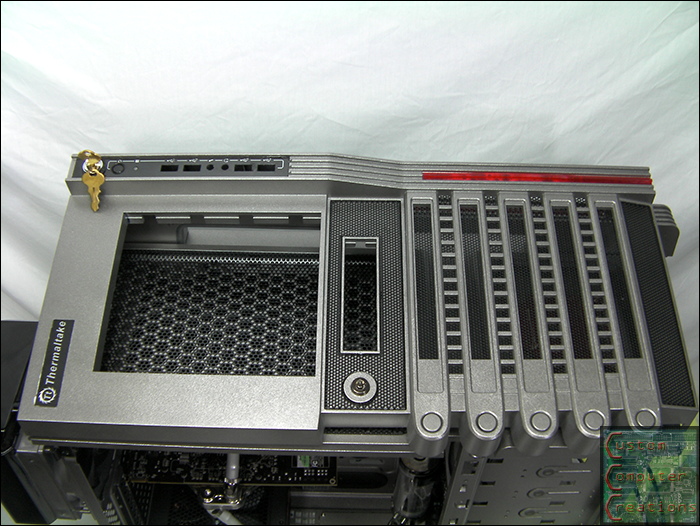
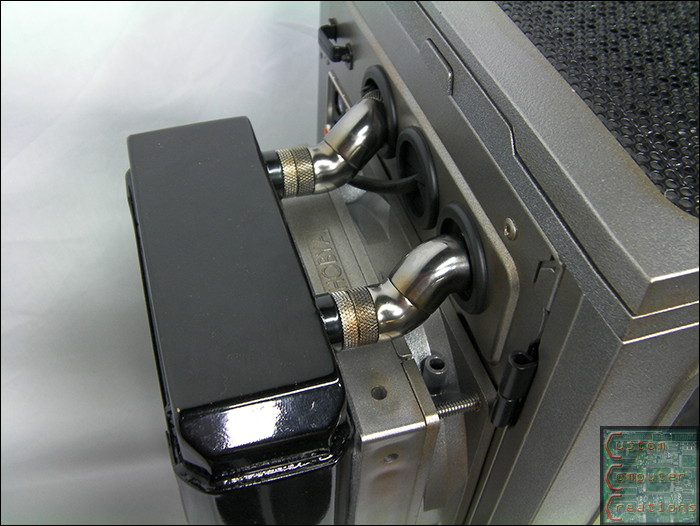
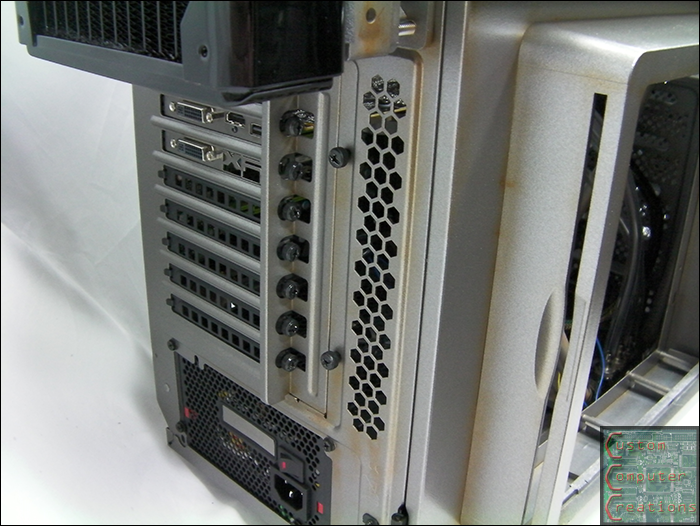
Then I ran into an issue with the rear radiator. I thought just the single Phobya rad spacer would be enough, but it wasn't The fittings still wouldn't fit in the holes. I found that if I used a 140mm fan on the outside of the case then put the rad spacer and rad on that they fit perfectly. So I decided to not use the 120mm turbine fan and use the 140mm fan that came with the case because it's still got that look I want. I decided to cut out the rear of the case so you'd be able to see the fan.

rearfan1.png


rearfan2.png


rearfan3.png


rearfan4.png


Now the fittings line up nicely! I had to run to the hardware store and get some 10-28 x 3" SS screws to hold everything together. I drilled and tapped the rad to accept the larger screws (for strength) and cut the screws down to about 2.25".

rearfan5.png


rearfan6.png


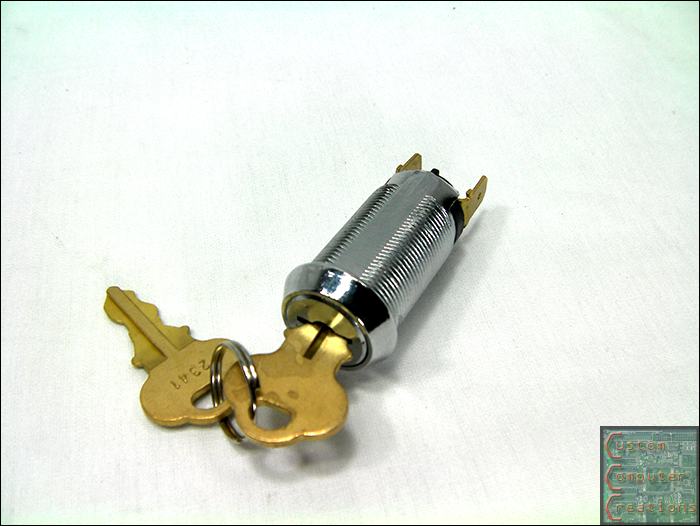
I also picked up this cheap momentary key switch off eBay for $3.

switch1.png


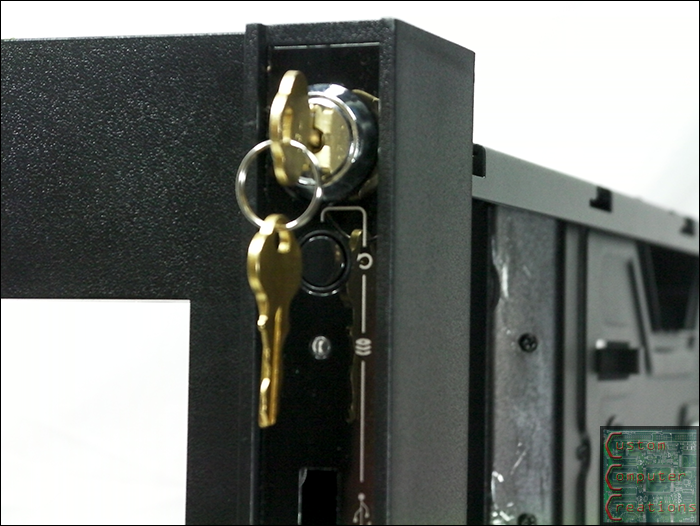
I drilled out the stock power button mount and installed the key switch. It fits in there perfectly.

switch2.png


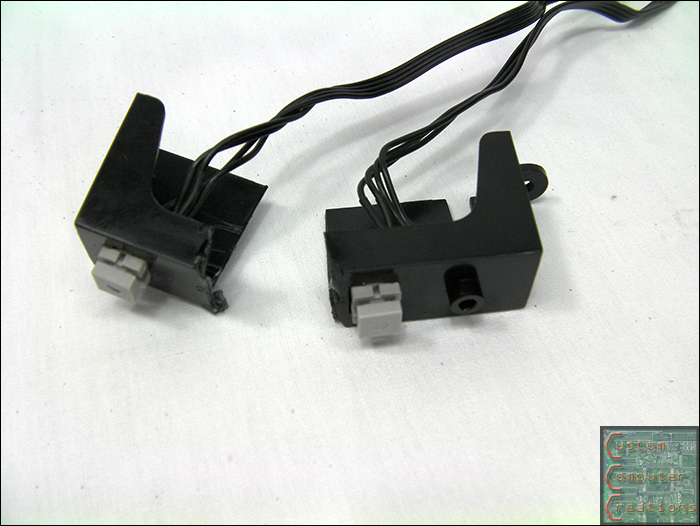
I had to cut the stock button mount in half to clear the key switch. I'll still need to either modify the steel part of the case or bend the tabs on the switch to make it fit 100%

switch3.png


switch4.png


That's it for now! Once my motherboard comes back from Gigabyte I can get the bottom 3-way splitter mounts done, then it'll be time to drill out a TON of rivets and paint the case! Stay tuned :D
 
Minor update.

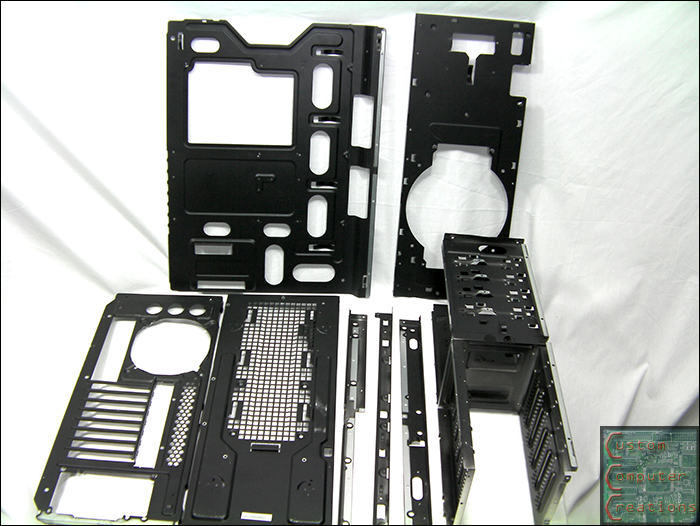
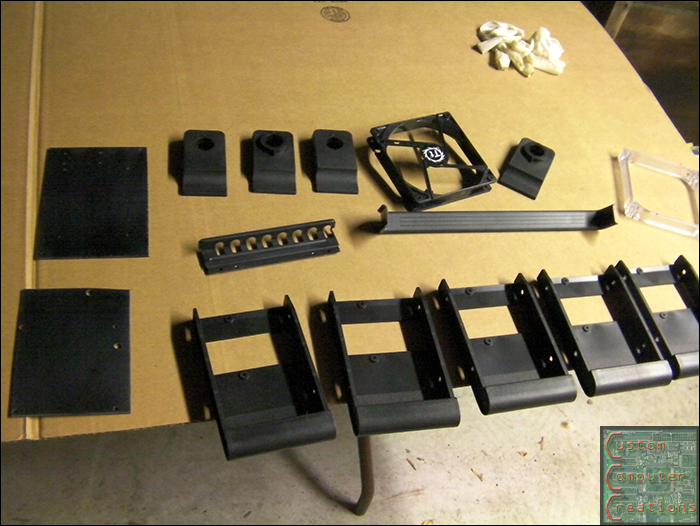
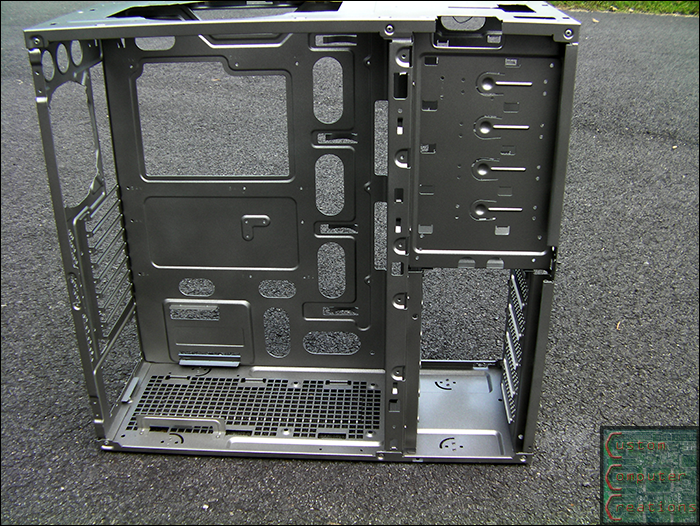
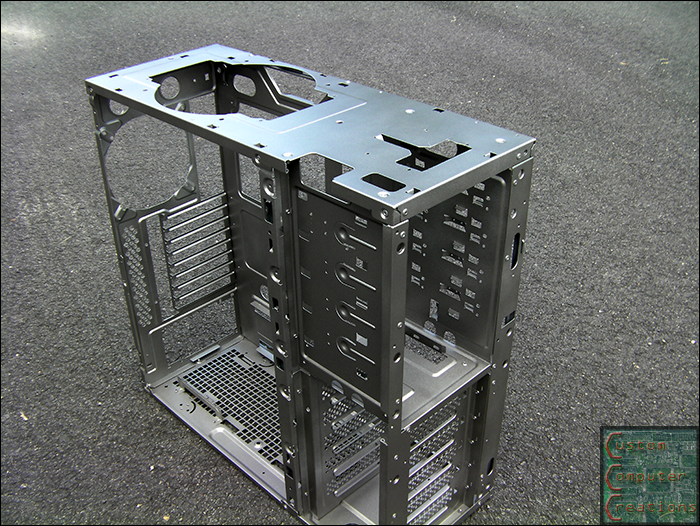
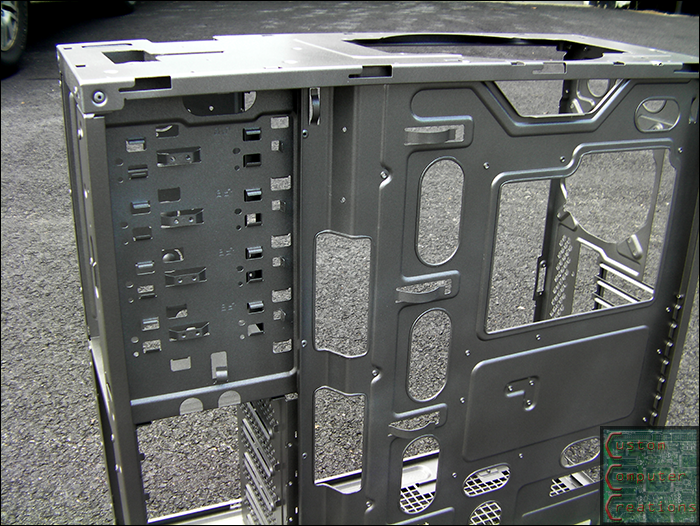
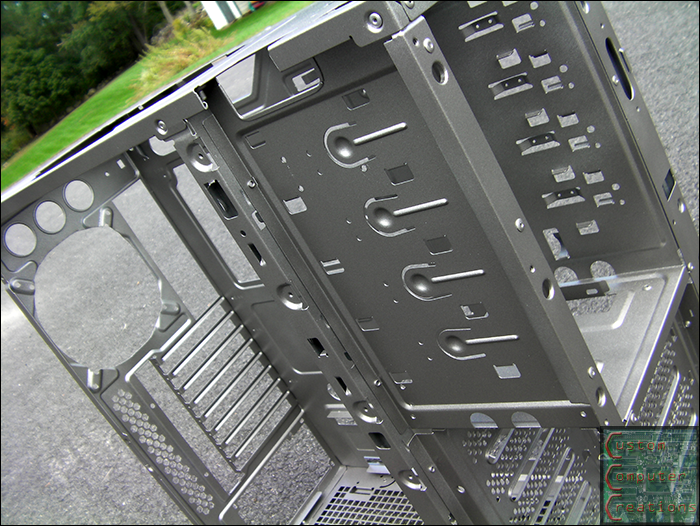
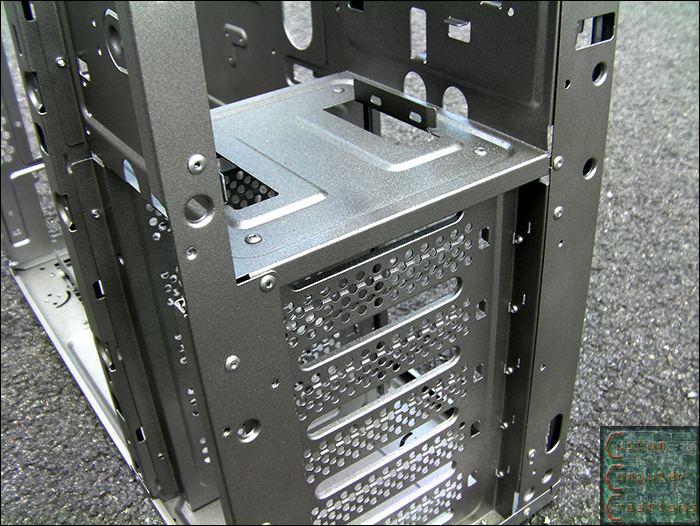
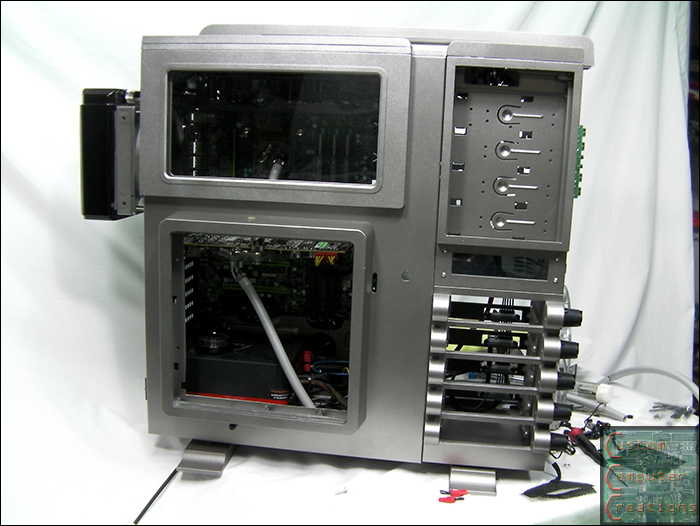
I got the case disassembled (mostly). I plan on leaving the drive bays as a single piece like they are for ease of assembly later.

caseparts.png


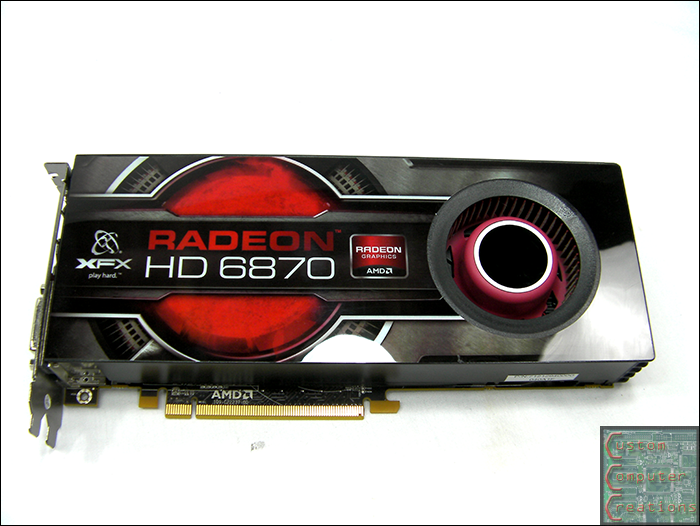
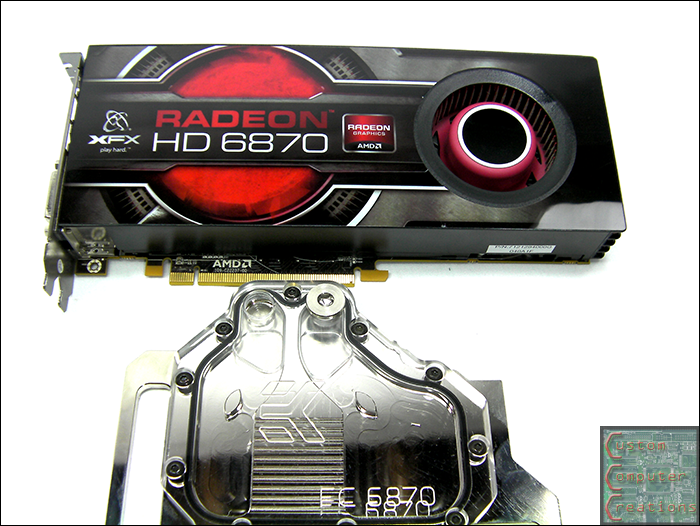
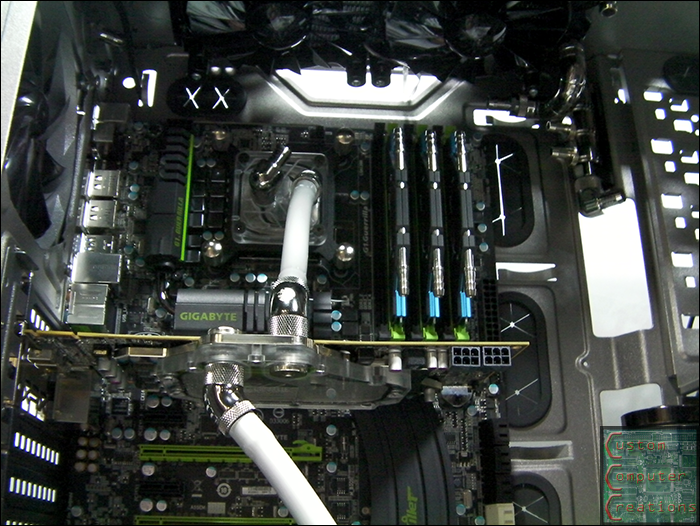
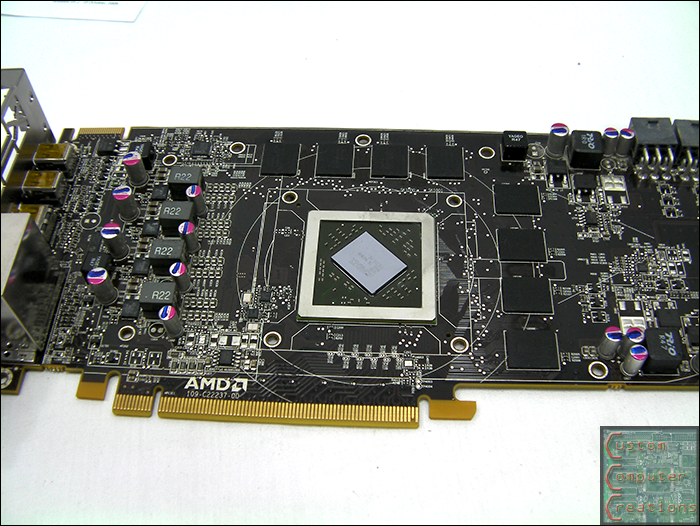
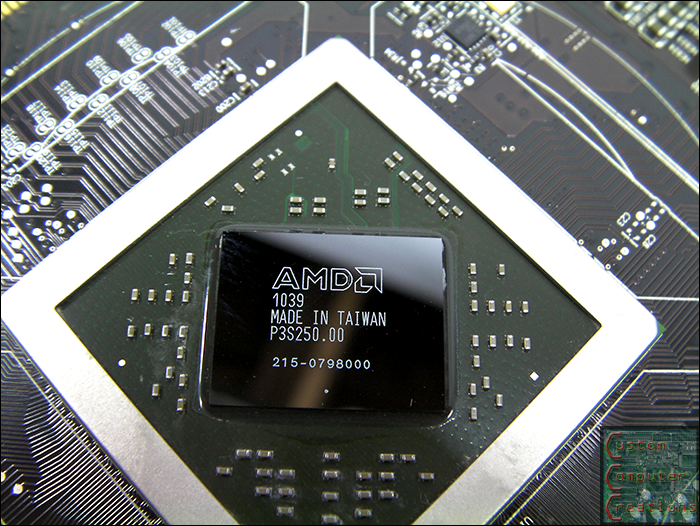
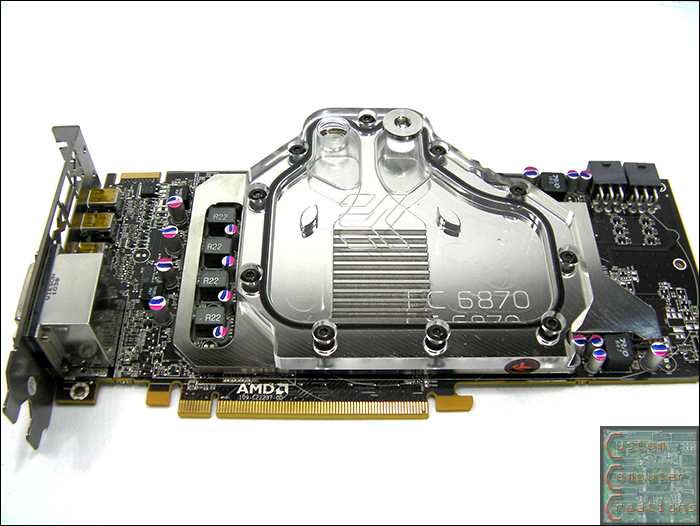
I also got the EK waterblock mounted to my 6870.

vga1.png


vga2.png


Bye bye warranty!

vga3.png


All cleaned up and ready to go.

vga4.png


MMMmmmm shiny :D

vga5.png


All ready to install!

vga6.png


I should have the case painted this weekend. I've got to steal the garage for a few days to paint. Scuff, primer, sand, primer, paint!
 
HUUUUGE update today :D

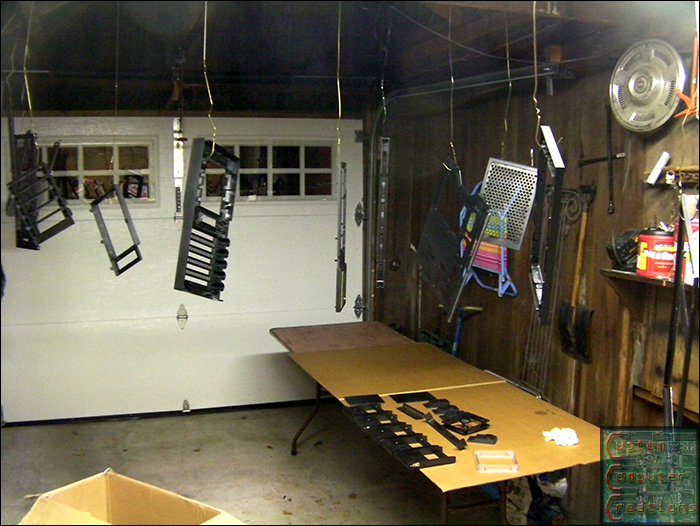
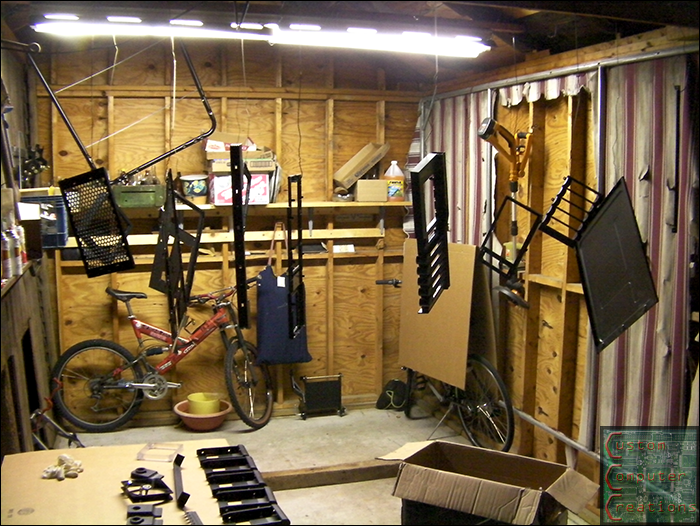
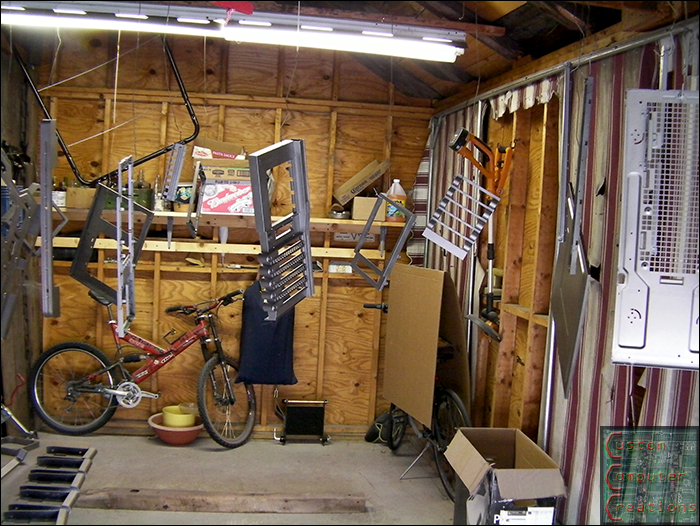
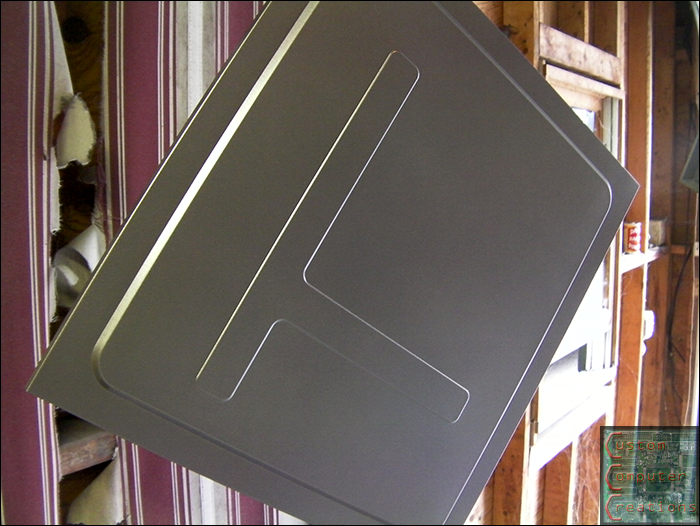
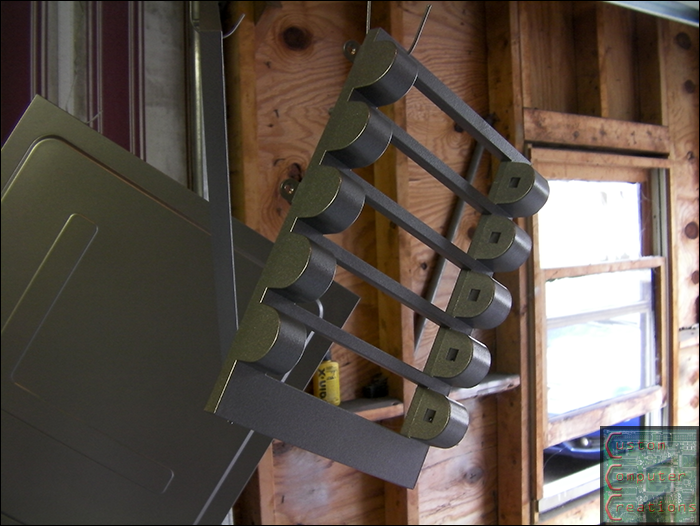
I got all the parts hung in the garage ready for primer and paint.

parts01.png


parts02.png


parts03.png


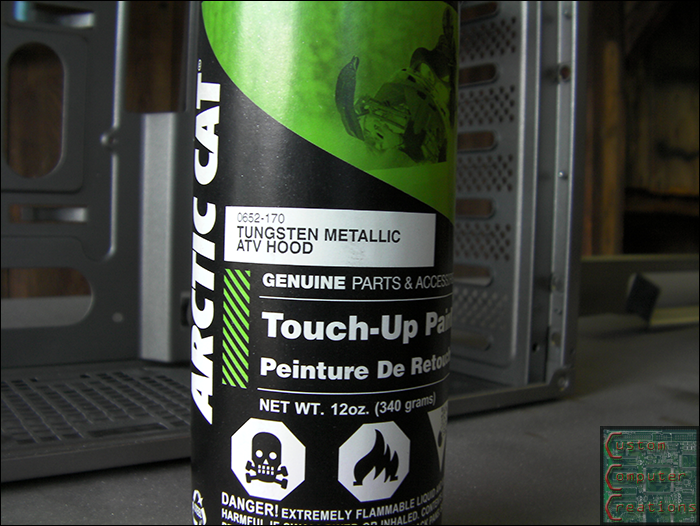
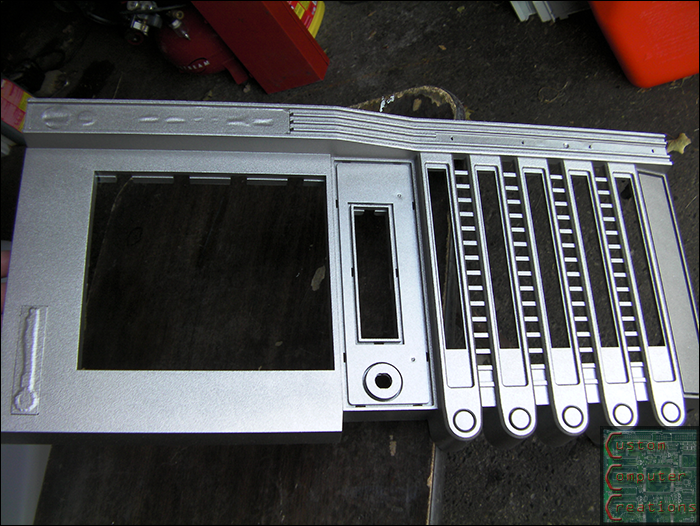
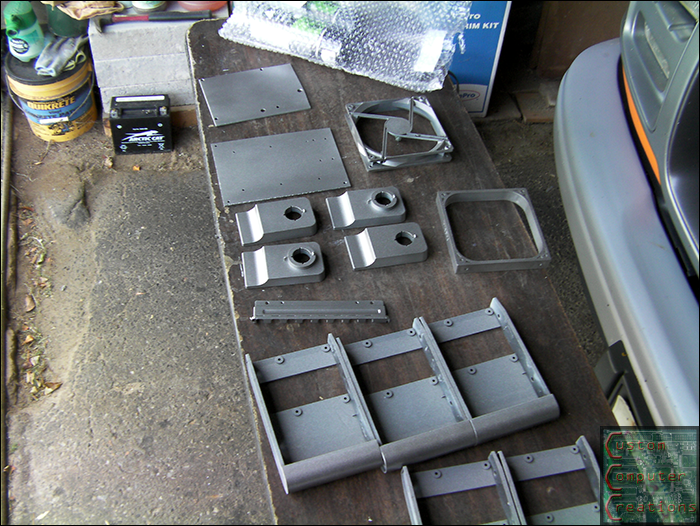
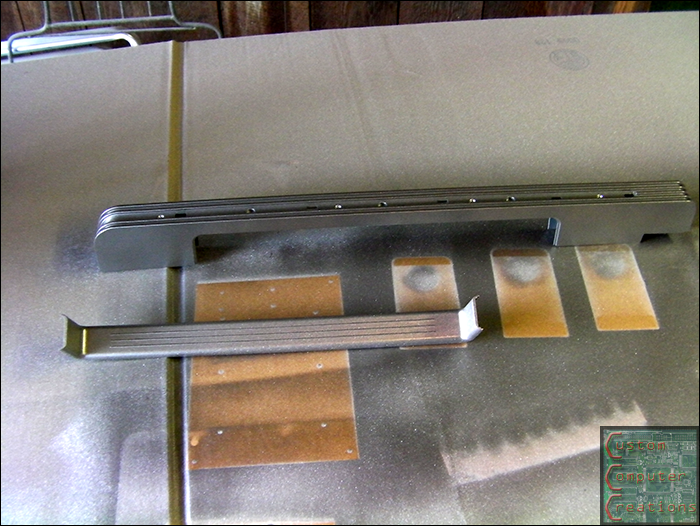
Here is the paint I used. It's from Arctic Cat. I saw a 4-wheeler come into my dealership in this color and immediately thought it'd be perfect for this mod! 3 cans of primer and 5 cans of paint later, it's all done!

paint-1.png


parts04.png


parts05.png


parts06.png


parts07.png


parts08.png


parts09.png


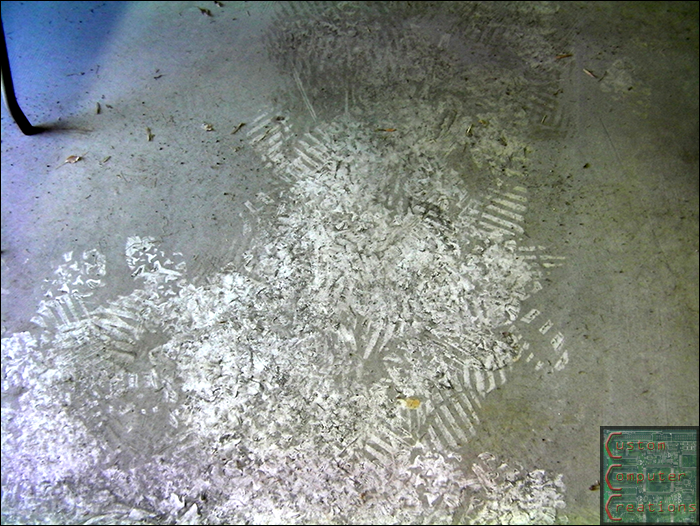
And I was left with a whole lot of overspray dust to clean up as well.

dust.png


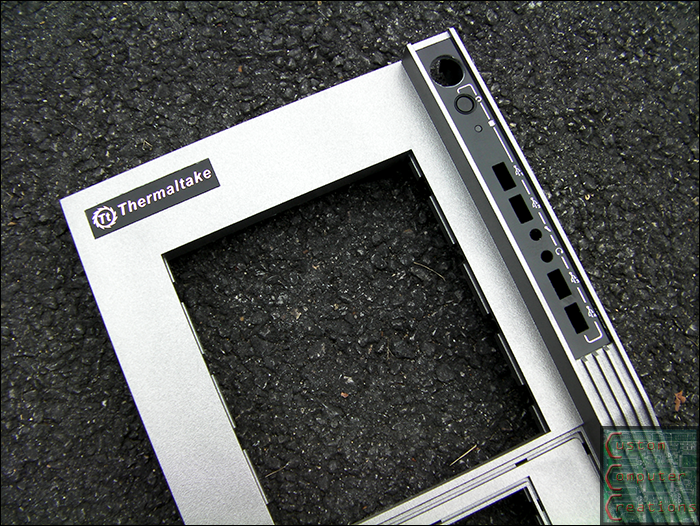
Here are the front and top panels with the masking tape removed.

parts10.png


parts11.png


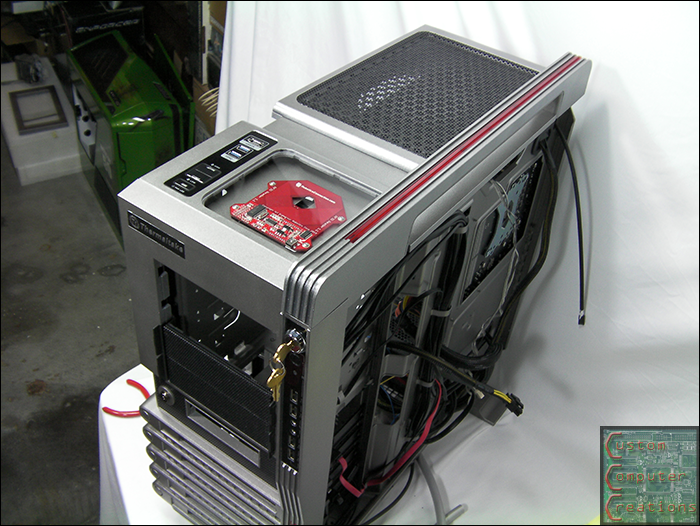
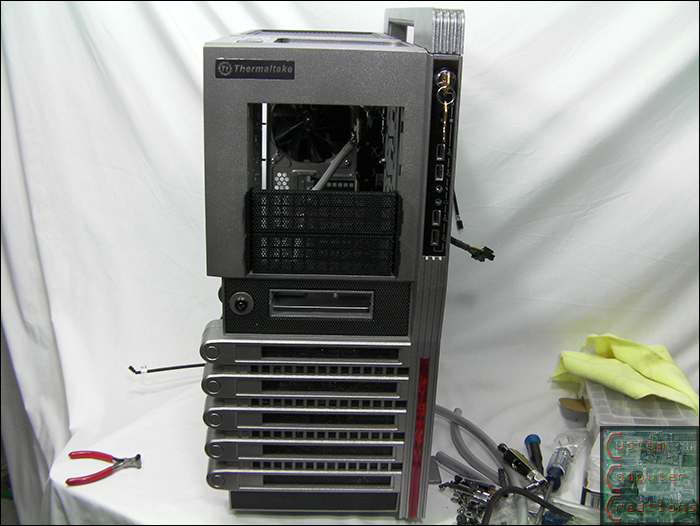
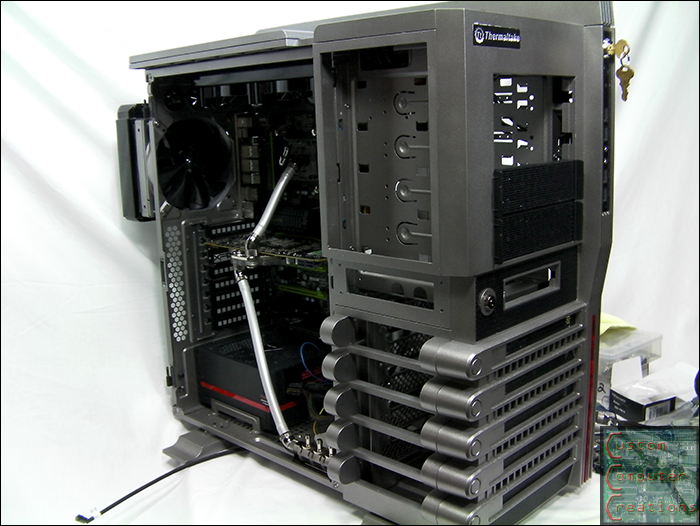
Next it was off with a box of rivets and my rivet gun to reassemble the case. I think it looks pretty damn good, no?

p_case1.png


p_case2.png


p_case5.png


p_case3.png


p_case4.png


Then there was a point in time in the basement when I was just running through putting stuff together without snapping a whole lot of pics, but I did get some taken :D

case_a01.png


case_a02.png


case_a03.png


case_a04.png


case_a05.png


case_a09.png


case_a10.png


case_a08.png


case_a07.png


case_a06.png


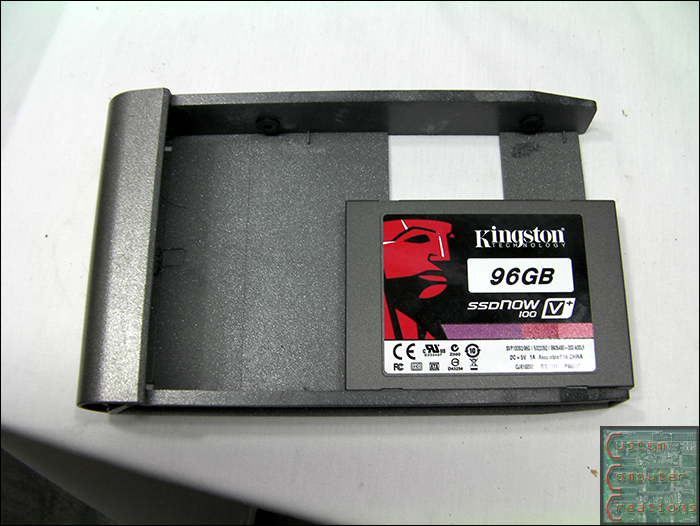
Kingston 96GB SSD mounted to one of the hotswap trays.

ssd1.png


And more assembly pics :D

case_a13.png


case_a12.png


case_a11.png


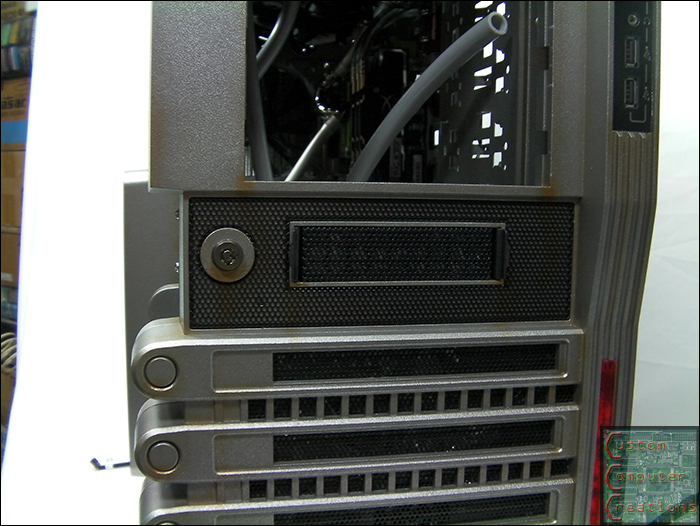
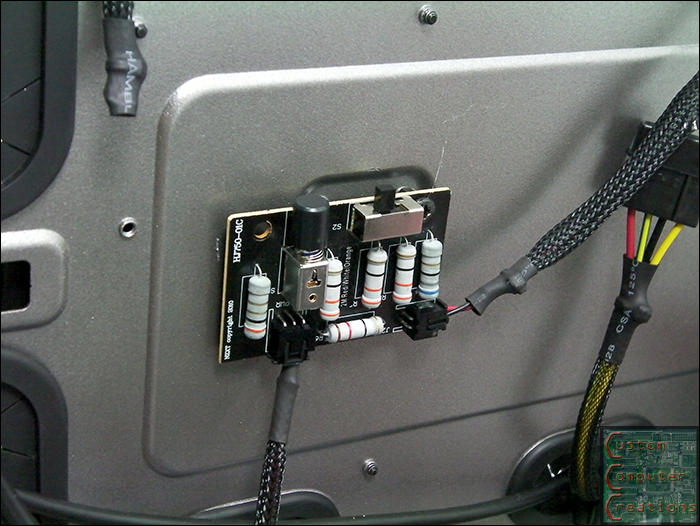
Here you can see the side panel and it's windows and frames mounted. I also mounted the NZXT Sentry 2 fan controller into its place on the front side panel.

case_a14.png


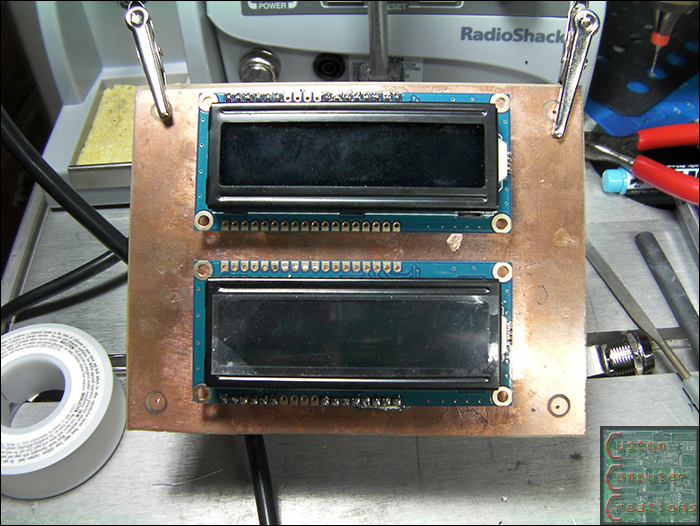
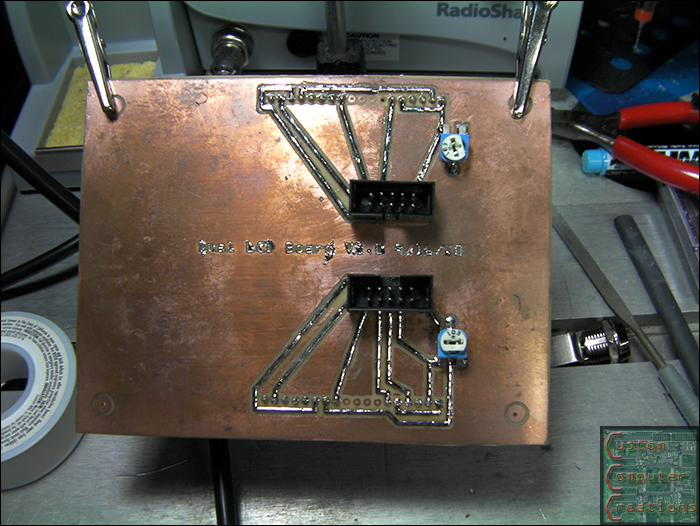
I also designed, etched and assembled a circuit board to hold the two RGB LCDs. The spacing is perfect so they fit centered into 2 5.25" bay covers.

d_lcd1.png


d_lcd2.png


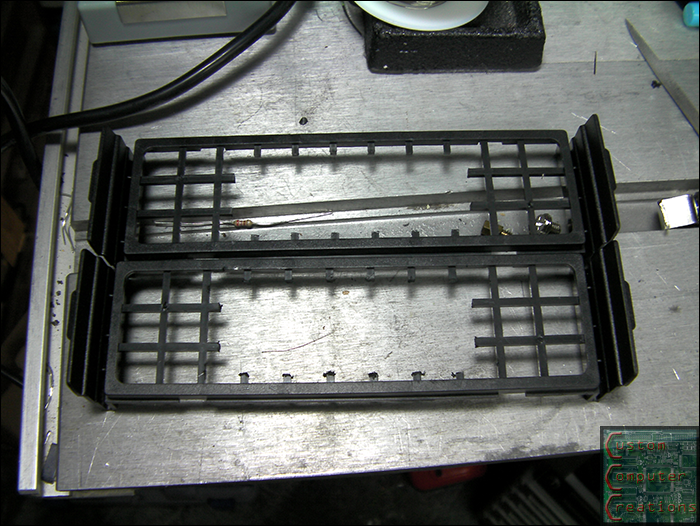
I also got the plastic frames for the bay covers fit to the LCDs. Next I need to cut the foam filters and the outer mesh to fit the LCDs as well.

d_lcd3.png


That's it for now!
 
That's looking fantastic! I love your choice in paint as well. Keep up the good work!
 
It's the silver killcoil. I couldn't find anywhere to put it so I wrapped it in the res for now. It looks like crap so I'll probably end up moving it somewhere else.
 
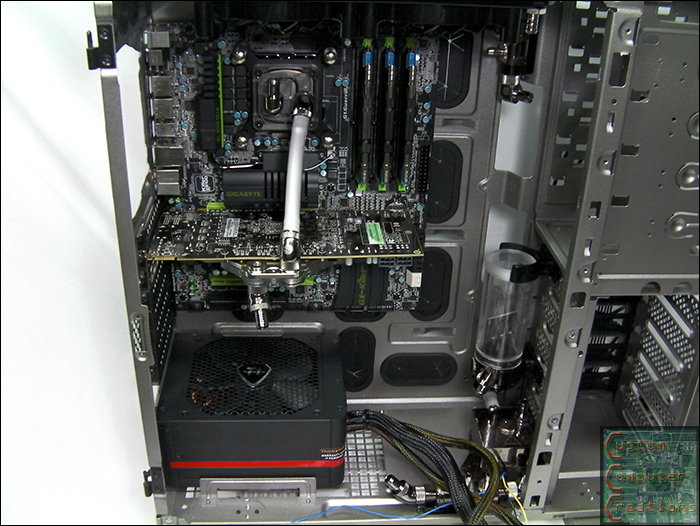
I haven't kept up with stuff like this in a few years. This is the first time I've seen a lvl10 torn down to the struts. I gotta say I'm kinda disappointed that it resembles a normal case on the inside. I was expecting sectioned off, air tight enclosures with monkeys and clowns and little hives gnomes that would come out at night to clean the dust off your mb.

Your build is looking very nice. I wish I had the time/space/tools/money/energy to go tinker. :D
 
Thanks man :D

It's a Level 10 GT, not the original Level 10. The original Level 10 is all sectioned off and everything :D
 
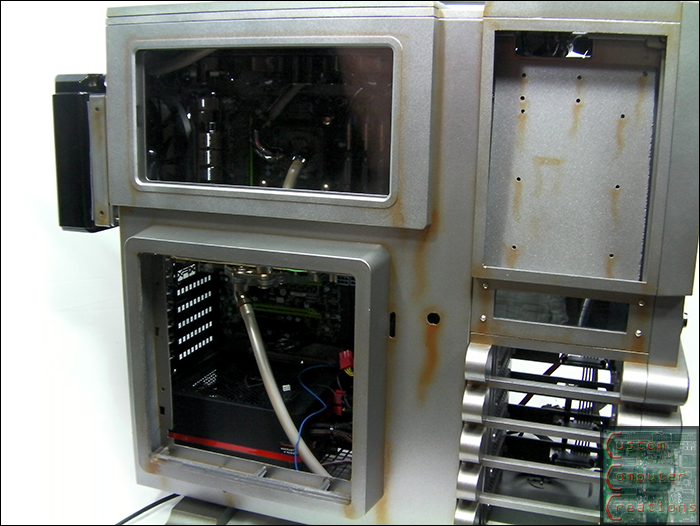
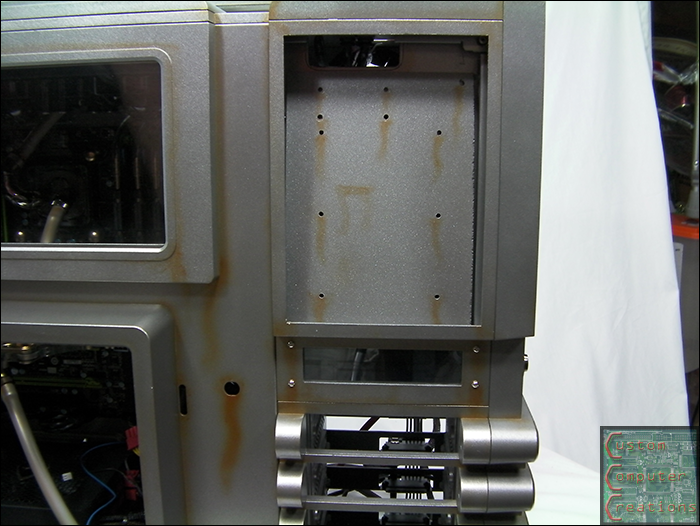
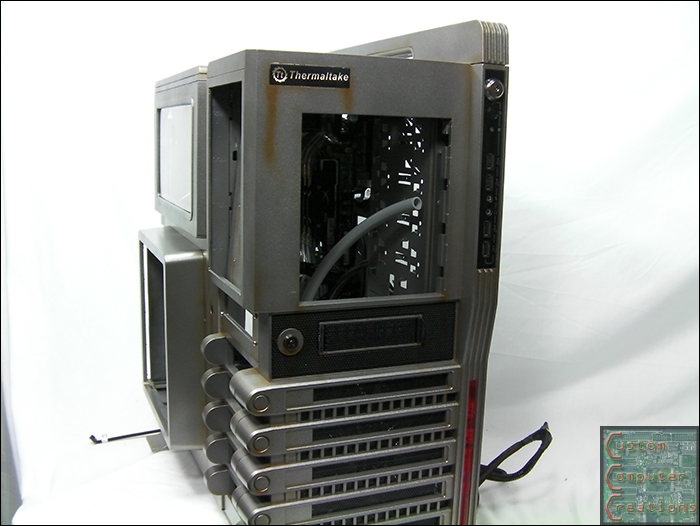
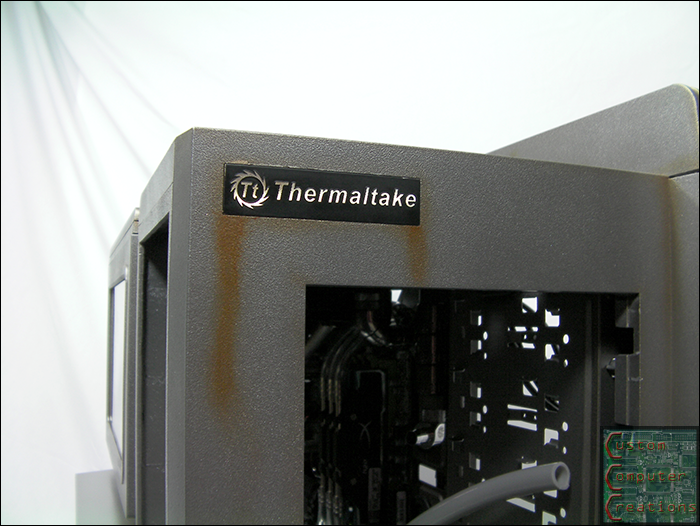
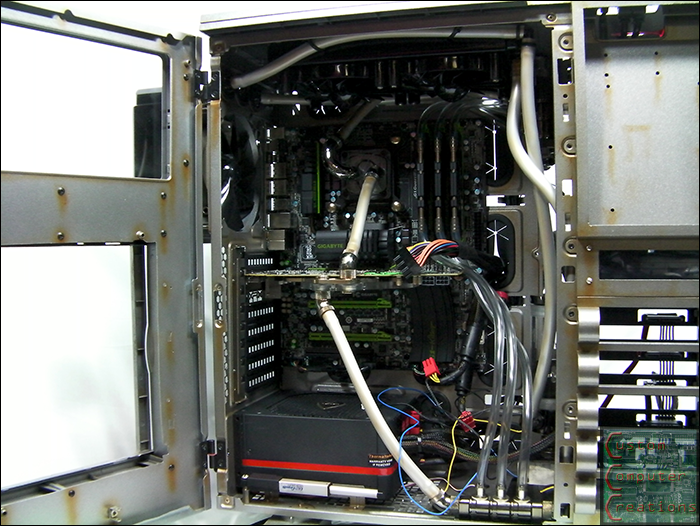
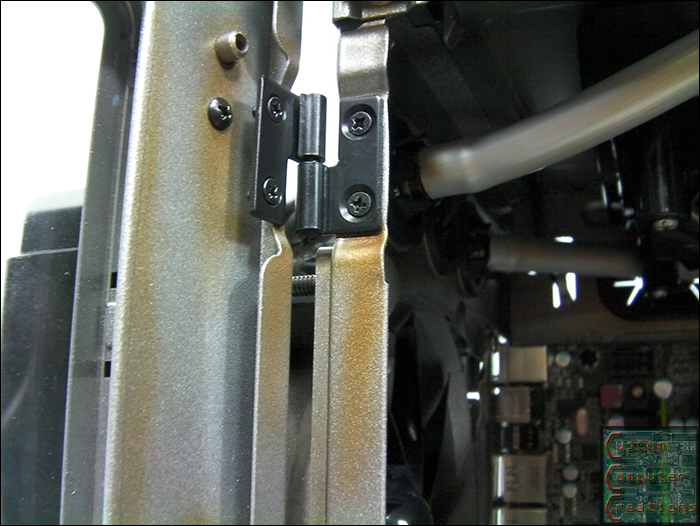
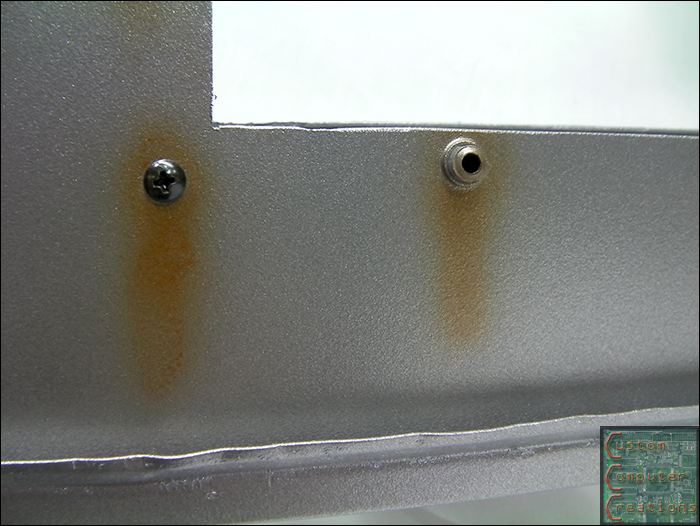
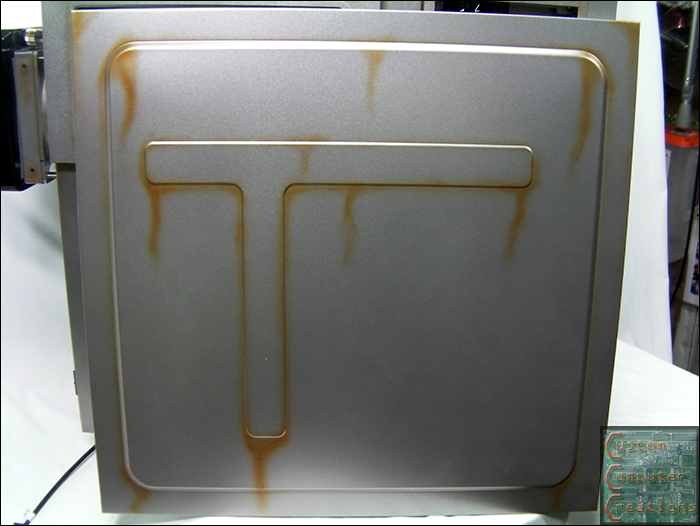
Got some airbrushing done :D Thanks again to Auto Air Colors for providing the paint!!

Still have more to do on the smaller bits. Enjoy :D

rust1.png


rust2.png


rust3.png


rust4.png


rust5.png


rust6.png


rust7.png


rust8.png


rust9.png


rust10.png


rust11.png


rust12.png
 
Was someone smoking cigarettes near your computer? :D

Honestly, I liked it better without the airbrushing, but I'll hold out my final judgement until everything is done. :)
 
Update time!!

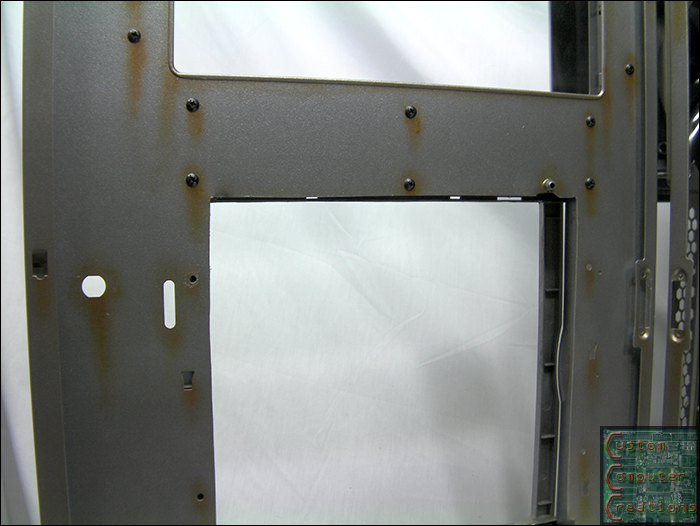
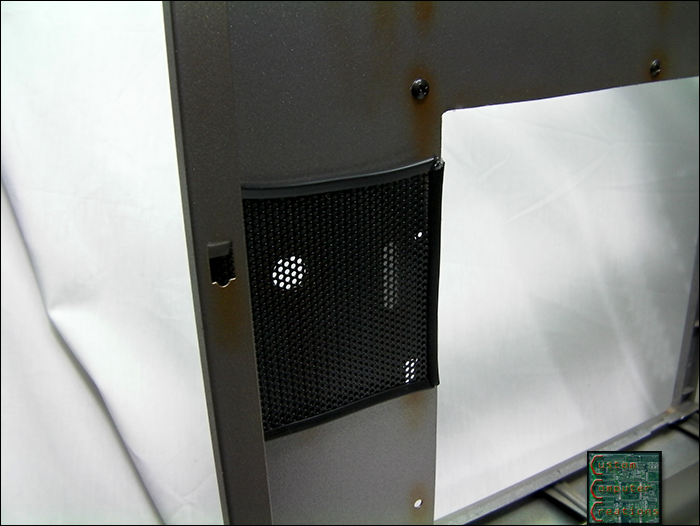
I cut a piece of mesh to cover the holes left in the side panel and put some trim on it to dress it up a bit then hot-glued it into place.

doorscreen.png


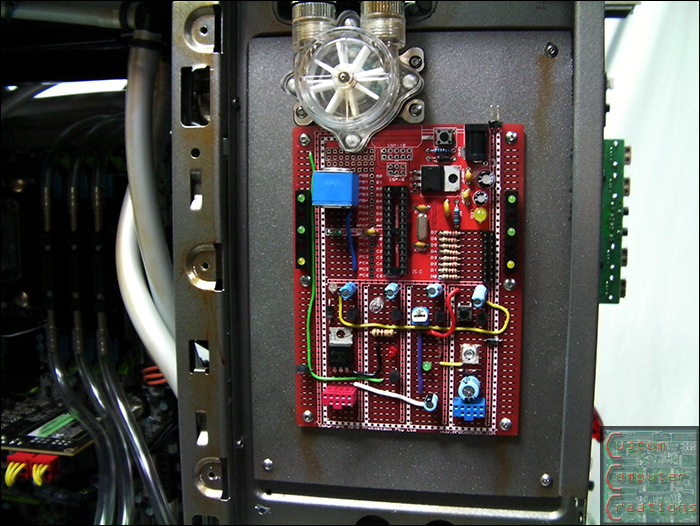
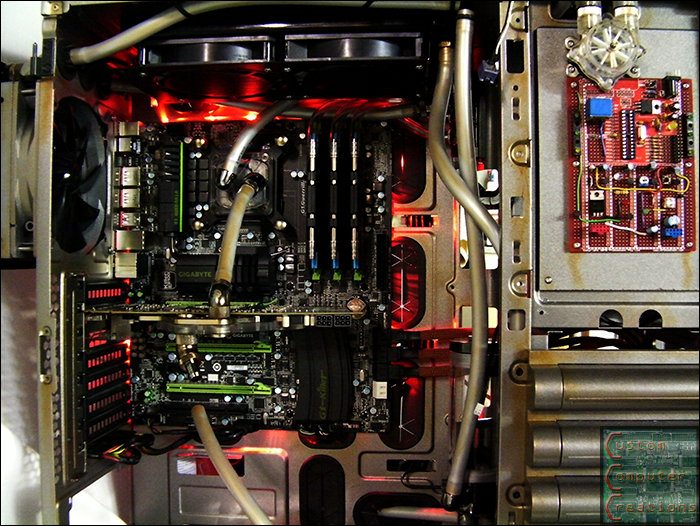
I also got a bunch of random parts soldered to the ProtoStack dev board to make it look more industrial-ish. All I need to do is wire up the LEDs that this board will be controlling.

lightboard.png


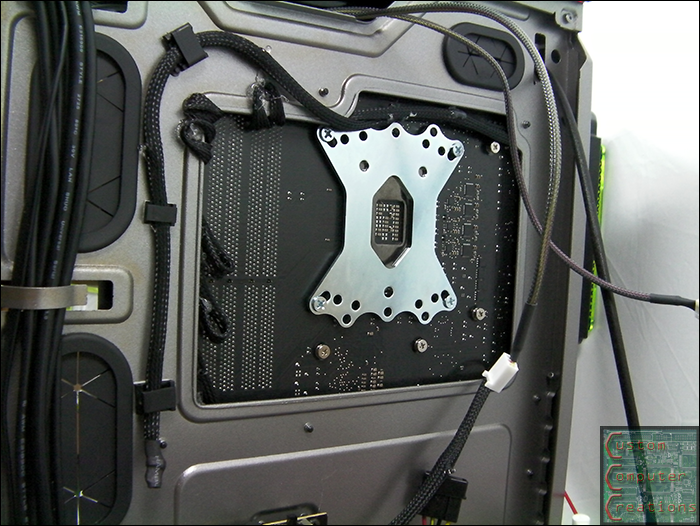
Thanks again to NZXT for sending me a 2M red LED strip!! I removed the module from it's PCI slot bracket and mounted it to a spare standoff hole on the backside of the motherboard.

ledstrip1.png


Then I removed the motherboard and hot-glued the LED strip to the case under it.
ledstrip2.png


Looks pretty sweet :D

ledstrip3.png


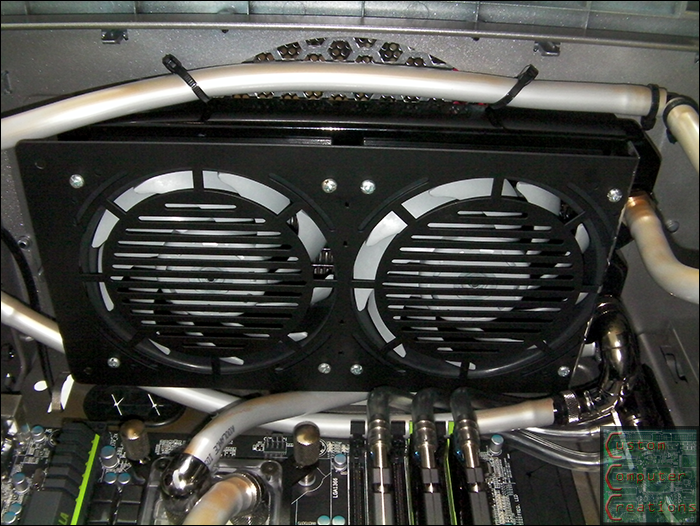
I also tested the fans and my fan controller and found that for some reason the Sentry 2 wouldn't even get the Turbine Master fans to even start spinning. :? If you tapped the blades by hand they'd spin right up, but not from a dead stop. So I replaced them with a pair of Gentle Typhoons and a sweet ACRyan radgrill

]
fans.png


I also got my Indigo Extreme TIM installed on the CPU

indigo.png


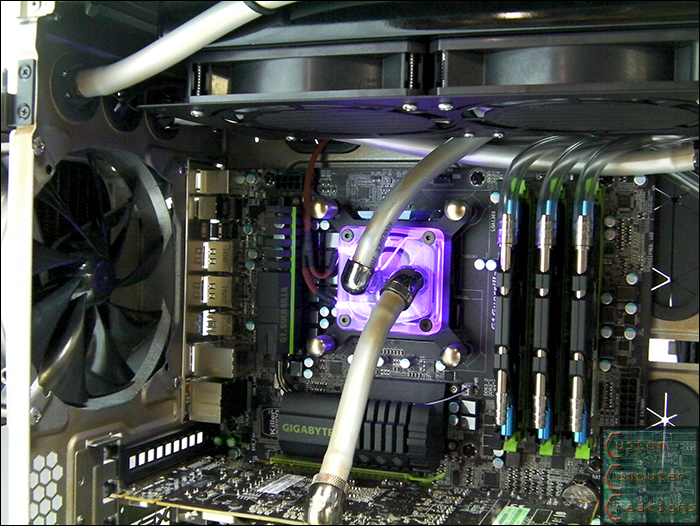
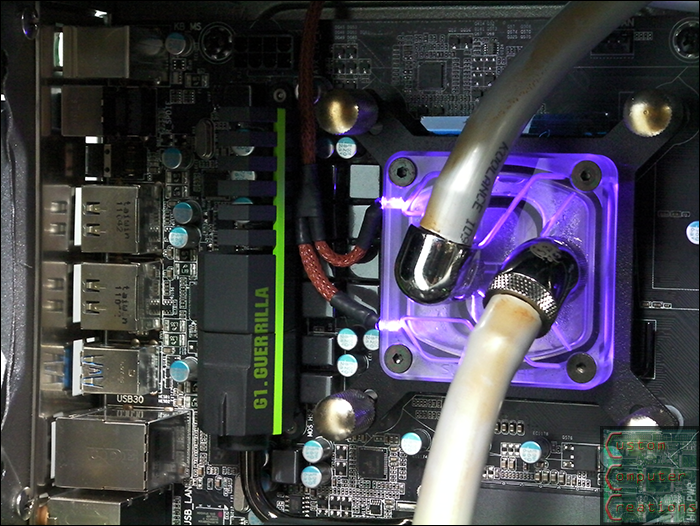
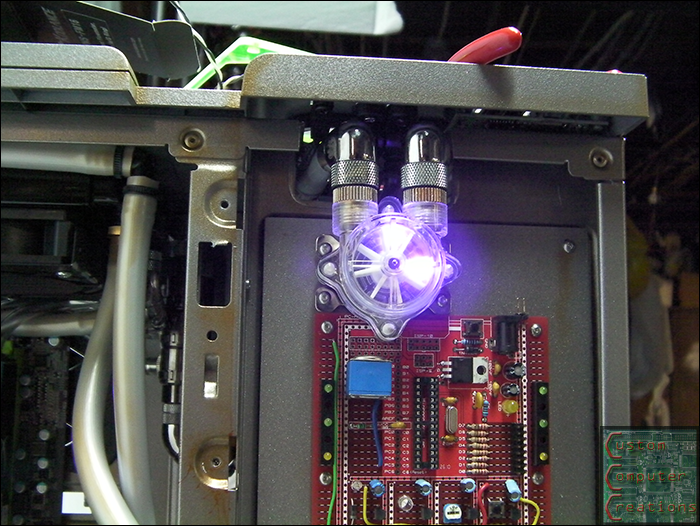
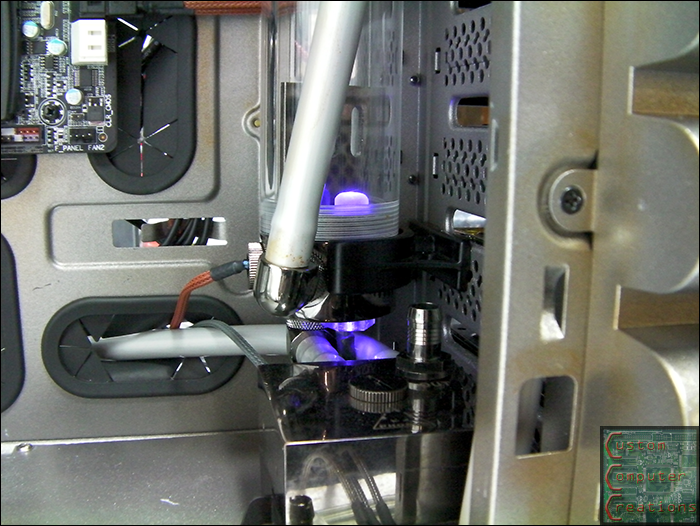
Next up I got all the UV LEDs sleeved. I started with the 2 3mm ones that go into the CPU block, then did the 5mm one in the res and also swapped out the 2 3mm blue ones in the flow meter with 2 3mm UV ones. The camera makes the UV look super bright, but with the coolant I'll be running it should look perfect. :D
cpuled1.png


cpuled2.png


cpuled3.png


flowled.png


resled.png


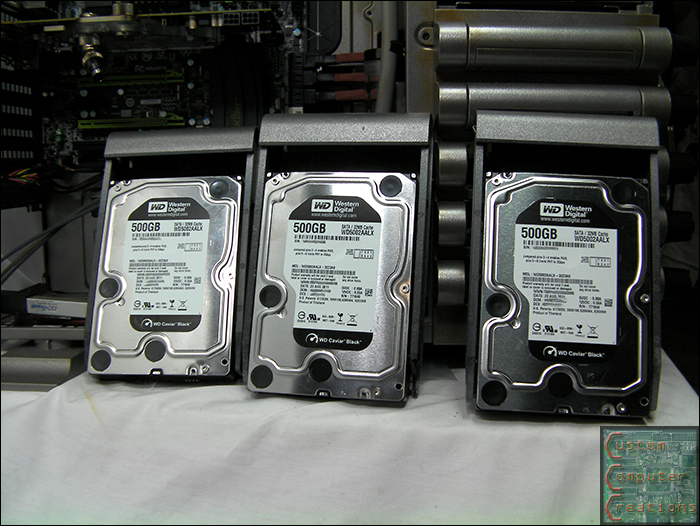
I also got 3 more WD Caviar Black 500GB drives to go with the one in my current rig. I plan to put the OS onto the 96GB SSD then do a RAID 1+0 with the 4 500GB drives.
hdds.png


I got the SATA cables sleeved with the copper sleeving from MDPC-X. I must say, their sleeve is THE BEST! Dirt cheap and looks great!

satac.png


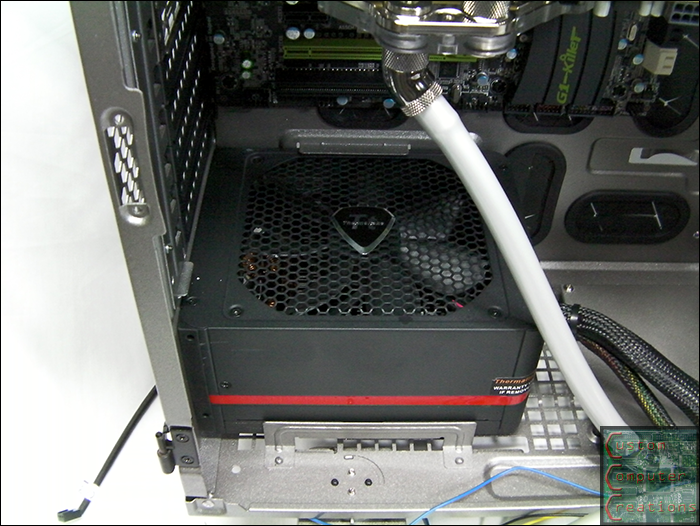
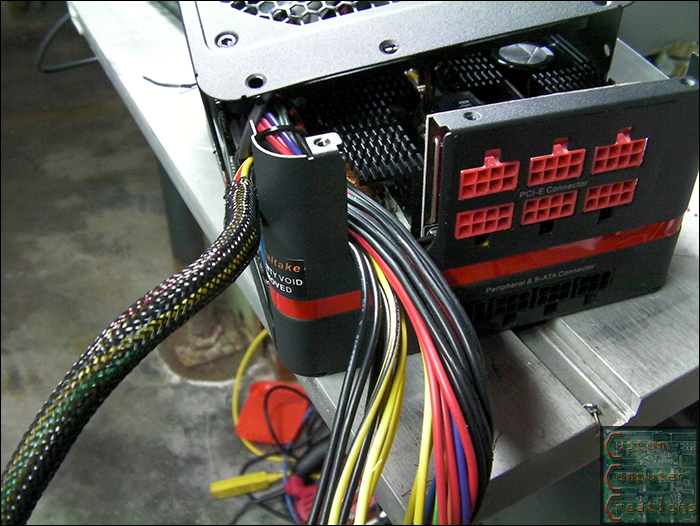
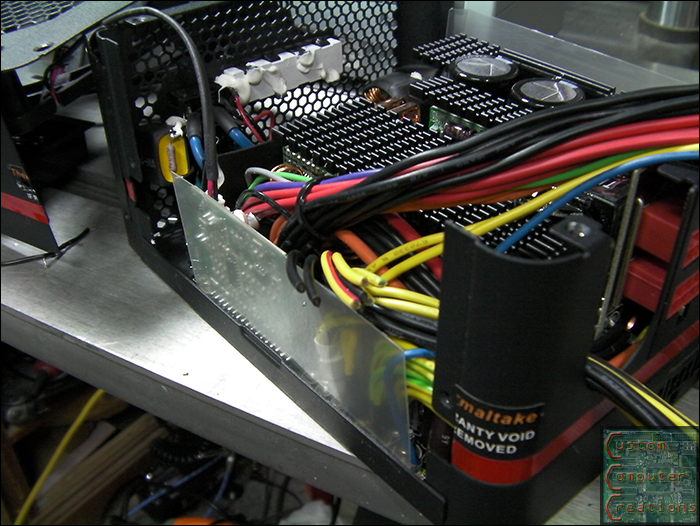
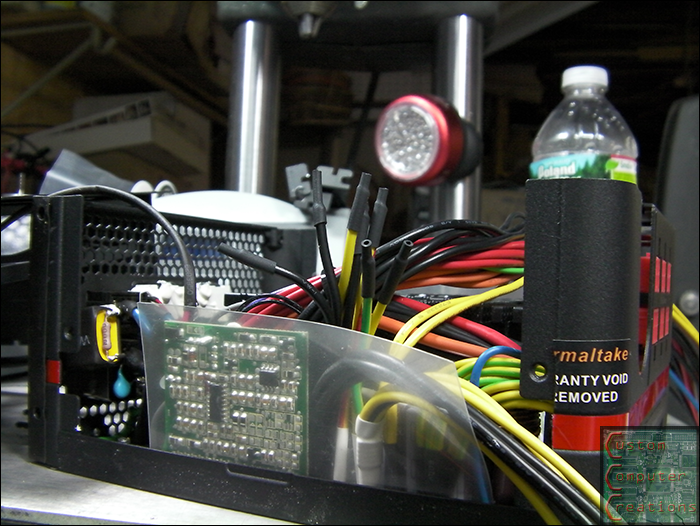
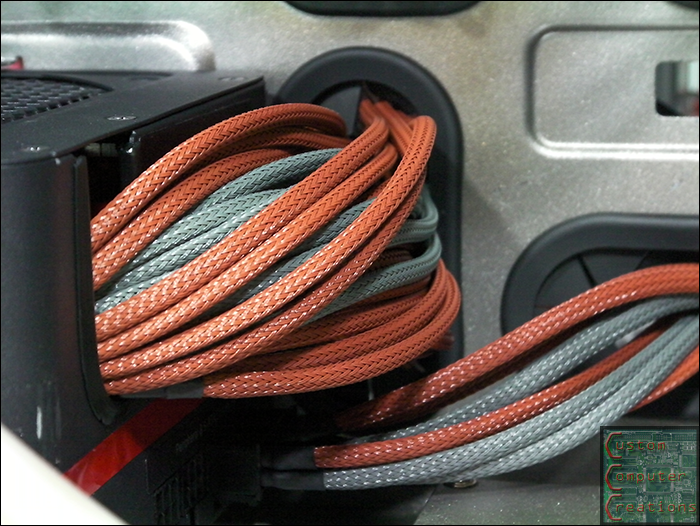
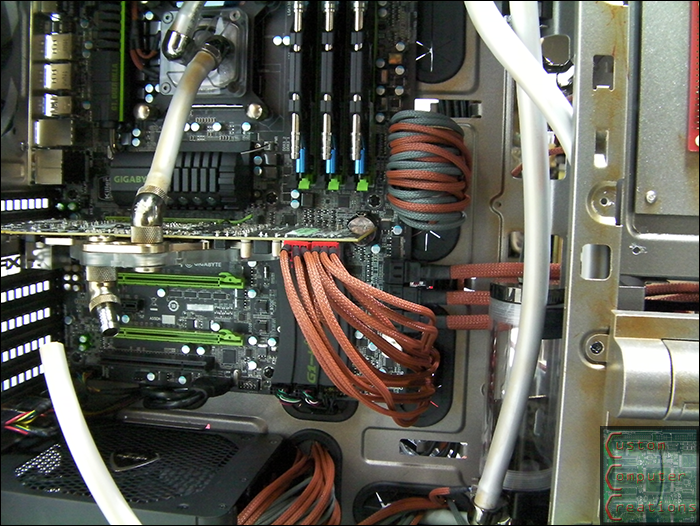
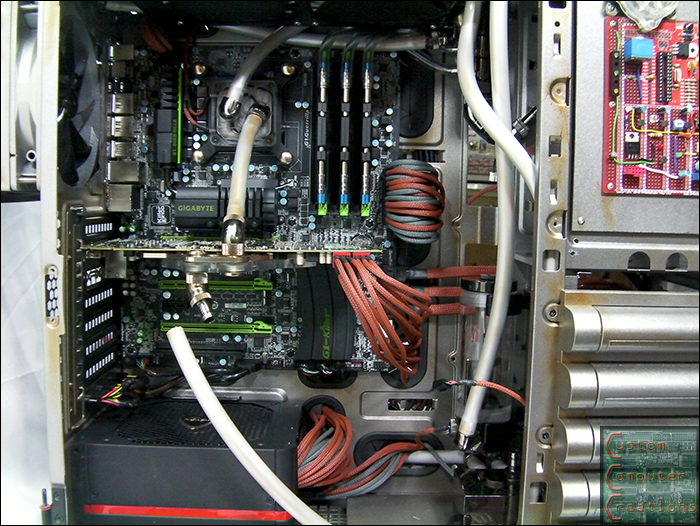
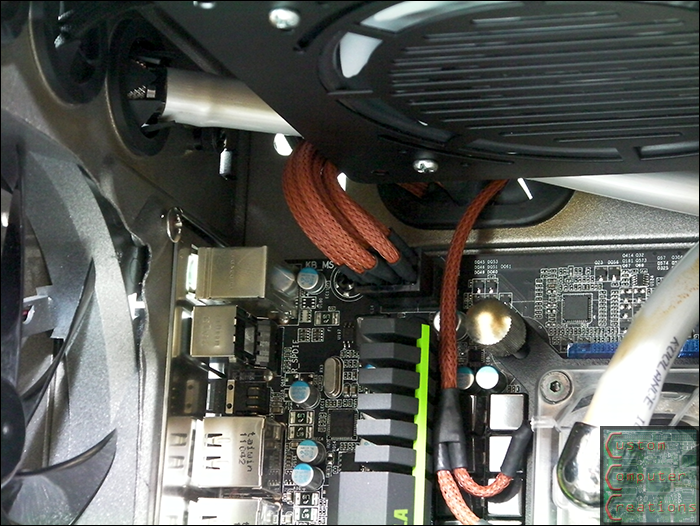
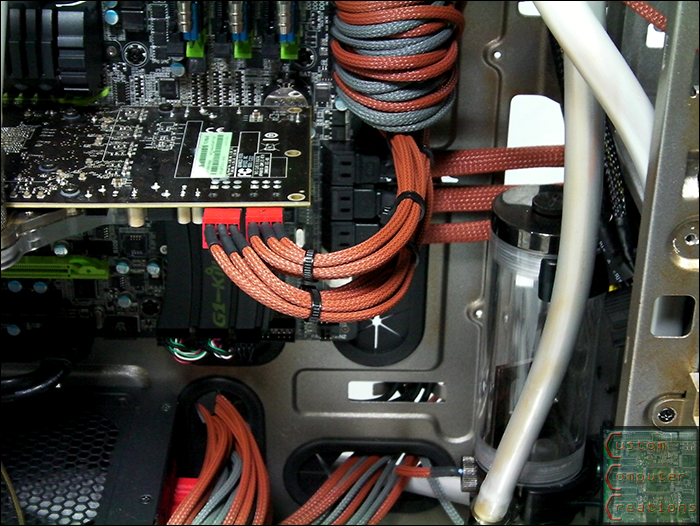
Speaking of sleeving, I did the PSU. I wasn't going to, but I had to. I did it with a mix of the copper brown and tungsten gray from MDPC-X. I did ALL the wires. I ended up cutting and extending the 8-pin CPU wires so they'd reach without needing the adapter that Tt included with the case. I also cut off the un-needed cables and heatshrunk the ends inside the PSU to keep things clean. Enjoy :D

psu1.png


psu2.png


psu3.png


cables3.png


cables4.png


cables1.png


cables2.png


That's all for now!
 
this art damage thing is compressed sex. please to be posting address so I can come molest your computer.
 
The sleeving looks awesome and really matches the case asthetic. Its a shame the rediculous gigabyte mobo looks a bit out of place. Asrock make some AWESOME sivler/gold themed boards that would match the case better, but it still looks awesome! keep it up!
 
the custom circuit boards are sick, and love the led black lighting on the mobo
 
The sleeving looks awesome and really matches the case asthetic. Its a shame the rediculous gigabyte mobo looks a bit out of place. Asrock make some AWESOME sivler/gold themed boards that would match the case better, but it still looks awesome! keep it up!

Thanks man! The coolant I'll be running will make the board fit a little better :D


WOW amazing job, when I look at it, I automatically think Fallout lol.

Thanks man :D


the custom circuit boards are sick, and love the led black lighting on the mobo

Thanks! I've ditched to custom board with the dual LCDs. I'll only be using one LCD now, but I'll save the details for my next update :D
 
If I attempted something like this the hardware would be obsolete by the time I finished it... Looking good, you do nice work.
 
I put some zip ties on the PCI-e cables to clean them up a bit

cables.png


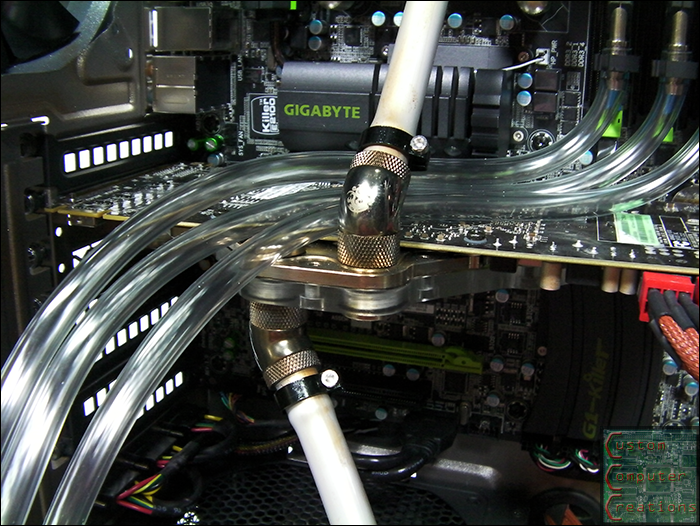
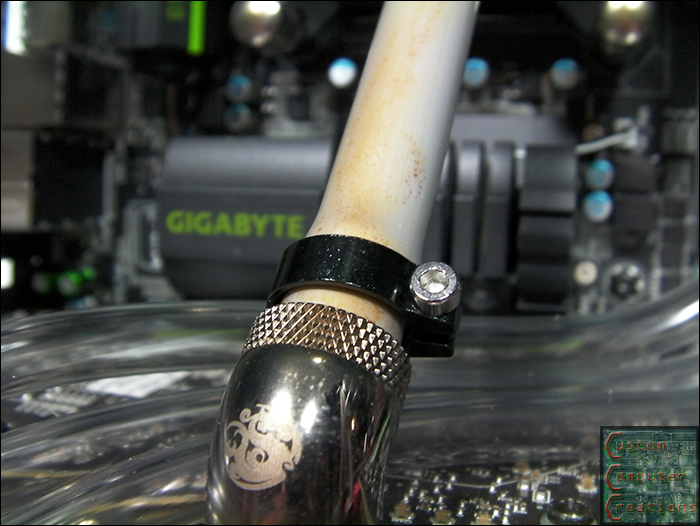
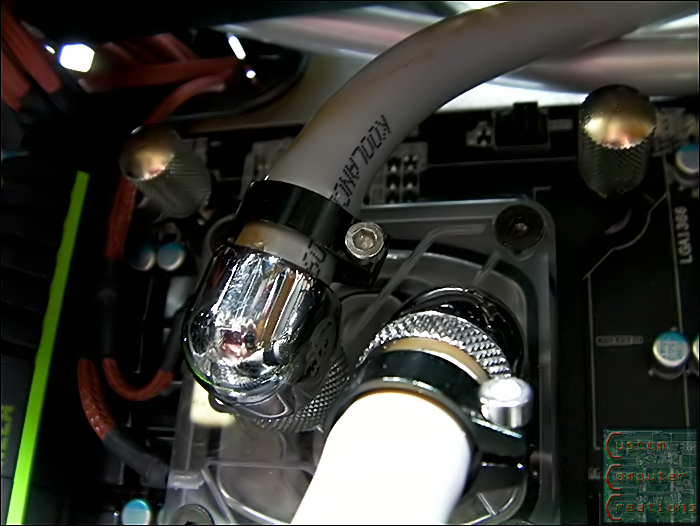
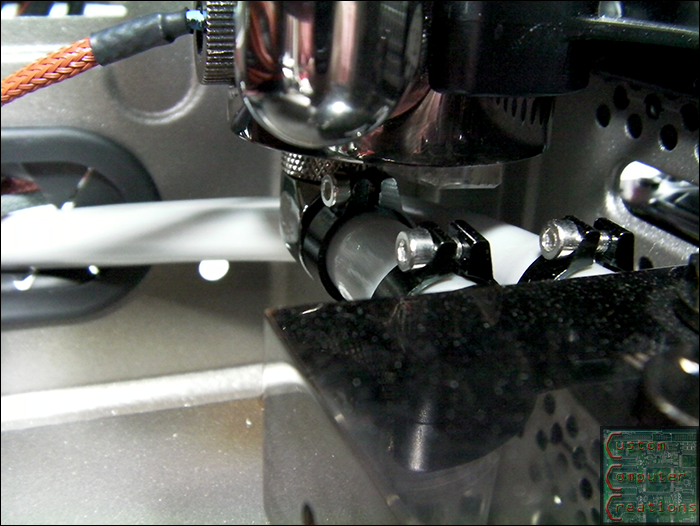
I also picked up these sweet aluminum hose clamps for all the 3/8" tubing. I wanted the same ones for the 1/4" but they were all out, so I got the standard plastic clamps

hoseclamps1.png


hoseclamps2.png


hoseclamps3.png


hoseclamps4.png


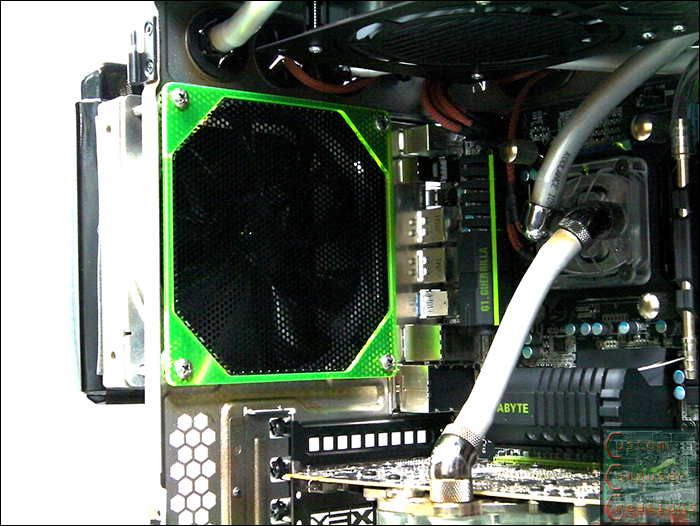
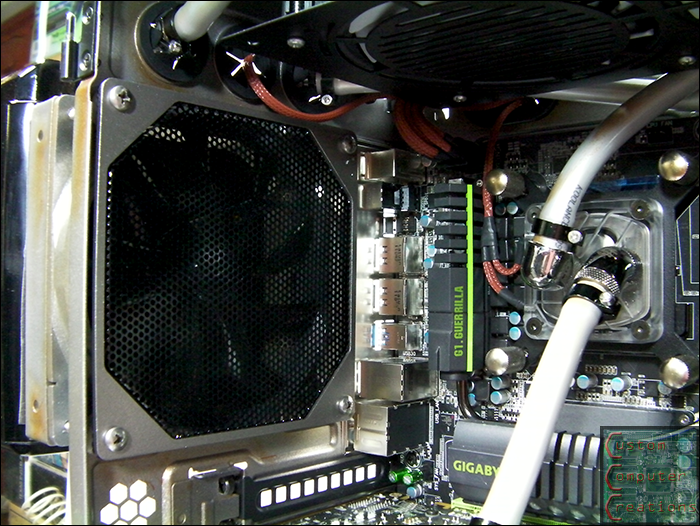
I picked up this Bitspower radgrill for the rear fan

radgrill1.png


But the green wasn't cutting it so I painted it to match the rest

radgrill2.png


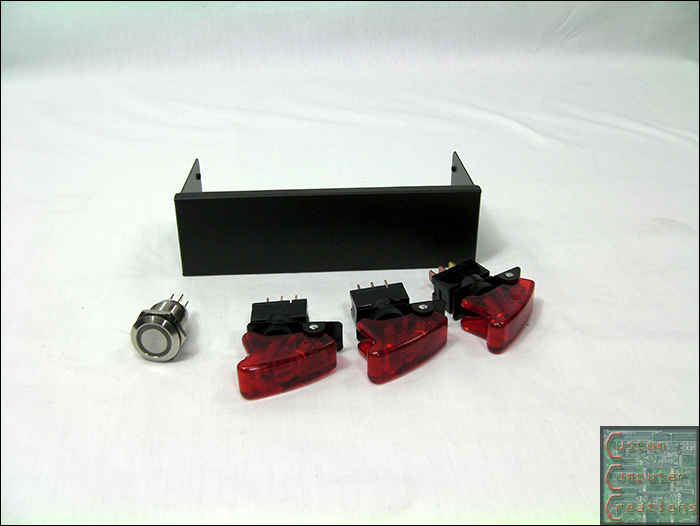
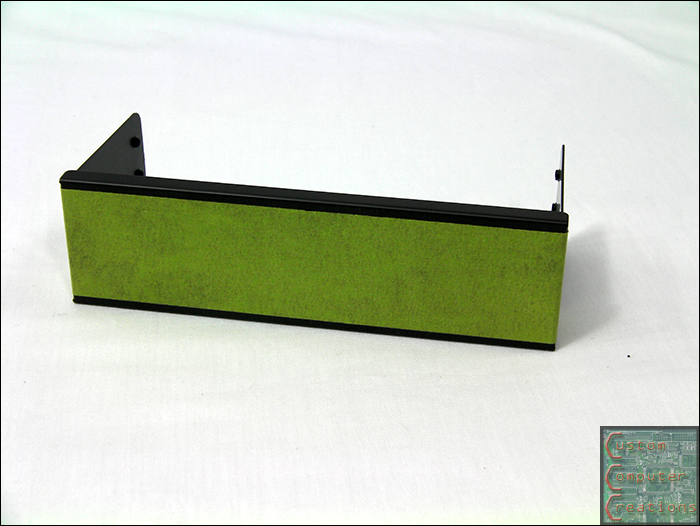
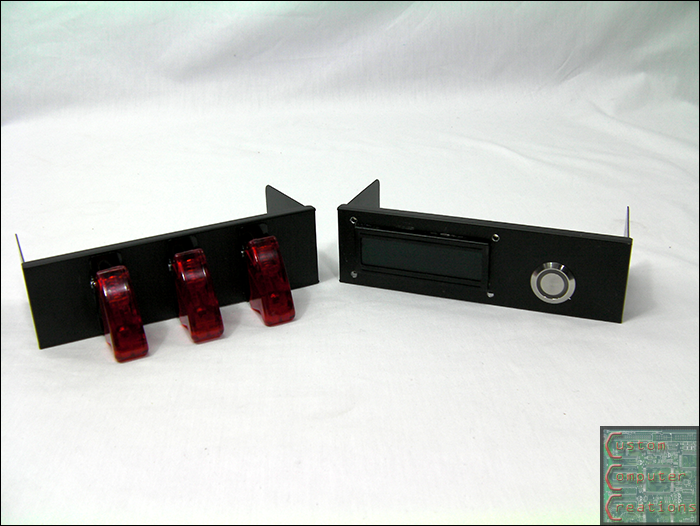
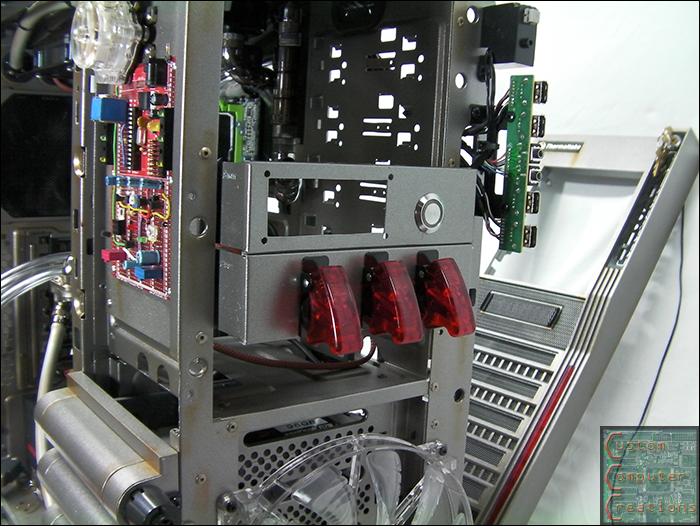
I also got a pair of Lian Li blank 5.25" drive covers and some military switches.

splate1.png


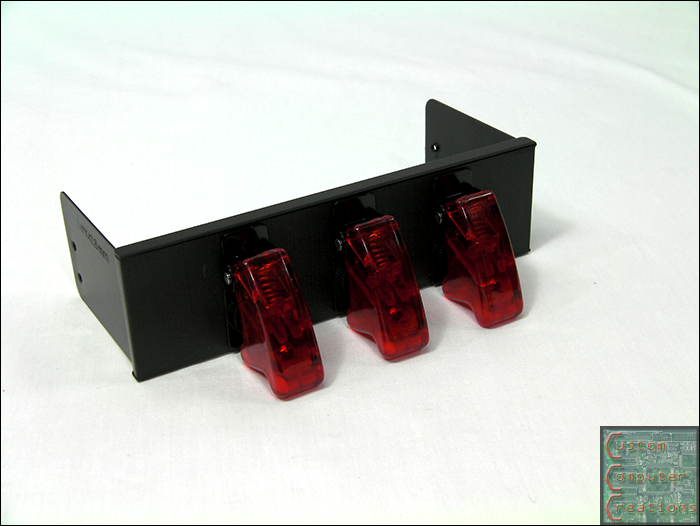
I taped, marked, drilled and mounted everything :D

splate2.png


splate3.png


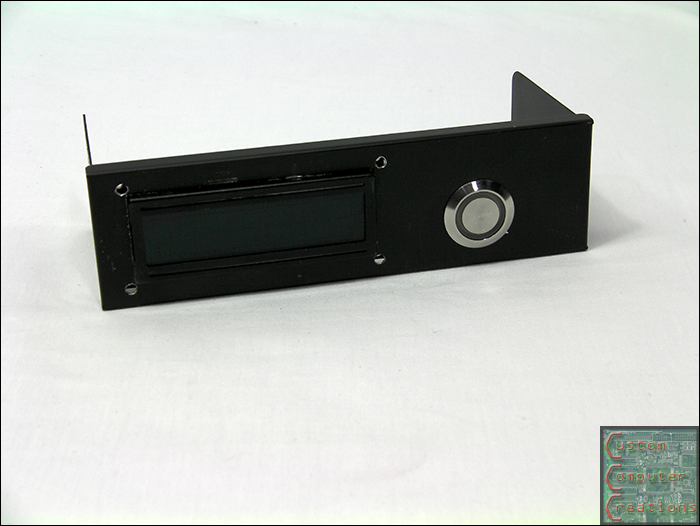
The other holds a 16x2 LCD and a Bulgin button.

splate4.png


splate5.png


I decided to go with a single LCD versus the 2 for simplicity's sake, and the fact that I only really needed one anyways. I also painted both panels to match as well.

splate6.png


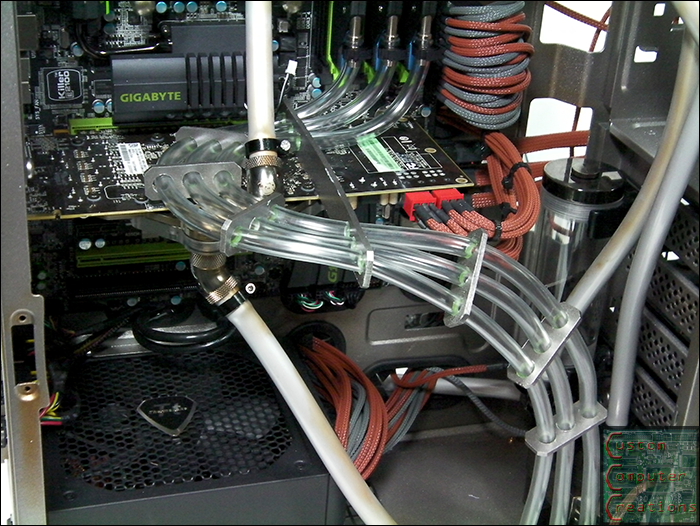
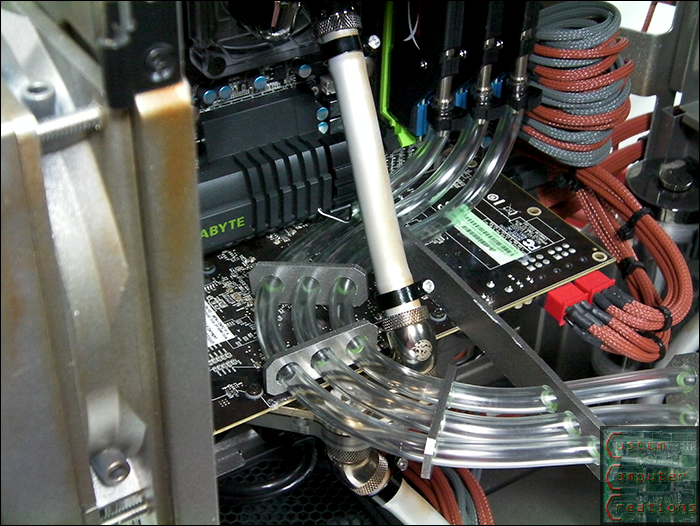
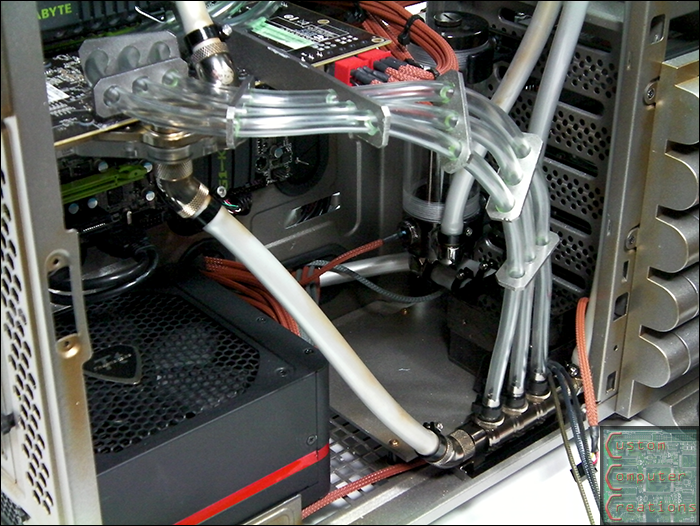
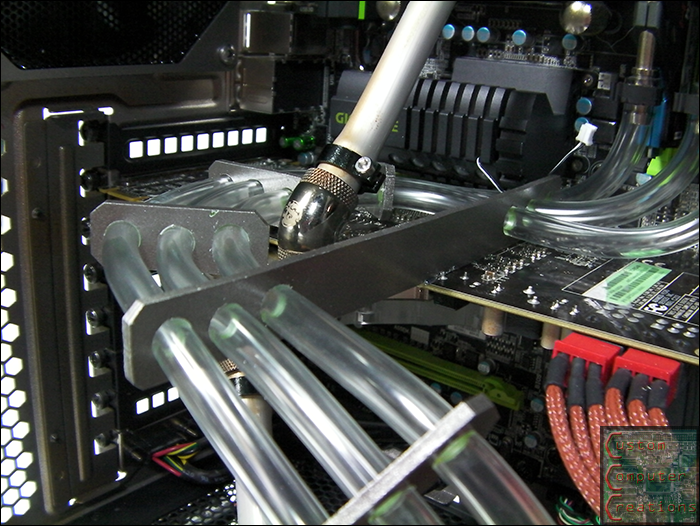
Now I figured I'd do something different with the 1/4" clear tubing for the RAM. I wanted them to do something rather than just be there. So I tried some different routing setups and settled on this one. I cut up some spare plexi I had laying around, sanded, drilled and painted, and here is the end result. This will look sick once the fluid is in there :D

tubing1.png


tubing2.png


tubing3.png


tubing4.png


That's all for now. I've been working a lot with the coding for everything lately. All that's left to do really is finish the switch wiring, finish the airbrushing and integrate the flow meter into the coding one the system is up and running!
 
Another update :D

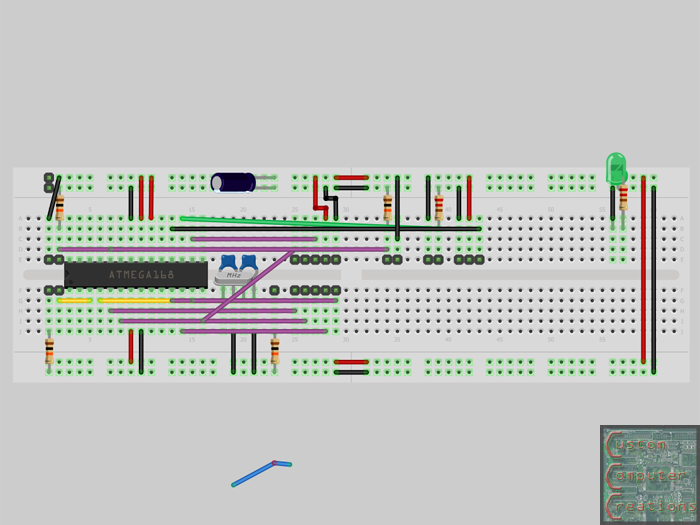
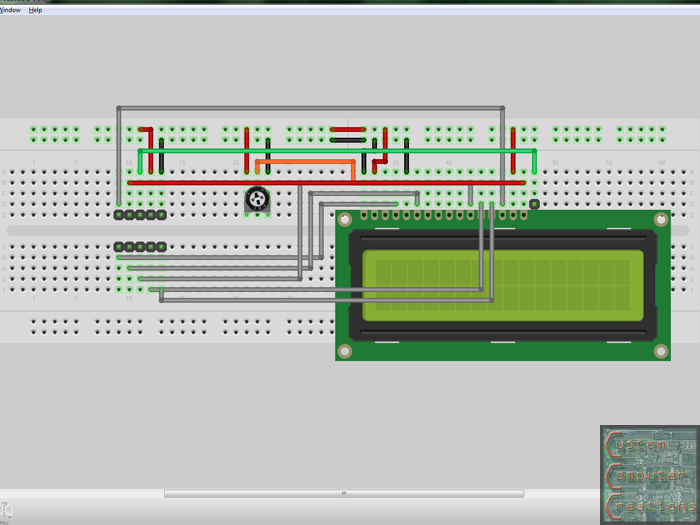
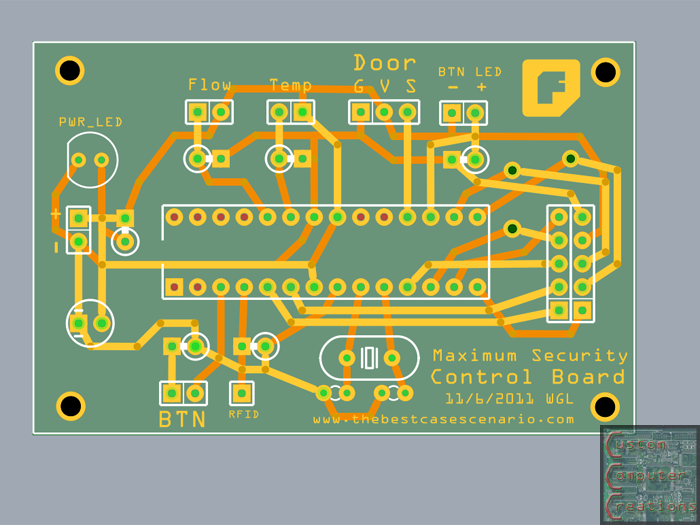
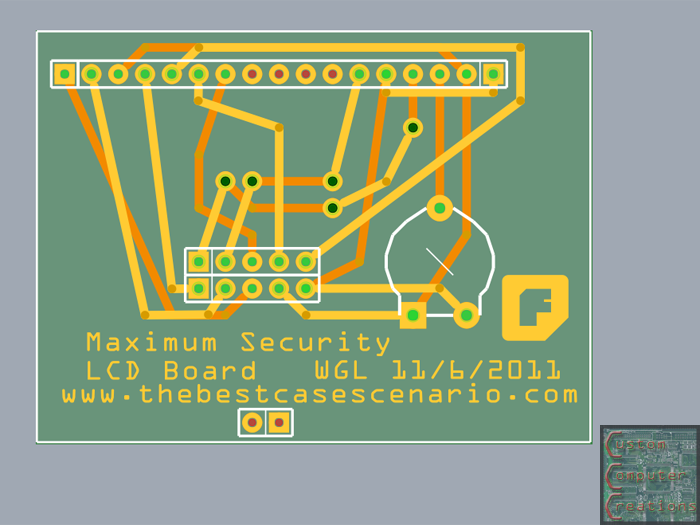
I designed, etched and assembled the 2 circuit boards I'll be needing now that I'm only using 1 LCD. One board will house the ATMega328 and all it's associated components as well as have all the I/O pins for the accessories. The second board will mount to the LCD directly and allow me to use a 2x5 ribbon cable instead of the breadboard-friendly layout as the LCDs come.

I used Fritzing to create the layouts and the PCBs.

I started off by laying out everything in the breadboard view.

ftz_bb.png


ftz_lcd_bb.png


I used that to create the PCB layouts as seen here. From the breadboard point to the ready-to-print PCB point was about 2 hours. This consisted of moving parts around the boards to get the best possible layout.

ftz_pcb.png


ftz_lcd_pcb.png


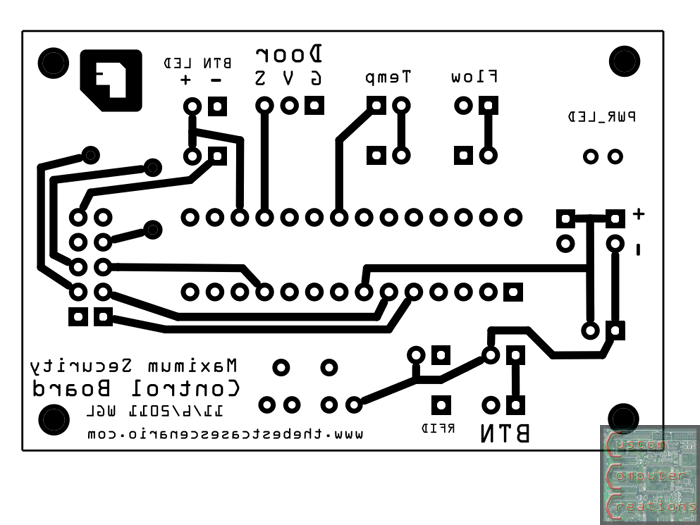
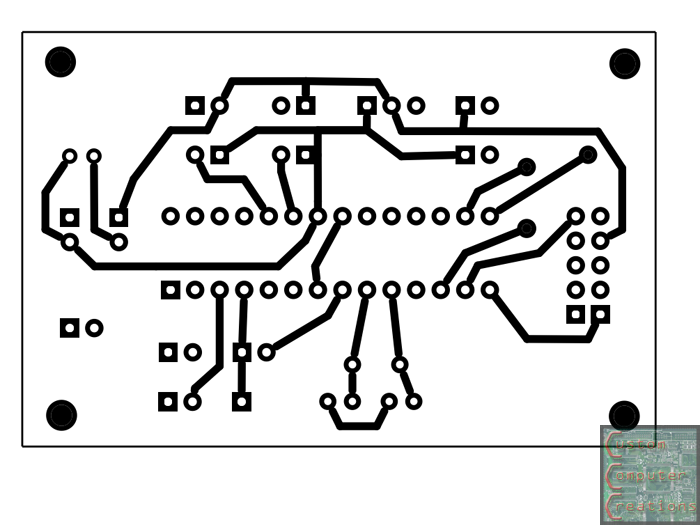
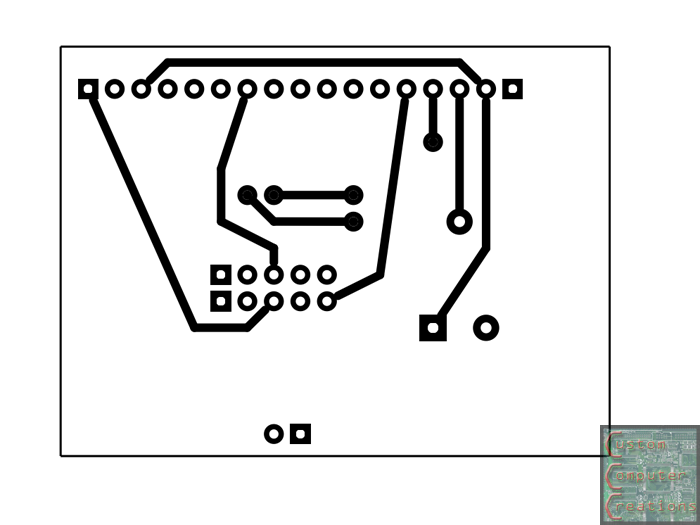
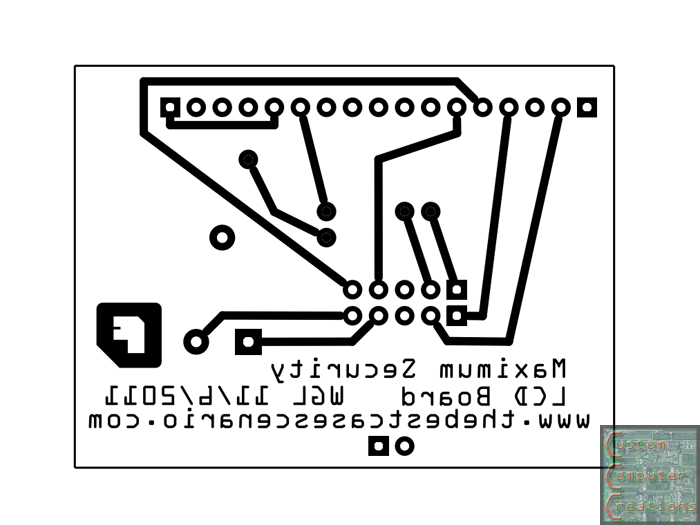
Next I created etchable .pdf's (done with Fritzing) so I can print out the boards. You'll notice one side is mirrored. This is because when you transfer the image it'll come out oriented correctly.

etch_top.png


etch_bottom.png


lcd_etch_bottom.png


lcd_etch_top.png


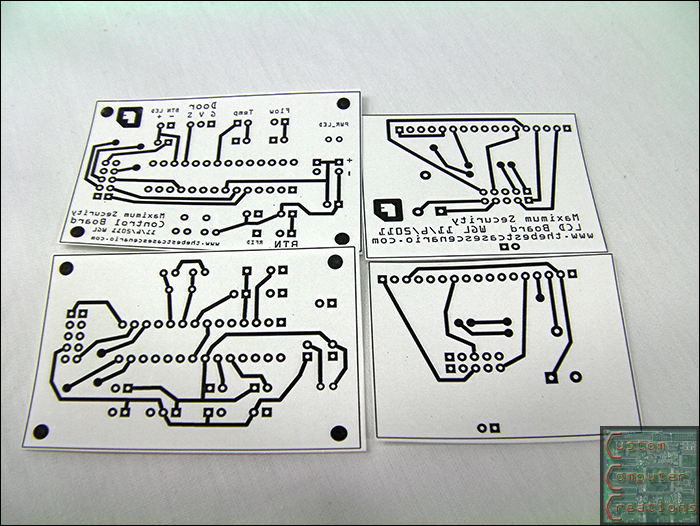
Here the boards are printed out and cut out. They are printed with a laser printer onto inkjet photo paper. The reason for this is that the toner, which is plastic, will not adhere to the inkjet photo paper. This will allow it to be transferred to the copper clad with an iron.

pcbs1.png


Here are the top sides all transferred.

pcbs2.png


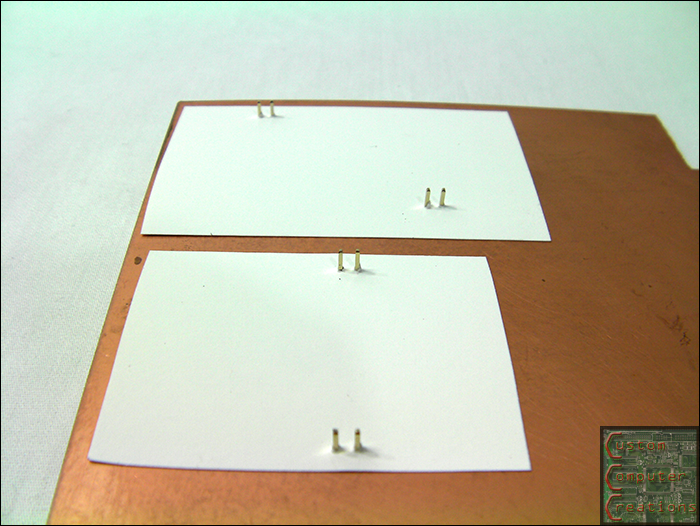
Here I've drilled a set of holes and inserted pins through them. I use these pins to line up the back side traces for transferring.

pcbs3.png


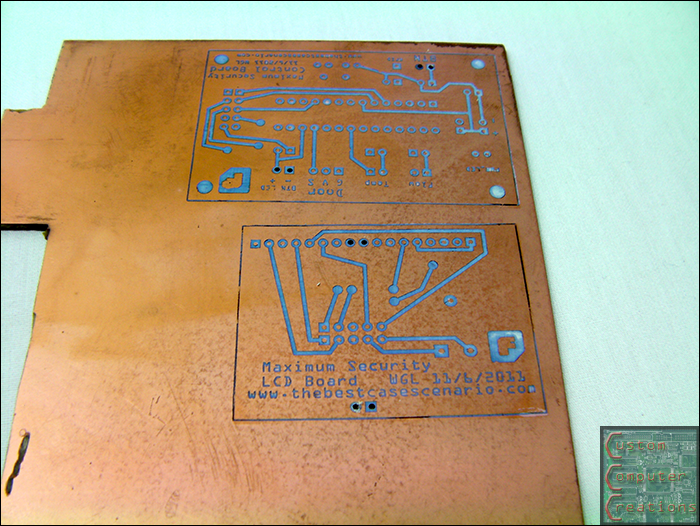
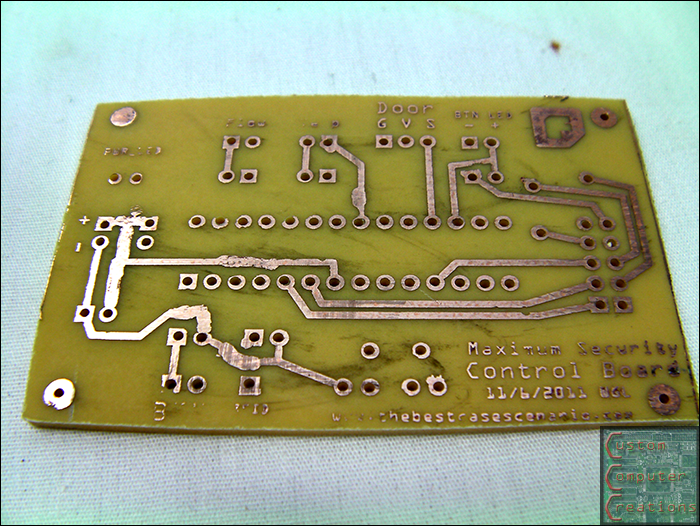
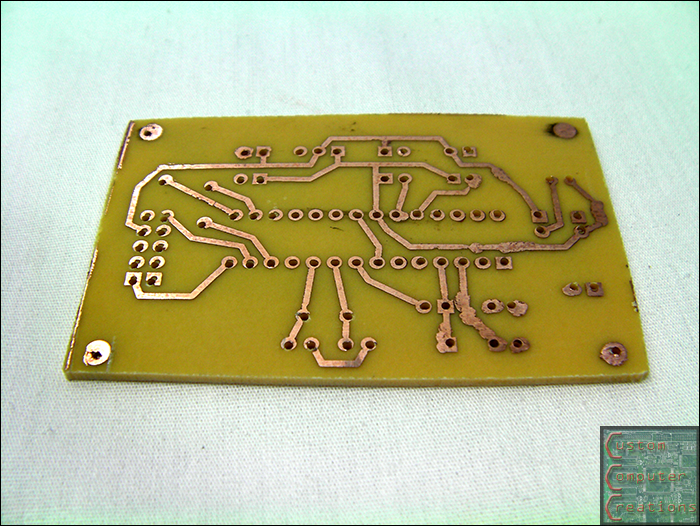
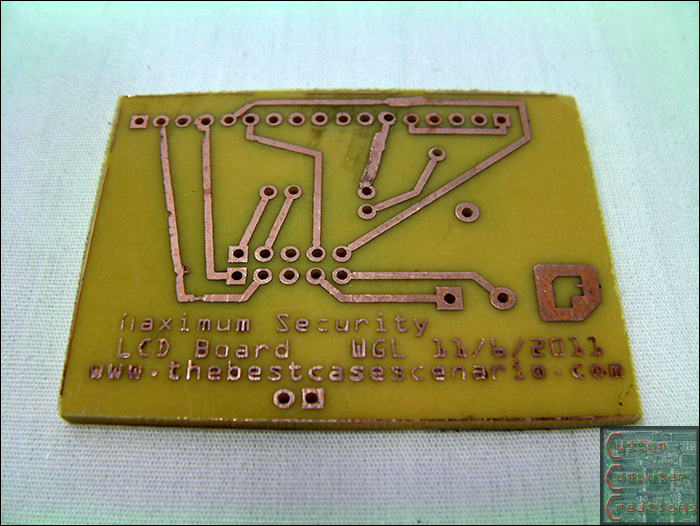
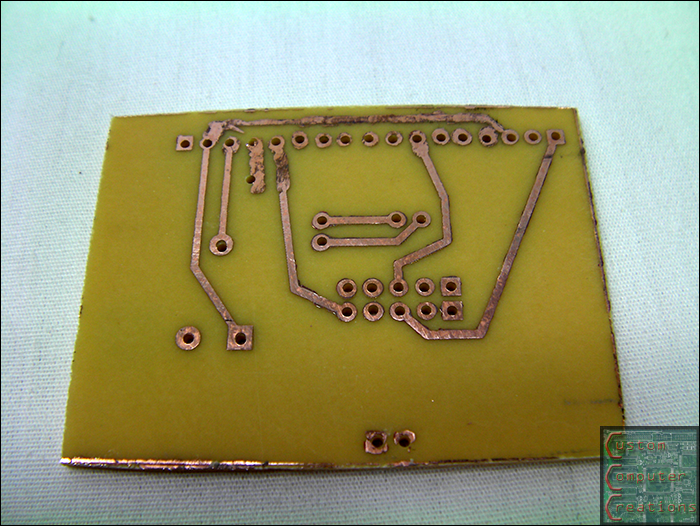
Fast forward a few steps and you've got a pair of freshly-etched and drilled boards ready for assembly! The blobby-ness on the traces is from a sharpie. If you get mostly good transfer but have a few little patches where it didn't stick you simply use a sharpie to draw it in. It works as an etch resist almost as good as the toner itself.

pcbs4.png


pcbs5.png


pcbs6.png


pcbs7.png


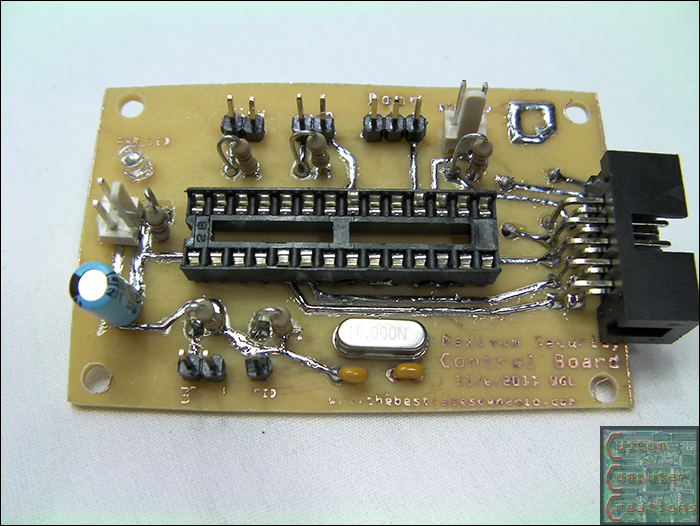
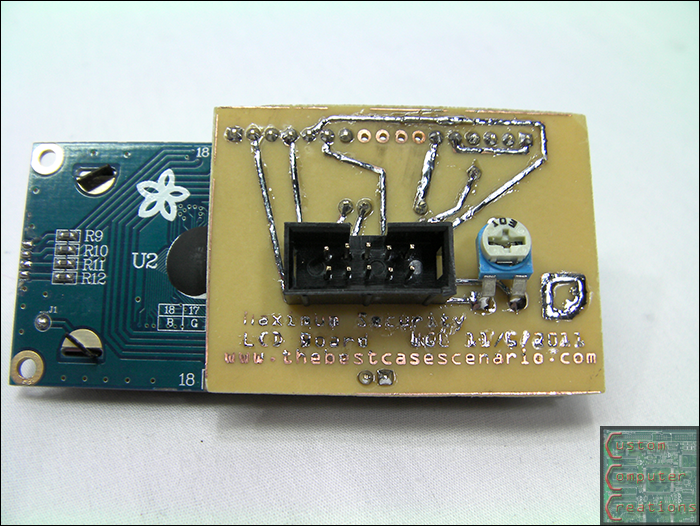
And here we have the pair of completed boards. I still need to test these to make sure they're working 100%

pcbs8.png


pcbs9.png


That's all for now!
 
Back
Top