• Some users have recently had their accounts hijacked. It seems that the now defunct EVGA forums might have compromised your password there and seems many are using the same PW here. We would suggest you UPDATE YOUR PASSWORD and TURN ON 2FA for your account here to further secure it. None of the compromised accounts had 2FA turned on.
    Once you have enabled 2FA, your account will be updated soon to show a badge, letting other members know that you use 2FA to protect your account. This should be beneficial for everyone that uses FSFT.

is my new OLED broken?

DF-1

2[H]4U
Joined
Jun 17, 2011
Messages
2,888
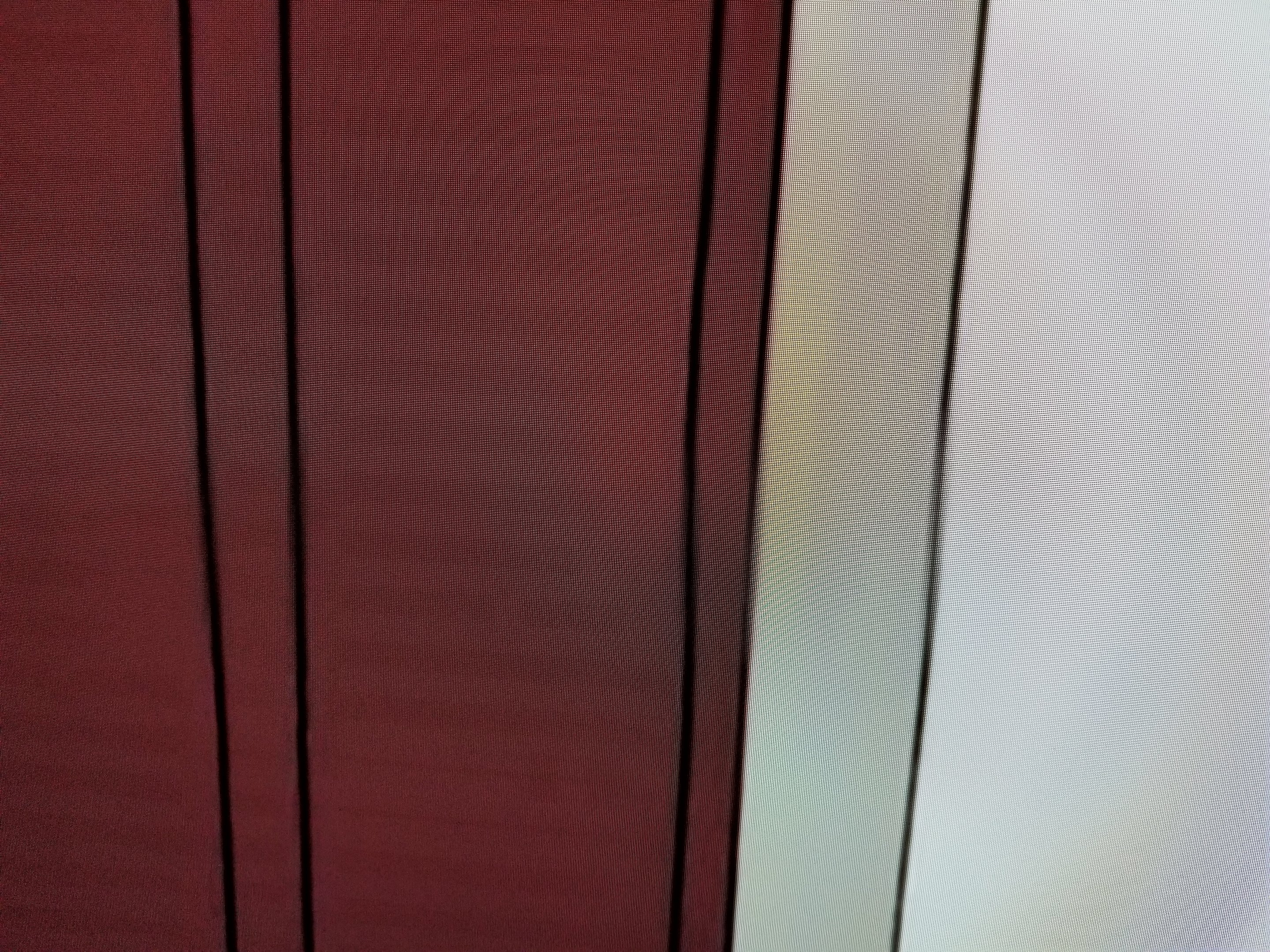
I got a new 4k OLED 65B7A TV a week ago and in some instances I see some weird stuff on my TV, horizontal thick lines where one is bright and the other is darker. It's very hard to take a picture of, but you can see it in the first one where its supposed to be a solid red/brown, but has these horizontal lines.

In the 2nd picture its even harder to see, but it's still there.


20180208_211021.jpg
20180208_211035.jpg
 
Do you have the source image that was displaying on the TV?
And have you tried changing the picture settings to see if it looks different?
 
4k source? looks like banding from some sort of image processing too.
 
4k source? looks like banding from some sort of image processing too.

Do you have the source image that was displaying on the TV?
And have you tried changing the picture settings to see if it looks different?

both places i saw it, it wasnt a 4k source, one TV box, one PS4 non Pro. The two images above were captured on live TV.

there are so many picture settings its a little overwhelming, but it seems to do it in all of them. PS4 was in game mode with HDR, TV was just the standard out of box settings.

i *THINK* that it didnt happen in the limited (<1 hr) time i used it with my PC @ 4k.
 
its probably from an upscaling setting in the tv. you can turn everything off and then back one at a time to see which is causing it. but my bet is the upscaling.
 
Yeah looks like some sort of image processing to me too. I use game mode for everything because I don't like the way the processing makes stuff look.
 
Yea, on my 4k tv, i disable all the shitty processing as it causes more problems than its worth, judder, etc.

Reset tv, go into the menu and disable all the processing features and eco options too, that was the only way I could relax with my tv, with stuff turned on it made things worse.

Also, not sure if this relates to your tv, but on mine, i can set the hdmi ports for specific things, one of the options is pc mode which gives me better refresh rate and much smoother picture, but I can only do that for hdmi port 1, the rest of the ports support everything else except that pc mode.

Once I set it, turned off the crappy processing features, I started to actually really enjoy it.

However, if you do turn everything off and still get the problem then I would say it was a screenfault.

Never saw what you are seeing on my tv.

My buddy has same tv as me, he uses game mode, but daaaamn. No way could i live watching tv in game mode, its ultra bright and in my opinion nowhere near as good as pc mode or similar on our hdmi port 1.
 
Yeah looks like some sort of image processing to me too. I use game mode for everything because I don't like the way the processing makes stuff look.
what he said :)

but i saw it in game mode on the PS4.

i also haven't seen an option to disable upscaling in the menu or google.

i spoke with LG and they said it might be "banding" and if i see it on all inputs, including TV apps like NetFlix, then it is the TV and should be returned.

I really don't want to deal with returning this huge TV and having to stay at home to get it picked up and delivered another one, i think i'm just going to live with it, it seems mostly fine.
 
Back
Top