
- Joined
- Aug 29, 2005
- Messages
- 5,333
Thought I would start a thread for those who have gotten their Pros or those who are about to. I'm on way now to pick one up.
Lets here your thoughts!
Lets here your thoughts!

Follow along with the video below to see how to install our site as a web app on your home screen.
Note: This feature may not be available in some browsers.
How much bigger is it in practical terms? For example, I have a bag that fits the iPad 2. The Pro is bigger for sure, but also has narrower bezels....would it maybe fit in an older iPad pocket?


 . That's been the general feel so far, is that nothing feels cramped on a tablet anymore.

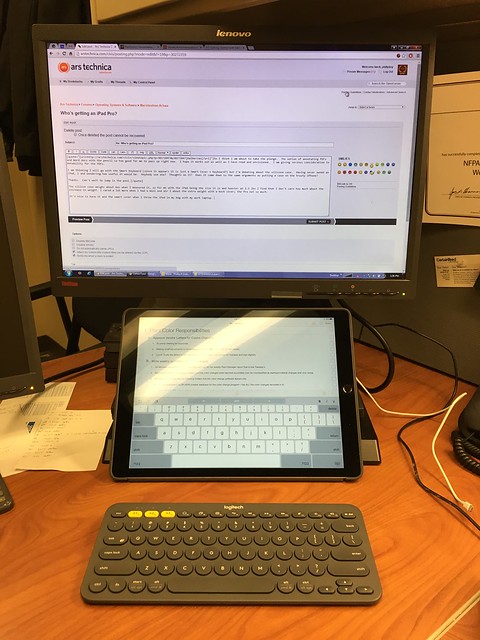
A couple of the VNC clients I used have a "trackpad" mode, which turns the whole display into a trackpad for your remote desktop. It's a lot more accurate than trying to hunt and peck the mouse cursor with taps. It's not seamless to the point of feeling a little awkward, but it's very usable.How are you getting by with the lack of mouse support with the iPad Pro and VNC? What I would like to do is use RDP to my main computer at home if I really needed to do something "heavy" but I haven't done that yet. Citrix has a solution, but that looks like it would lock me into a subscription for something I might not need that often.
Split-screen is nice as well and doesn't feel cramped like when I had an SP3.
You just need to reset it, not return it. Press and hold the power button for a long time. You might need to also hold down the home button at the same time.