• Some users have recently had their accounts hijacked. It seems that the now defunct EVGA forums might have compromised your password there and seems many are using the same PW here. We would suggest you UPDATE YOUR PASSWORD and TURN ON 2FA for your account here to further secure it. None of the compromised accounts had 2FA turned on.
    Once you have enabled 2FA, your account will be updated soon to show a badge, letting other members know that you use 2FA to protect your account. This should be beneficial for everyone that uses FSFT.

Infrared photography

SilverMK3

[H]ard|Gawd
Joined
Dec 15, 2002
Messages
1,346
Hey
I finally got my Hoya R72 Infrared filter in the mail today. I didn't have much time to play with it as I got home late and the sun was setting, but here are some snapshots of my back yard:
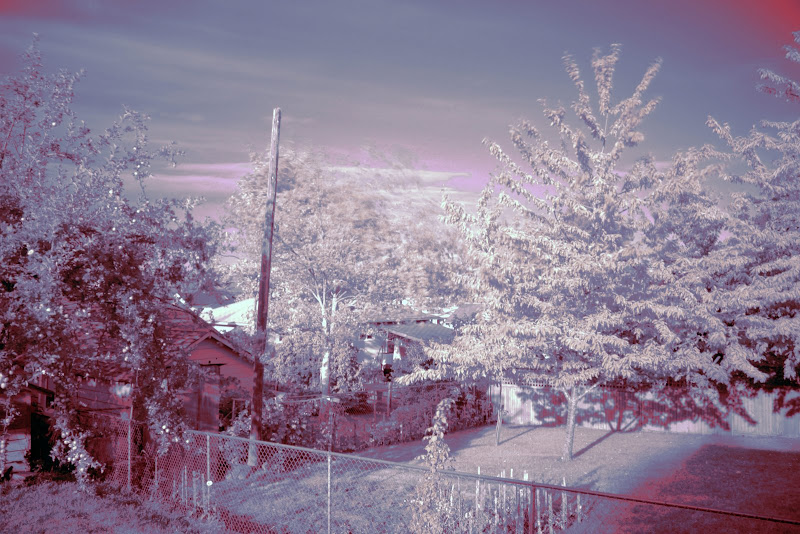


It is very difficult to focus with the filter in place as you can't see anything with it on. The two shots above were both 30 second exposures (the most my camera will do) and I was only able to vaguely set the focus via live-view.

As the light was running out I figured out that I could do much shorter shutterspeeds (under a second) by using the A-Dep mode rather than Tv but I'm not really sure why yet... :confused:

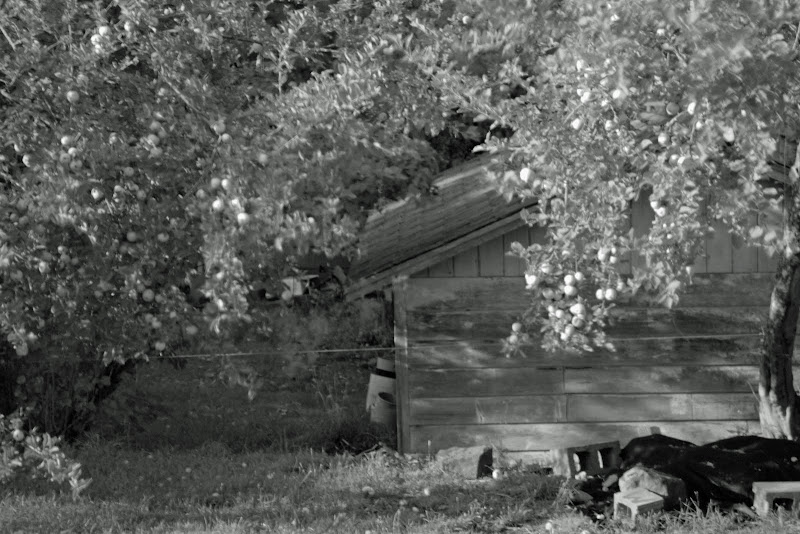
The color effects were done by swapping some of the red with blue in photoshop. The second one just a straight b&w conversion.

Has anyone else played with IR photography? Any tips?
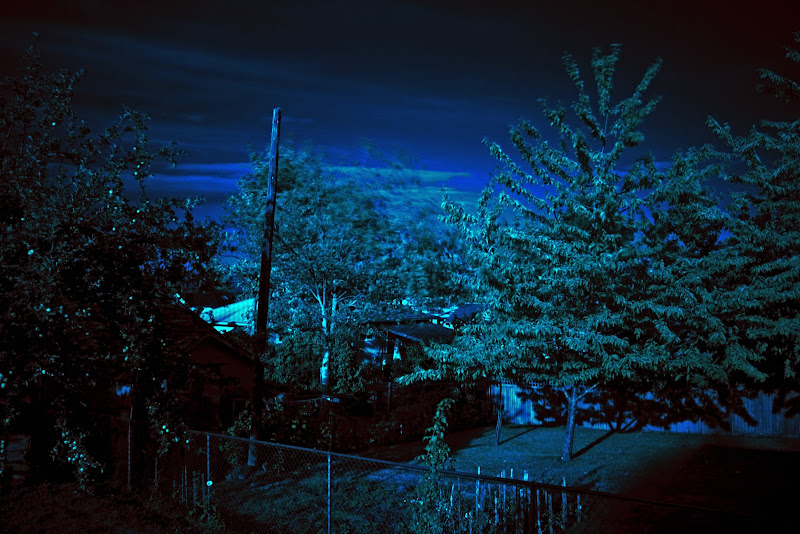
 
Here's another edit of the first shot. I tried to recover as much of the information as possible, rather than just doing a straight color swap.

The apples & flowers stand out a lot more in this one. As do the few leaves that stayed put long enough to reflect the sun:

 
Nice shots! I love IR photos!

I got a Hoya R72 recently as well, but haven't had a chance to play with it much - the few I took didn't turn out nearly this well. My understanding of the best way to get the camera to focus is to use a relatively wide lens (where the infinity focus is just past a few feet; makes it easier) then set the focus just a hare shy of infinity. The shots I took had fairly crisp focus, but I was having some serious white-balance issues that I considered unacceptable. Best I could do on color balance on my first try, everything ended up with this weird yellow-orange cast, but I did eventually end up with the full value range of both blacks and whites in the shot... need to start working with the filter sometime soon.

The next time I upgrade my camera body, I am definately planning on having my D90 converted to IR-only. There are companies that will take out the IR-reduction filter from inside the camera and replace with something similar to the R72, so exposures are more of a normal shutter speed, enabling shots of moving subjects etc. IR photo looks amazing for weddings.
 
Thanks! I tried to get some more yesterday afternoon but the weather turned crappy and I'm really not getting the white foliage effect without bright sunlight :(

I did manage to get a good system for focusing though. Using Live-View in A-Dep with the sun behind you there's usually just enough contrast to use the zoom feature for setting fine focus manually (AF is useless with the filter on). Also, in this mode, I can keep the shutter speeds at ~1/25" or less. I seemed to get good results with the white balance set to "Cloudy".

I know what you mean about getting a dedicated camera. I'm almost tempted to find an old XT or XS body on Craigslist and get it converted.

I'd never thought of using the IR filter for weddings. I guess a white dress would reflect a lot of IR light. It'd definitely be interesting!
 
Close down your aperture more and focus at the "hyperfocal" distance, and leave it that way (for the more far off shots like #1)
 
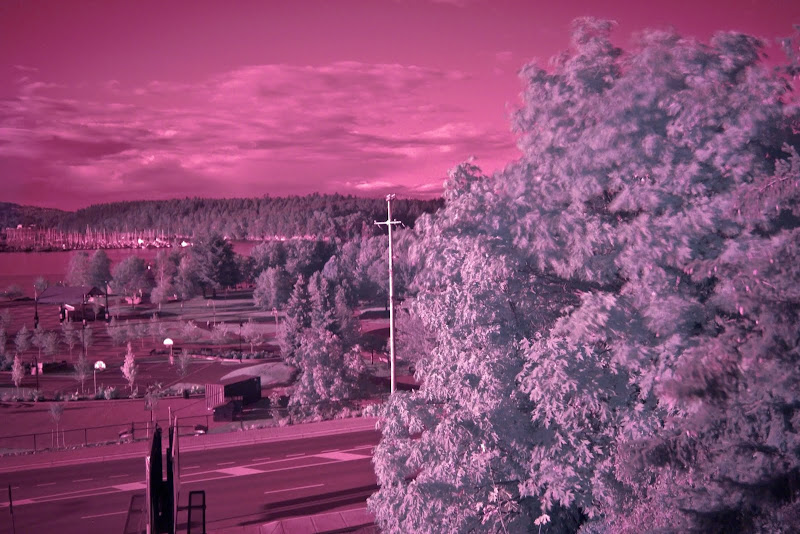
Well, the crappy weather finally let up for a little while this evening so I took a couple of IR shots outside the restaurant we were at.

The main thing I've learned so far is that I was 30 seconds is way too long, I'm getting good results at around 3 seconds or less

I didn't have to do any color replacement in photoshop for this one, just used the auto-levels and then tweaked the contrast:


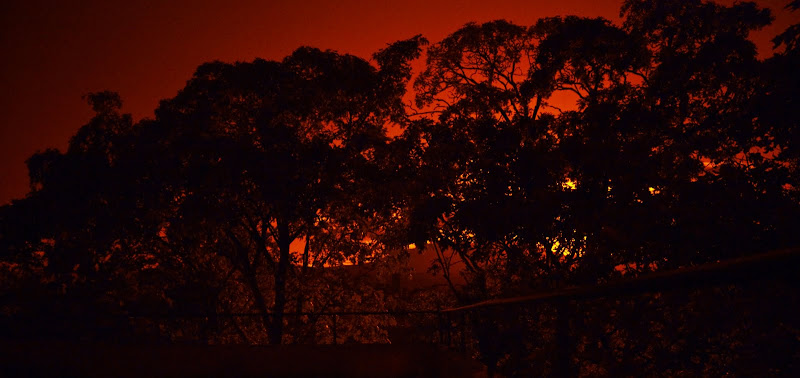
The "wood effect" didn't really turn out in this silhouette (a little on the bottom branches), but I like the way the color turned out w/ the filter:
 
Last edited:
Back
Top