• Some users have recently had their accounts hijacked. It seems that the now defunct EVGA forums might have compromised your password there and seems many are using the same PW here. We would suggest you UPDATE YOUR PASSWORD and TURN ON 2FA for your account here to further secure it. None of the compromised accounts had 2FA turned on.
    Once you have enabled 2FA, your account will be updated soon to show a badge, letting other members know that you use 2FA to protect your account. This should be beneficial for everyone that uses FSFT.

Hard drive transfer <4MB/s

Maxtr0sity

Limp Gawd
Joined
Dec 24, 2005
Messages
287
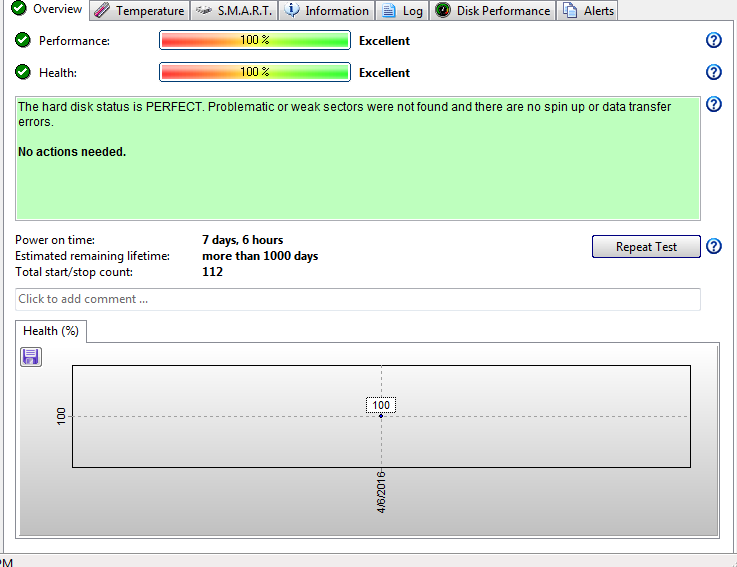
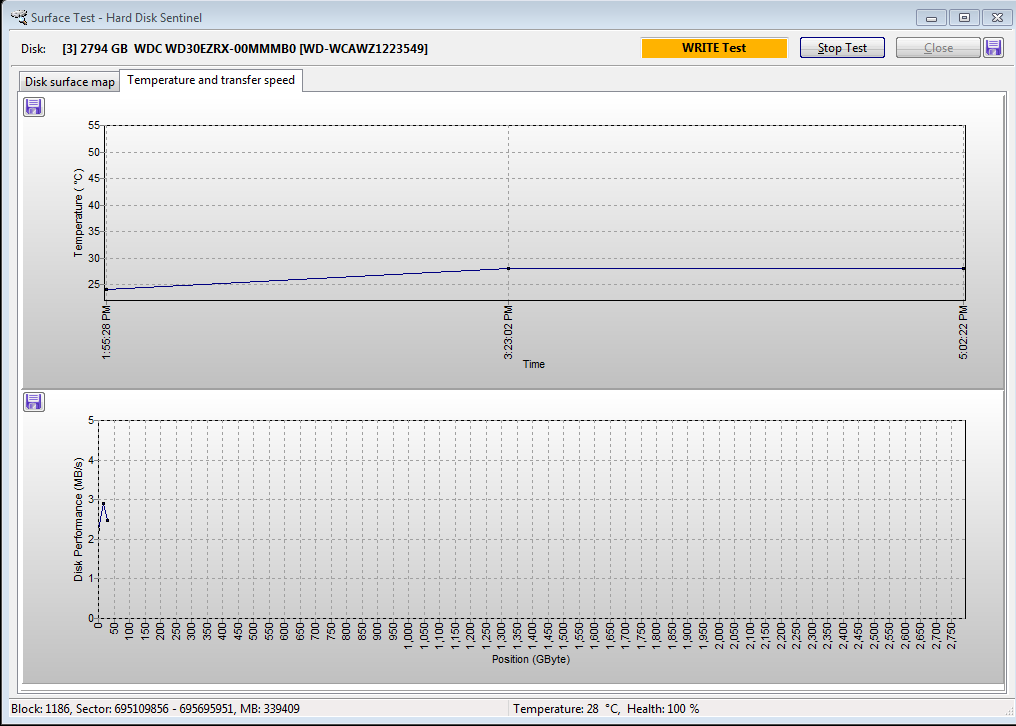
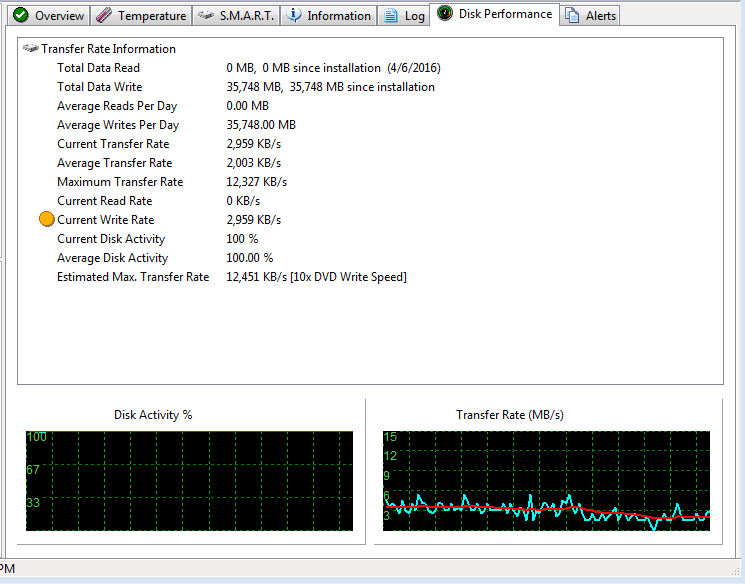
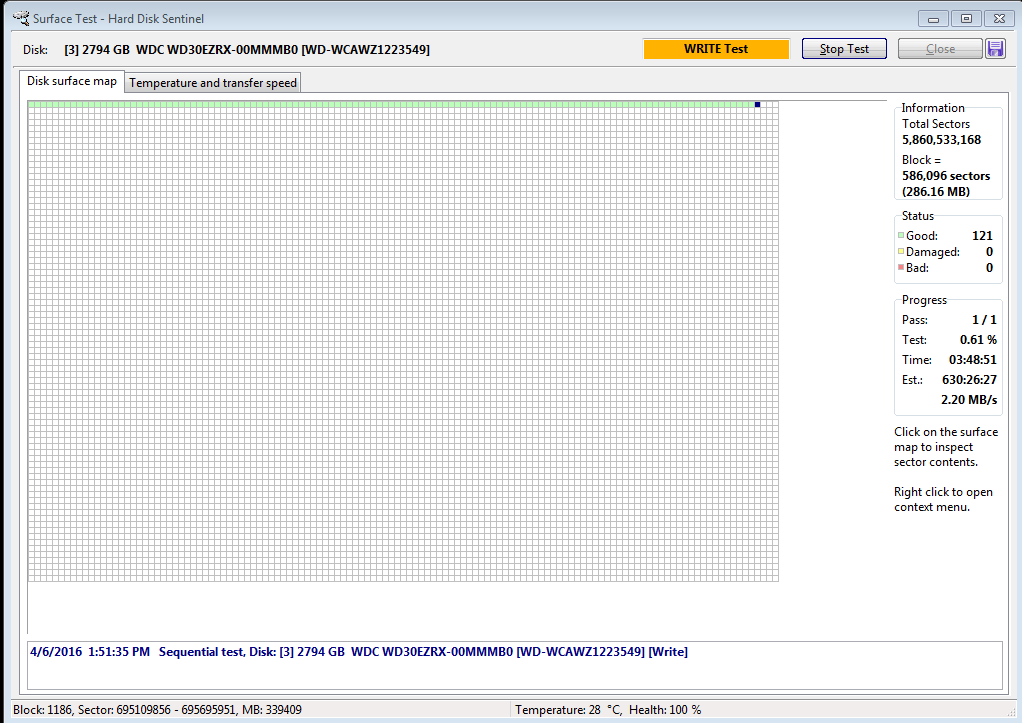
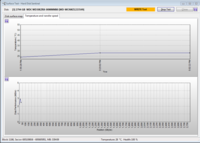
I've been using a 3TB Western Digital Green drive (WD30EZRX) for the past five years to do weekly backups. The hard drive sits in a caddy and connects to the computer through a hot swap bay - straight SATA, not USB. This past week's backup took a lot longer than usual, more than the typical 45min it takes. After waiting for 4 hours, I took the drive offline and ran a full Western Digital diagnostic test, all clear. I then proceeded to zero out the drive and attempt to load data onto it again. Windows was reporting transfer rates that start out over 100MB/s, but quickly drops down to less than 5MB/s. I opened up HD Sentinel and is currently going through a full read/write test to test for bad sectors, but the transfer rate again is <4MB/s.

See screenshots below:
Capture.PNG


At this rate, the test would take nearly a month to run, which is unacceptable.

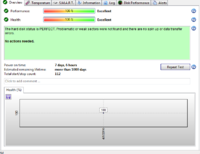
I've isolated the problem to this drive, and not with the hot swap bay. Is this a dying drive? If so, wouldn't it have SMART failures? Or report bad sectors immediately?
Capture4.PNG Capture2.PNG Capture3.PNG
 
SMART isn't the end all to detecting a dying drive in my experience.

Green drives aren't speed demons to begin with, but yeah, a marked change like that something is up.

Have you tested the drive on another computer or with a different SATA controller? It could be a driver got updated somewhere and it sucks, or there is some weird hardware conflict somewhere that isn't apparent or something.
 
Green drives aren't speed demons by any means, but it's definitely abnormal to transfer at <5MB/s

Unfortunately I don't have another SATA controller to test on, but there are two other SATA drives in operation 24/7 on the motherboard controller that is doing fine, makes me believe that it's less likely that this port is defective.

5 years of Windows Updates and no driver issues, it'd surprise me if a driver change would happen now.

Not trying to discredit your statement, just adding my perspective. I'm open minded to what it could be wrong here.
 
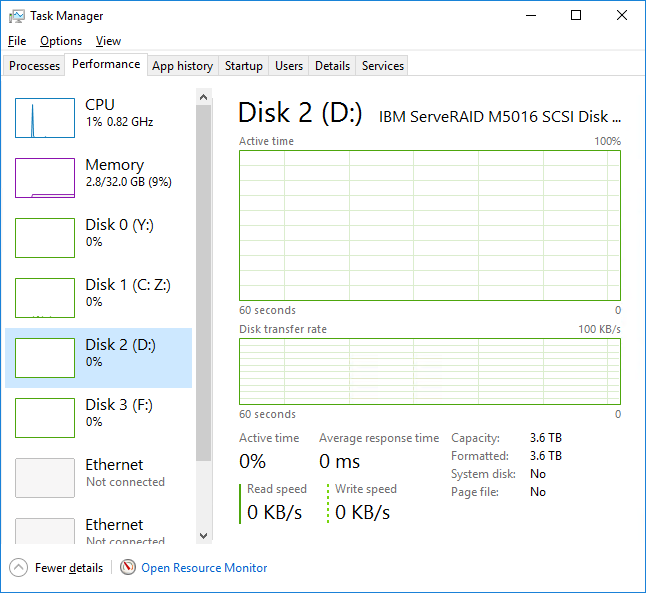
Not trying to be a wiseguy, but have you ruled out that there isn't an issue reading the data from the source drive? If you're running Windows 8 or newer, what does the performance tab of the task manager show you for disk time on that drive?

TM Disk Time.png
 
Tried two source drives with same result. The two source drives read/write between each other at full speed ~60MB/s
 
Copying large files (2GB+). Looks like this drive is dead. I purchased a new WD drive last night, put it in the caddy, started HD Sentinel to verify drive quality, and all the transfer rates were normal. This then rules out that any connecting interface/motherboard is the issue, purely the drive itself.

Found someone on YouTube with similar issue:

Out of ideas here
 
FWIW, one of my old WDs gave slow performance on a particular PC. Other HDs work normally in the same setup. Weirder still, the "slow" drive performs fine on a different PC. Details here.

That said, after 5 years, buying a new drive makes the most sense.
 
Back
Top