• Some users have recently had their accounts hijacked. It seems that the now defunct EVGA forums might have compromised your password there and seems many are using the same PW here. We would suggest you UPDATE YOUR PASSWORD and TURN ON 2FA for your account here to further secure it. None of the compromised accounts had 2FA turned on.
    Once you have enabled 2FA, your account will be updated soon to show a badge, letting other members know that you use 2FA to protect your account. This should be beneficial for everyone that uses FSFT.

h2o Shuttle XPS

][V][AGIC

Limp Gawd
Joined
Aug 1, 2004
Messages
444
ok so i have a Shuttle SN95G5 inc.
http://www.newegg.com/Product/Product.asp?Item=N82E16856101457

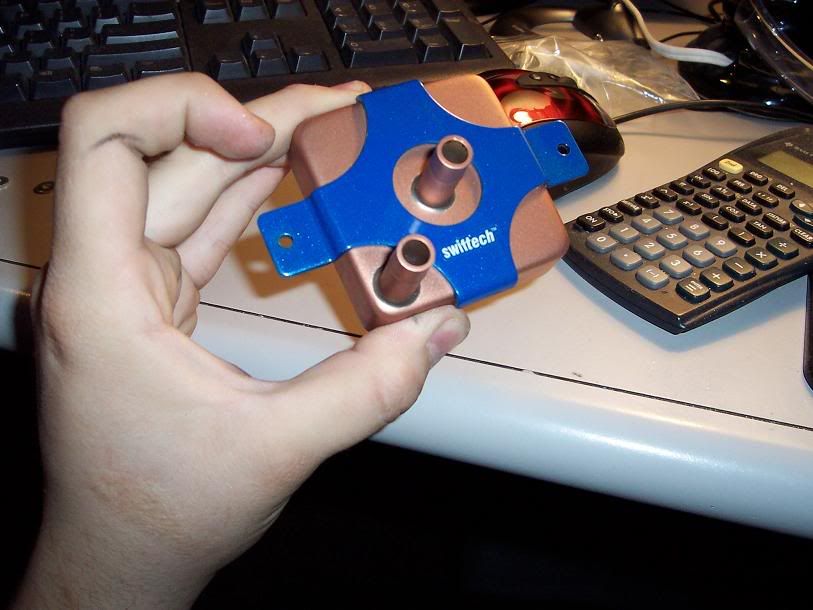
im almost 100% sure im not going to paint it but that could change. My problem, that i need some input on, lies in that my 6800 is being cooled by a Swiftech MCW50
http://www.performance-pcs.com/cata...=1954&osCsid=bf777f13c2bb3050ae0e590fd7b98152
which i am almost posative sticks out too far and will be interfering with the side pannel.
i was planning on putting a window or something there but it has to be excessed to make room for the gpu block. if anyone has any ideas on how to make some clearance there feel free to post um.
 
Cut out the shape of the Block in the panel so the block sticks out and looks cool.
 
You sure it will interfere with the side panel? I'm guessing it will fit snug. You can try emailing Shuttle and ask. Or even better, go to their forums.

This guys has his vid card watercooled with a different vgu block. It fits but it may be a slight bit thinner. Maybe ask him what's the height on that block and how much space he has between the side panel and block. Get some kind of reference point. Scroll down to the pic. :)
 
It won't fit, the card to case distance is only 20mm's in the G series cases. Very few water blocks will fit in a shuttle without some modding. Go to SFF Tech .com and serch this, it is asked weekly or so.
 
How about cut a round hole in the side panel, install one of those plexi dome things - make a feature of it! The dome (if positioned correctly) should give you the clearance you need, and provide you with a window in one easy mod.

Where you would get hold of one though I have no idea....
 
I have another idea, I just did it to my Shuttle and may be usefull to you, sorry but the pics are still in my camera...

I started with a "normal" window cutout, but instead of putting the plexi on the inside, I drilled 4 holes. I drilled 4 matching holes in the plexi (the plexi is slighly bigger than case window), and used screws to attach the plexi. I used some nuts as spaces in between the plexi and the case (sort of stand-offs). Since I still use fans, this creates a gap between the case and the plexi so I can get fresh air into the case.

This is sort of what a cross-section looks like:

Screw. Plexi. Nut(spacer). Case. Nut

|>====| |====[]=======| |===[]
 
Ozone: Hey thanks for the idea, I think I'm gonna do that to my AOpen SFF. Check out the "AOpen XC Cube" -thread. :)
 
ya i thought about cutting a hole the size of the block but the problem would be that when you put the outer shell on it has to line up with little groves then slide into place so the hole would have to be bigger than the block and would probley look pretty stupid. as for the dome window i had that idea, i was thinking about taking a piece of plexi and heating it up over a metal bowl or something round, i dunno what temp it takes to make plexi moldable like that though or how the heat would effect the clearity of the glass. the excessed window i thought of as well and is probley what im gunna go with, ill experiment with heating up plexi trying to mold it though.. all good ideas thanks everyone, ill get some picks up soon i just got the case today and wont be getting watercooling stuff till wed.
 
ok, i decided to just go with Ozones idea. I came up with a rough design for the window.
screenshot3copy.jpg

still gotta go in and take the green out of the fin and hair. takes a long time. i was gunna go to kinkos and see if they can print color on to transparent sheets. im pretty sure they can. then ill cut 2 peices of plexi to the same shapw, and sandwich the sheet between them.
 
got all my water cooling stuff except for my MCW50 for the 6800 so im pretty much stuck untill i get that, ill start sleeving all my wires and installing the radiator. ill post some pics tommarow after i get it in.
 
windowcopy.bmp

well theres the final window design. just need to cut the plexit to the shap of that, print and cut that out, glue it together and that should look pretty good
 
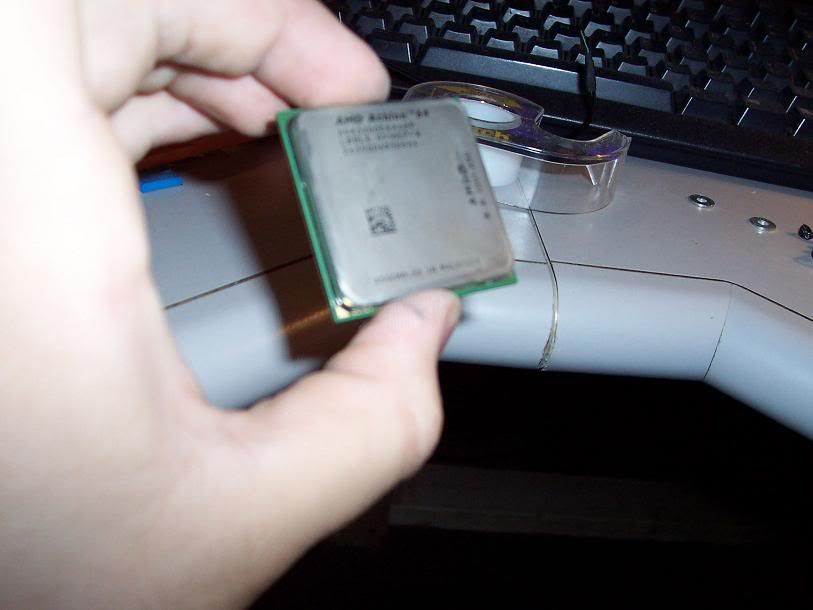
got my memory and cpu the other day...
Picture004.jpg


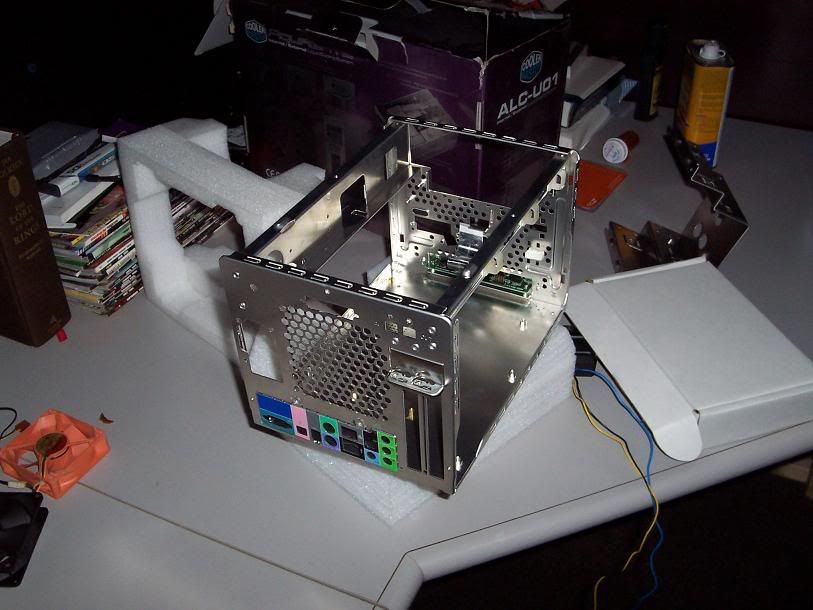
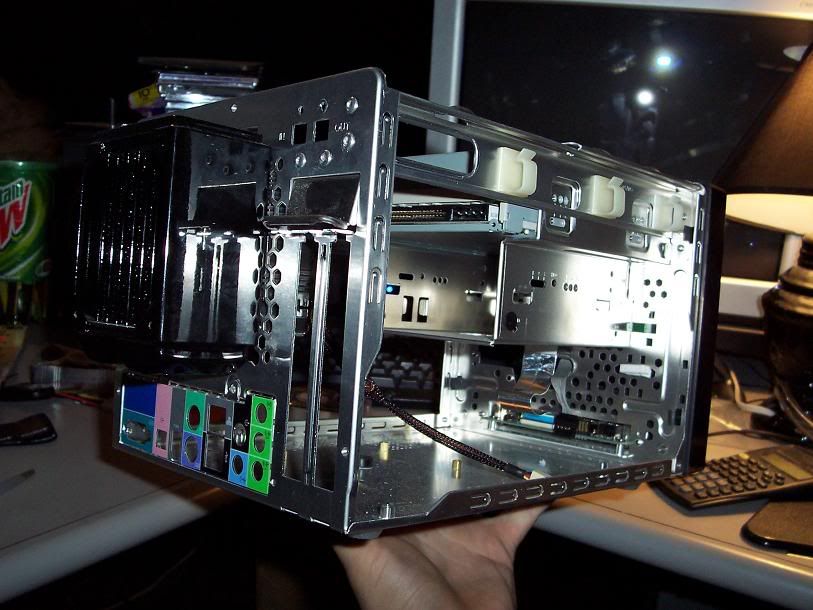
i started by gutting the case and and sleeving all the wires..
Picture013.jpg

f8406932.jpg


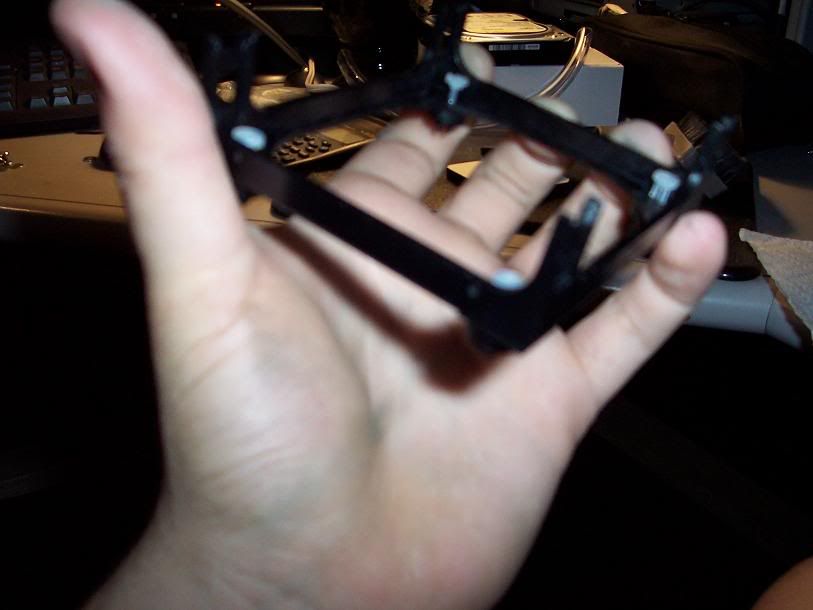
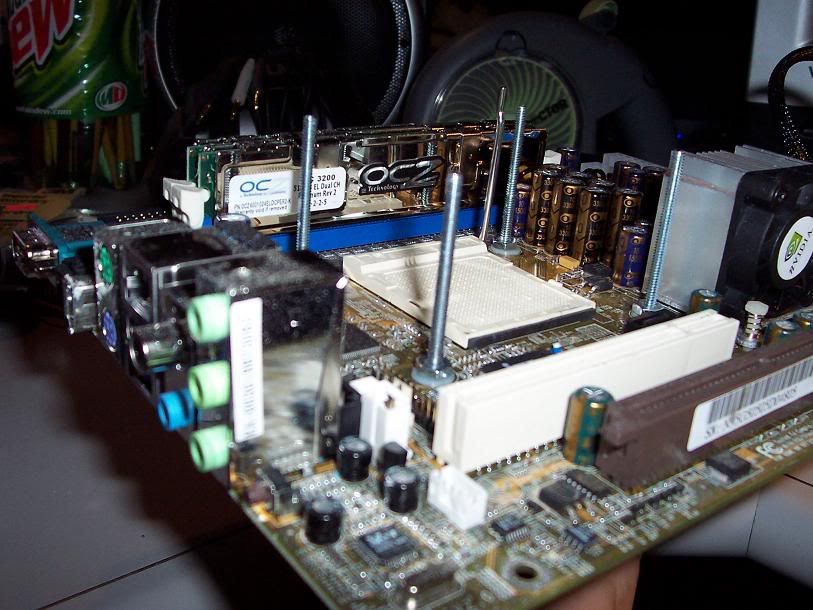
the Shuttle had some wierd mounting clip and a different mounting base than normal 64 socket..
Picture009.jpg


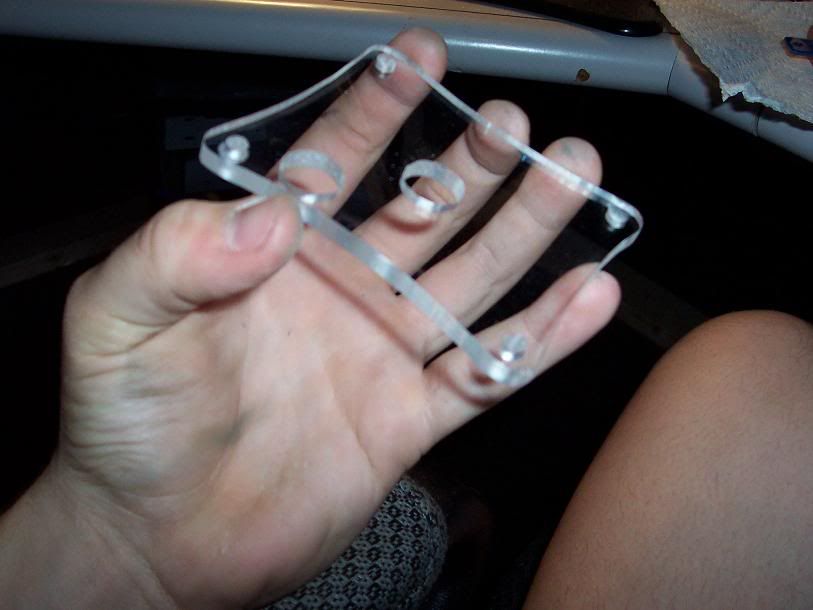
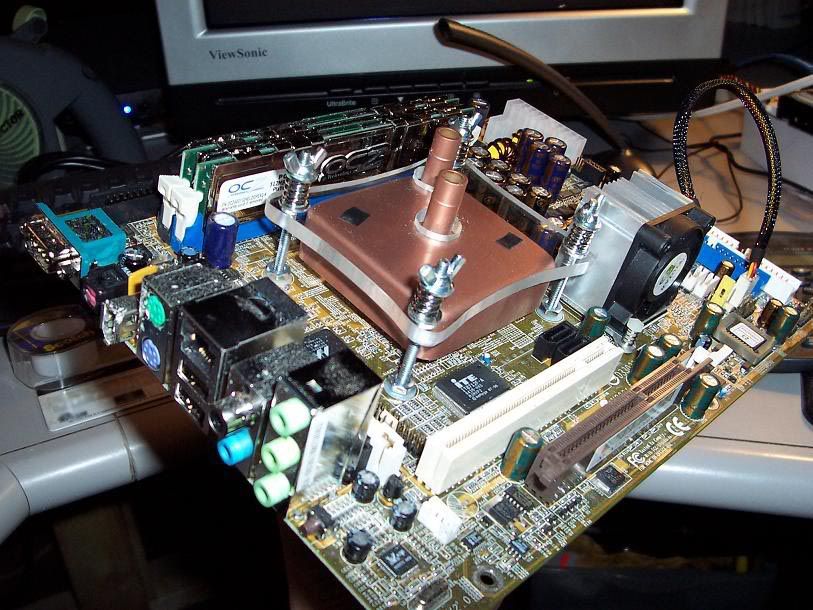
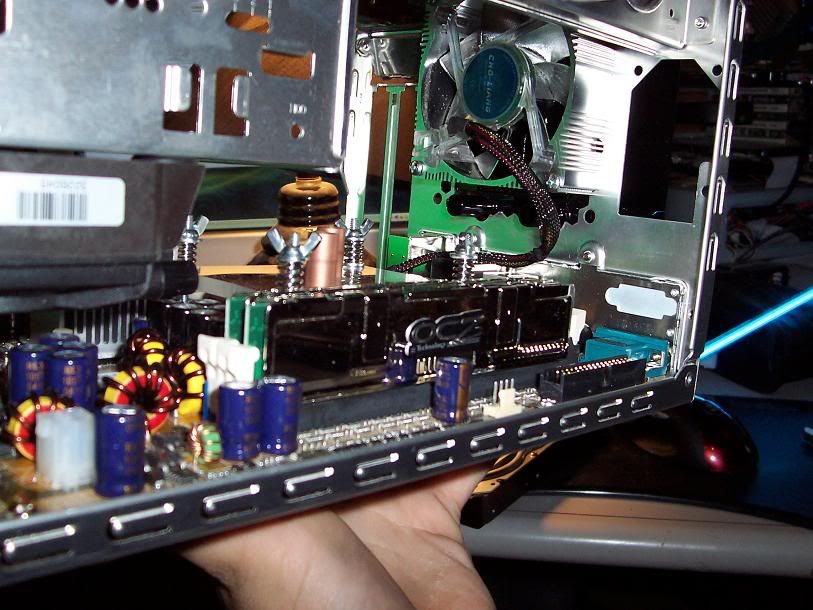
i had to think of a different way to mount it so, after a trip to home depot, i came up with this...
Picture006.jpg

eee27292.jpg

Picture010.jpg


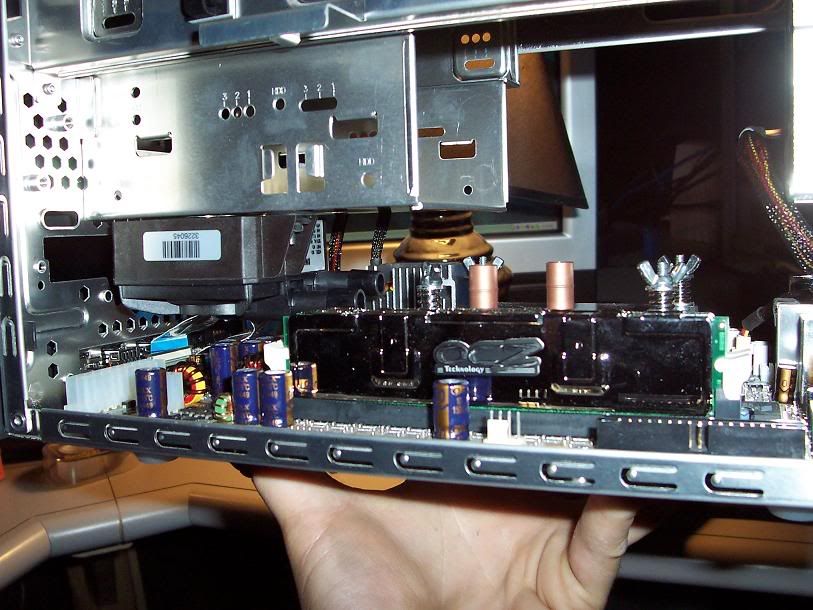
all mounted up...
8d8c0c57.jpg


mounted the radiator on the back after i cut out the stock punched grill...
72978226.jpg


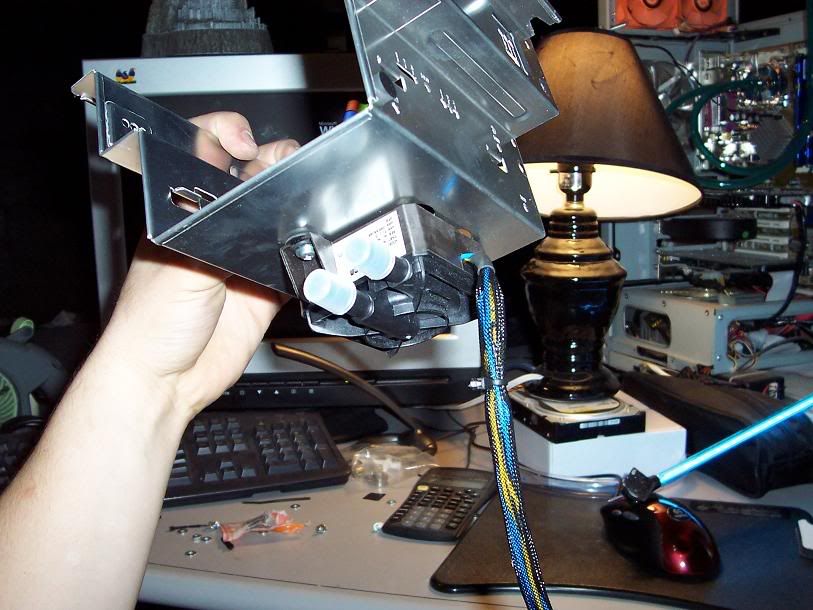
pump mounted up under hdd bay...
0e9fe9db.jpg


got what ive got done so far in the case...
219149a9.jpg

2c200fa9.jpg


should get my gpu block in the mail tommarow so then i can work on that and getting water in teh system.. still gotta get the window and the top fan hole, lots to do. uggg :eek:
 
Its looking pretty sleek so far, keep it up. Nice job mounting your pump by the way, I wish I would have done a proper mounting when I put my pump in =\, but I decided to rush it and now I have no foam base =\.

Very good job on the mounting bracket for your CPU block, the layout almost looks similar to a Socket 478 Intel mount. Smooth thinking.
 
anyone think ill have any problems with the pump being mounted upside down like that?
 
just got back from the depot and kynkos were i got my window border printed out...
Picture.jpg

im gunna start setting up the water cooler so no more updates till its working... hopefully ;)
 
No, having that pump mounted upside down should pose no problem. The thing that rotates in the middle of the pump is held in by magnetism, so nothing should go wrong.
 
Staples can be used to do it (apparently), but you can get kits to change the colours of the molexes. Presumably these will have the tools in them.
 
Question, I cant remember if I posted the pic of my system here (for ilustration purposes).

Did I do it and it got taken down for "thread highjacking" or did I post it in another thread?

Anyway, that window frame looks sweet!
 
i just used a normal needle to take the molexs out, just bent the tip of it a bit and used it to press in the tabs that hold the pins in. its a very annoying slow process. wile bleeding all the air out of the lines in the system my pump died, so i have to rma it. sucks but it gave me a chance to drain the water and fix some tubing issues that were bugging me, hopefully ill get it back friday or sat... fingers crossed ;)
 
Guaranteed teh pump isn't dead. That happened to me while trying to bleed, you just got tip the case so the inlets are facing upwards, then when it starts bleeding you should be good.
 
Sorry I got to this thread a bit too late, but I will post for anyone that is interested.

As was mentioned before there is only 20mm of clearance on the G style shuttles for a waterblock on the GPU, there are two GPU blocks that will fit without any modification to the case, one of them is impossible to find, it is called X-ice I believe. The other block that will fit the shuttle is the Silverprop SL Fusion, there are a couple of places to get it in the states. The SL is only 19mm deep, so it fits in the shuttle, it is an incredible block. If you use 3/8" tubing you need to stretch it because the block comes with 1/2" barbs that are actually part of the block.

The new "slim" DangerDen Maze4 GPU block is still 25mm deep (I emailed them a while ago to ask) And the PolarFLO and Swiftech GPU blocks are even deeper.

I hope this information comes in handy if anyone reads this thread and decides to WC their own shuttle.

@ Magic I like the window idea, I think it will look very nice.
 
KrakenGuy said:
Guaranteed teh pump isn't dead. That happened to me while trying to bleed, you just got tip the case so the inlets are facing upwards, then when it starts bleeding you should be good.
i dunno, i got almost all of the air out of the system except for a couple small bubbles, still then when i turn it off and back on the pump stays off unless i tap on it. i took it apart and lubed the end were the two pieces contact and it worked for a couple on and offs but then went back to doing the same thing
 
Hmmm, when I was bleeding my system it did the on off crap... You sure you got all the air out of the pump? Becuase that was the hardest part for me. First time I bled that pump, took me 3 hours.

Oh well, that sucks man =\, hopefully your new pump works better.
 
ya i hope thats whats wrong, i just want it to get it working and start playing with that cpu...
 
got the pump rma back and it did the same thing, that pump just cant handle the system, i figured it wouldnt its only a 96gph pump not too powerfull but i was hoping it would, i guess im just gunna have to cram my hydor in there... anyways i set up everything and the mobo in teh shuttle was dead, ahh what luck. gotta send that back. anyone know how shuttles rma is? hope they dont take a long time,
 
didnt kill it, just probley should have checked to make sure it wasnt doa before i got started....
 
Back
Top