• Some users have recently had their accounts hijacked. It seems that the now defunct EVGA forums might have compromised your password there and seems many are using the same PW here. We would suggest you UPDATE YOUR PASSWORD and TURN ON 2FA for your account here to further secure it. None of the compromised accounts had 2FA turned on.
    Once you have enabled 2FA, your account will be updated soon to show a badge, letting other members know that you use 2FA to protect your account. This should be beneficial for everyone that uses FSFT.

Darkness Inside

RobomewRob

n00b
Joined
Mar 19, 2005
Messages
20
I've been surfing the forums for about a year and checking up on tutorials and the like, and after starting (which in my case means making plans:rolleyes:) to mod my computer I decided I might as well make a worklog so that I can get help and recieve comments on my case.

Little bit of background info on me: 15 years old from Chilliwack, BC *CANADA* (Hey, good health plan and less drastic as America, although my ideal living area is in Seol, Korea or someplace in Germany, lol :p.) I play fotball and love computers and Xbox. Lol, sorry for ranting about myself, I just think it's polite and proper to introduce myself so you can get a feel for my situation.

ANYWAYS, I decided a while back that I want to have a black/white color scheme and that MOST EVERYTHING must follow this color scheme. Drives, wring, heatshrink, fans, hell, anything that can be apinted or changed I'll atempt at. The front bezel wil stay the same as it is, except with painted drives and a fancy SURPRISE (lol, if you check out some of my other posts, lol, which are few at the moment, you'll know what i'm planning:D)

Some hardware specs on Darkness Inside : -100 gig Harddrive (probably maxtor, lol, though I want my dad's 2 36 gig raptors)
-GeForce TI 4200 OC
-1.8 GHZ processor (not quite sure brand, though I believe it's an older Asus)
-Lcd moniter (If I can pick one up for cheap:mad:)(Probably Ben Q)
-My dad's older motherboard (Asus, lol the numbers are all long!)
-Hopefull a dual layer burner

As you can see, I don't quite know a whole lot about the ACTUAL specs, but it should run fine for ripping music and playing Wolfenstein: Enemy Territory and Commander Keen. Probably get some Half Life and Battlefeild 2. Guild Wars too.

I don't have any pictures right now though I need some help on coming up with a logo which I plan to implament in my case design. I have a rough sketch of what I like, though keep in mind, the logo will appear on plexiglass, so bear in mind that fact. If you guys could help me out with the logo design, that would be very much appreciated. Lol, I hate being a N00b, lol, but we all start somewhere eh?

As far as the cosmetics of the case go, heres what I have so far:
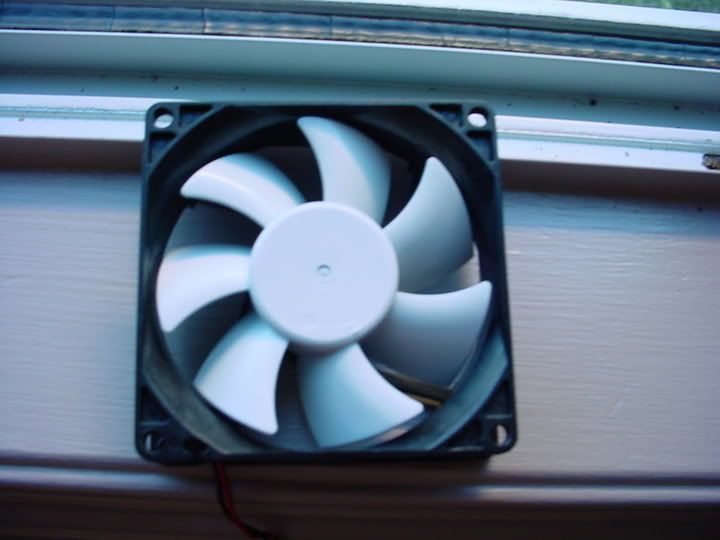
1. All case FANS will be painted with either paint or vinyl colour (WHITE)
2. The entire outside will be white ("I don't quite know how to get a "show car finish" and I already did my fronmt bezel) (Tips are appreciated)
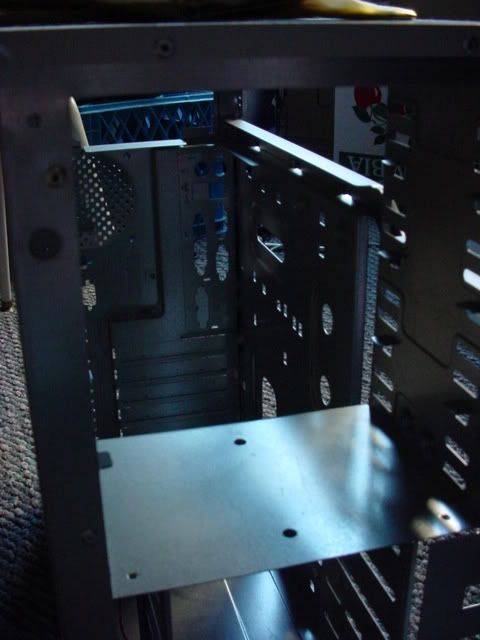
3. The entire inside wil be as black as possible
4. MAYBE, some custom plexi peices (depends on if I feel it would add to the effect)
5. 2 White cold cathodes inside the case positioned for ambient lighting

And that's about it folks. Stay tuned for more info and PICS (which I REALLY hope to get tomorrow!!!!) If you ahve any comments or questions post them here and I will try my best to answer them. Before I go though, heres my idea for the logo
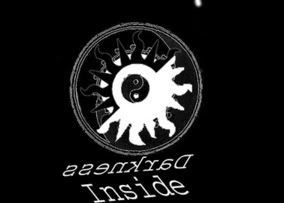
DarknessInsidecopy.jpg
 
Sounds cool... Hate to bring bad news though, but you wont be able to play BF2. I have a GeForce 4 TI 4800 and the game goes to a black screen then back to desktop. I have the newest drivers and everything. EA says we only support FX series and above for BF2. :(
 
yep, no gf4 series support in bf2. "the way it is meant to be... umm... not played?"

heh.

interesting logo.
<- add about 6k to that, the numbers are off
 
WHAT!!!!!!!!!!!!!! No BF2 :mad: :mad: mad:!!!!!!!!!!!!!!!! AHHHHHHHHHHHHHHHH, can't live, must breath, slowly, in and out, in and out. Dang, that sucks, but LUCKILY for me, my dad's radeon 9800 can play it and with minimal lag, so i'll be going to him to get my fix :D.

I worked on the plexiglass for my front bezel today. Will post pics tonight when I get back from fotball practice.

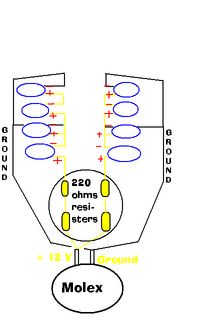
As a side note, I need someone to confirm a diagram for me. Basically, I want to have about 8 leds hooked up to a fan with a 4-pin passthrough and I made a psot in the electronic forum but I stil havn't gotten a reply on my last post. Each (+) end of the 12,000 mcd, white led is connected to the +12V wire and every 2nd LED has the (-) end attached to the ground. 2 Resisters at the start of each circut reduce voltage so that it can be powered off the 12V. The diagram wil explain this better. Basically, I know bare minimal about electricity and so have had to create 2 or 3 different diagrams.

Can someone confirm that this circut works for me?
 
Lol, sorry about that, it's my crappy MS paint skills. The ground connection on the molex is being spliced into and 2 wires are coming off from it. Then the ground wires are connected into each 2nd led's negative side (anode i believe?) Since there is 4 led's on each side, then the ground connection is going into 2 sets of led's. Sorry if the diagram confuses you. Lol, I know it sucks.
 
if you give me a link to where you're getting the LEDs, or can give me the current draw (in mA or MilliAmps) and voltage requirement for each LED, I'll be more than happy to draw you a schematic and describe how to do it.
 
RobomewRob said:
led's negative side (anode i believe?)
Nope, cathode. The way to remember is that a non-flatpanel monitor or television is a "cathode ray tube" - CRT - and it spews electrons at it's screen and electrons are -ve charged.
 
Cathode= negative side, ok got it. As for your offer brionbastian I think i'd like you to make me a diagram. I don't knnow a whole lot about ewlectronics and so if you can hel pme out in any way, I'll gladly take it. Here is the link to the led's LS Diodes. I have also ordered some 220 ohm resisters and some 200 ohm resisters so hopefully I won't have to reorder, lol. Thank you for all your help guys.
-Rob
 
UPDATE 07/1 CANBADA DAY wOOt wOOt wOOt wOOt wOOt wOOt :D :D :D :D !!!!!!!!!!

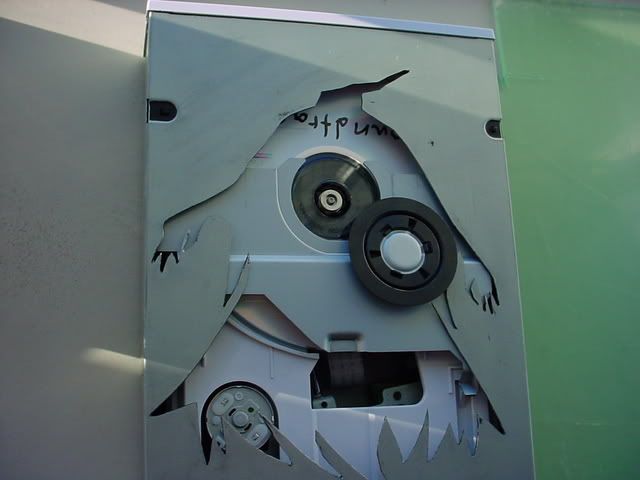
So today I worked some more on the cutting up someplexiglass and decided to start marking up the dvd drive. My dad's cameras are on the frits so I can't take any pics for you guys, though I think some of you will recognise the character I'm cutting into my Dvd drive. Shold look nice with some etched plexiglass and a couple 8,00 mcd led's. The case is going to start taking a twist towards a Kingdom Hearts/ Day and Night theme, not quite sure how it wil all play out, but I'm hoping for the best. The more I look at other people's paintjob's the more I want to redo mine, lol. I'll post pics for you guys as soon as I get a camera to work with. Until next time.
-Rob
 
ColinR said:
Nope, cathode. The way to remember is that a non-flatpanel monitor or television is a "cathode ray tube" - CRT - and it spews electrons at it's screen and electrons are -ve charged.
Or...

Red Cat- Reduction at cathode
LEO- Loss of electrons Oxidation
Reduction must be gain.
Gain of electrons is negative so cathode is negative!

God bless HS level chemistry! :D


Oh... and on topic...

This looks to be a pretty sweet mod ;) And it's always cool to see something from a member in my age group.
 
Been checking up on Kingdom Hearts 2 info right now (God it looks sweet, can't wait) and decided that this case will take a turn more towards a Kingdom Hearts and not as much with the night and day. Been working more on the drve and starting to get real excited about this project. Wondering if I should keep with the white and black theme, to represeent light and dark or if I should stray more to blue, red and black. Any thoughts on my choices?
 
UPDATE 02/07/2005 DAY AFTER CANADA DAY WOOT WOOT WOOT WOOT :D :D !!!!!

Ok, so I finished doing the cutting on the dvd drive and now I'm turning my attention towads etching the plexiglass. Does anybody have any tips or suggestion for me on etching, as It's my first etching. I've read Bit Tech's excellent etching guide so I know what bits to get, but any tips of the trade or suggestions from all of you 8lite m0dders would be appreciated :cool: .

Also, how do you get a properly "frosted" look on plexiglass. I'm thinking of just buying that spray on stuff and then leaving it at that. It's this weird kind of spray on frost that you use sometimes in the winter. Don't know what it loks like, but it seems easier than trying to achieve the perfect "frosted" look. Every time I try to frost, it looks frosted but only in light. As soon as I take it out of the light, it looks scratchy. Funny thing is I'm using 2,000 grit sandpaper so you would thiunk that would do it. Do I have to bump up my grit and use like 3,000 or 5,000?

Thanks for all your support guys, and I promise that as soon as I ahve a camera, I wil take some pics. Comments, suggestions, critisicism?
-Rob
 
Sorry it took me so long, i forgot I had posted here.

Here's a pic of how it needs to be set up: (click the box, it will open a new page with the image)


You should use the red wire instead of the yellow wire. You need to use one 56 Ohm resistor and that's it. if you want a switch, put it on the red wire between the power supply and the resistor.
 
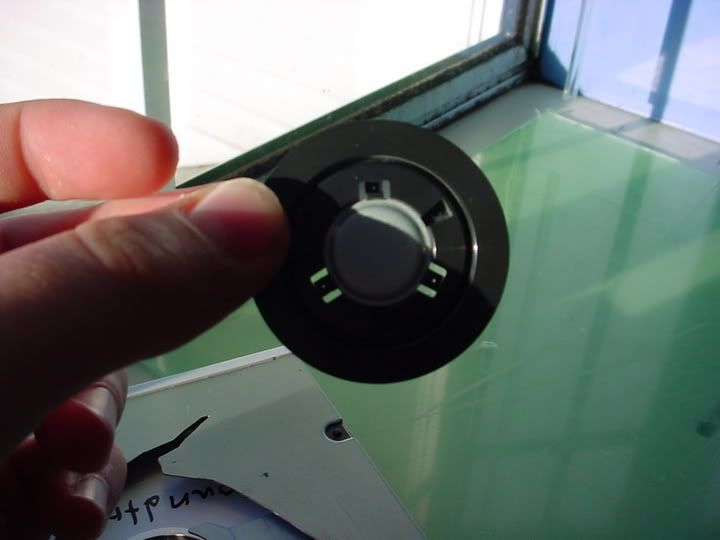
Does anybody know what thickness of plexiglass would work the best for the dvd window? It has to be really small to go underneath the lid, and so what thoickness have people used? Also, the magnbetic disc holder (it looks like a circle that sits above the laser) is not "actualy" attached to the panel, and every tiume I go to eject the drive, it moves. Is this noirmal. Also, a CD case won't work as the cutout is bigger than it. Anybody have any tips as to how to attach a peice of plexiglass to the inside of the dvd drive? Or do I have to put it on the outside?
-Rob
 
In the past ive used the tops of cd jewel cases. Easy to find, easy to cut and once its attactched pretty difficult to crack.
 
Update July 17th, 2005

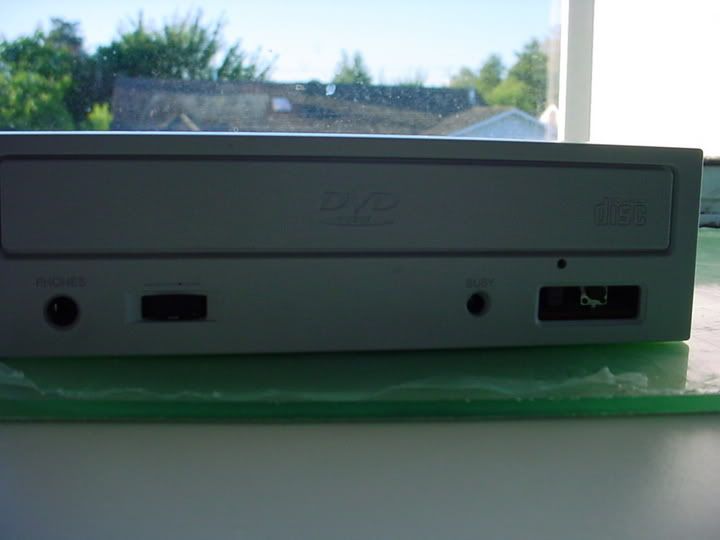
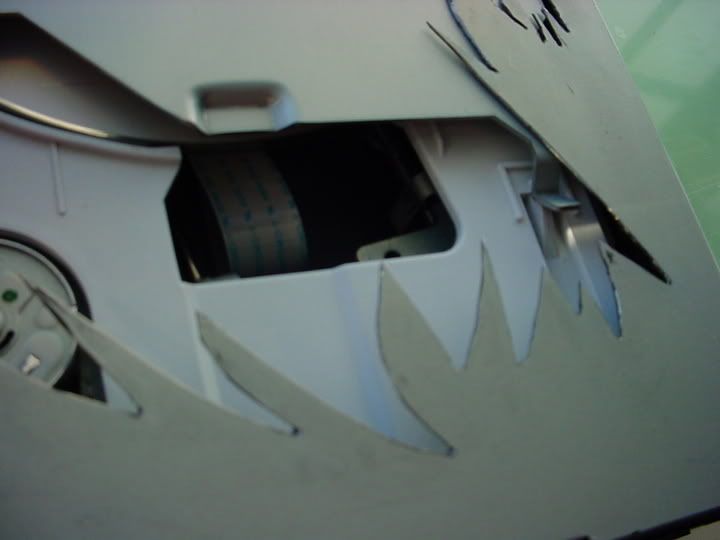
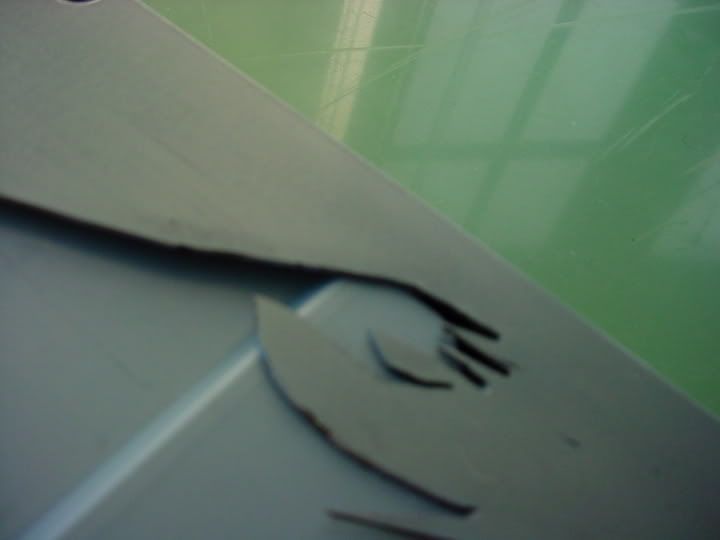
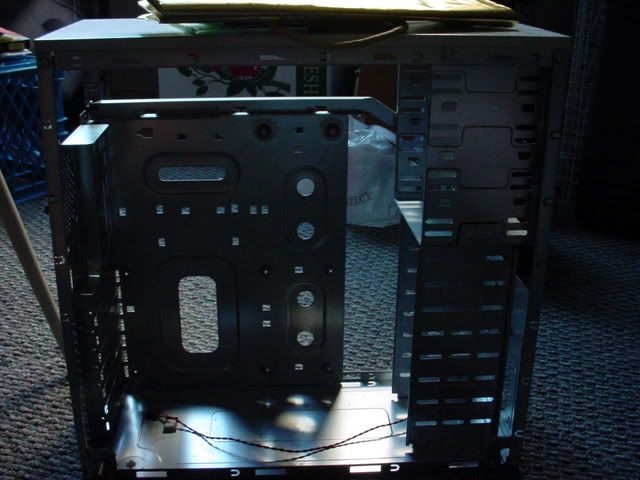
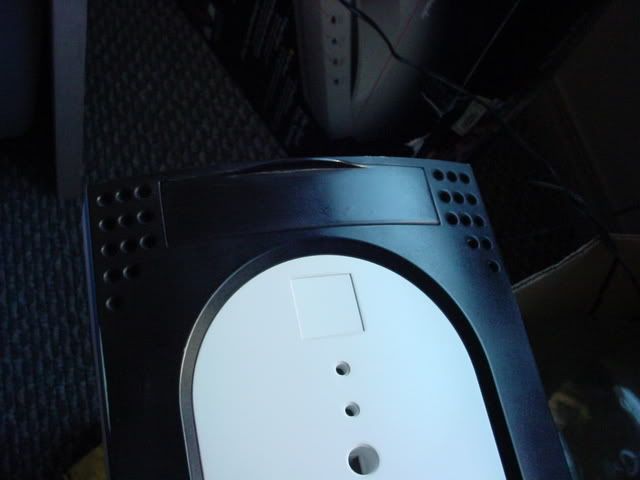
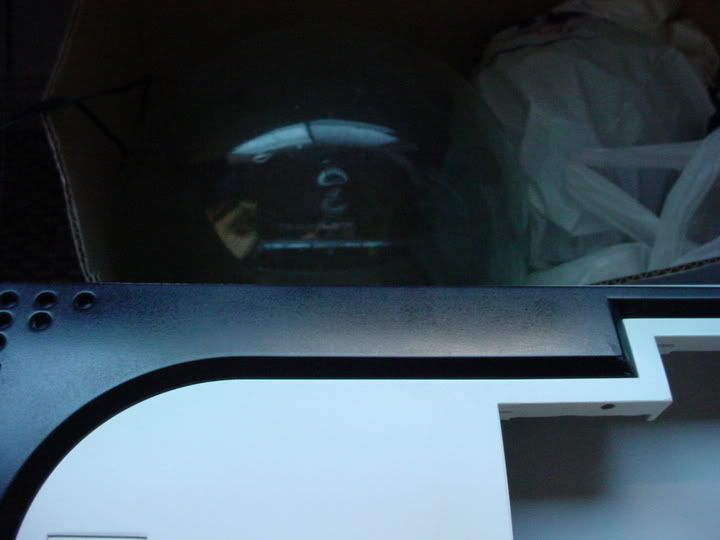
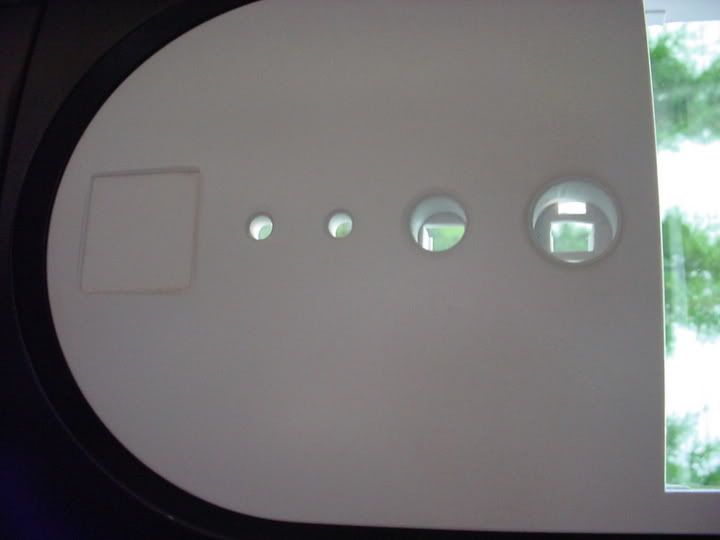
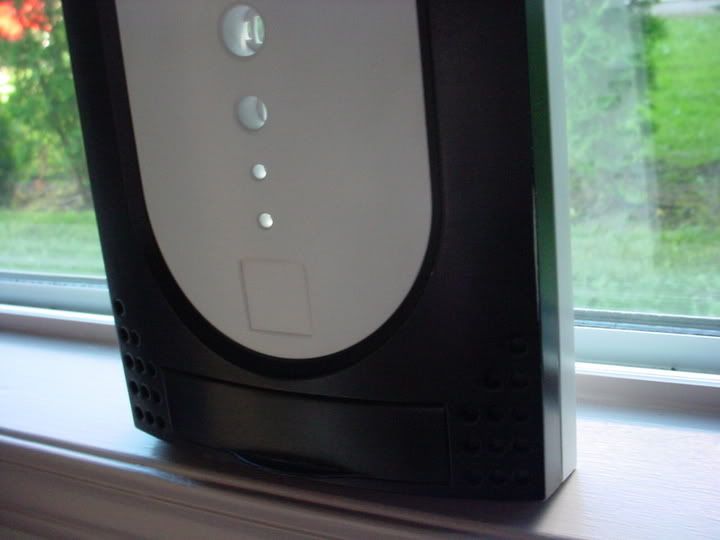
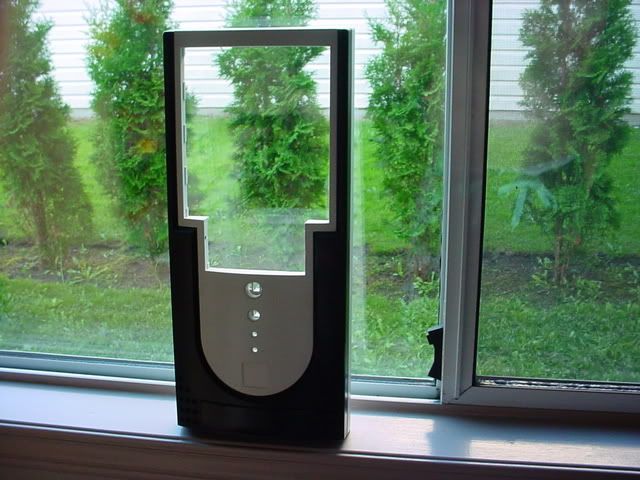
FINALLY, got some pictures and managed to get my dad's camera working again. Still stuck on how to anchor plexiglass and what thickness OR method to use to attach it to the dvd drive. I'll let the pictures do some talking.

DSC01904.jpg


DSC01903.jpg


DSC01902.jpg


DSC01901.jpg


DSC01900.jpg


DSC01899.jpg


DSC01898.jpg


DSC01897.jpg


DSC01896.jpg


DSC01895.jpg


DSC01894.jpg


DSC01893.jpg


DSC01892.jpg


So theres the pics. I know that the paintjob ain't "Car-room quality" and that I could have spent more time on it, but I think it turned out ok. I just will be using this for gaming and all my friends don't care about the looks (THAT much!!!!) although it would be cool to have a nicer looking front. Oh well, first mod, first time. Next case I might work harder, lol
:p :p ( I don't actualy like the car room look as much as I do the gloss look!) The cuts are a tad rough on the DVD drive, but I intend to hide 'em with some paint.

AND does anybody know how I should go about putting plexiglass on that DVD cutout? IT IS BIGGER THAN A CD CASE and I'm thinking either attaching it to the outside of the case and hiding the glue by painting over it... or creating a whole new dvd drive case to go overtop of the metal case.

Idea's, comments, remarks? This is my fist case mod and I don't quite know how it'll all turn out in the end, but whatever it is, i'l be happy!!!
 
rogue_jedi said:
yep, no gf4 series support in bf2. "the way it is meant to be... umm... not played?"

heh.

interesting logo.
<- add about 6k to that, the numbers are off
Not that you would WANT to play it on that card. MINIMUM requirements are for 128MB based video card.

(From EA)
VIDEO
Video card must have 128 MB or more memory and one of the following chipsets:
  • NVIDIA GeForce FX 5700 or greater
  • ATI Radeon 8500 or greater
Anything less just doesnt cut it. That game is pretty and a dog on slow systems. Worth it though, fun game...
 
Back
Top