• Some users have recently had their accounts hijacked. It seems that the now defunct EVGA forums might have compromised your password there and seems many are using the same PW here. We would suggest you UPDATE YOUR PASSWORD and TURN ON 2FA for your account here to further secure it. None of the compromised accounts had 2FA turned on.
    Once you have enabled 2FA, your account will be updated soon to show a badge, letting other members know that you use 2FA to protect your account. This should be beneficial for everyone that uses FSFT.

Cooler Master Cosmos II MbK

kier

Weaksauce
Joined
May 27, 2011
Messages
123
Cosmos20II20Kier.png


Cooler Master Cosmos II MbK

Sponsered by:



Hi my modding friends,

A new year begins, so a good start in terms of a new modding season
With a brand new case .... which is released right now, the Cosmos II
The new flagship of Cooler Master.

The hardware which comes in it is not known yet for sure, but it is certain that an x79 mobo and a number GTX580 GPUs comes in
And offcourse watercooled.

The color combination is going to be black, gray and white

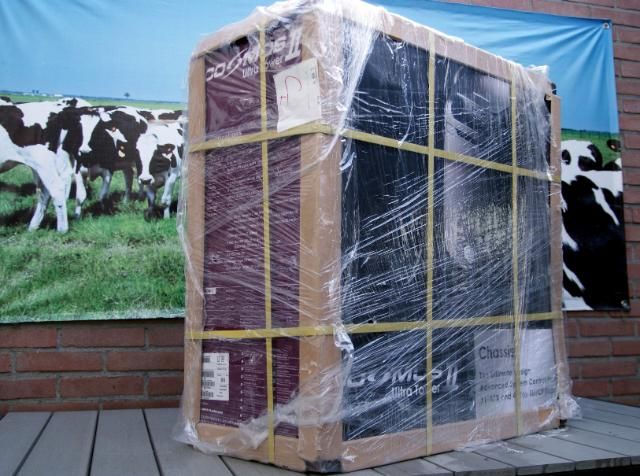
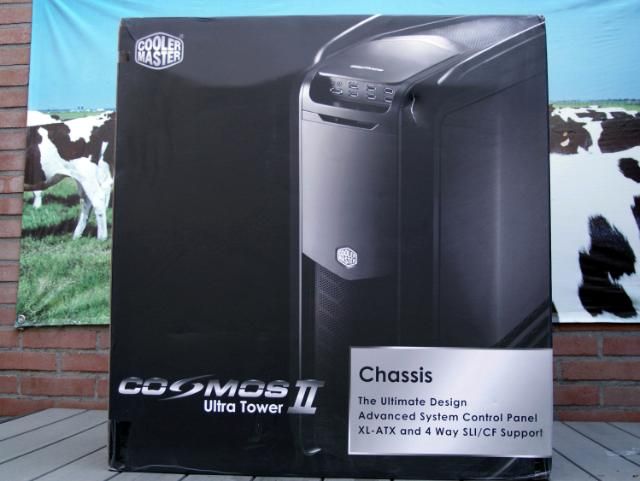
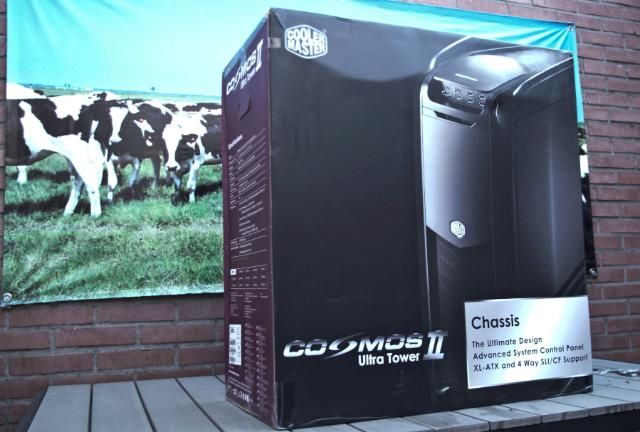
The package was brought a month ago, the deliveryman cursed me :)
What a case and what a weight, unbelievable. My wife was pissed and called me some names I didn't heard before
So I needed to make space in my workshop to properly view the case.

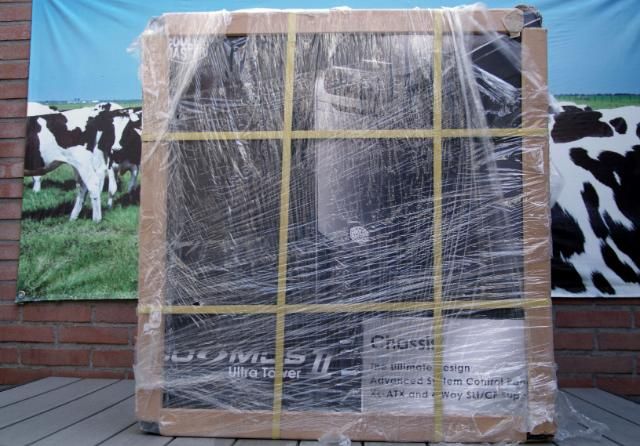
The package:
DSC05642.jpg


DSC05641.jpg


DSC05643.jpg


DSC05644.jpg


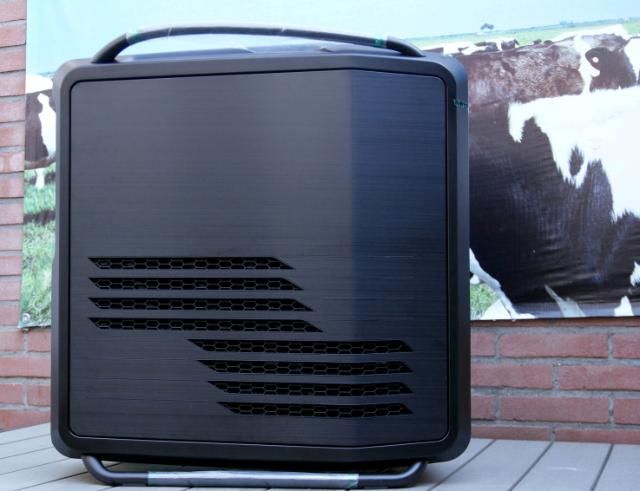
First unpacking which quite a operation turned out to be
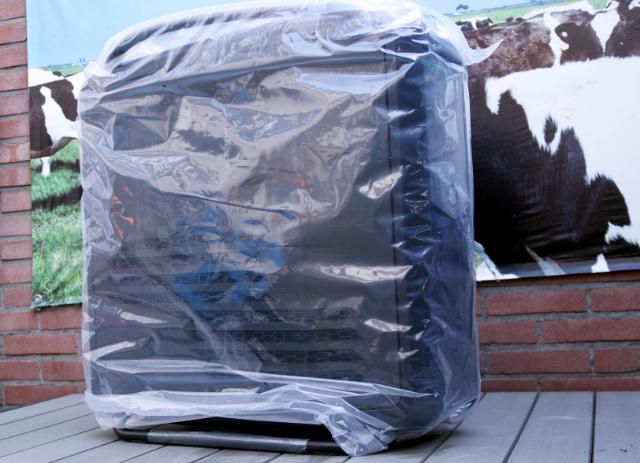
DSC05646.jpg


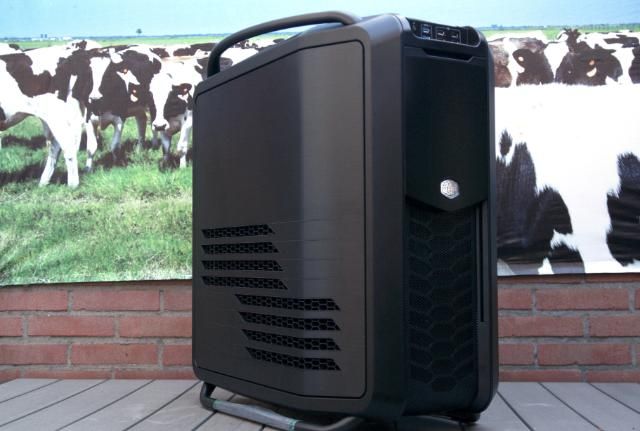
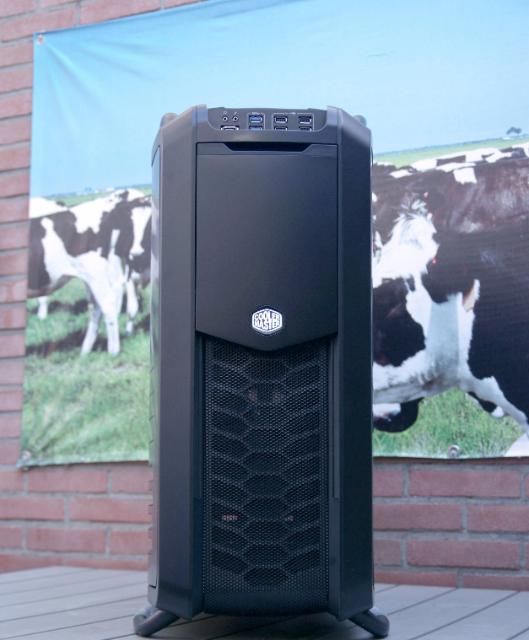
And here it is the great Cosmos II
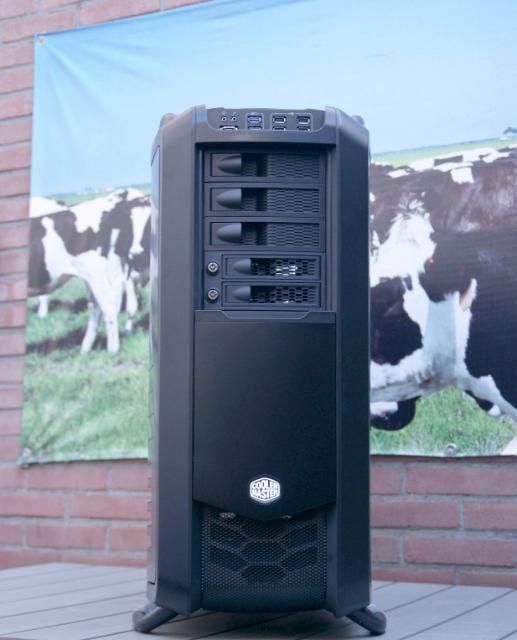
DSC05648.jpg


DSC05651.jpg


DSC05654.jpg


DSC05653.jpg


DSC05656.jpg


Lots of case with a lot of space, really a true pleasure to mod this one

Cooler Master Raymen, Ruud and Marco and of course anyone who makes this possible ... Thanks!

And then moved it straight to my workshop to view and show interior
First some specifications:

-Exterior Material: Aluminum, mesh, synthetics

-Interior: Steel alloy, plastic, rubber

-Dimensions: 344 (W) x 704 (H) x 664 (D) mm / 13.5 x 27.7 x 26.1 inches

-Weight: 22 lb kg/48.5

-Maximum compatibility CPU cooler height: 190 mm/7.48 in.

-GPU-Length: 385 inches mm/15.15

-Type-M/B: Micro-ATX, Micro ATX, E-ATX, Extended ATX, SSI CEB, SSI EEB

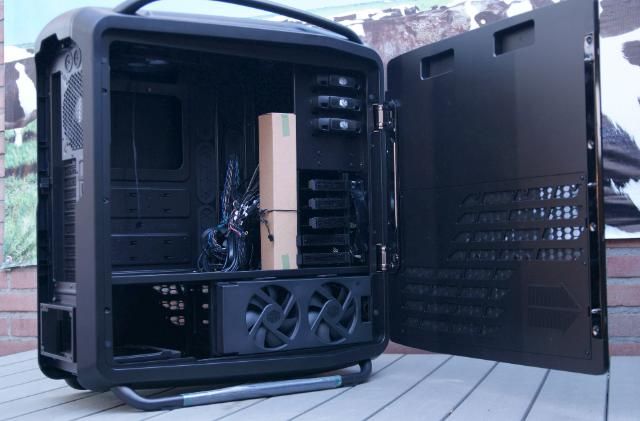
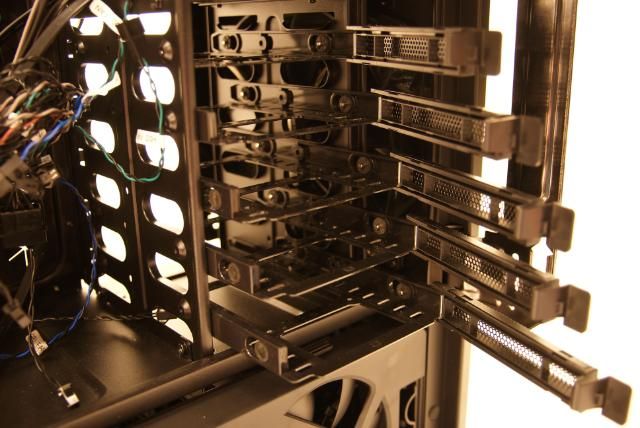
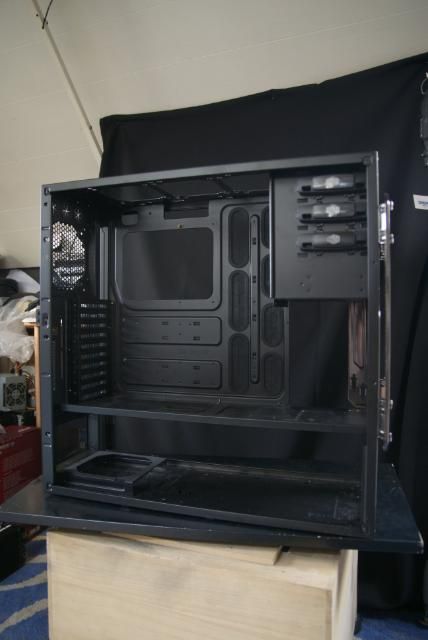
Once dragged in my workshop and opened it immediately, I noticed how much 3.5 Drive Bay are in it
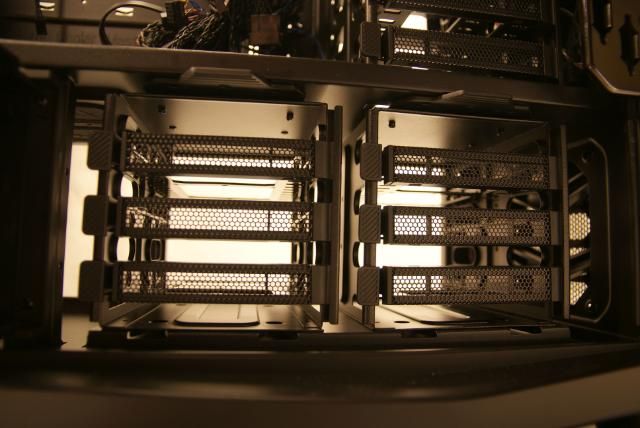
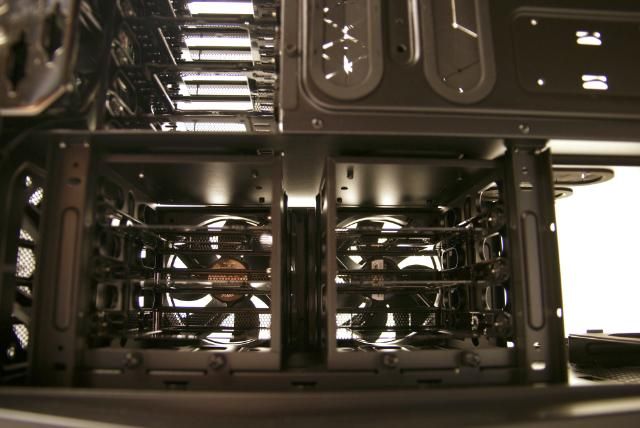
less than 13 pieces in total (2 from X dock, Mid cage for 5 HDDs, bottom cage for 6 hard drives)

The middle bay has room for 5 HDDs
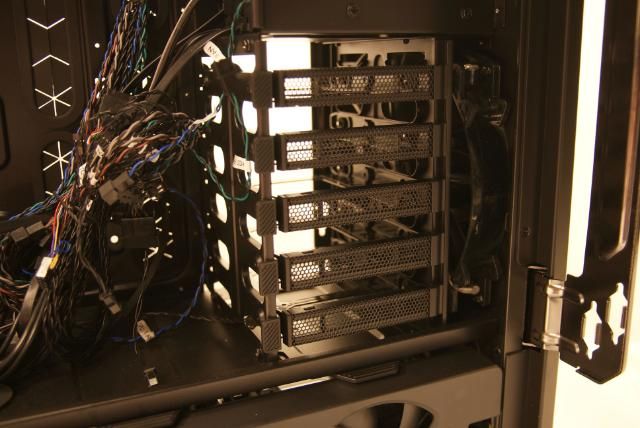
DSC05659.jpg


DSC05662.jpg


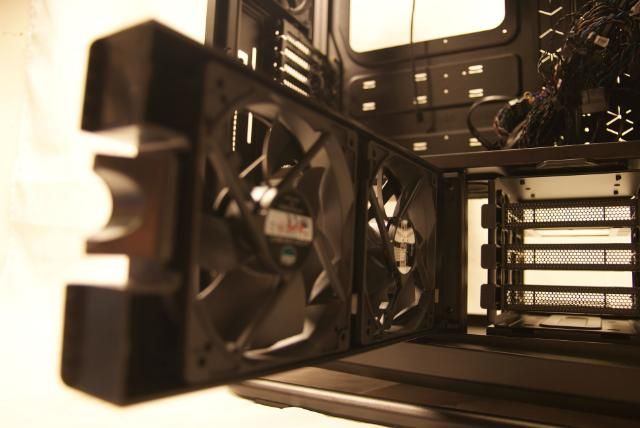
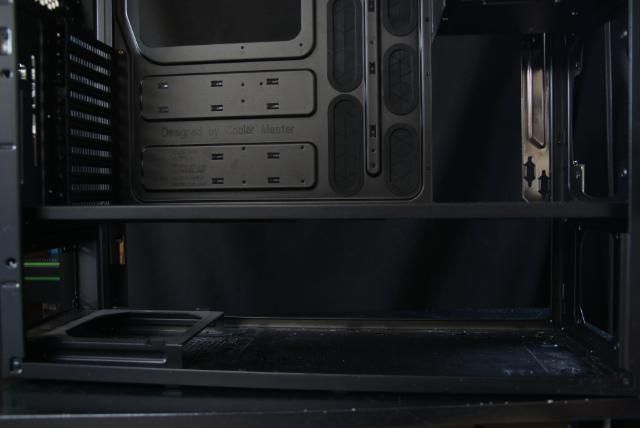
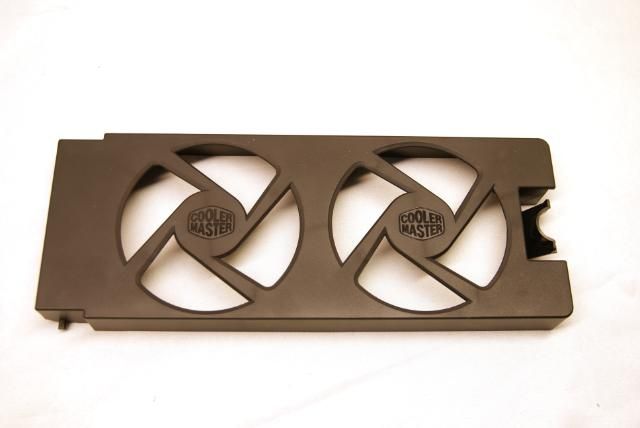
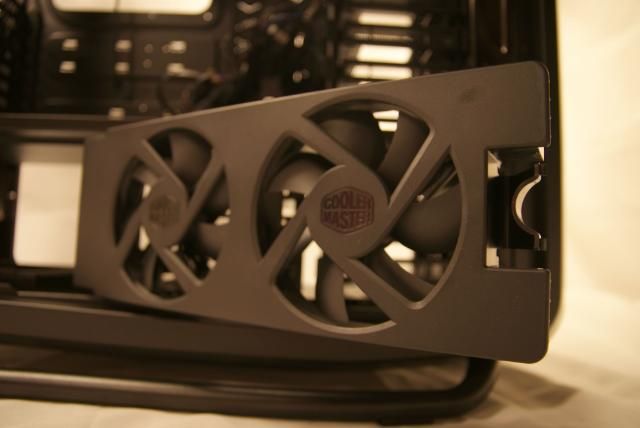
In the lower HDD bay there's room for 6 hard drives which is hidden behind a beautiful fan bracket with
2 x 120 mm fan, 1200 RPM, 17 dBA
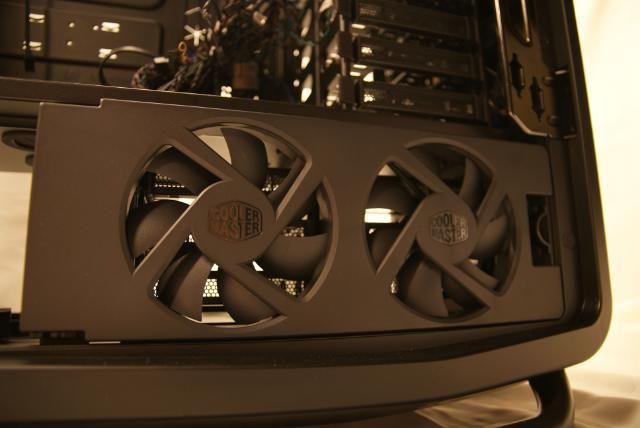
DSC05663.jpg


DSC05672.jpg


DSC05669.jpg


And here there is room for 6 HDD's
DSC05667.jpg


DSC05714.jpg


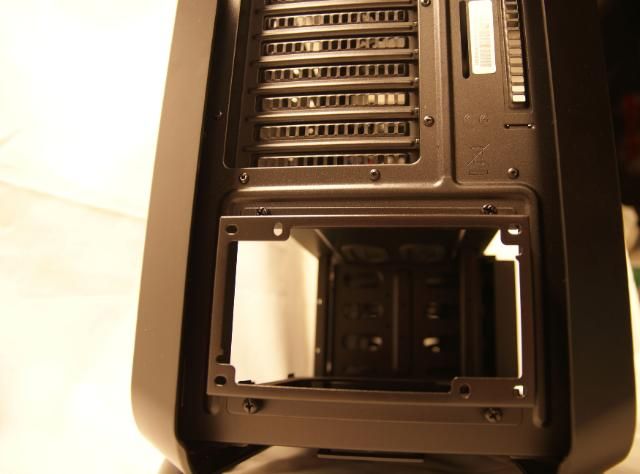
The PSU has shifted back for some extra space inside
DSC05673.jpg


And is raised a little

DSC05665.jpg


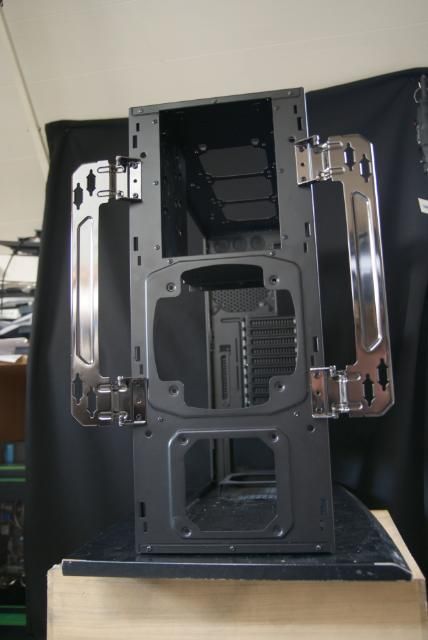
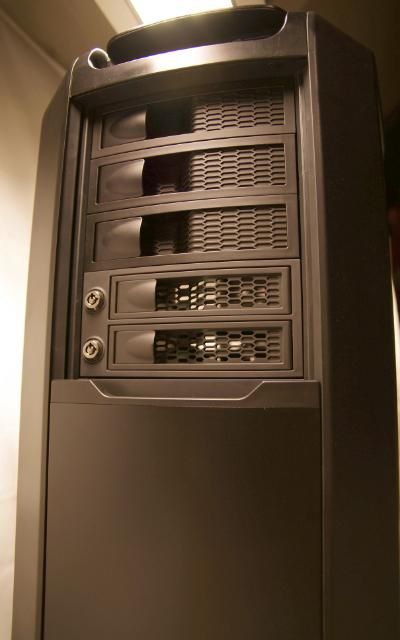
At the front there is space for two HDDs through the X-dock and there are three 5.25-inch drive bays available
DSC05721.jpg


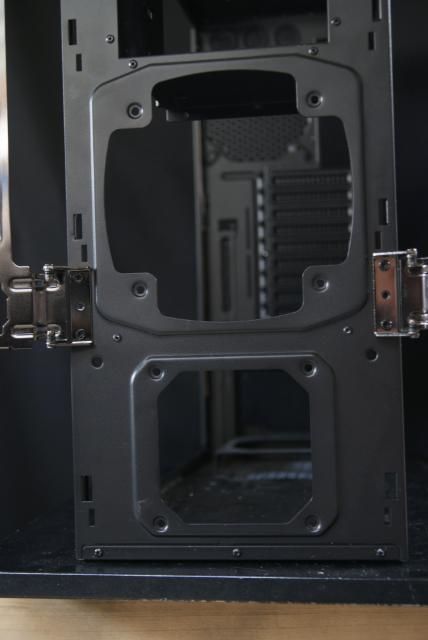
Below this compartment, behind the mesh part there is one 200 mm LED fan, 700 RPM, 19 dBA (converted from 120 / 140 mm)
And below that there is still room for a 120mm fan for the airflow trough the lower HDD's bracket
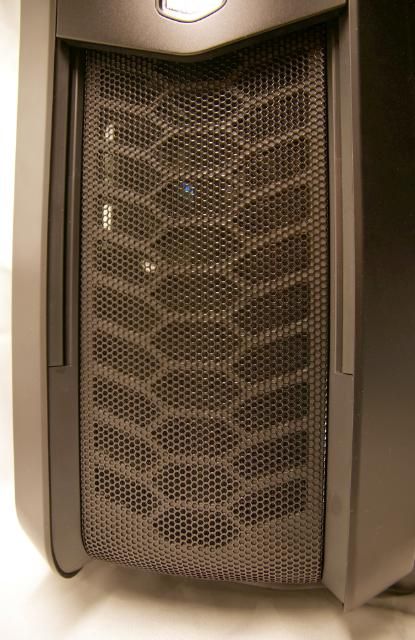
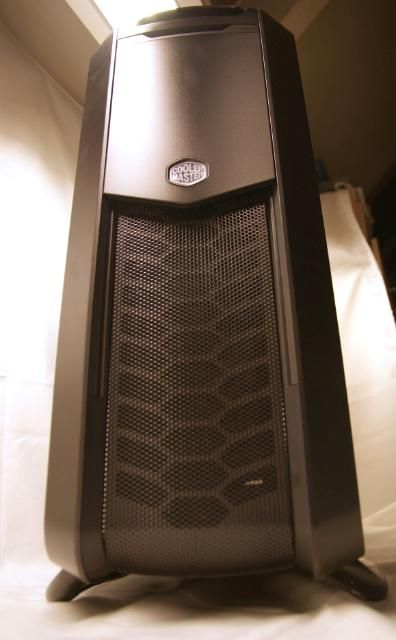
DSC05718.jpg


DSC05704.jpg


The back has room for a 10+1 Expansion Slots

http://i759.photobucket.com/albums/xx233/kier1976/Cosmos%201/DSC05678.jpg[/IMG

And a 140 mm fan, 1200 RPM, 19 dBA comes with it to the rear

[IMG]http://i759.photobucket.com/albums/xx233/kier1976/Cosmos%201/DSC05679.jpg

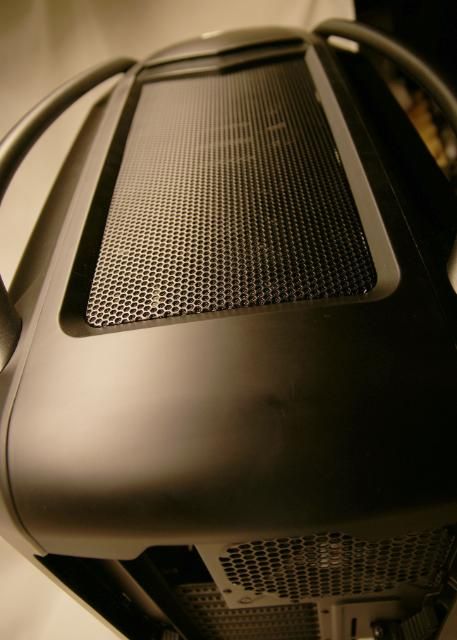
At the top is a lot of space under the mesh
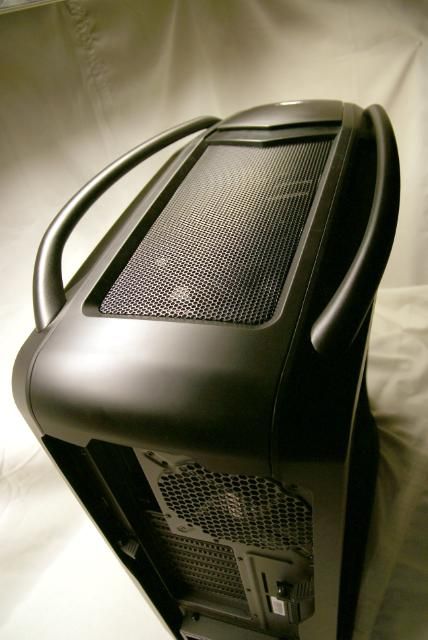
DSC05691.jpg


DSC05690.jpg


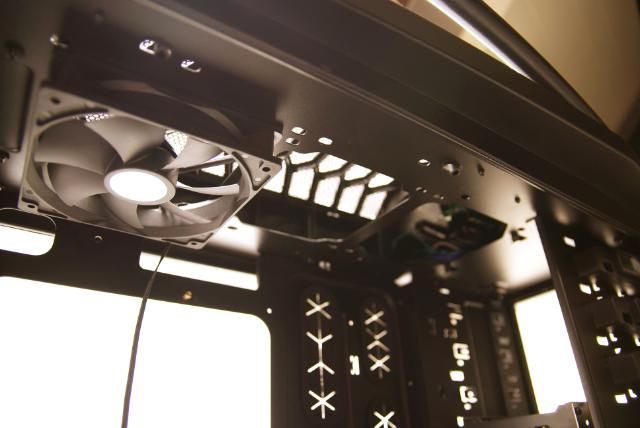
This cover is very easy to remove with a screw, and below is enough space for 3 fans and wiring
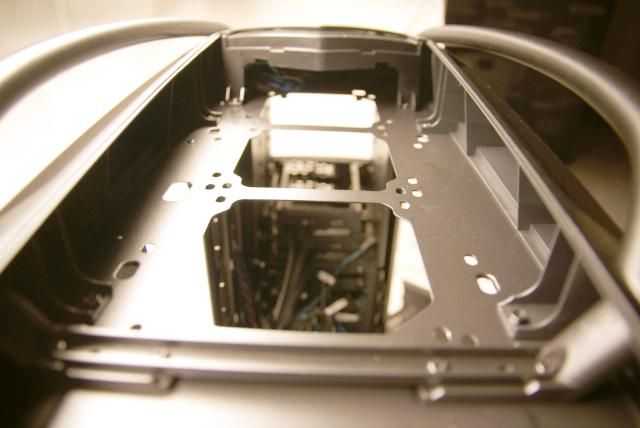
DSC05688.jpg


There also would fit a 360 rad but for that there are some adjustments needed.
And it comes with a black 120 mm fan, 1200 RPM, 17 dBA
DSC05686.jpg


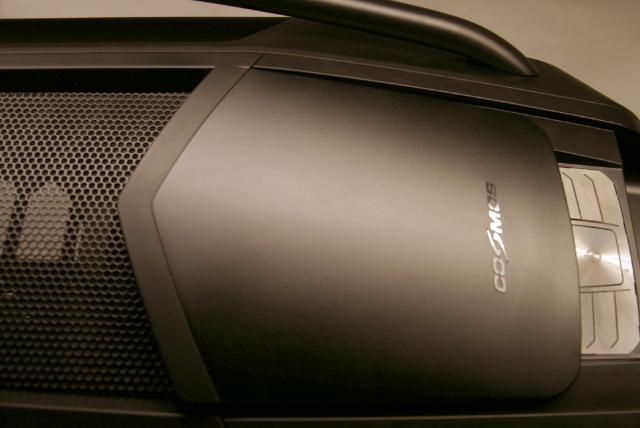
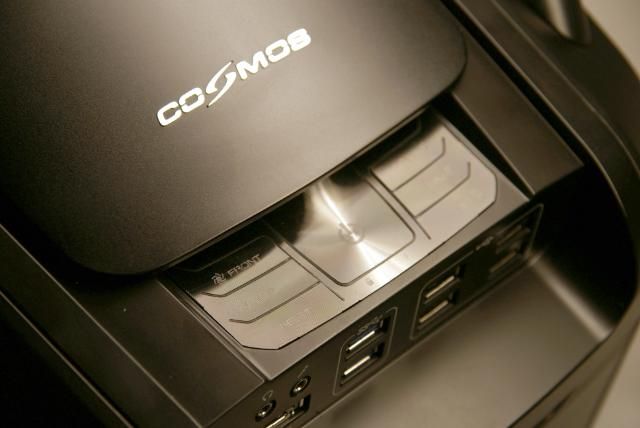
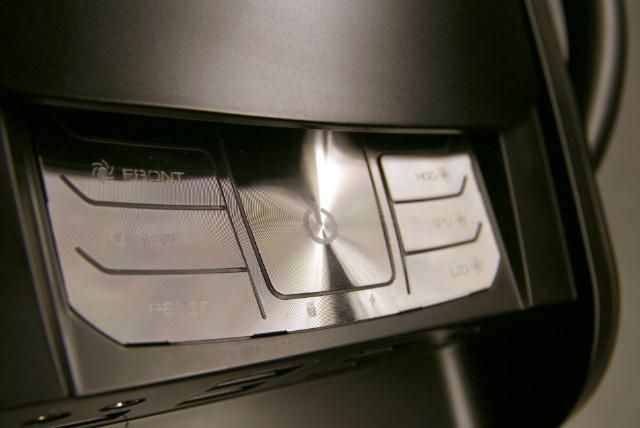
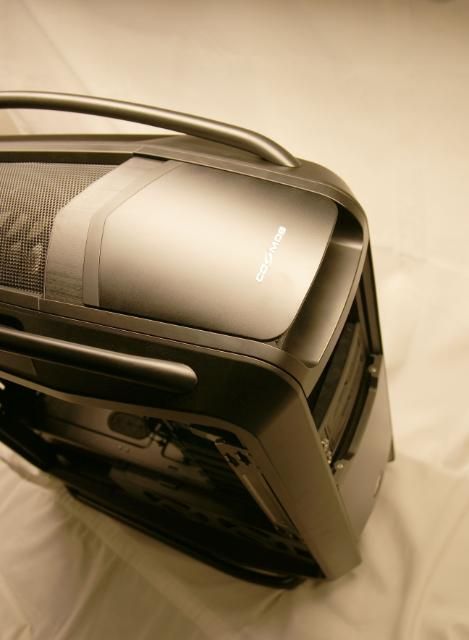
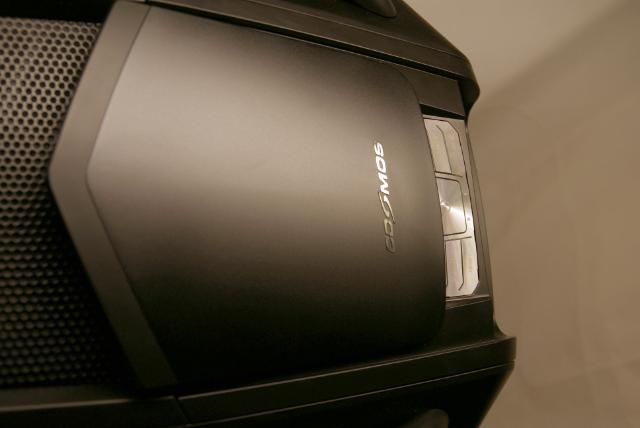
Also on the top there is a sliding panel. Below that there is a control panel with 7 functions
More about this in the next update
DSC05694.jpg


DSC05701.jpg


DSC05700.jpg


DSC05699.jpg


DSC05697.jpg


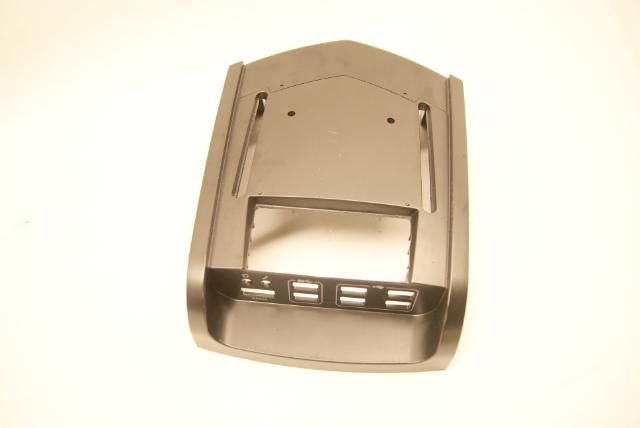
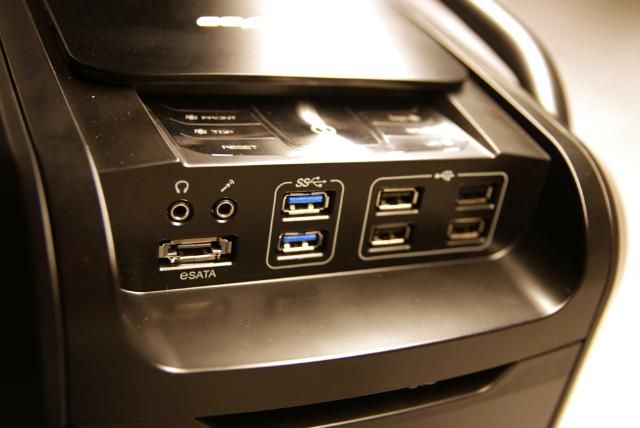
At the front there is the I / O panel with 2 xUSB 3.0, 4 x USB 2.0, 1 x e-SATA and audio in / out
DSC05698.jpg


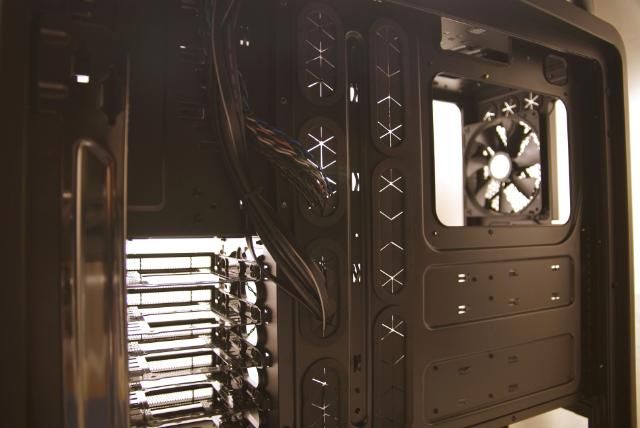
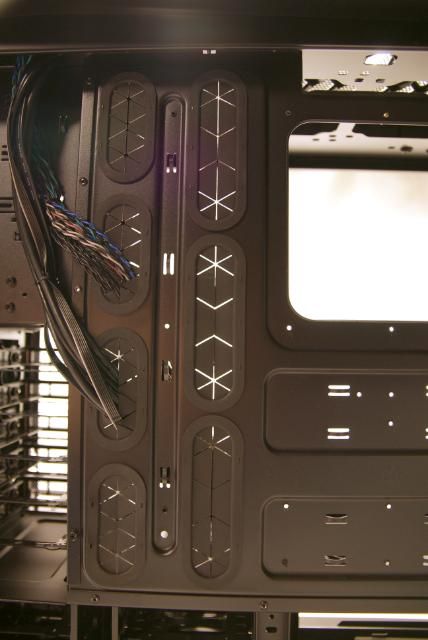
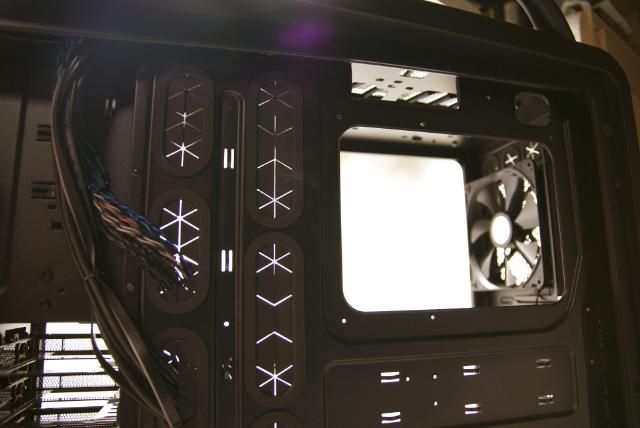
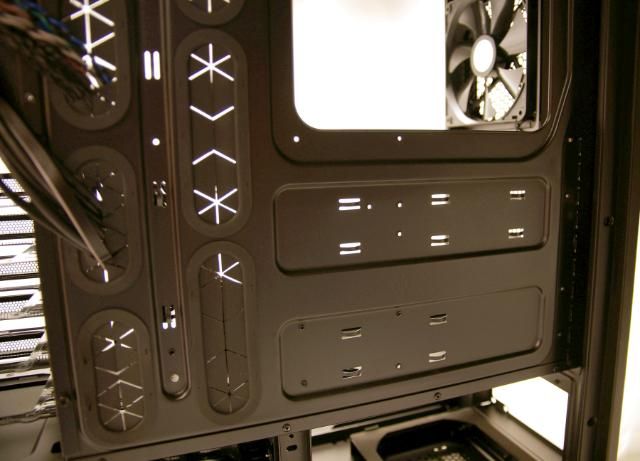
And there is very good tought about the cable management
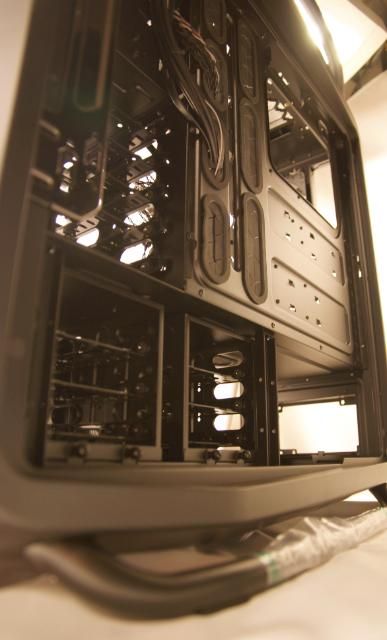
DSC05705.jpg


DSC05707.jpg


With enough holes

DSC05708.jpg


DSC05710.jpg


DSC05711.jpg


I could go on an d on about the case but..... now it's modding time

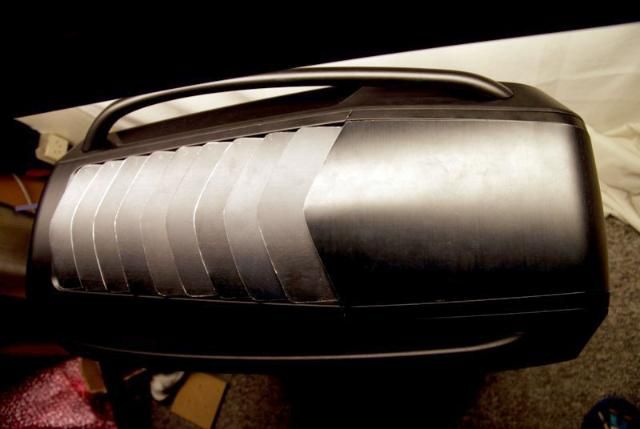
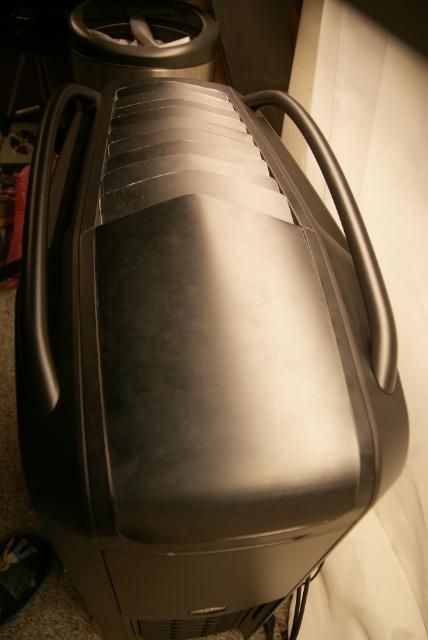
I removed the top mesh and made ​​a number of strips.
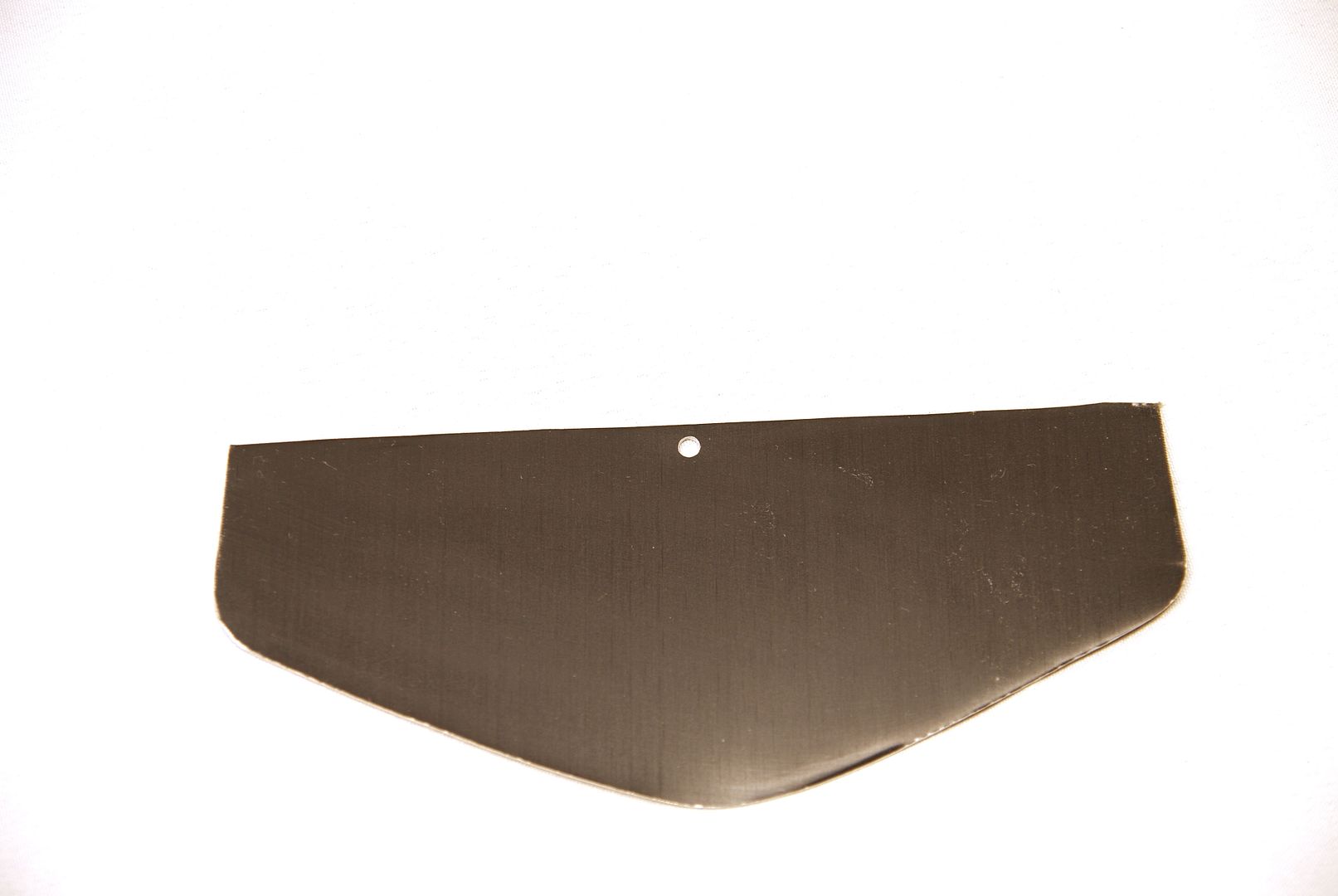
DSC05949.jpg


Which are directed obliquely backwards, this is still a rugged design and has yet to be finished ;)
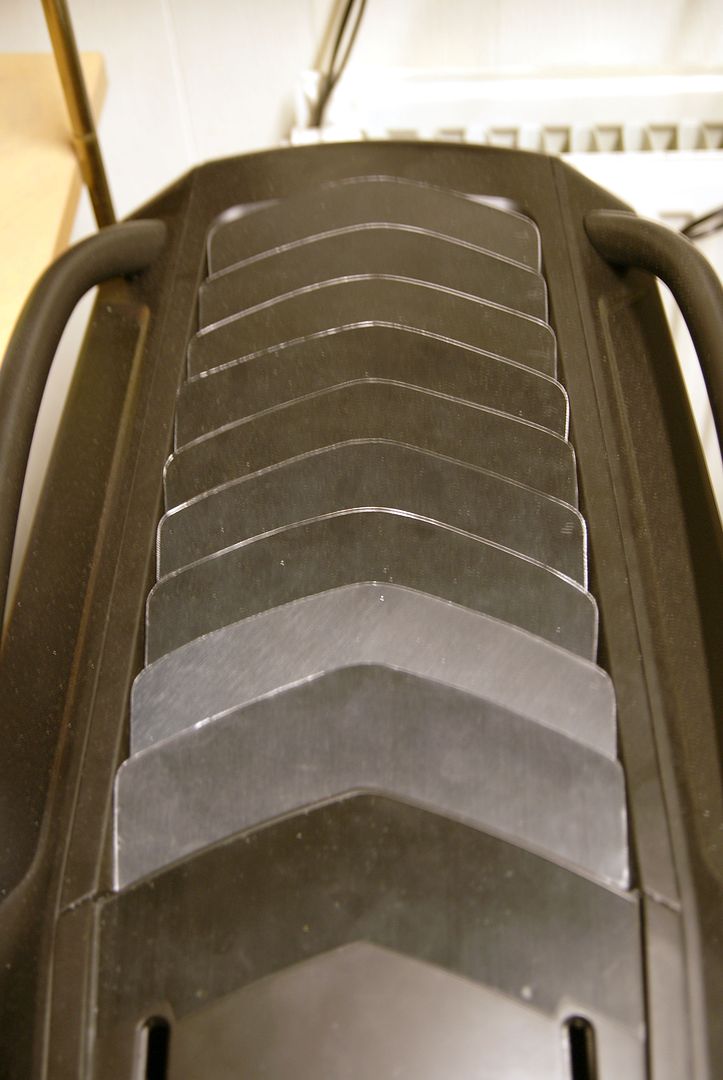
DSC05951.jpg


Cut out the fan controller carefully
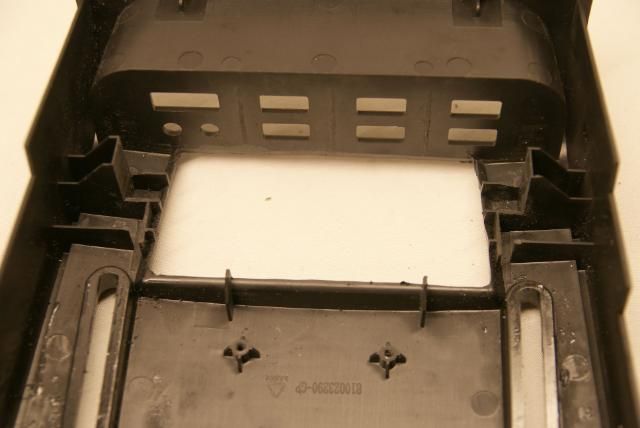
DSC05858.jpg


DSC05861.jpg


DSC05859.jpg


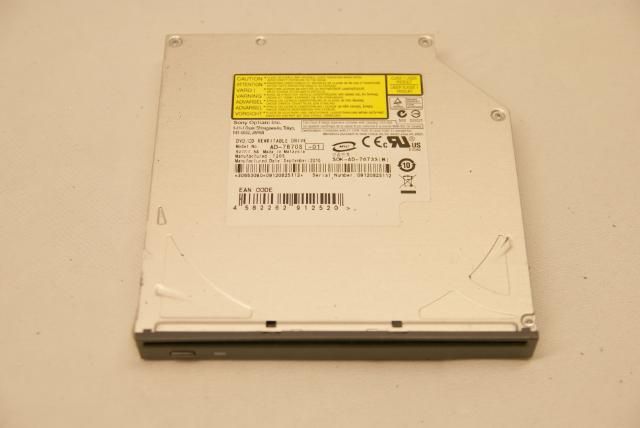
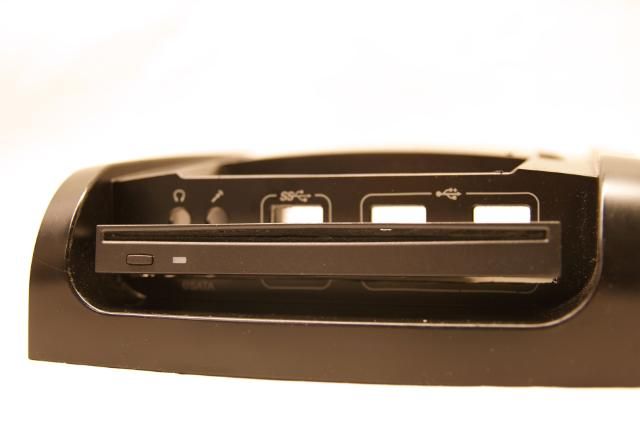
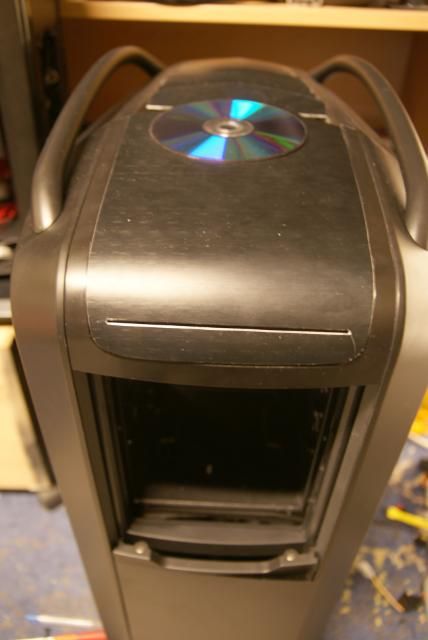
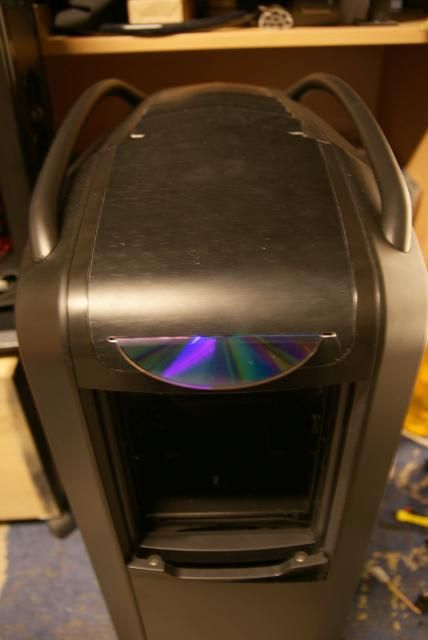
Here is coming a slot loader DVD or Bluray.
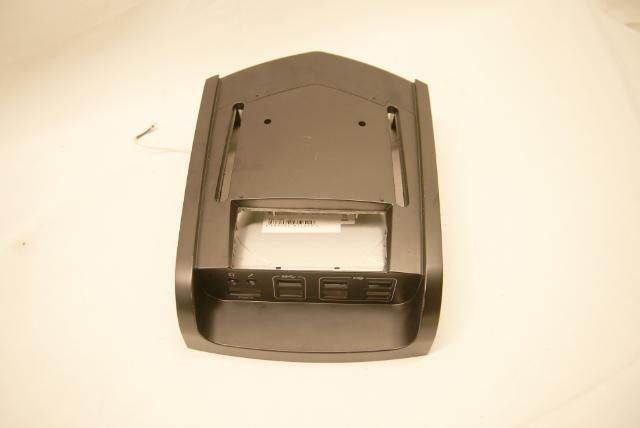
DSC05857.jpg


For measuring I used this one .

DSC05860.jpg


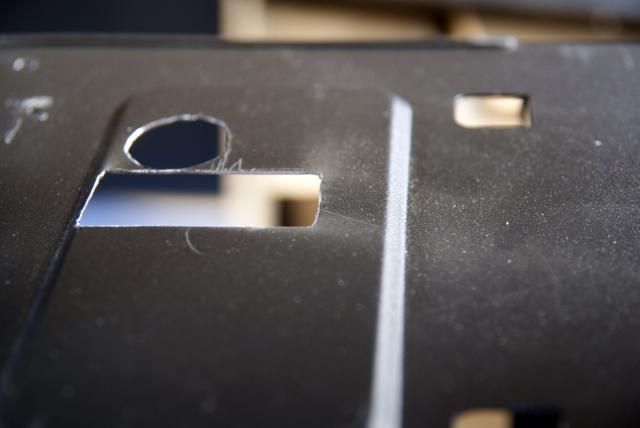
And made a slot for it

DSC05862.jpg


DSC05863.jpg


Where before was the sliding panel I cut and bent a piece of aluminum
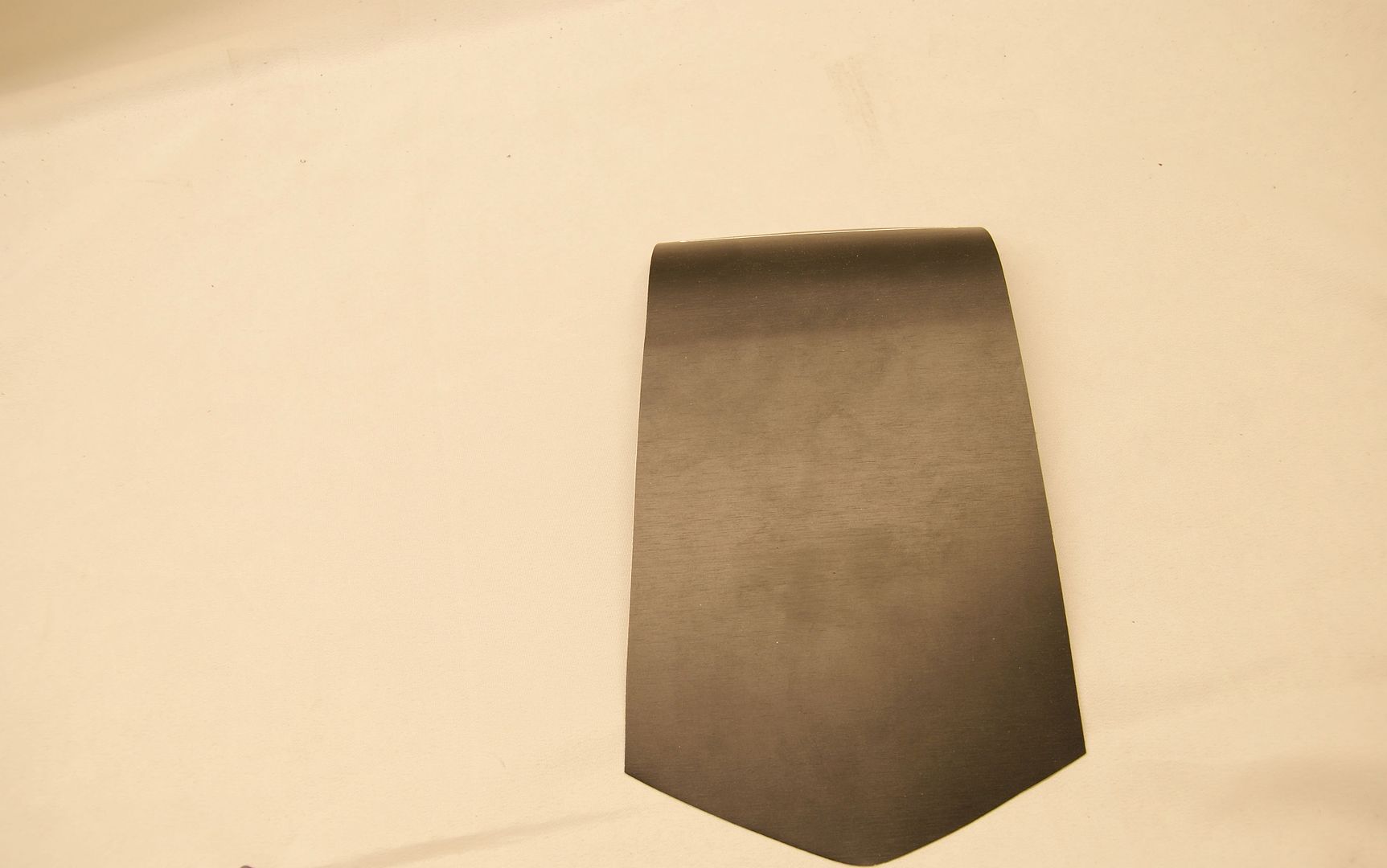
DSC05952.jpg


Which is placed like this

DSC05814.jpg


DSC05816.jpg


And made the slot for the slot loader drive
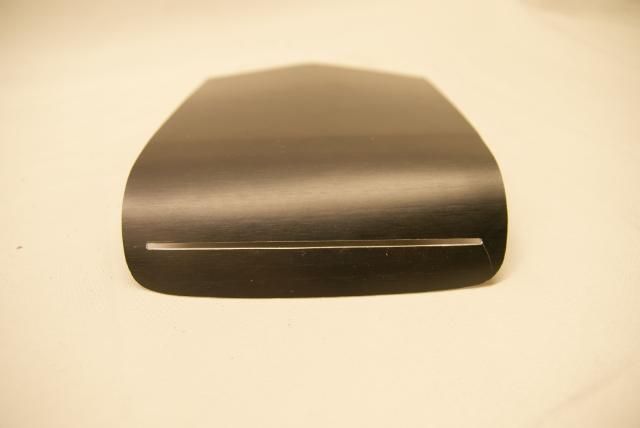
DSC05867.jpg


DSC05866.jpg


DSC05865.jpg


I hope this is a good start of the new year for you ... for me it is:)

More to come!!!
 
Last edited:
Saw this was made by Kier, and knew my socks were about to be blown off! The TJ-11 was awesome, cant wait to see this!
 
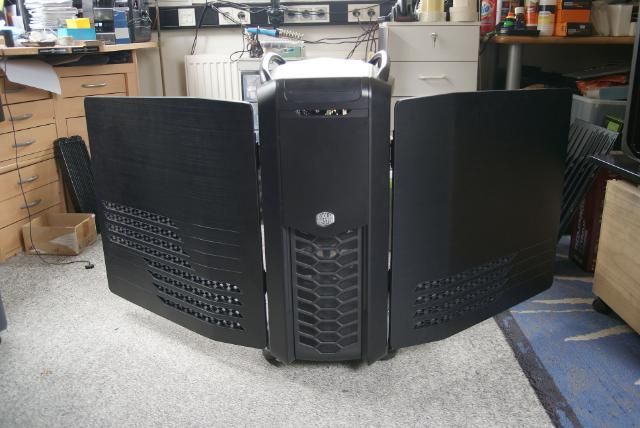
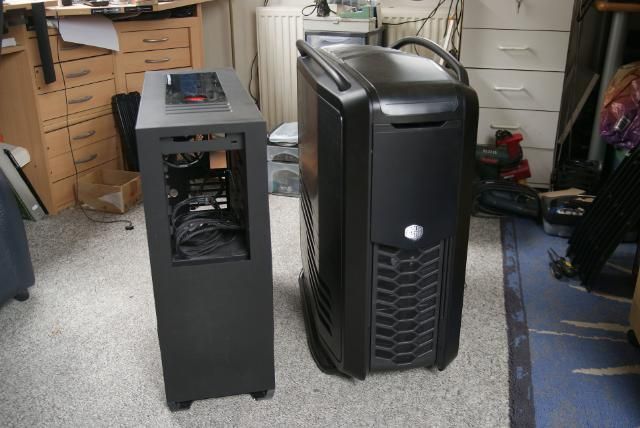
Just to compare the size of this beast :D

DSC05957.jpg


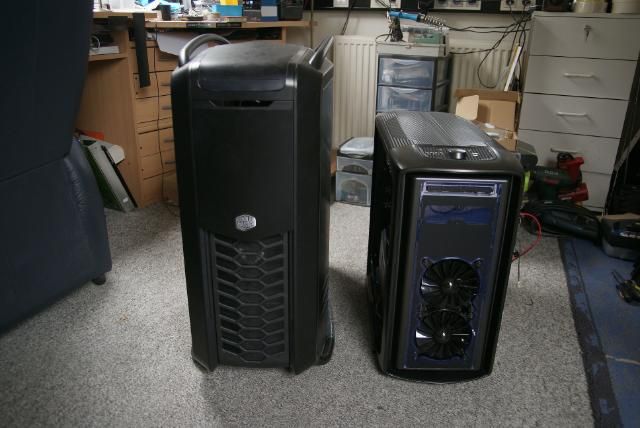
And next to some other cases

DSC05959.jpg


DSC05963.jpg
 
Update!!!

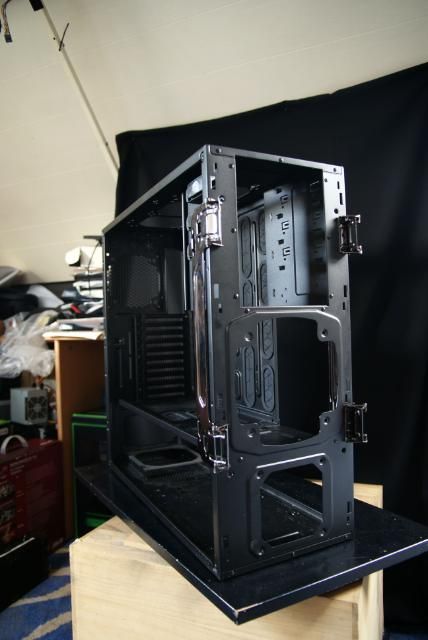
Today I removed al the plastic and there's not much left :D

DSC05964.jpg


DSC05967.jpg


DSC05969.jpg


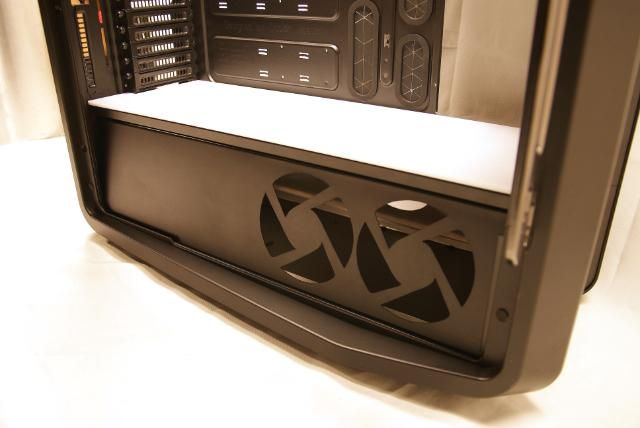
These fanholes might become handy ;)

DSC05970.jpg


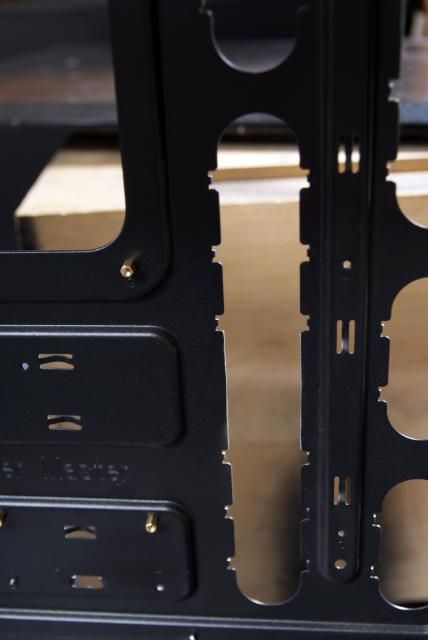
Also removed the HDD bays and some other stuff, now there is a lot of space left for two 240 Rads. It,s possible to put 360 rads in there but I want lots of space for the cables and tubing
The front is also cleaned

DSC05968.jpg


DSC05972.jpg


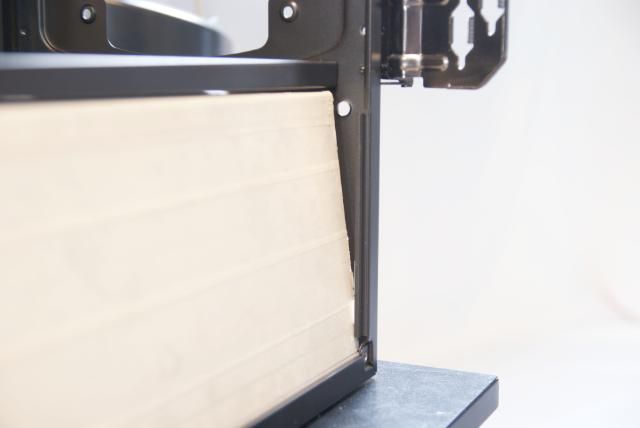
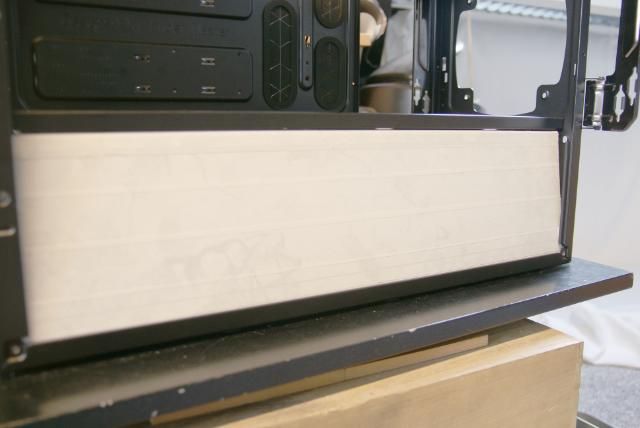
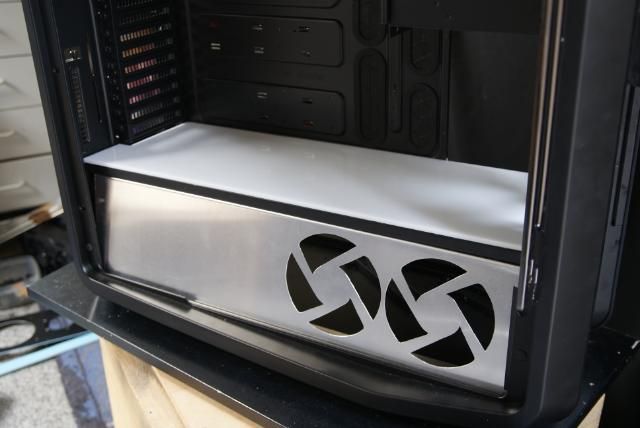
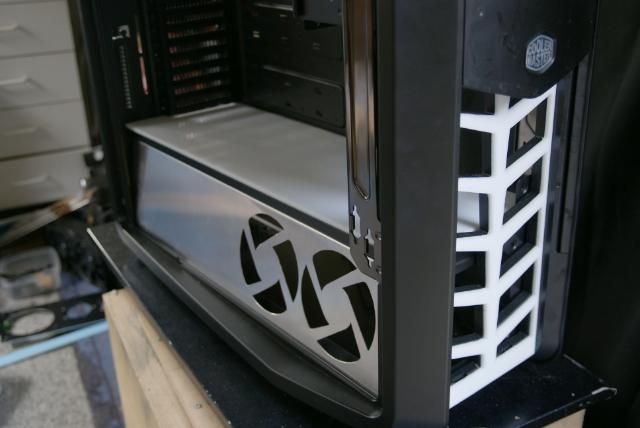
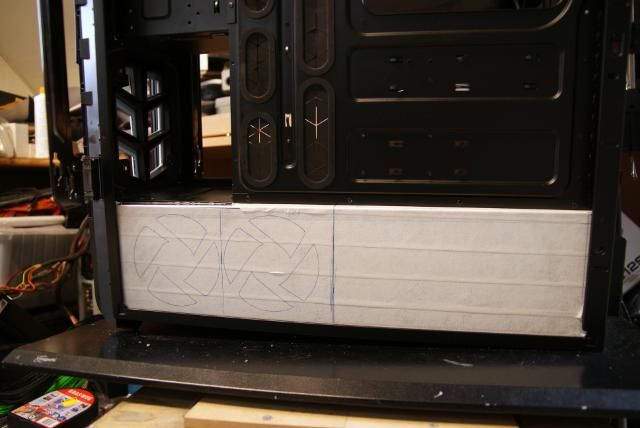
I have a nice idea for the lower compartment. For this I sawn a piece of 1mm aluminium

DSC05975.jpg


Bent it

DSC05978.jpg


DSC05979.jpg


With a slide angel

DSC05980.jpg


DSC05977.jpg


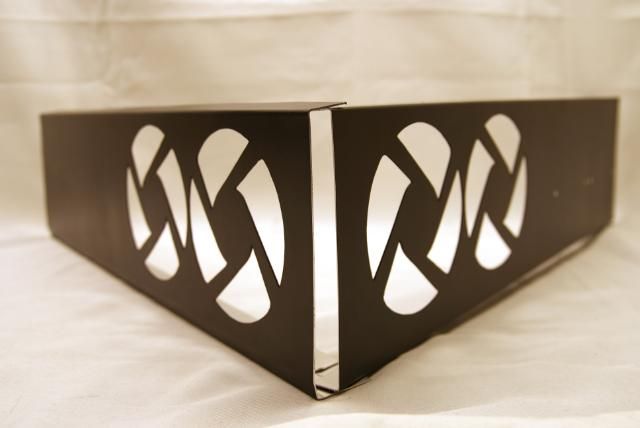
Covering up the whole compartment. Other side is becoming just the same

DSC05976.jpg


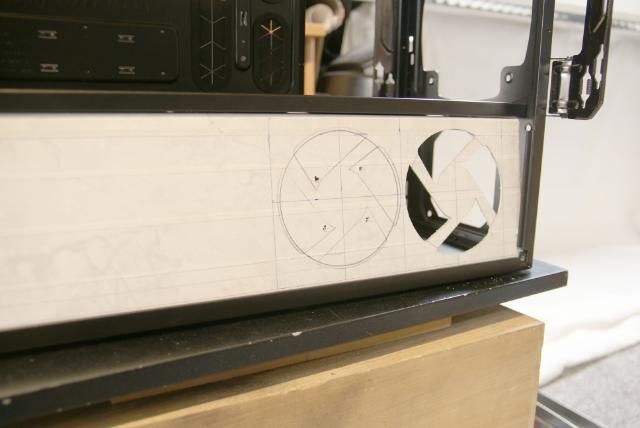
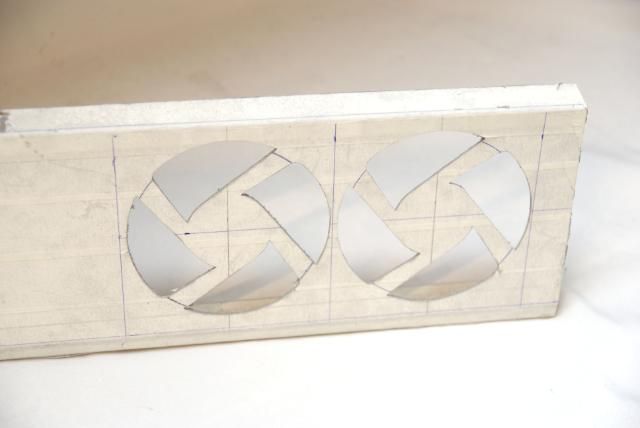
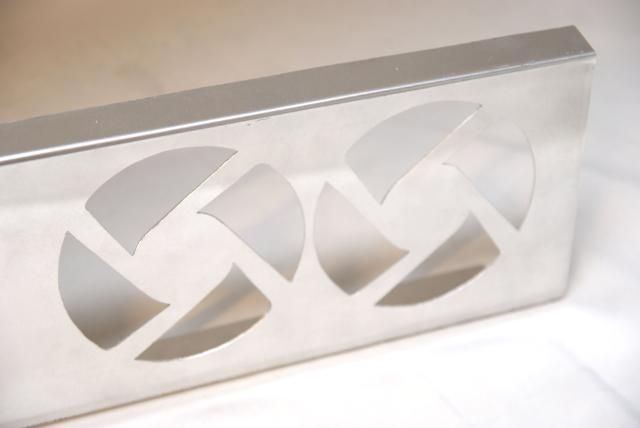
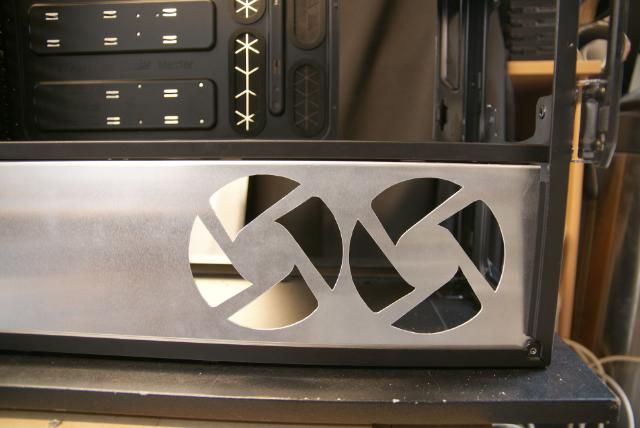
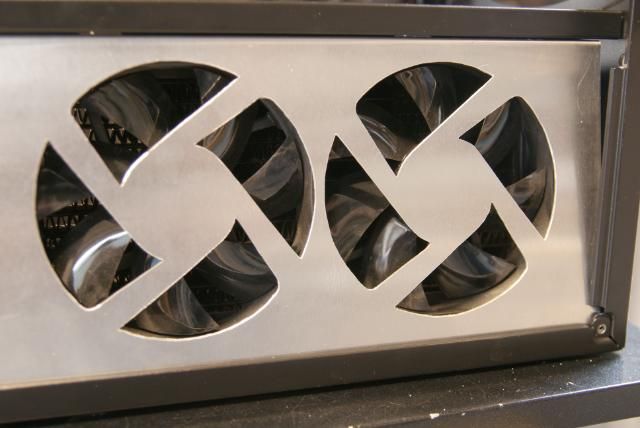
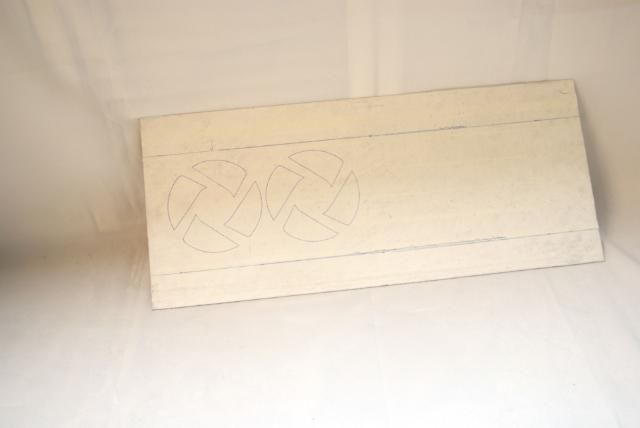
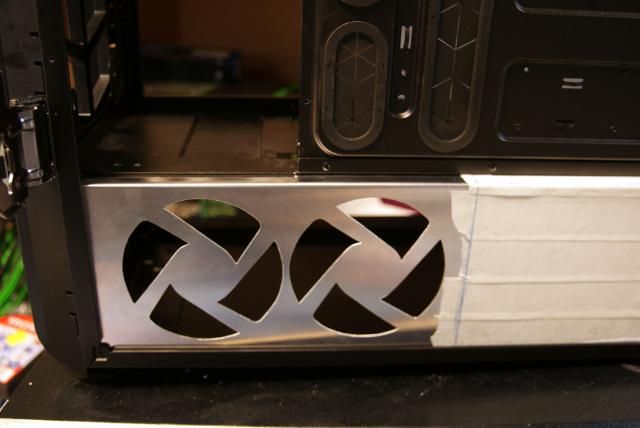
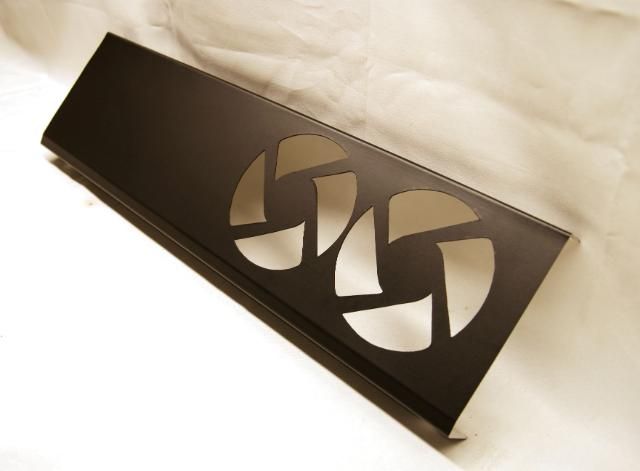
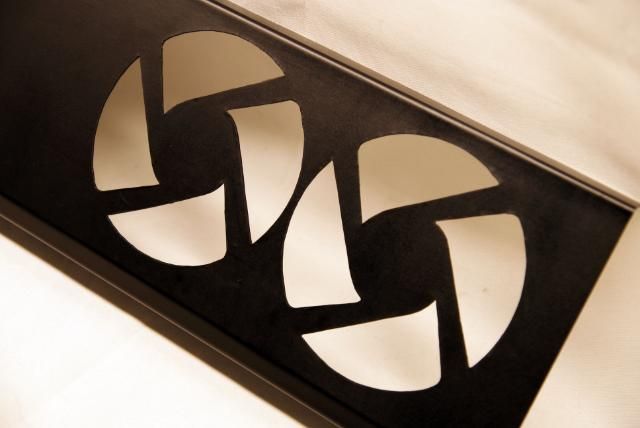
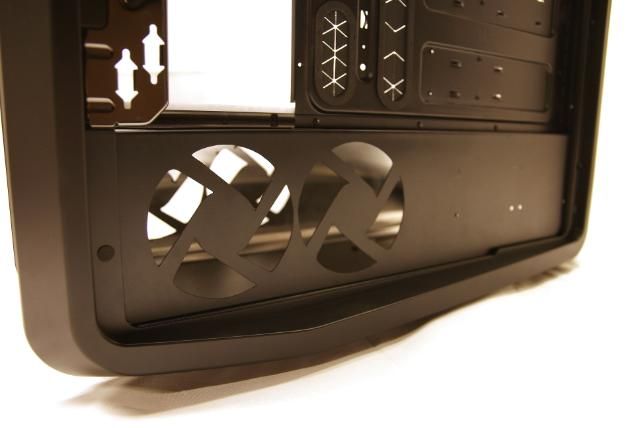
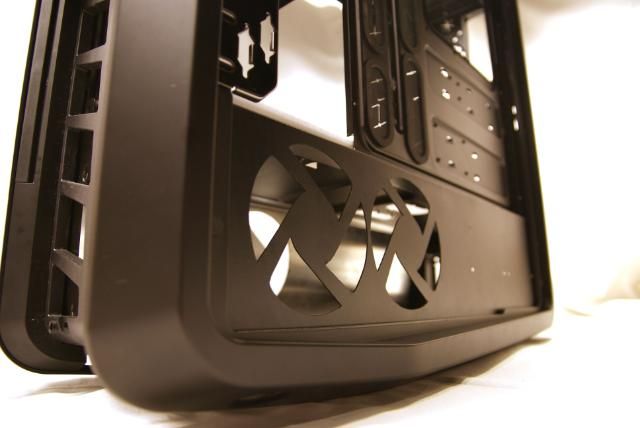
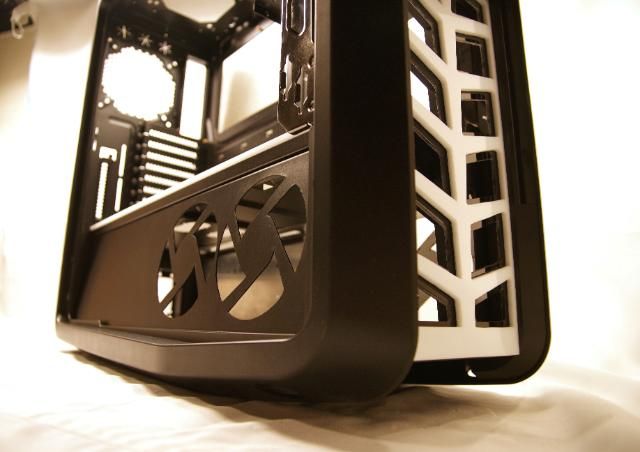
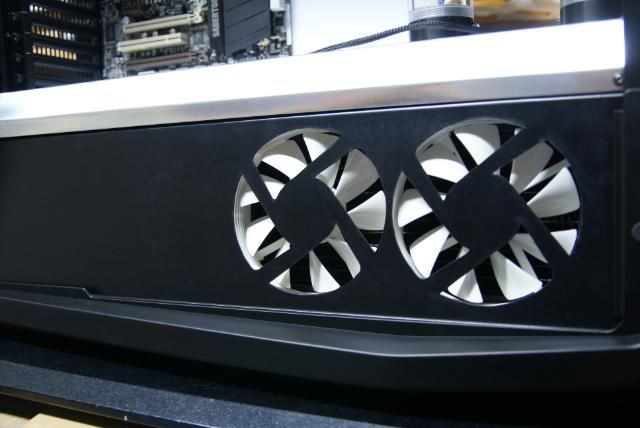
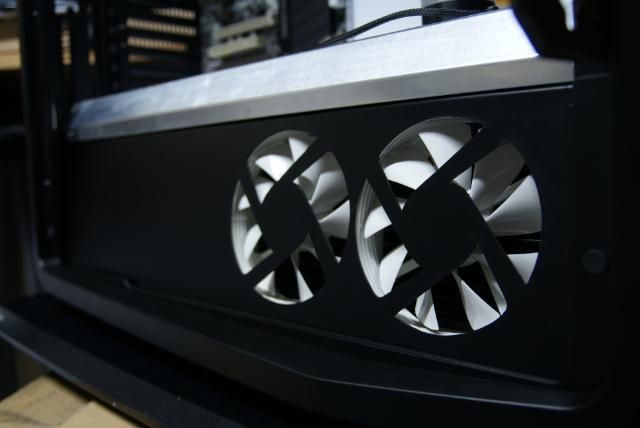
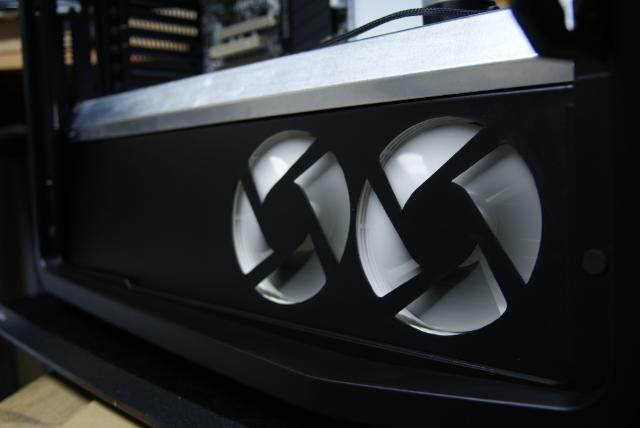
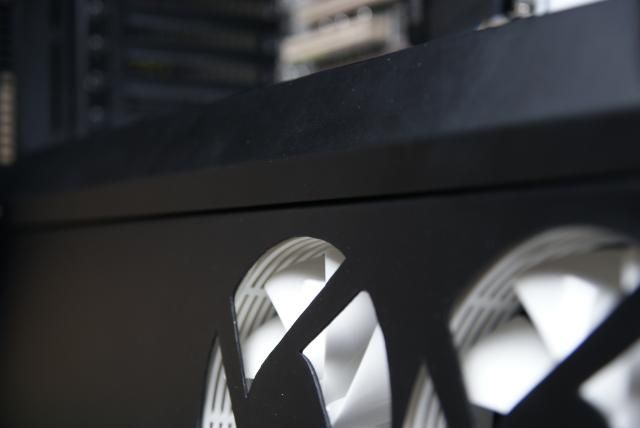
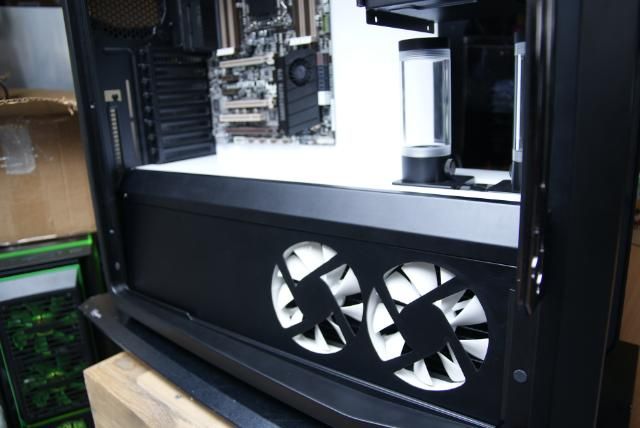
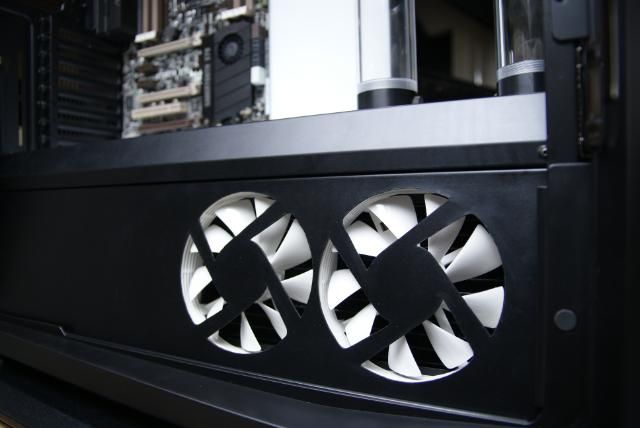
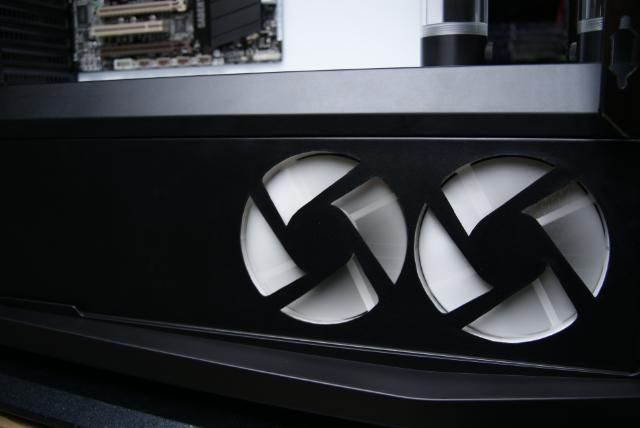
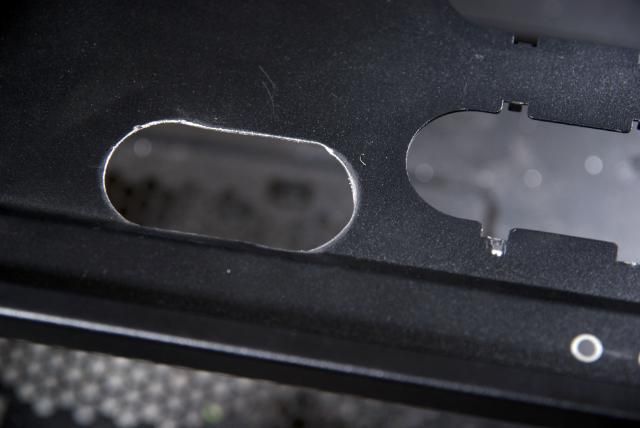
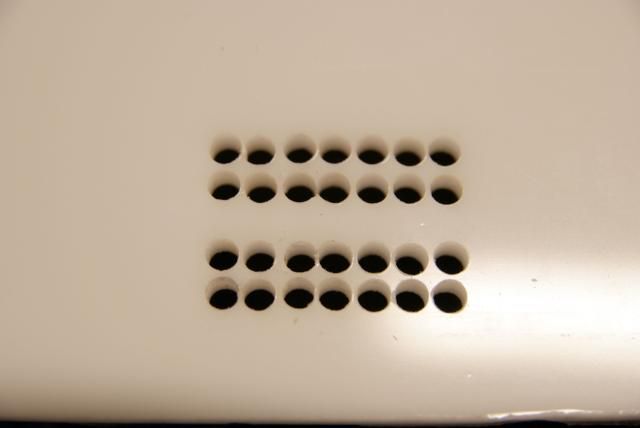
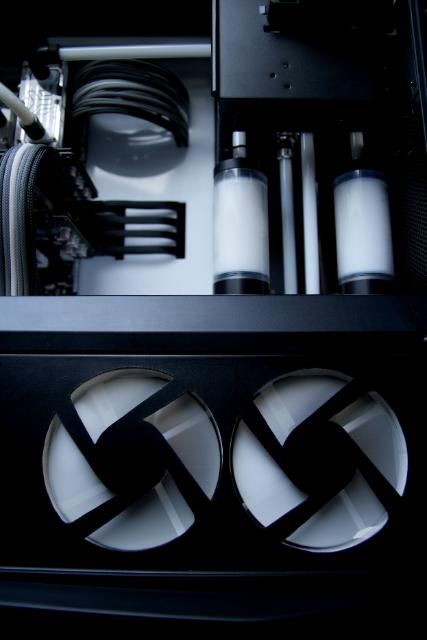
For the fanholes I had a nice idea. I really like the shape from original fanholes, so this I,m going to make in the lower panel

DSC05991.jpg


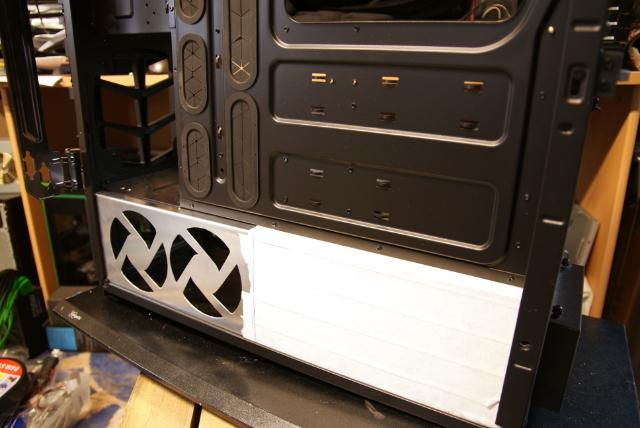
After some sawing and filing

DSC05982.jpg


Second one also done

DSC05983.jpg


Removed the tape

DSC05984.jpg


DSC05985.jpg


DSC05986.jpg


DSC05988.jpg


And placed the rad and fans. This cover is going to be black (I think)

DSC05989.jpg


Just one more to make :D
 
Very nice! Love that case. Hidden DVD drive is sick. Would love to see the final build.
 
Update!!!

Just a small update before I go on a little vacation :D

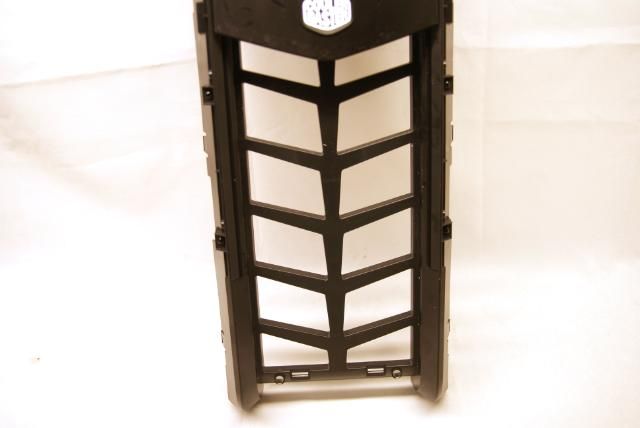
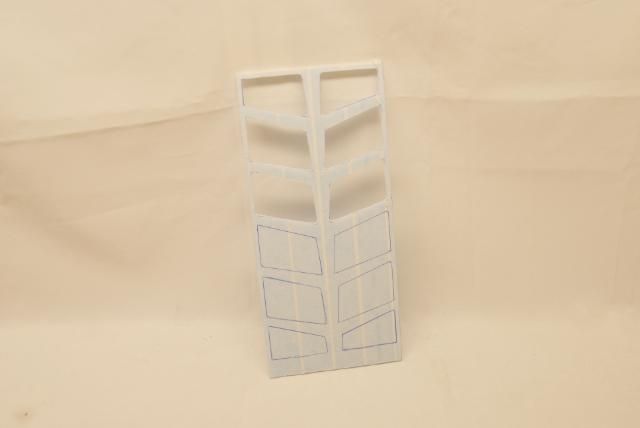
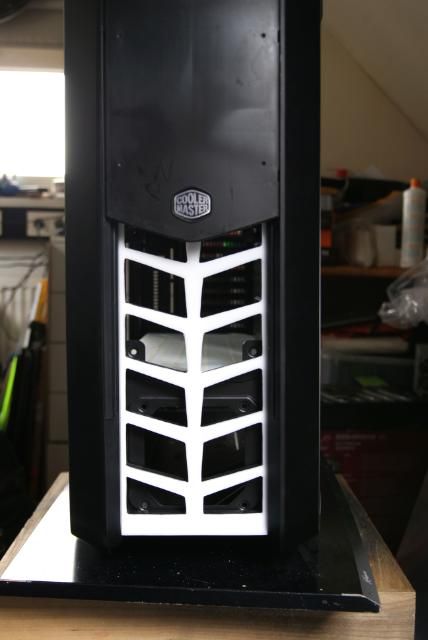
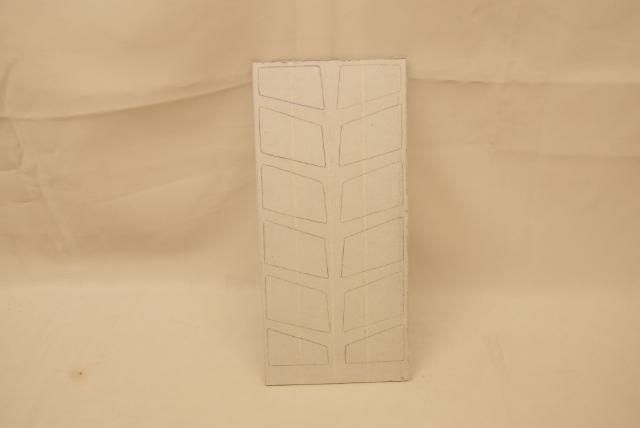
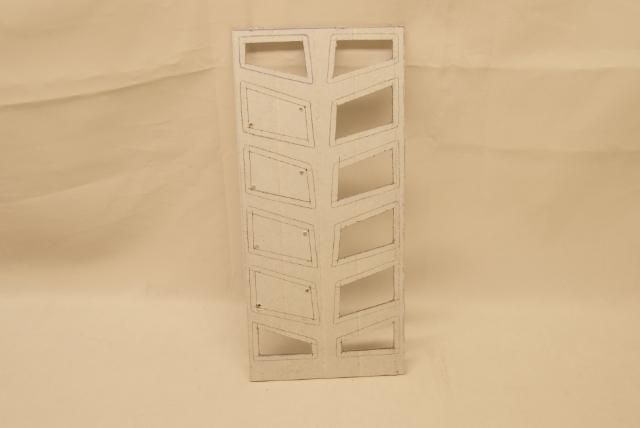
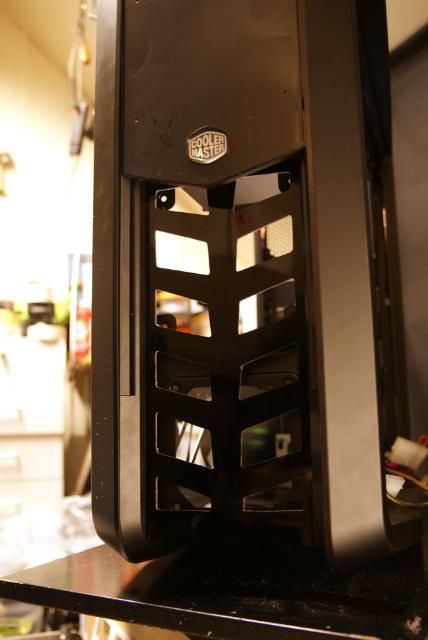
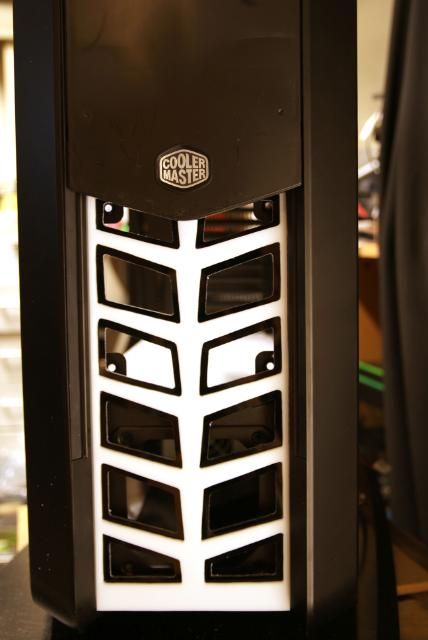
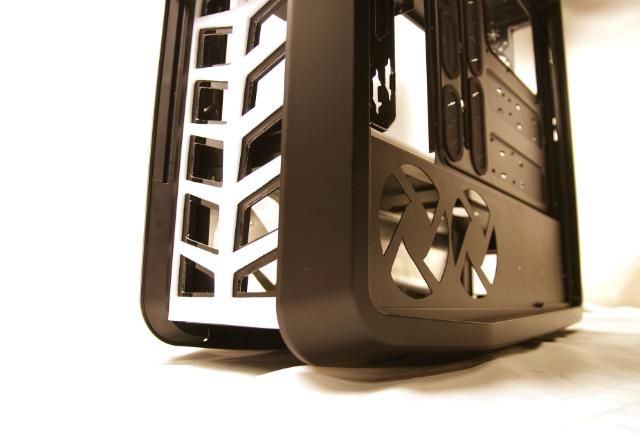
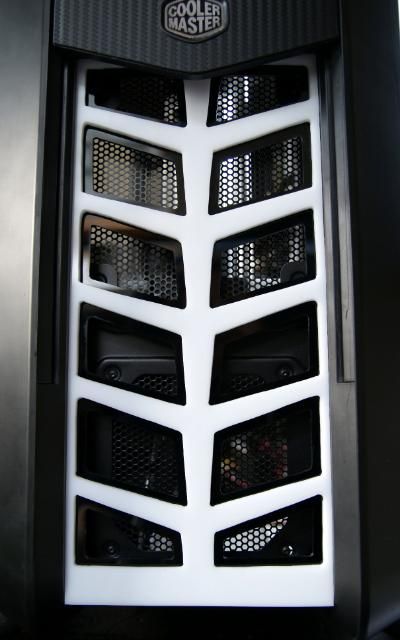
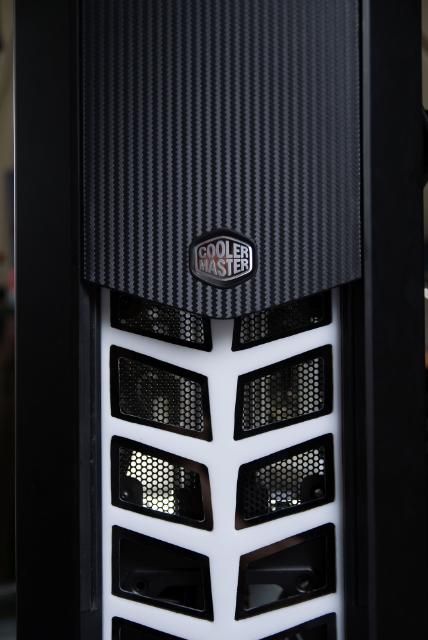
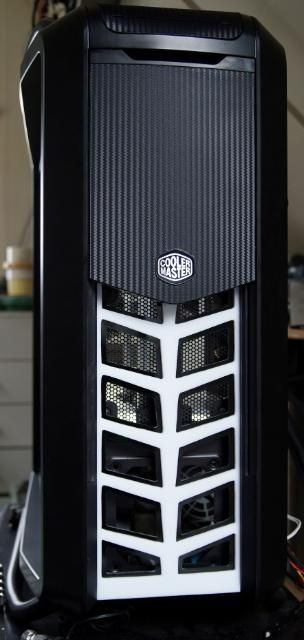
I also liked the shape from the air intakes behind the mesh in the front,

DSC05993.jpg


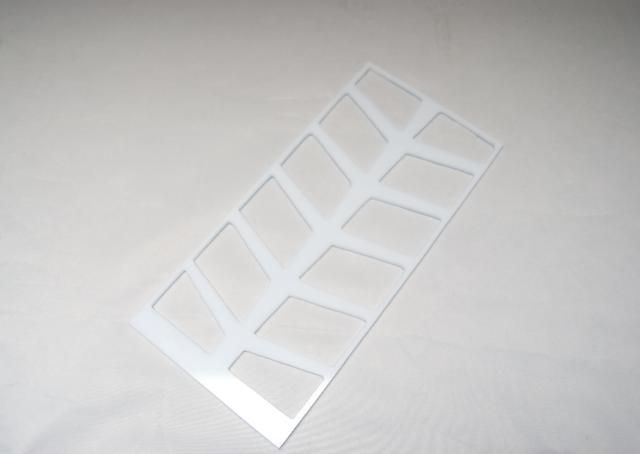
so I copied that to a piece of 5mm white acrylic

DSC05992.jpg


DSC05995.jpg


And placed it. I think i'm going to place another black layer on top of it

DSC05996.jpg


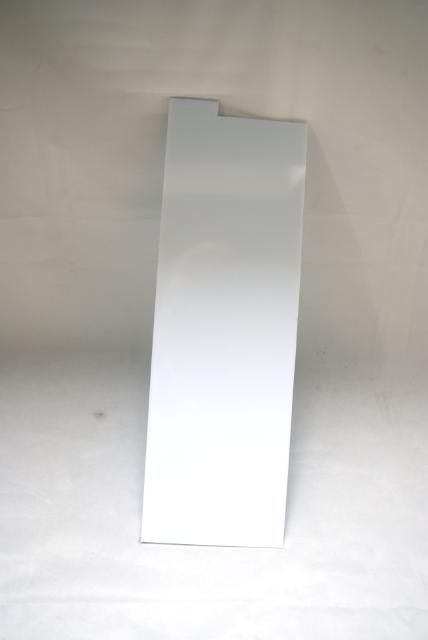
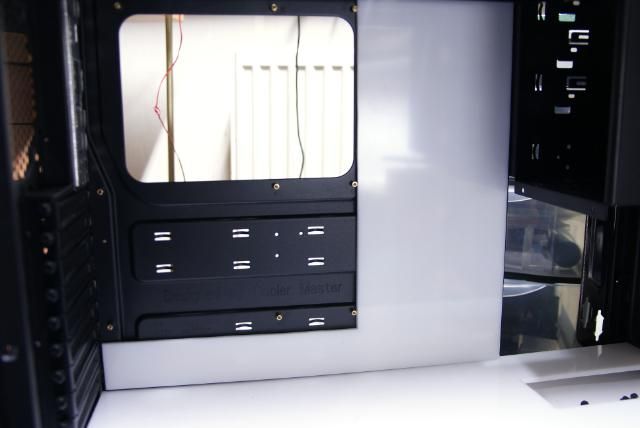
Also made a 5mm white acrylic midplate

DSC05998.jpg


Maybe illuminated

DSC06000.jpg


DSC06002.jpg


That's it for now!!! coming back soon ;)


Update: The front

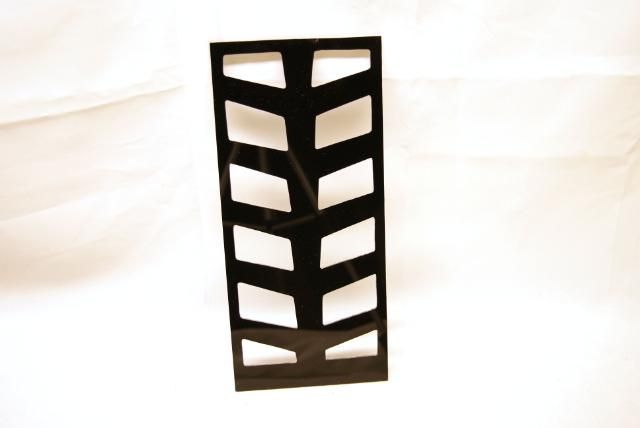
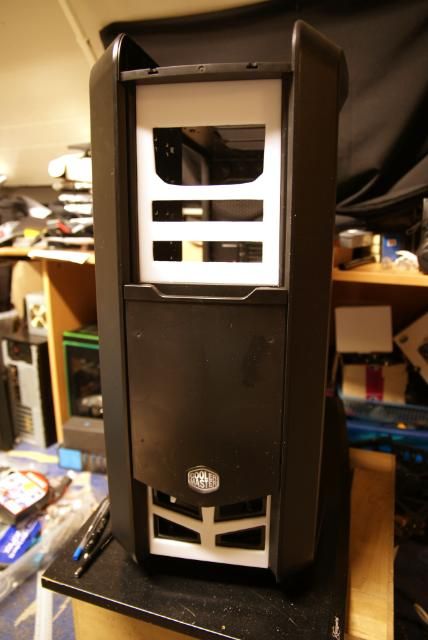
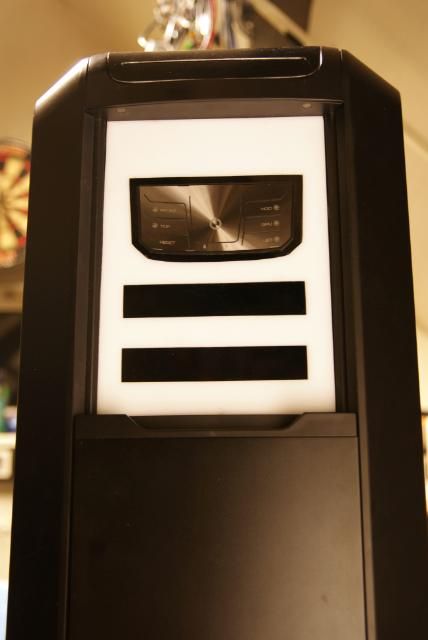
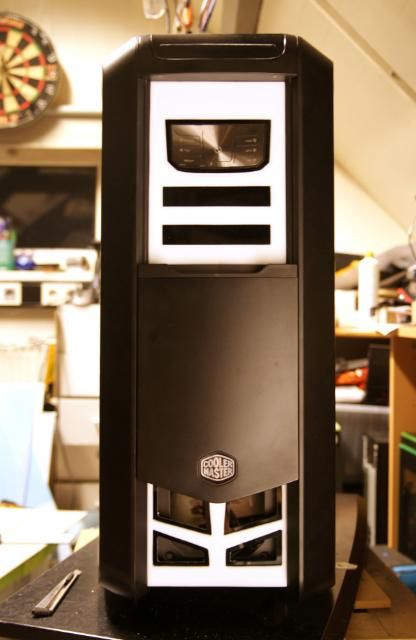
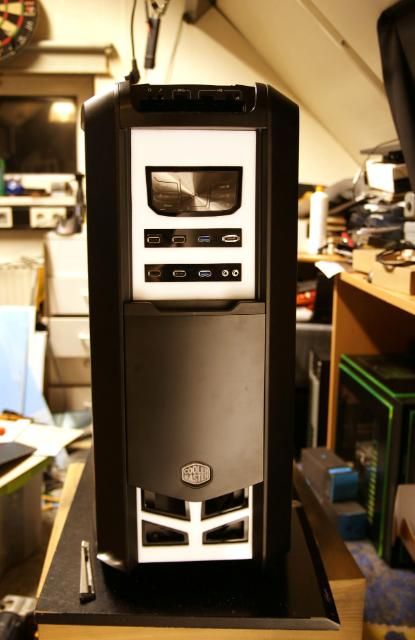
These last few days i've continued with the appearance of the case. I want the front to turn black / white. So I have sawn a piece 3mm black acrylic, the same pattern as the white plate. Only now with the recesses 5mm smaller.

DSC06008.jpg


DSC06009.jpg


DSC06010.jpg


DSC06012.jpg


White plate on it

DSC06016.jpg


I like the looks of it. Also have now some great air in/ outlets, finishing of this part later

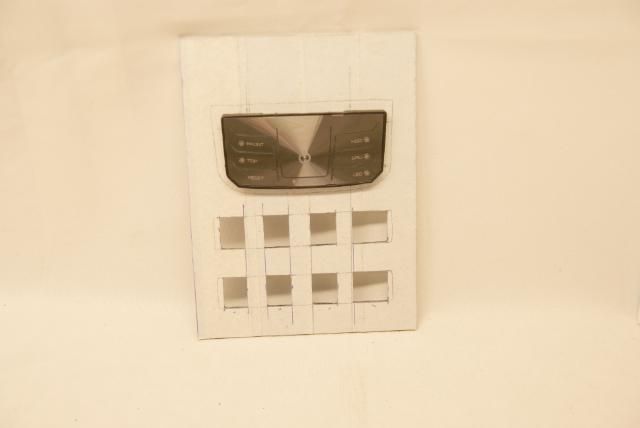
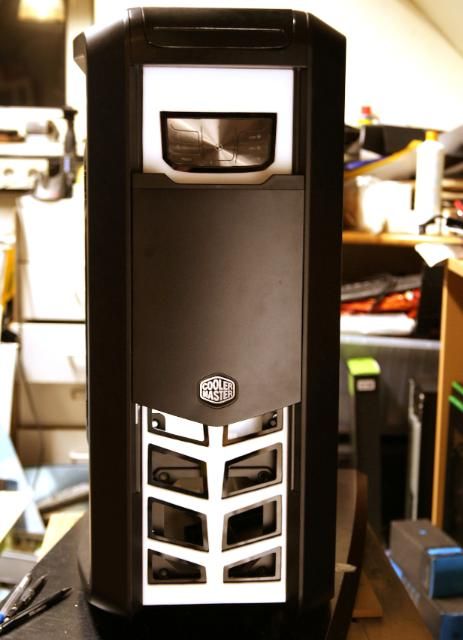
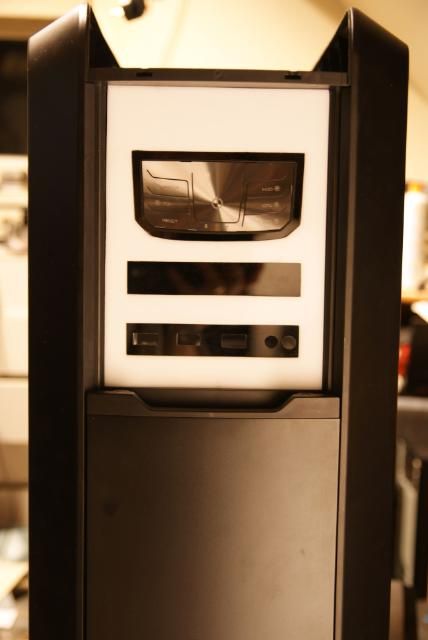
I previously mentioned that the controller is coming in the upper 5.25 compartment togheter with the I/O stuff, all of this in the black and white theme

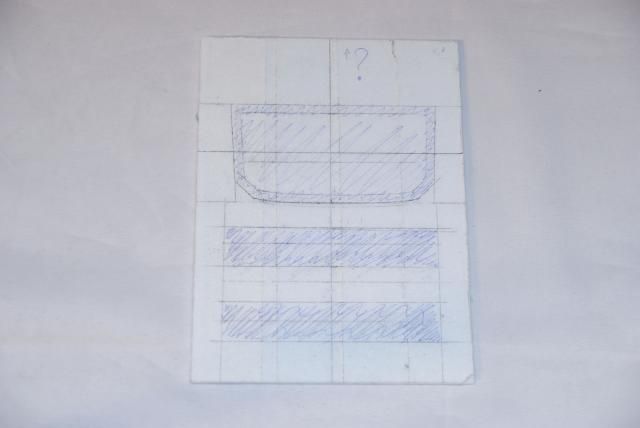
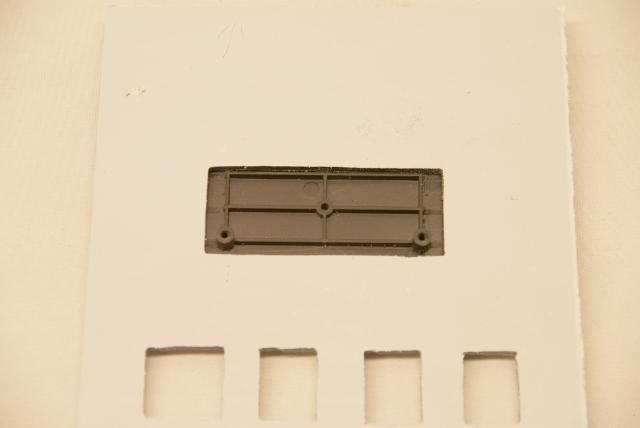
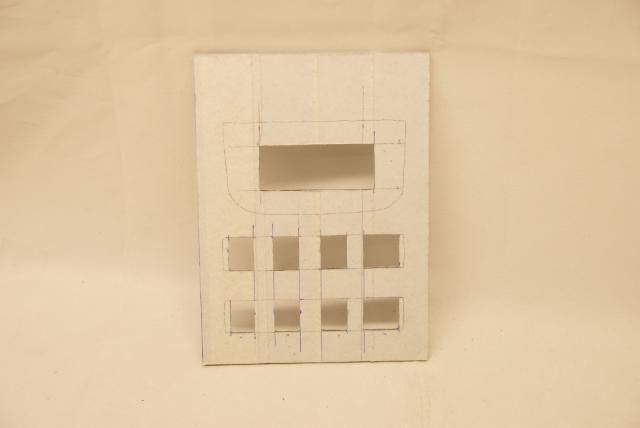
So marked a 5mm white acrylic piece

DSC06017.jpg


DSC06020.jpg


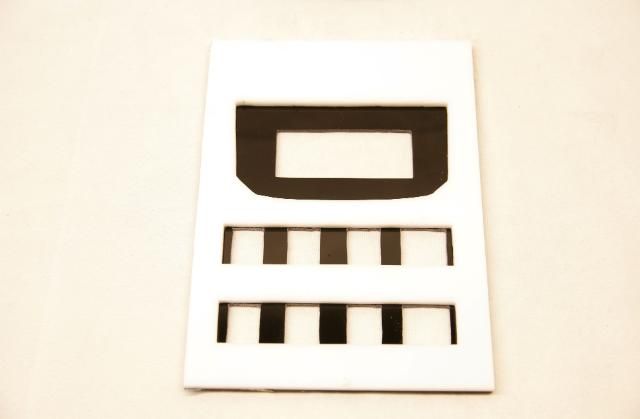
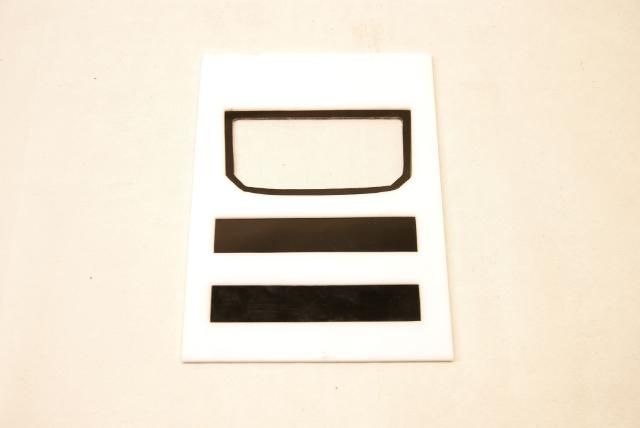
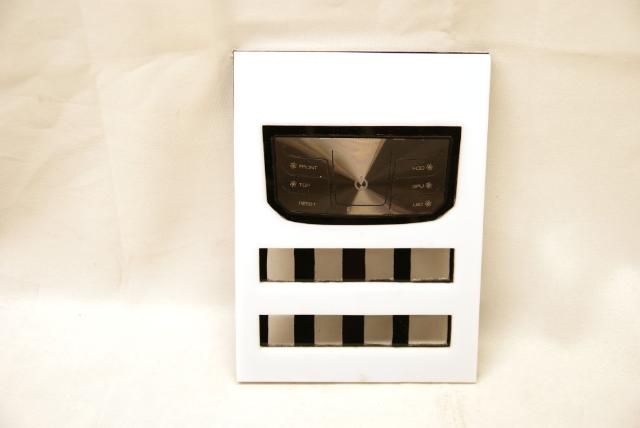
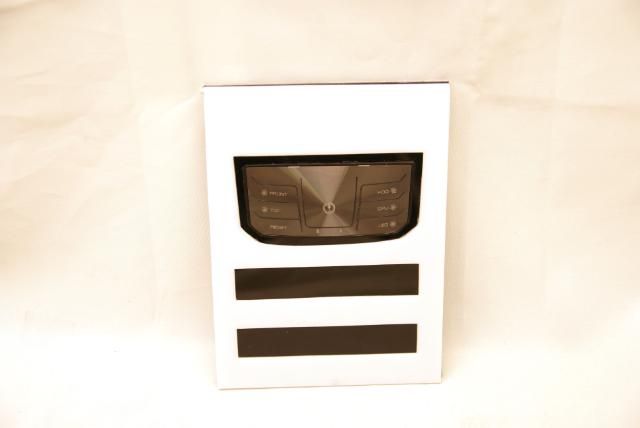
To keep everything in place there is coming a piece of black acrylic behind it with recesses for the controller and I/O stuff

DSC06025.jpg


DSC06026.jpg


DSC06029.jpg


Witch is placed like this

DSC06035.jpg


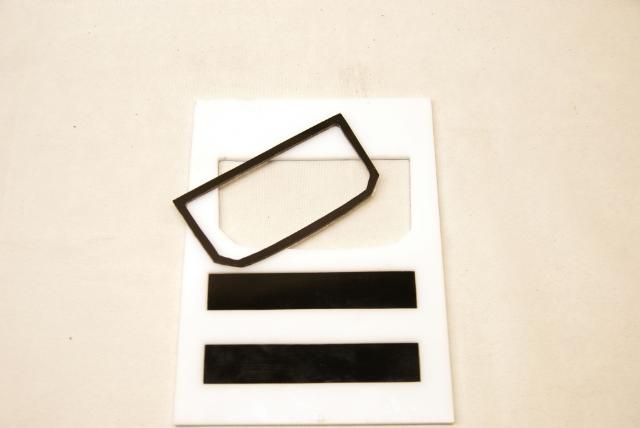
To get a nice contrast around the controller, I've cut and filed a edge of 3mm black acrylic

DSC06034.jpg


And also made two black strips cut for the I/O stuff

DSC06031.jpg


DSC06032.jpg


DSC06036.jpg


DSC06037.jpg


And placed in the Cosmos

DSC06023.jpg


DSC06041.jpg


DSC06039.jpg


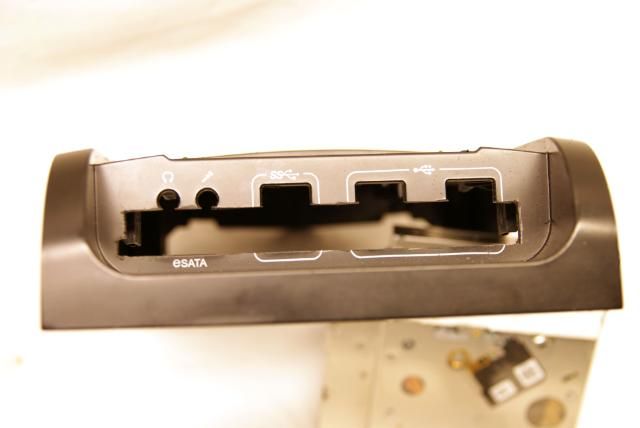
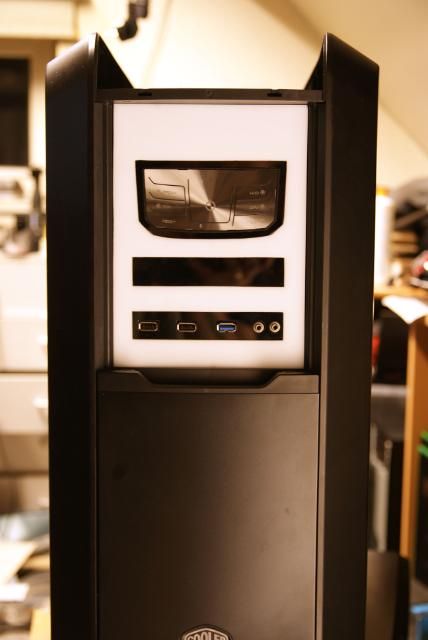
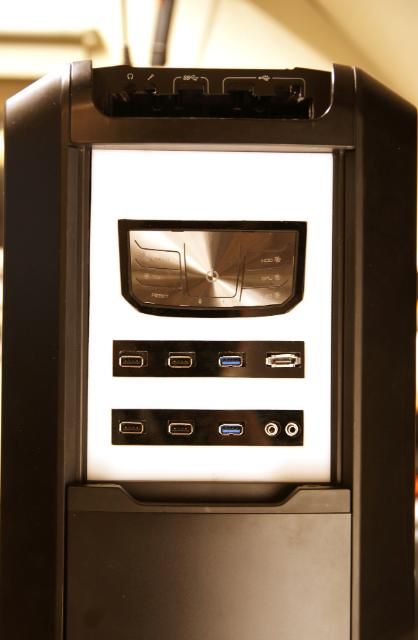
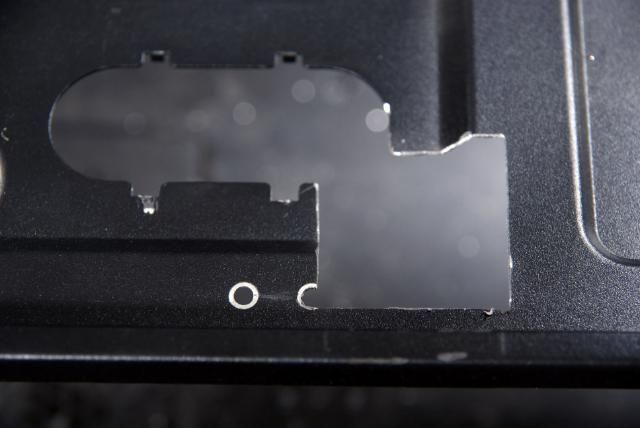
For the lower I/O section cut rectangles and circles for the USB and audio

DSC06043.jpg


And after some carefully filing

DSC06044.jpg


Top I / O section also done, and put everything in it for the looks

DSC06061.jpg


DSC06057.jpg


Above the Cosmos controller is still a big white surface, this seems to me a nice place to put a display.
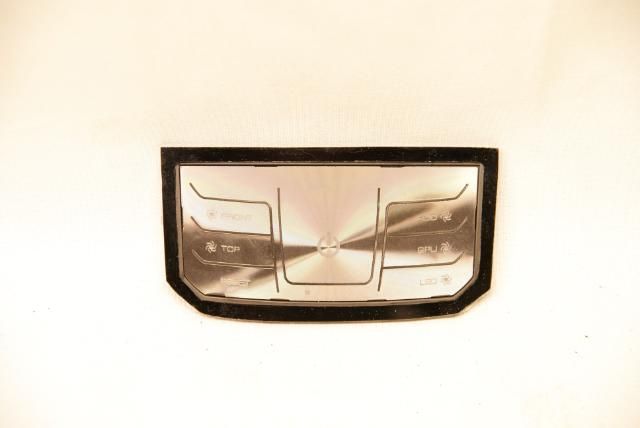
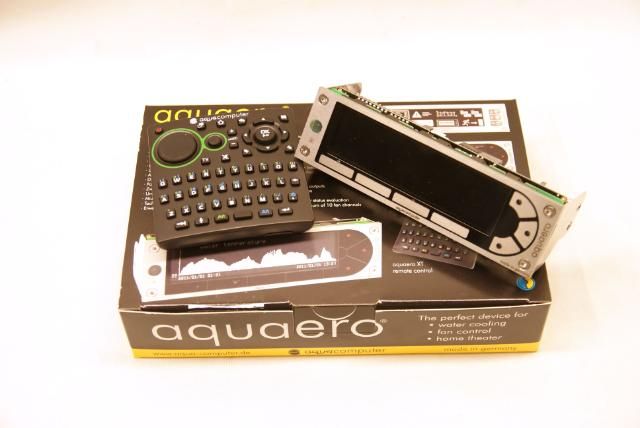
For this the perfect display: The Aquaero 5 XT. So ordered and received

DSC06051.jpg


DSC06053.jpg


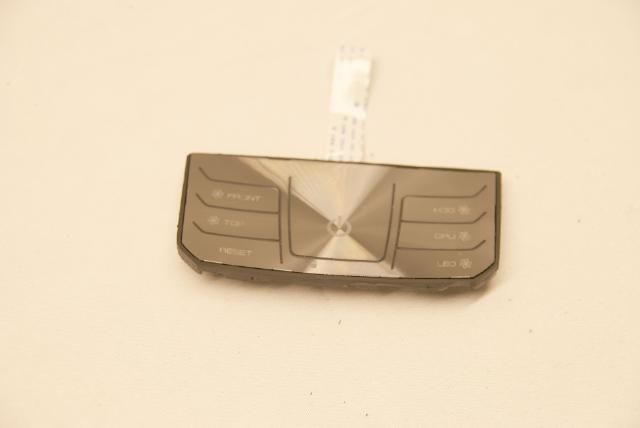
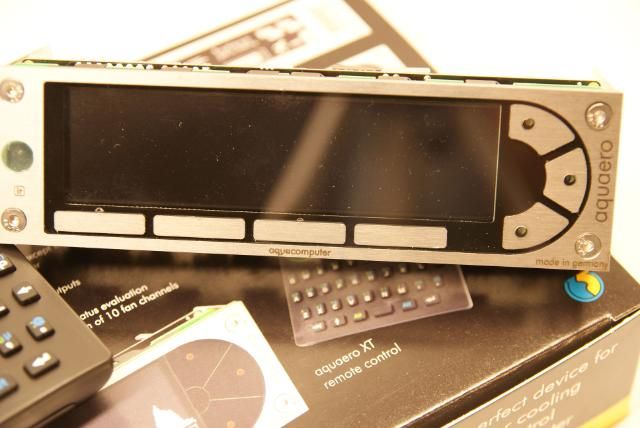
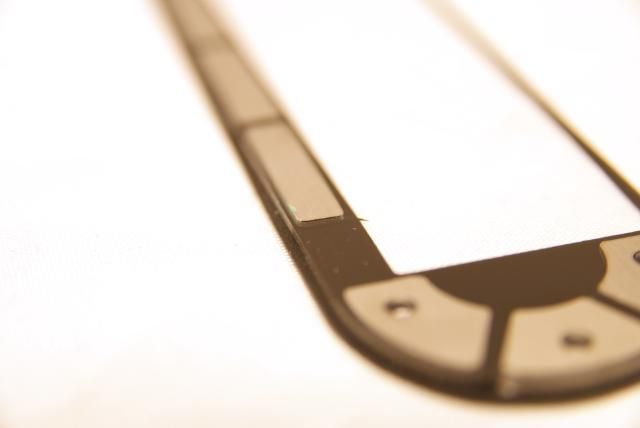
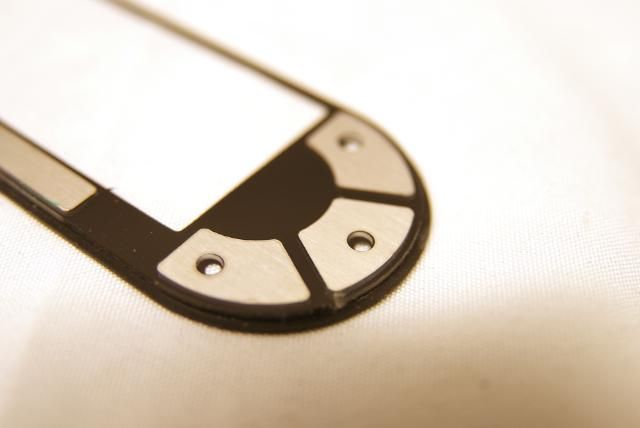
Hmm that's a unpleasant surprise, the controller with touch buttons isn't black anymore (like the older version) but Aqua Computer has replaced / filled this with stainless steel buttons.

DSC06052.jpg


DSC06055.jpg


DSC06054.jpg


Itself is looking very nice with the new buttons... but not for this build. So first i'm going to try to get an "older" version. Until I know more I will stop working out the display.

That's it my modding friends ;)
 
Last edited:
Update

Just a small update about the cover at the right bottom.
First idea was to make this cover with a angle just like the other side, but a change of plans.
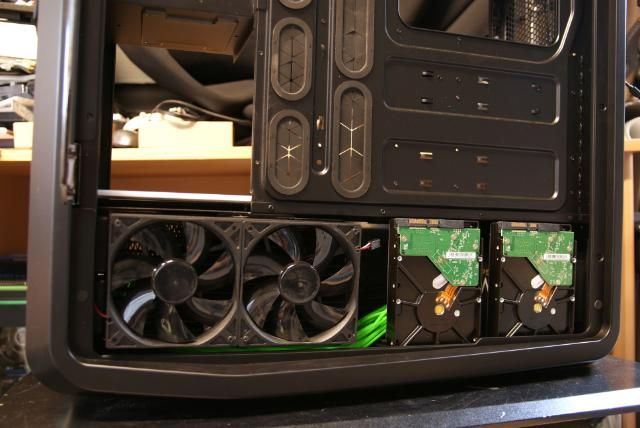
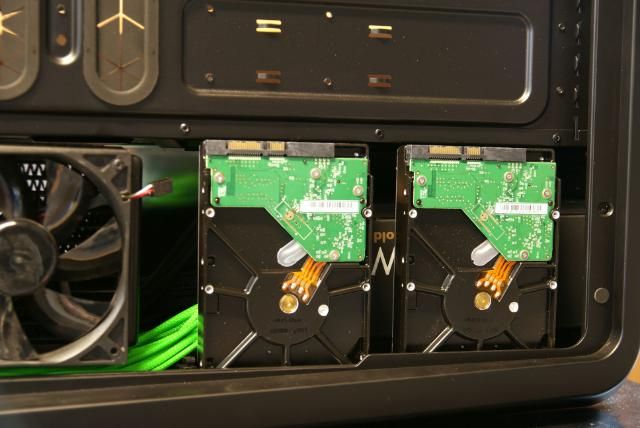
This is now becoming a straight cover, but with 2 HDD attached to it. The place for the HDD's was a bit limited because I removed the HDD cages and almost all the space is occupied by the water cooling products

DSC06063.jpg


DSC06064.jpg


So this is a nice solution. There will also be a SSD, but this is placed on the side of the 5.25 bay

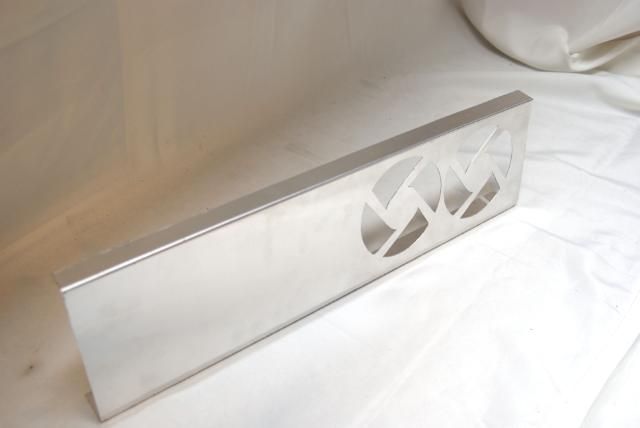
For the cover I sawn a piece aluminum and marked it

DSC06065.jpg


Bent it

DSC06066.jpg


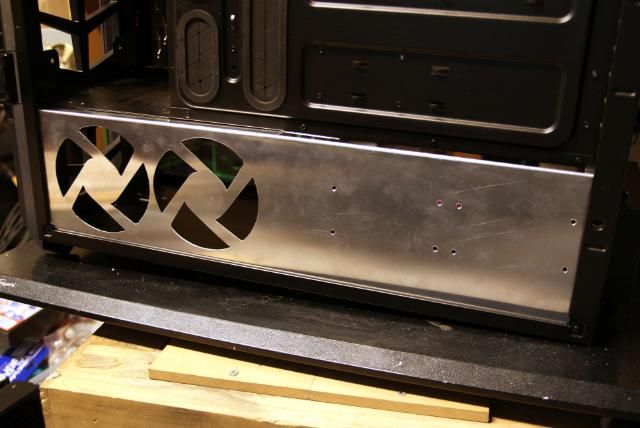
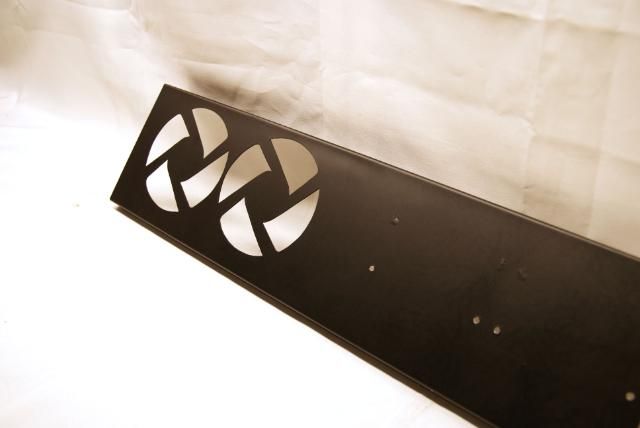
Cut out the Fanholes again

DSC06071.jpg


DSC06070.jpg


And drilled the holes for the HDDs. Of course I will make some adjustments for noise reduction

DSC06074.jpg


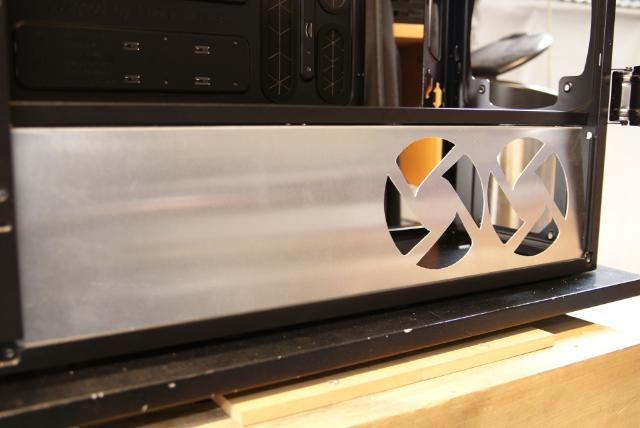
All placed like this

DSC06078.jpg


DSC06077.jpg


Also made the recess for the cables

DSC06082.jpg
 
Great googily-moogily

/me watches more!
 
Just a small addition:)

I've covered the two plates with black vinyl, which gives the same black color as the rest of the case
DSC06087.jpg


DSC06089.jpg


DSC06084.jpg


DSC06091.jpg


And placed them

DSC06092.jpg


DSC06102.jpg


DSC06104.jpg


Pics with the white front

DSC06105.jpg


DSC06107.jpg
 
Update!!!

I would like to welcome a great sponsor for this build, the shop that has everything .... IT-Service.be


IT- service/ Eddy Thanks for the nice discounts.

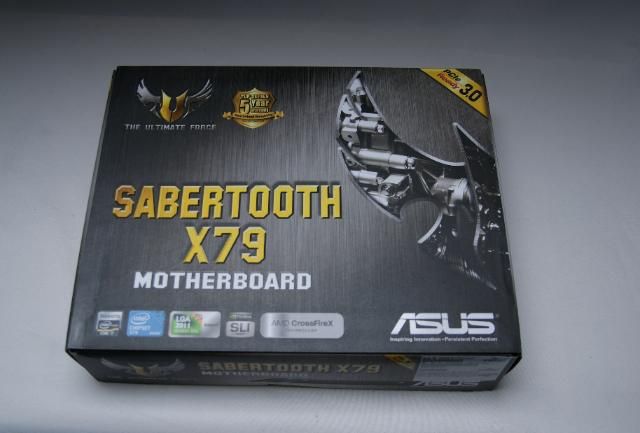
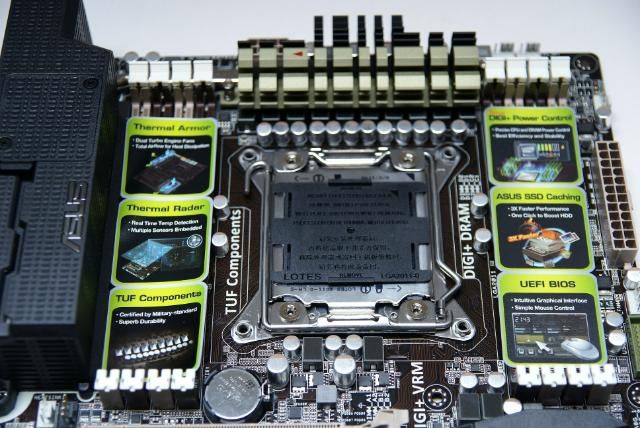
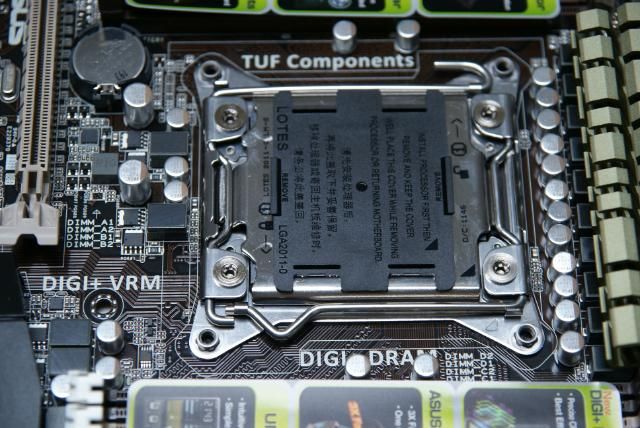
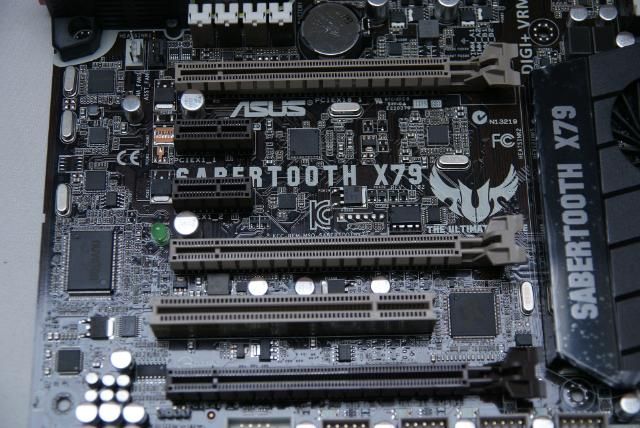
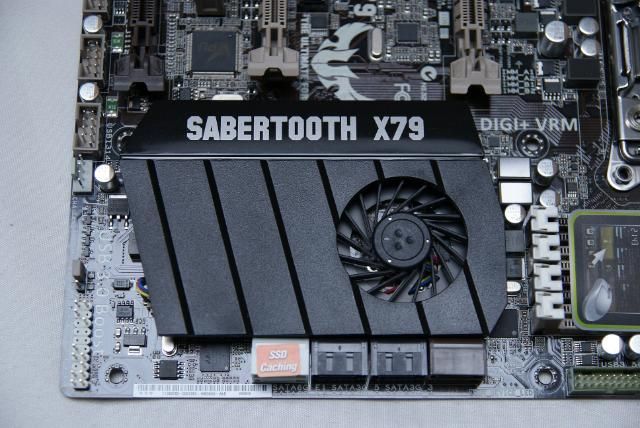
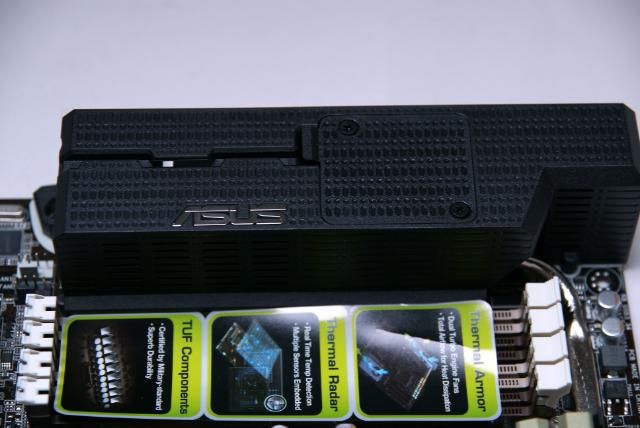
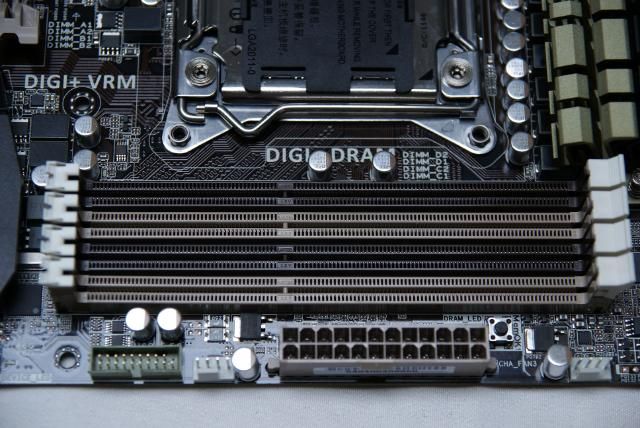
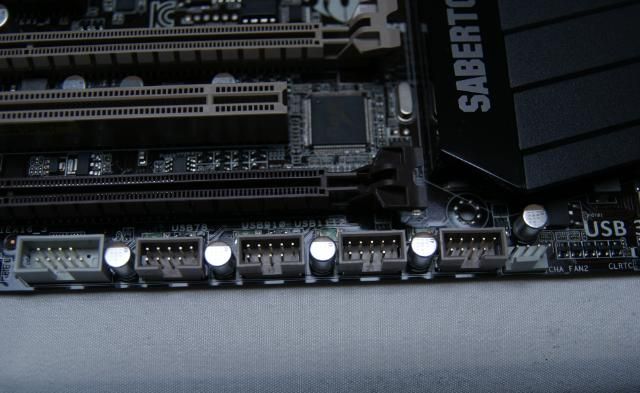
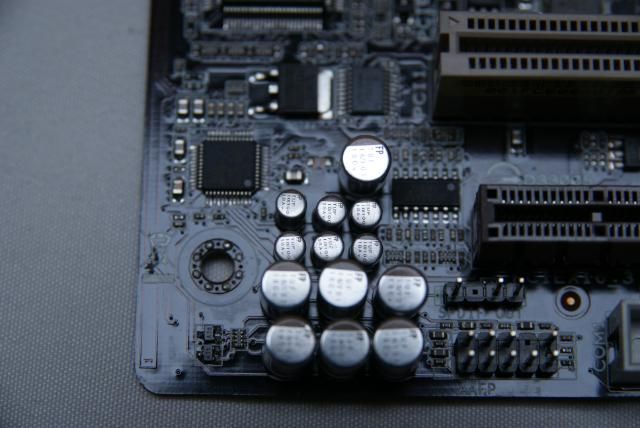
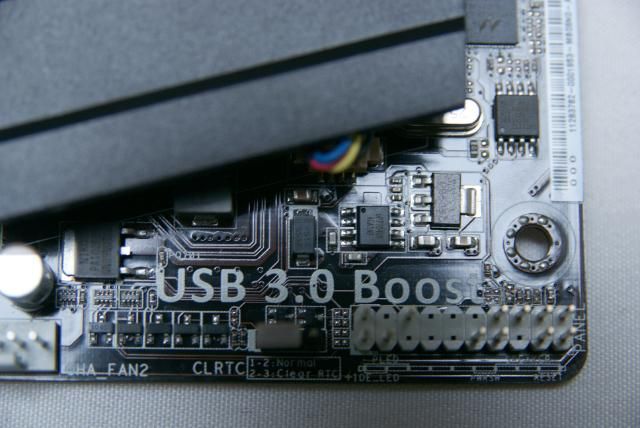
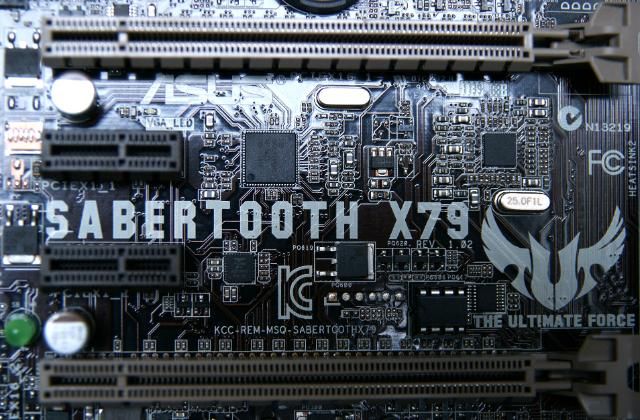
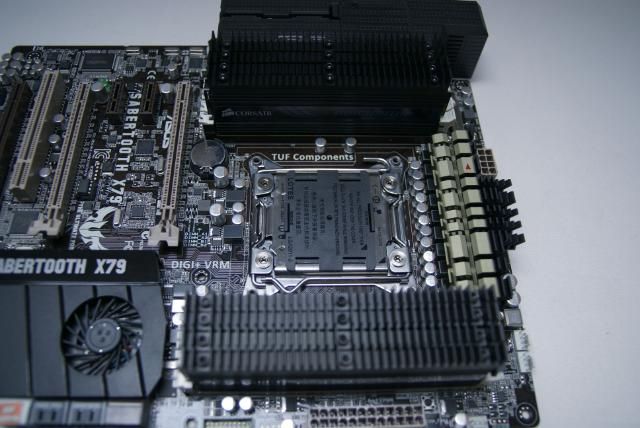
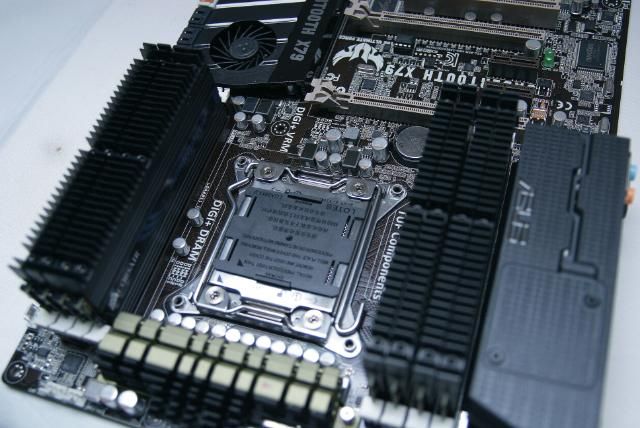
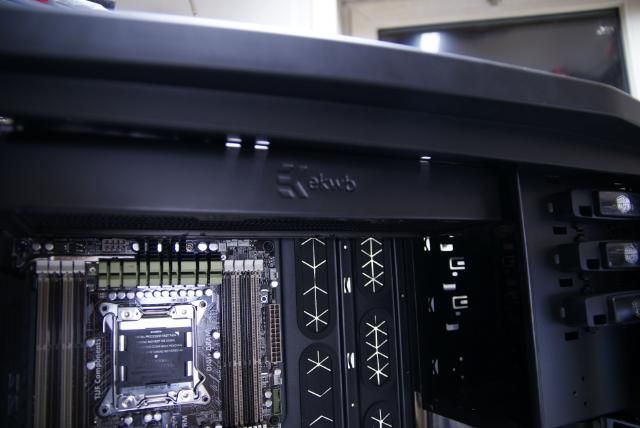
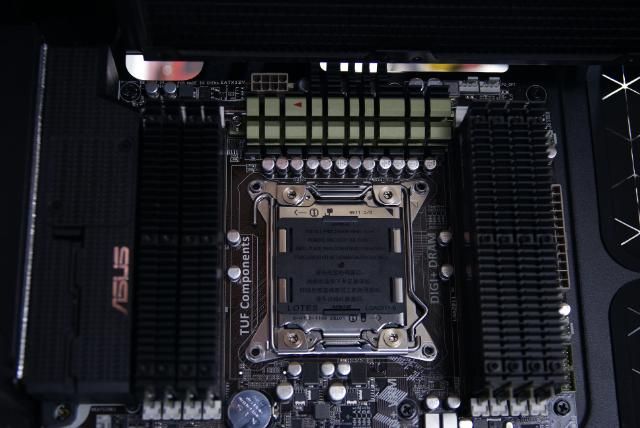
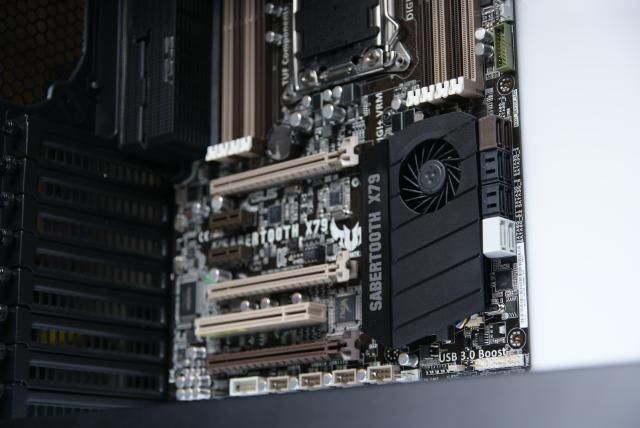
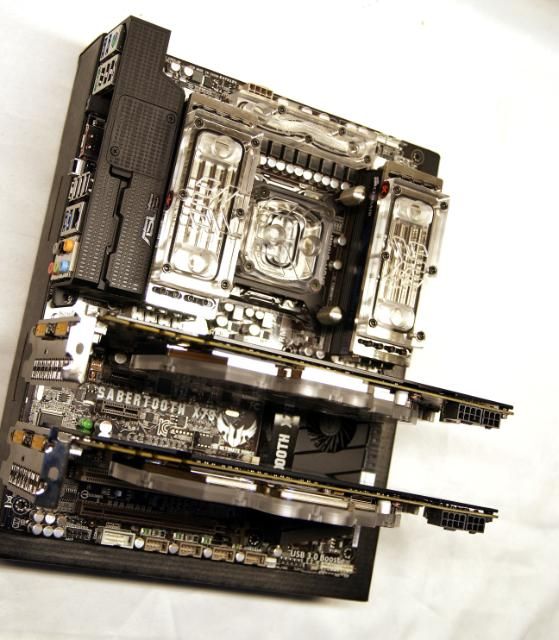
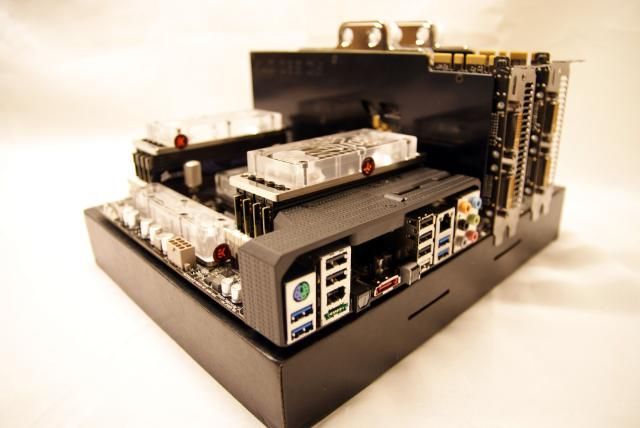
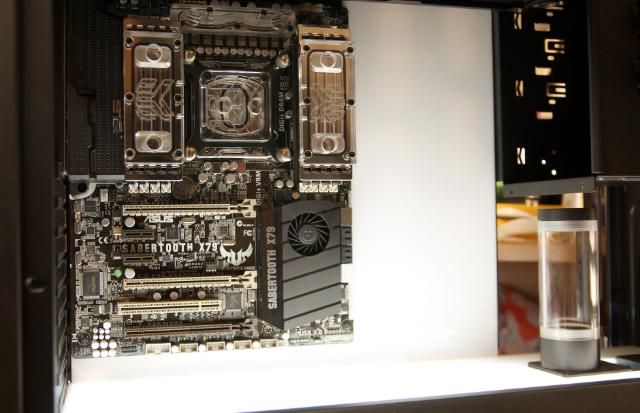
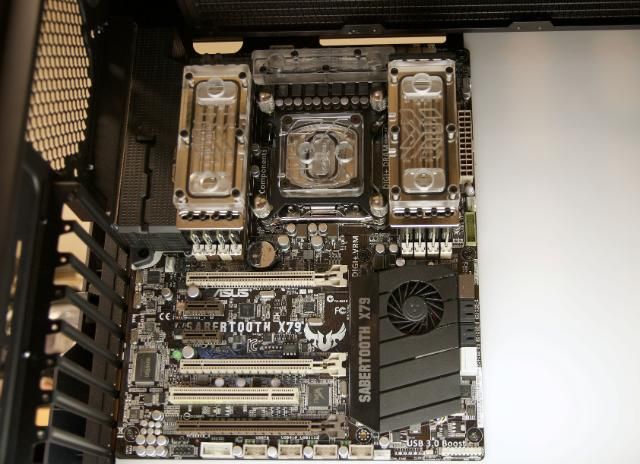
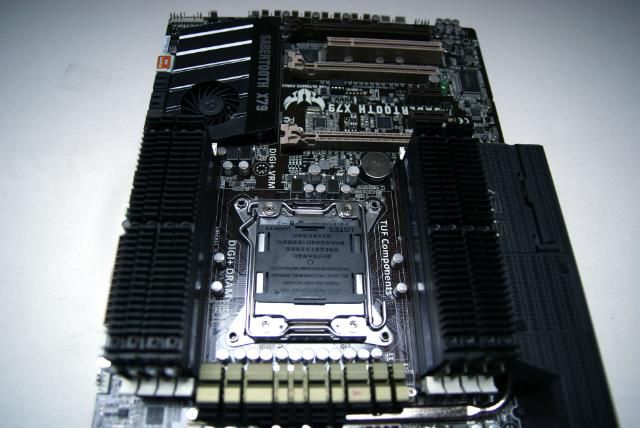
For this build I purchased a nice new mobo: The Asus SABERTOOTH X79
Really a great motherboard, here some pics:
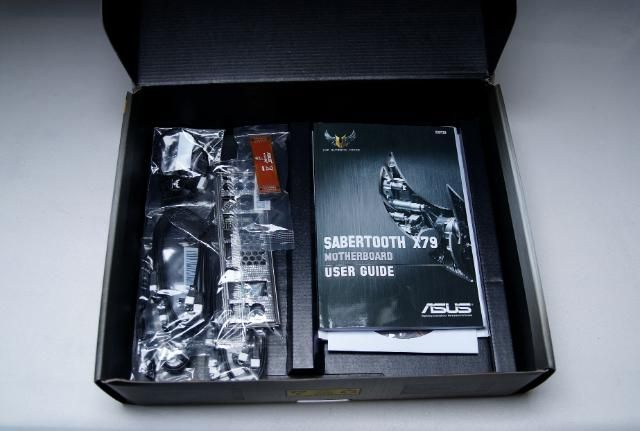
DSC06301.jpg


Some standard stuff

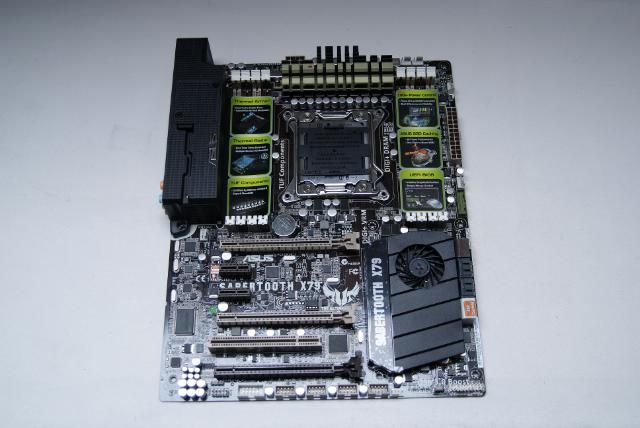
DSC06302.jpg


And the motherboard

DSC06303.jpg


DSC06305.jpg


DSC06313.jpg


DSC06308.jpg


DSC06309.jpg


DSC06311.jpg


DSC06314.jpg


DSC06315.jpg


DSC06319.jpg


DSC06323.jpg


DSC06332.jpg


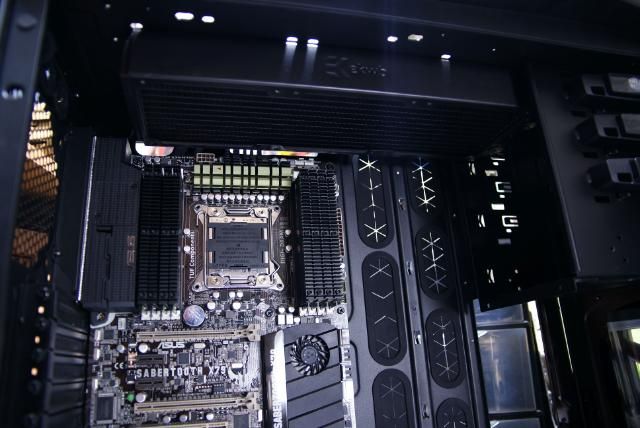
Placed right away in the cosmos

DSC06370.jpg


So the Sabertooth, really is a beautiful mobo

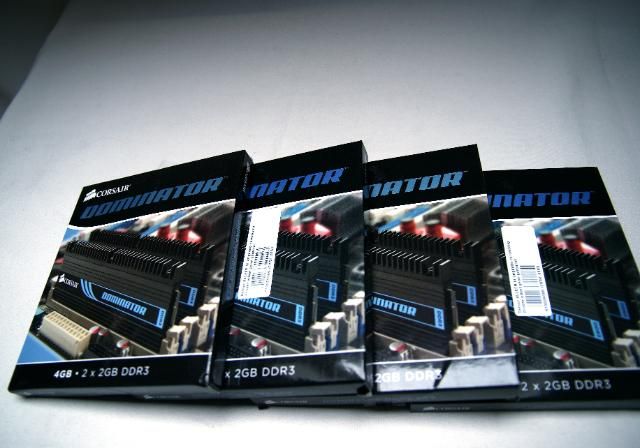
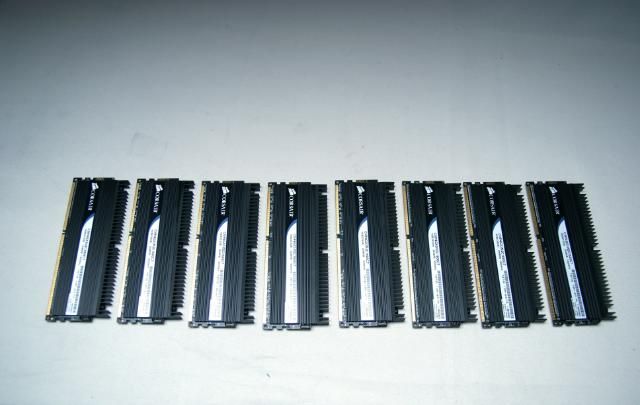
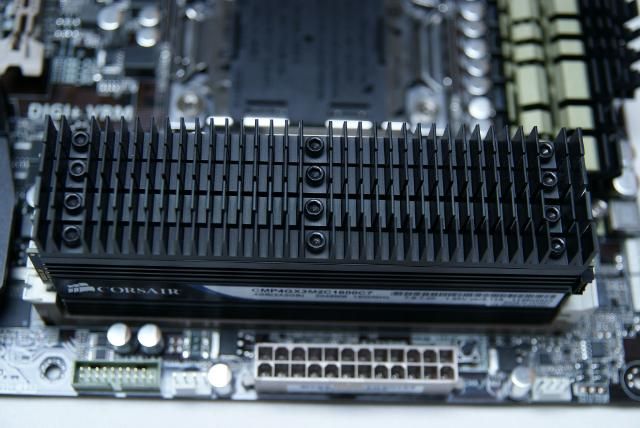
I also bought some beautiful rams to fill up the sabertooth, 3 x the Corsair 4 GB DDR3-1600 Kit

DSC06343.jpg


DSC06348.jpg


DSC06333.jpg


DSC06335.jpg


DSC06338.jpg


DSC06342.jpg


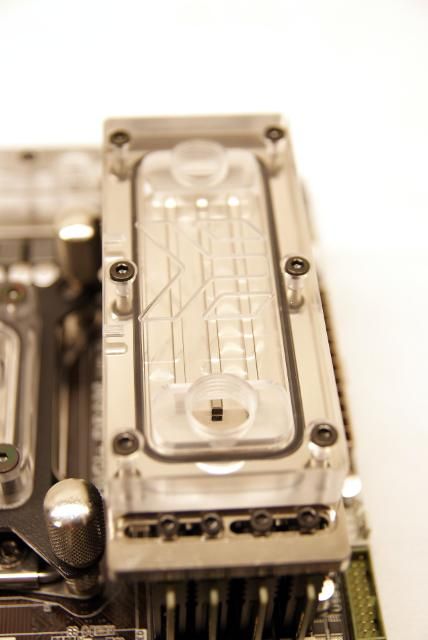
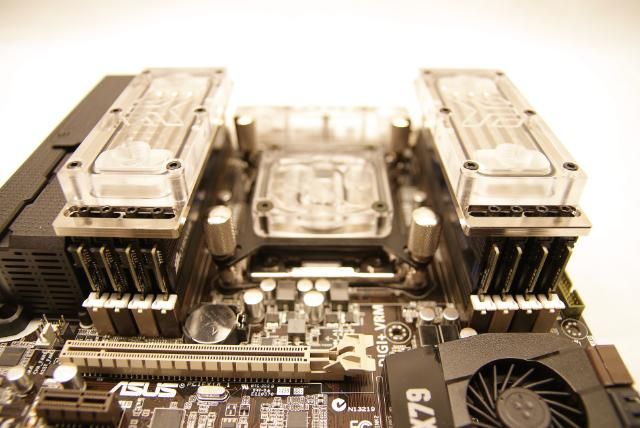
I will place EK ram coolers on these.
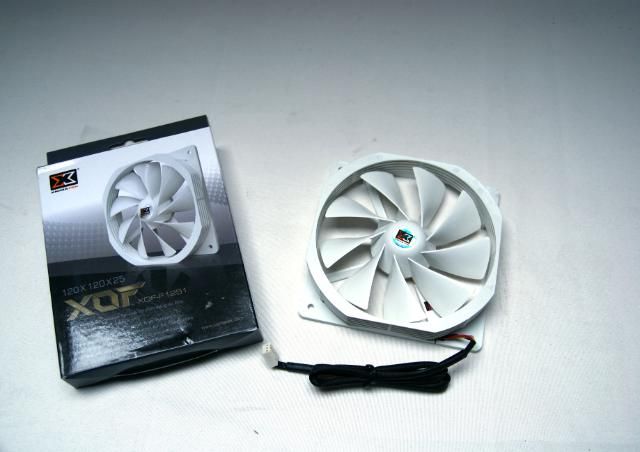
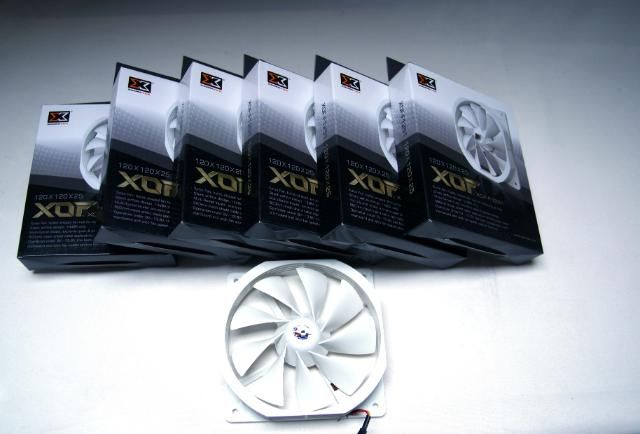
En last but not least, the white Xigmatek XOF-F1251 fans, which fit perfectly with this build

DSC06351.jpg


DSC06355.jpg


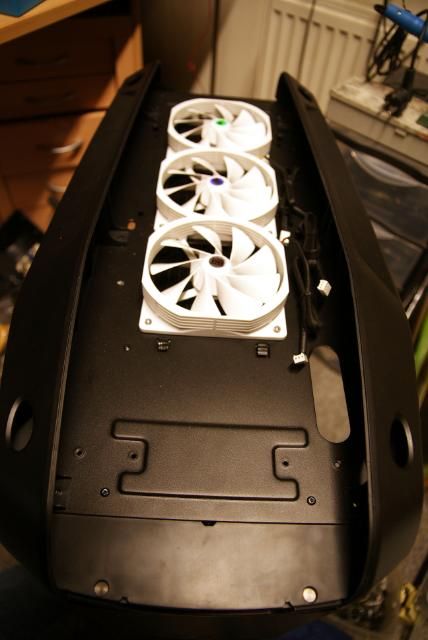
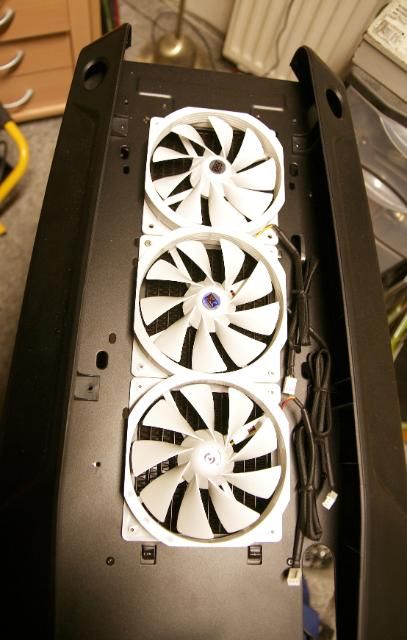
Placed on top

DSC06361.jpg


DSC06362.jpg


360 rad fits

DSC06366.jpg


DSC06373.jpg


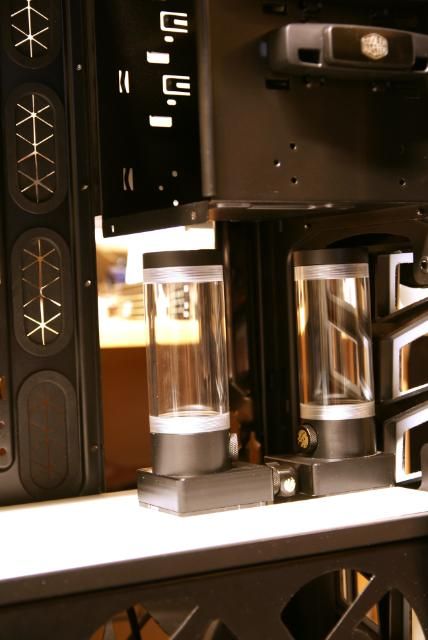
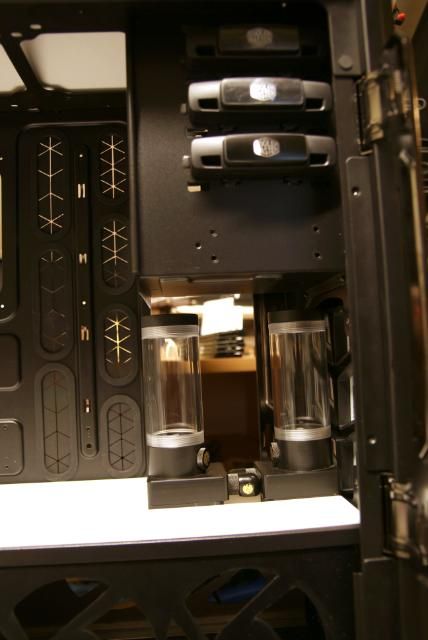
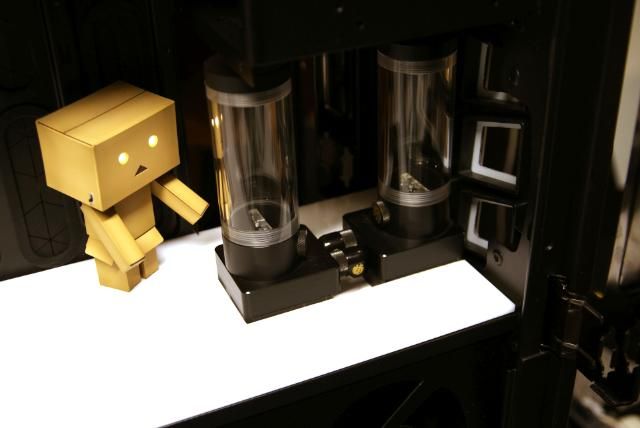
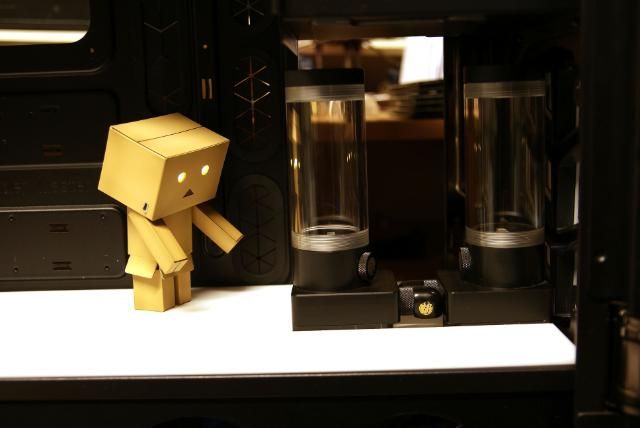
In the last update I had shown you the white midplate, Ive adjusted it a bit for 2 pumps

DSC06437.jpg


Which will be placed like this

DSC06268.jpg


DSC06265.jpg


Received approval from my great friend

DSC06263.jpg


DSC06262.jpg


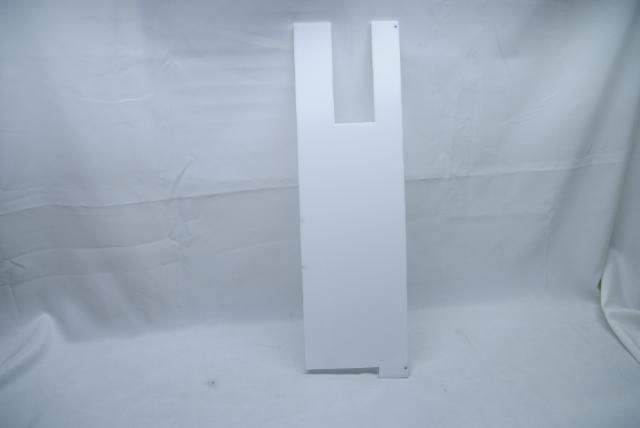
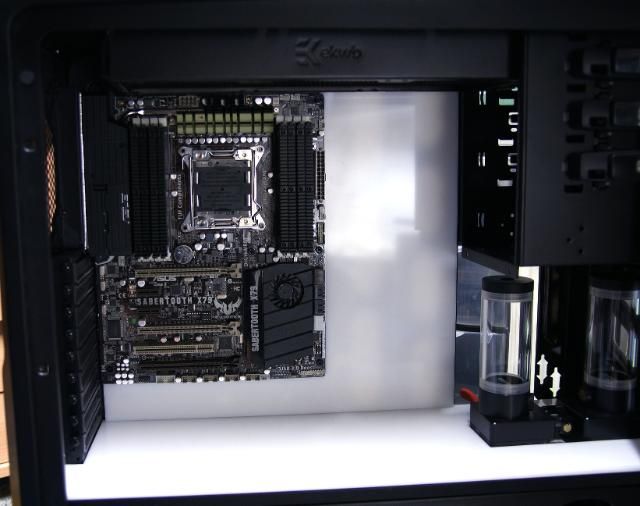
And also cut a white acrylic plate for the mobo tray

DSC06374.jpg


DSC06376.jpg


DSC06446.jpg


Beneath and beside the motherboard I have a lot of space, this will be filled up;)
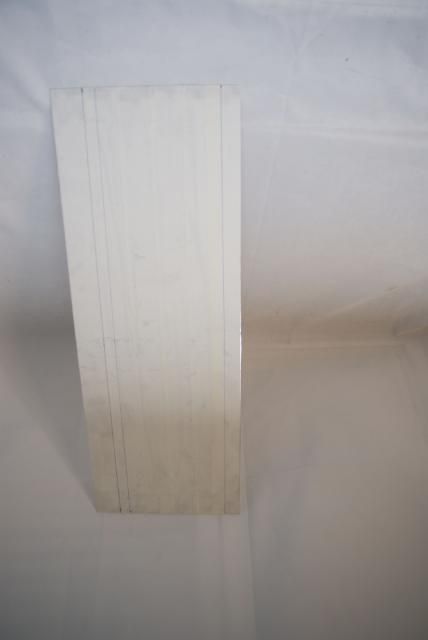
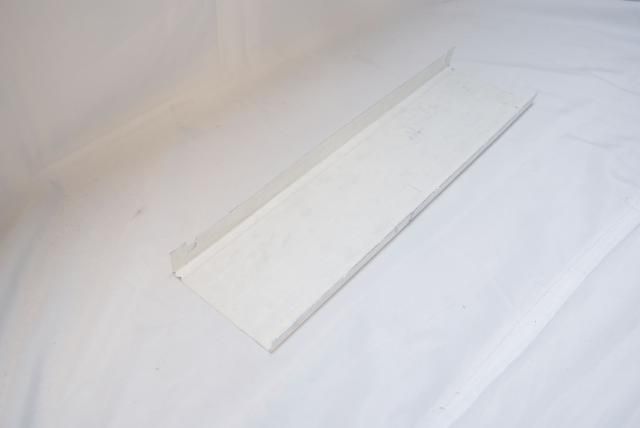
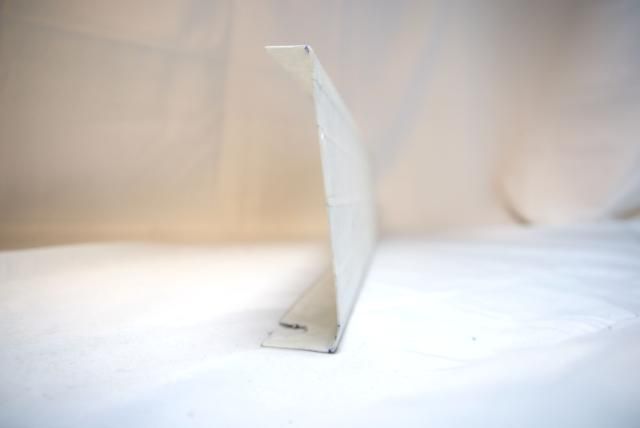
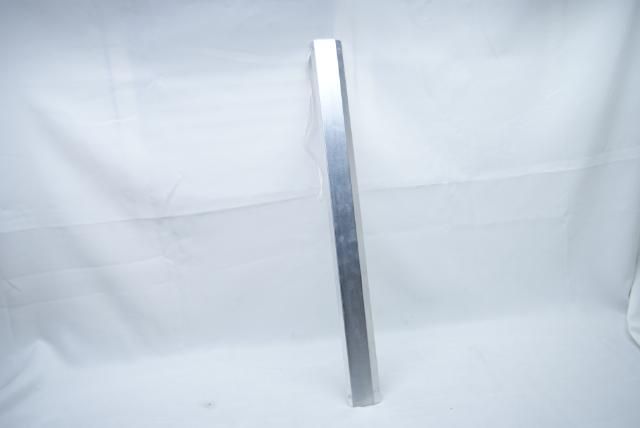
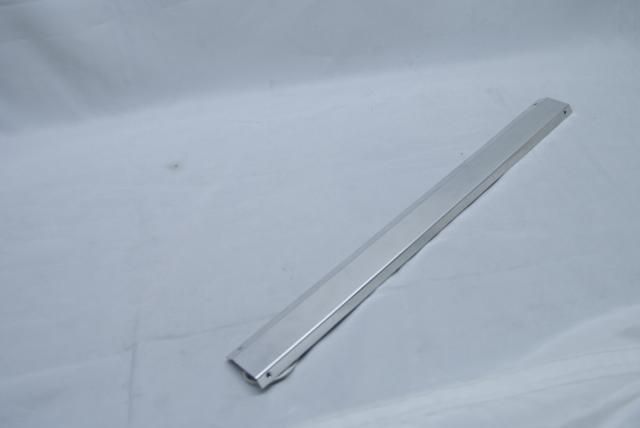
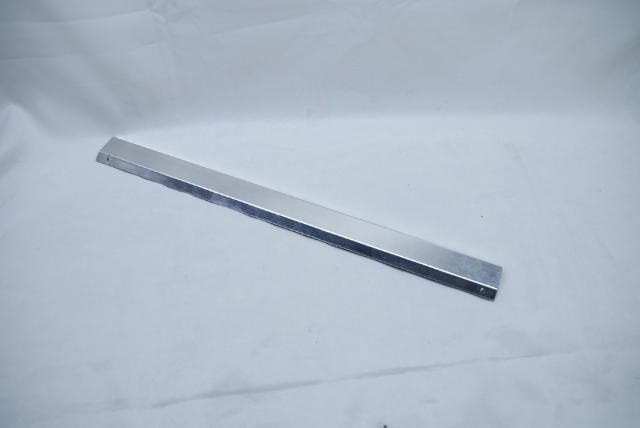
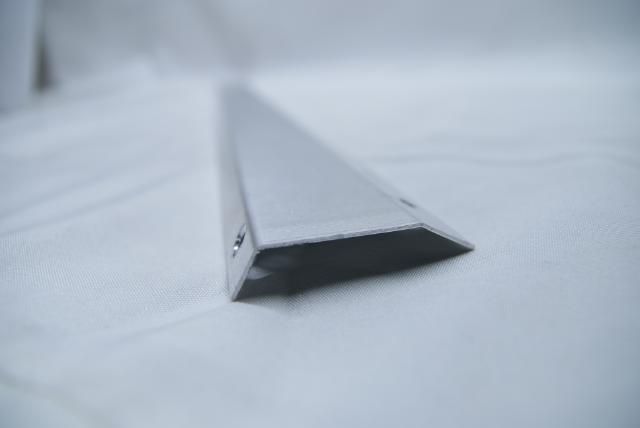
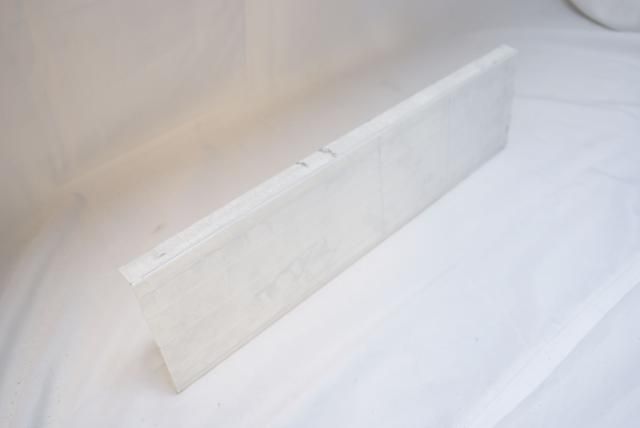
I would like the same line as the EK tops, and I want a nice light distribution in terms of the illuminated midplate. For this I am going to raise the midplate about 4 cm, for this I have sawn and bent an aluminum strip cut

DSC06432.jpg


DSC06433.jpg


DSC06436.jpg


DSC06434.jpg


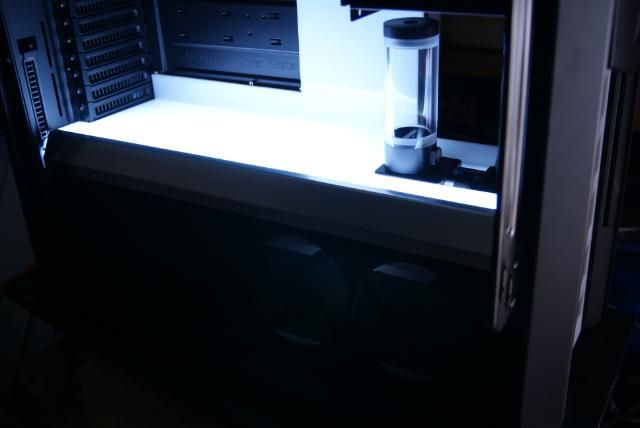
Behind it I placed 2 CFL lights, and we have an illuminated midplate

DSC06391.jpg


DSC06392.jpg


DSC06398.jpg


For an even better light distribution I will do some adjustments, but more on this later.
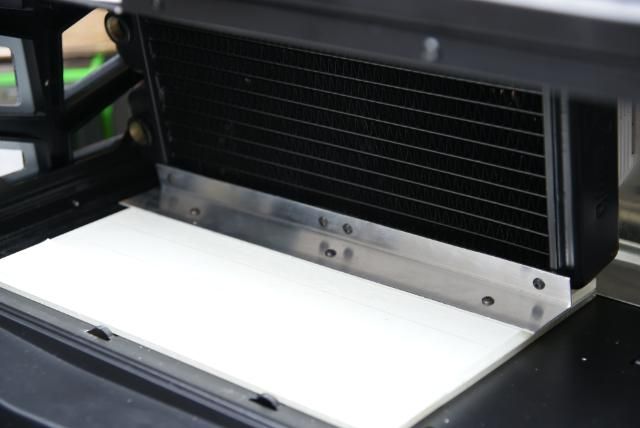
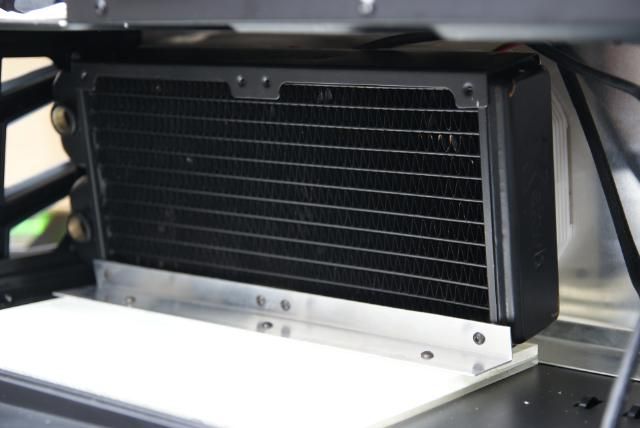
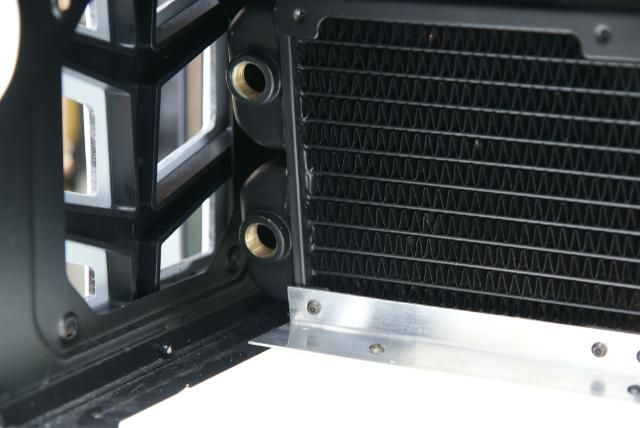
I've made a bracket for the rad

DSC06452.jpg


I still need to make the top bracket but this I will do later

DSC06450.jpg


Enough room for the fittings

DSC06455.jpg


And here the radiator with fans

DSC06424.jpg


DSC06423.jpg


DSC06422.jpg


Applied a layer vinyl coating to the strip

DSC06449.jpg


DSC06440.jpg


Looking good I think :D

DSC06444.jpg


DSC06461.jpg


Grtzzz ;)
 
Sponsor Update !!!


Hi fellow modders.
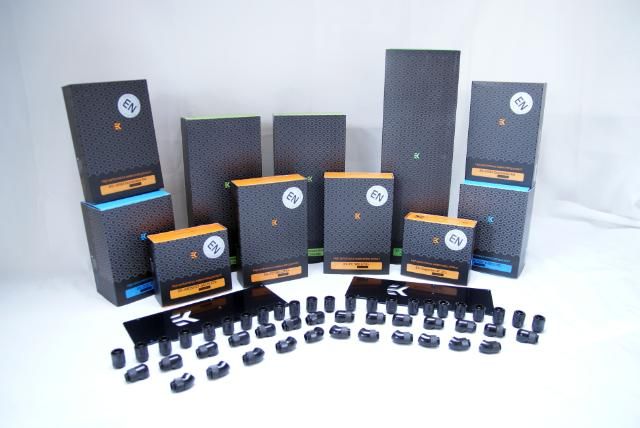
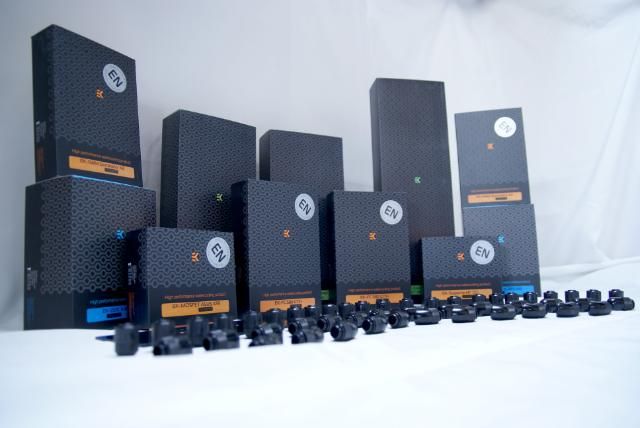
It took a while since the last update, but today I have received a lot of watercooling products

DSC06505.jpg


What would it be... a lot of boxes ;)

DSC06509.jpg


DSC06512.jpg


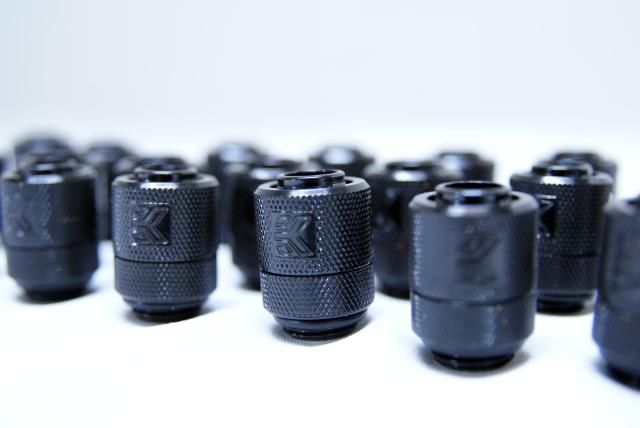
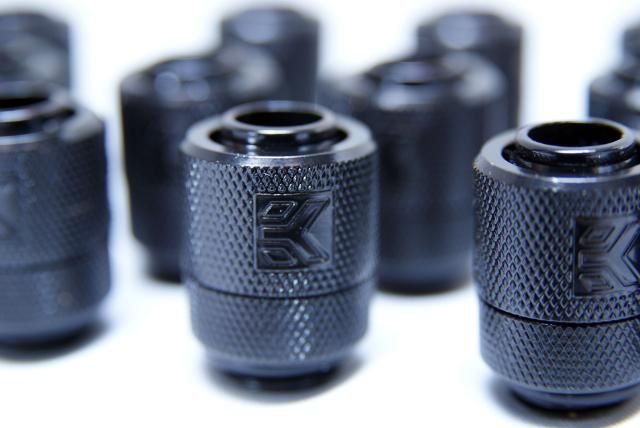
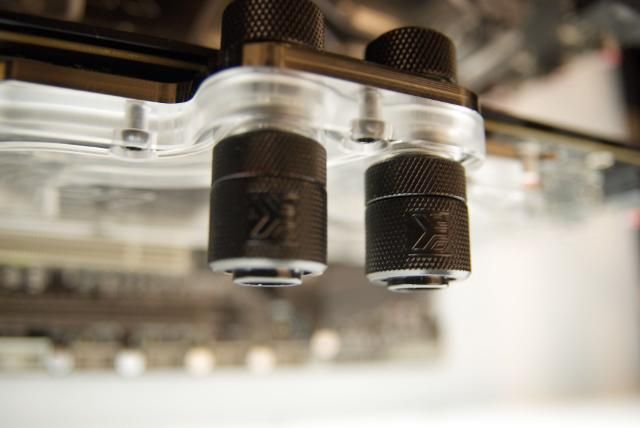
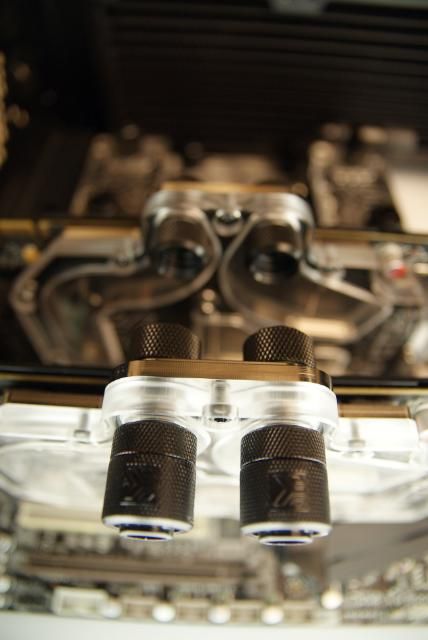
To begin EK-PSC Fitting 10mm - G1/4 Black

DSC06513.jpg


DSC06517.jpg


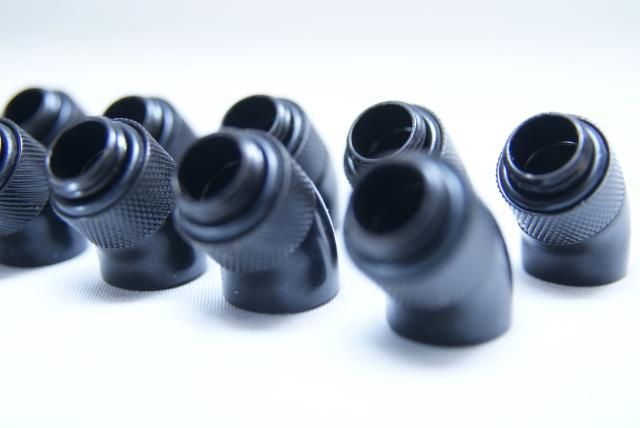
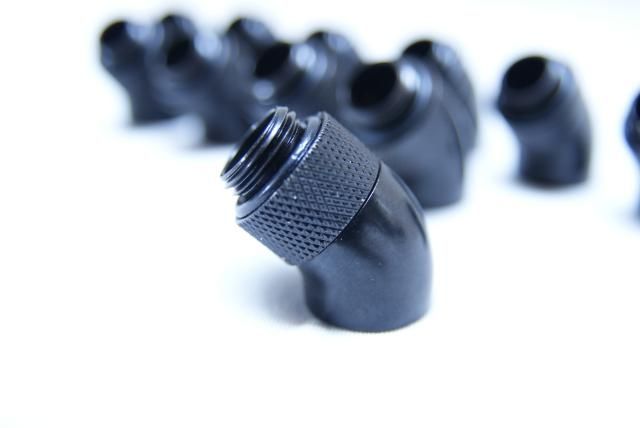
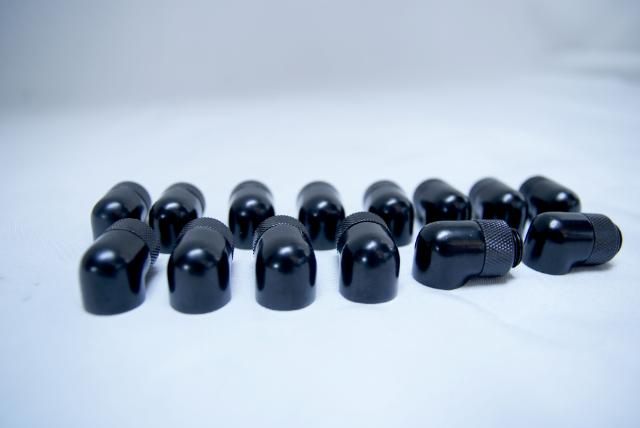
Also the EK-PSC Adapter 45° G1/4 Black

DSC06526.jpg


DSC06527.jpg


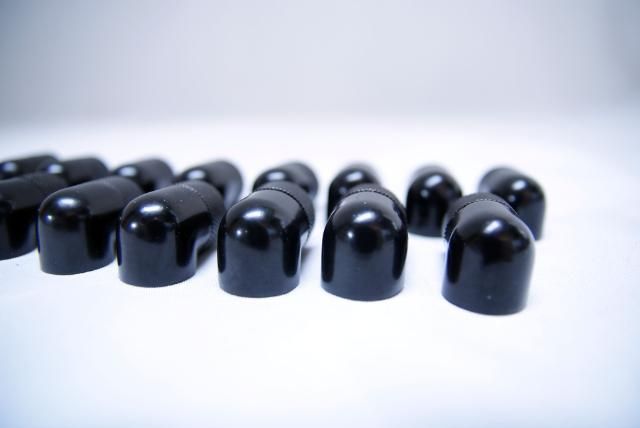
and some beautiful EK-PSC Adapter 90° G1/4 Black

DSC06519.jpg


DSC06524.jpg


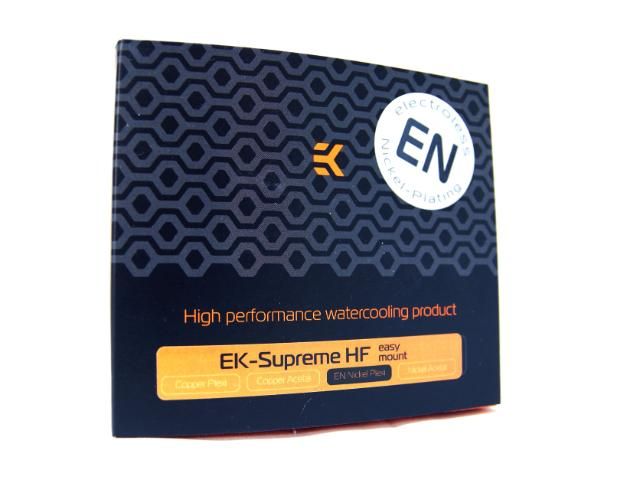
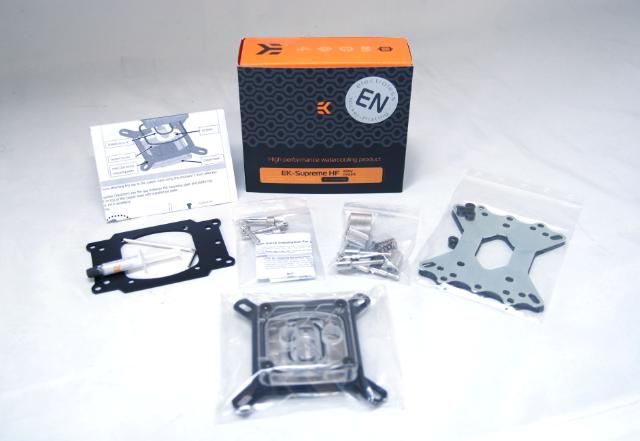
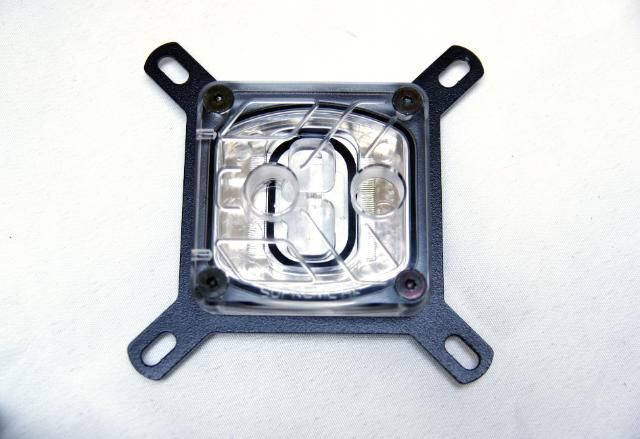
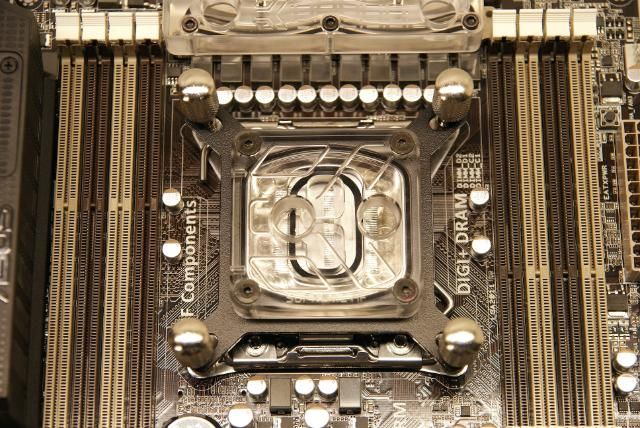
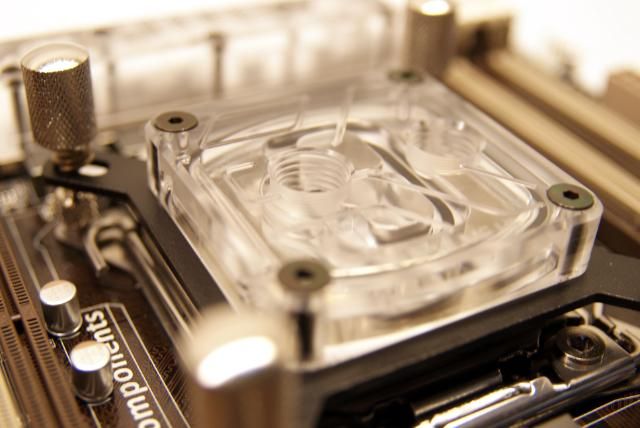
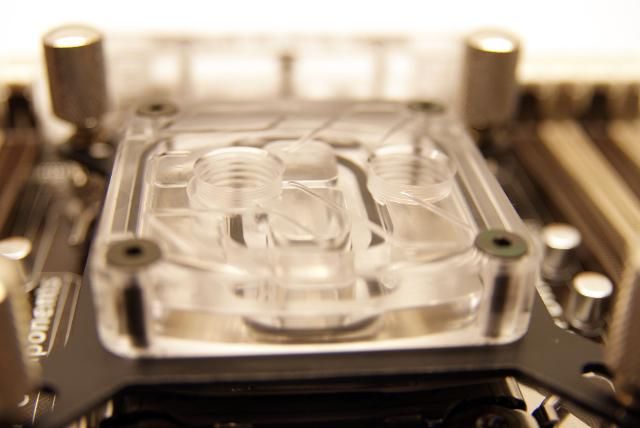
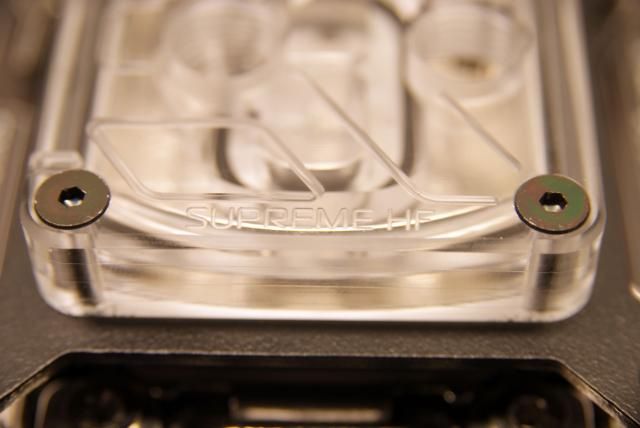
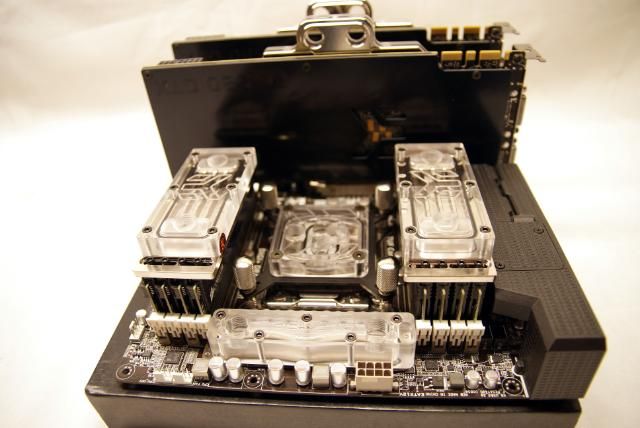
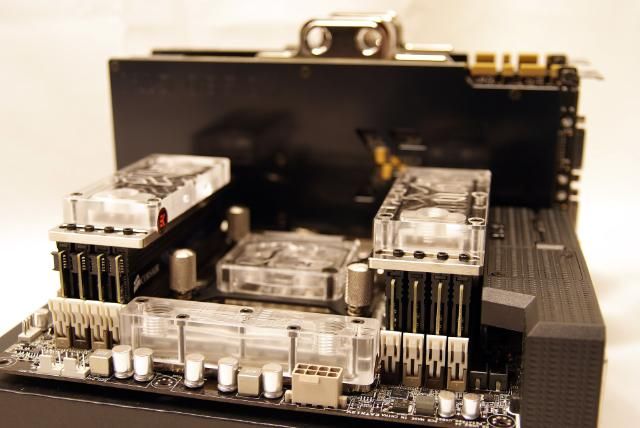
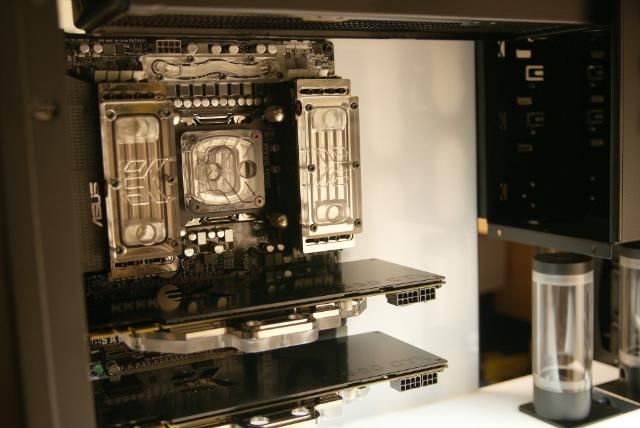
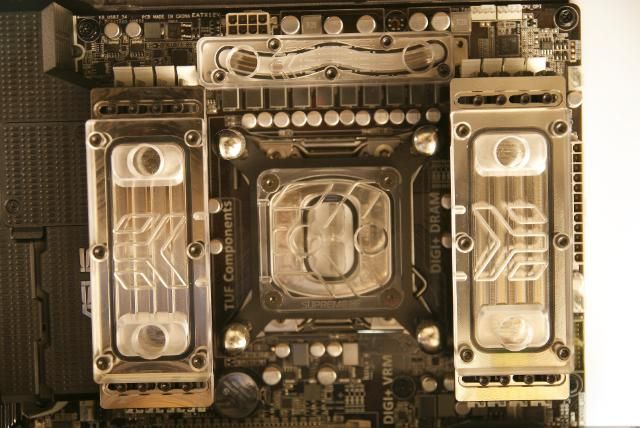
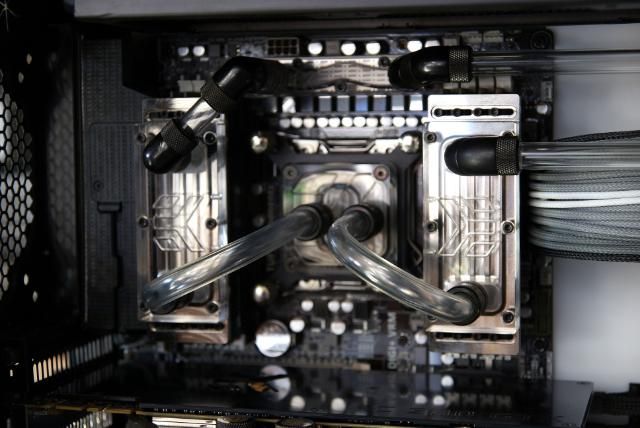
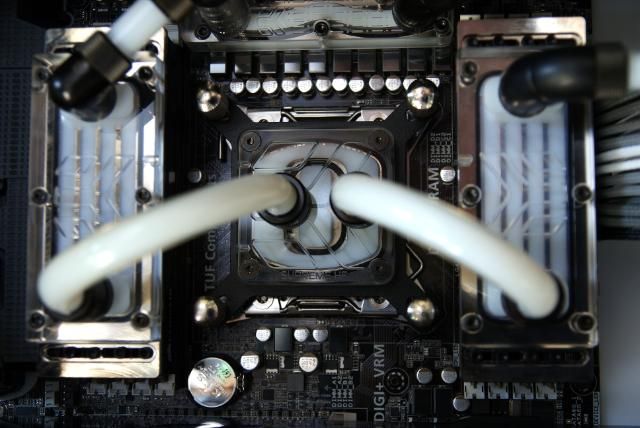
A great CPU block: the EK-Supreme HF - EN

DSC06540.jpg


DSC06543.jpg


DSC06545.jpg


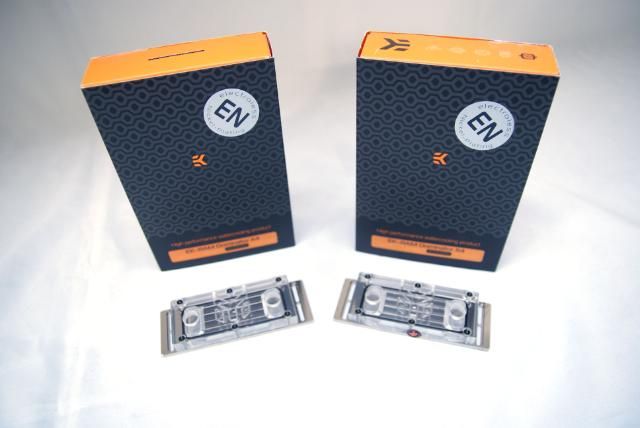
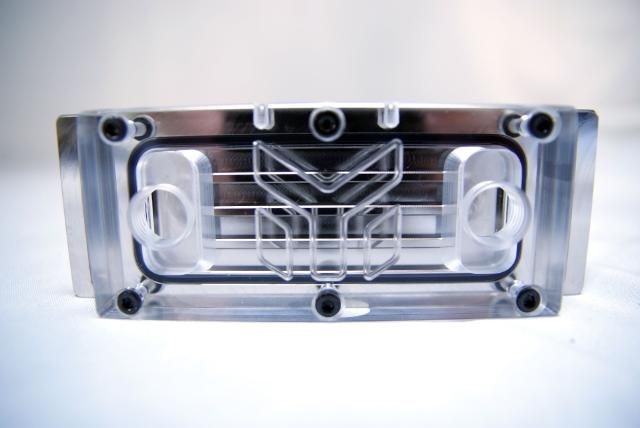
and two EK-RAM Dominator X4

DSC06550.jpg


DSC06556.jpg


DSC06551.jpg


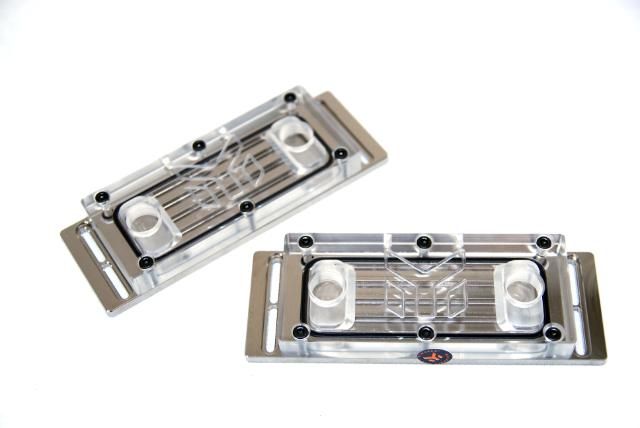
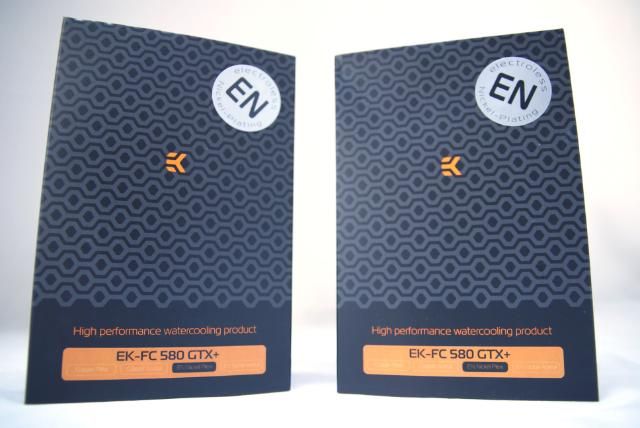
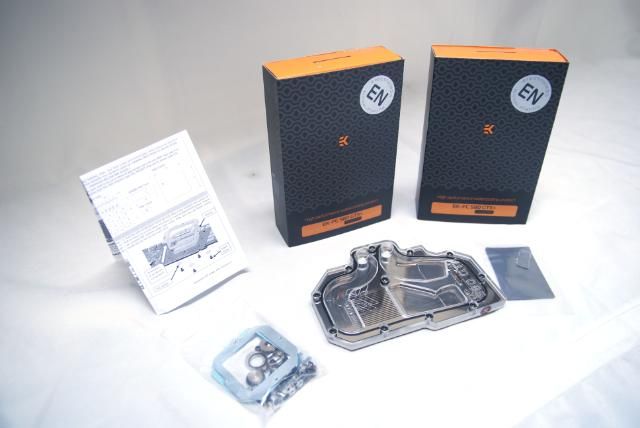
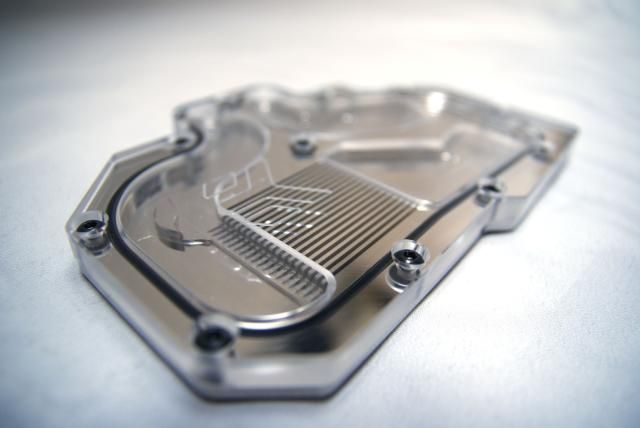
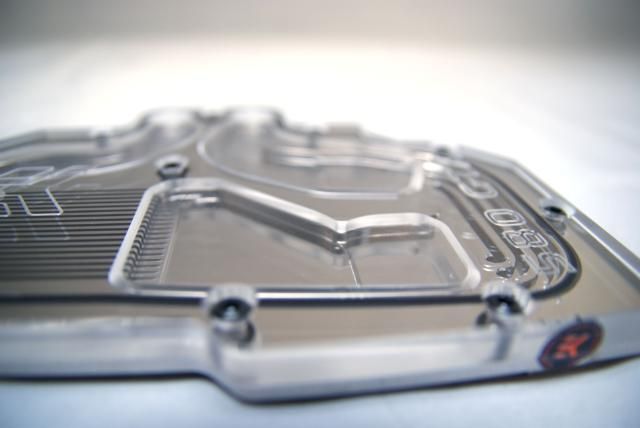
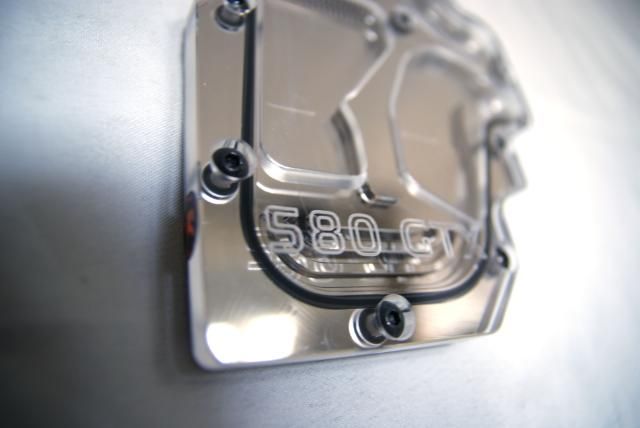
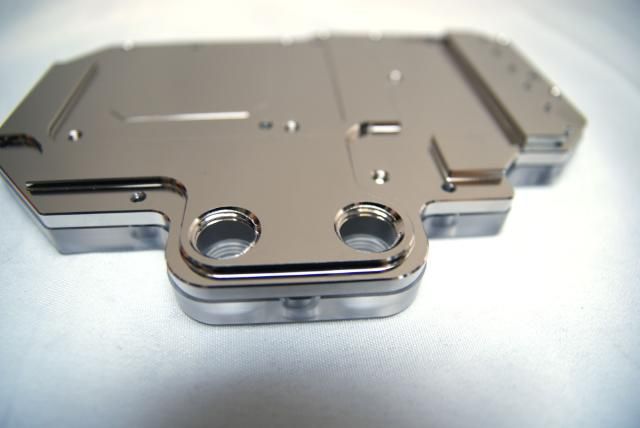
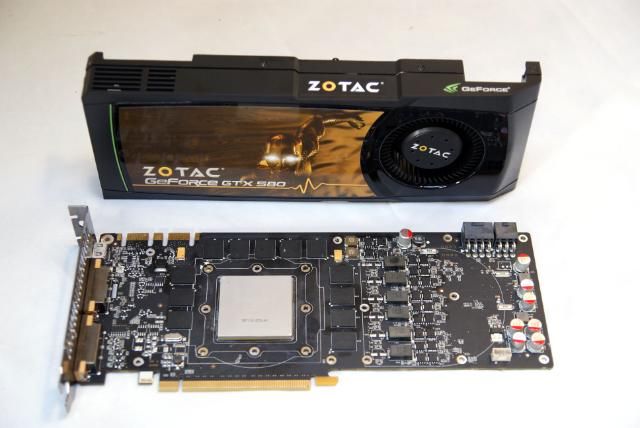
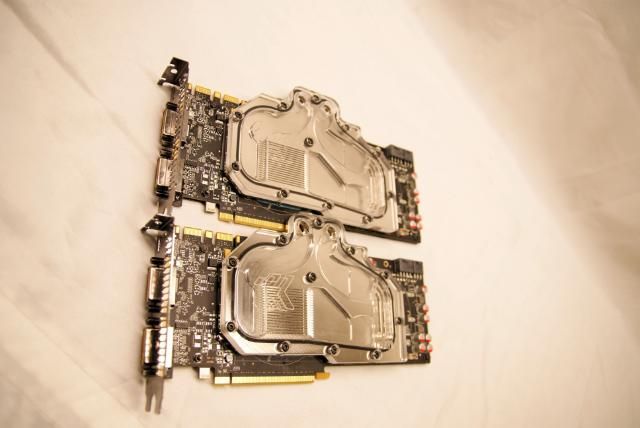
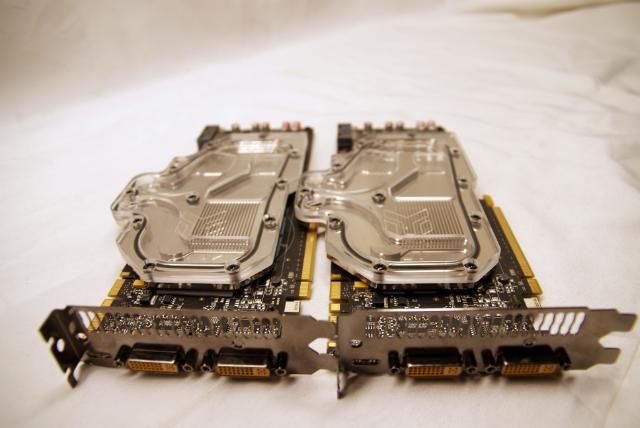
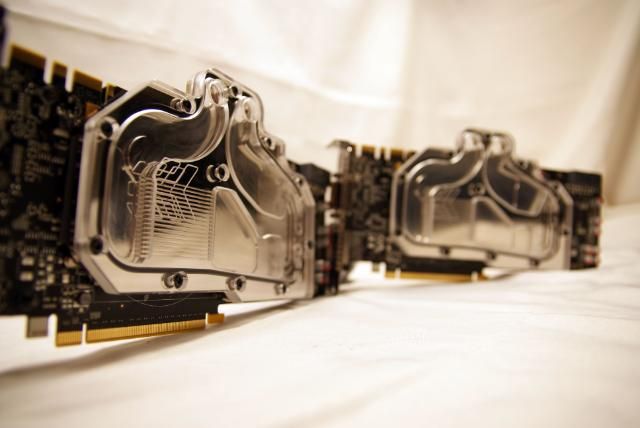
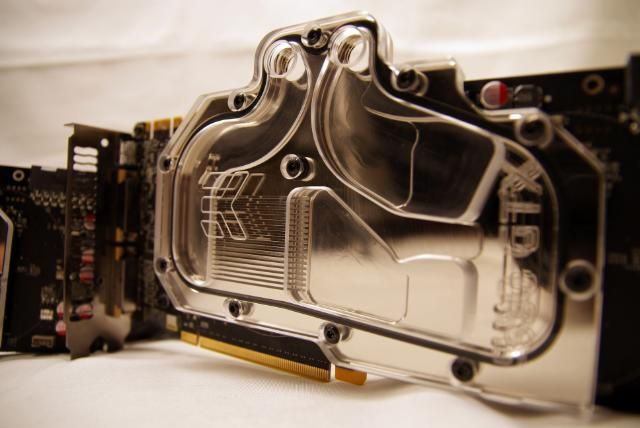
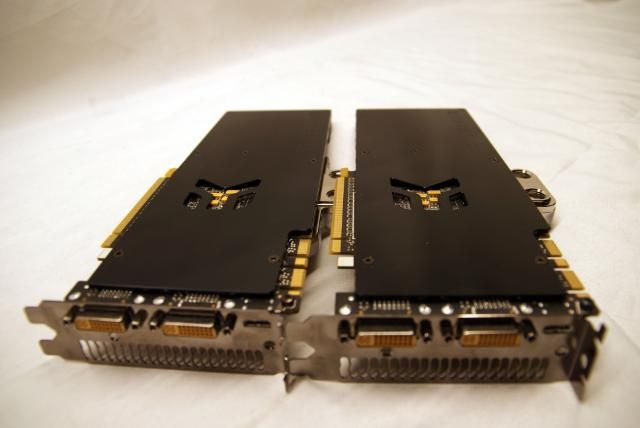
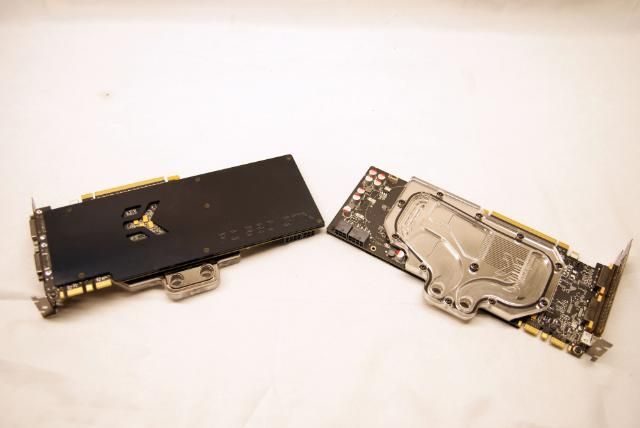
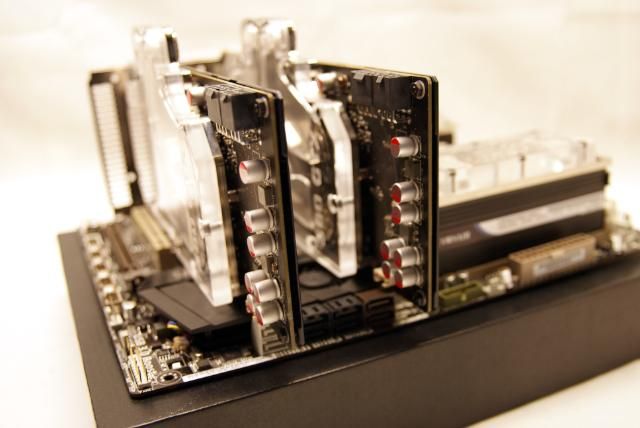
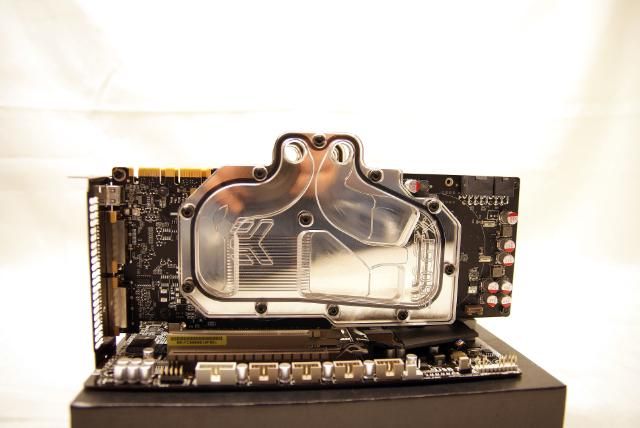
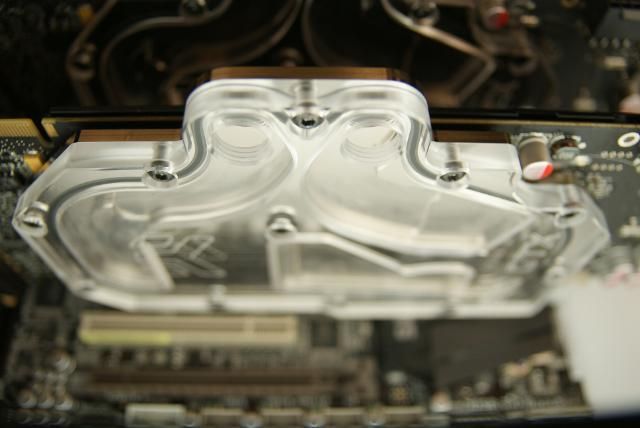
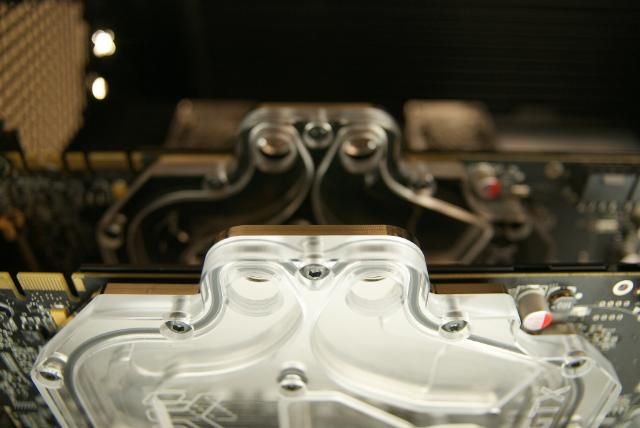
For the 2x ZOTAC GTX580 gpu's iv'e got 2x a EK-FC580 GTX+ - EN

DSC06558.jpg


DSC06574.jpg


DSC06575.jpg


DSC06577.jpg


DSC06579.jpg


DSC06580.jpg


DSC06581.jpg


DSC06582.jpg


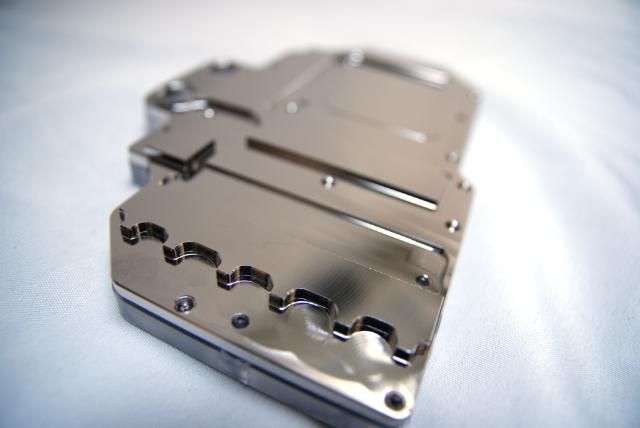
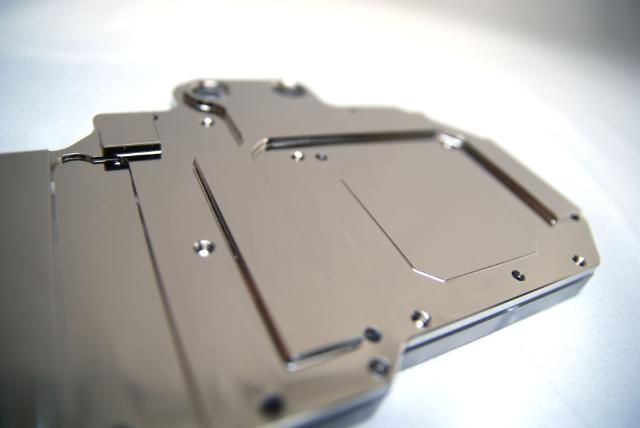
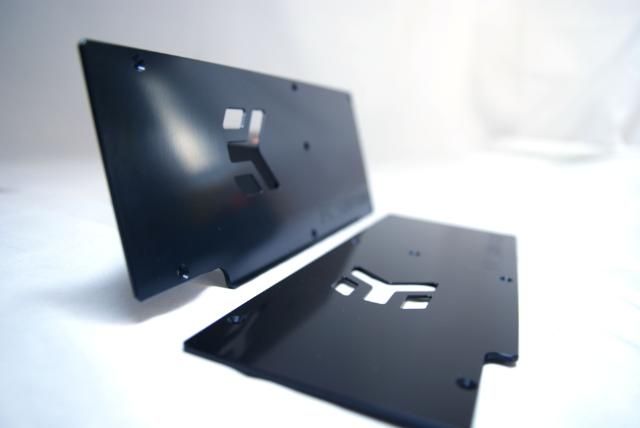
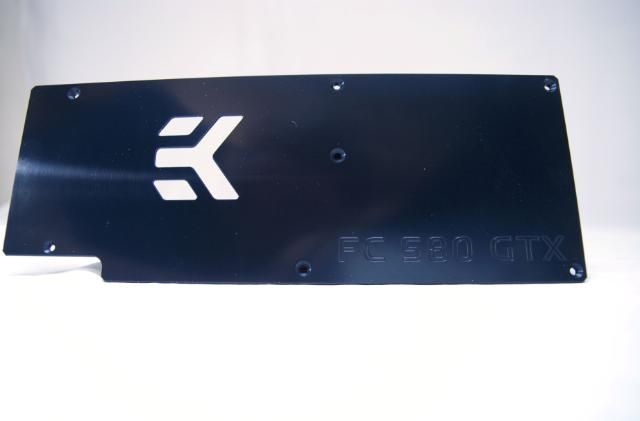
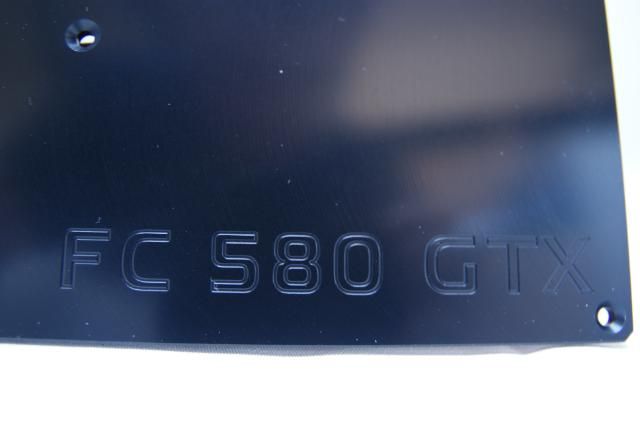
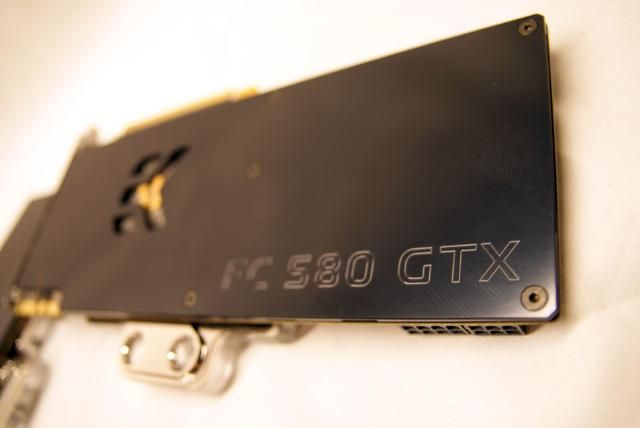
Also with two EK-FC580 GTX Backplate - Black

DSC06537.jpg


DSC06532.jpg


DSC06530.jpg


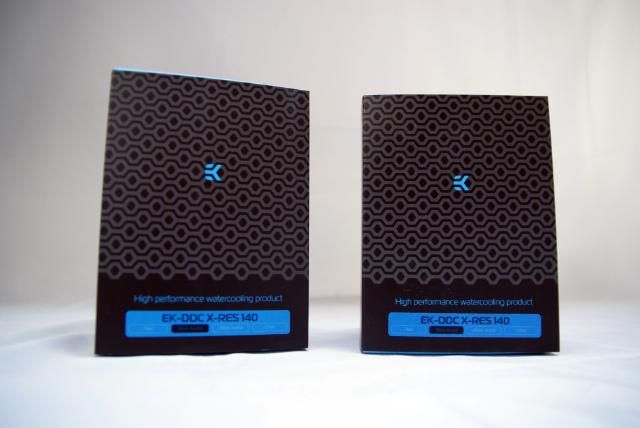
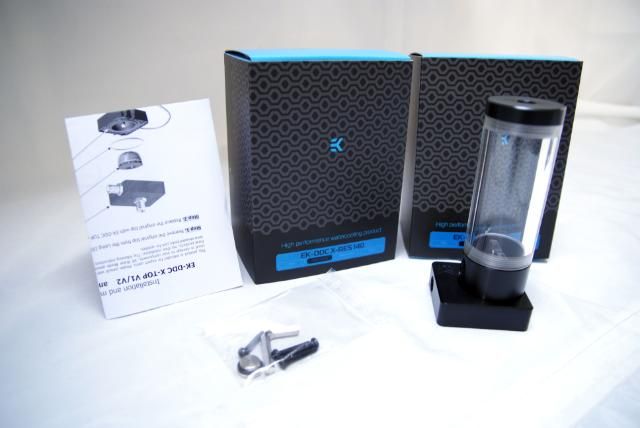
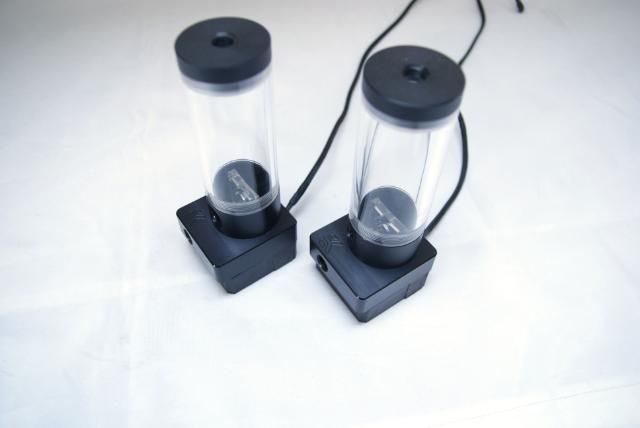
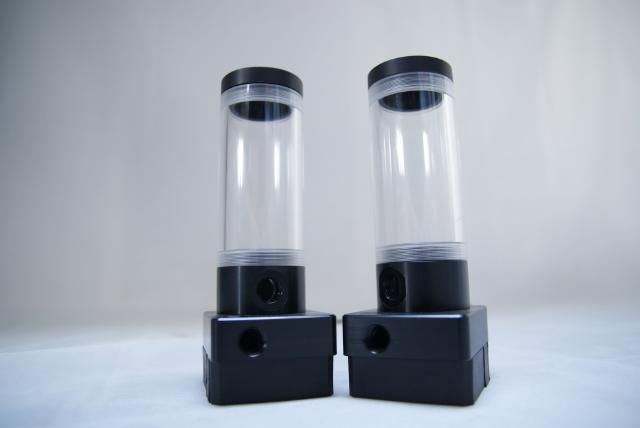
2 great tops with res: the EK-DDC X-RES 140 - Acetal

DSC06602.jpg


DSC06604.jpg


DSC06606.jpg


DSC06609.jpg


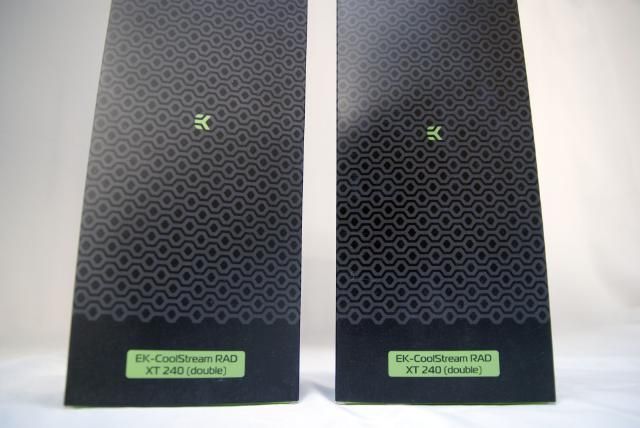
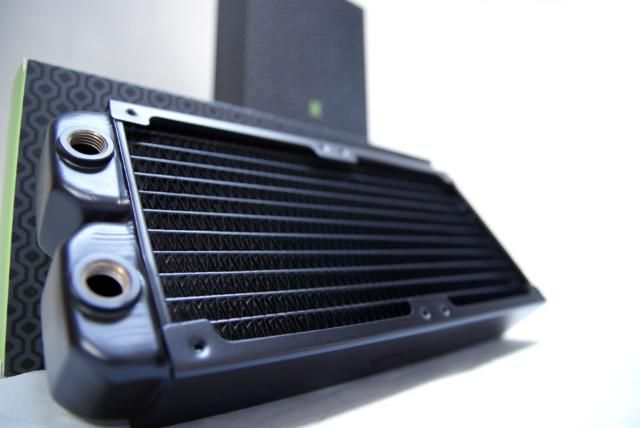
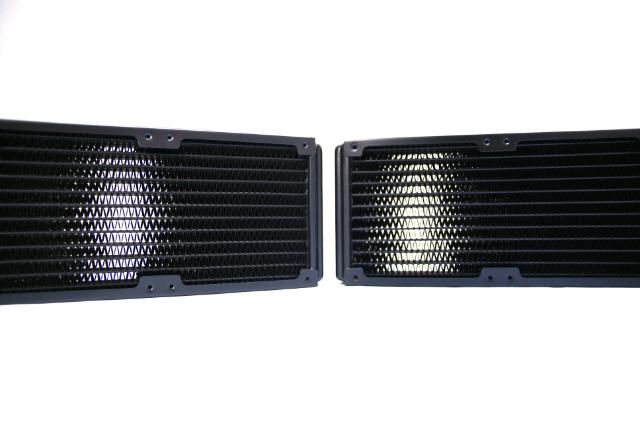
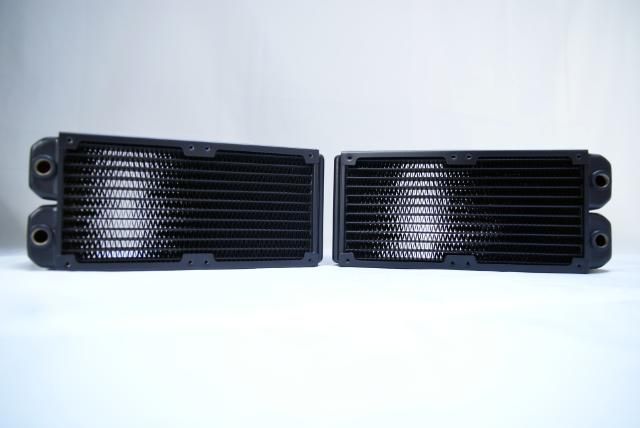
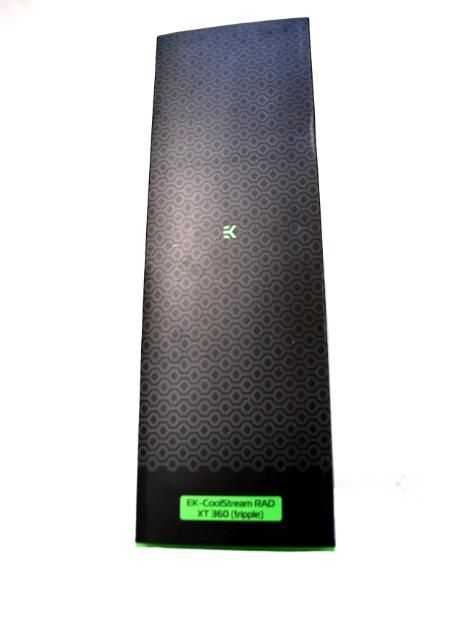
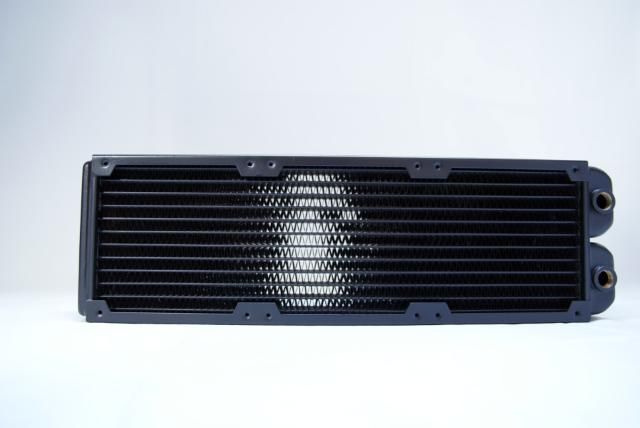
To cool everything I ordered 2x EK-CoolStream RAD XT (240)

DSC06584.jpg


DSC06587.jpg


DSC06590.jpg


DSC06593.jpg


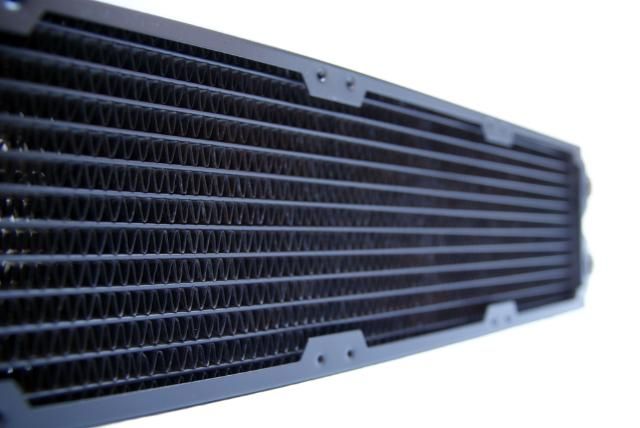
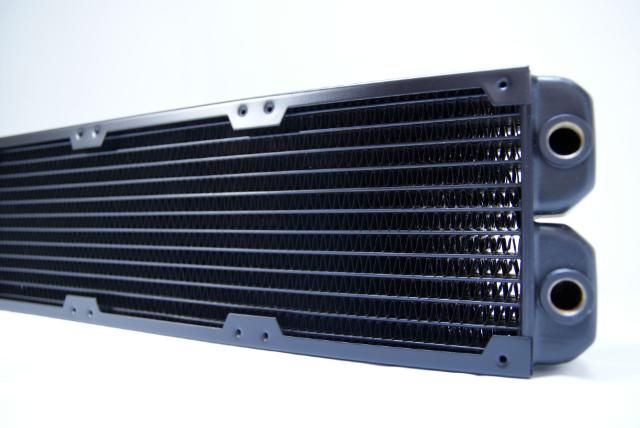
For the top of the Cosmos I''m gonna place a EK-CoolStream RAD XT (360)

DSC06596.jpg


DSC06599.jpg


DSC06601.jpg


DSC06597.jpg


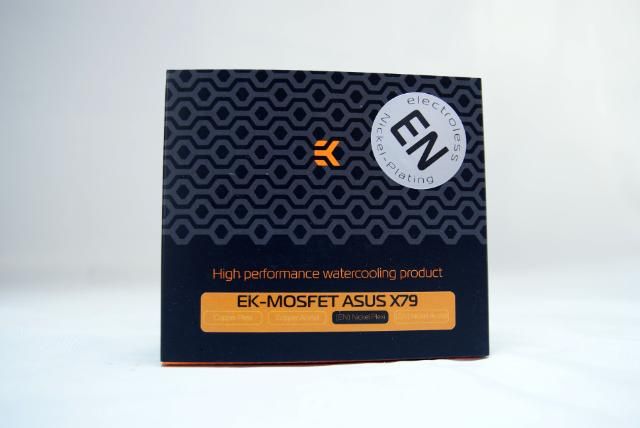
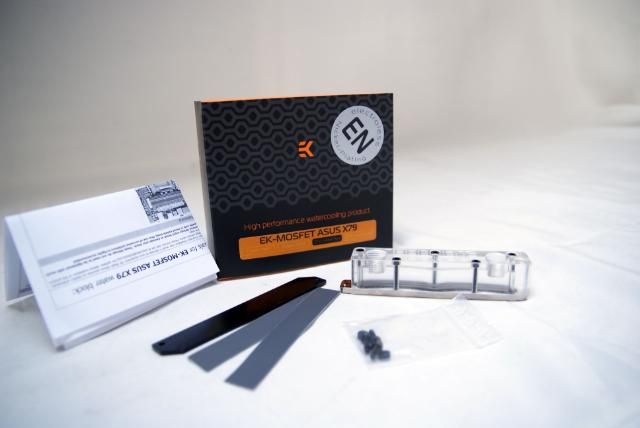
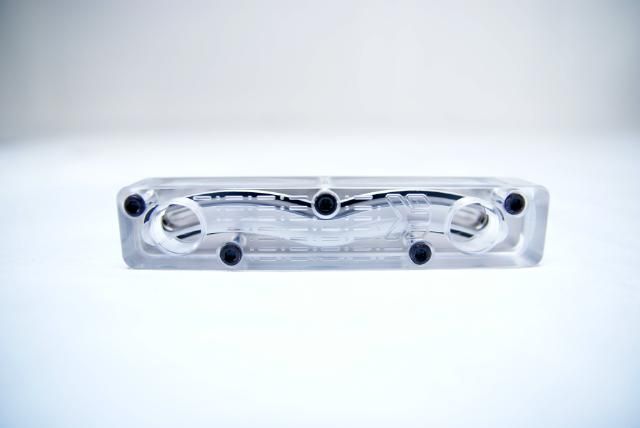
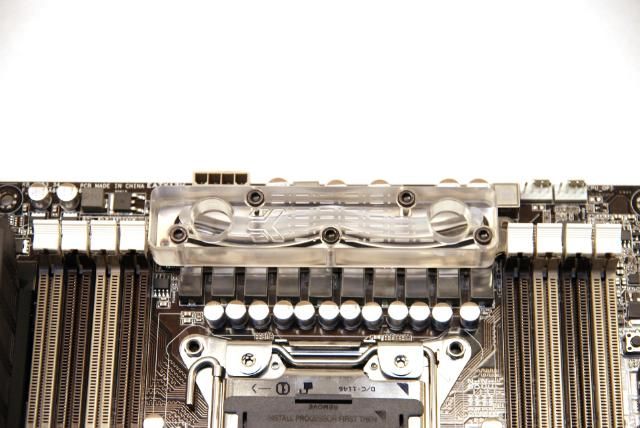
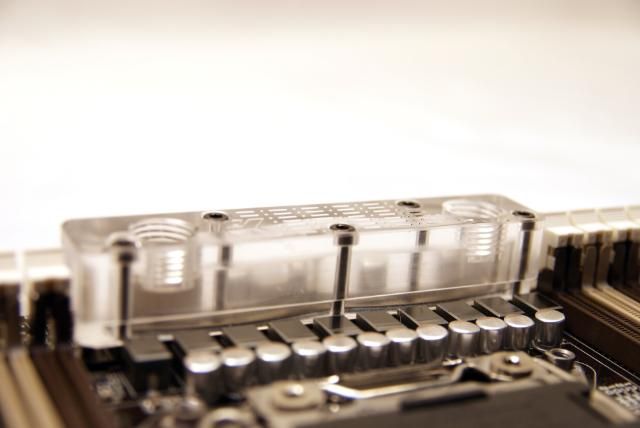
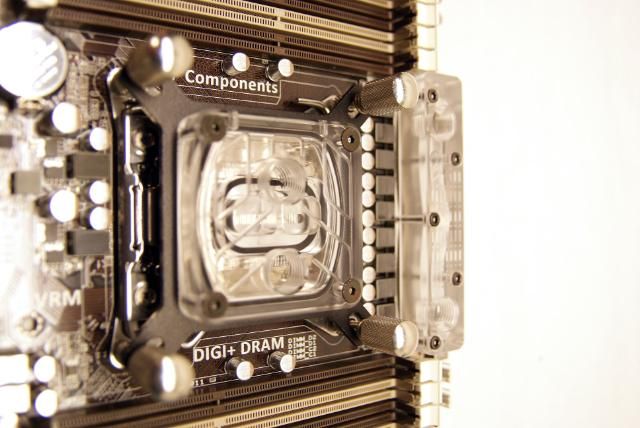
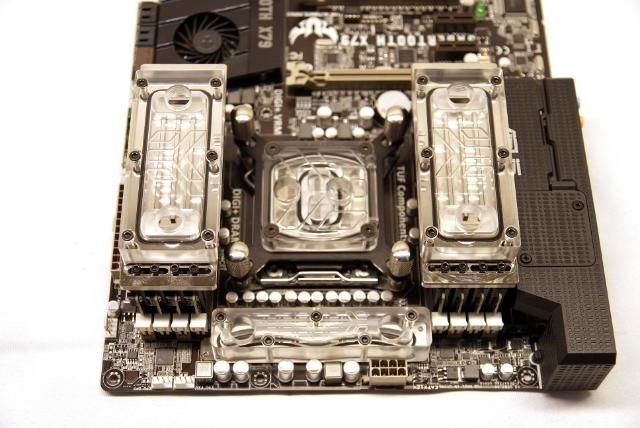
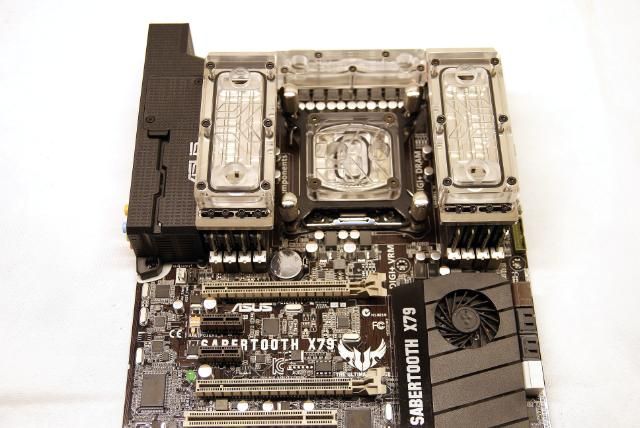
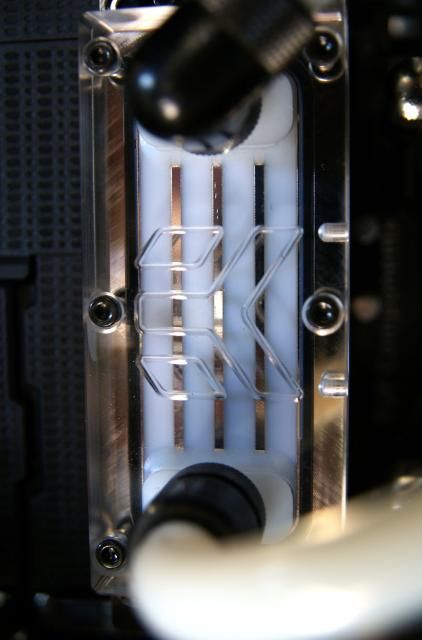
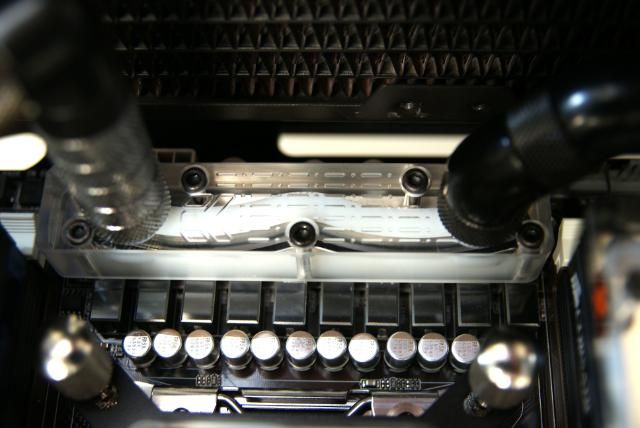
And for the sabertooth board iv'e picked the EK-MOSFET ASUS X79

DSC06610.jpg


DSC06611.jpg


DSC06613.jpg


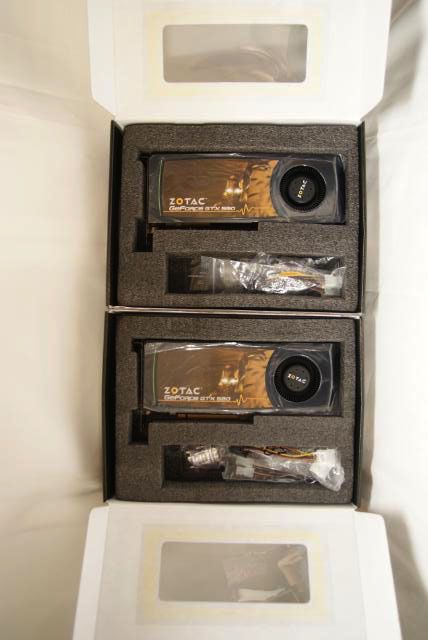
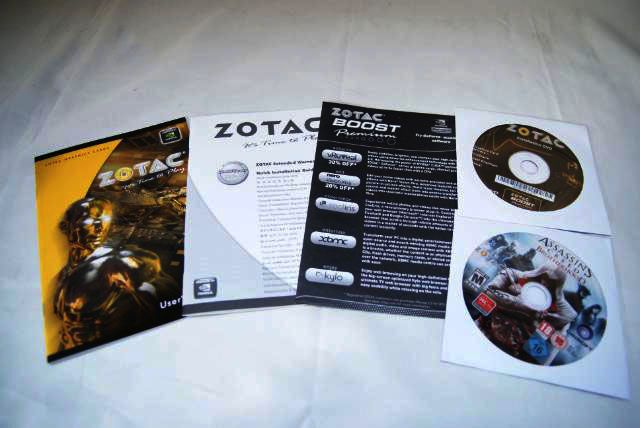
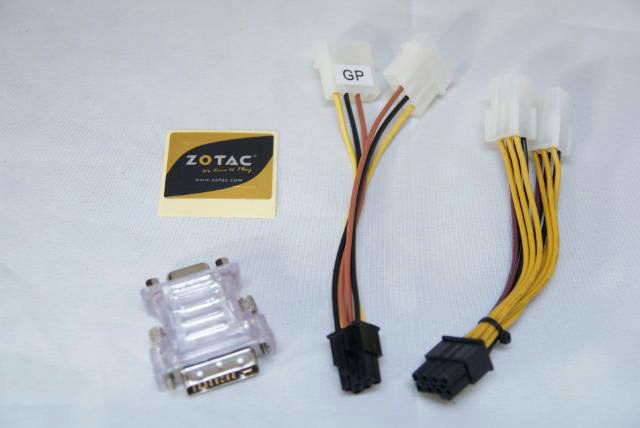
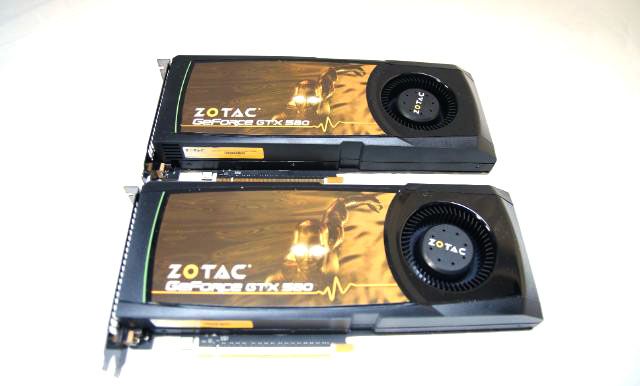
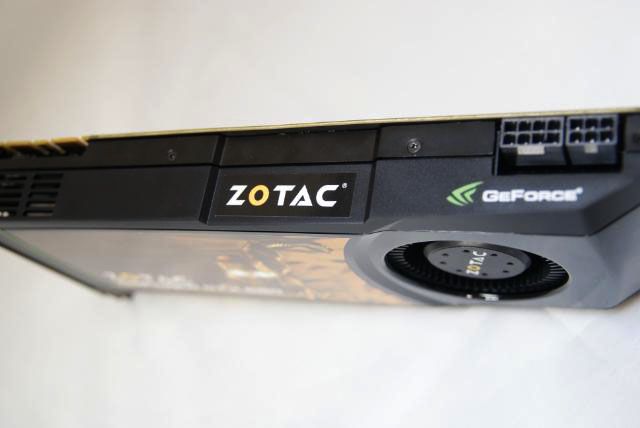
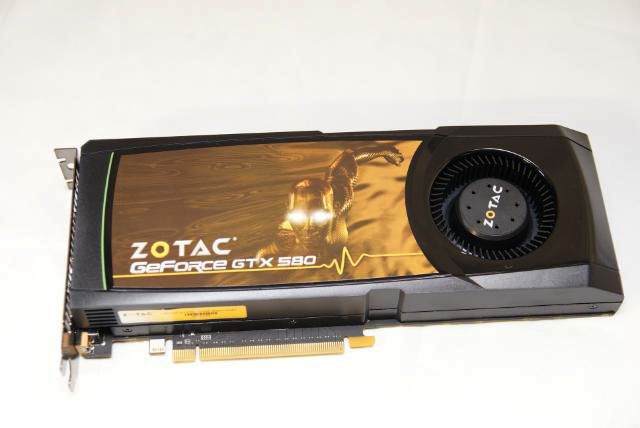
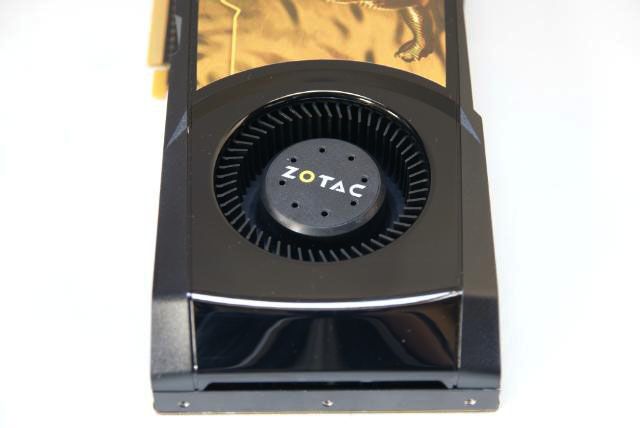
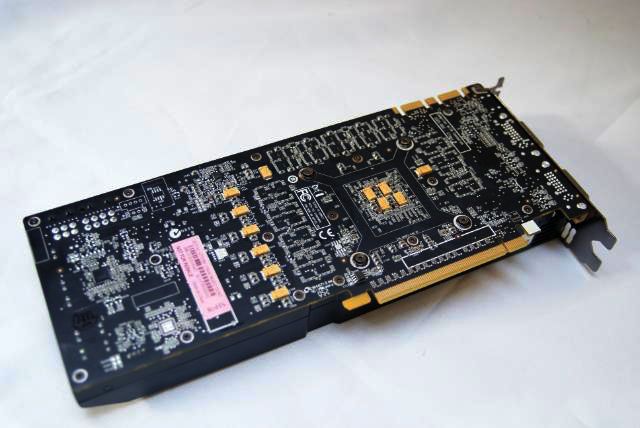
Another great sponsor for this build is...... ZOTAC


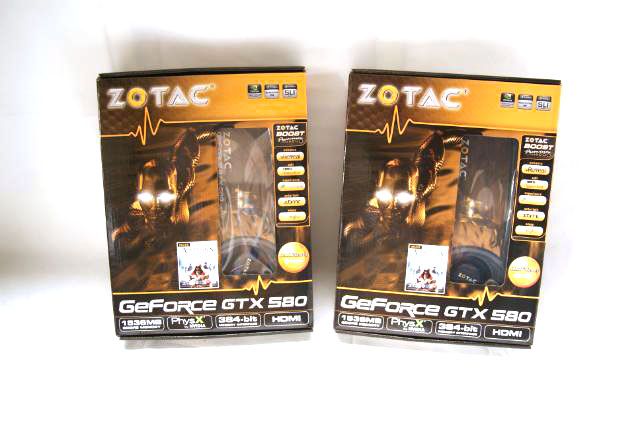
For this build I may use 2 x the ZOTAC GTX580 1536M 348BIT DDR5

DSC05404.jpg


DSC05405.jpg


DSC05433.jpg


DSC05434.jpg


Some specs:

Specs:

Chipset :

-Chipset Manufacturer NVIDIA®
-GPU GeForce® GTX 580
-Core clock 772 MHz
-Stream Processors 512
-Shader Clock 1544 MHz

Memory :

-Memory Clock 4008 MHz
-Memory Size 1536MB
-Memory Interface 384-bit
-Memory Type GDDR5

DSC05441.jpg


DSC05419.jpg


DSC05408.jpg


DSC05418.jpg


DSC05424.jpg


Chris, Craig and Carsten Thank you again for these great cards :)
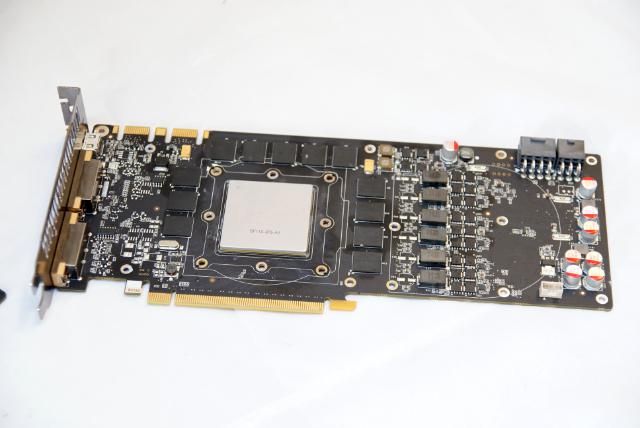
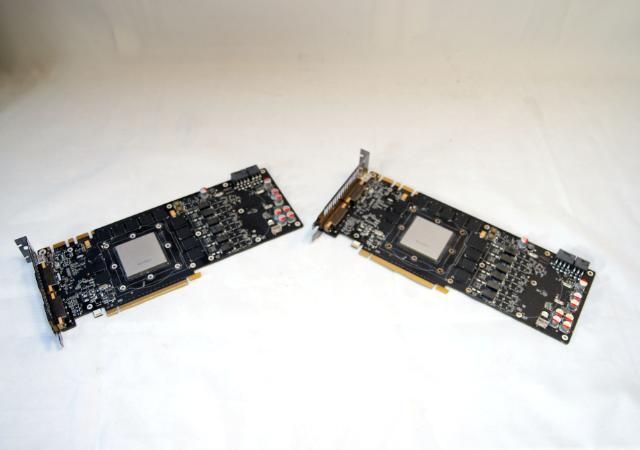
It's ashame that I need to undress the cards, but it needs to be done ;)

DSC06621.jpg


DSC06620.jpg


DSC06618.jpg


And placed the EK-FC580 blocks

DSC06631.jpg


DSC06629.jpg


DSC06623.jpg


DSC06625.jpg


Placed the backplates

DSC06626.jpg


DSC06627.jpg


DSC06622.jpg


Ok, now more about installing the blocks

The mosfet block:

DSC06639.jpg


DSC06641.jpg


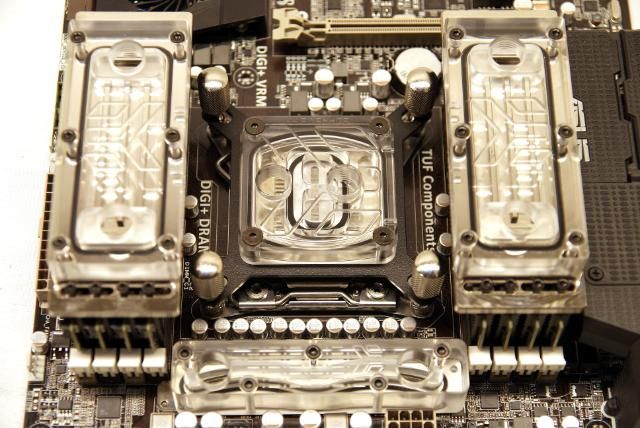
Next the Supreme HF.

DSC06644.jpg


DSC06645.jpg


DSC06646.jpg


DSC06647.jpg


DSC06648.jpg


After that the RAM coolers

DSC06662.jpg


DSC06659.jpg


DSC06652.jpg


DSC06653.jpg


DSC06655.jpg


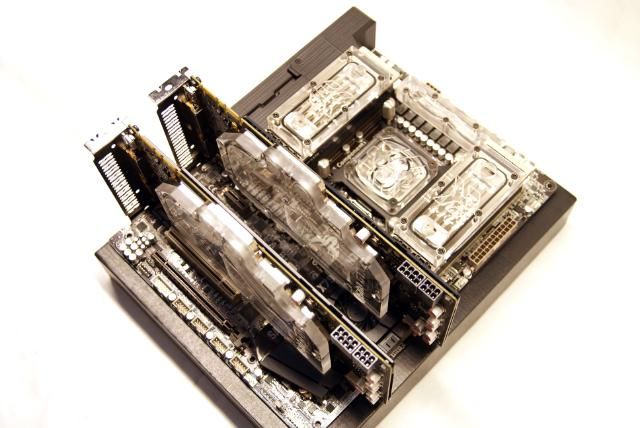
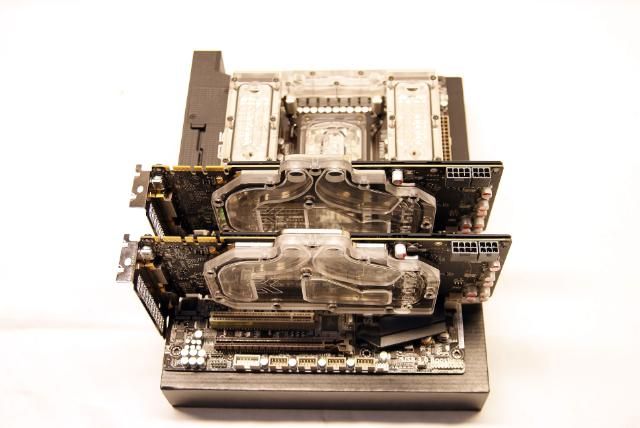
Placed the 2 ZOTAC GTX580 GPU's

DSC06665.jpg


DSC06666.jpg


DSC06667.jpg


DSC06669.jpg


DSC06670.jpg


DSC06673.jpg


DSC06672.jpg


DSC06668.jpg


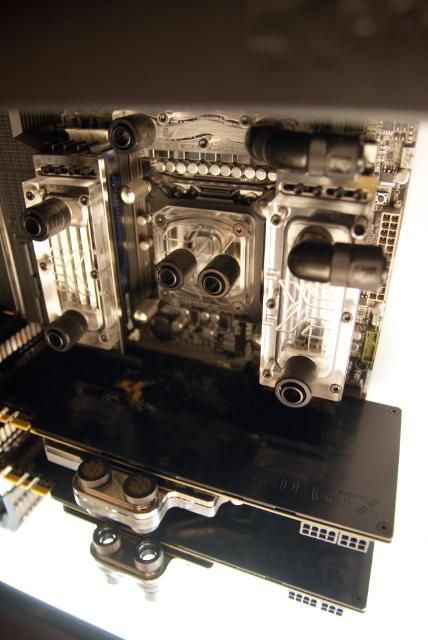
Looks good ;) Placed everything in the Cosmos II

DSC06674.jpg


DSC06676.jpg


DSC06684.jpg


DSC06687.jpg


DSC06689.jpg


DSC06692.jpg


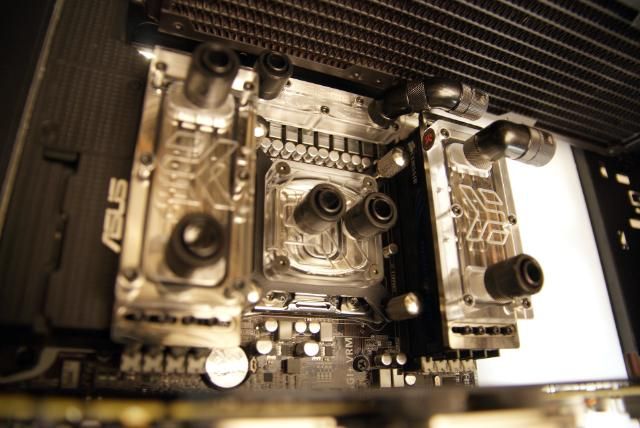
And installed some fittings

DSC06704.jpg


DSC06701.jpg


DSC06710.jpg


DSC06713.jpg


Now everything is in place it's time to mod again...to be continued :)


Update!!!


Had some fun these days with cutting and sawing in the Cosmos:
Hole for a straight Fill-Port and also a slot for the fitting of the pump.

DSC06733.jpg


Holes for the gpu, s in-and outlet

DSC06736.jpg


A hole for the wiring of the gpu, s

DSC06737.jpg


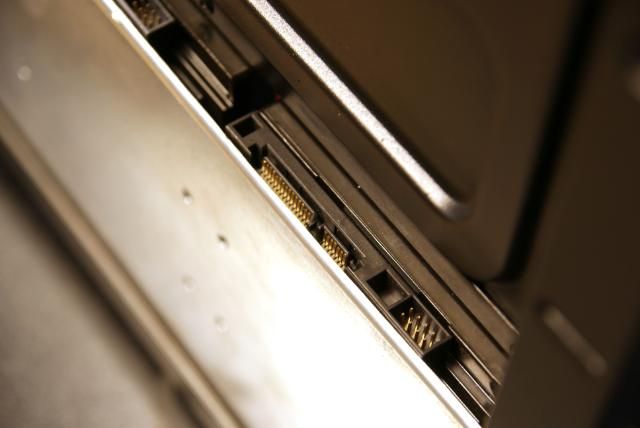
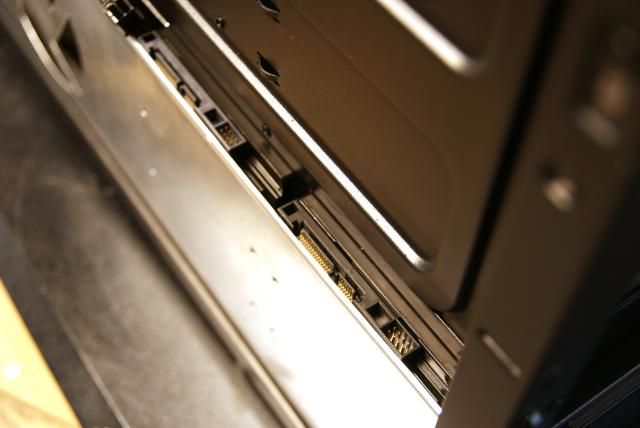
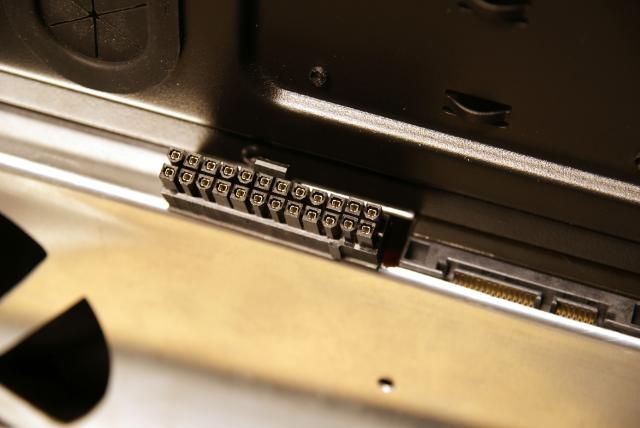
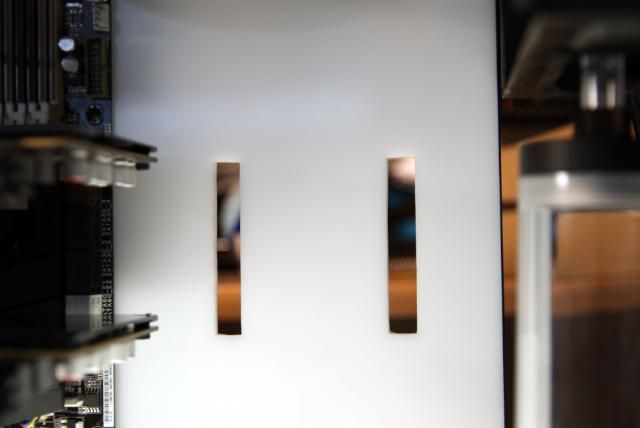
And adjusted the slot for the sata

DSC06738.jpg


Did the same thing for the 24 pins powercables.

DSC06739.jpg


I also made ​​a hole in the side of the 5.25 bay

DSC06741.jpg


And made 2 fill-ports.

DSC06743.jpg


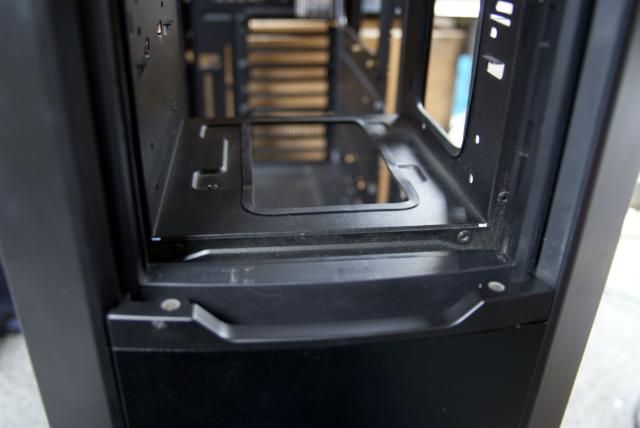
And at the bottom of the 5.25, I have made a large hole for the in and outlets of the reservoirs, etc..

DSC06744.jpg


DSC06748.jpg


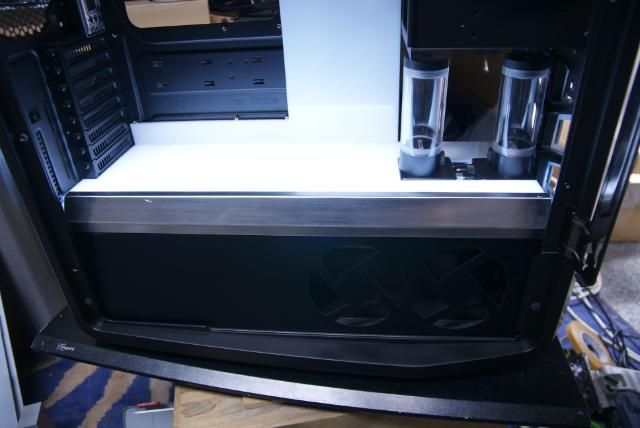
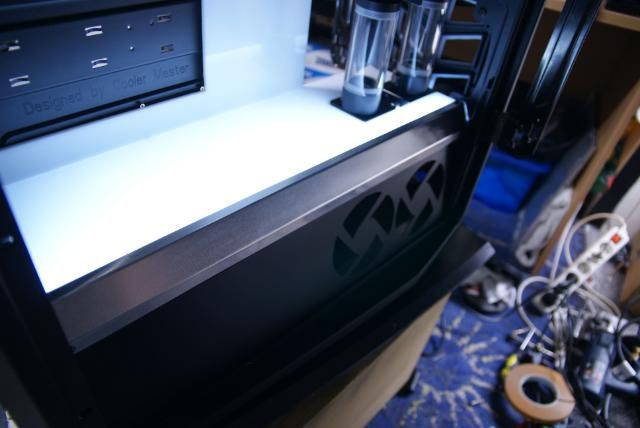
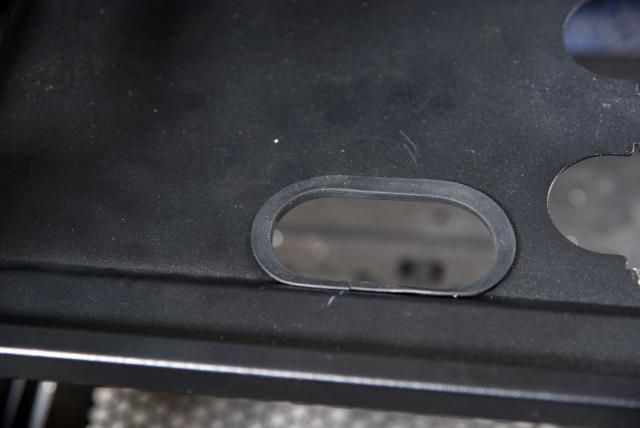
All this I have covered with U-channel edge from Mnpctech.

DSC06750.jpg


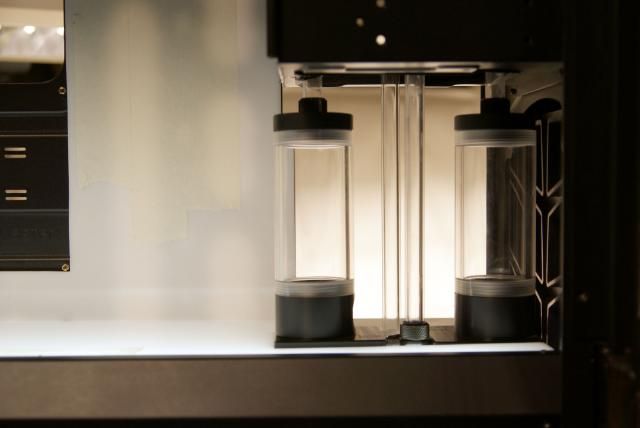
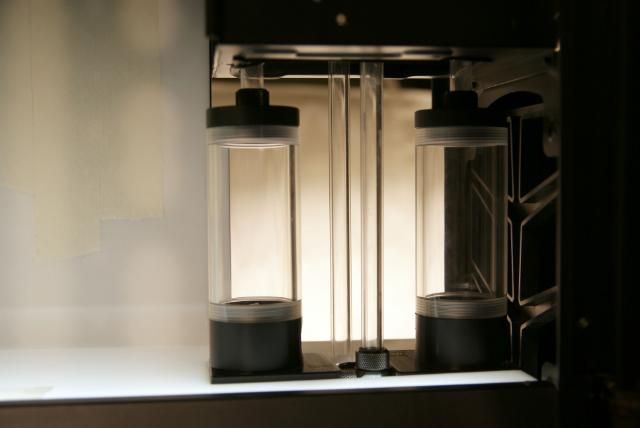
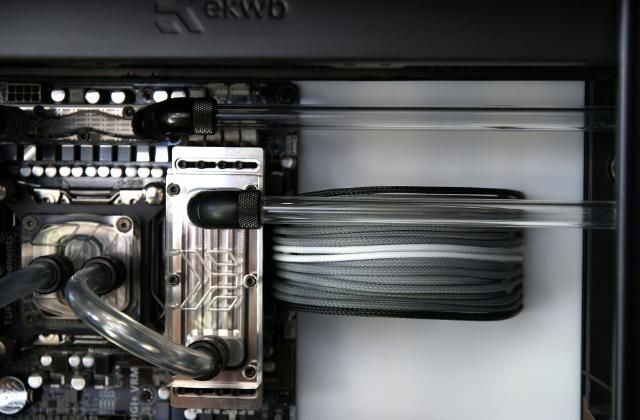
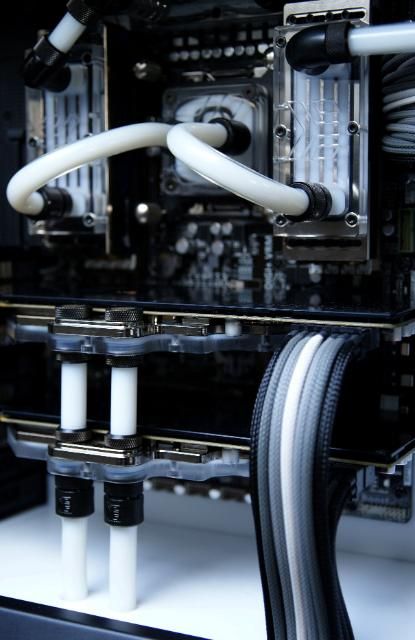
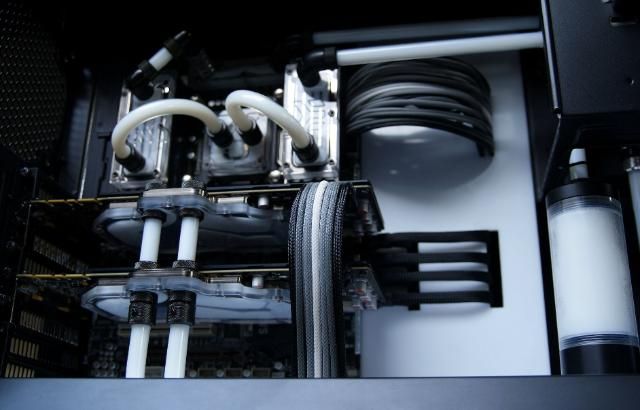
Furthermore, did some nice things with the pump / reservoirs. All with fixed tubes;)

DSC06759.jpg


DSC06760.jpg


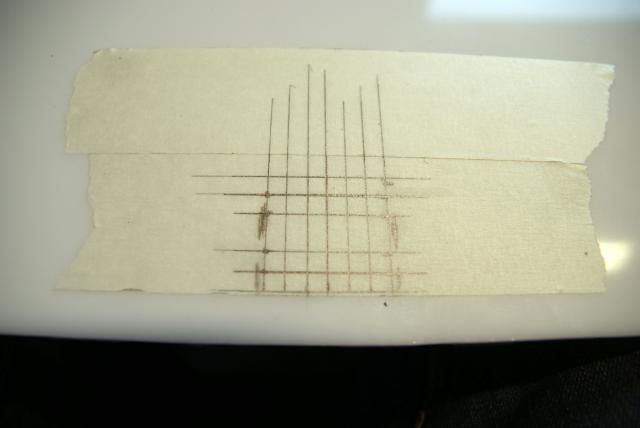
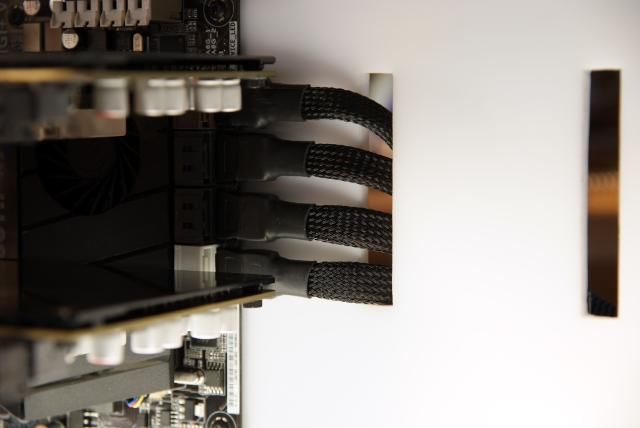
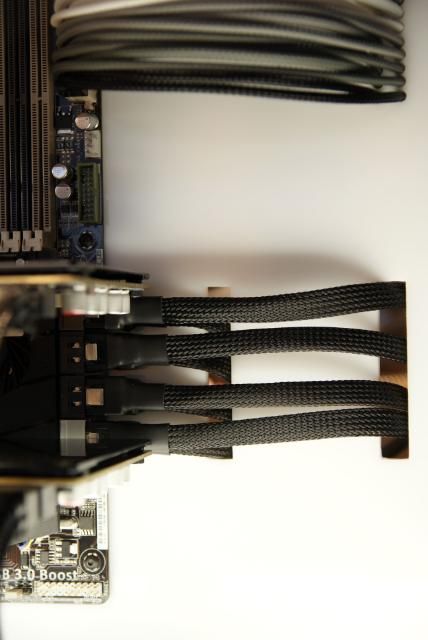
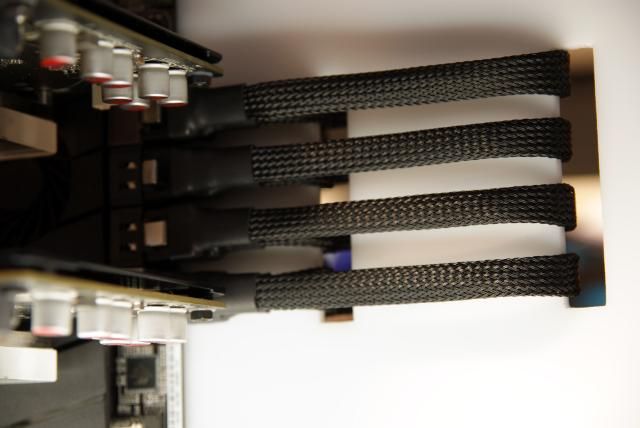
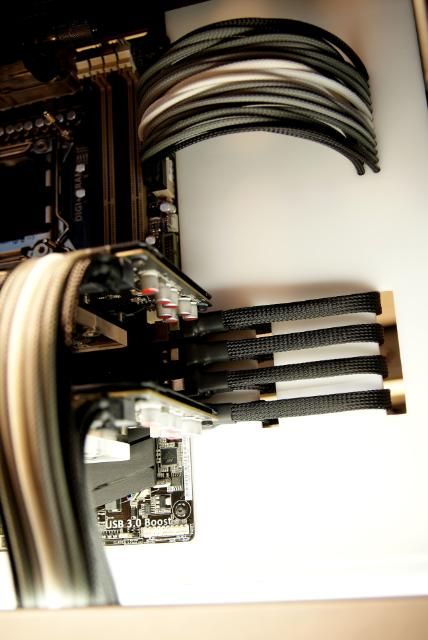
More on this later. I also started with the cables. For the GPU power, I have marked some holes.

DSC06770.jpg


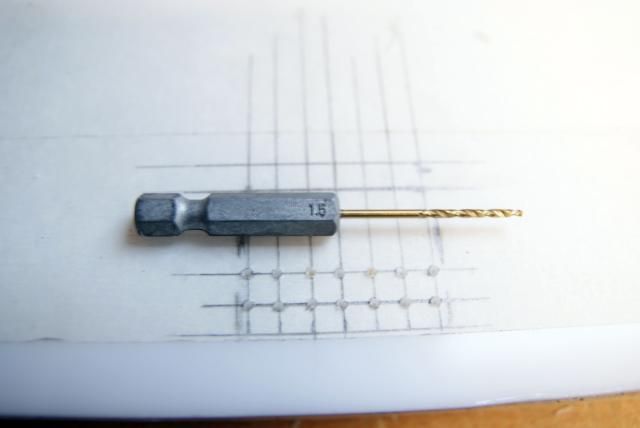
Pre-drilling with 1.5mm

DSC06772.jpg


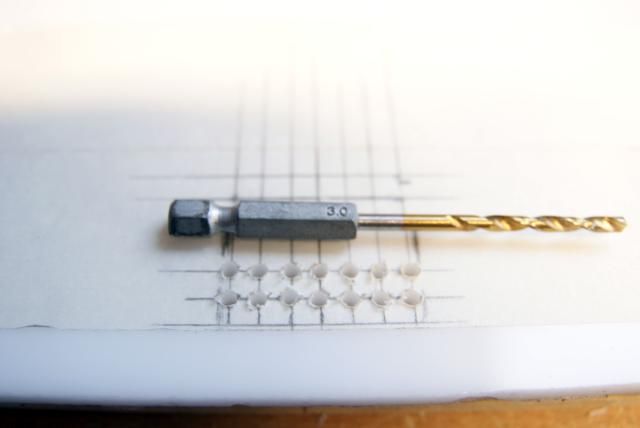
3mm

DSC06773.jpg


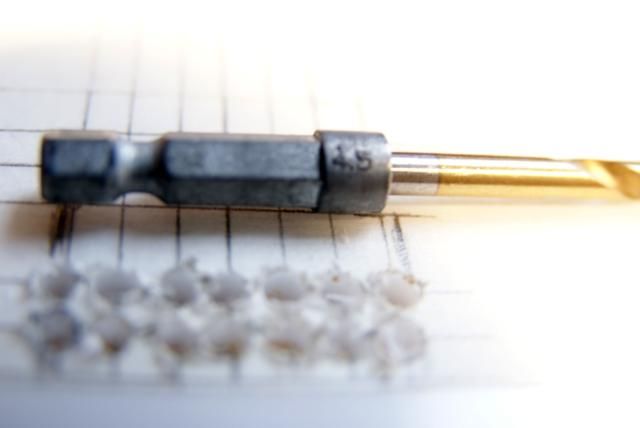
And 4.5mm

DSC06776.jpg


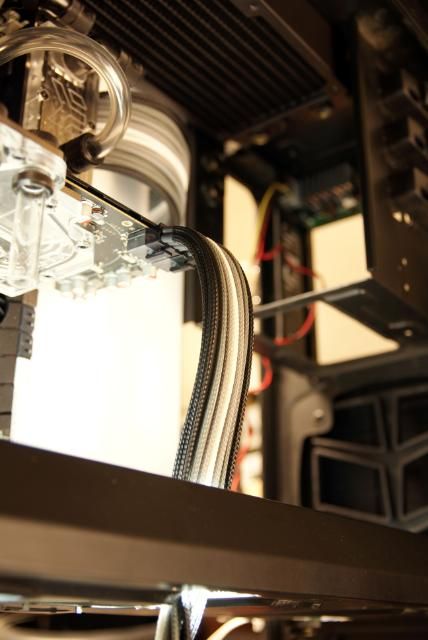
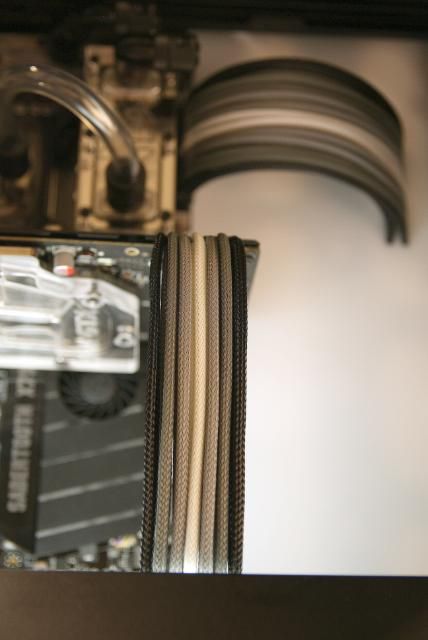
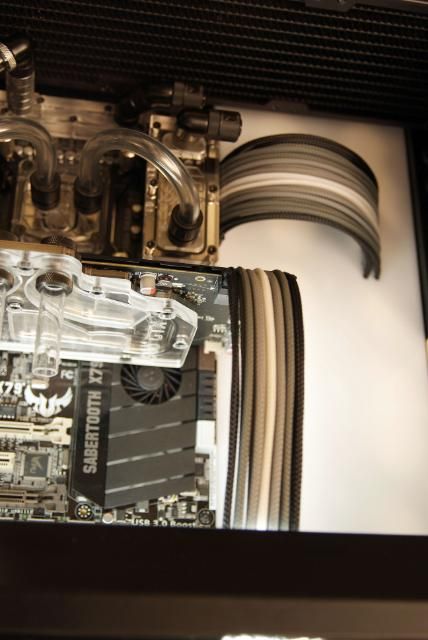
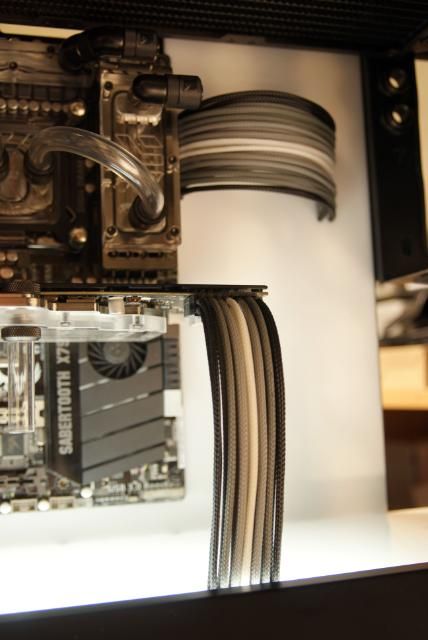
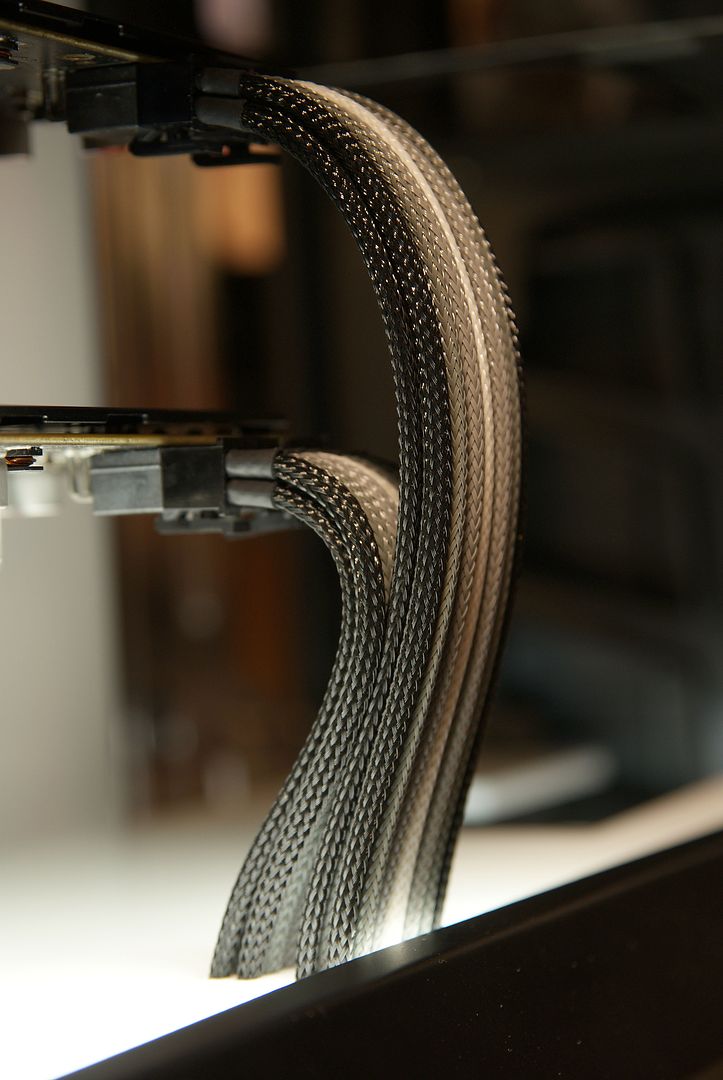
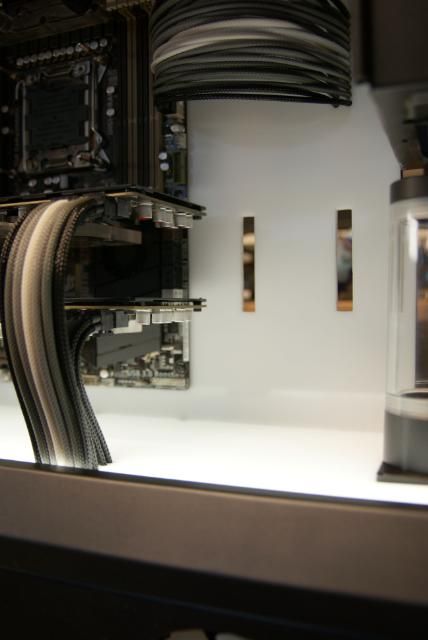
This is enough to go through with a sleeved wire.

DSC06780.jpg


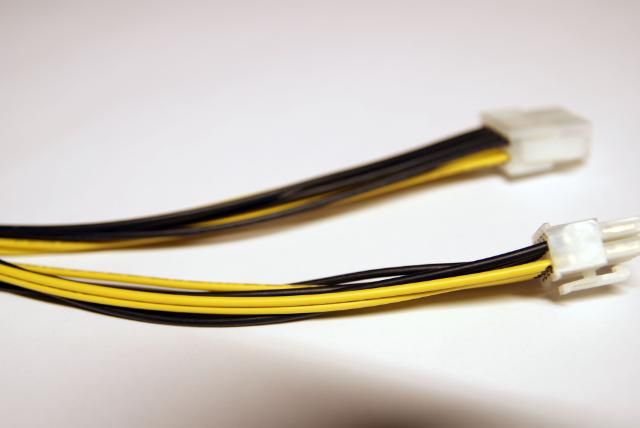
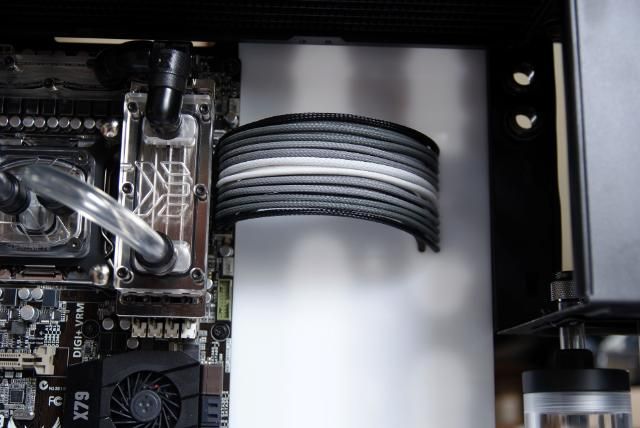
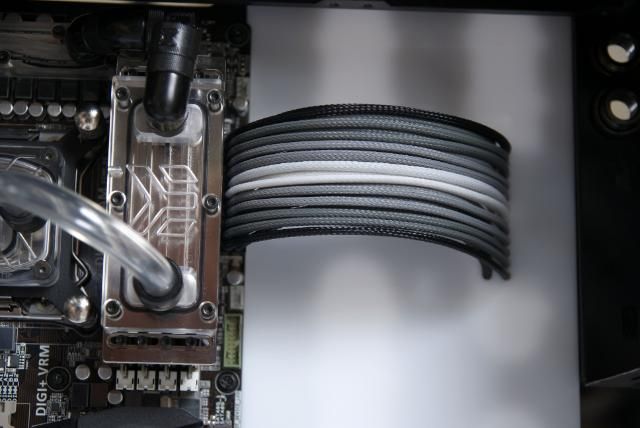
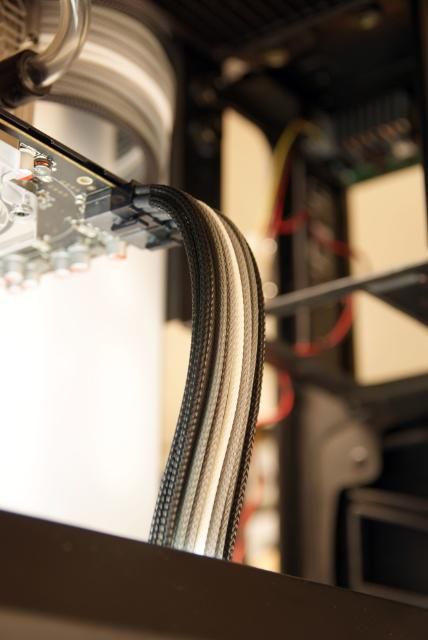
For the GPU power I used extensions

DSC06783.jpg


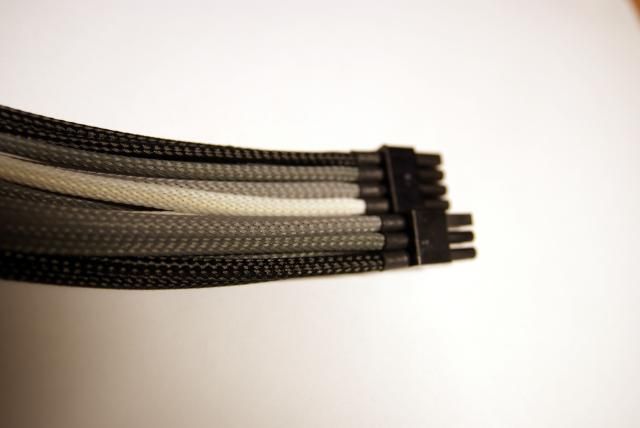
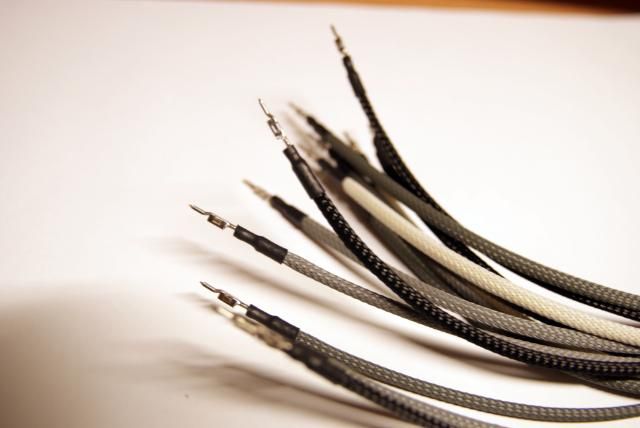
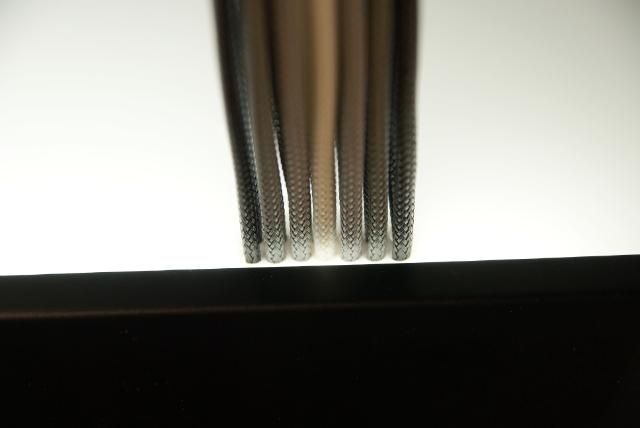
And sleeved it in 4 colors. Black, titanium gray, gray and white

DSC06781.jpg


Other side still loose

DSC06782.jpg


One by one put the male connector through

DSC06802.jpg


Did the same thing for 24 pins cable.

DSC06767.jpg


DSC06764.jpg


And placed everything. One gpu have to wait ( need more heatshrink)

DSC06792.jpg


DSC06791.jpg


DSC06794.jpg


DSC06789.jpg


DSC06784.jpg
 
Coming together nicely, i really like sleeved cables and the way they run thru the acrylic is just badass!
 
I loved your TJ11 mod and this one looks great!

I have a question...

What do you use to cut holes in your acrylic, like on the front panel?

Also do you sand the edges after you cut out the shapes?

Please keep modding! I love watching your work!!!
 
wow! just simply no words! great progress and all the work done
I got some great ideas for the future from you)


Update!!!

It's been a while since I've updated the Cosmos build, but here it is .... the long awaited update
Where were we... the sleeved cables. For the Sata cables I've made 2​​ openings

DSC07375.jpg


DSC07376.jpg


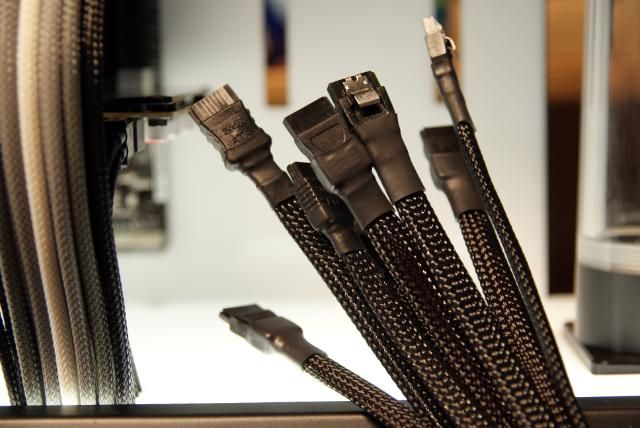
Sleeved some Sata cables

DSC07379.jpg


First four sata placed

DSC07381.jpg


Second layer on top

DSC07383.jpg


It's all a bit messy now, but this will be better ;) It need to be as tight as possible ...

DSC07387.jpg


DSC07386.jpg


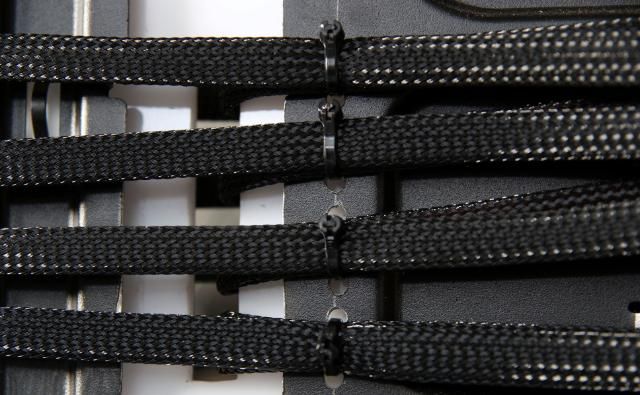
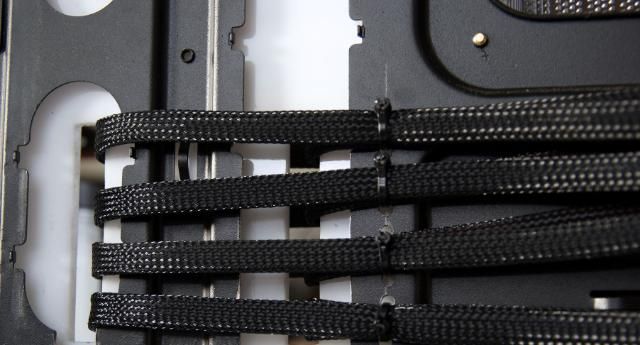
To get this so tight, I drilled some holes on the back from the mobo for the tyraps

DSC07435.jpg


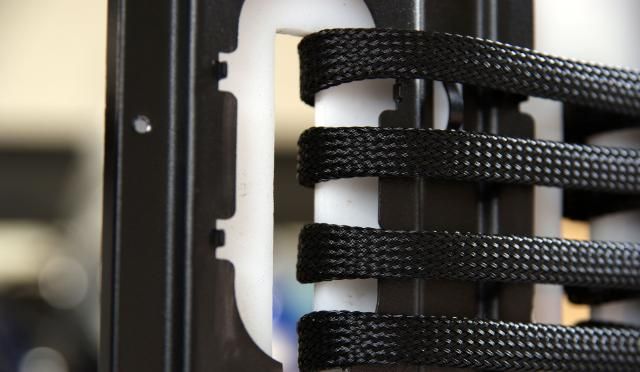
Tightly folded around the edge

DSC07437.jpg


DSC07434.jpg


I will not use them all, but I dont want free sata slots.

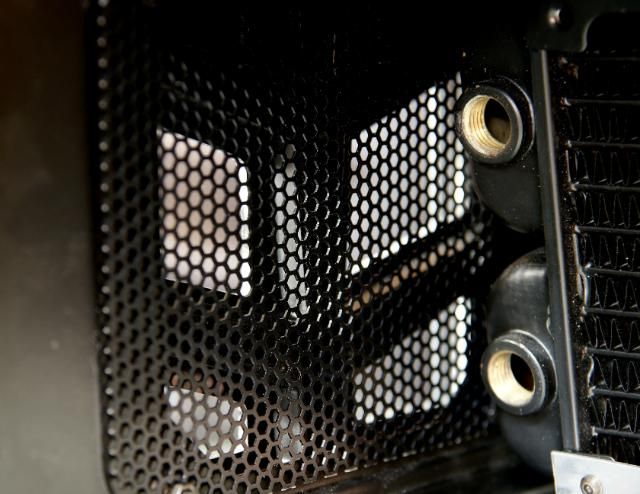
In the front there are still some open holes, So I've cut some mesh for this

DSC07439.jpg


DSC07440.jpg


DSC07441.jpg


DSC07442.jpg


Placed the acrylic cover back again

DSC07445.jpg


DSC07444.jpg


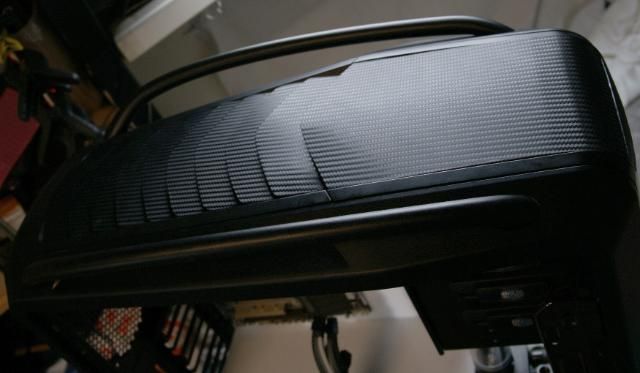
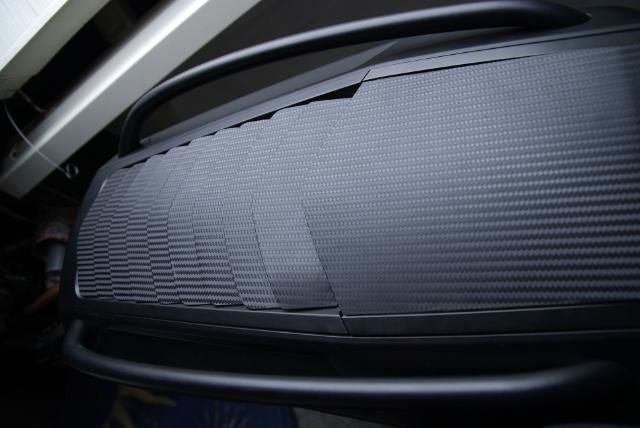
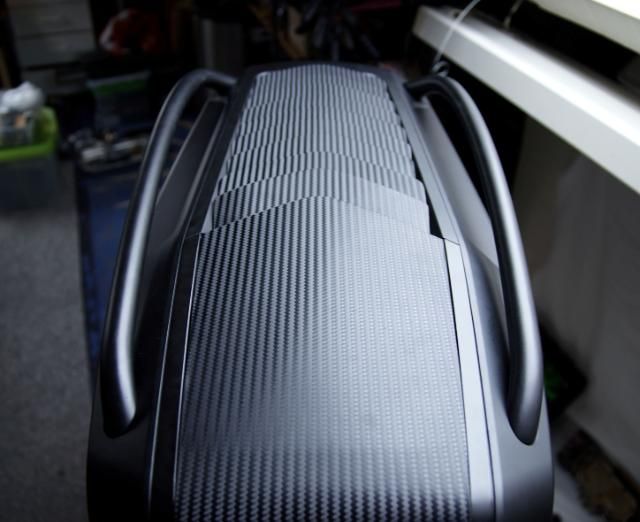
I wanted something more for the "fins" on top, so for this I have pasted some DI-NOC

DSC07350.jpg


DSC07327.jpg


DSC07333.jpg


Looks better. To have the same DI-NOC effect in the front I have also pasted the slide panel

DSC07368.jpg


DSC07373.jpg


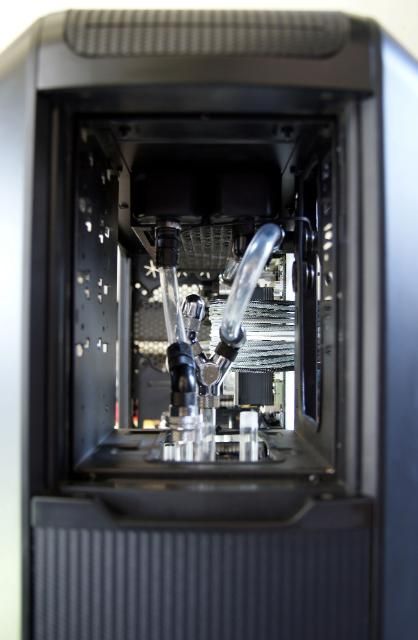
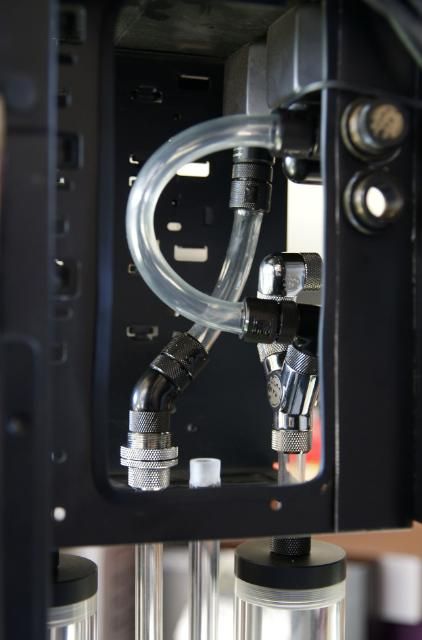
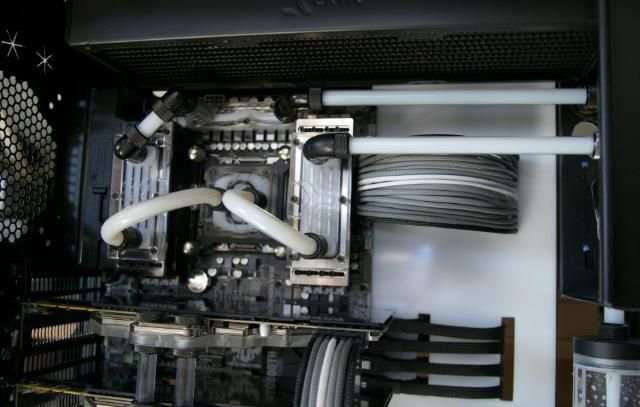
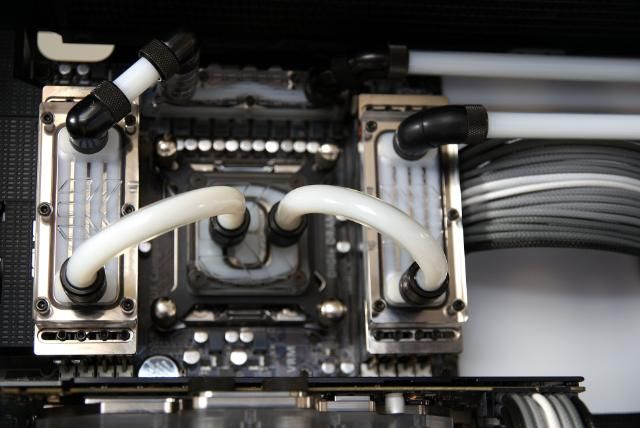
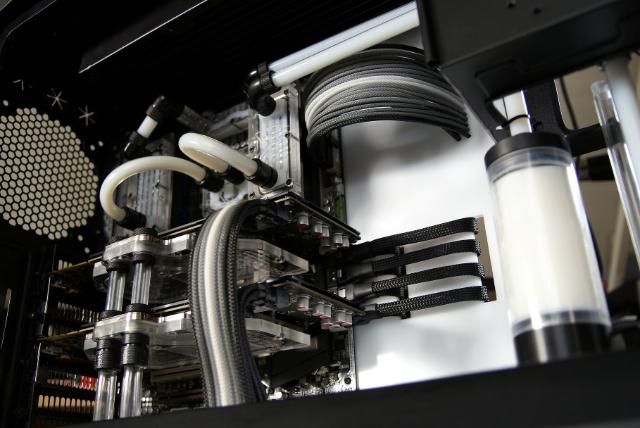
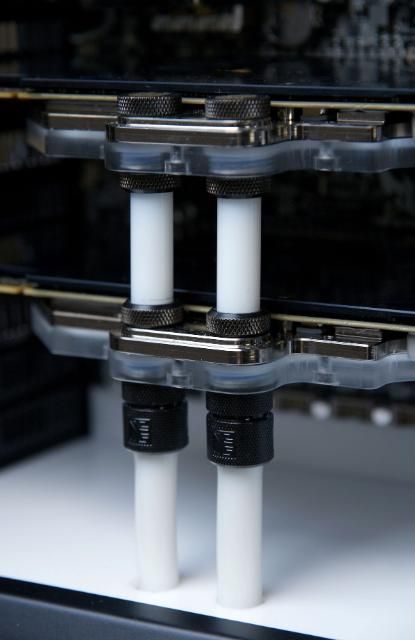
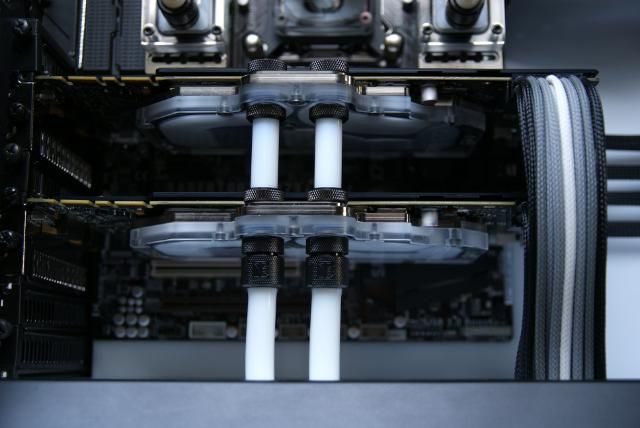
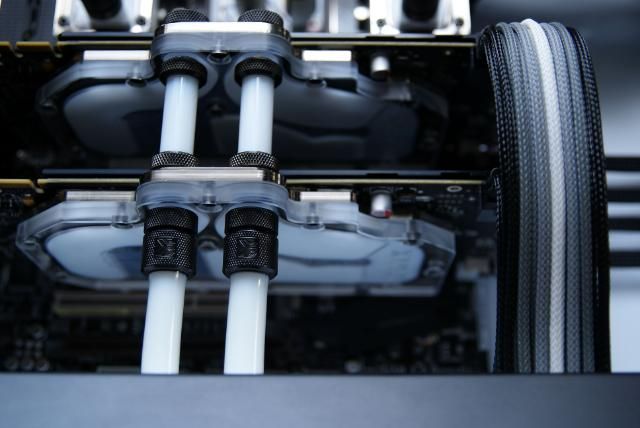
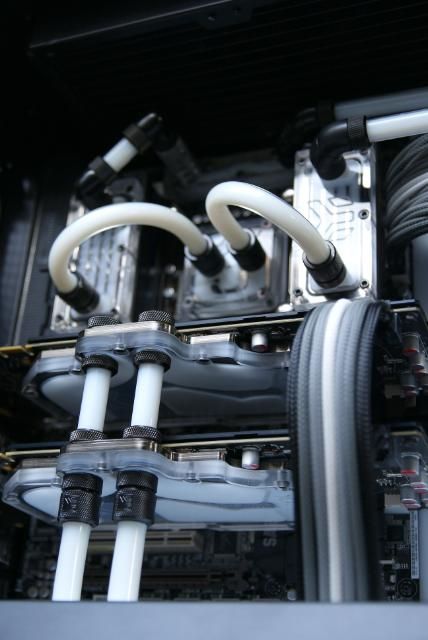
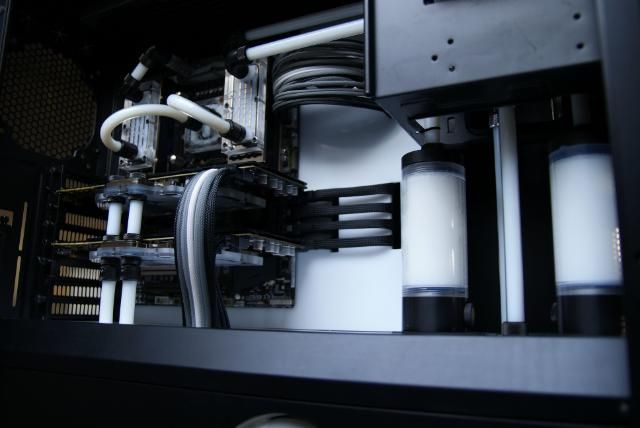
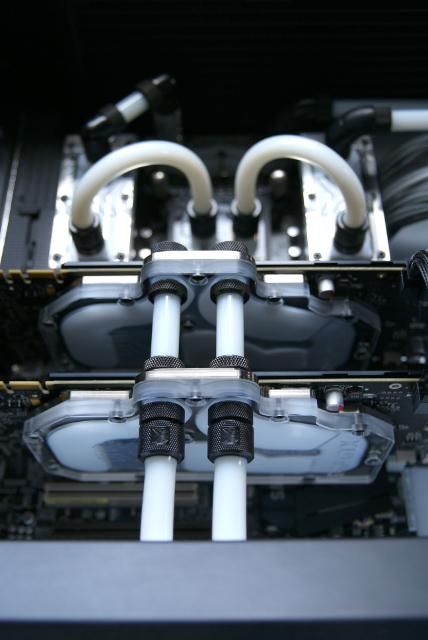
And now the big moment ... making the loop ready for filling. For this I have cut the hard acrylic pipe and placed it

DSC07391.jpg


Checked the remaining tubes etc.

DSC07392.jpg


All connected...yes, fill it up

DSC07402.jpg


Fill Port right above is to fill the first loop. Never mind the silver shiny stuff, don't have any black left and don't wanna buy new. This is not in sight ;)

DSC07405.jpg


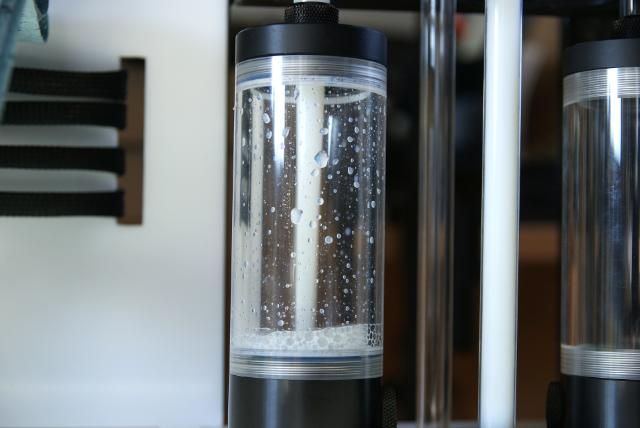
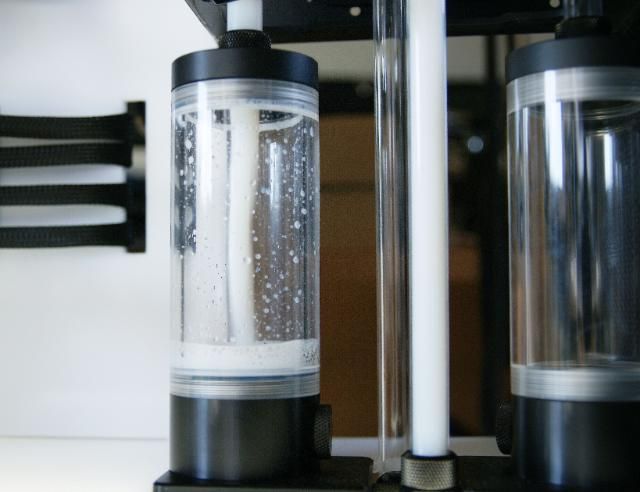
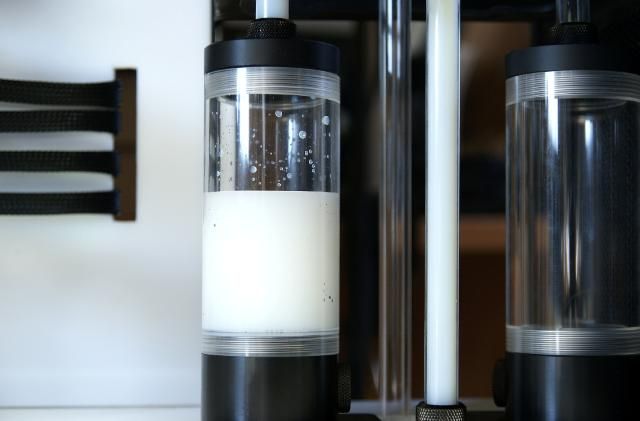
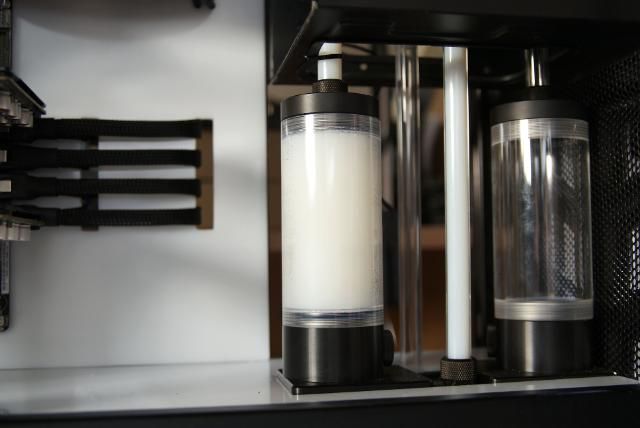
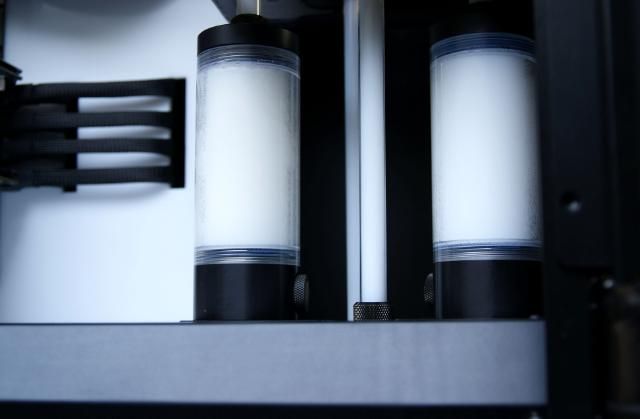
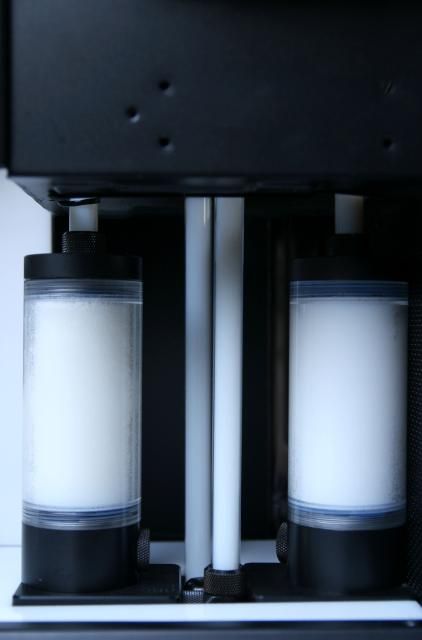
And then it was really time to fill it with... Mayhem Pastel Ice White

DSC07412.jpg


DSC07417.jpg


DSC07411.jpg


DSC07433.jpg


Starting to get full

DSC07431.jpg


DSC07430.jpg


DSC07414.jpg


DSC07413.jpg


DSC07449.jpg


Nice color isn't it

DSC07446.jpg


Just one more loop, but not today :)
 
I have a feeling we'll be seeing this on the front page soon. The wiring job is absolutely crazy!

What kind of sleeving did you use on your SATA data cables?
 
Thanks you guys,
For the sata I used also MDPC sleeve (sata- sleeve black)
 
Just amazing! You've managed to make an amazing case look even better.
I'm contemplating getting this case. Not about to go crazy modding like you, but would like to fit a regular 360 rad up top and a fatty 240 rad in the basement.
 
I can't imagine that setup for the video cards working properly. Your second card is likely being starved for flow. Have you checked temps yet?
 
Didnt check temps yet, but have done this setup before (even with 3 blocks). identical blocks, same restriction so this parallel connection will work
 
Your build is awesome as usual. I have always admired your work. Especially your yellow TJ11.

I was wondering, if you care to tell me, how you achieve the straight rigid tubing - specifically the part that runs behind your reservoirs. I have a long tube running horizontally, and have achieved to get it quite rigid, but it's not perfect as yours. If it's not one of your pro modder secrets :)
 
Back
Top