• Some users have recently had their accounts hijacked. It seems that the now defunct EVGA forums might have compromised your password there and seems many are using the same PW here. We would suggest you UPDATE YOUR PASSWORD and TURN ON 2FA for your account here to further secure it. None of the compromised accounts had 2FA turned on.
    Once you have enabled 2FA, your account will be updated soon to show a badge, letting other members know that you use 2FA to protect your account. This should be beneficial for everyone that uses FSFT.

Blu-Ray movie gives error

HAL_404

[H]ard|Gawd
Joined
Dec 16, 2018
Messages
1,240
just got a Blu-ray brand new and tried to play it and got the following error using PowerDVD 16. All other Blu-rays older, same year or newer all play no problem. I ran Cyberlink's Advisor program and it says all is well with my hardware. Anything you know I can check? Only setting I have in question is in BIOS: BIOS Mode which is set to CSM by defaut instead of UEFI. THanks for any help.

Vizio E55-E1 TV
LG Blu-Ray Drive model UH12NS40
ASUS ROG Strix GTX 1660 Ti Advanced GPU
Windows 10 Home
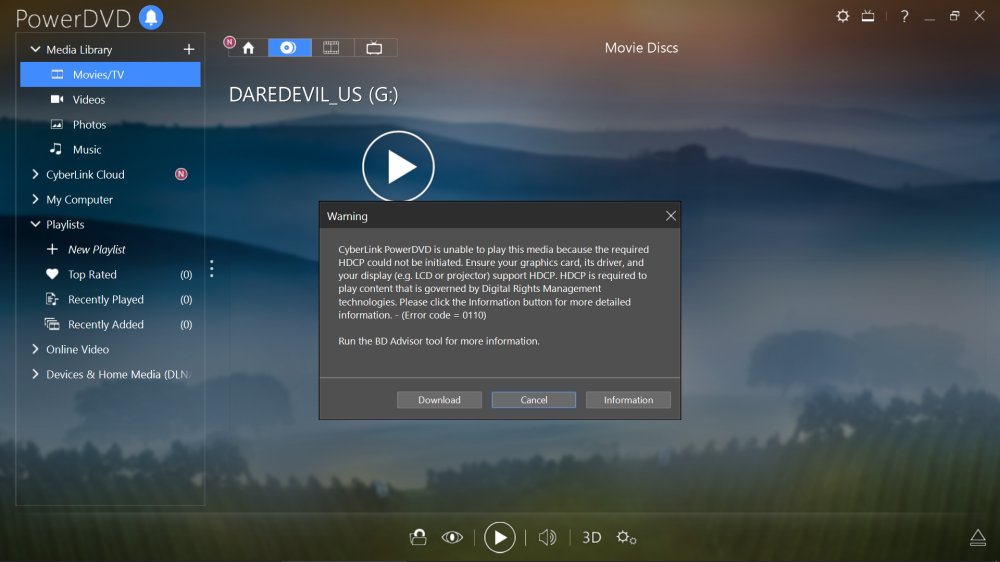
Image1.jpg
 
Last edited:
make sure your powerdvd is up to date and that your gpu drivers are up to date and whql'd.
 
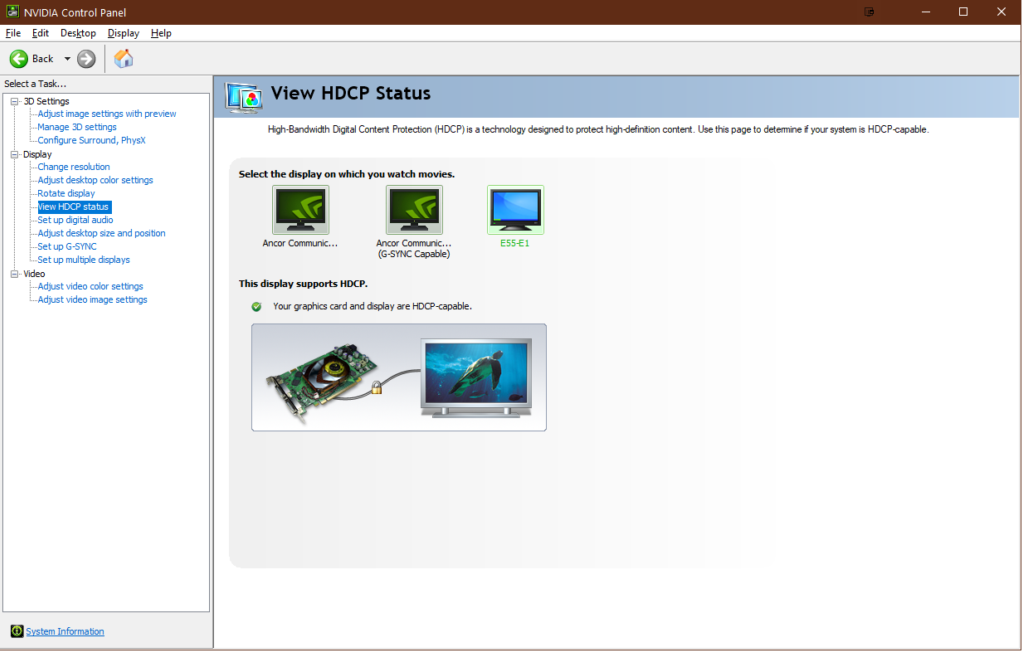
As long as it's not UHD disc which would require an Intel CPU then maybe try a new cable. I can confirm the monitor is capable as seen below with PowerDVD15.

SmKSal.png
 
thanks for all the info everyone ... I play around with it and see what happens. There is a firmware update for it but it says in the text guide No OEM drives and of coarse that's what mine is. NP I have the DVD version of the blu-ray that wont run :)
 
Back
Top