• Some users have recently had their accounts hijacked. It seems that the now defunct EVGA forums might have compromised your password there and seems many are using the same PW here. We would suggest you UPDATE YOUR PASSWORD and TURN ON 2FA for your account here to further secure it. None of the compromised accounts had 2FA turned on.
    Once you have enabled 2FA, your account will be updated soon to show a badge, letting other members know that you use 2FA to protect your account. This should be beneficial for everyone that uses FSFT.

ARRGGHH!! ASUS Copper2 7970 problems

Qinsp

2[H]4U
Joined
Jan 7, 2011
Messages
2,154
System:
Win7-64 pro
ASUS KGPE-D16 mobo with dual 6274's and 32gb RAM
ASUS HD7970 CU2 graphics card in first PCIe-16 slot.

The ASUS card has 2 DVI-D ports, and 4 DisplayPorts.

I have lots of identical Hannspree 1920x1200 displays with HDMI and VGA.

No matter how I configure this, it can't see all 3 monitors.

DVI, HDMI, DP, VGA, Current driver, Beta Driver, nothing.

It can "see" three monitors, but I can't figure out how to make all three work.

PS - Display Port will move sound to HDMI displays. DVI-x won't.
 
I feel like this is more - you not knowing what you are doing than the card being a PoS.

Now, take a look at this and make sure that what you are trying to do fits within these guidelines:

ioports2.jpg
 
Nope, no combination will actually light more than 2 monitors.

I'm not buying 3 DP monitors just to submit a bug report. I can light any 2 monitor, but never 3.
 
I've had so many problems with ASUS in the last year, that I can't remember them all. None were fixable. Either broken hardware or bad firmware. Can't run DDR3-1600 as advertised. Can't run 1.35v RAM as advertised. HDMI won't support sound. Etc, Etc, Etc, Etc/


This was the last straw. I'll put the card on Ebay and remember that ASUS is garbage today.
 
Are you using active adapters for DP?

You cannot drive more than 2 monitors via connections requiring a TMDS (basically DVI/HDMI/VGA) with the 7970. Tthere may be some special OEM variants that specifically allow this via additional hardware but they would be the exception and not the rule. An a passive adapter will simply still rely oh the cards TMDS which is there are only 2 present.

The new 280x cards can drive 3 monitors requiring TMDS connections without active adapters but there are some limitations as well.
 
No, I tried 2x DVI-D + 1x DP passive HDMI adapter.

2x DVI-D works.
2x DP > HDMI works.
1x DVI-D + 1x DP > HDMI works.

There is no combo that will light 3 HDMI monitors.
 
You are going to need an active mini-dp to hdmi adapter. It's not the card being a POS that's the issue. You simply failed to check compatibility of your hardware.
 
Yes you either need 1 monitor that supports displayport or and active displayport adapter. The only card I know that doesnt need this is the sapphire flex variants.
 
You are going to need an active mini-dp to hdmi adapter. It's not the card being a POS that's the issue. You simply failed to check compatibility of your hardware.
^This

It is an extremely well known limitation with an equally well known workaround, it has been this way on AMD cards for multiple generations. (290 excluded). Nothing Asus can do about it.
You will need an active mini-DP adapter. $20-$30
You will not need a powered active DP adapter unless you plan to push 1400p/1600p. $90-$120
 
Yeah, make sure you are using an active display port adapter. A lot of video cards will come with a passive display port adapter just for your convenience, but they don't tell you that you have to spend the $20 or $30 for an active one if you want to use three monitors.

Edit: this has been well covered by others. Apparently I hadn't refreshed this tab for a few hours.
 
Thanks everyone. I was just frustrated last night. Freaking 6 ports on the back of the dang thing, no HDMIs, and a gang of 3 passive DP's wouldn't light.

In my defense, the ASUS site does not a download manual for this card. I usually chuck the disk that comes with cards because they are normally out of date.
 
Last edited:
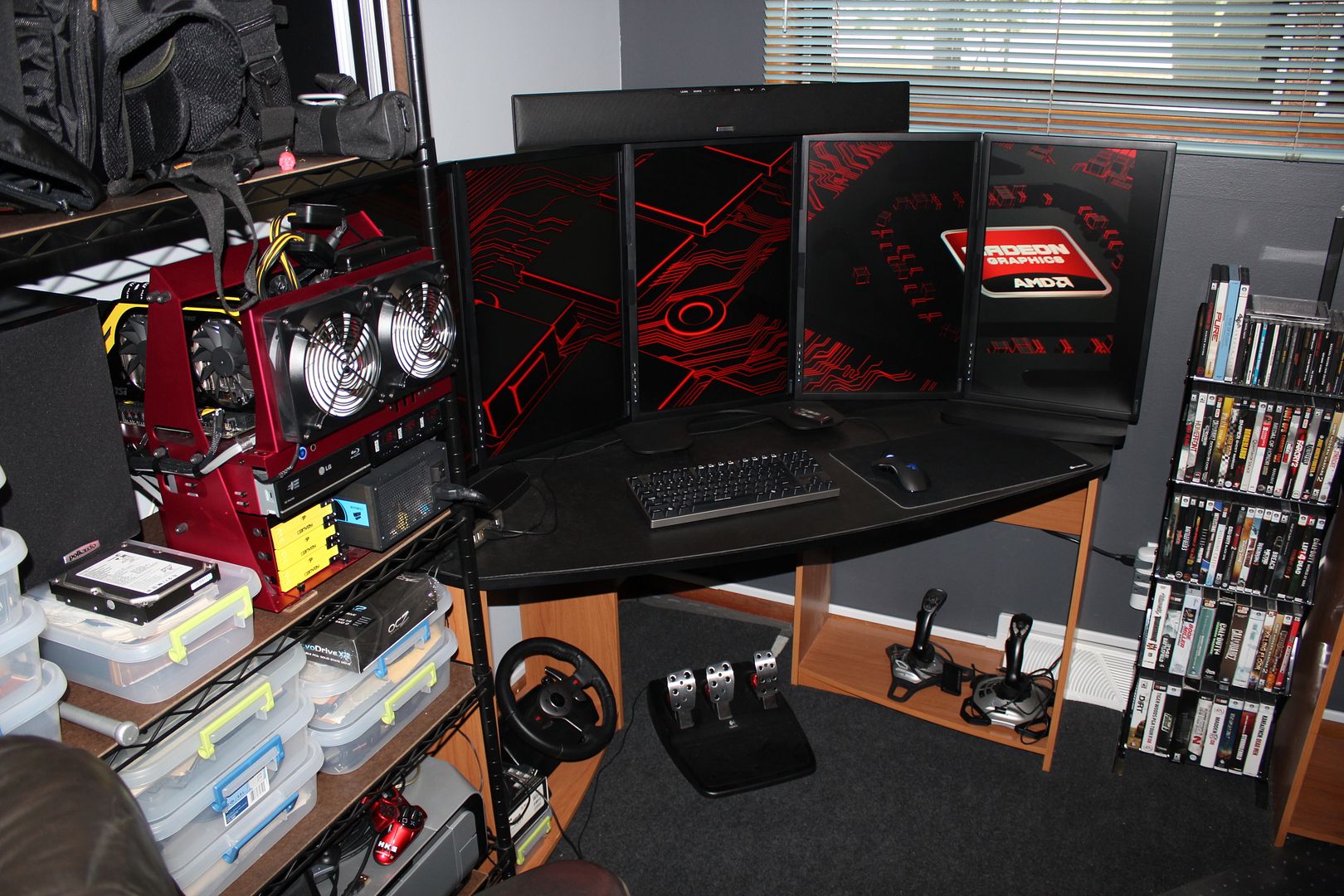
not really a solution but I can't fathom why you are having problems...this is 2 MSI 7970 Lightning x-fire on 2 DVI then 3 on display port...works perfect
this model of 7970 has 2 DVI and 4 display port

IMG_6732.jpg


IMG_4777.jpg
 
Well, the Active adapter did light 3 monitors.

But 2 of them are now scaled different than the third, and the AMD panel won't let me adjust individual monitors.

Any suggestions?

I have six? of these monitors that have been in service about 3 years. All are identical. These three were pulled from perfect workstations when I upgraded to 2560x1440. The other 3 are sitting in the warehouse.
 
Back
Top