![[H]ard|Forum](/styles/hardforum/xenforo/logo_dark.png)
So I've been running GTX 260 SLI for a while now, the performance is very impressive. But the AA is causing me some problems. Prior to this setup I had a Radeon 4870, and with that card I just enabled AA and it automatically took care of the jaggies on power lines, chain link fences, that sort of thing.. The AA on these GeForce GTX 260s doesn't seem to remove the jaggies on chain link fences etc. I'll use GTA: Vice City as an example.
Screenshots follow (click to enlarge):
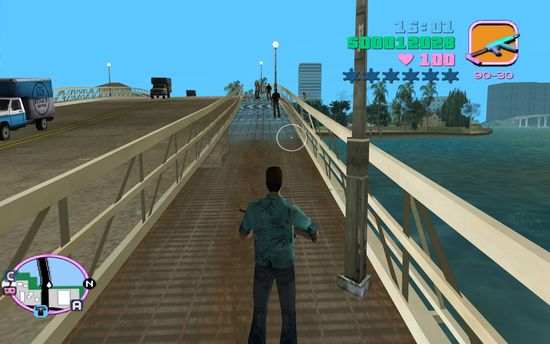
Further up the bridge that Vercetti is standing on the jaggies are clearly noticeable. On the other side of the bridge too.
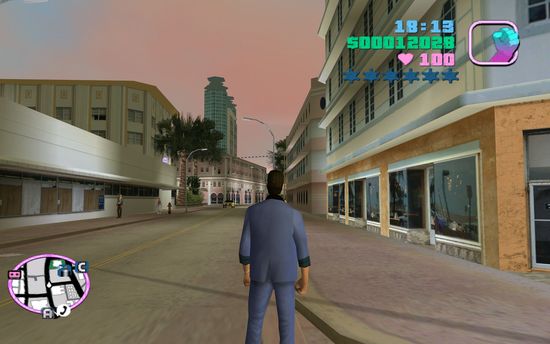
Jaggies are clearly visible on the power lines in the distance.
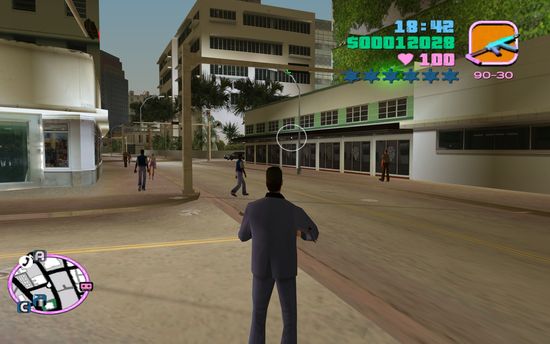
Jaggies are clearly visible on portions of the Rafaels store that Vercetti is facing.
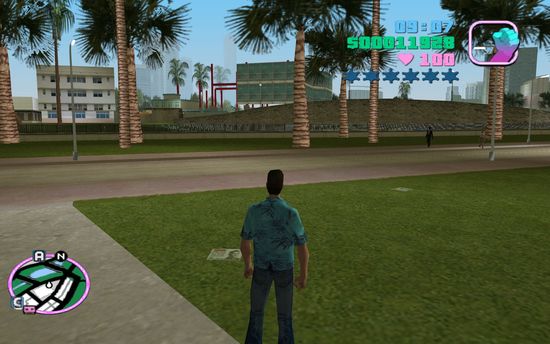
Tons of jaggies on the fence opposite Vercetti.
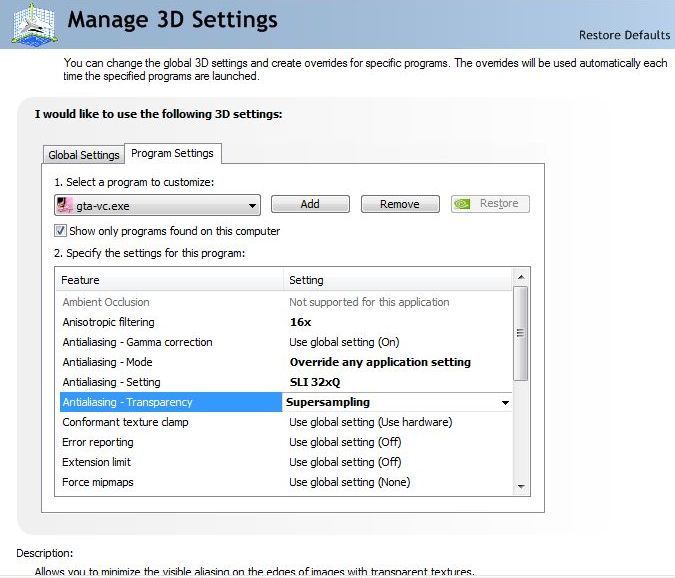
My AA settings. I've tried SuperSampling, MultiSampling and off for the transparency option. I also tried using different AA levels, 16x and 16xQ etc.
System Specs:
Core i7 920
ASUS P6T Motherboard
12GB Corsair XMS DDR3
GeForce GTX 260 SLI
Zalman 850W PSU
Windows Seven RC1
Is there something I'm missing here? This has me thoroughly confused. Thanks for reading.
Screenshots follow (click to enlarge):
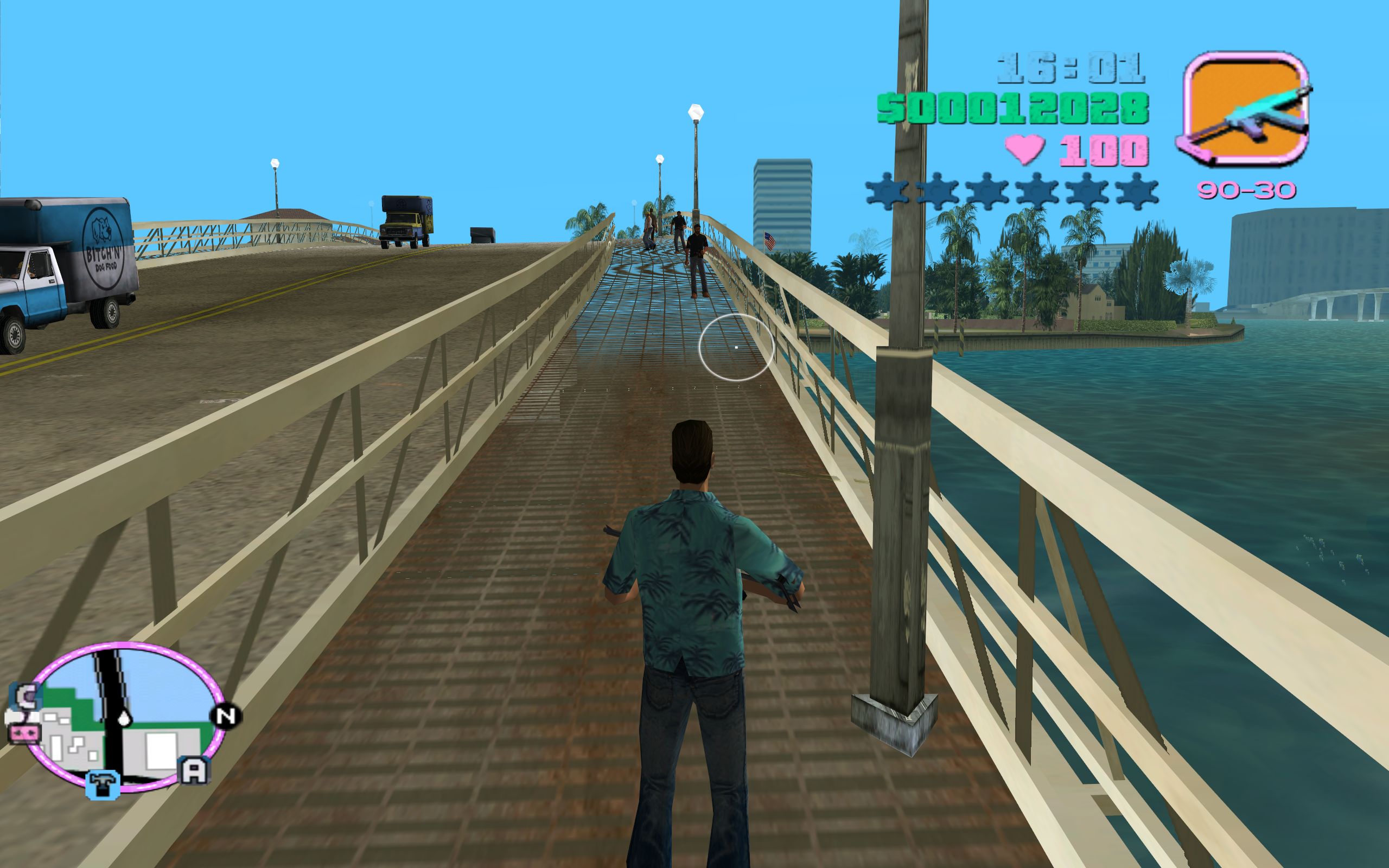
Further up the bridge that Vercetti is standing on the jaggies are clearly noticeable. On the other side of the bridge too.
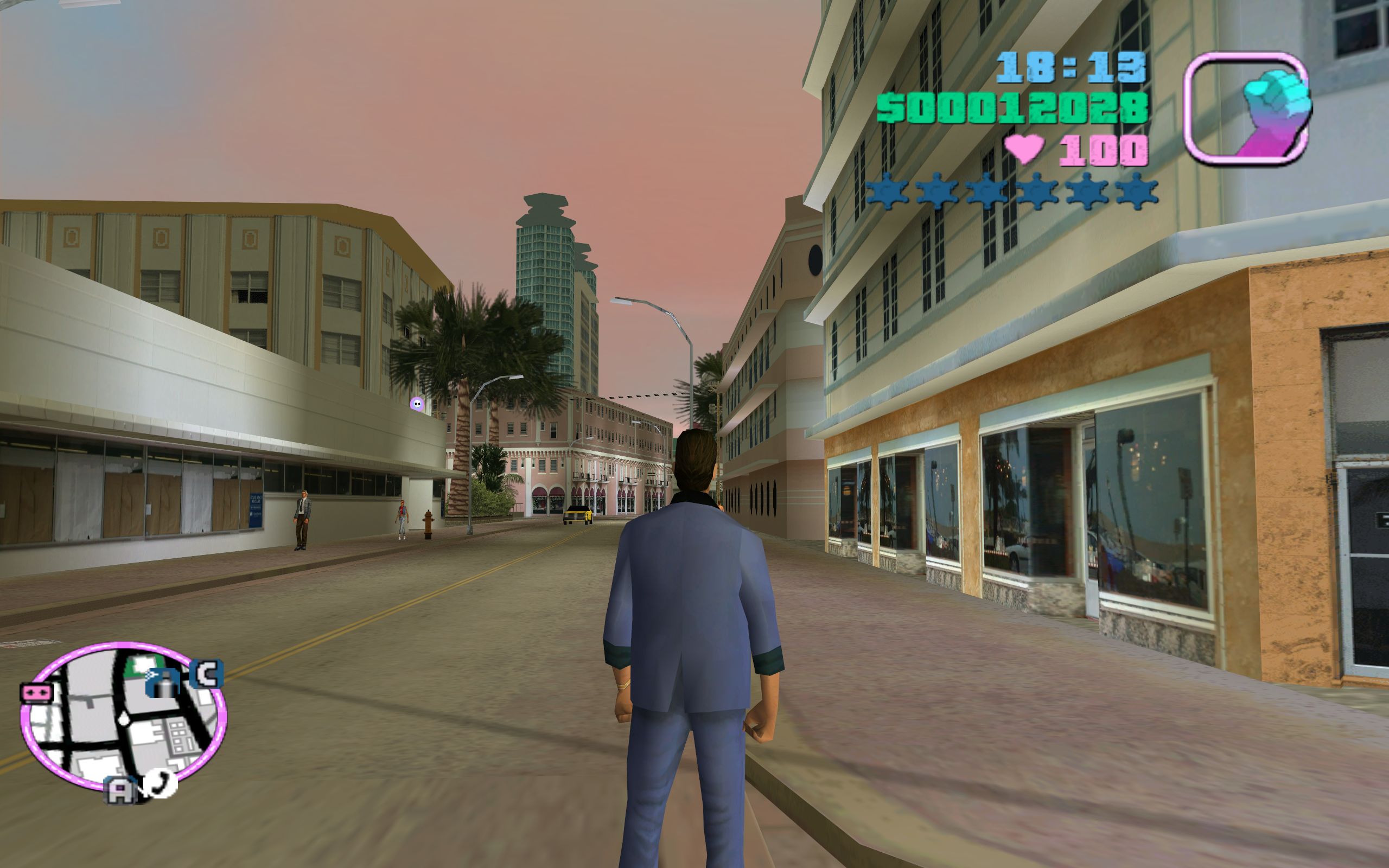
Jaggies are clearly visible on the power lines in the distance.
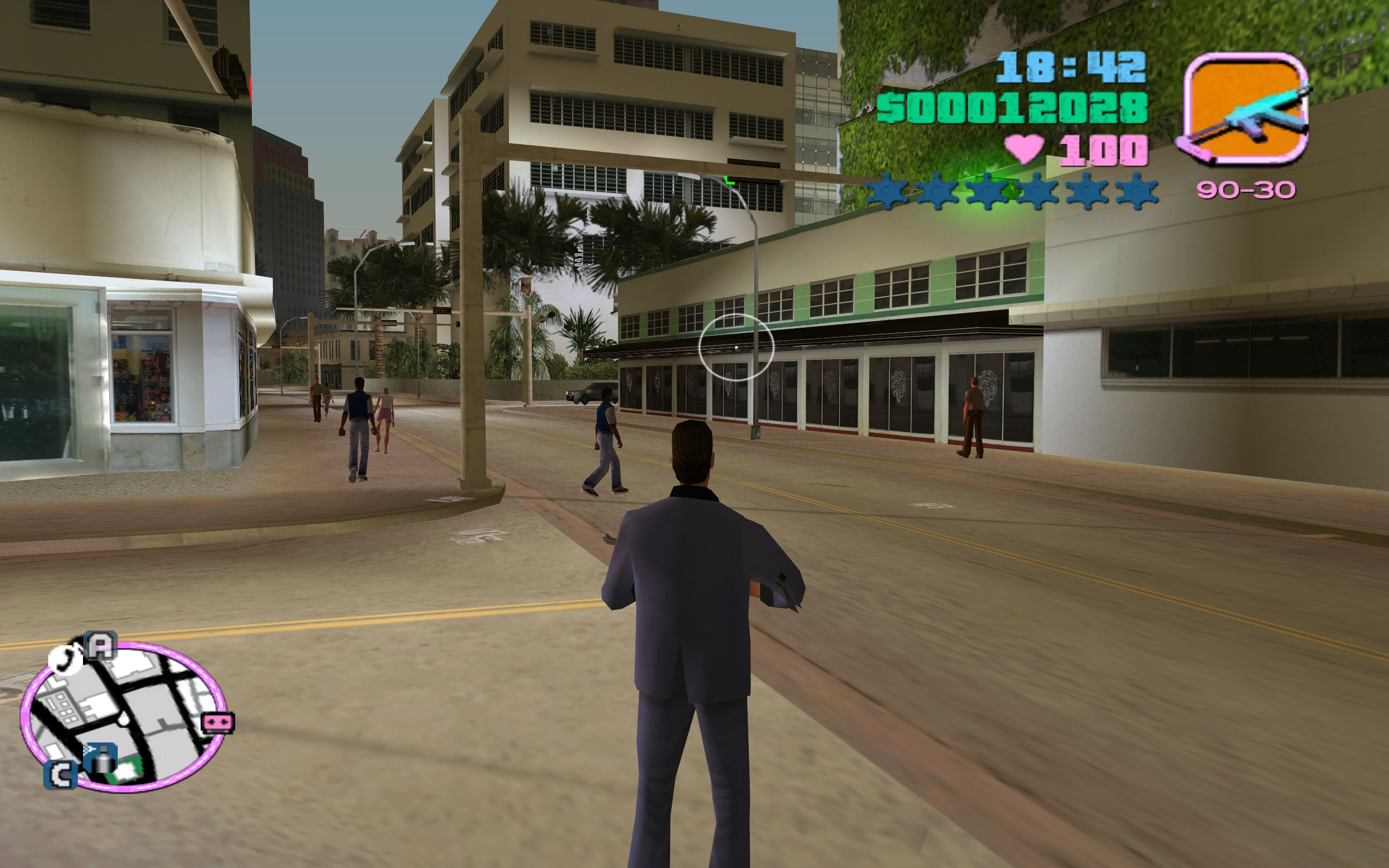
Jaggies are clearly visible on portions of the Rafaels store that Vercetti is facing.
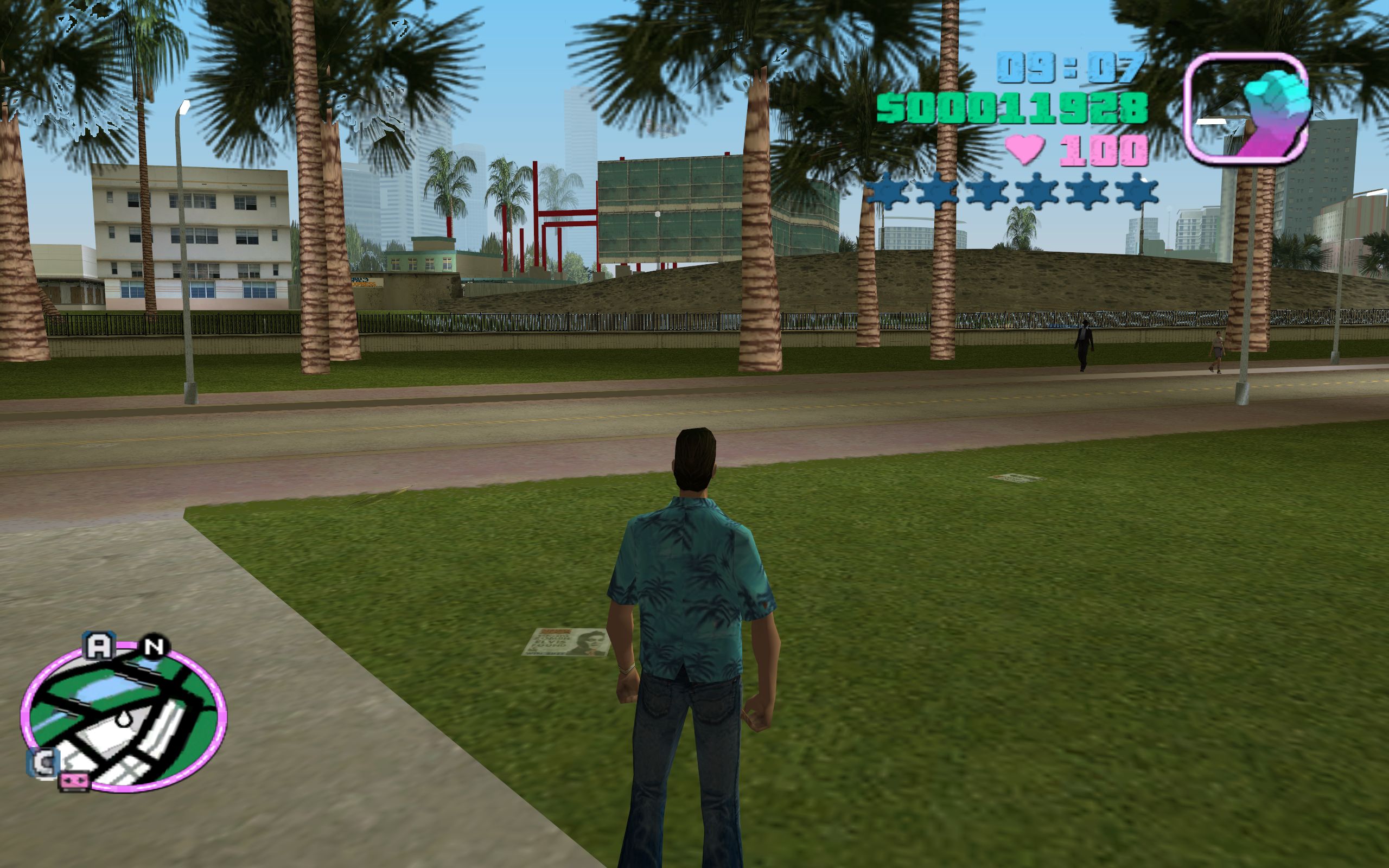
Tons of jaggies on the fence opposite Vercetti.
My AA settings. I've tried SuperSampling, MultiSampling and off for the transparency option. I also tried using different AA levels, 16x and 16xQ etc.
System Specs:
Core i7 920
ASUS P6T Motherboard
12GB Corsair XMS DDR3
GeForce GTX 260 SLI
Zalman 850W PSU
Windows Seven RC1
Is there something I'm missing here? This has me thoroughly confused. Thanks for reading.