![[H]ard|Forum](/styles/hardforum/xenforo/logo_dark.png)
StoleMyOwnCar
2[H]4U
- Joined
- Sep 30, 2013
- Messages
- 3,526
Hi, everyone. I recently bought a Dell U2713HM for completing my build. I got much of my research material from reading through your forums, so I would like your help with a decision regarding this monitor.
Exchanged about 3 different monitors (U2711,Samsung 970D, ASUS PB278Q) these until I finally ended up with this thing. Microcenter is quite excellent about their returns and they sure do keep up their end of the bargain. I got this for $670 (extra 2 year carry in for $100, too, so $760). I'm quite willing to pay extra just to deal with Microcenter instead of anyone else. They are absolutely EXCELLENT about customer service.
My evaluation:
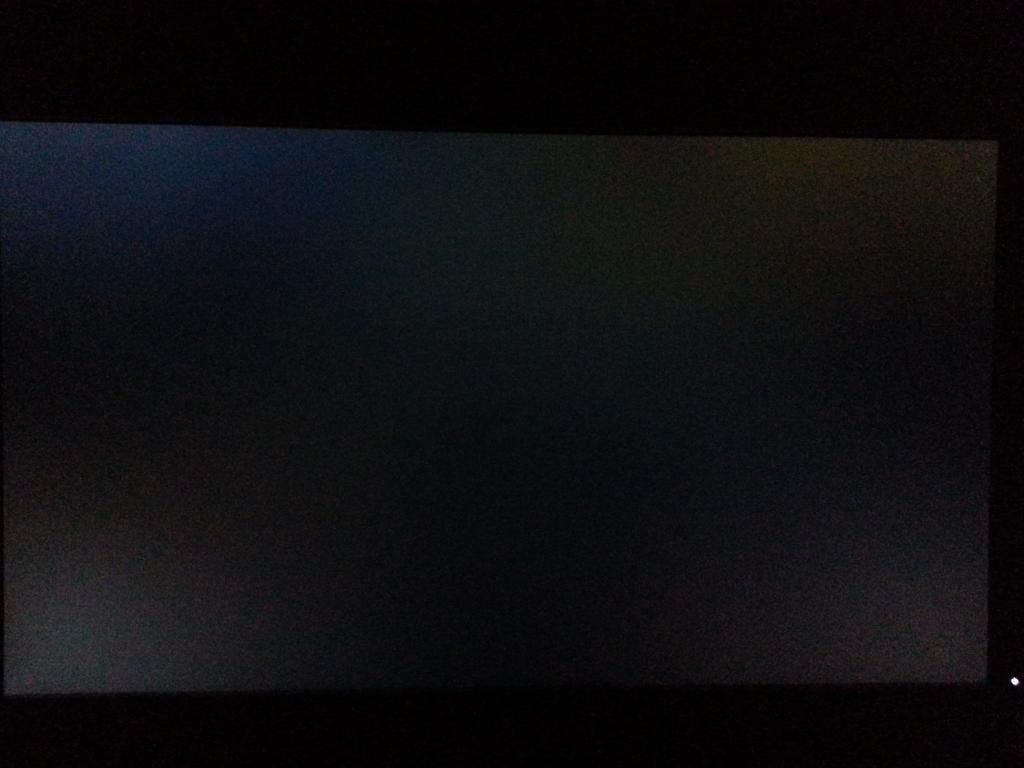
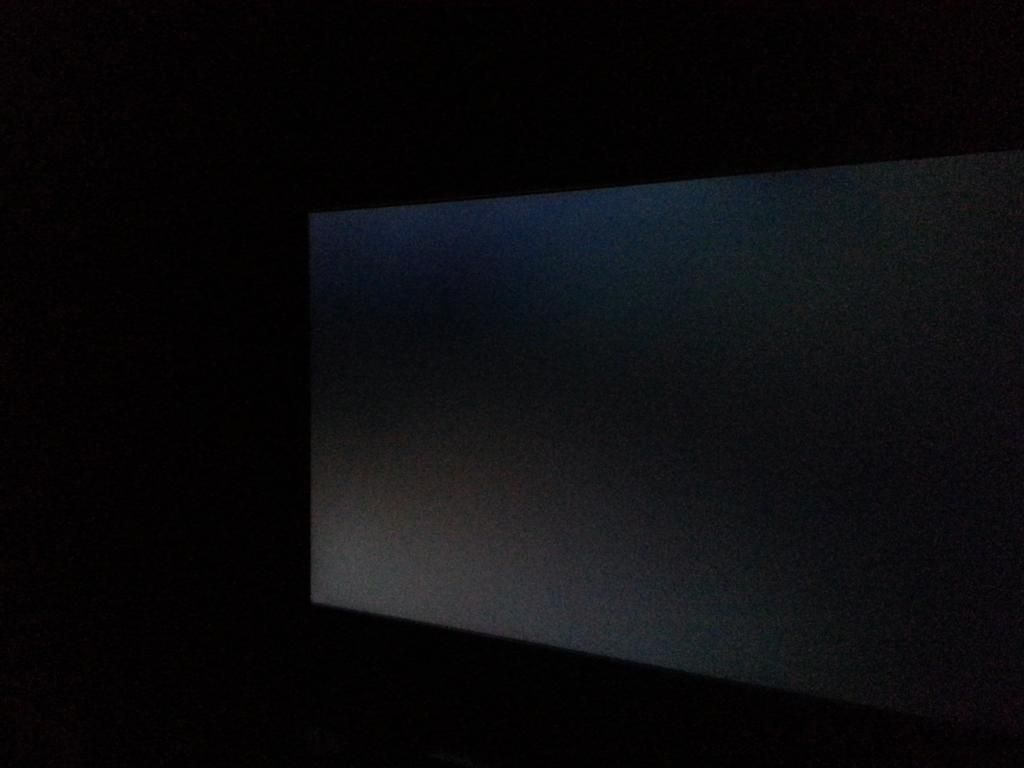
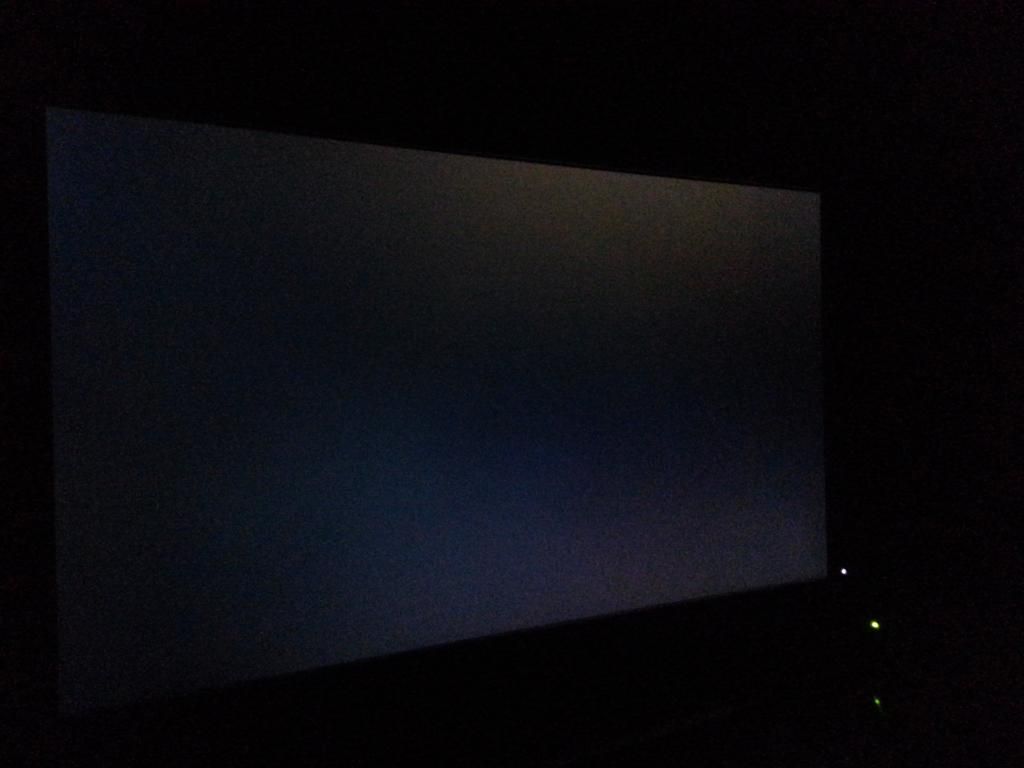
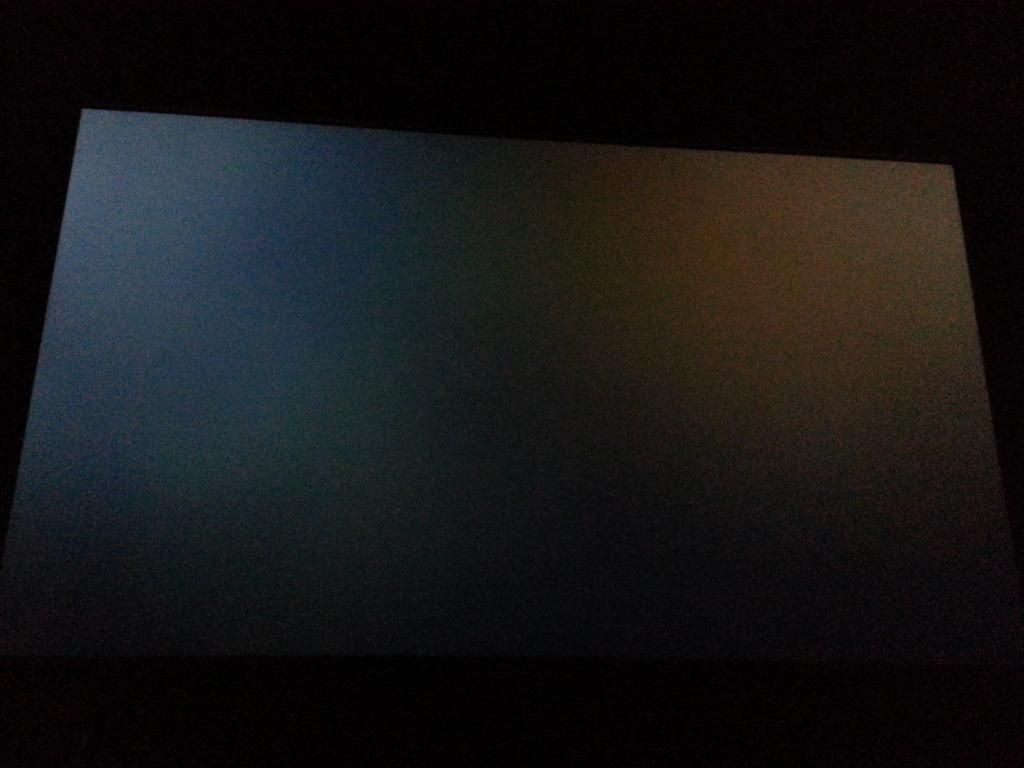
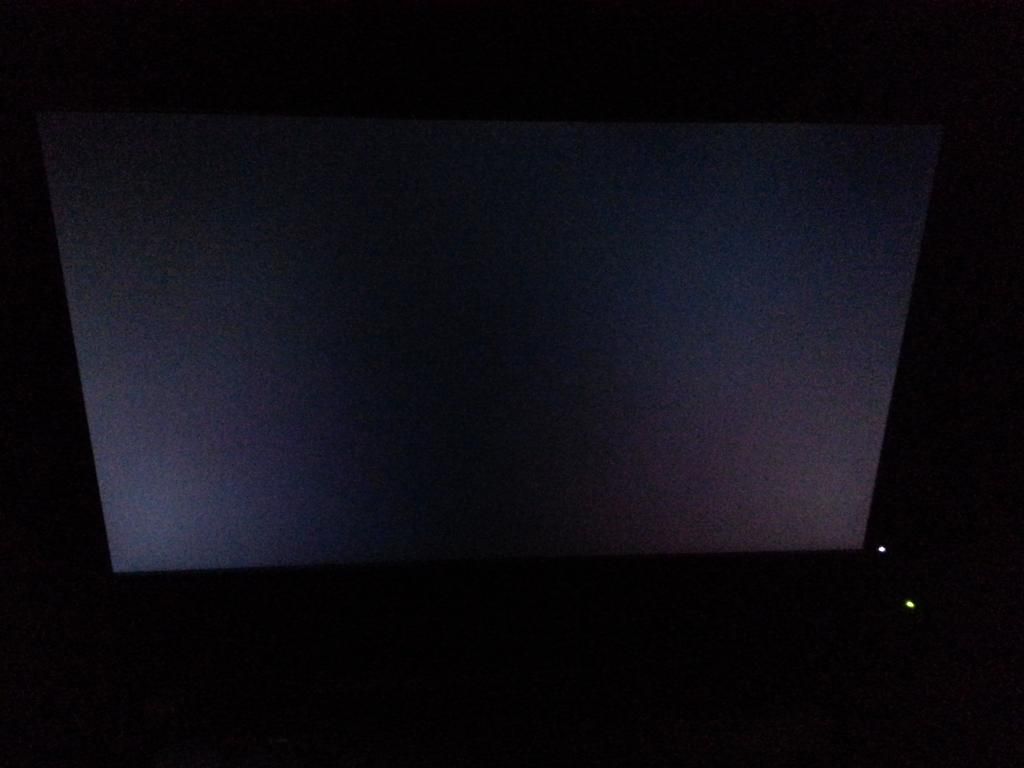
- This one does not have much backlight bleed that I can notice in any kind of general usage scenario (though there will be pictures for that near the end of this post), and it has no dead pixels (that I have yet seen and I usually catch them very quickly; if it's there it must be in the very edge). I think there may be some bleed across the top, but I do not see any in the lower left that people usually complain about, aside from the usual IPS glow. The bleed across the top seems to be fairly mild from what I can tell, not very noticeable during normal use.
- The revision is R00, April 2013 (which seems rather bizarre, but whatever).
- I'm not sure about backlight uniformity.
- I also have had FF14 (which looks great on this) going for a good while and not seen any burn in when I alt tabbed out or anything (is there some better test I should be doing for this?). I have also not seen any obvious yellow tinge anywhere.
- On the other hand, it does have crosshatching. This problem seems to be prevalent in the older panels. It's generally not noticeable unless the background is the right color (and even then it's not terribly prominent), but I mostly notice it along the bottom and right sides. The other locations may have it, but I'm probably not at the right angle to see it. I think I can live with it, as I mostly do gaming and anime viewing.
Now, then here are some pictures of the monitor, again from various angles. The first set is a completely dark room with the monitor set at roughly 66 or 70% brightness (which is what I have it on while gaming)... Apologies for the less-than-stellar quality, my camera is not good on this Galaxy S3:
So, my options:
1. Try to get another U2713HM and hope it's better.
2. Get a ViewSonic 2770 and hope it's not plagued by the usual quality control problems it seems to have, and that I can get it from a reliable retailer in the case that it is, so I can keep exchanging it.
3. Downgrade to an ASUS and hope that this one doesn't have any dead pixels or backlight bleed.
4. Keep this.
5. Other (explain)
Right now, I'm leaning towards 4, since crosshatching isn't that bad of a problem (from what I can tell, compared to most of the crap that 27 inch monitors can have on them)... and I'm also really tired of going around exchanging $700 monitors... but I would like your opinions, based on the screenshots I have provided as well. I would make a poll, but I can count quite fine and I would prefer opinions with words backing them up rather than just a silent submission.
Thank you. This is an important purchase, and it's been stressing me out considerably.
Exchanged about 3 different monitors (U2711,Samsung 970D, ASUS PB278Q) these until I finally ended up with this thing. Microcenter is quite excellent about their returns and they sure do keep up their end of the bargain. I got this for $670 (extra 2 year carry in for $100, too, so $760). I'm quite willing to pay extra just to deal with Microcenter instead of anyone else. They are absolutely EXCELLENT about customer service.
My evaluation:
- This one does not have much backlight bleed that I can notice in any kind of general usage scenario (though there will be pictures for that near the end of this post), and it has no dead pixels (that I have yet seen and I usually catch them very quickly; if it's there it must be in the very edge). I think there may be some bleed across the top, but I do not see any in the lower left that people usually complain about, aside from the usual IPS glow. The bleed across the top seems to be fairly mild from what I can tell, not very noticeable during normal use.
- The revision is R00, April 2013 (which seems rather bizarre, but whatever).
- I'm not sure about backlight uniformity.
- I also have had FF14 (which looks great on this) going for a good while and not seen any burn in when I alt tabbed out or anything (is there some better test I should be doing for this?). I have also not seen any obvious yellow tinge anywhere.
- On the other hand, it does have crosshatching. This problem seems to be prevalent in the older panels. It's generally not noticeable unless the background is the right color (and even then it's not terribly prominent), but I mostly notice it along the bottom and right sides. The other locations may have it, but I'm probably not at the right angle to see it. I think I can live with it, as I mostly do gaming and anime viewing.
Now, then here are some pictures of the monitor, again from various angles. The first set is a completely dark room with the monitor set at roughly 66 or 70% brightness (which is what I have it on while gaming)... Apologies for the less-than-stellar quality, my camera is not good on this Galaxy S3:
Black:
White:
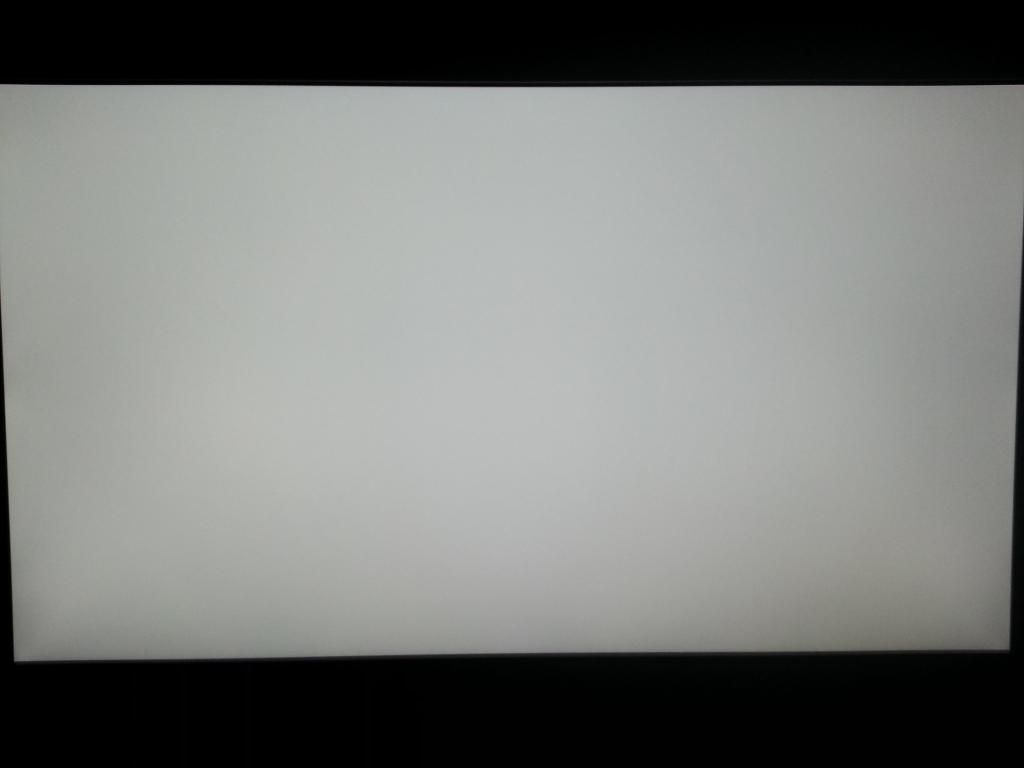
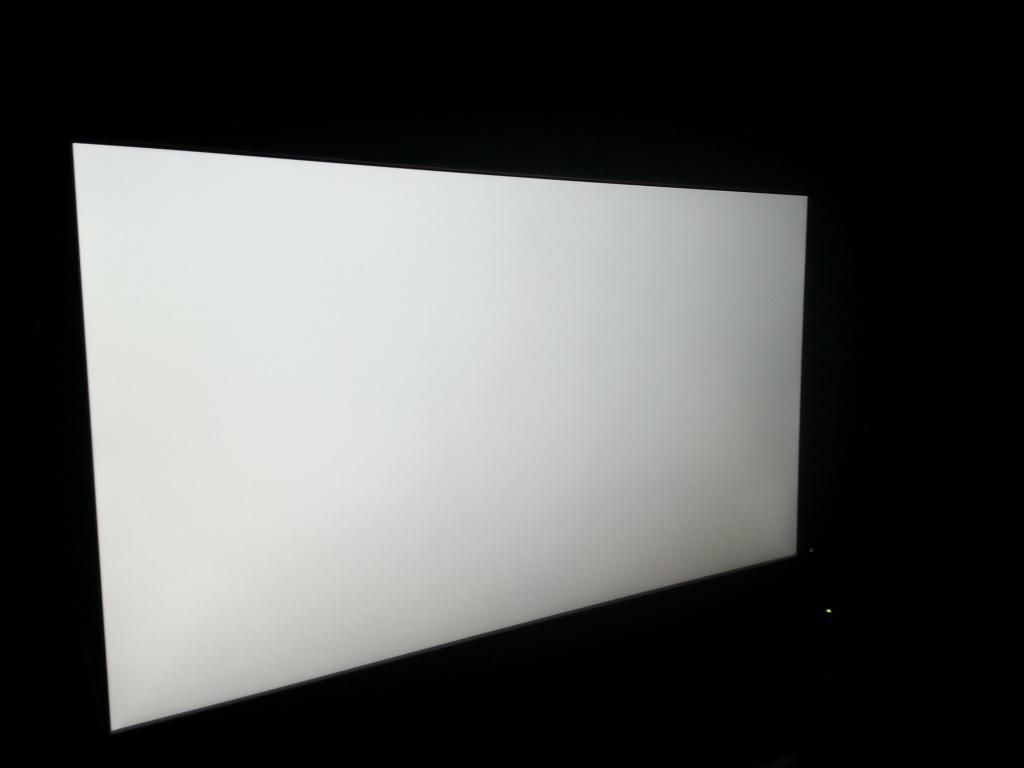
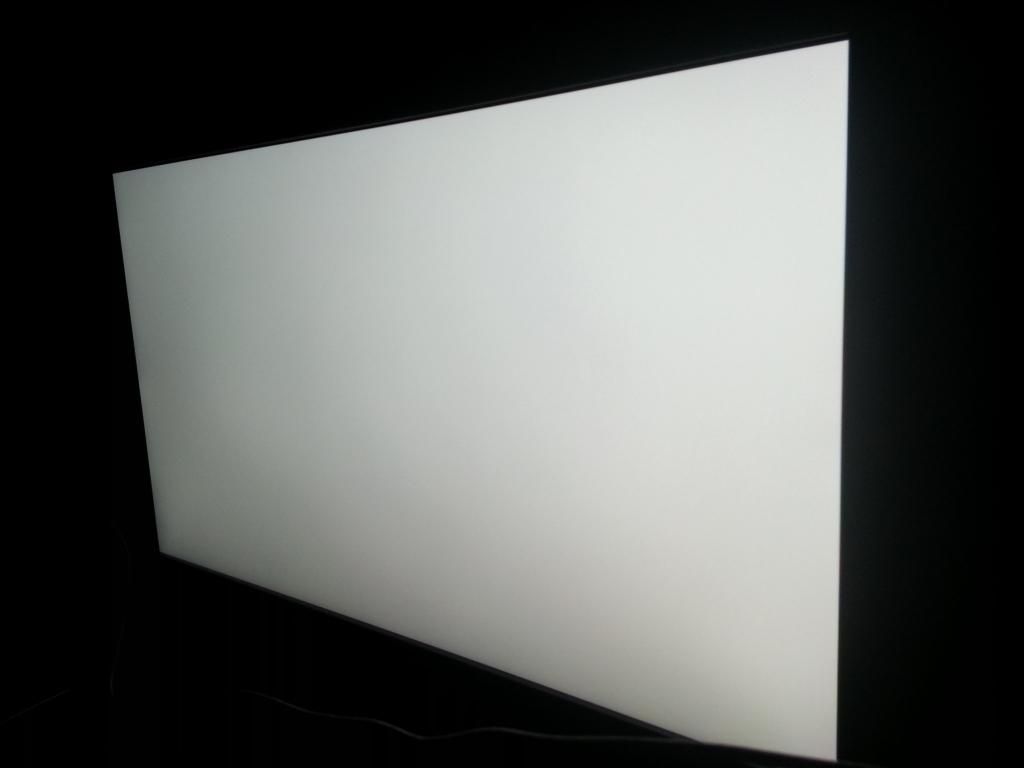
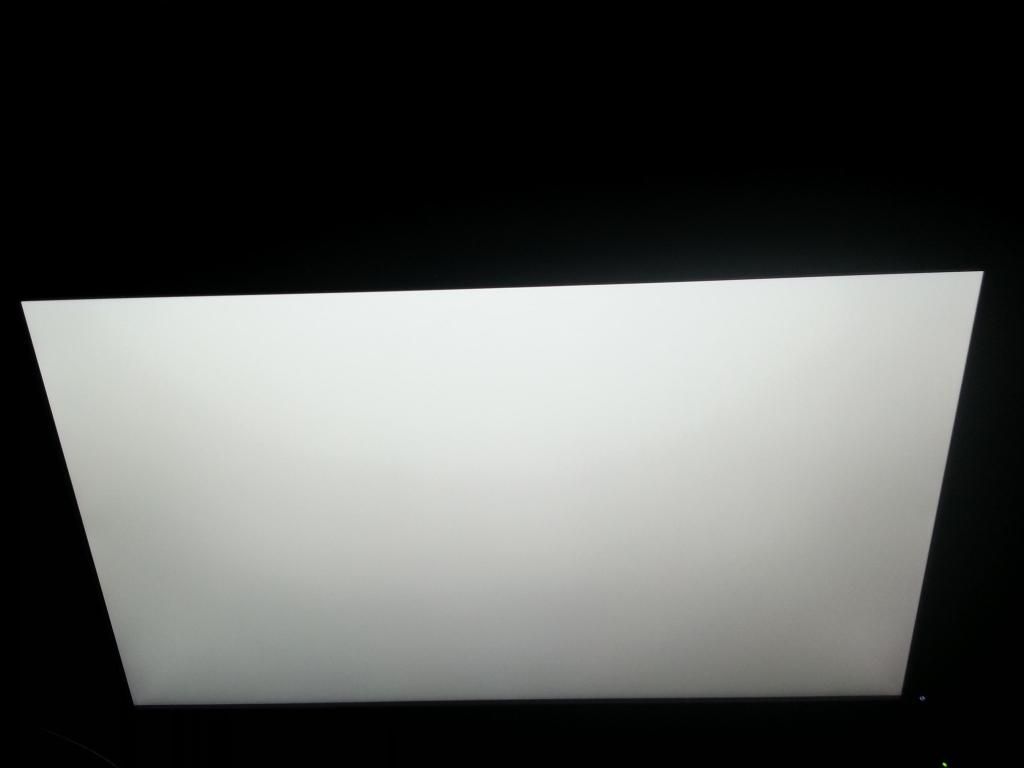
White:
So, my options:
1. Try to get another U2713HM and hope it's better.
2. Get a ViewSonic 2770 and hope it's not plagued by the usual quality control problems it seems to have, and that I can get it from a reliable retailer in the case that it is, so I can keep exchanging it.
3. Downgrade to an ASUS and hope that this one doesn't have any dead pixels or backlight bleed.
4. Keep this.
5. Other (explain)
Right now, I'm leaning towards 4, since crosshatching isn't that bad of a problem (from what I can tell, compared to most of the crap that 27 inch monitors can have on them)... and I'm also really tired of going around exchanging $700 monitors... but I would like your opinions, based on the screenshots I have provided as well. I would make a poll, but I can count quite fine and I would prefer opinions with words backing them up rather than just a silent submission.
Thank you. This is an important purchase, and it's been stressing me out considerably.
 That's what I did at least. Any monitor on the market is a compromise, so it's about getting one that is good at what you think is important and perhaps less good in things that are no priority for you

