Just looking for an upgrade path from i5 2500

greygoose

Limp Gawd
Joined
Nov 11, 2006
Messages
172
I've had the i5 2500 for as long as I can remember. Runs flawless.
Windows 10 has reached end of life, and I can't install Windows 11.

What would be an upgrade path from the i5 2500k? I am going to get it used from this forum (whatever the upgrade is), as I dont plan on buying anything new nor do I plan on spending a ton of money for an upgrade. I only play the original GOTY unreal tournament, and I use Think or Swim for trading. I run two monitors through HDMI.
My current motherboard is a MSI P67A-G43 (MS-7673), I have 32gb ram (4x 8gb DDR3).

I am not in a rush to upgrade but would like to look at hardware as they become available in the forum and buy them. I used to be well versed in hardware over a decade ago but have been gone from this forum for such a long time and did not keep up with technological advances. I am so lost right now
 
You can use Rufus to make an 11 iso that will install, I think. If you want native support though, grab a cheap amd am4 combo with something like a 5600x.
yeah i dont think I want to go the Rufus route. However I will look at the 5600 options. Thank you

**edit - no idea what i was thinking.
 
Last edited:
I would strongly suggest giving Windows 11 a try on your existing rig, especially if you are still satisfied with it's performance overall. I know that when it says your hardware is "unsupported", that is ambiguous and somewhat ominous. But the reality is that installing Windows 11 on "unsupported" hardware is a huge nothing-burger, and the latest version runs on Sandy Bridge CPUs (like the 2500k) just fine. Windows Updates, etc, still install fine. You only run into actual issues with Core2Quad and older CPUs that lack SSE4.2 instructions. My retro-rig has a 2700K @ 5Ghz with Windows 11 on it, and it works great.
 
As mentioned, if you aren't having performance issues, just install Win 11 and ride that system out.

You never mentioned a budget, just that you are looking for used parts on the forum. Most of what is being sold currently isn't of that generation. You may get lucky and find someone with a 3770 though if you look around.
Are you looking to get away from your whole current platform?
 
I would strongly suggest giving Windows 11 a try on your existing rig, especially if you are still satisfied with it's performance overall. I know that when it says your hardware is "unsupported", that is ambiguous and somewhat ominous. But the reality is that installing Windows 11 on "unsupported" hardware is a huge nothing-burger, and the latest version runs on Sandy Bridge CPUs (like the 2500k) just fine. Windows Updates, etc, still install fine. You only run into actual issues with Core2Quad and older CPUs that lack SSE4.2 instructions. My retro-rig has a 2700K @ 5Ghz with Windows 11 on it, and it works great.
did you have to fudge with anything to get windows 11 to work? heck i never thought of just installing it. I love my current rig, its been working forever with no issues. dang thanks
 
As mentioned, if you aren't having performance issues, just install Win 11 and ride that system out.

You never mentioned a budget, just that you are looking for used parts on the forum. Most of what is being sold currently isn't of that generation. You may get lucky and find someone with a 3770 though if you look around.
Are you looking to get away from your whole current platform?
I dont have a real budget, I can go over $1000, but realistically im just being cheap. Ive been buying used for a long time, with the exception of underwear and socks. I prefer to salvage as much from my current pc. IF I were to purchase hardware I would love to try AMD, and was looking at a Ryzen 5 or 7 setup. Just to try AMD
 
Almost anything is an upgrade path from what you have, lol. If you want to save money, a mini-PC with an OCuLink port is your cheapest path, giving you the option for an eGPU setup. A Ryzen 7 255H or 8745H will be super snappy, and at least 8x faster than that 2500.

https://hardforum.com/threads/ended...ted-oculink-and-usb4-port-for-404-99.2048919/

If you want to stay on your rig, I'm sure I still have 3770K's, but they're all delidded.

A Ryzen 5 3600/5600 with AM4 is still a considerable upgrade for not much more, except the cost of DDR4, which has gone up at least 2x or 3x the price. But they'll be at least 3x faster.
 
either just use rufus to make a usb or if you oppose that, use this command from a regular installer usb:
*:\setup.exe /product server /compat IgnoreWarning /m:Auto /DynamicUpdate Disable (* being the usb drive)

or grab an am5 setup, even the cheapest options there will dance circles around a 2500k.
 
I would strongly suggest giving Windows 11 a try on your existing rig, especially if you are still satisfied with it's performance overall.
+1

I tick all these boxes when installing win11. I have it running on 6th and 7th Gen Intel, no issues.

markup_1000005793.jpg
 
no way!

is windows 11 resource heavy compared to windows 10?
Thank you for this, I will try it out.
Not really, especially when you have 32GB ram.

UT '99 runs fine on Win11. Last time I played it was on a Ryzen 5 9600X system with 32GB ram and an Intel ARC B580 vid card. Ran at hundreds of fps at 2560x1440 using the community patches.

You might also want to think about getting a laptop. Hooking up 2 screens, mouse, keyboard, etc. is no problem. It doesn't sound like you need desktop power, so why not get portability?
 
Not really, especially when you have 32GB ram.

UT '99 runs fine on Win11. Last time I played it was on a Ryzen 5 9600X system with 32GB ram and an Intel ARC B580 vid card. Ran at hundreds of fps at 2560x1440 using the community patches.

You might also want to think about getting a laptop. Hooking up 2 screens, mouse, keyboard, etc. is no problem. It doesn't sound like you need desktop power, so why not get portability?
what laptop should i consider that will run at or above my current performance level? I can start looking on the forums for something. I have some win10 laptops that I need at my other residence and here, I didnt think to maybe look into win11 laptop yet. I dont game in them, they are perfect for everything else. Im pretty sure they can run UT, but never tried
 
what laptop should i consider that will run at or above my current performance level? I can start looking on the forums for something. I have some win10 laptops that I need at my other residence and here, I didnt think to maybe look into win11 laptop yet. I dont game in them, they are perfect for everything else. Im pretty sure they can run UT, but never tried
Current performance level? What kind of vid card do you have in your current machine? Clobbering a 2500k is not hard these days. Those are what, 15 years old? The vid card is the question. A GTX 680 from 2012 can still keep up with some iGPUs. I don't have a real good sense of what sort of performance you expect out of UT '99.
 
weve put it on core2duos....

I love putting Windows 11 on older hardware but if you are actually running a CPU without SSE4.2 (such as a Core2Duo / Core2Quad, etc), then you are limited to version 23H2 of Windows 11. Windows 11 23H2 Home/Pro got it's last update last year. If you have Enterprise/Education, then you got one more year of updates and the last patch is next month (November 2026), then it's EoL.

That may be a situation where I would consider sticking with Windows 10 because with the maximum 3 years of Extended Security Updates you would potentially be getting updates until 2028.
 
Rufus FTW. I installed it on an ancient dual core i3 laptop with 4gb. It ain't great, but it worked
no rufus here, i even made a tiny11 installer with it but this unit wouldnt load it. i put 10 on first, no prob, then used the "server trick" to put 23h2 on it. its was still on the og release of 10 when my buddy handed it over. its had vista, 7, 10 and now 11.
 
Go from the 2500k to 250k! Only worthwhile path currently and only deal worth pursuing: https://www.microcenter.com/product...-s5-32gb-ddr5-6000-kit,-computer-build-bundle , probably will go down to 499 during BF specials.The GPU side of the equation is beyond hopeless but you could probably get a 9060xt deal during BF as well (definitely on the 8gb and may be 16gb as well if you sign up for alerts). Good news here is the 250K has a half decent iGPU particularly for older titles and normal desktop work.
 
Last edited:
+1

I tick all these boxes when installing win11. I have it running on 6th and 7th Gen Intel, no issues.

View attachment 832185
This screenshot actually DID help. Thank you. I have an older laptop I just installed it on, and I'm going to work my way up to my desktop. Im actually going to find this old laptop I put away in 2015 and just see if I can run windows on it!
 
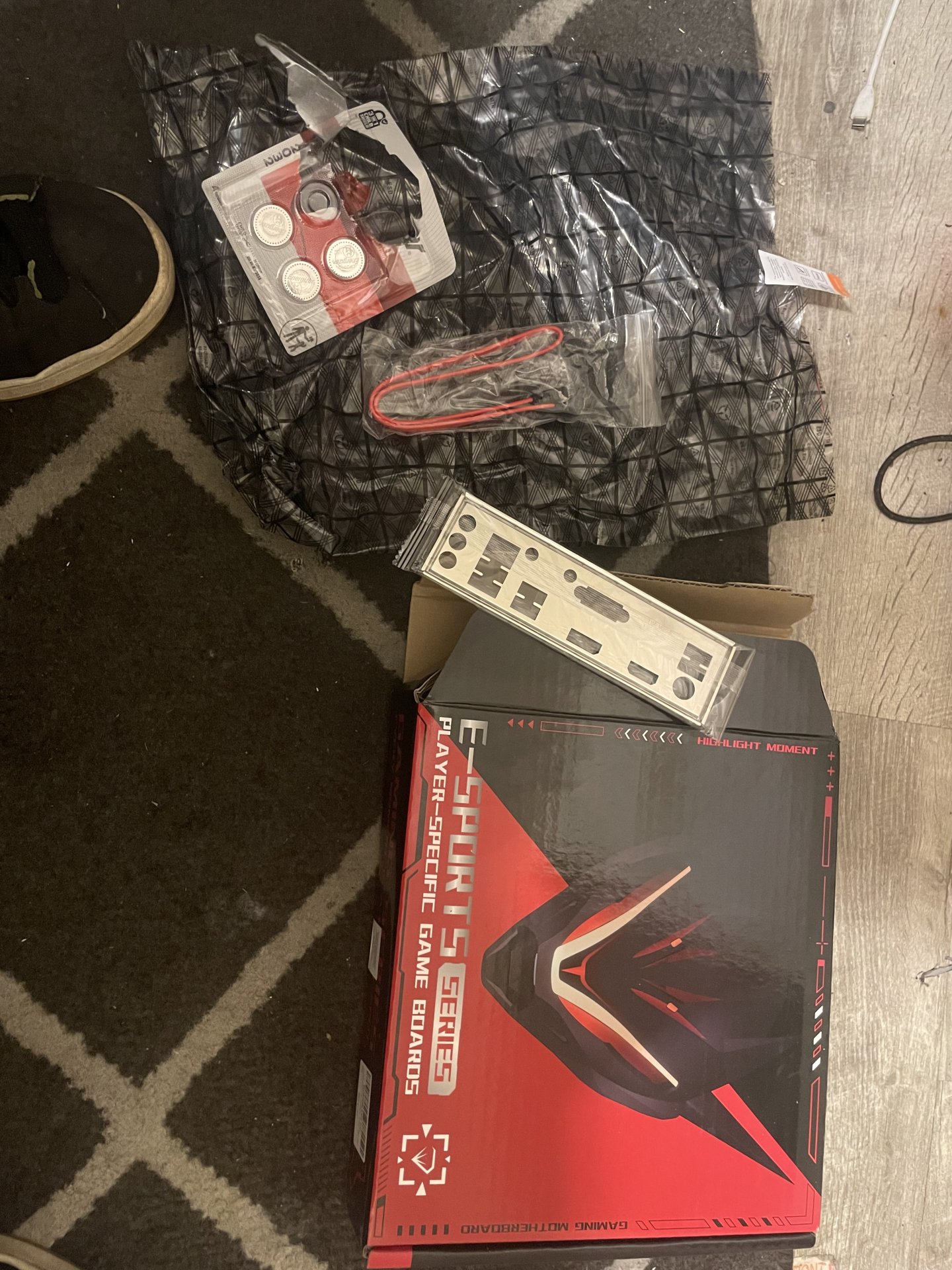
I’d recommend b450 and AM4 it still runs pretty good..now micron E and B die dims like the ballstix are sorry what I have and don’t configure with my machinist b450. But I’m posting in bank A doing good for china board..no you can spend like 70 dollars and get a good board.
 

Attachments

  • IMG_1333.jpeg
    IMG_1333.jpeg
    530 KB · Views: 0
  • IMG_1372.jpeg
    IMG_1372.jpeg
    519 KB · Views: 0
  • IMG_1371.jpeg
    IMG_1371.jpeg
    448.6 KB · Views: 0
  • IMG_1373.jpeg
    IMG_1373.jpeg
    506.6 KB · Views: 0
I’d recommend b450 and AM4 it still runs pretty good..now micron E and B die dims like the ballstix are sorry what I have and don’t configure with my machinist b450. But I’m posting in bank A doing good for china board..no you can spend like 70 dollars and get a good board.
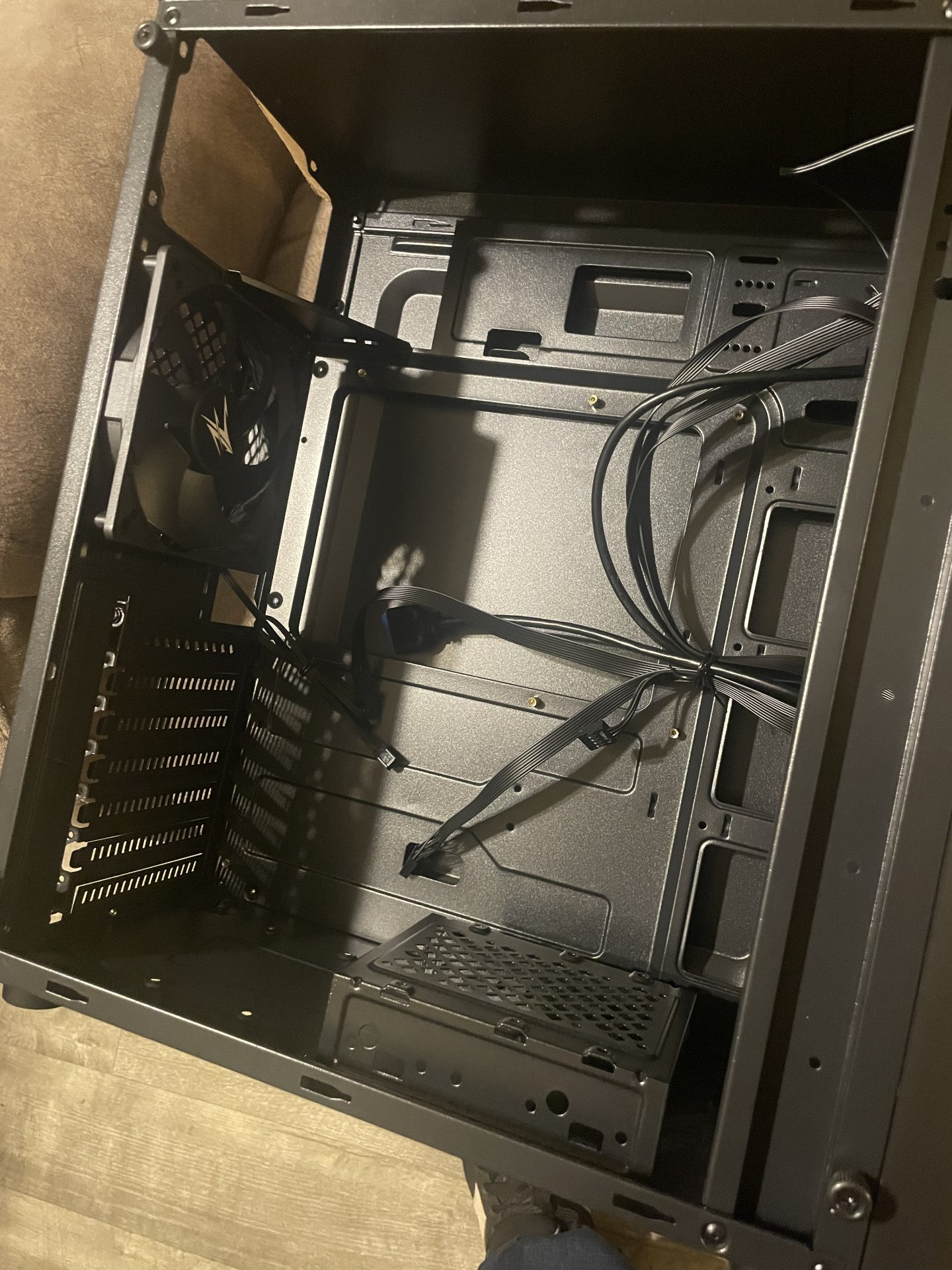
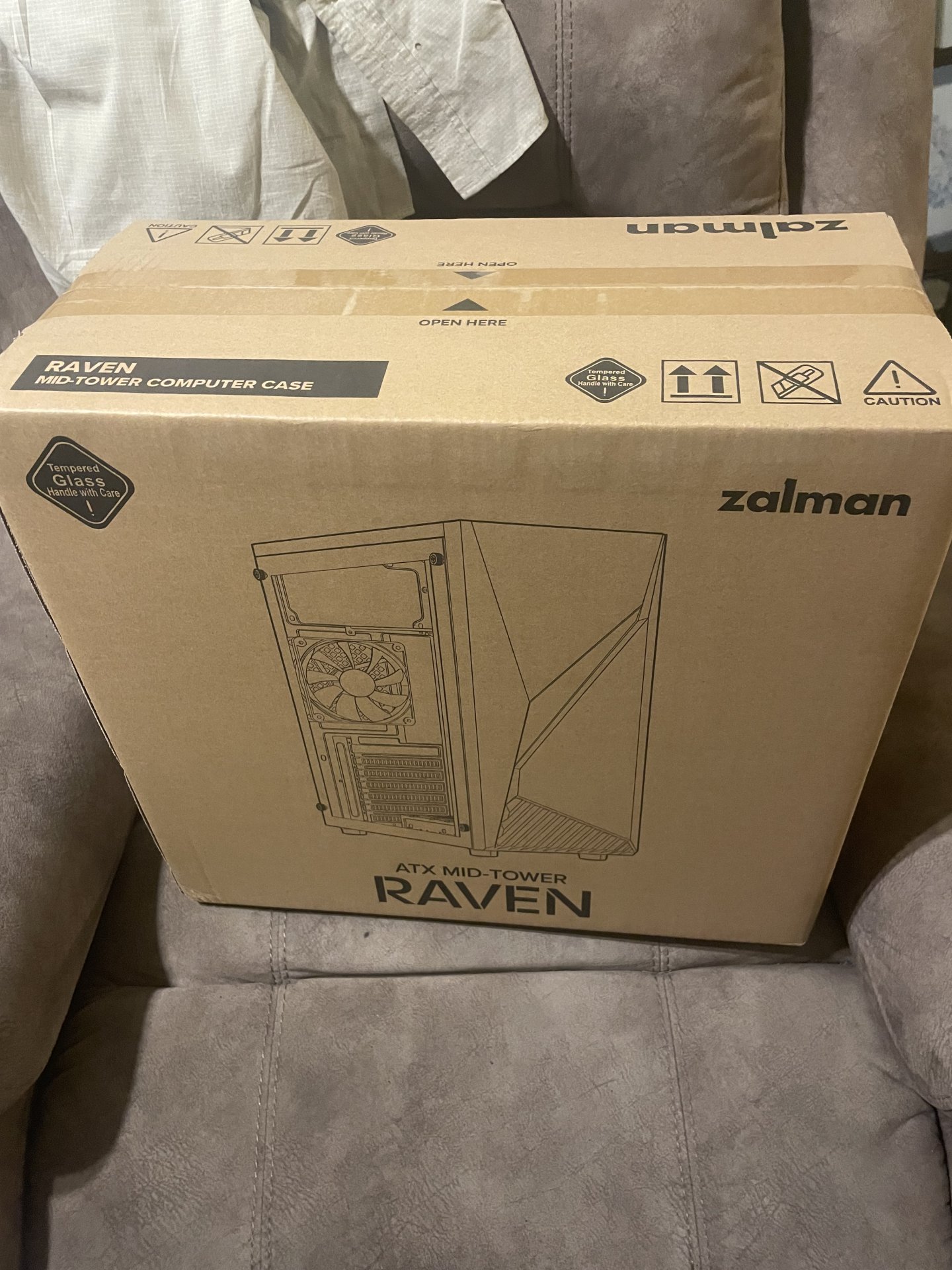
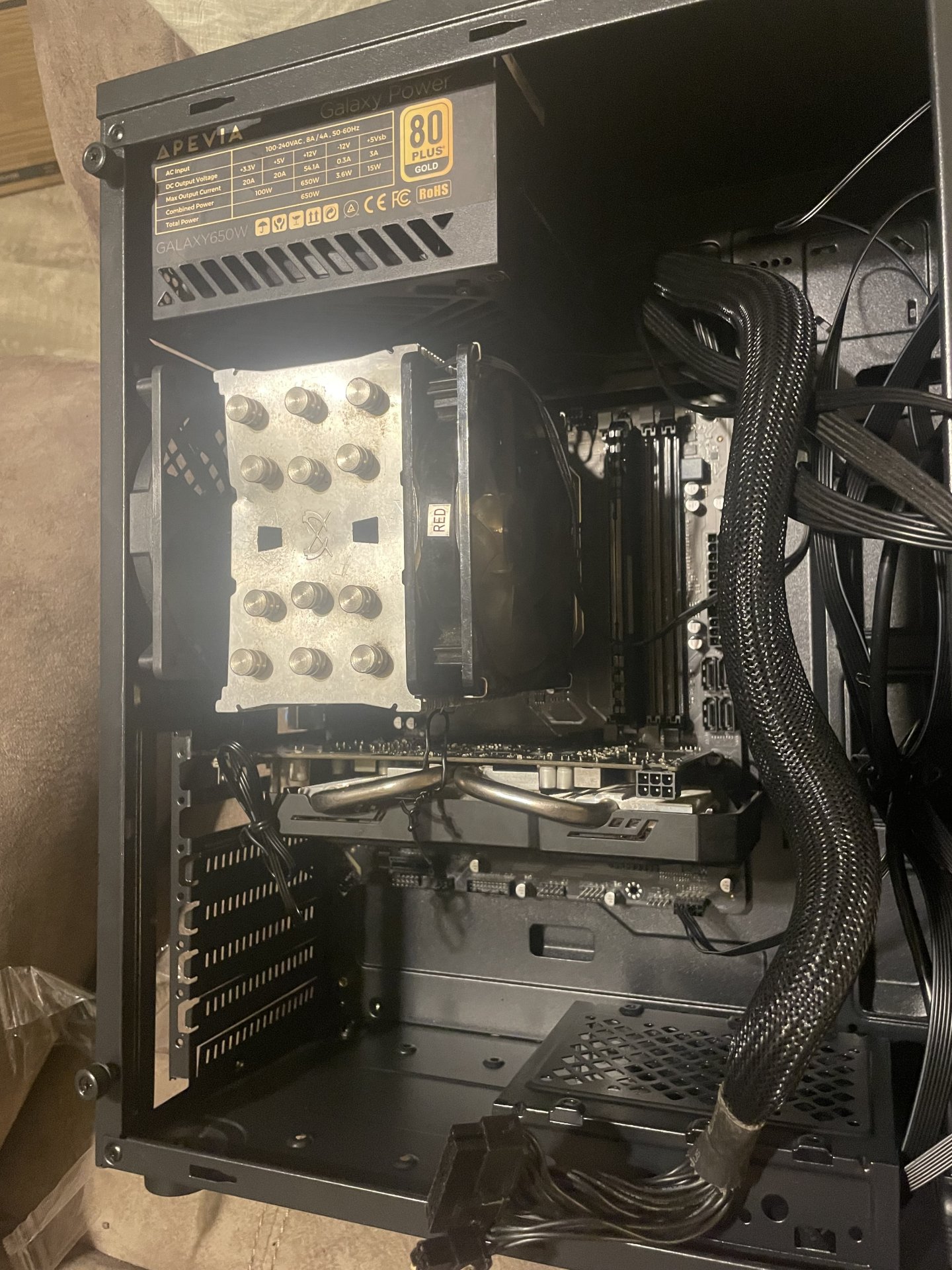
Im going to start looking at AM4 boards. I actually did some thinking and decided i don't NEED one, but I want one. I figure over time I can find a good deal on parts here if i remain patient. Nice case
 
I’d recommend b450 and AM4 it still runs pretty good..now micron E and B die dims like the ballstix are sorry what I have and don’t configure with my machinist b450. But I’m posting in bank A doing good for china board..no you can spend like 70 dollars and get a good board.
Yeah but, you didn't get a good board. You got a really cheap one you overpaid for.
 
Yeah but, you didn't get a good board. You got a really cheap one you overpaid for.
I didn’t overpay for it that’s the thing I payed the same 70 dollars off alliexpress and the green two slot version was only 50 dollars..yeah it maybe a shill but it’s a good shill…you just don’t understand how China does their builds will use good solder and oversized chokes..who cares if its tier 2/3 capacitor quality…telling ya I’ve had stuff since school and my ohms law and Dvom trainers that this one isn’t half bad on the oversized chokes and the solder quality looks ample.
 
I didn’t overpay for it that’s the thing I payed the same 70 dollars off alliexpress and the green two slot version was only 50 dollars..yeah it maybe a shill but it’s a good shill…you just don’t understand how China does their builds will use good solder and oversized chokes..who cares if its tier 2/3 capacitor quality…telling ya I’ve had stuff since school and my ohms law and Dvom trainers that this one isn’t half bad on the oversized chokes and the solder quality looks ample.
giphy.gif
 
Back
Top