
leSLIe
Fully [H]
- Joined
- Oct 18, 2004
- Messages
- 17,551

Nice!
![[H]ard|Forum](/styles/hardforum/xenforo/logo_dark.png)
Follow along with the video below to see how to install our site as a web app on your home screen.
Note: This feature may not be available in some browsers.


The official DLSS 5 will come with less tunables. Will come with more or less stock settings. You can clearly see how much brighter and sharper the left image is. Some would say too sharp.
View attachment 822614
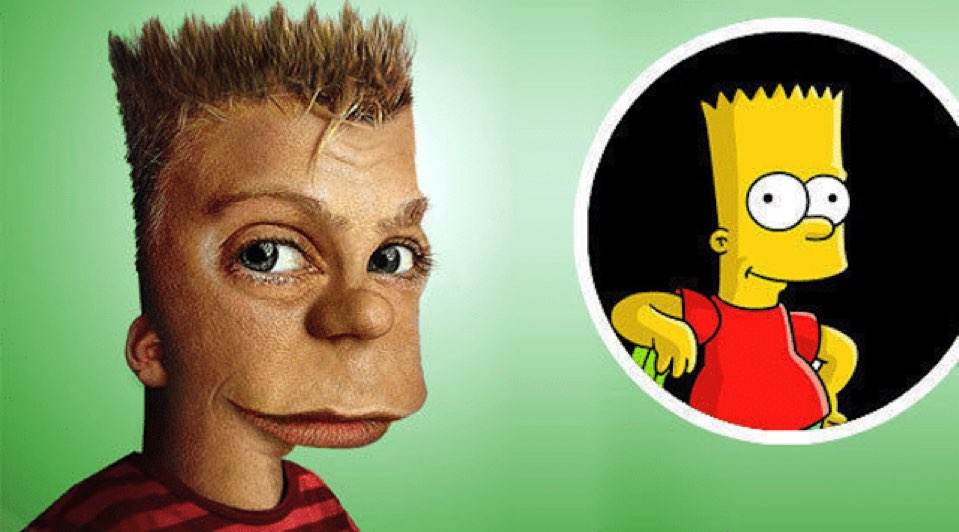

If NV is going to try to foist this on us the least they could do is let up pick what sort of adjustments we want. DLSS5 needs a retro Tomb Raider cheat code modeI find it funny that it makes characters look older across the board. Ah well, hopefully they'll get it right soon enough.

I did a few comparisons in Stellar Blade with DLSS 5 NR.
https://imgico.com/c/qNGS0dW
https://imgico.com/c/nUwGbvw
https://imgico.com/c/wPw5CyX
https://imgico.com/c/40N4UJM
That's actually been one of the things I've been most interested in based on what we've seen so far is it looks like it handles AO and self shadowing much better. In the first shot the two things most noticeable to me, even if not the most different are her hair and her hand. The hair looks MUCH more correct, like the strands are properly shadowing neighbors, and her hand has way more depth, and a much better appearance of being in front of her body. That's the part that has me more interested/excited than faces. I think faces get shown off because the changes can be super dramatic there, which can be a bad thing depending on how it goes. However the improved shadows, that looks great. Not sure about "half the FPS" great but it's a noticeable improvement.DLSS 5 here looks like it alters ambient occlusion for the most part and environment shadow intensity depending on the light source angle. The tint or hue also changes a bit.
Well I'd say most people have been using significantly stronger settings to show a massive difference, I have been using settings subtle settings ~1.02 strength it scales from 0.0-2.0. 2.0 is a dramatic change, but also causes more errors with the final image which leads to the "AI slop" effect.DLSS 5 here looks like it alters ambient occlusion for the most part and environment shadow intensity depending on the light source angle. The tint or hue also changes a bit.
Well I'd say most people have been using significantly stronger settings to show a massive difference, I have been using settings subtle settings ~1.02 strength it scales from 0.0-2.0. 2.0 is a dramatic change, but also causes more errors with the final image which leads to the "AI slop" effect.
Here are some images with slightly stronger strength ~1.05, the selfie one is at 1.15.
https://imgico.com/c/A3SFgaD
https://imgico.com/c/7RqsYda
https://imgico.com/c/MsYc043
Edit: Here is one image at 2.0 Strength (not recommended)
https://imgico.com/c/OeTlRfX
I think the sweet spot is somewhere between 1.0-1.2. Personally I prefer to drop the tone change down to around 0.2 so you don't lose the games original feel.
Some people have a fear/hate of everything A.I. and will try and push false narratives and misrepresent things because their cogntive powers are impaired by bias.Yeah holy crap 2.0 strength looks insanely bad, borderline nightmare fuel. Unlike some people who are just shitposting memes you are providing some useful insight into DLSS5.
Some people have a fear/hate of everything A.I. and will try and push false narratives and misrepresent things because their cogntive powers are impaired by bias.
Eg. posting DLSS5 videos where settings have been twaked beyond reason or dumb emes trying to sell that as a fact.
But if anything the last 48 hours on the internet shows that these people are a minoiry that can be ingored due to them being a crying bunch of dishonest Dunning-Kruger's.


