• Some users have recently had their accounts hijacked. It seems that the now defunct EVGA forums might have compromised your password there and seems many are using the same PW here. We would suggest you UPDATE YOUR PASSWORD and TURN ON 2FA for your account here to further secure it. None of the compromised accounts had 2FA turned on.
    Once you have enabled 2FA, your account will be updated soon to show a badge, letting other members know that you use 2FA to protect your account. This should be beneficial for everyone that uses FSFT.

Recommend video card for Linux

Red Squirrel

[H]F Junkie
Joined
Nov 29, 2009
Messages
9,217
I currently have two GTX 560's and it's been nothing but trouble. In Windows, the drivers for that card are unstable and always crash, causing screens to flicker. So I switched to Linux, but in Linux I've also had nothing but trouble, but different troubles.

1: Linux does not support having multi monitor that span two cards, so I ended up needing to have a second X session on the 3rd screen.

2: The 3rd screen constantly gets artifacts on it

3: Mouse cursor often gets stuck and I have to reboot, I lose keyboard and the cursor can move but it's stuck in the hand icon. I've been told it could be a video card issue.

4: nouveau driver is unusable for that card (this means any live CD as well). Screens flicker every second, unusable without literally going insane.

And many many other issues possibly related to the video card/driver.

So I've had it, time for a new video card. New Video card will also mean different drivers. Idealy I'd like a video card that will support 3 monitors, so I don't have to get two of em. I want to eliminate having 2 video cards, to rule out issues. Needs to be something known to work well in Linux. Can someone make a recommendation?
 
You sure it's not your card? I have a GTX-560 and it's been nothing but smooth sailing on my end.

EDIT: Haven't tried it on Linux though, but I'm guessing it would be fine too. Who manufactured your cards? The recommendation for Linux is most definitely going to be an Nvidia GPU. Intel's are good too, I heard.
 
I have two, and they both act the same way (was running with only one for a while till I got the 3rd monitor) It's an Nvidia. My friend got the exact same card and also had the screen randomly flickering issue in Windows. Seems it's a windows 7 thing. Basically the screens shut off for about 5 seconds, then come back and there's a notice that the driver crashed. Googled it and sure enough it's a known issue for that card. In Linux the issues seem to be completely different, though the Nouveau driver behavior is similar but the flicker is constant and faster. In general it runs ok, I can game with it and everything. I just want to rule it out at this point because I've tried everything.
 
I've displayed using 3 screens on one card in linux using an AMD HD6850 and then an Nvidia GTX 660. While I was able to get both working just fine, it was a little easier to work with the Nvidia card.
 
Hmm funny I was eyeing the GTX 660 when I built this machine. I should have gone for it. I just did not want to spend that much money on a video card. Though I just checked online real quick and they went down a lot. I'm strongly thinking about it. Though, is that considered within the same series as GTX 560? I'm scared it may use the same driver. The driver is part of the issue too I think, like the mouse cursor getting stuck, and the X artifacts. Especially considering I had issues in Windows too.

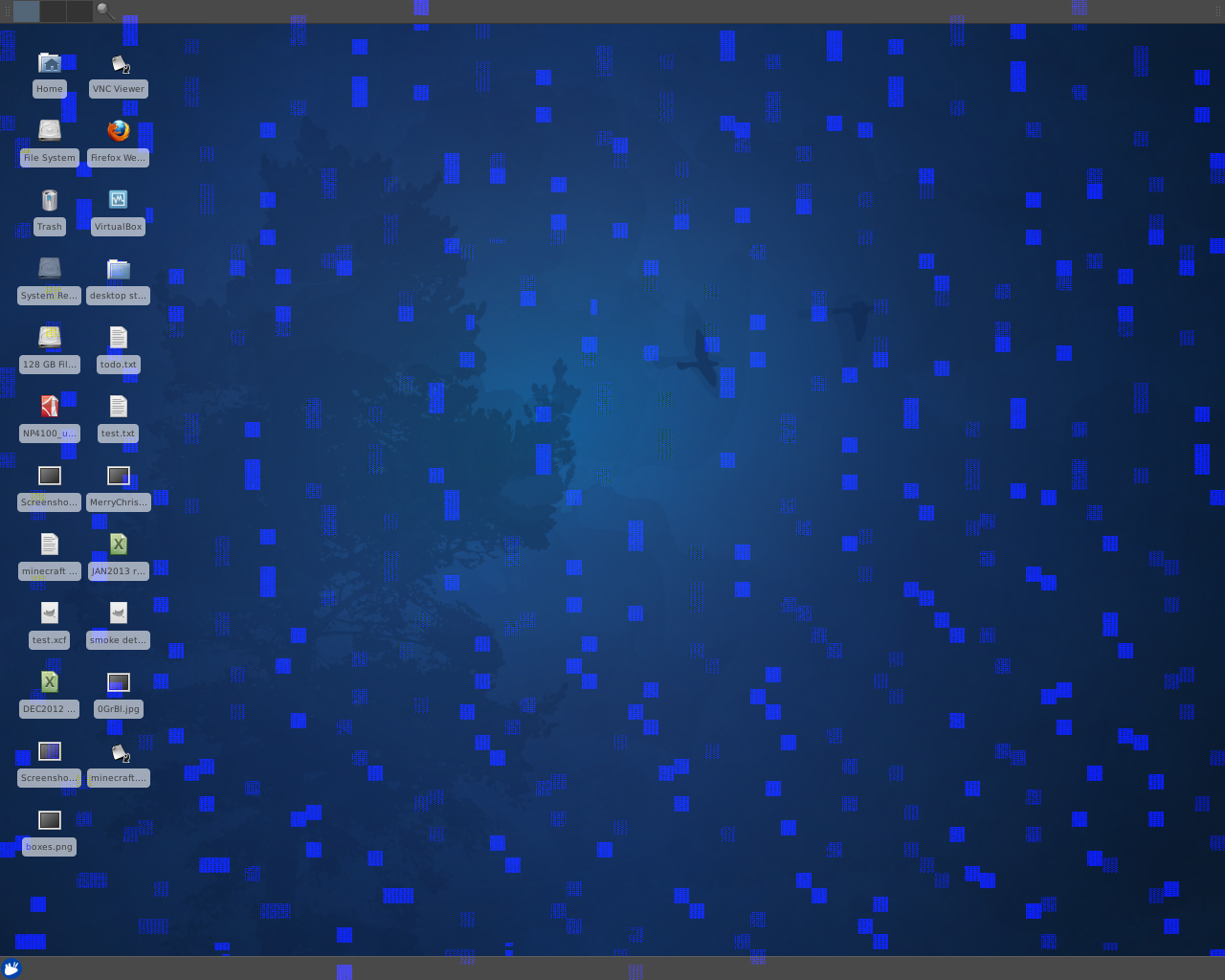
X artifacts I'm talking about:

 
Uh those artifacts look like a bad card, that isn't a software issue.

If it was the card wouldn't it be doing it all the time though? This is random, and starts over time, some stuff will also follow the cursor around, which leads me to believe it's an X/driver issue because the hardware would not have any knowledge of the cursor, it's just told to display stuff, but does not know the difference between say, the cursor, or an icon I'm moving.

Though you have me thinking, since it always does it on THAT monitor, which is in a separate X session and the only monitor on that card, I wonder what happens if I swap the two cards, I can at least rule it out, if it happens again on that screen and not on the two other screens.

Either way, I just want to get rid of these cards, resinstall a new OS, and hope all my problems go away. Lot of my issues also happened before I added that card, but that particular one only started after the fact.
 
The hardware does have knowledge of the cursor, You can either have HW or SW cursor, by default a HW cursor is used. It is basically an overlay so the framebuffer doesn't need to be updated constantly. You can set 'Option "SWCursor" True" or 'Option "HWCursor" False' in device section of xorg.conf to not use the HW cursor but really no reason you should have to do this. Anyways, I've seen that corruption before on broken GPUs and it is doesn't really make sense as a driver issue, or any sw issue. I mean I can't say for sure but I'd definitely bet money on bad HW.
 
The hardware does have knowledge of the cursor, You can either have HW or SW cursor, by default a HW cursor is used. It is basically an overlay so the framebuffer doesn't need to be updated constantly. You can set 'Option "SWCursor" True" or 'Option "HWCursor" False' in device section of xorg.conf to not use the HW cursor but really no reason you should have to do this. Anyways, I've seen that corruption before on broken GPUs and it is doesn't really make sense as a driver issue, or any sw issue. I mean I can't say for sure but I'd definitely bet money on bad HW.

Hmm did not know that. Interesting. So it could be the buffer gets corrupted and I get junk that follows the cursor around. Hmmm. It's usually what starts happening before I start getting those squares.

Actually, is there a way to test video card ram (in Linux)? I have not really done much diagnostics on these cards other than runing furmark which passed with flying colors, but I don't think that would really test the ram much.
 
No real great way to test GPU ram, unless you had a tesla card cause then you can just turn on ecc and check nvidia-smi after awhile.

You do have two cards though. If you try running one at a time, with two monitors, and then swap cards for a bit. If you only get this problem with one of them its definitely a hw problem. If it happens on with both its most likely sw. if you could verify it was HW issue you could rma that one card and you'd be fine.

Also FWIW there was a xorg bug that would result in some corruption, and could/would cause x to hang when sw cursor was enabled on more than one screen but that was fixed awhile ago, like 2010-ish. I guess maybe you could just quickly check /etc/X11/xorg.conf and see if SW cursor was being forced on for some reason.
 
Had lot of issues with just one card, seems I just have more now that I have 3 monitors (2 cards), but part of that is because those problems (such as the artifacts) only happen on the 3rd monitor. Though I might try swapping the cards to see if the problem moves to the first two monitors.

Multi monitor seems flaky in general with Linux though, like some games if I try to go fullscreen will start on the first monitor instead of the primary, and other weird issues like that. I'm contemplating giving up on it and just building a low end box for the two other screens, and use a KVM or some software solution. Recently found out about Synergy, which I'll have to check out. Run the "server" on my main machine then use the other machine for the two other monitors.
 
Last edited:
Ok so any recommendations for a new card? I definitely ruled out the card, I put in my old video card from my other system and all my problems went away. So yeah that card I had is just terrible in Linux I guess.

So what's another card I can buy? Something that's tried and tested in Linux and wont cause all these weird issues?
 
I have used most of the 600 series cards in Linux with no issues, and they support 3 displays by default. Something like a 650ti Boost or 660 would be fine.
 
Back
Top