Some users have recently had their accounts hijacked. It seems that the now defunct EVGA forums might have compromised your password there and seems many are using the same PW here. We would suggest you UPDATE YOUR PASSWORD and TURN ON 2FA for your account here to further secure it. None of the compromised accounts had 2FA turned on.
Once you have enabled 2FA, your account will be updated soon to show a badge, letting other members know that you use 2FA to protect your account. This should be beneficial for everyone that uses FSFT.
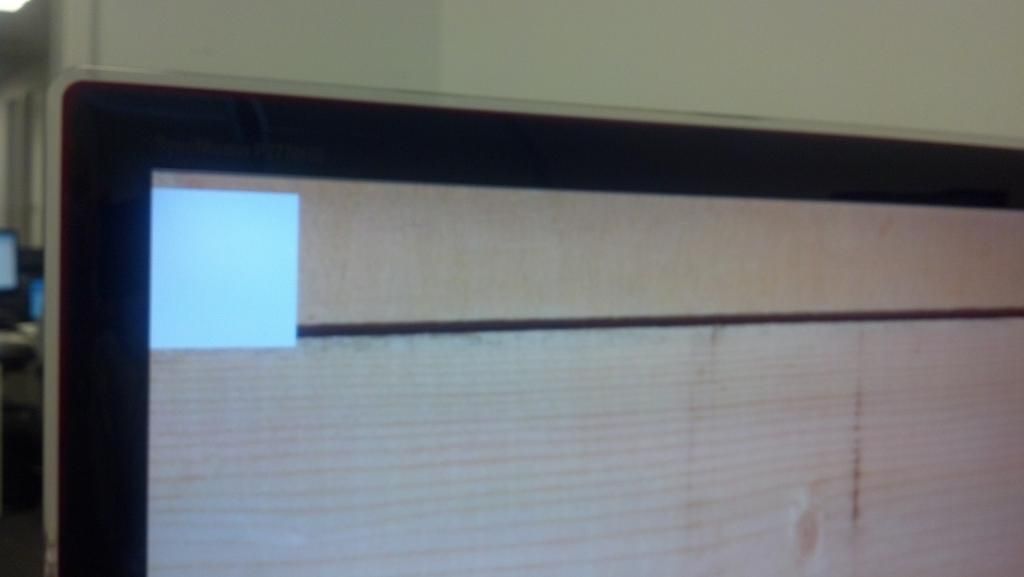
Try safe mode. Chances are its a hung app. For example, occasionally my screenshot app (Greenshot) will do this, I discovered it by killing it in task manager and it went away.

![[H]ard|Forum](/styles/hardforum/xenforo/logo_dark.png)