• Some users have recently had their accounts hijacked. It seems that the now defunct EVGA forums might have compromised your password there and seems many are using the same PW here. We would suggest you UPDATE YOUR PASSWORD and TURN ON 2FA for your account here to further secure it. None of the compromised accounts had 2FA turned on.
    Once you have enabled 2FA, your account will be updated soon to show a badge, letting other members know that you use 2FA to protect your account. This should be beneficial for everyone that uses FSFT.

Alienware AW3926QW Glossy 39" 5K2K 165Hz w/ RGB Stripe

<.....>

I tried 330hz mode. I still can't tell the difference above 120. on ufotest I can make out 165 vs 330 at certain speeds, barely, but toggling max fps to 120 or 330 in cs2 I can't tell at all. CS2 in 4k ultrawide though, now that's something.

<....>

You'd have to be feeding it 300fps+, but the ufotest should max it out, yes. Higher fpsHz rates cut the sample-and-hold blur by half every time the fpsHz doubles (and it increases the motion definition.. "dots per dotted line curve shape" motion articulation, animation action states shown, appreciably to at least 500fpsHz). The sample and hold blur reduction by half compared to 165hz should be appreciable when moving your FoV around in a game at speed, where the whole game world is blurring.


Considering DLSS5, path tracing/ray tracing in games' stress on gpus at high resolutions like 4k or higher, 165fpsHz peak is probably fine, even 120fpsHz is for a lot of games. Personally I have no interest in low rez tradeoff for higher than 120 - 165 hz on screens, or screens with lower PQ traded off for one trait (like a curve, or pulsar, or whatever it might be).


<....> maybe frame gen depending on the title.

You might have meant that as in "you might find increased input lag suffered from using framgen more acceptable in single player story based games", not sure. However, taken as "the actual amount of input lag from frame gen may vary depending on the title" also sounds accurate from what I've been seeing and reading. The actual amount of increased input lag hit also varies not just by title, but most critically by what your base frame rate is you are feeding framegen with (the higher the better) and that can also vary, what fps base you are getting, depending on the game title. There are a lot of options, including disabling path tracing if willing to (or are forced to due to your screen's rez), because that is a huge hit on your base frame rate.

.
 
Last edited:
There is, but you'd have to use more intense DLSS settings in some games and consider framegen. Something like this, even with high end cards, if very often going to be a "needs DLSS performance" kind of affair.

The higher rez a monitor gets, the harder you'll have to lean in to upscaling. We just can't brute force this shit, we are already pushing GPUs to insane levels, it isn't like we are suddenly going to have ones that can handle super high rez and high FPS native.

So, DLSS performance, possibly even ultra performance, but I'd stick with performance and then maybe frame gen depending on the title.

It's also possible to run at 4K instead of 5K2K in games where you want higher frame rates. I find that the wider image doesn't add much to the experience with fast-moving games like shooters. My attention is focused in the middle anyway. I don't really notice what's going on at the edges. The 32" 4K experience is fine, and you can get it with this monitor.
 
This monitor is very tempting, but I really enjoy getting 100+ frames and very high quality settings.

Is there any hope to game at 90-100fps on this thing with a lowly 4090 using DLSS? If not, I'd rather have the 34".
4090 still such a beast. Was messing with things and with 5k2k DLSS performance looked much better than when I ran the AW3423DW 3440x1440 DLAA. Tried to run both as duplicated while gaming however you are limited to the lower in-game resolution (each monitor runs native resolution still). In which case, was pleasantly surprised how the 5k2k rendered 3440x1440 games. There is a hint of softness and distant objects lose clarity but it still works.
 
What the Dell?

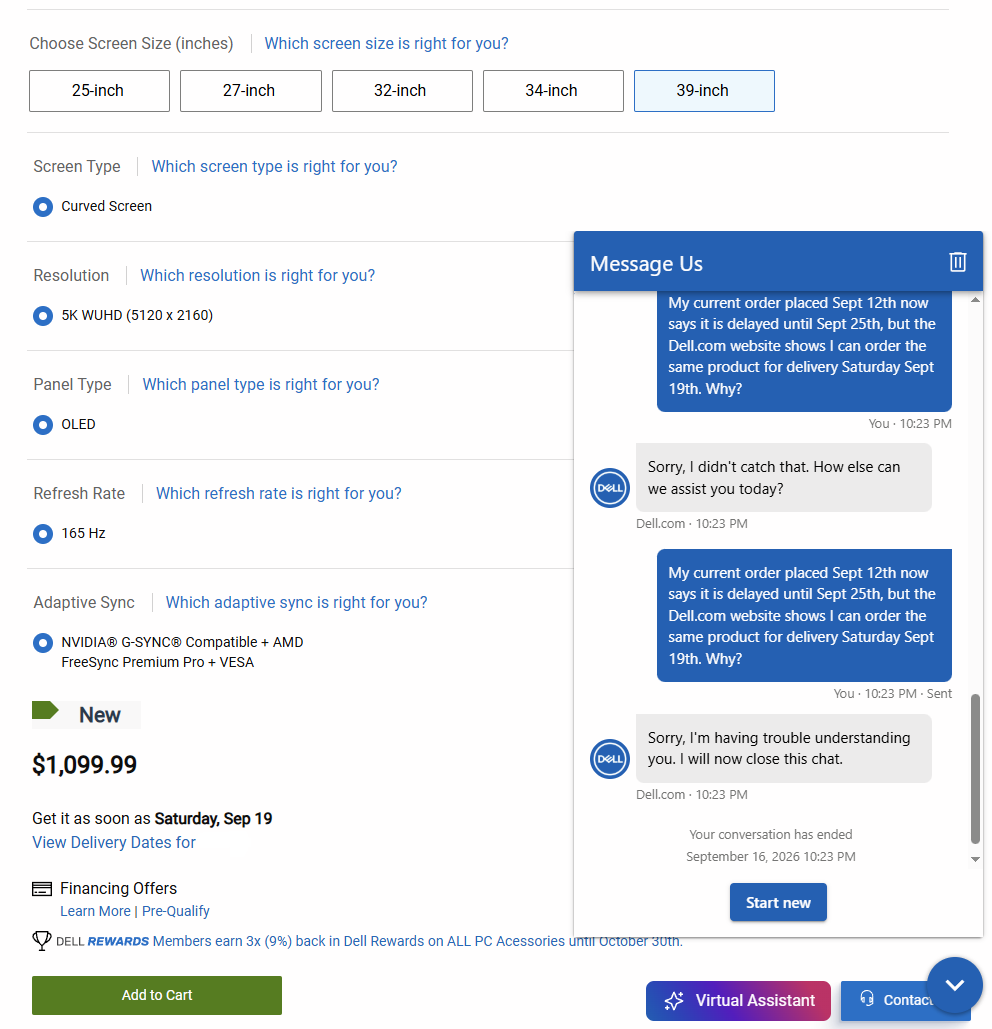
I tried to order one. It said it would be delivered the 17th, right up until it didn't ship by the night of the 16th and I got a notice it was delayed until the 25th; but you can still buy one for delivery on the 19th? o_O

Dell dumb.PNG
 
What the Dell?

I tried to order one. It said it would be delivered the 17th, right up until it didn't ship by the night of the 16th and I got a notice it was delayed until the 25th; but you can still buy one for delivery on the 19th? o_O

View attachment 826226
For the US your best chance was before they opened up for EU. Not sure if it’s changed but some of them have Dec ship dates
 
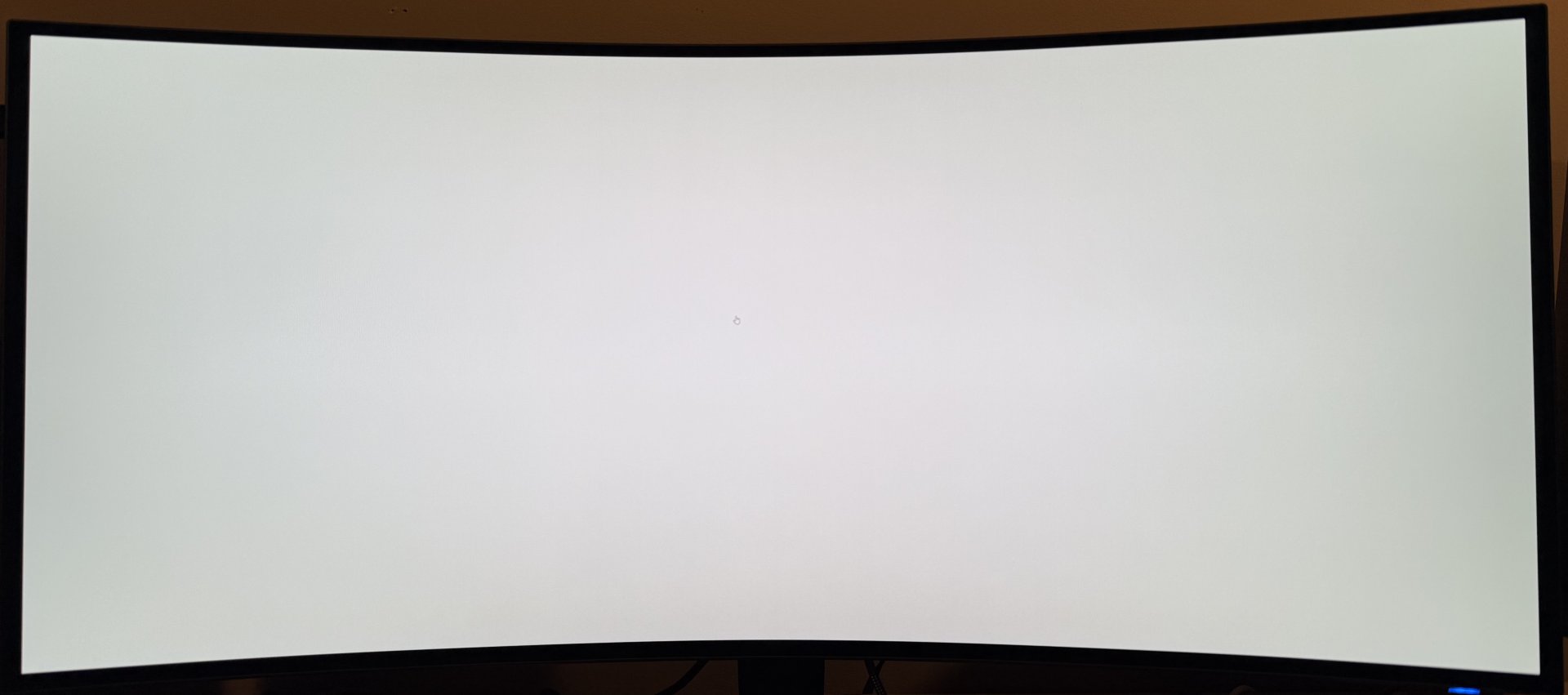
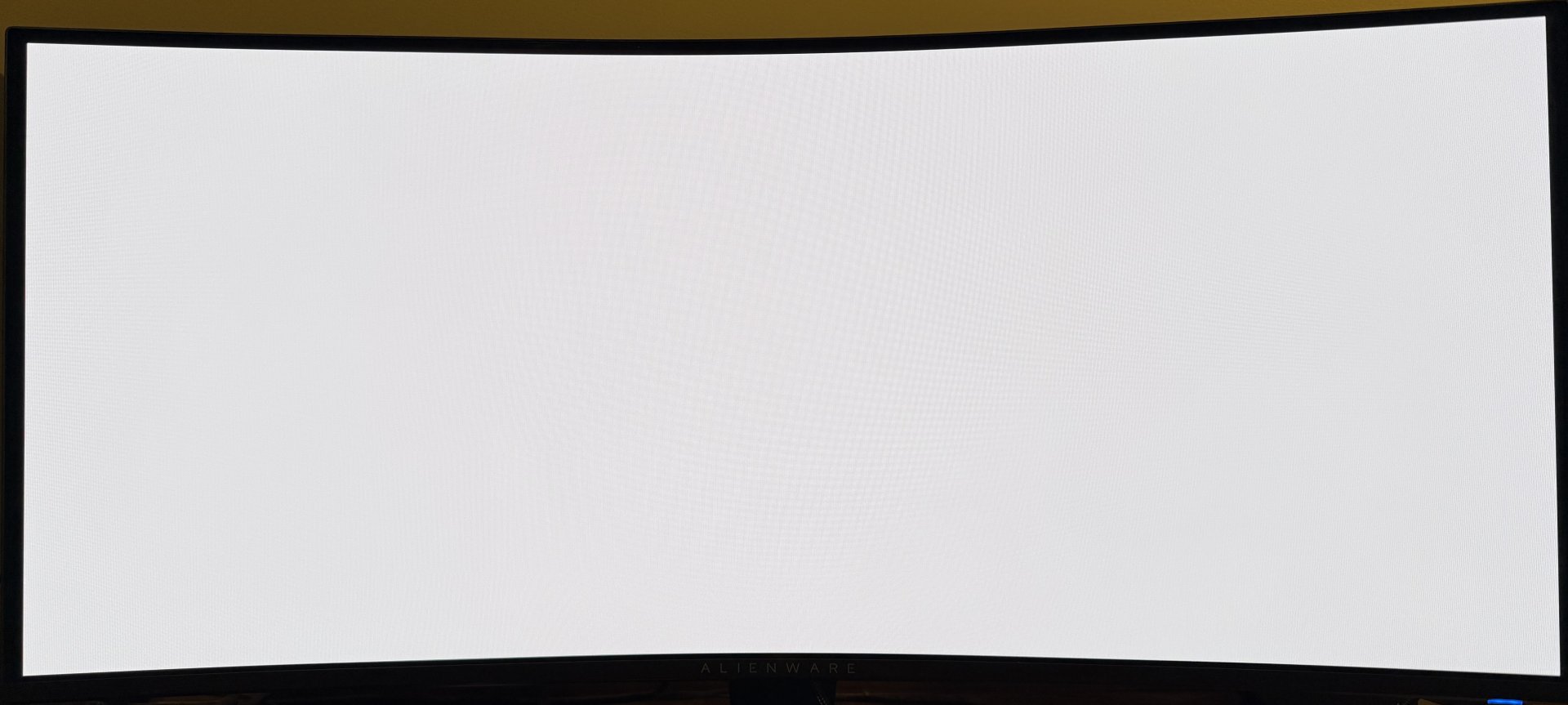
Starting to notice a bit of color uniformity trouble on the bottom 1/5 of the screen. There is definitely a hit of a green shift when viewed at an angle, or closer than ~36". Mostly noticeable on predominantly white or grey backgrounds. Not sure how I feel about it, yet. The AW3426DW seemed considerably better in terms of uniformity.
 
I'm not sure if this is placebo, or I'm just starting to notice it more. I updated my Nvidia drivers from a very old/stable version(566.x) to 610.88 yesterday, and today the brightness gradient from center to edge is horrible. I can't see why the graphics driver would affect CPC, my color settings are the same as before.

If I switch back and forth from custom to creator mode, or turn the monitor off an on again it goes away for about 3 minutes.

I will be returning this display if a fix is not released in the next week.

AW3926QW - Creator mode DCI-P3, 60% brightness,
IMG_0797.jpeg


AW3426DW - Creator mode DCI-P3, 55% brightness.
IMG_0804.jpeg
 
Last edited:
That was a very fast honeymoon period lol.
Right. At first the clarity and color of the OLED and semi gloss screen were just overwhelmingly beautiful (I was coming from an Acer Predator X35 VA panel).

Of course, the first thing I did was fire up some games and what not. But once I started to use it for productivity and typical desktop use the CPC and resultant uniformity issue started to emerge rather quickly.

It is strange that I didn't notice it as much on day 1 though, because I was checking for it and getting it set up the way I wanted color-wise. It seems like the CPC got progressively more aggressive just in the last day of use. The ambient temp hasn't changed, nor has the duration of daily use. My office is kept at 68F at all times.
 
Last edited:
I decided to switch my browser and other apps to dark mode to see if I could mitigate the issue. While watching a YT video I noted some weird flicker, especially in the video details section. Either I got a poor unit, or this model has some serious issues in general.


View: https://streamable.com/y8mtth
 
Back
Top